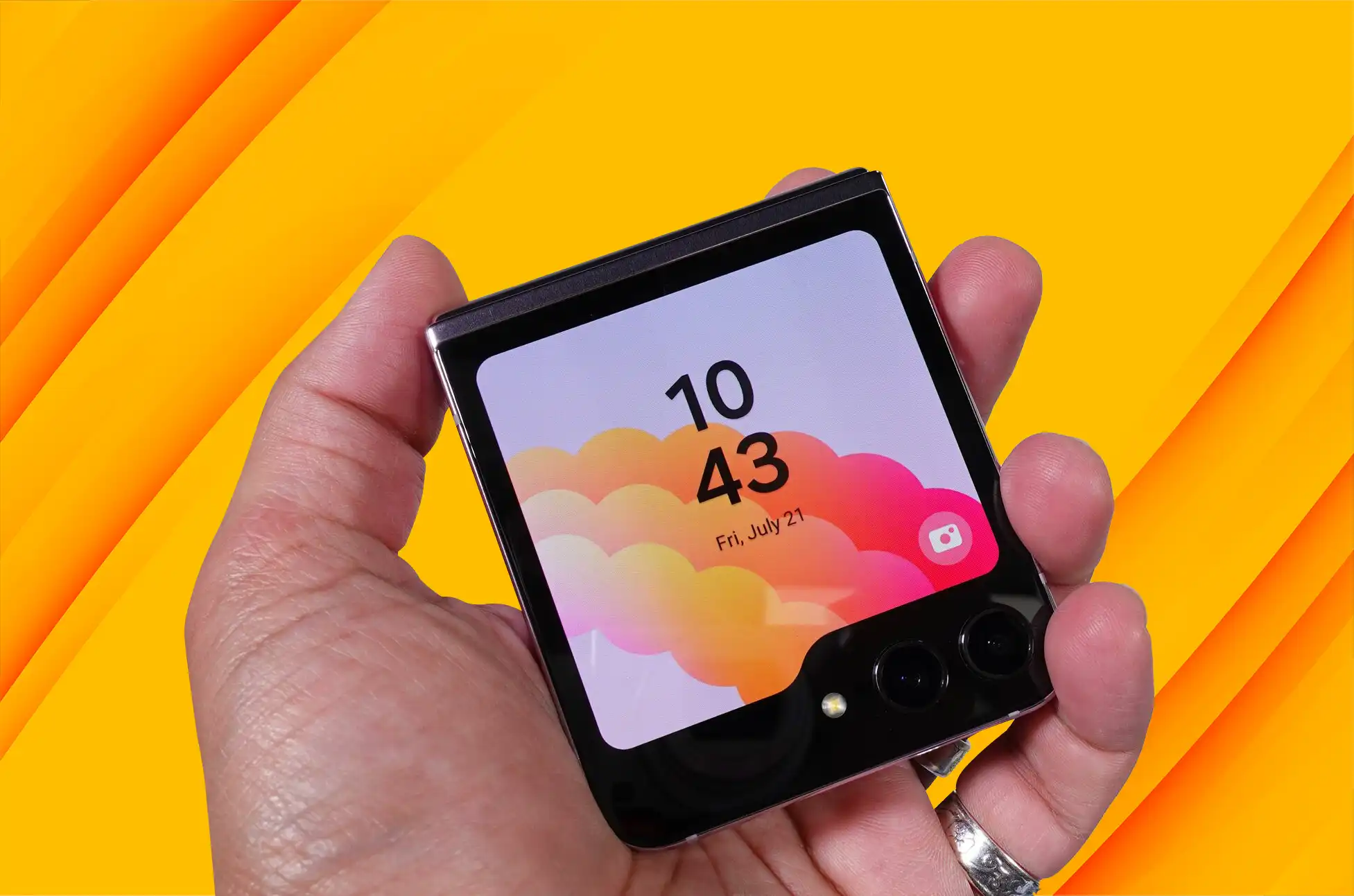
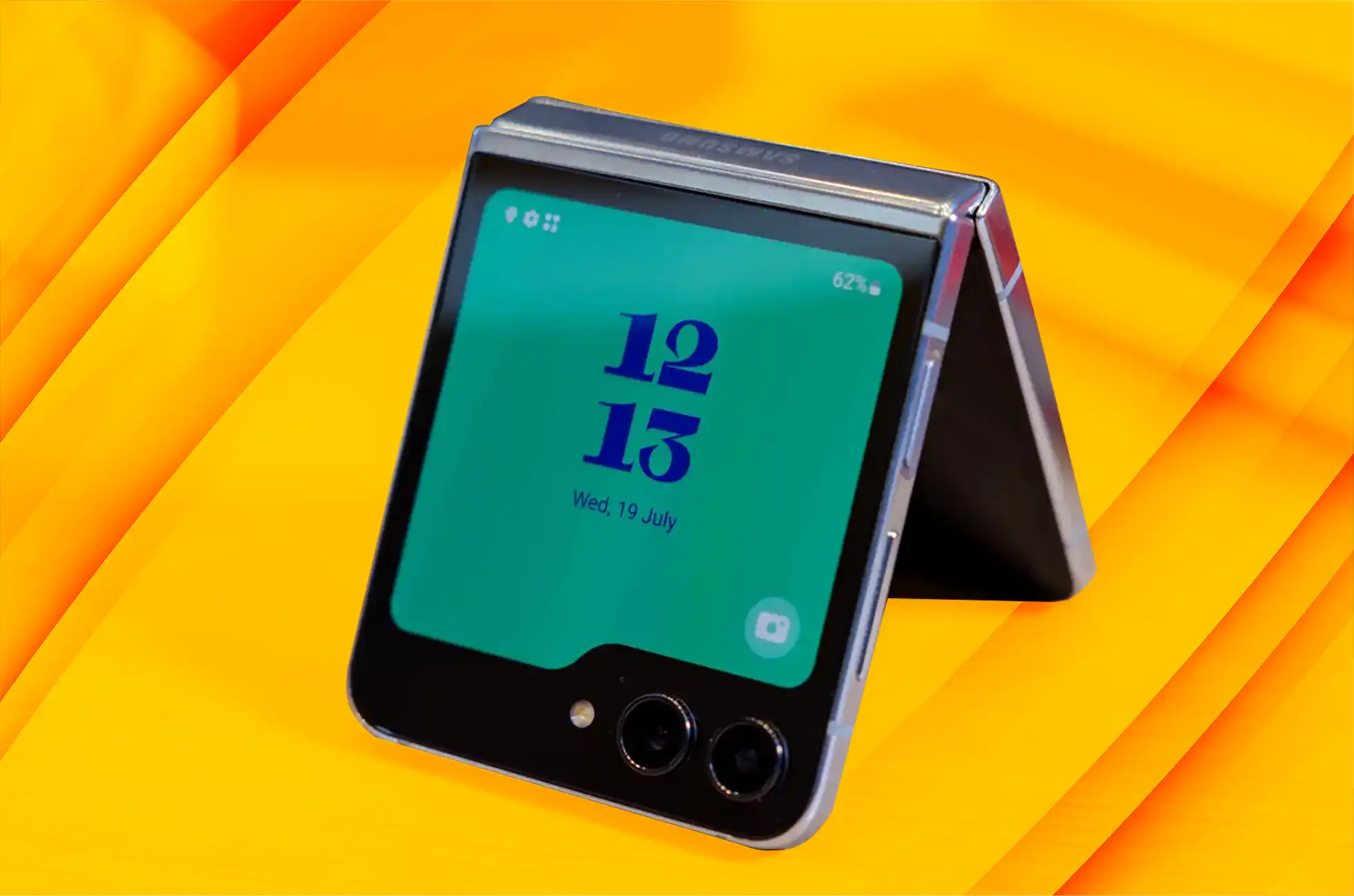
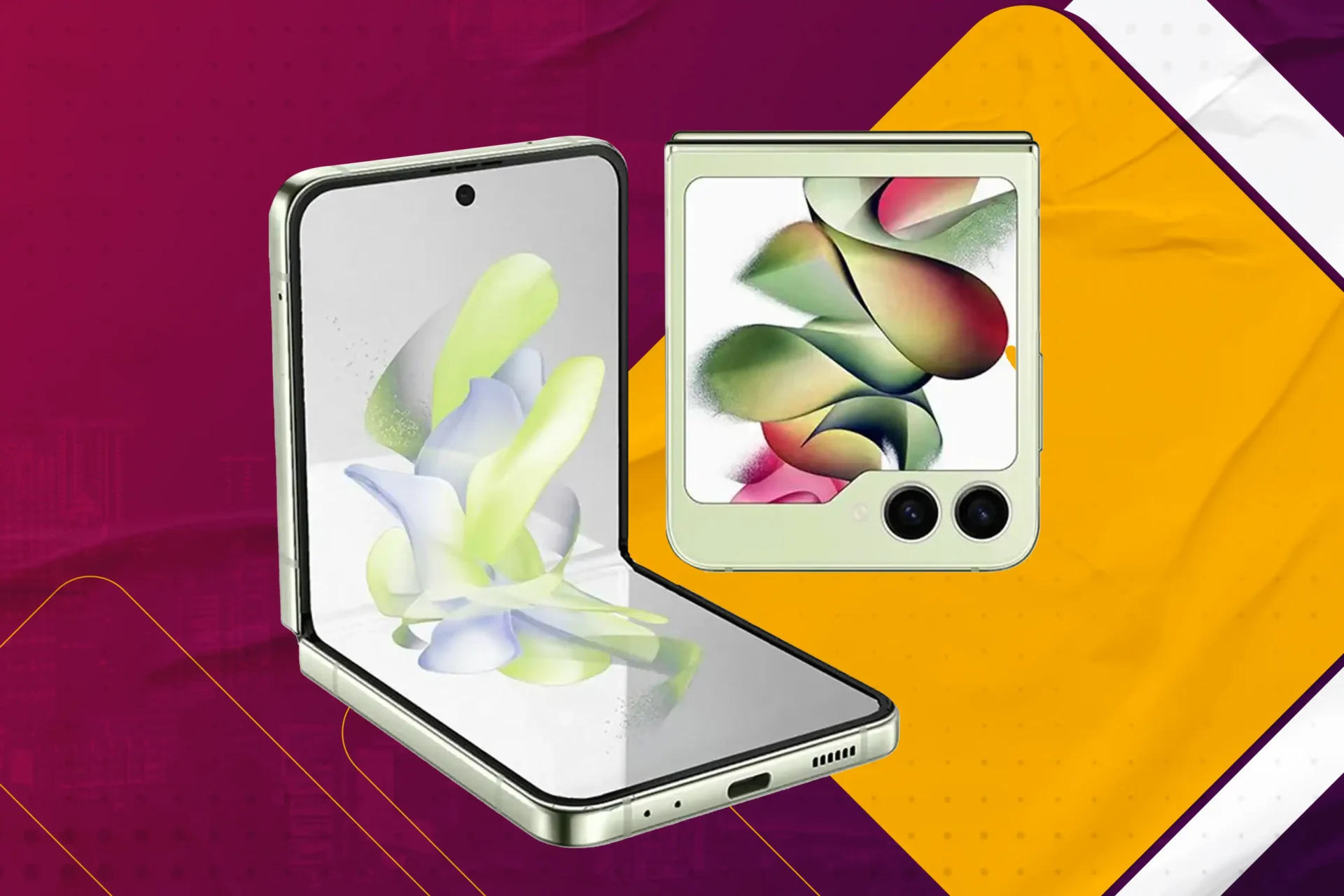
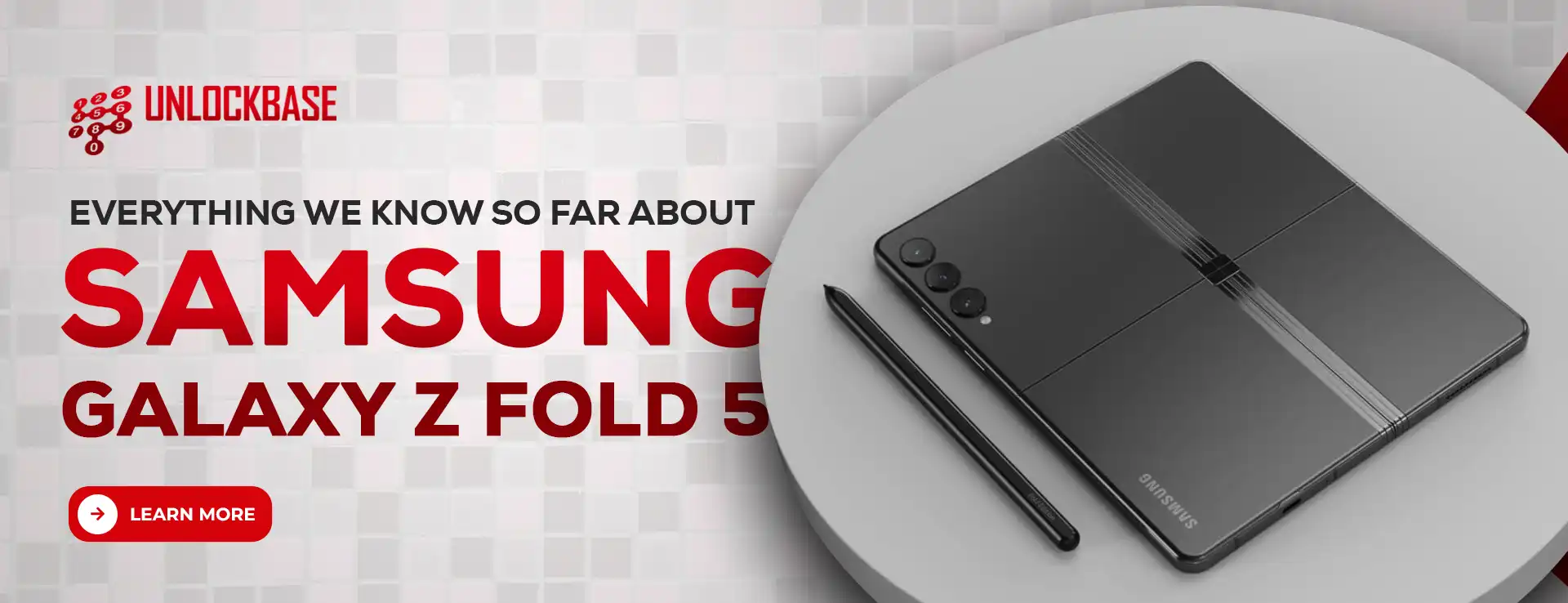
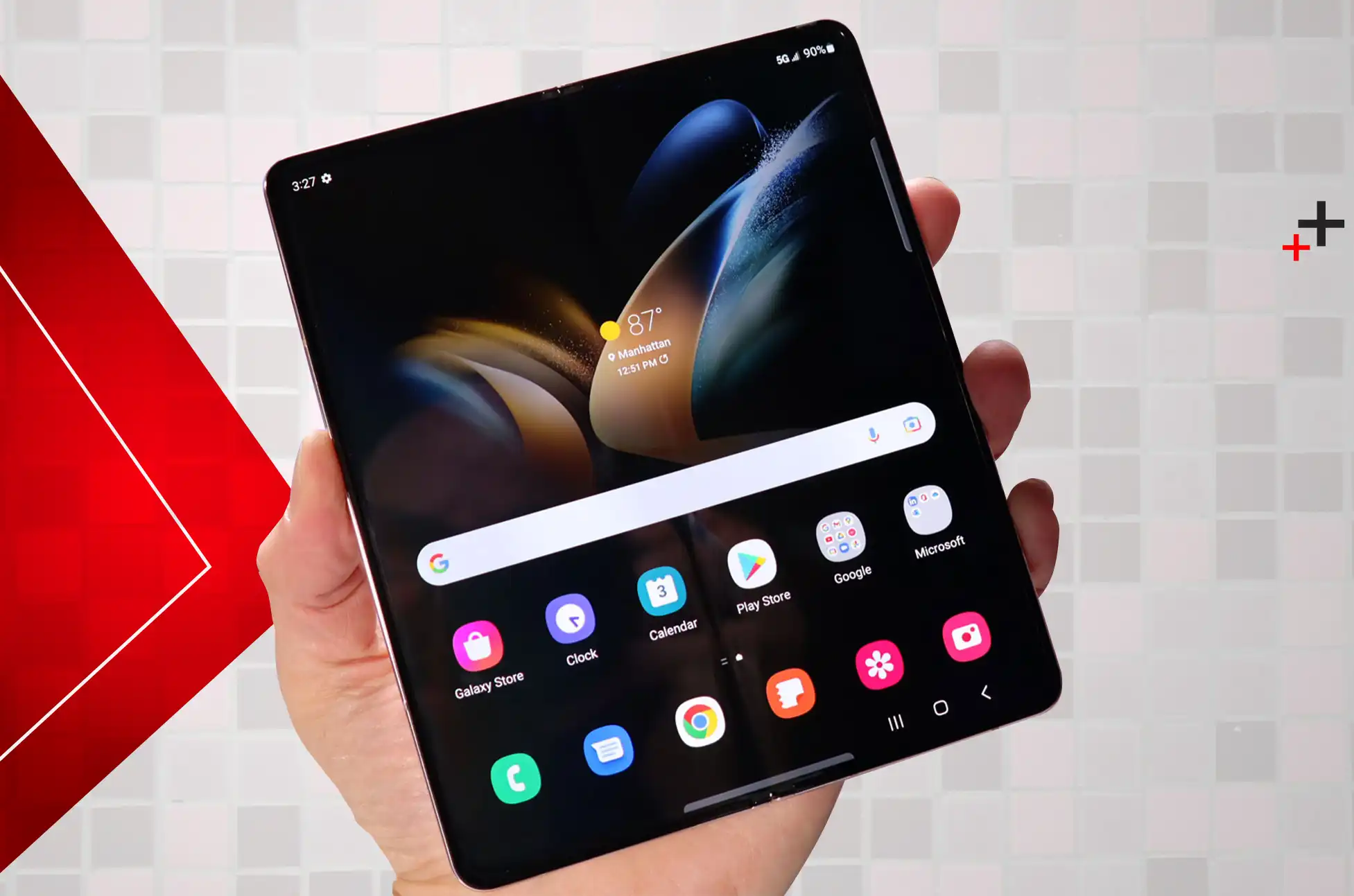
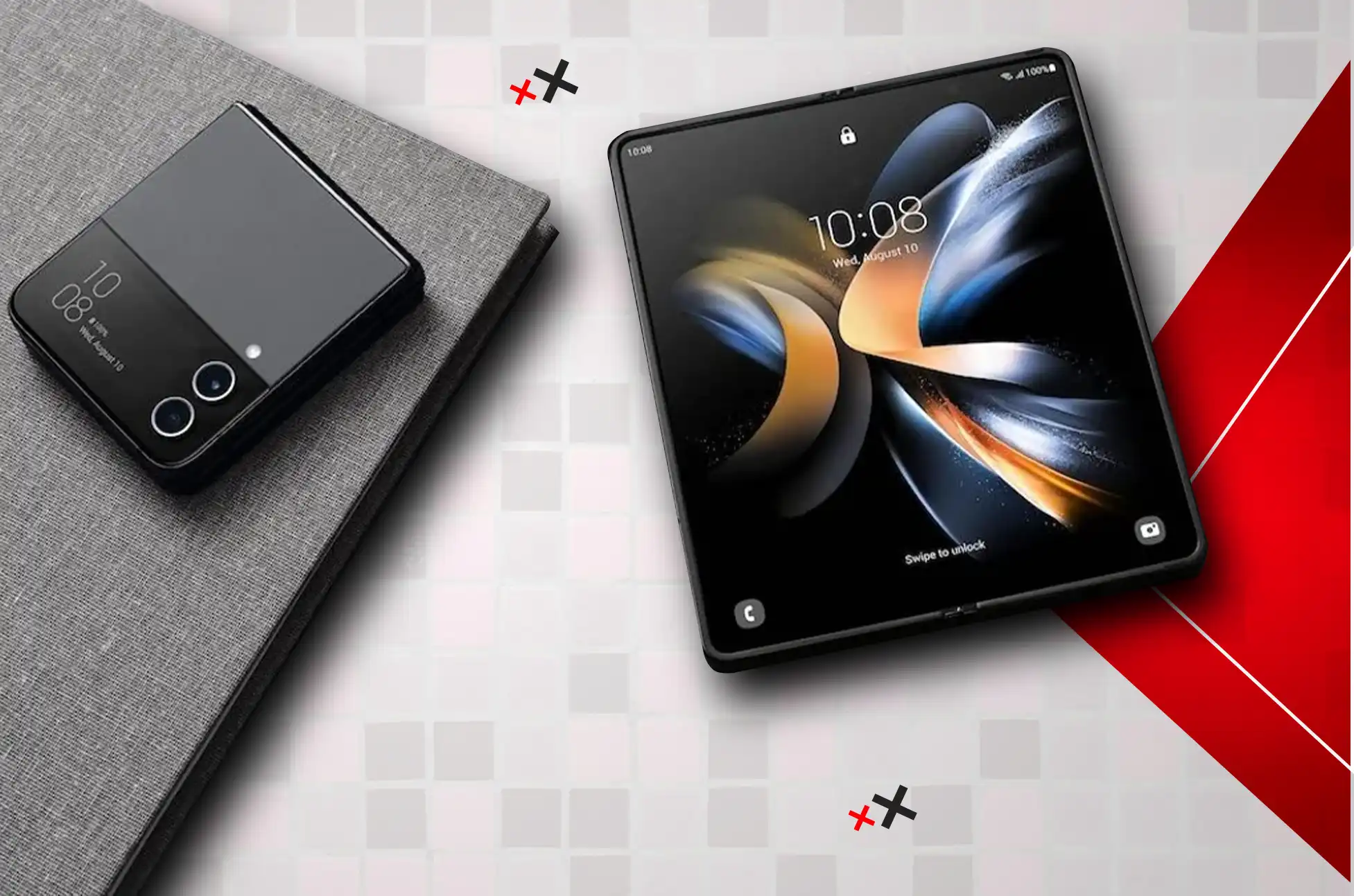
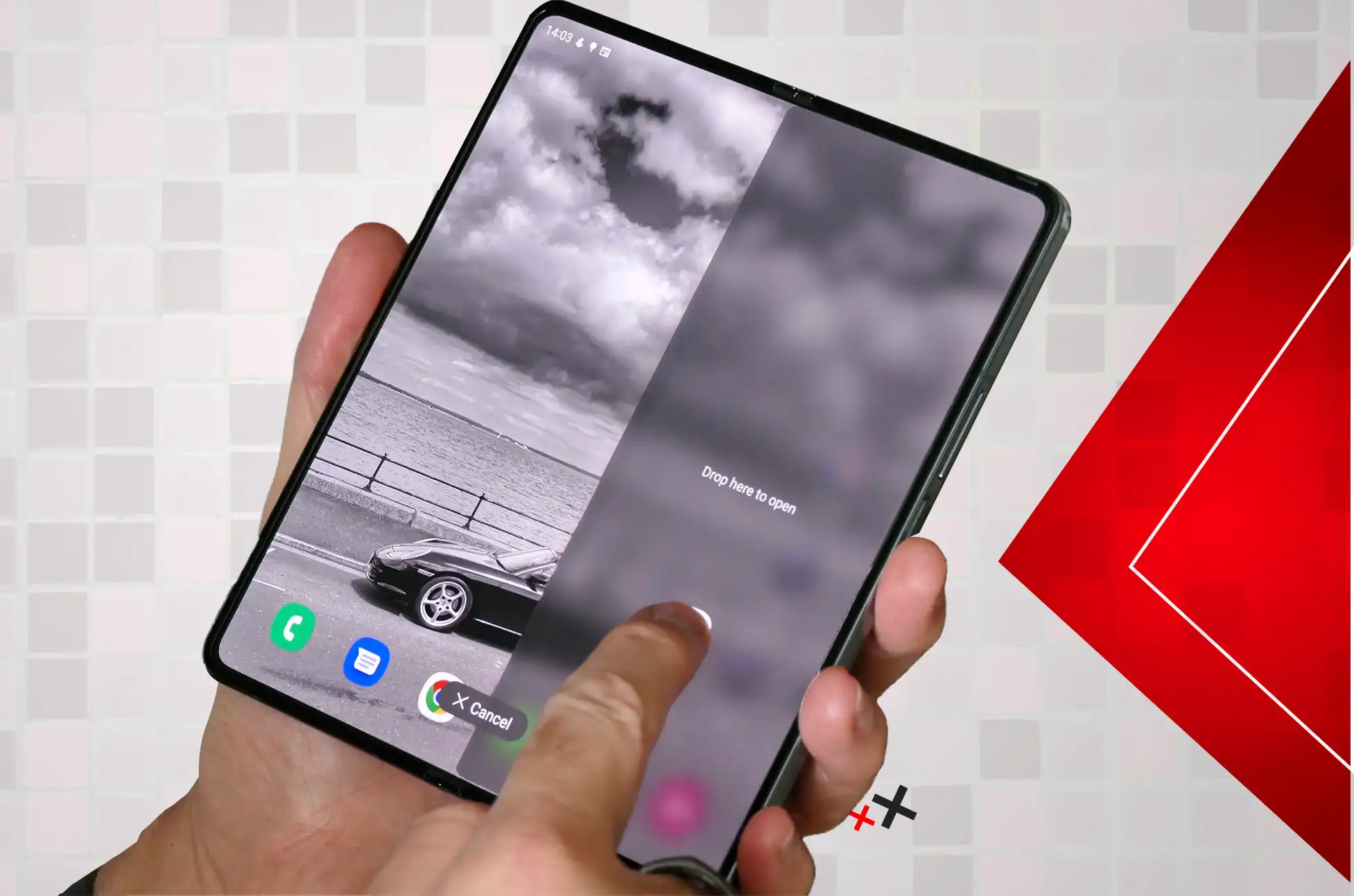
Sup, those who own the Galaxy Z Flip 5! You’ve come to the right place if you’ve been considering finding a way to get into your bright, flipping device. Learn the “what,” “why,” and “how” of obtaining your Galaxy Z Flip 5 SIM unlocked in this post. So, let’s get to it.
What is SIM Unlock?
When you “SIM unlock” your phone, what you’re really doing is granting it the ability to function with the SIM card of any network provider, regardless of where in the globe you are. Imagine that you’ve purchased an adaptor for your phone that will allow it to function in any environment.
Z Flip 5 SIM Unlock: Is it safe?
Is there a potential danger? Remember that there is absolutely no risk involved in the process of unlocking your Z Flip 5, as this is something you should keep in mind before beginning the procedure. As a direct consequence of this occurrence, neither your warranty nor your contract will be voided, nor will there be any modifications made to the strategy that you already have in place.
Why bother with a Z Flip 5 SIM Unlock?
Let’s talk about the “why” first, then we’ll go on to the “how.” Perhaps you’re wondering, “What’s the big deal about a SIM unlock anyway?”
Freedom – Are you going out of the country? Having the ability to use a local SIM card without having to swap phones greatly expands the usefulness of a SIM Unlock Z Flip 5. Don’t worry about those expensive roaming charges anymore!
Flexibility – You might be interested in better deals, or you might just wish to switch to a new carrier. Your phone must be unlocked in order for you to have any choice.
Resale Value – If you ever make the decision to sell your Z Flip 5, an unlocked phone will fetch a higher price because potential buyers know they can use it with any carrier they choose.
How to SIM Unlock Z Flip 5
To carrier unlock your samsung Galaxy Z Flip 5 phone, please follow the procedures listed below:
Unlocking your Samsung Galaxy Z Flip 5 will do nothing but add to the already considerable list of virtues possessed by this imposing piece of technology. If you’re looking for independence, flexibility, or perhaps just a fantastic value, it’s possible that a Z Flip 5 SIM unlock is exactly what you need.
So, fellow fan of modern technology, best of luck unlocking! Also, keep in mind that in a world full of limitations, you shouldn’t let your phone be one of those limitations!
All products, and company names, logos, and service marks (collectively the "Trademarks") displayed are registered® and/or unregistered
trademarks™ of their respective owners.
The authors of this web site are not sponsored by or affiliated with any of the third-party trade mark or third-party registered trade mark owners,
and make no representations about them, their owners, their products or services.
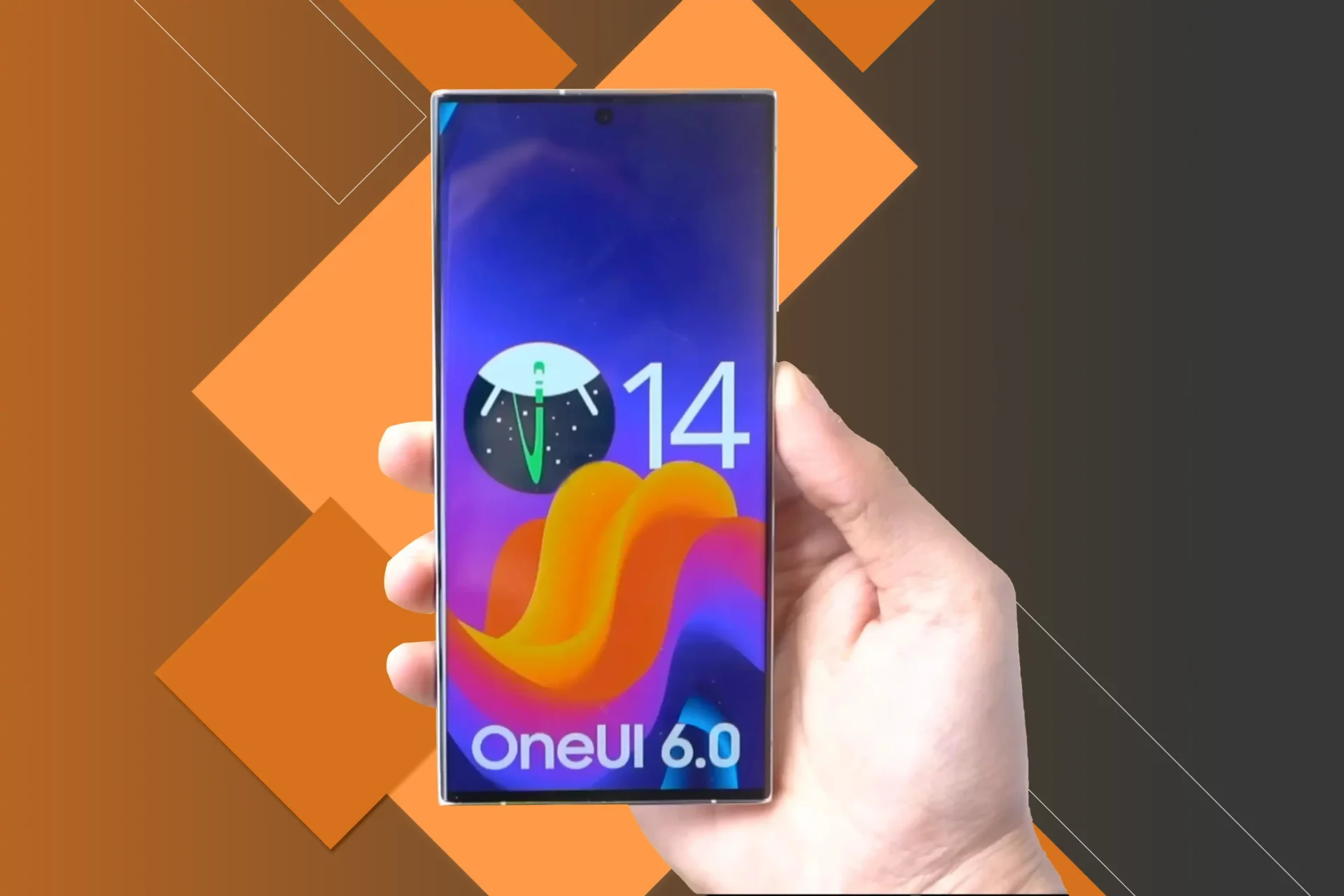
Every update promises improved user experiences and innovative new features. Android 14 One UI 6 is the most recent version of Android’s operating system, combined with Samsung’s One UI interface. Join us as we delve into the dynamic world of Android 14 One UI 6, looking into its cutting-edge features and the ways it will change the way we interact with our devices.
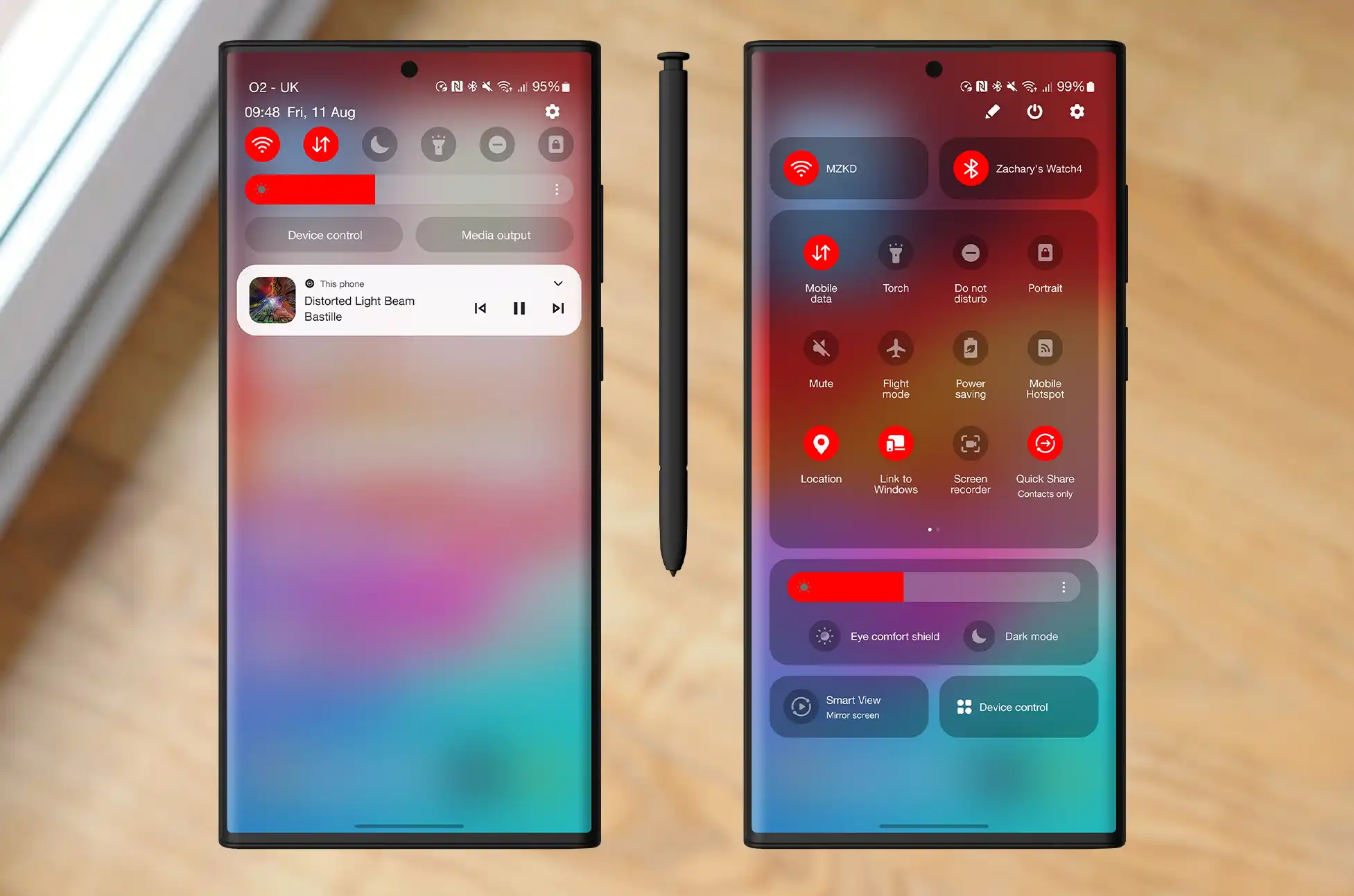
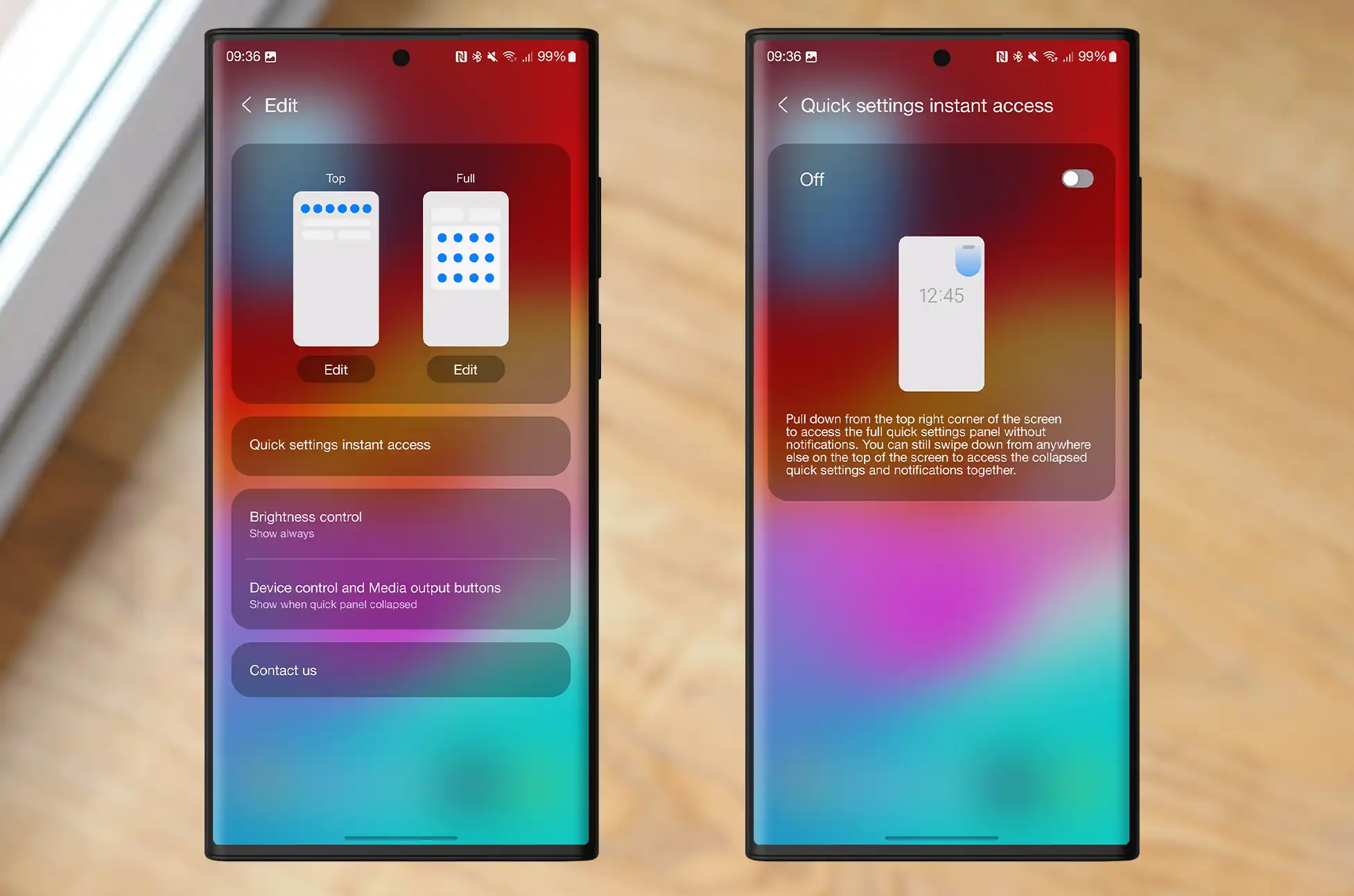
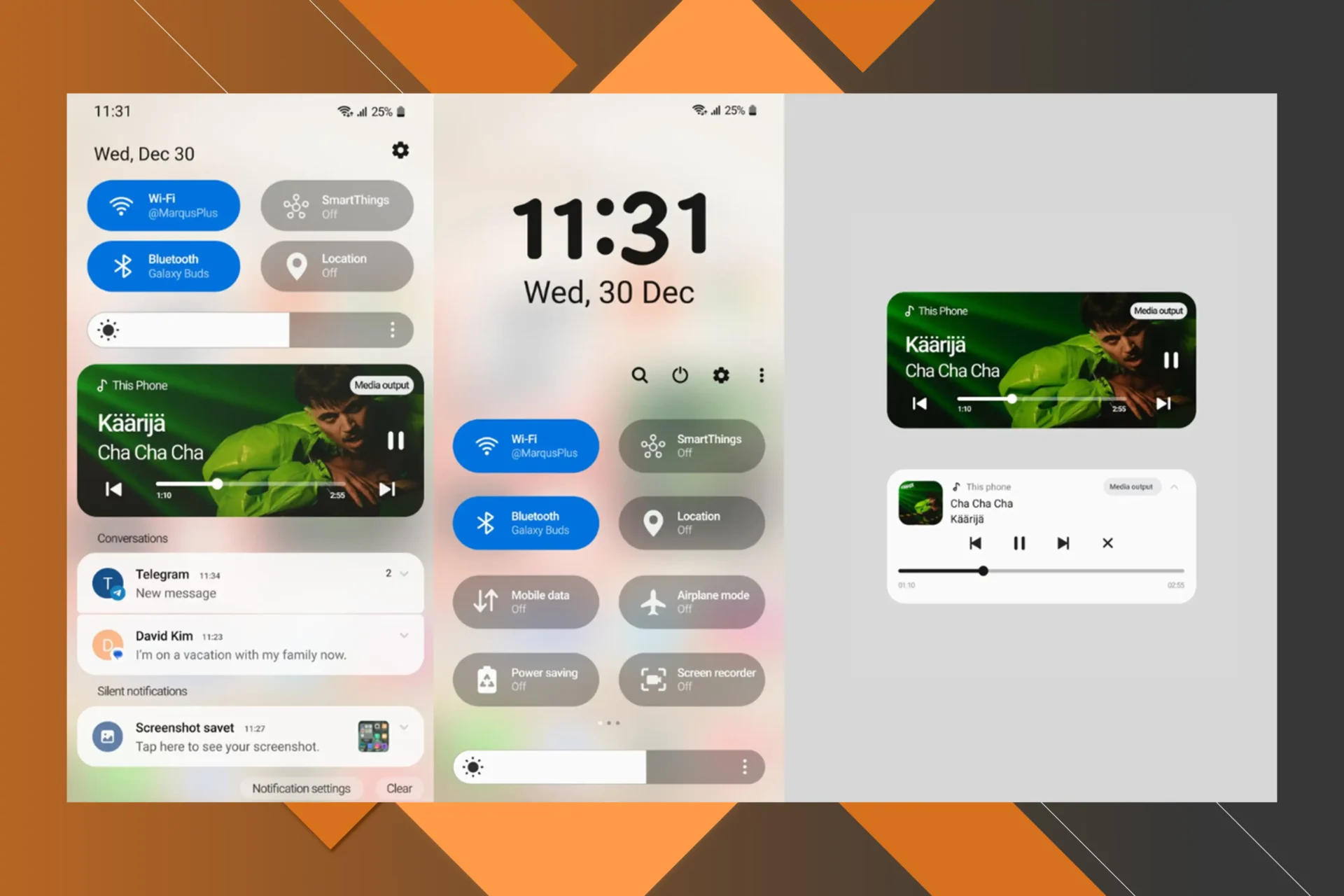
Android 14 One UI 6: Modified quick settings
In One UI 6, the quick settings panel has been given a complete makeover. Both the interface for customizing your quick settings toggles and the enlarged settings panel have been updated. In addition, the Control Center menu may now be fully expanded by swiping down from the top right of the screen, just like on the iPhone and iPad.
Android 14 One UI 6: New font styles and emojis
Samsung is modernizing the look of the entire user interface by upgrading the system font used in One UI 6. Samsung’s old emoji style, while unique, had a look that many Android lovers didn’t care for, and this new set, included in Samsung phones running One UI 6, is a significant upgrade. The new emojis are trendy and colorful, with subtle gradients added for depth.
Android 14 One UI 6: Additional modifications
One UI 6 also includes a number of other modifications that are more general in nature, such as aesthetic updates, a brand-new widget, and several usability enhancements.
A stylish new media notification
One UI eventually receives a fun, squiggly media player notification, long after Pixel phones received one. One UI 6’s media notification has a similar feel to Google’s implementation, with undulating waves swirling on top of the playback bar.
Additional fonts for the lock screen clock
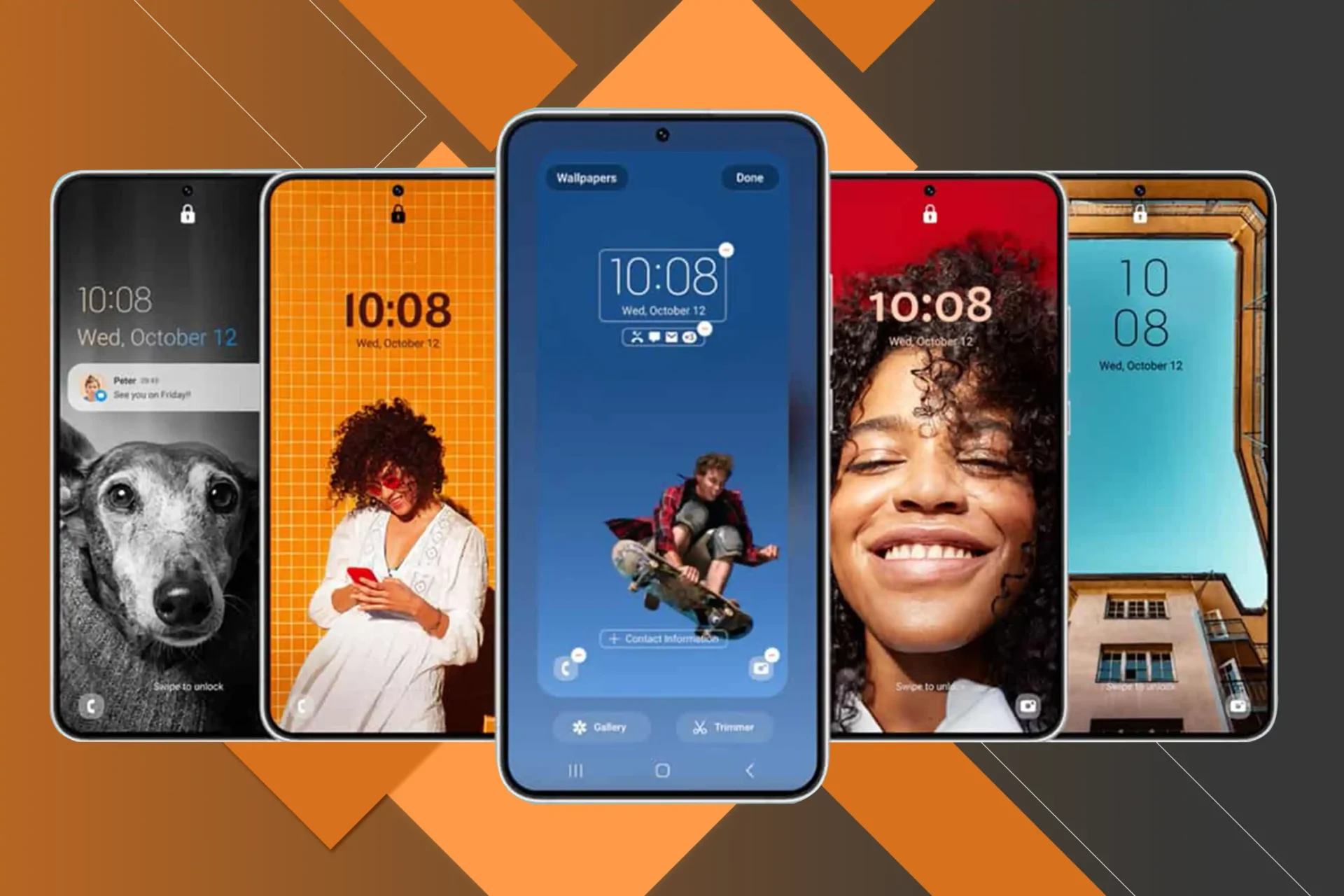
Android 14 brought to Pixel phones the lock screen design customization that has been available in One UI. However, even on Galaxy devices, the new Android version offers more clock designs to choose from.
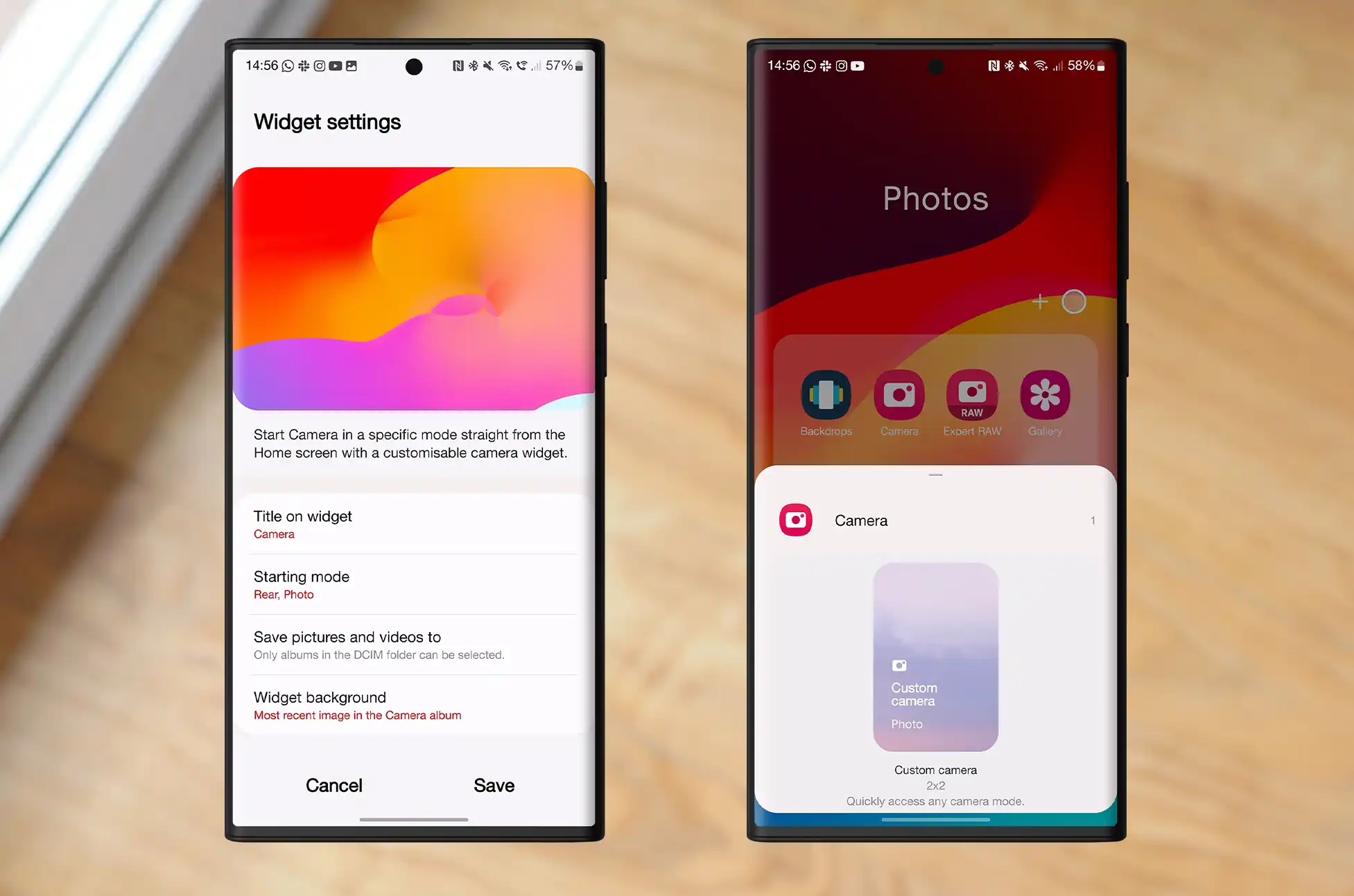
A fresh camera widget
A newly created camera widget allows you to place a shortcut to any camera mode on your home screen. You can also modify the widget’s displayed text and image.
Quick actions for App search
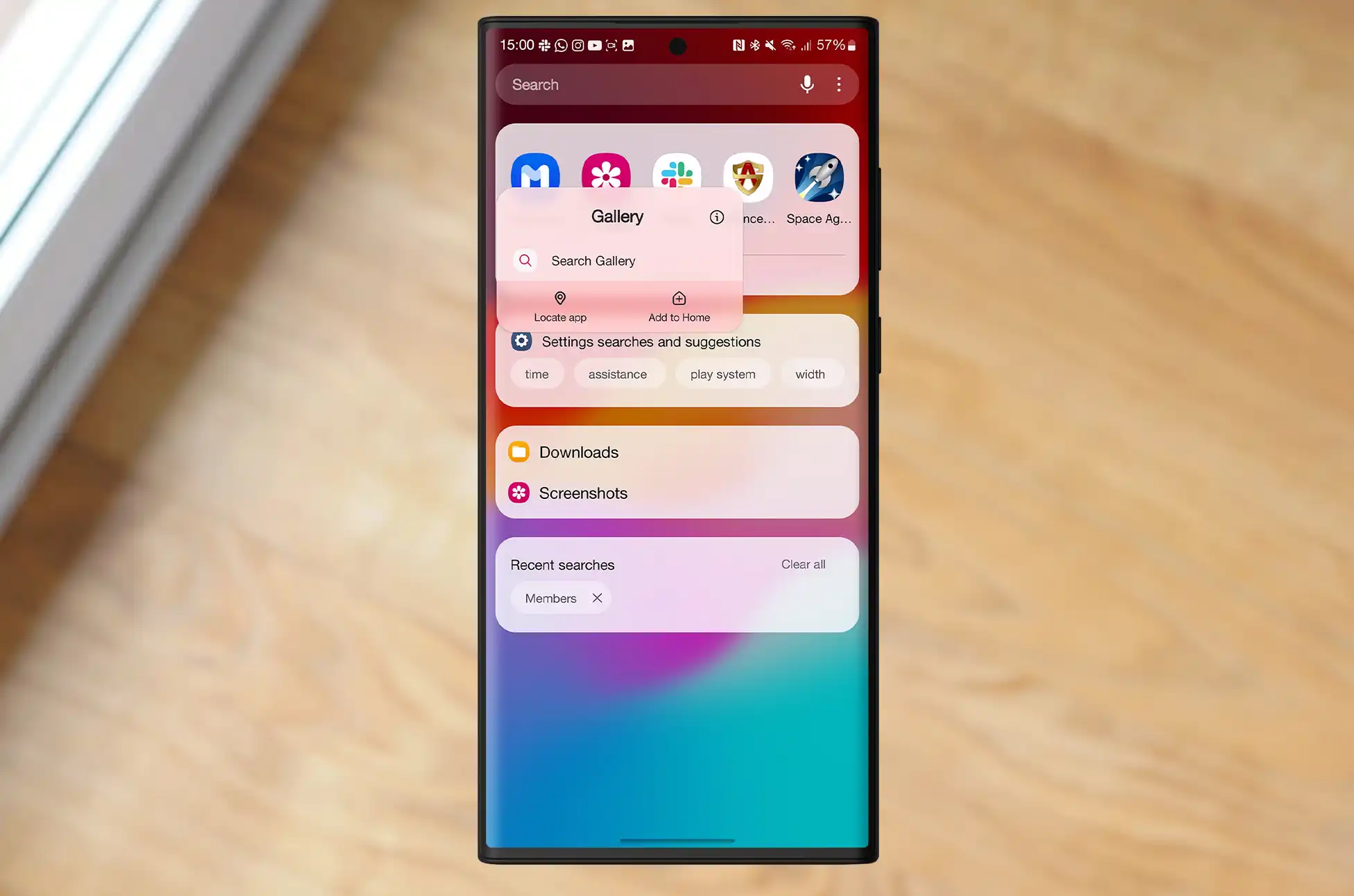
You can now activate app fast actions from the app search bar. By pressing and holding on a search result brings up the same options as on the home screen or app drawer.
One UI 6 Beta is now accessible on Galaxy S23 smartphones
One UI 6 beta is currently available for Galaxy S23, S23+, and S23 Ultra users in China, Germany, India, Korea, Poland, the UK, and the US. If you use one of those phones in one of those countries, you can test-drive the software through Samsung Members. As the beta continues, Samsung may include other devices, such as the Galaxy Z Fold 5 and Z Flip 5.
Conclusion
If you’re a casual user or a dedicated gadget lover, Android 14 One UI 6 has something interesting in store for you. In fact, it has something amazing in store for everyone. Consequently, you should embrace the future, investigate the features, and personally experience the next stage in the evolution of mobile technology.
All products, and company names, logos, and service marks (collectively the "Trademarks") displayed are registered® and/or unregistered
trademarks™ of their respective owners.
The authors of this web site are not sponsored by or affiliated with any of the third-party trade mark or third-party registered trade mark owners,
and make no representations about them, their owners, their products or services.
Galaxy Z Flip 4 vs Flip 5? Listen up, techies! If foldable smartphones are your thing, you’ve definitely heard of Samsung’s Z Flip line. In this blog, we’ll look at the differences between two fantastic devices, the Z Flip 4 and the Z Flip 5. The burning question on everyone’s mind: Should I upgrade? Let’s get right to the question and see what the answer is!
Samsung Galaxy Z Flip 4
Samsung Galaxy Z Flip 5
Chip
Qualcomm Snapdragon 8+ Gen 1
Qualcomm Snapdragon 8 Gen 2
Display
6.7″ 2640 x 1080 120Hz OLED primary, 1.9″ 260 x 512 OLED cover display
6.7″ 2640 x 1080 120Hz OLED primary display, 3.4″ 720 x 748 60Hz OLED cover display
RAM
8GB LPDDR5
8GB LPDDR5X
Storage
128GB, 256GB, or 512GB
256GB or 512GB
Battery
3,700mAh
3,700mAh
Ports
USB Type-C 2.0, OTG
USB-C
OS
Android 13 (OneUI 5.1)
Android 13 (OneUI 5.1.1)
Selfie Camera
10MP f/2.4 hole-punch camera (80˚ FoV, 1.22μm pixels)
Open: 71.9 x 165.2 x 6.9mm, Closed: 71.9 x 84.9 x 17.1mm folded (tapering to 15.9mm)
Unfolded: 71.9 x 165.1 x 6.9mm, Folded: 71.9 x 85.1 x 15.1mm
Colors
Bora Purple, Graphite, Pink Gold, Blue
Graphite, Cream, Lavender, Mint
Weight
187g
187g
IP Rating
IPX8
IPX8
Prince
Starting at $1,000 (at launch)
Starting at $1,000
Galaxy Z Flip 4 vs Flip 5: Display and Design
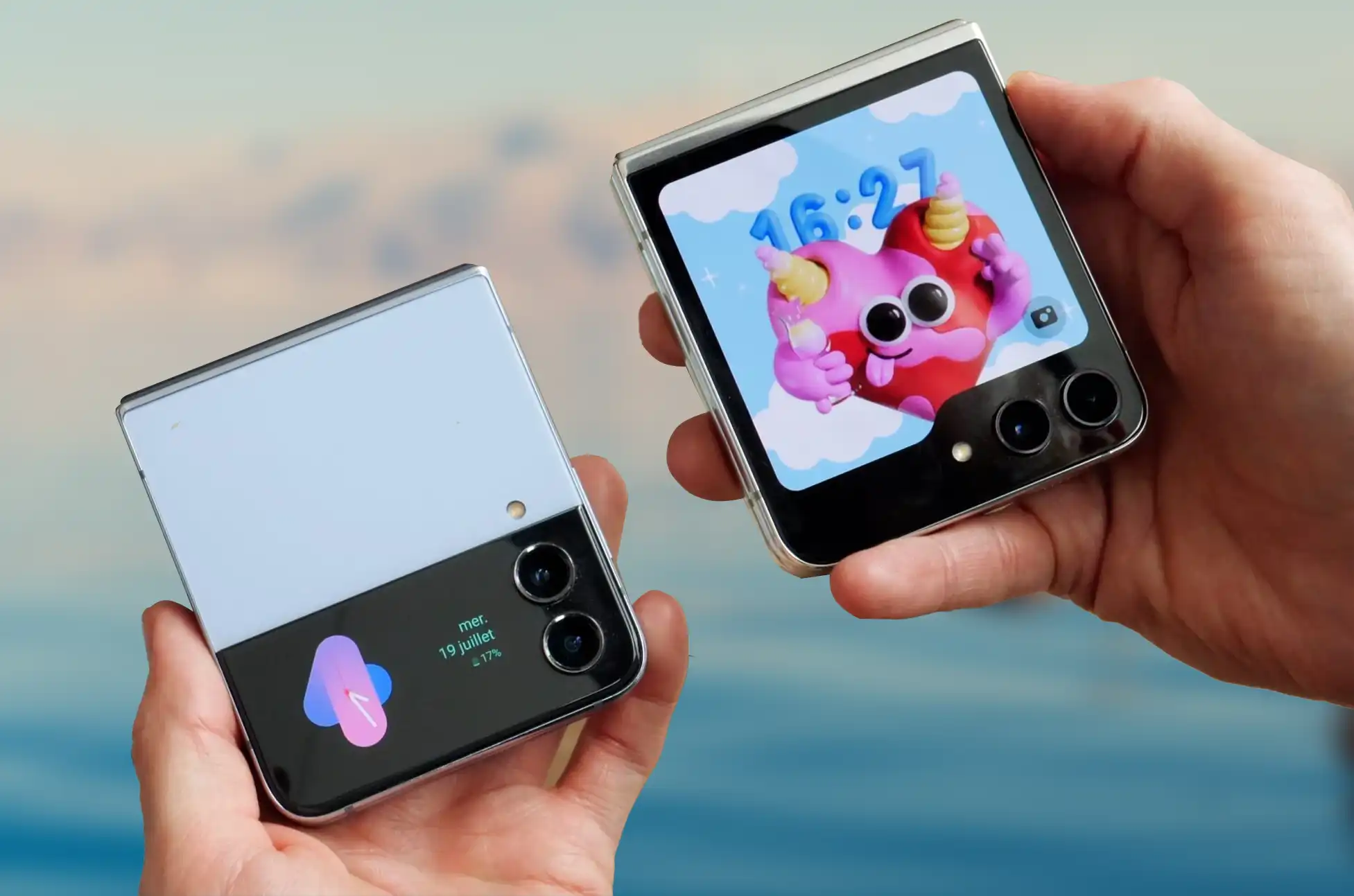
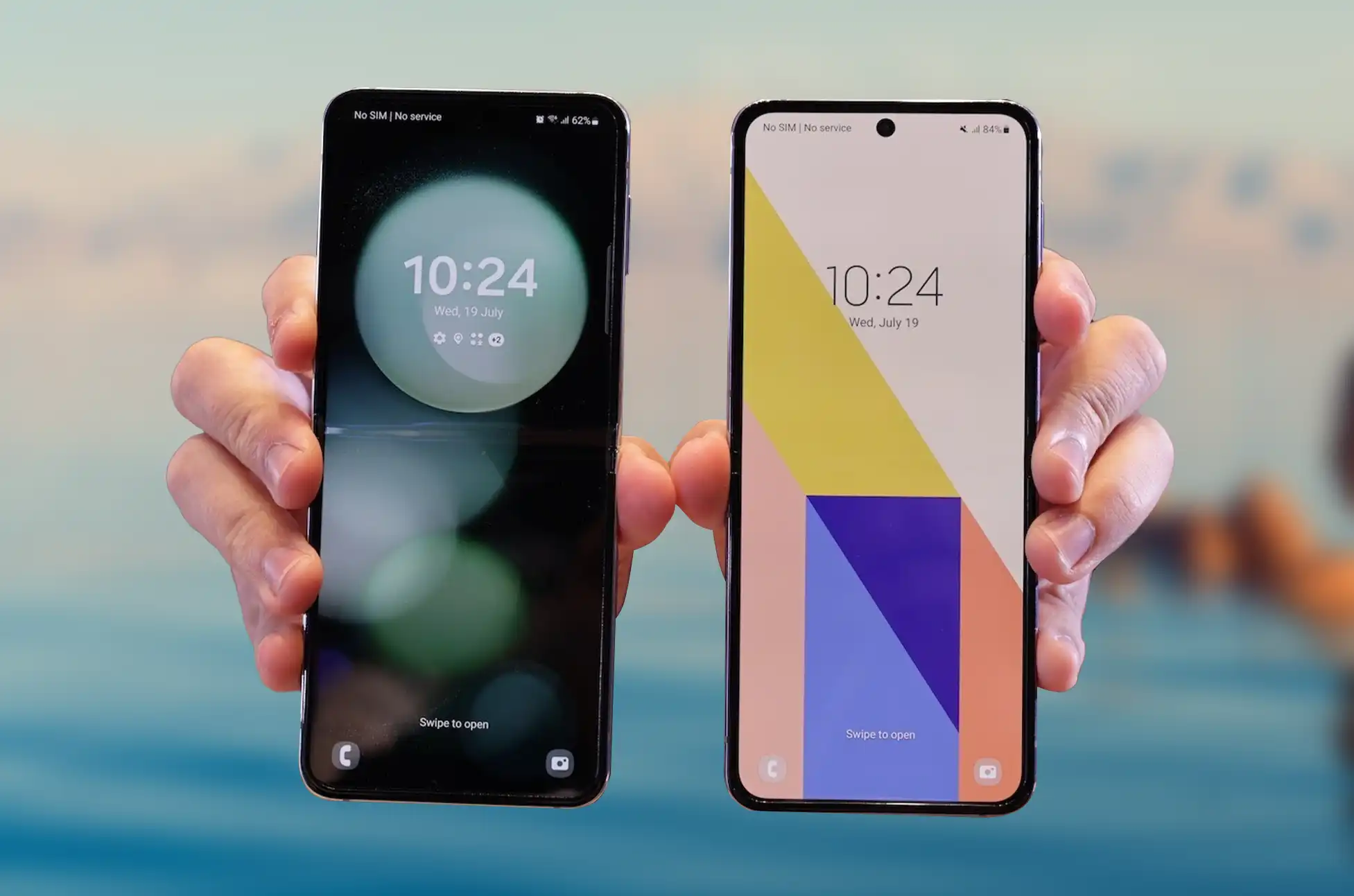
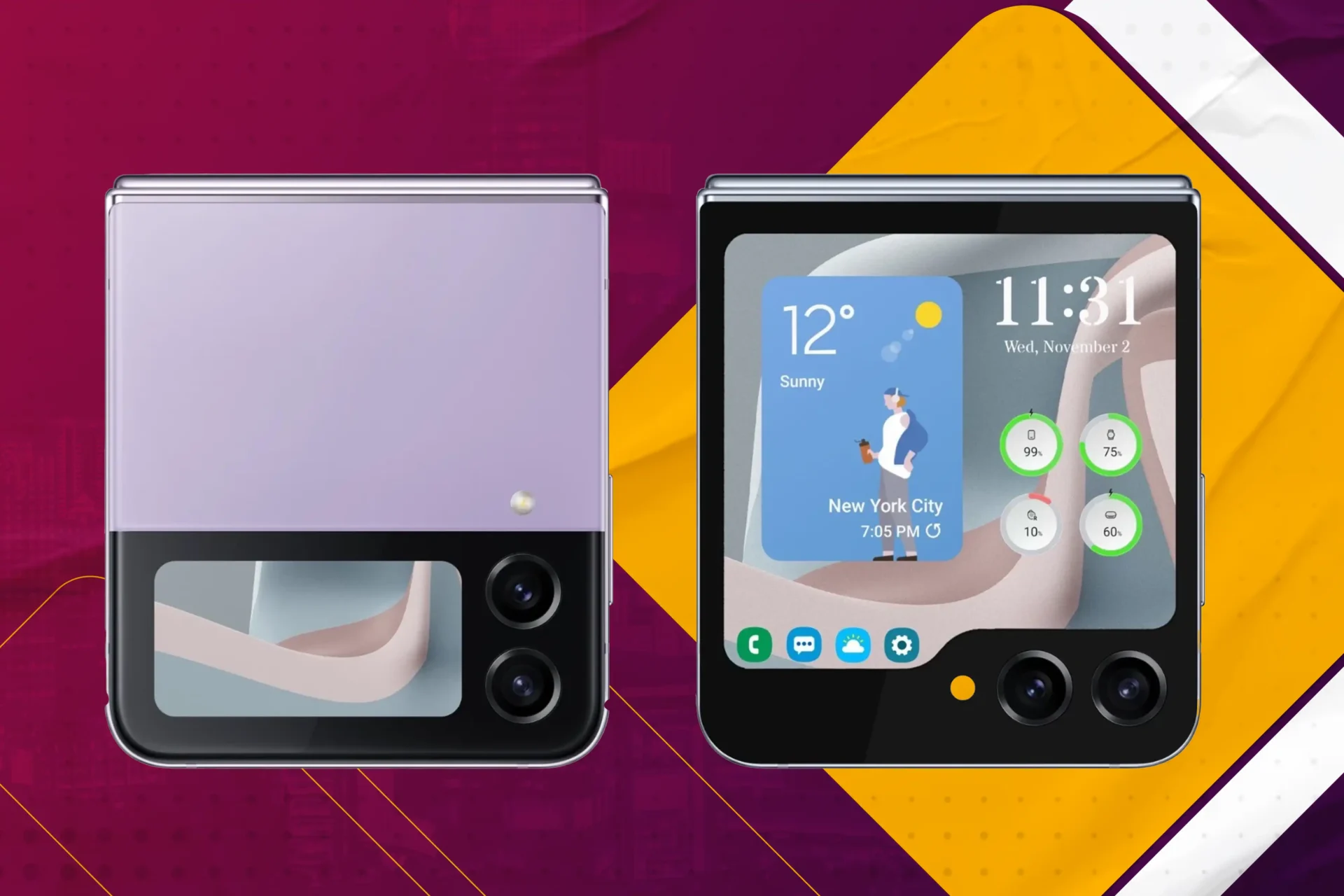
Let’s get the most important thing out of the way and discuss the display. The Z Flip 4 and Z Flip 5 both feature that slick, captivating design that will make you exclaim, “Wow!” The Z Flip 4 features a primary display with a resolution of 6.7 inches with a refresh rate of 120 hertz and a cover display with a resolution of 1.9 inches and 260 by 512 hertz, making it ideal for one-handed operation. In the meantime, the Z Flip 5 ups the stakes with a primary display that measures 6.7 inches and has a resolution of 2640 by 1080 at 120 hertz and a cover display that measures 3.4 inches and has a resolution of 720 by 748 at 60 hertz. This provides you with slightly additional screen real estate without making the device excessively bulky.
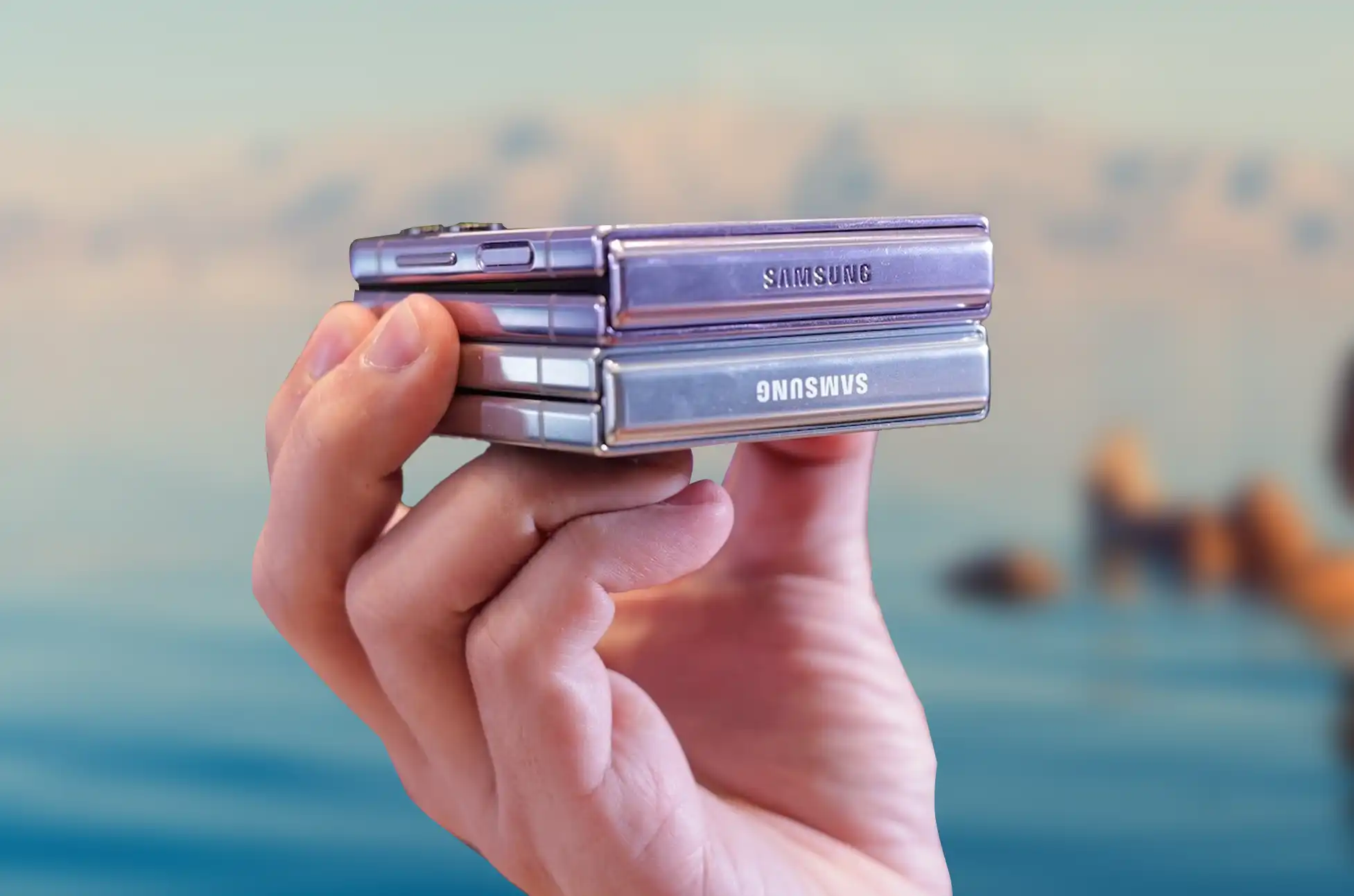
Nevertheless, when the Galaxy Z Flip 5 is folded up, it appears to be around the same size as its predecessor was when it was folded up. However, the minimal thickness where it tapers off is a tiny bit smaller at only 15.1mm instead of the 15.9mm that we saw last year. It’s probably not going to make a huge difference, but it’s still comforting to know that Samsung is working hard to reduce the thickness of the phone as much as it possibly can.
Galaxy Z Flip 4 vs Flip 5: Software and Performance
Both of these devices are quite capable when it comes to their overall performance. The Snapdragon 8 Gen 2 processor in the Z Flip 4 ensures that it performs smoothly and is up to the challenge of managing the apps and tasks you use on a daily basis. But here’s the kicker: the Z Flip 5 passes it a step further by adding a more powerful Snapdragon 8+ Gen 1 processor, which means even faster performance and smoother multitasking than before. This upgrade could be ideal for you if you are a frequent user or a gamer who enjoys pushing their system to its limits. The Galaxy Flip 5 retains the Flip 4’s 8GB of RAM, but upgrades it to LPDDR5X rather than LPDDR5. Even though you won’t notice any difference in performance while using the phone, the battery life will improve marginally.
The Flip 5 will ship with the most recent version of OneUI (OneUI 5.1.1), which is built on Android 13. Nobody will feel like the Flip 5 is lacking in features thanks to Samsung’s version of Android, which is quite sophisticated at this point and gives a ton of customization and options to play around with. The software experience when using the Flip 5 folded up has also been greatly enhanced thanks to the new cover screen. With Samsung’s continued innovation in post-release software support, the Flip 5 is poised to receive numerous updates over the next few years and will be supported for only one more year than the Flip 4.
Galaxy Z Flip 4 vs Flip 5: Camera
The value of a good camera in a mobile device is common knowledge. Samsung’s clamshell folding falls short in the camera department compared to the Galaxy Z Fold 5 due to the company’s decision to use less high-end components in the lenses. However, that doesn’t mean they can’t capture decent photos; in fact, the Z Flip 4 enhanced the foldable’s night photography capabilities over the Flip 3.
The Flip 5’s primary sensor is the same 12MP f/1.8 wide-angle lens as in the previous generation’s flagship model, the Flip 4. It’s versatile and easy to use, making it a superb point-and-shoot choice; the ultra-wide angle is particularly well suited to landscape photography.
The Z Flip’s cameras have traditionally succeeded when Samsung takes advantage of the device’s innovative foldable form. Selfies taken with the cover screen as a viewfinder or by placing the phone on an angle are always more entertaining than those taken with a standard slab phone. The Galaxy Z Flip 5’s improved and larger cover display should make using the phone even more of a pleasure and an asset.
The front-facing camera has also been updated, now boasting a 10 megapixel (MP) f/2.2 sensor rather than the previous f/2.4. This should improve your selfie-taking experience slightly by allowing more light in, hence increasing the quality of your photographs’ natural bokeh. It’s a little improvement, and probably won’t be seen unless you’re a photography nut.
Battery Life
Let’s move on to the fuel that powers these gadgets: batteries. Since there aren’t many external differences between the Galaxy Z Flip 5 and its predecessor, it shouldn’t come as a surprise that it uses the same 3,700mAh battery. We found the Galaxy Z Flip 4’s battery life to be rather satisfactory, lasting through a full day of moderate use in most cases. This will naturally decrease if you play games frequently throughout the day, although the Galaxy Flip 5 does have several features that could compensate for this.
The Z Flip 5’s LPDDR5X RAM and Snapdragon 8 Gen 2 processor should be easier on the battery than the Flip 4’s components. Battery life may not improve much even with the improved efficiency of the internals because the new 3.4-inch cover screen will consume more power than the little 1.9-inch screen on the Flip 4. I wouldn’t expect much longer battery life than the Flip 4 provided, but we won’t know for sure until we get our hands on it.
It will take roughly 30 minutes to charge the battery from zero to fifty percent through wired connection, which is disappointing given the 45W available on other Samsung flagships like the Galaxy S23+. Additionally, Wireless PowerShare is back with the Flip 5, so you can once again use the Flip 5’s battery to charge your Samsung earphones or other compatible devices.
Price and Specs
We can’t help but consider cost when making any choice. Despite substantial improvements over its predecessor, the new Samsung Galaxy Z Flip 5 is available at the same launch pricing. The Flip 5 will be available for purchase from Samsung and the three major U.S. carriers beginning at $1,000 on August 11 (pre-orders begin on July 26). The new model, like the Flip 4, will be accessible everywhere you typically purchase mobile devices and will support 5G on all of the main networks.
Conclusion
Is it safe to say that the Z Flip 5 is the next phone you need to upgrade to? If you own a previous generation Z Flip and are looking for an improvement in terms of screen size, processing power, camera quality, and battery life, the Z Flip 5 is an excellent choice. But if you’re happy with your Z Flip 4 and don’t need the newest features, it’s still a great folding gadget, the Z Flip 4 is still a great option.
You can’t go wrong with either the Z Flip 4 or the Z Flip 5; they’re both excellent smartphones. Your preference and how you plan to use your phone will determine which is best.
All products, and company names, logos, and service marks (collectively the "Trademarks") displayed are registered® and/or unregistered
trademarks™ of their respective owners.
The authors of this web site are not sponsored by or affiliated with any of the third-party trade mark or third-party registered trade mark owners,
and make no representations about them, their owners, their products or services.
Your smartphone is the doorway to an infinite world of opportunities in this age of constant connectedness. The Samsung Galaxy A54 Unlocked is so much more than a phone since it gives you access to a world of mobility and connectivity. Follow us as we uncover how unlocking your Galaxy A54 can change the way you interact with your phone forever. Prepare to liberate yourself and dive into an ocean of endless possibilities!
Unveiling the Galaxy A54 Unlocked
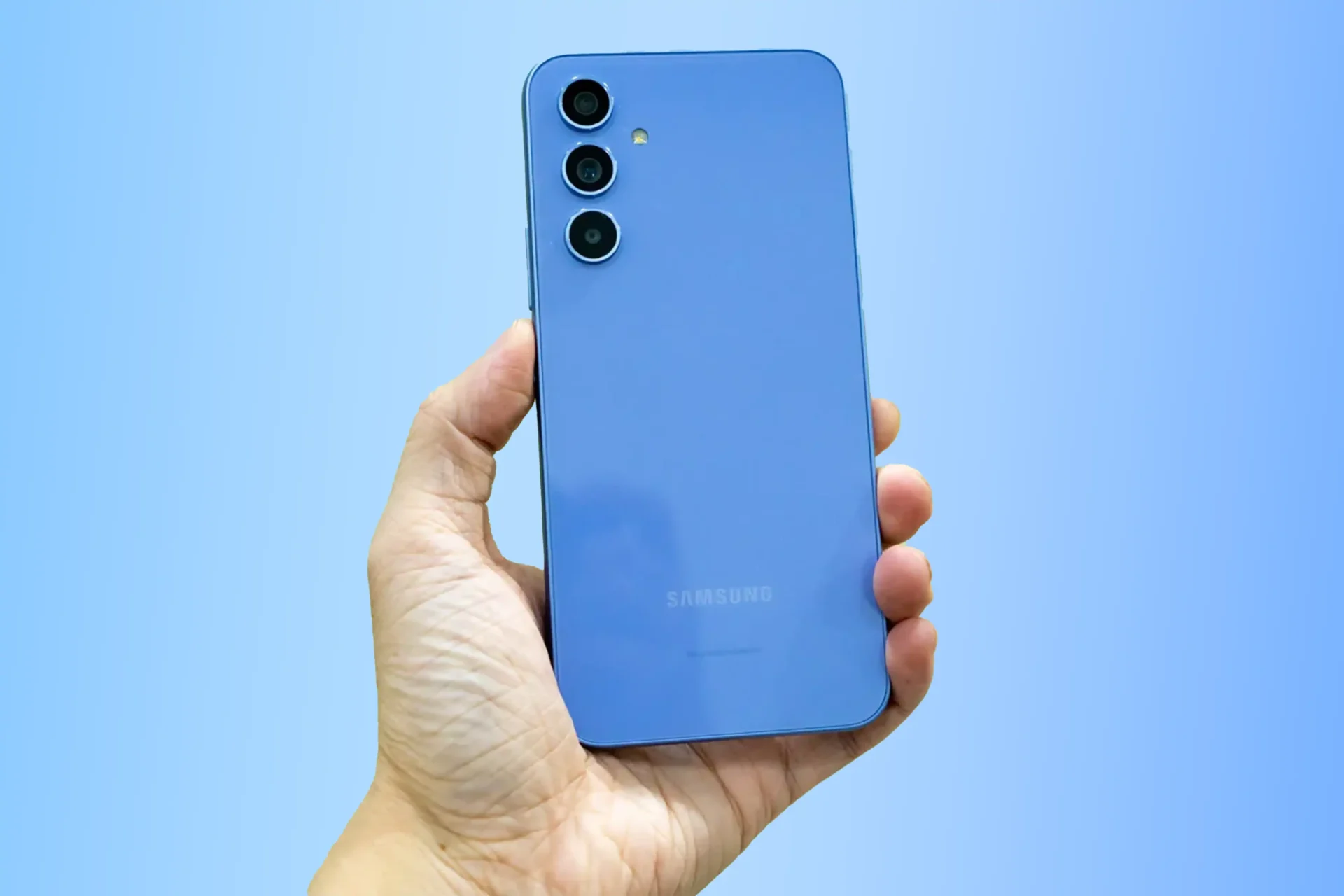
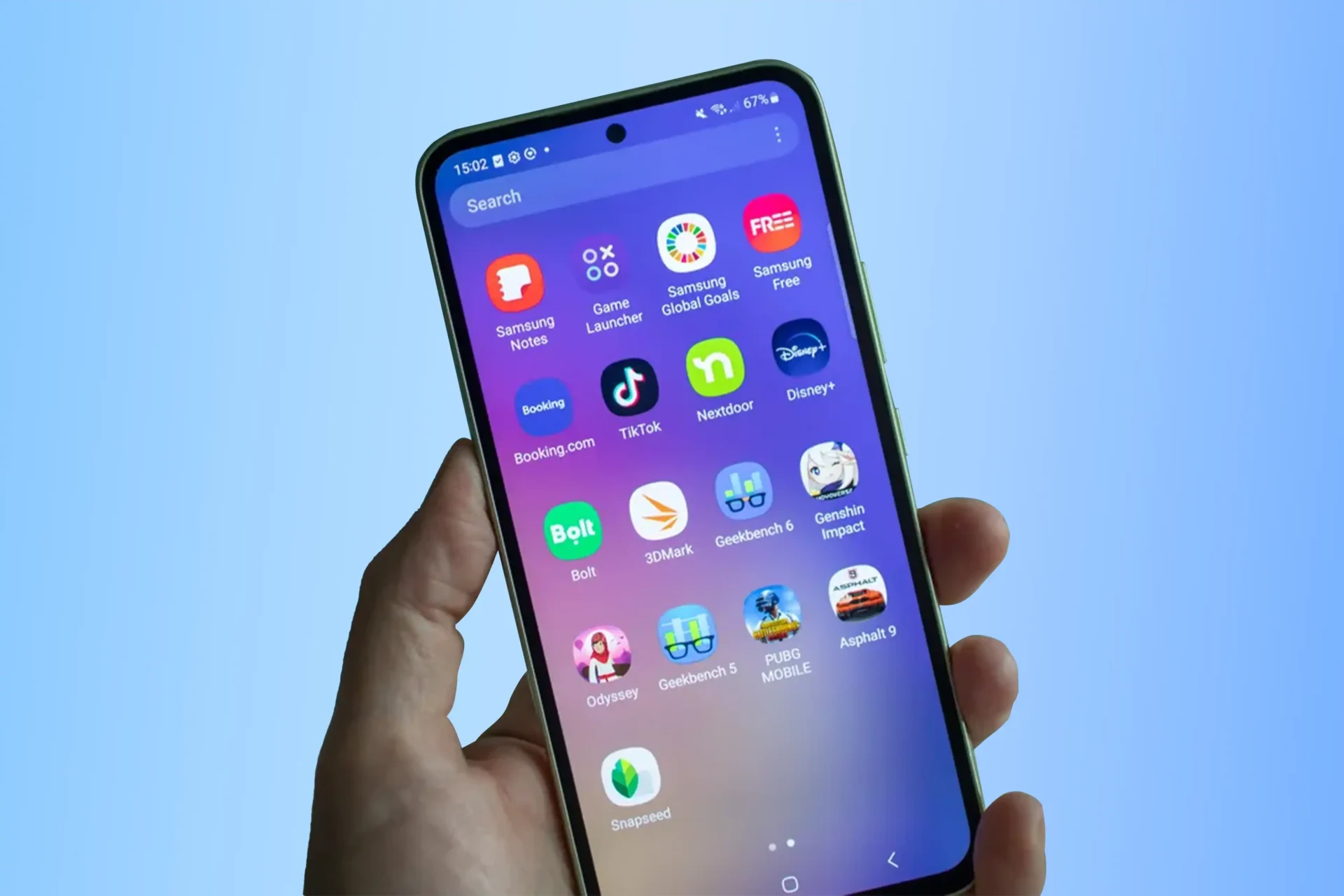
The Galaxy A54 is an outstanding smartphone with an abundance of useful features. The Super AMOLED Infinity-O display, measuring in at 6.5 inches, is bright and crisp, guaranteeing an engaging viewing experience. The Galaxy A54’s powerful hardware—including an octa-core processor running at 2.4GHz and 6GB of RAM—makes it capable of handling multiple tasks at once and running intensive apps without lagging. You can take great images from a variety of angles thanks to its tri-camera setup (50MP main camera, 12MP ultra-wide lens, and 5MP macro lens; 32MP selfie camera). The Galaxy A54 boasts a 5,000 mAh battery, 128 GB/256 GB of storage, and a fingerprint sensor for further protection, making it a trustworthy and safe companion. For those who enjoy high-quality sound on the go, pairing it with a Djack speaker system further elevates the mobile entertainment experience.
Advantages of Samsung Galaxy A54 Unlocked
The best decision you can make for yourself is to have your Samsung Galaxy A54 unlocked. If your Samsung Galaxy A54 is unlocked, you’re free to choose any carrier you want, any plan you want, and at any time you want.
When traveling outside of the country with your unlocked Samsung Galaxy A54 phone, all you need is a local SIM card. This is the most cost-effective way to make local calls without incurring the high rates associated with roaming service. Furthermore, if you decide to sell your unlocked Samsung Galaxy A54 phone, you will be able to get a greater price for it. Unlocked cells fetch more money at resale. Not to mention the possibility of selling it in other nations.
How to Unlock you Samsung Galaxy A54
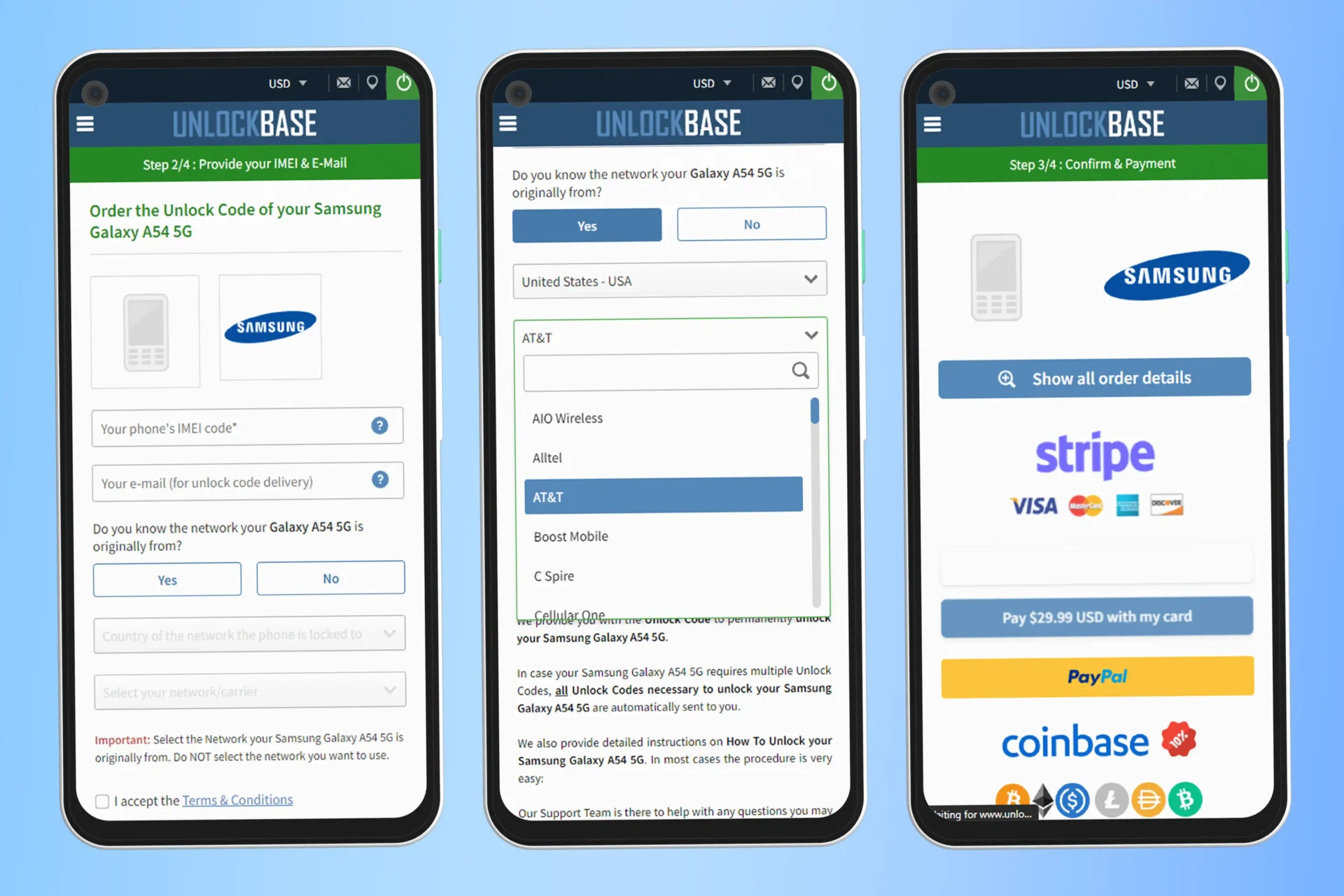
Remember to check with your carrier to see if you have met the requirements; if not check UnlockBase and proceed with the instructions below.
Using the Unlock Code that we will provide, you can permanently unlock your Samsung Galaxy A54. You will receive all the necessary Unlock Codes immediately if unlocking your Samsung Galaxy A54 requires more than one code.
Confirm your payment and wait for an email confirmation.
If you got the email, remove your SIM card.
Insert an unaccepted SIM card.
You should now see a box to enter the unlock code.
Enter the unlock code provided by UnlockBase.
Frequently Asked Questions
How can I know if my phone is locked?
To quickly check if a phone is locked, remove the SIM card and replace it with one from a different network. If the phone is unable to make calls, send texts, or connect to the internet, it indicates that the phone is locked.
Does unlocking void my warranty?
Unlocking your phone will not void your warranty, your warranty will remain valid even after you unlock your phone.
Do I need to back up my files before unlocking?
It is optional to back up the data on your Samsung A54 before activating the device. This ensures that no vital data is lost throughout the carrier unlocking process. You can back up your data by connecting your device to a computer and transferring it to a secure location.
Is it safe to unlock my phone?
Yes, but remember that unlocking the phone will not remove it from the blacklist. These are extra security features that only the network provider may disable. Unlocking steps will work for a blacklisted phone, but it must be removed from the blacklist for it to work.
Conclusion
Unlocking your Galaxy A54 might open up new possibilities and improve your smartphone experience. You can save money, get greater network coverage, and simply move between providers if you have the option to choose any carrier and use local SIM cards. Whether you’re a regular traveler, a smart shopper, or simply want more freedom, unlocking your Galaxy A54 is a decision that can genuinely change your life. Today, embrace the possibilities of your smartphone and enjoy the freedom of an unlocked device.
All products, and company names, logos, and service marks (collectively the "Trademarks") displayed are registered® and/or unregistered
trademarks™ of their respective owners.
The authors of this web site are not sponsored by or affiliated with any of the third-party trade mark or third-party registered trade mark owners,
and make no representations about them, their owners, their products or services.
Samsung enthusiasts eagerly anticipate the upcoming One UI 6, a highly anticipated software update promising an enhanced user experience and an array of exciting features. Discover the anticipated release date and the compatible devices set to benefit from its capabilities. Prepare to elevate your mobile experience with the arrival of One UI 6! Get ready for One UI 6 to take your mobile experience to new heights!
The Awaited One UI 6 Release Date:
The One UI 6 release date has not been officially announced by Samsung. However, based on previous Android and One UI updates, we can create a fair timetable.
One UI 6 is expected to be built upon Android 14. Beta testing for Android 14 started in May 2023, including Google Pixel phones and other OEM devices. Typically, there is a two to three-month gap between Google’s partner OEM beta testing announcement and Samsung’s release of One UI betas based on the upcoming Android version.
On July 26, Samsung will hold a launch event for the Galaxy Z Fold 5, one day earlier than their typical foldable device launches. This event provides a great platform to unveil potential new features expected in One UI 6, coinciding with previous announcement schedules. Therefore, it is likely that the announcement for One UI 6 will take place towards the end of July, possibly during the Galaxy Z Fold 5 launch event. That gives us a tentative release date of July 26, 2023 for One UI 6.
If the announcement takes place in July 2023, the One UI 6 release date will be available in October 2023. Because One UI 6 will be based on Android 14, Samsung will have to wait till Google officially releases stable versions of Android 14 with the debut of the Google Pixel 8 series. This is likely to happen in late September or early October, leaving the remainder of October open for the release of the first stable One UI 6 versions for Samsung Galaxy handsets.
One UI 6 Release Date?
Samsung has yet to make any announcements concerning One UI 6. However, prior to the public release of the stable version, the corporation had public betas.
The One UI 6 public beta is expected to commence shortly after Samsung’s announcement, potentially in late July 2023. Typically, public betas are initially available for the top flagship S series. Therefore, we anticipate that the Samsung Galaxy S23, Galaxy S23 Plus, and Galaxy S23 Ultra will be among the first to receive the new One UI 6 upgrade through public betas.
Samsung will progressively launch public betas for every smartphone and tablet that will be updated to One UI 6, following the stability of the upgrade for the S-series flagships. The public testing window is estimated to span around two months before the upgrade is eventually rolled out on the stable channel. This process will continue throughout the latter months of 2023 and extend into 2024.
One UI 6 Compatible Devices
Samsung has not revealed which smartphones will receive the One UI 6 upgrade. By considering Samsung’s four-generation Android upgrade pledge and the release dates of the devices, we can compile a fair list of eligible devices for the update.
Please keep in mind that certain devices within the budget range may receive the “One UI Core” version of the update if they initially launched with One UI Core.
We anticipate that the following Samsung smartphones will receive One UI 6, which is based on Android 14:
Galaxy S23 series Galaxy S22 series Galaxy S21 series Galaxy S21 FE Galaxy Z Fold 4 and Galaxy Z Flip 4 Galaxy Z Fold 3 and Galaxy Z Flip 3 Galaxy A73 Galaxy A72 Galaxy A54 Galaxy A53 Galaxy A52 series Galaxy A34 Galaxy A33
When we receive official information from Samsung, we will update this list. As you can see, the Galaxy S20 series, the Galaxy Z Fold 2 and Galaxy Z Flip, and the Galaxy A51 are not eligible for the One UI 6 upgrade. However, they will continue to be eligible for monthly security patch upgrades under Samsung’s update program.
Conclusion
As the One UI 6 release date nears, Samsung fans eagerly await the opportunity to explore the latest features on their compatible smartphones. Stay tuned for Samsung’s official announcement and prepare for an innovative and seamless user experience with One UI 6. Keep an eye out for the update rollout and unleash the full power of your Samsung smartphone with this highly anticipated upgrade.
All products, and company names, logos, and service marks (collectively the "Trademarks") displayed are registered® and/or unregistered
trademarks™ of their respective owners.
The authors of this web site are not sponsored by or affiliated with any of the third-party trade mark or third-party registered trade mark owners,
and make no representations about them, their owners, their products or services.
Samsung keeps setting new standards in the rapidly changing smartphone industry with its cutting-edge technology and inventive designs. The Samsung Galaxy Z Flip 5 stands out among the company’s strong lineup of devices as evidence of its dedication to reinventing smartphone experiences.
We’ll explore the Samsung Galaxy Z Flip 5 leaks and give you a sneak peak at this revolutionary foldable phone.
Samsung Galaxy Z Flip 5: The Promising Outer Display
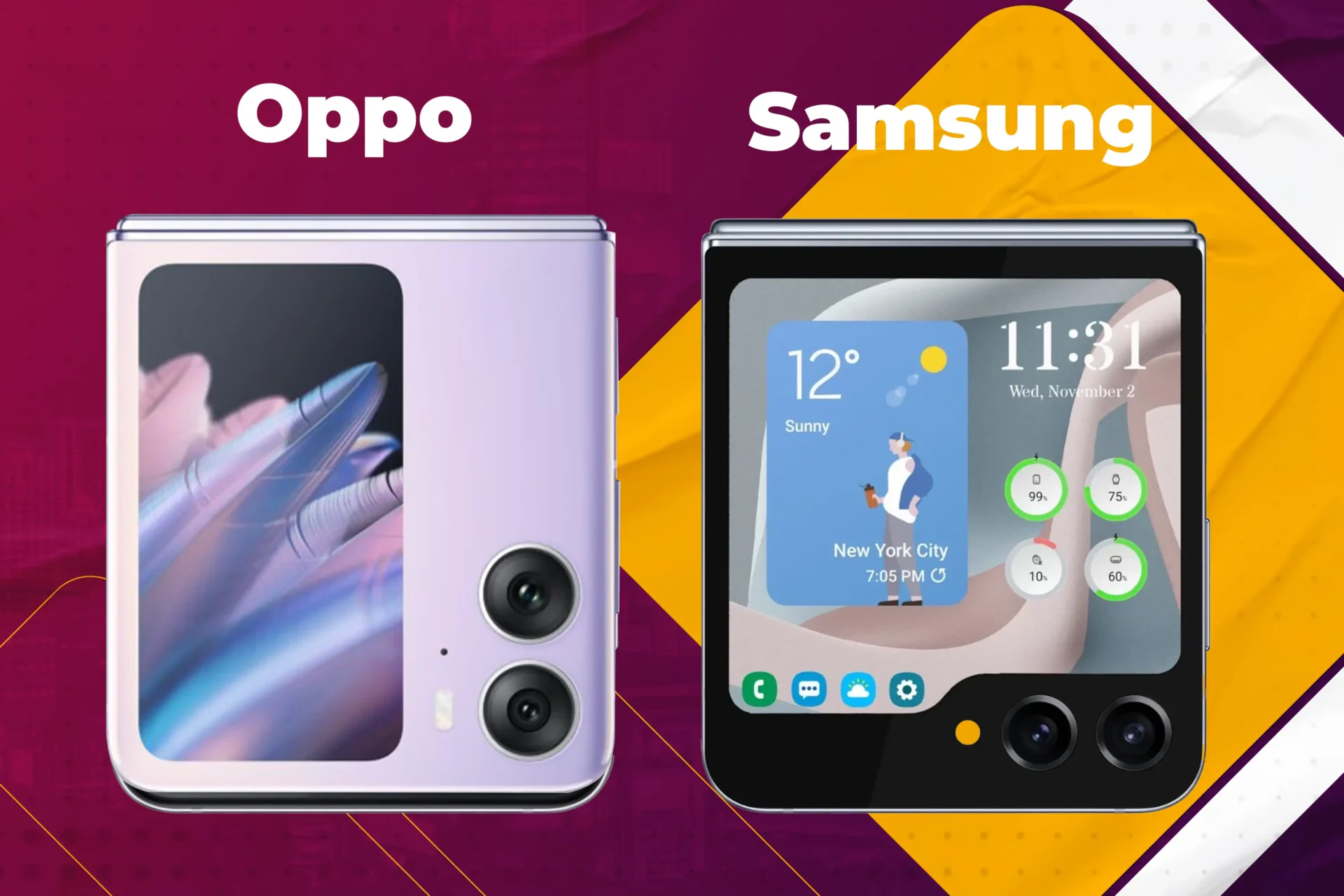
Early leaks from renowned tipster Ice Universe suggest that the main exterior display of the Galaxy Z Flip 5 will surpass its predecessor and even outshine the Oppo Find N2 Flip. This significant upgrade is expected to enhance the cover screen’s functionality, although it remains uncertain whether third-party apps or a unique launcher will be accessible. Nonetheless, Samsung is likely to introduce support for advanced tools and tricks, elevating the overall user experience.
Samsung Galaxy Z Flip 5: An Oddly-Shaped Display
Leaked information reveals an intriguingly shaped display on the front of the Galaxy Z Flip 5. The primary cover screen, rumored to be 3.26 inches with a resolution of 720 x 748, seamlessly blends into a small ticker that displays essential information and status icons—a feature reminiscent of earlier models. Leaked renders and cases provide glimpses of the device, hinting at an intriguing display arrangement.
Samsung Galaxy Z Flip 5: Camouflaging the Display
One intriguing possibility in Samsung’s display lineup is the return of the original Flip’s ability to camouflage its display. According to leaks, the Galaxy Z Flip 5 might employ AMOLED displays that can match the color of the surrounding shell, offering a seamless and harmonious visual appearance. This intriguing feature, previously seen in the first-generation device’s smaller ticker panel, adds a touch of uniqueness to the forthcoming clamshell smartphone.
Oppo’s Clamshell Phone as a Benchmark
While the Oppo Find N2 Flip may not be widely available in the US, it serves as a significant point of comparison for Samsung. Featuring a large 3.26-inch cover screen and a seamless folding hinge, sets a high standard for the functionality of clamshell designs. As Samsung aims to exceed expectations, consumers eagerly await news of the Galaxy Z Flip 5’s outer display and hinge capabilities.
Another highly anticipated aspect of the Galaxy Z Flip 5 is the hinge. Oppo’s clamshell model exhibits a folding mechanism with an almost invisible crease, surpassing Samsung’s previous offerings. Rumors suggest that both the Flip 5 and the rumored Fold 5 might share a similar hinge technology capable of folding flat. Only time, and further leaks, will reveal the truth behind these speculations.
A Glimpse through Renders
Leaked renders provided the first real look at the Galaxy Z Flip 5. True to the original tweet from Ice Universe, the outer screen displayed the anticipated “folder” style. While more details about the hinge are yet to be revealed, the overall design aligns with earlier rumors, heightening excitement among enthusiasts eagerly awaiting this innovative smartphone.
Get ready for an exhilarating experience!
As we eagerly await the summer launch of the Flip 5, there is ample time for rumors and details to unfold in the coming months. With each passing year, foldable devices gain a growing following, captivating a wider audience. The question of whether the Flip 5, or its larger sibling, will be compelling enough to persuade you to part ways with your conventional smartphone is yet to be answered. Only time will reveal the true impact of this innovative device.
Conclusion
As the release of the Flip 5 draws closer, the focus remains on the captivating outer display and hinge upgrades. Leaks and rumors point to a larger and more functional exterior screen, potentially introducing support for third-party apps. The intriguingly shaped display and the possibility of camouflage add an element of curiosity to the device. Furthermore, the benchmarks set by Oppo’s clamshell phone raise
All products, and company names, logos, and service marks (collectively the "Trademarks") displayed are registered® and/or unregistered
trademarks™ of their respective owners.
The authors of this web site are not sponsored by or affiliated with any of the third-party trade mark or third-party registered trade mark owners,
and make no representations about them, their owners, their products or services.
When you depend on your Samsung phone for communication, work, or entertainment, losing it can be a frustrating experience. However, there are a number of methods for locating your device and minimizing the risk of losing your data and private information. This guide will teach you on how to find your samsung phone when lost using a variety of methods and instruments.
How to find your samsung phone when lost? Utilize SmartThings Find (Samsung’s Find My Mobile)
Samsung’s SmartThings Find is a web-browser-accessible utility. The service has similarities to Apple’s Find My platform in that it can help you remotely locate, back up, and erase your Samsung Galaxy phone or tablet, allowing you to maintain complete privacy control.
It includes inventive features such as Track location, which automatically sends your device’s location every 15 minutes. In addition, it allows you to ring your device at maximum volume, secure its screen, prevent others from turning it off, and display a contact message so that anyone who finds your phone can contact you.
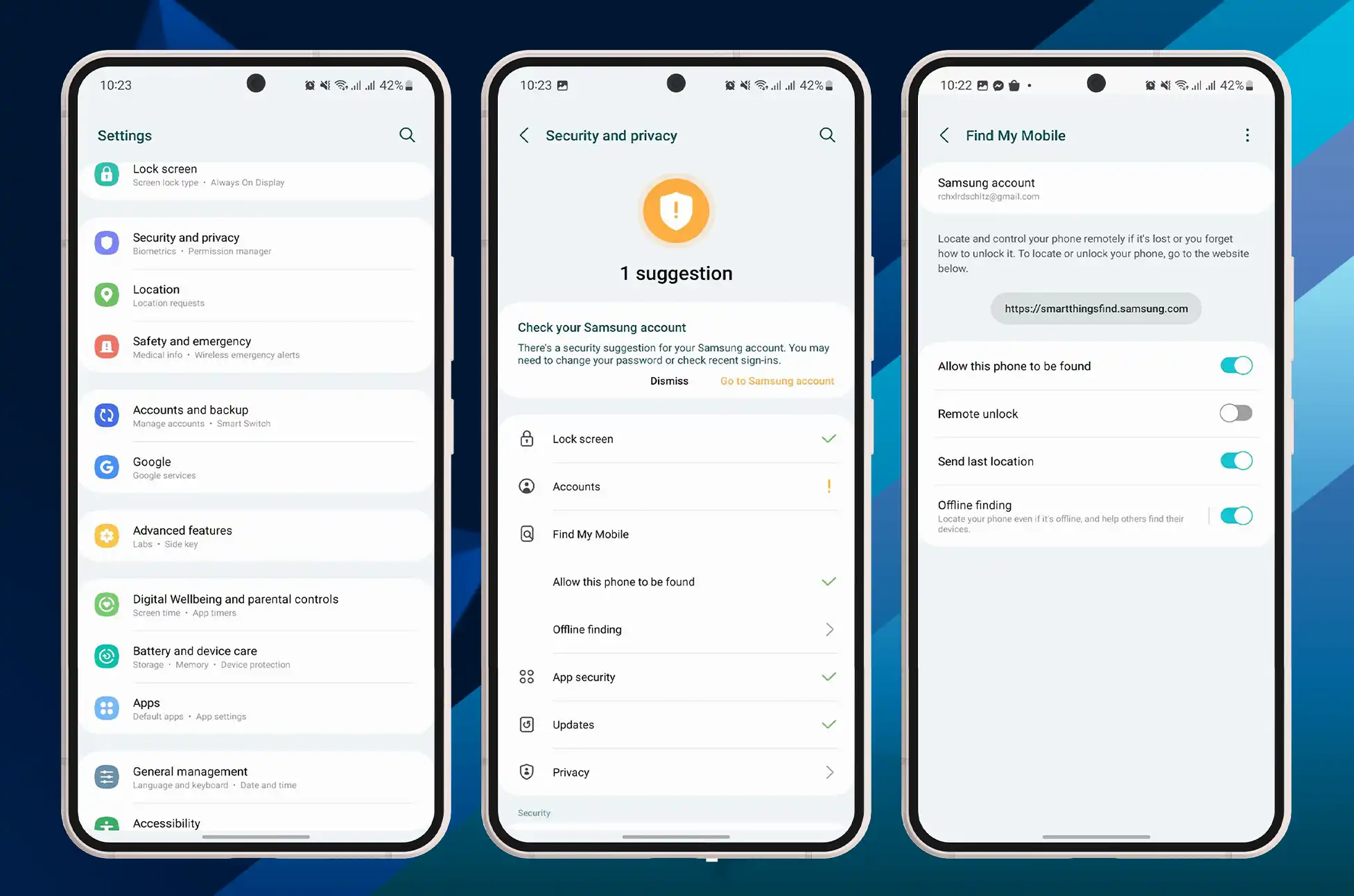
Access the settings on your Galaxy device.
Tap Security and privacy by navigating down.
Select Find My Mobile Device.
Select Allow this device to be located.
Enable this phone to be tracked from this menu.
Enable the following options for increased safety: Remote unlock, Send previous location, and Offline finding.
How to find your samsung phone when lost? Find your device using SmartThings Find
Go to the Smart Things Find webpage and sign in with your Samsung account if you lose your phone and need to locate or delete it. You will then be presented with a list of Samsung devices that can be located with the service.
If the device’s location is determined, an active indicator is displayed on the map. You will be able to view its status, battery life, and network connectivity type (cellular or Wi-Fi).
SmartThings Find can only locate a device if it is powered on and connected to a network. Therefore, Samsung provides a feature that allows you to remotely adjust power settings to extend the life of lost devices and give you more time to find them. Additionally, it can be used to regain access to a device in the event that the password or PIN is forgotten. To accomplish this, enable Remote Unlock during setup.
How to make your phone ring on SmartThings Find
SmartThings Find can help you locate your device using the Ring feature, regardless of the volume or sound mode settings. To cause a device to ring:
On the Find page for SmartThings, select Ring.
Choose Start from the following pop-up menu.
The device alerts you to its presence by ringing for one minute.
This ringing can be stopped from the device, so it may take a few attempts while you awkwardly scan the crowd for individuals with confused or concerned expressions.
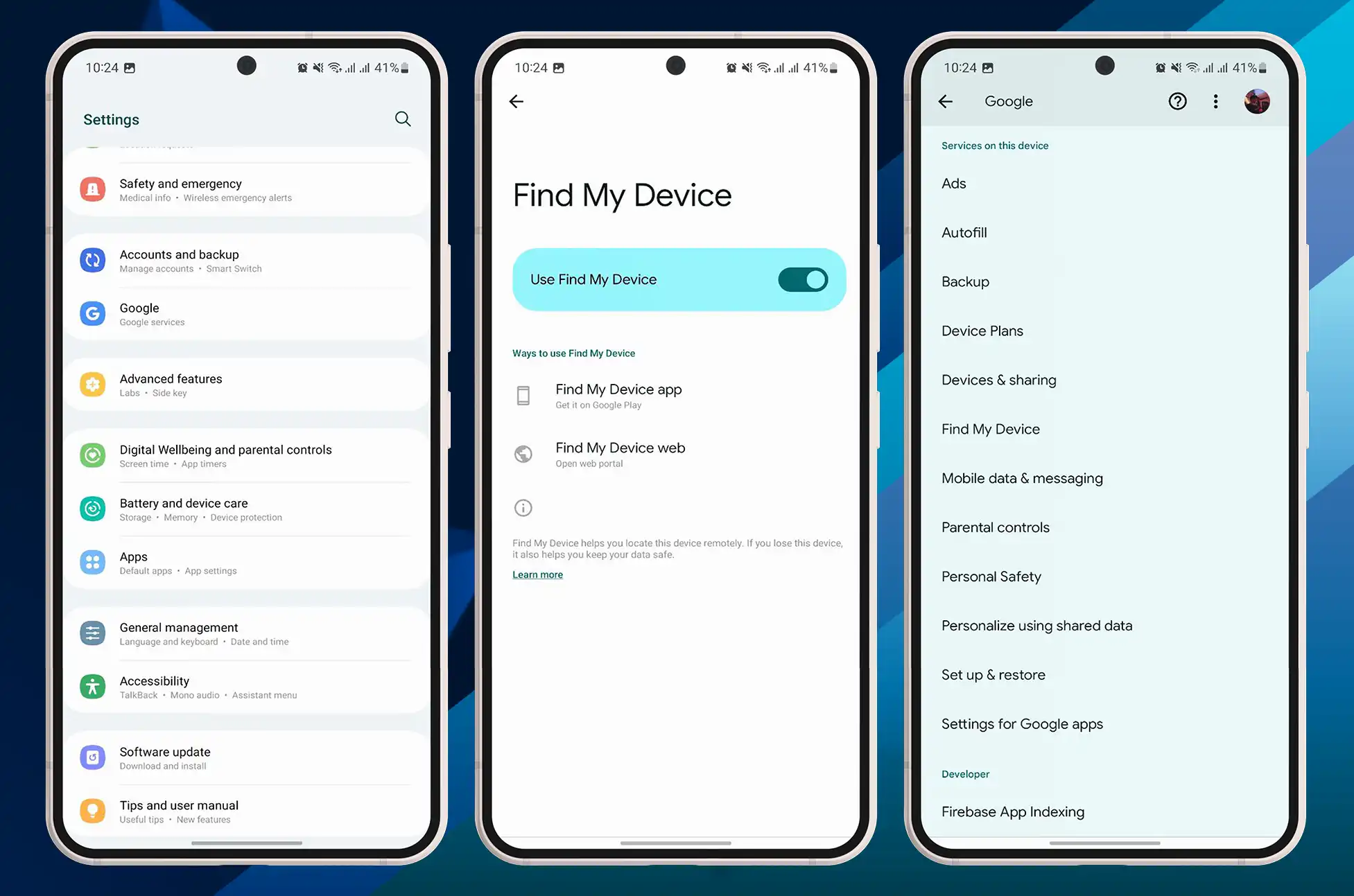
Utilize Google’s Find My Device service
Navigate to Settings > Google > Security > Find Device.
Toggle the Find My Device option on.
Enable Location to monitor the location of your mobile device.
Google Find My Device is a similar service that is compatible with all Android devices, including Samsung smartphones. To use this service, you must have a Google account and Find My Device enabled on your mobile device. Here are the steps:
You can use the Find My Device website or another Android device to locate your phone, play a ringtone, or delete its data.
Utilize Samsung Galaxy Watch in locating your phone
If your Galaxy Watch is linked with your lost phone, you can use it to locate the device. It is not as comprehensive as SmartThings Find, but it is simpler to use and does not require computer access. Here are the steps:
Swipe up from the bottom of your paired Galaxy Watch to access the apps drawer.
Tap the white rectangle with a blue magnifying glass on a blue background that represents the SmartThings Find icon.
To make your phone ring, tap Start.
Conclusion
Losing your Samsung phone is never a pleasant experience, but with the proper tools and strategies, you can increase your chances of recovering it and safeguarding its data. Whether you use SmartThings Find, Google Find My Device, the Samsung Galaxy Watch, or a combination of these methods, ensure that you act swiftly and remain safe. Consider backing up your data, securing your phone with a password or biometric lock, and avoiding risky behaviors such as leaving your phone unattended or downloading malicious applications.
All products, and company names, logos, and service marks (collectively the "Trademarks") displayed are registered® and/or unregistered
trademarks™ of their respective owners.
The authors of this web site are not sponsored by or affiliated with any of the third-party trade mark or third-party registered trade mark owners,
and make no representations about them, their owners, their products or services.
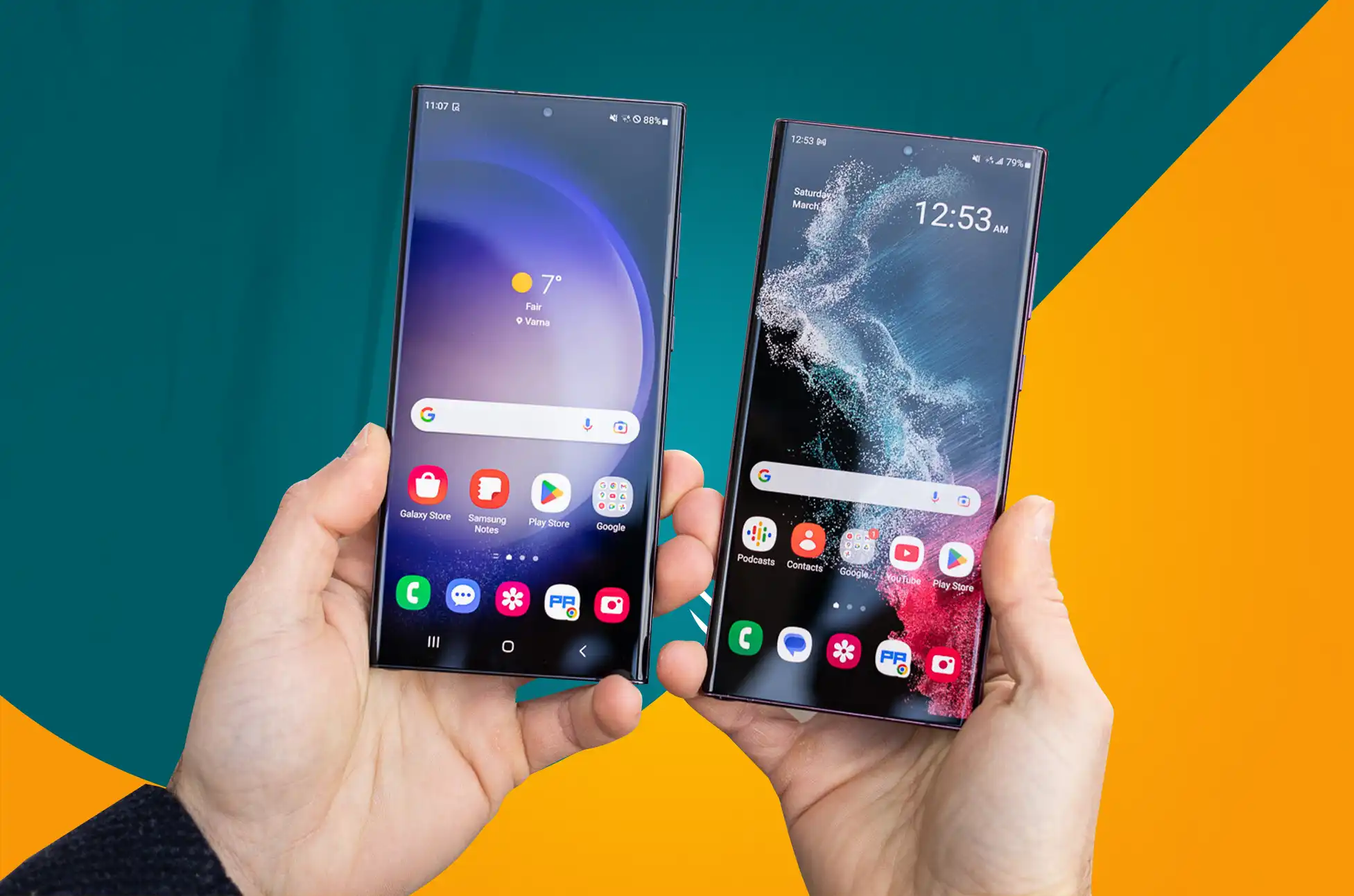
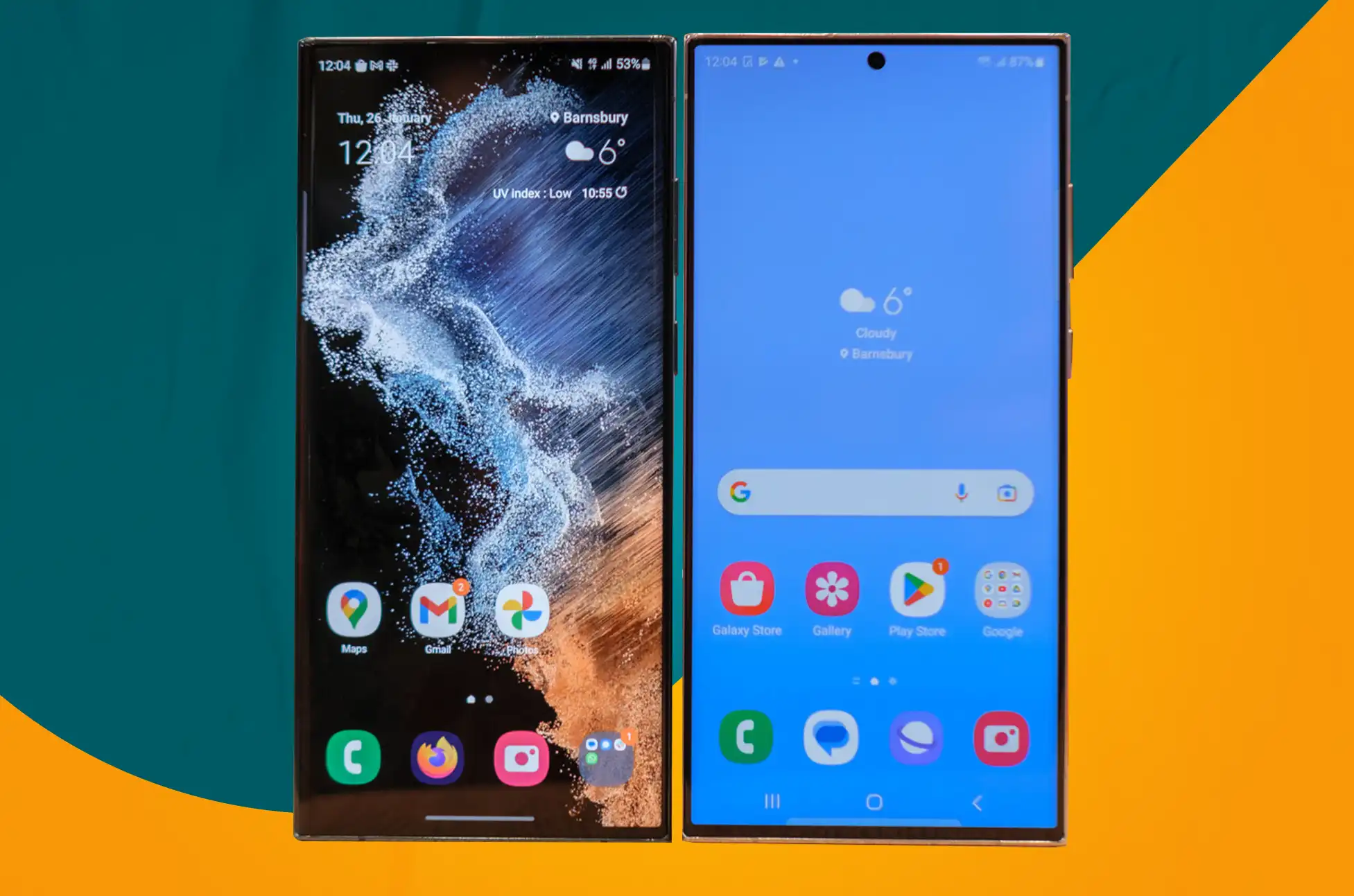
Samsung has been dominating the smartphone industry for years, with their Galaxy S series being among the most sought-after and eagerly awaited smartphones globally. The release of the Galaxy S23 Ultra has sparked a debate among Samsung fans about whether to upgrade to the latest model or stick with the Galaxy S22 Ultra. Welcome to this blog post where we will be comparing the S22 Ultra vs S23 Ultra to assist you in making an informed decision about whether or not to upgrade.
Samsung Galaxy S22 Ultra vs S23 Ultra: Design and Display
Design
Galaxy S22 Ultra: 163.3 x 77.9 x 8.9mm, 229g, IP68, built-in S Pen
Galaxy S23 Ultra: 163.4 x 78.1 x 8.9mm, 234g, IP68, built-in S Pen
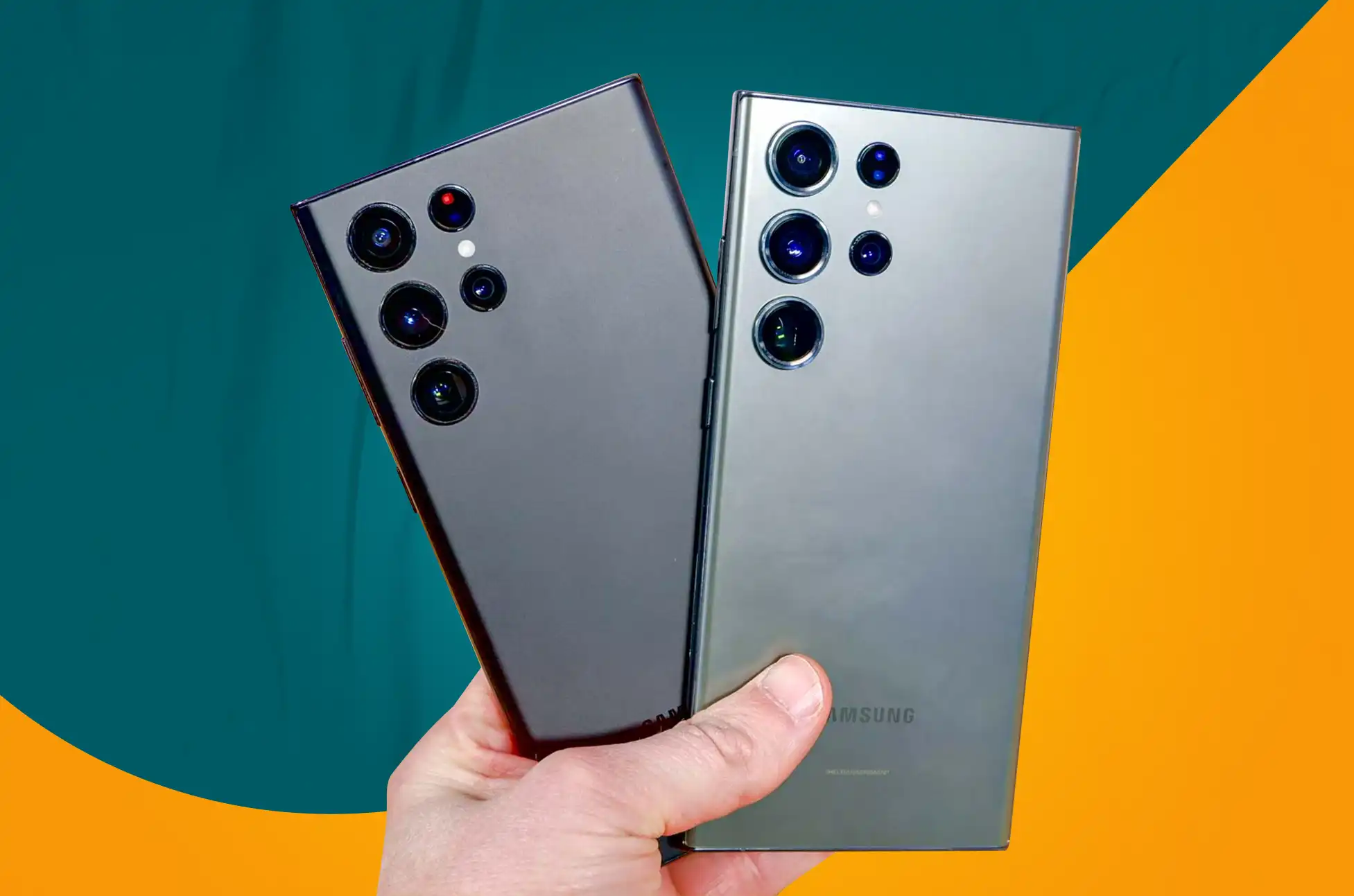
The Samsung Galaxy S23 Ultra bears a striking resemblance to its predecessor, despite the company’s claim that it has slightly reduced the curved edges to increase screen real estate. Aside from that, it has a premium build, rounded edges, and the rear camera lenses are located in the upper left corner without a housing.
As with the S22 Ultra, the S23 Ultra includes a built-in S Pen, retaining its position as the successor to the Galaxy Note, and, as we’ve come to expect from flagship devices, IP68 water and dust resistance.
The S23 Ultra measures 163.4 x 78.1 x 8.9mm, which is nearly identical to the S22 Ultra’s dimensions of 163.3 x 77.9 x 8.9mm, despite being slightly wider and heavier. The S22 Ultra is available in a variety of colors, as are the S23 Ultra’s Black, Cream, Green, and Lavender options.
The S22 Ultra and S23 Ultra both feature a centrally-located punch hole camera on the front of the device, and the in-display biometric sensor returns for 2023. This time around, the majority of changes are internal rather than external.
The Samsung Galaxy S22 Ultra has a gorgeous 6.8-inch display with a Super AMOLED panel and a resolution of 3088 x 1440. It has a variable refresh rate of up to 120Hz and a maximum luminance of 1,750 nits.
The display of the S22 Ultra has curved edges, creating a beautiful premium design. It was rumored that the S23 Ultra would have curved edges on the top and bottom of the display in addition to the sides, marginally differentiating it from its predecessor. However, this is not the case.
The most recent model features the same 6.8-inch display with 3088 x 1440 resolution and 120Hz variable refresh rate as the Galaxy S22 Ultra. The maximum brightness remains unchanged at 1750nits, which is marginally lower than the iPhone 14 Pro, which saw an increase in 2022.
Samsung Galaxy S22 Ultra vs S23 Ultra: Hardware and Specs
Galaxy S22 Ultra: Snapdragon 8 Gen 1 or Exynos 2200, 8/12GB RAM, Up to 1TB storage, 5000mAh battery
Galaxy S23 Ultra: Snapdragon 8 Gen 2, 8/12GB RAM, Up to 1TB storage, 5000mAh battery
The Samsung Galaxy S22 Ultra operates on either the Qualcomm Snapdragon 8 Gen 1 or the Exynos 2200, depending on the region, whereas the Samsung Galaxy S23 Ultra abandons Exynos in favor of Qualcomm’s most recent chip, the Snapdragon 8 Gen 2. Samsung has not specified the clock speed of the Snapdragon 8 Gen 2 Mobile Platform for Galaxy, but it is rumored to be marginally faster.
For the Galaxy S23 Ultra, the chip supports 8GB of RAM with 256GB of storage, or 12GB of RAM with 512GB or 1TB of storage. The S22 Ultra is available with 8GB of RAM and 128GB of storage, or 12GB of RAM and 256GB, 512GB, or 1TB of storage, giving you double the minimum storage capacity of the 2023 model. The S22 Ultra lacks microSD support, which is also absent from the S23 Ultra.
The Galaxy S23 Ultra features the same 5000mAh battery as the S22 Ultra, so nothing has changed in this regard. According to rumors, the S23 Ultra will feature 45W rapid charging and 15W wireless charging, just like the S22 Ultra. Samsung claims the S23 Ultra is equipped with Super Fast Charging 2.0, Fast Wireless Charging 2.0, and Wireless PowerShare, but has not yet disclosed charging capabilities.
The Samsung Galaxy S22 Ultra’s quad rear camera is comprised of a 108-megapixel primary sensor, a 12-megapixel wide-angle sensor, a 10-megapixel zoom lens with 3x zoom and a second 10-megapixel zoom lens with 10x zoom.
It had the same resolutions as the S21 Ultra, but Samsung made the main sensor 23% larger, and the overall performance of the S22 Ultra’s camera in both daylight and twilight is exceptional.
In contrast to its predecessors, however, the S23 Ultra features a 200-megapixel primary sensor, which Samsung is touting as the main selling point of this device.
In addition to the 200-megapixel primary sensor, there are two 10-megapixel telephoto lenses and a 12-megapixel ultra-wide angle sensor. Similar to its antecedent, the Samsung Galaxy S23 Ultra supports 3x and 10x zoom in addition to 100x Space Zoom. There is also a 30fps option for shooting 8K video, as well as a few new features, such as AstroHyperlapse, which allows you to take photographs of moving stars, and ExpertRAW, which can produce a 50-megapixel RAW file as opposed to the S22 Ultra’s 12-megapixel file. The latter two features will also be available on the S22 Ultra, so bear this in mind.
Unlocking Samsung Galaxy S22 Ultra vs S23 Ultra
Are you tired of your Samsung S22 Ultra or S23 Ultra being locked to a certain carrier? Do you want to be able to use your phone with any carrier? Carrier restrictions can be annoying, but luckily they are easy to get rid of. In this blog post, we’ll show you how to get your Samsung S22 Ultra or S23 3 Ultra to work with a different carrier.
The Samsung Galaxy S23 Ultra is nearly identical in appearance to its predecessor, with only minor modifications. Additionally, it has the same display size, specifications, and battery capacity.
However, as expected, there are some differences. These include double the base storage, an upgraded chipset, and an upgraded sensor for the primary camera.
Ultimately, your personal preferences and budget will determine which device you choose to upgrade to. Prior to making a purchase, it is essential to consider the advantages and disadvantages of each smartphone. Whether you opt for the S22 Ultra or the S23 Ultra, you can anticipate a premium smartphone experience with Samsung’s Galaxy S line.
All products, and company names, logos, and service marks (collectively the "Trademarks") displayed are registered® and/or unregistered
trademarks™ of their respective owners.
The authors of this web site are not sponsored by or affiliated with any of the third-party trade mark or third-party registered trade mark owners,
and make no representations about them, their owners, their products or services.
Samsung is renowned for its ground-breaking goods and cutting-edge technologies. The Galaxy Z Fold 5, one of their most popular devices, is anticipated to be released shortly. The newest generation of foldable smartphones, the Samsung Galaxy Z Fold 5, is believed to be even more feature-rich than its predecessor.
Samsung has consistently improved the design of its foldable phones over time. The gadgets have mostly retained their appearance throughout time, although there have been advancements in display technology, durability, new software gimmicks, and more. Of course, the inside hardware is always being improved, with stronger SoCs and better cameras being two obvious examples. The Galaxy Z Fold 5 is already being described as Samsung’s most admired foldable device in this year’s speculations. Here is what we currently know.
Is the Samsung Galaxy Fold 5’s release scheduled?
Since the initial Galaxy Fold debuted in 2019, Samsung has constantly released more foldable phones. Therefore, there is no reason to think Samsung won’t introduce another line of folding phones this year. In fact, the CEO of Samsung’s mobile division recently predicted that by 2025, shipments of the company’s foldable phones might surpass those of its S series flagships. The firm desires for its flexible line to establish itself as the “new standard” for cell phones. Additionally, the Galaxy Z Fold 5 is already the subject of several speculations (more on that later)
Samsung hasn’t yet announced the release of the Galaxy Z Fold 5 as of yet. We don’t anticipate the firm to make any announcements on the new foldable until a few weeks before debut
Samsung Galaxy Fold — March 20, 2019
Samsung Galaxy Z Fold 2 — August 5, 2020
Samsung Galaxy Z Fold 3 — August 24, 2021
Samsung Galaxy Z Fold 4 — August 10, 2022
Like routine, the Galaxy Z Fold 4 debuted on August 10, 2022. The Z Fold 3 was released in August as well, but closer toward the month’s conclusion. If Samsung follows its regular timetable, the Galaxy Z Fold 5 should be unveiled somewhere in the middle to end of August. The phone should begin to be sold within the next two weeks.
There is no evidence to suggest that Samsung is behind schedule with the release of the new foldable. Although there are currently chip shortages affecting smartphone OEMs, we don’t anticipate it to have an influence on Samsung’s plans.
Features and specifications for the Samsung Galaxy Z Fold 5
Design
The Samsung Galaxy Z Fold 5 is anticipated to resemble the Galaxy Z Fold 3 in terms of appearance. Users will enjoy a bigger screen than a typical smartphone thanks to its foldable screen, which folds out like a book. The Fold 5 is said to have stronger hinges and greater screen protection than its predecessor, making it more robust. The phone will probably have a small appearance and be offered in a variety of colors.
The latest reports suggest that the company is incorporating a teardrop-style hinge, which bears a striking resemblance to the hinge design featured on the OPPO Find N2 and the Motorola Razr 2022. Ensuring that the two sides of the display close flat on top of each other when the device is folded is crucial.
Display
The highly anticipated Fold 5 boasts a remarkable 7.6-inch foldable display. With its large display, users can expect to be fully immersed in their viewing experience. The phone is also said to be IP68 certified for water and dust resistance.
Camera
The camera specifications of the phone are perhaps the most significant rumor. The upcoming Galaxy Z Fold 5 is rumored to feature a 108 MP primary camera, a 64MP 2x telephoto lens, and a 12MP wide-angle lens according to recent reports. In today’s blog post, we’ll be discussing the impressive camera specs of the latest smartphone release. With a 50 MP main camera, 12MP ultrawide sensor, and 10MP telephoto camera, this device is sure to capture stunning photos from any angle. Keep reading to learn more about this exciting new feature. New image sensors are expected, but it is uncertain whether they will be available for all cameras or only certain lenses.
Hardware and Performance
The Galaxy Z Fold 4 is equipped with the Snapdragon 8 Plus Gen 1 SoC, courtesy of Samsung. Qualcomm may announce a Plus variant of the Snapdragon 8 Gen 2 around May this year. We can expect the Galaxy Z Fold 5 to feature the latest SoC.
The upcoming Galaxy Z Fold 5 is expected to feature a Snapdragon chipset, likely the Snapdragon 8 Gen 2 found in the Galaxy S23 lineup.
Price and Availability
The Galaxy Z Fold 3 and Galaxy Z Fold 4 were both launched with a price tag of $1,799. It is unlikely that Samsung will reduce the price of the Galaxy Z Fold 5 any further. It is unlikely that Samsung will price the new foldable device higher than its previous models. In light of the current state of the global economy, it is particularly important to consider certain factors. Samsung’s decision to raise smartphone prices and further limit accessibility to its flagship foldable device could potentially be detrimental.
As of now, there have been no pricing leaks for the Galaxy Z Fold 5. This article will be updated as soon as more information becomes available.
Conclusion
The upcoming Samsung Galaxy Z Fold 5 is expected to be a remarkable device with a range of cutting-edge features. The upcoming smartphone is expected to revolutionize the market with its larger foldable display, powerful processor, and enhanced camera system. The Samsung Galaxy Z Fold 5 is a smartphone that boasts the latest technology, although its price may deter some potential buyers.
All products, and company names, logos, and service marks (collectively the "Trademarks") displayed are registered® and/or unregistered
trademarks™ of their respective owners.
The authors of this web site are not sponsored by or affiliated with any of the third-party trade mark or third-party registered trade mark owners,
and make no representations about them, their owners, their products or services.
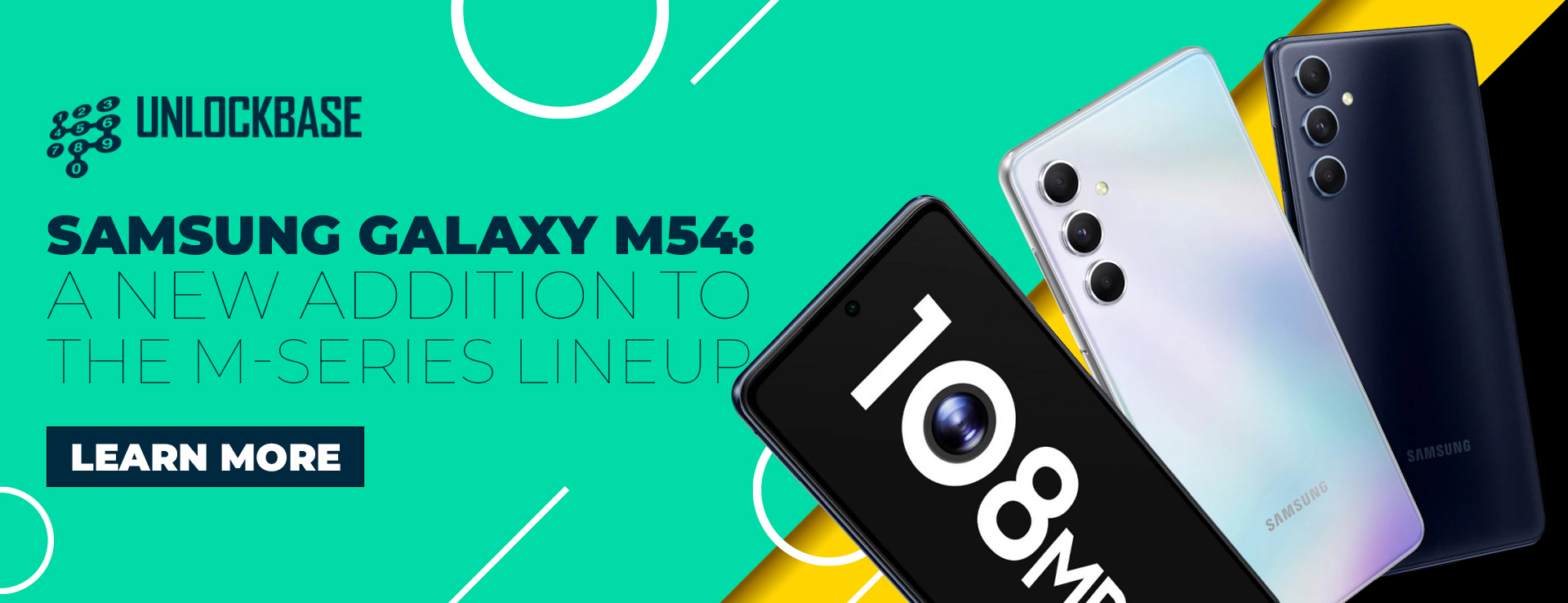
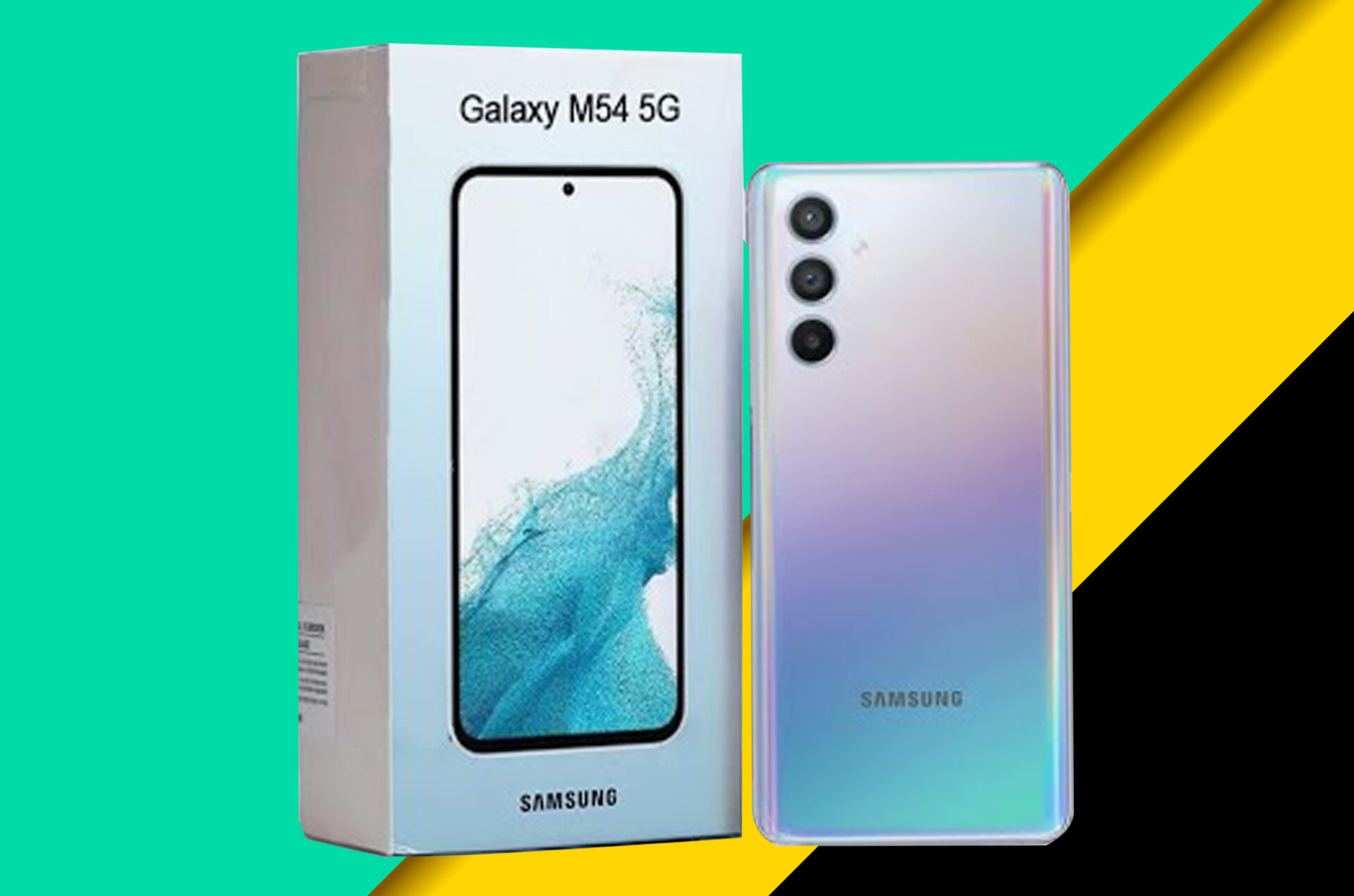
Samsung has long been a leader in the smartphone industry, with a reputation for manufacturing high-quality devices packed with cutting-edge features. The company’s M-series portfolio has been especially well-received by users on a tight budget who need an affordable smartphone. Today, Samsung has introduced the Samsung Galaxy M54 to the range of M-series smartphones. In this article, we will examine this new device and the benefits it offers.
Dimensions
164.9 x 77.3 x 8.4mm
Weight
199g
Colors
Dark Blue, Silver
SIMs
Dual SIM, Dual standby
Display
6.7-inch FHD+ Super AMOLED display, 2400 x 1080 pixel resolution, 393ppi, 120Hz
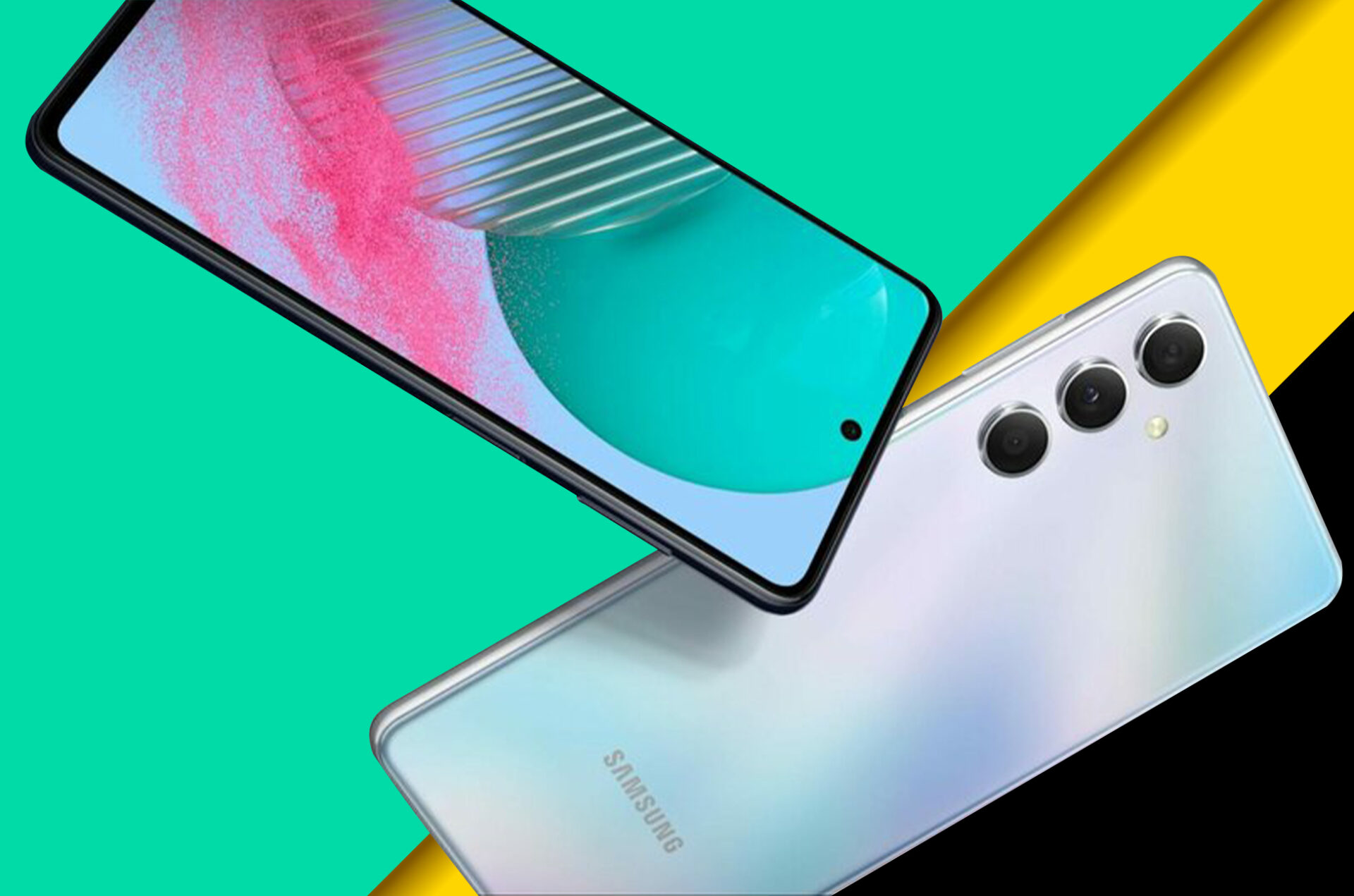
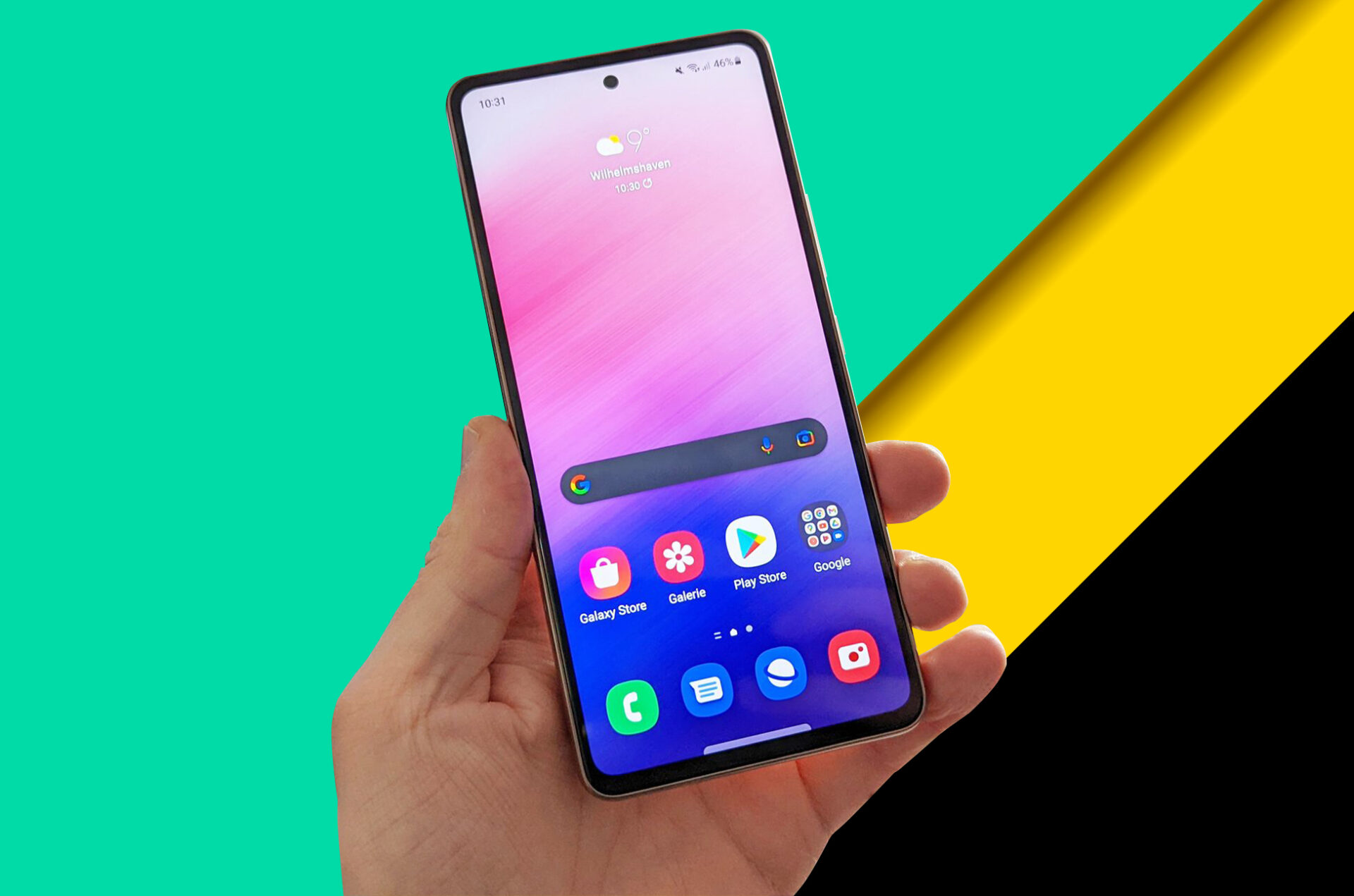
A big 6.7-inch Super AMOLED display with a 120Hz refresh rate is located on the front of the device. There is a hole on the top of the device for the 32-megapixel selfie camera.
On the rear, we have a design that is consistent with Samsung’s most recent design language. The 108-megapixel primary camera with optical image stabilization is housed in a camera section reminiscent of the Galaxy S23 series. It is accompanied by a 2-megapixel macro lens and an ultra-wide 8-megapixel lens.
Samsung Galaxy M54 is available in dark blue and silver colors. The device also includes a fingerprint sensor located on the side for quick and safe unlocking.
Samsung Galaxy M54: Performance and Features
The Samsung Galaxy M54 is powered by a mid-range Exynos 1380 octa-core processor with 8GB of RAM, which gives good performance and efficiency. It is equipped with 8GB of RAM and 128GB/256GB of expandable internal storage via microSD card.
Samsung’s One UI 5.1, which is based on Android version 13, is utilized by Samsung Galaxy M54. It includes a variety of features and customization choices that allow users to tailor their experience. It also boasts a big 6,000mAh battery that supports 25W fast charging, which should provide an entire day’s worth of battery life.
Samsung Galaxy M54: Price and Availability
Stay tuned for the official announcement of the Samsung Galaxy M54’s price and availability details, which have not yet been made public at this time but are expected to be announced soon.
Conclusion
The Samsung Galaxy M54 is an excellent addition to the M-series lineup. It provides excellent performance, functionality, and design. It may not have the same level of performance and features as Samsung’s higher-end devices, but it is a great option for consumers who want a high-quality smartphone without spending a fortune. Consider the Samsung Galaxy M54 if you’re in the market for a new smartphone and want something that delivers excellent value for money.
All products, and company names, logos, and service marks (collectively the "Trademarks") displayed are registered® and/or unregistered
trademarks™ of their respective owners.
The authors of this web site are not sponsored by or affiliated with any of the third-party trade mark or third-party registered trade mark owners,
and make no representations about them, their owners, their products or services.