
2026
Your Main Phone Breaks: Can an Unlocked Spare Phone Save the Day?
Unlocking
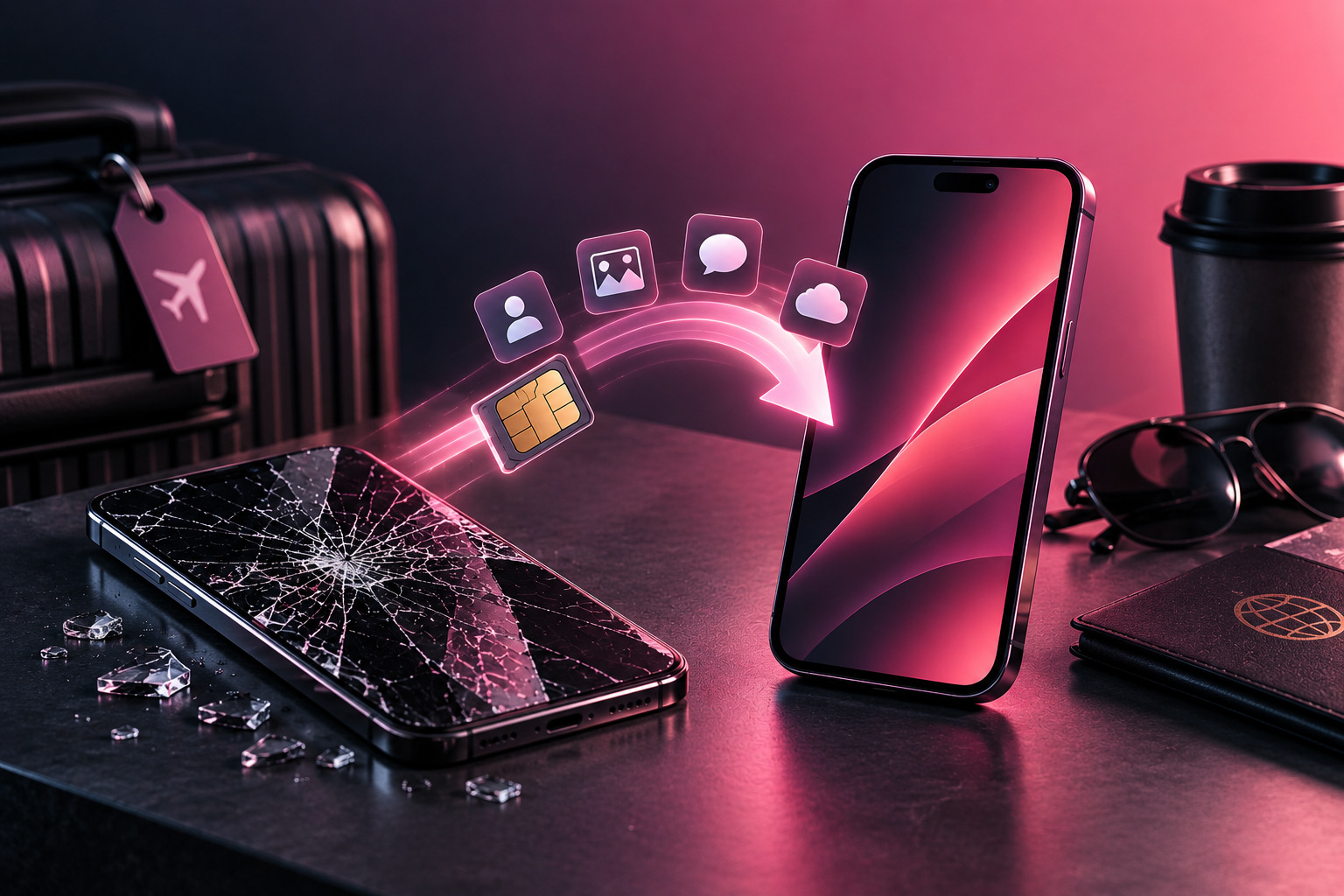
Most people keep backups of important files, photos, and documents, yet relatively few prepare for the device failure that can cause the most immediate disruption: losing access to their main smartphone. An unlocked backup phone can turn that situation from a major inconvenience into a relatively simple SIM or eSIM transfer.
Phones fail at inconvenient times. A screen can break on a business trip, a charging port can suddenly stop working, or a device can disappear during a commute. Even a short repair may leave someone without access to calls, navigation, messaging, banking authentication, and work accounts.
Keeping an older phone therefore makes sense. But simply putting yesterday’s smartphone in a drawer does not automatically make it a useful emergency device. Its carrier status, network compatibility, battery condition, software, and account readiness all matter.
The Problem Nobody Plans For: Suddenly Losing Your Main Phone
A modern phone has become a gateway to far more than voice calls.
It may contain digital boarding passes, maps, two-factor authentication apps, work communications, payment services, family contacts, and access to cloud accounts.
When the main device fails, replacing the hardware is often less difficult than restoring immediate connectivity.
A repair shop may need several days. An insurance replacement may require shipping. Buying a new flagship simply because a screen broke yesterday can also lead to a rushed and expensive decision.
An emergency spare phone provides another option.
Instead of solving everything immediately, you can move your mobile service to a known working device and continue with the most important daily tasks while deciding what to do with the damaged phone.
That breathing room has real value.
Case Study: Broken Phone, Working SIM, Wrong-Carrier Spare
Imagine a user whose current phone is on Carrier B.
The device falls and the display stops working. Fortunately, there is an older smartphone at home from a previous contract with Carrier A.
The old device still turns on. Its battery works. The screen is intact. Everything appears ready.
The user inserts the Carrier B SIM—and receives a network restriction message.
The backup phone was never unlocked.
At that point, the family technically owns two functional smartphones but has no immediate way to use the available mobile service on the spare.
This is precisely why backup planning should happen before an emergency.
If that same spare had been checked and, where eligible, unlocked in advance, the user could have moved the SIM, signed into essential apps, and restored basic mobile access quickly.
If you keep an older smartphone as a backup, checking its carrier status before an emergency can determine whether it is actually useful when you need it.
Why an Old Locked Phone Isn’t Always a Useful Backup
A carrier-locked phone may still work perfectly—as long as the replacement SIM belongs to the permitted network.
That makes it a less flexible backup.
The problem is especially relevant when families use several providers. One person may use a major carrier, another an MVNO, and a third a business line from a completely different network.
The same applies when switching providers over time. A spare phone that matched your carrier two years ago may no longer match the service you use today.
An unlocked spare device removes one of those limitations.
It does not guarantee universal compatibility. The phone still needs to support the intended carrier’s frequencies and network requirements.
But removing an eligible carrier restriction gives the spare a much better chance of serving whoever needs it next.
What Makes a Good Emergency Phone?
The ideal unlocked backup phone does not need to be a recent flagship.
It needs to be dependable.
Network Compatibility
Start with cellular compatibility.
A phone may be unlocked yet still lack important bands used by your carrier. This is more common with older phones and devices purchased in another region.
Check the exact model rather than relying solely on the commercial name.
If your household uses more than one provider, it is useful to know which networks the device can realistically support.
Battery Condition
A backup phone that has spent two years discharged in a drawer may not be dependable when an emergency finally occurs.
Lithium-ion batteries age even when devices are not actively used.
Charge the phone periodically and check that it can still hold enough power for a full day of basic communication.
If the battery has swollen or shows signs of physical damage, stop using the device.
Updated Software
A spare does not need every new feature, but it should still receive appropriate security updates and support the essential apps you depend on.
Turn it on occasionally and install available system updates.
This is particularly important if the device will be used for email, banking, authentication, or business communication.
Account Readiness
Do not necessarily keep every personal account permanently signed into a phone stored in a drawer.
Instead, make sure you know how to regain access quickly.
For example, confirm that:
- Your Apple or Google credentials are current
- Two-factor authentication recovery methods work
- Essential data is backed up
- Password-manager access is available
- Important contacts synchronize with your account
The objective is readiness without creating unnecessary security exposure.
Physical SIM vs eSIM for a Backup Phone
The transition toward eSIM adds another consideration.
A physical SIM can often be moved from one compatible unlocked device to another in seconds. eSIM transfer can be equally convenient when both devices and the carrier support the appropriate transfer process, but the exact steps vary.
An older backup smartphone may support only physical SIM.
That does not necessarily make it useless. It simply means you should understand how your current mobile line can be moved if the main phone fails.
If your primary device uses eSIM exclusively, check whether your carrier can quickly issue or transfer a profile to the spare.
Doing that research while everything works is considerably easier than trying to learn the process with a broken phone in your hand.
Preparing a Spare Phone Before You Actually Need It
A backup device should be tested, not assumed.
Once every few months, take it out and check the basics.
First, charge the battery and start the phone.
Then verify:
- The device still receives software updates where applicable.
- Its carrier lock status matches your intended use.
- A compatible SIM or eSIM can be activated.
- Calls and mobile data work.
- Wi-Fi connects normally.
- The charging cable and adapter are available.
- Essential applications can still be installed.
You do not need to maintain the spare as a complete clone of your main phone.
The goal is simply to ensure that it can become a temporary replacement phone without creating another technical problem during an already inconvenient situation.
What About an Older 4G Phone?
A 4G device can still make a useful backup in many markets if it supports the carrier’s current voice and LTE requirements.
Age alone is not the deciding factor.
A five-year-old premium phone with good battery health and appropriate network support may be far more useful than a newer imported device with poor compatibility.
However, very old phones can face problems as carriers retire legacy technologies and tighten requirements around VoLTE and network certification.
Check actual carrier compatibility before relying on an older model.
A Spare Phone Can Save More Than Money
The obvious benefit of an unlocked backup phone is avoiding an emergency purchase.
But there are other advantages.
A working spare gives you time to compare repair options. It allows you to wait for a replacement part and it can bridge the gap while an insurance claim is processed.
Unlocked backup phone can also prevent a minor hardware failure from becoming a work or travel emergency.
For families, one flexible device can serve several people at different times rather than sitting permanently associated with the person who originally bought it.
That makes an old smartphone more useful even after it stops being someone’s primary device.
Don’t Forget Security
A backup device should be convenient, but it should not be unsecured.
Use a screen lock. Keep the software reasonably current. Avoid leaving highly sensitive information permanently stored on a device that spends most of its time unused.
If you eventually give away or sell the spare, remove personal accounts correctly and perform the appropriate factory reset.
Remember that factory resetting and carrier unlocking are separate processes. Erasing a phone does not normally remove its carrier restriction.
A useful internal link here would be Unlocking vs Factory Reset: Myths & Best Practices.
Conclusion: Prepare the Backup Before the Emergency
Most people do not need two expensive smartphones in active use.
But keeping one older, compatible device ready can be extremely practical.
The key word is ready.
A phone with a dead battery, outdated software, unknown passwords, or a carrier restriction may offer little help when your primary device suddenly becomes unavailable.
Preparing an unlocked backup phone in advance means checking its network status, battery, software, account access, and compatibility before you actually depend on it.
UnlockBase.com can help turn compatible carrier-restricted devices into more versatile backup phones, giving users another option when their primary device is unavailable.
All products, and company names, logos, and service marks (collectively the "Trademarks") displayed are registered® and/or unregistered trademarks™ of their respective owners. The authors of this web site are not sponsored by or affiliated with any of the third-party trade mark or third-party registered trade mark owners, and make no representations about them, their owners, their products or services.


Comments are closed.