2026
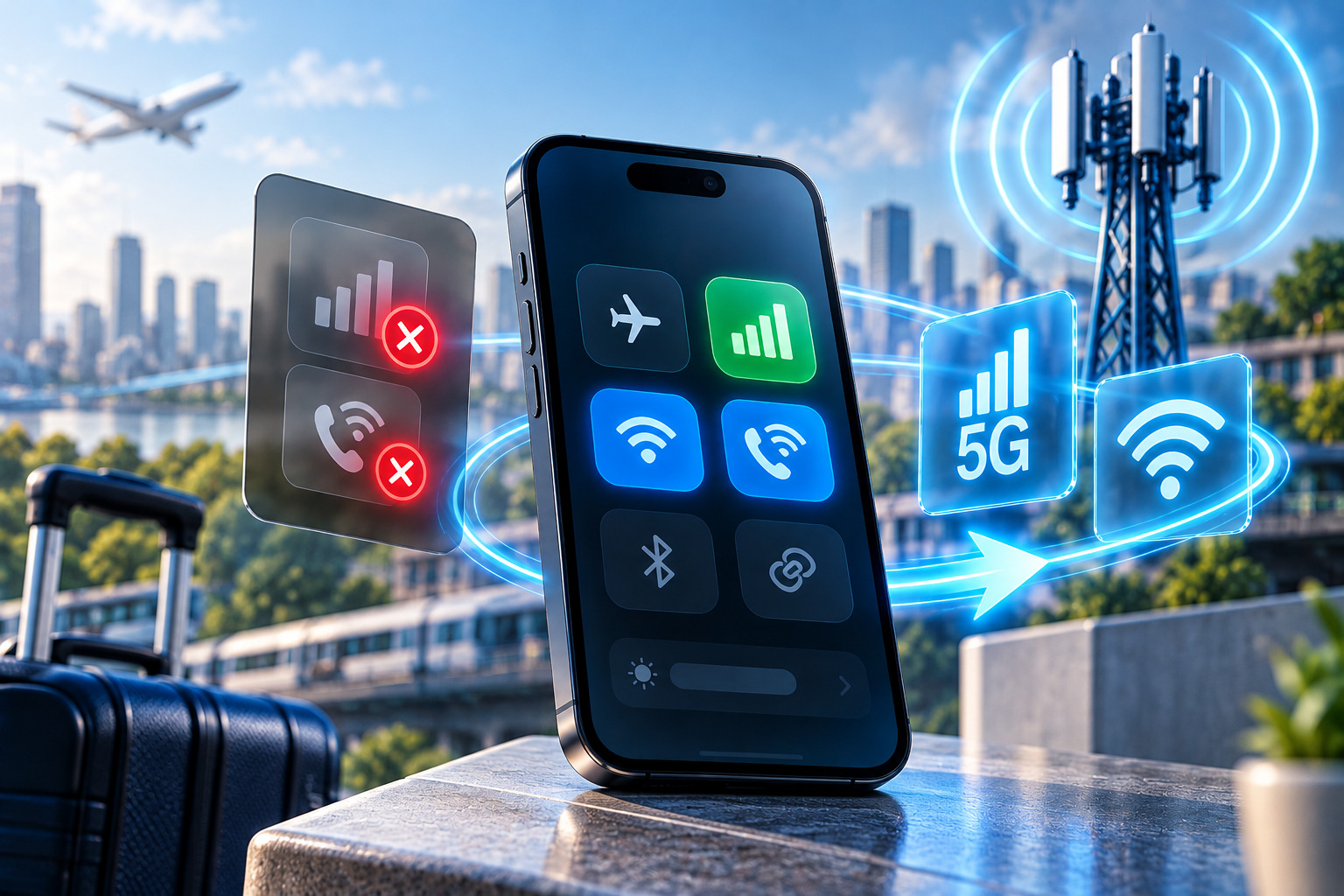
Your carrier unlock completed successfully. You inserted a SIM from another network, and the unlocked phone connected immediately. Calls work, messages arrive, and mobile data is available. Yet something is missing: the phone no longer shows 5G, or Wi-Fi Calling has disappeared from its settings.
An unlocked phone no 5G situation can be frustrating because the device appears to work correctly in every other respect.
The explanation is that carrier unlocking and full network-feature compatibility are separate matters.
A phone can accept another provider’s SIM without supporting every service that provider offers.
The difference may involve cellular bands, software configuration, carrier certification, account provisioning or regional hardware variations.
The good news is that some problems can be resolved through straightforward checks. Others reflect limitations that changing settings cannot overcome.
Why an Unlocked Phone Can Work Without Every Carrier Feature
Carrier unlocking removes a restriction that prevents the device from using another compatible mobile network.
It does not rewrite the phone’s radio hardware or automatically install every carrier-specific feature.
This creates several possible outcomes.
A device might connect to LTE and make calls but never access 5G.
Another phone might support 5G data but lack Wi-Fi Calling.
A third might have excellent mobile data yet encounter problems with VoLTE.
These differences are possible because each service has its own technical and provisioning requirements.
To troubleshoot effectively, identify exactly which feature is missing.
Do not treat every connection problem as a failed unlock.
5G Connectivity: Hardware Support vs Carrier Provisioning
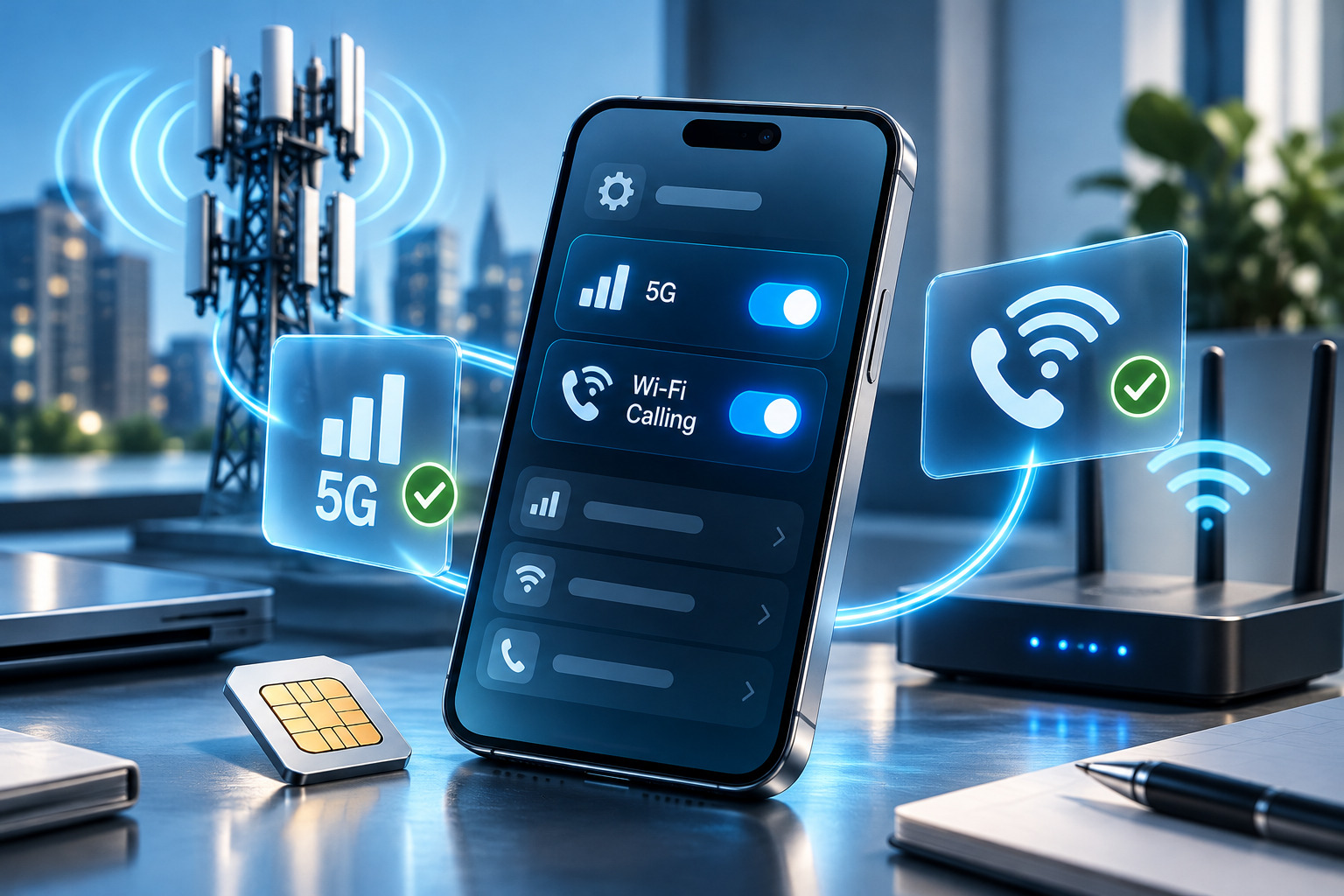
5G requires compatible hardware and an appropriate network configuration.
The phone must support the relevant 5G frequencies and network technologies used by the carrier.
It must also have suitable software and an eligible service plan.
Cellular Bands Matter
Different carriers use different combinations of low-band, mid-band and higher-frequency spectrum.
A phone designed for one market may lack important bands used in another.
That can limit coverage or prevent access to certain 5G deployments.
For example, a regional model may support several 5G bands but not the particular combination most important to a destination carrier.
An unlock cannot add those missing radio capabilities.
Carrier Provisioning Matters Too
Even when the hardware is compatible, the carrier may need to enable 5G service on the account.
Some providers also maintain device-compatibility or certification requirements.
A phone may therefore support the correct frequency on paper but still lack access to particular features.
This is especially relevant with imported or carrier-specific models.
Coverage and Plan Requirements
Before troubleshooting advanced settings, confirm that 5G coverage exists where you are testing.
Also verify that the plan supports 5G.
If the phone connects to LTE normally, the missing 5G indicator does not automatically indicate a network-lock problem.
Why Wi-Fi Calling May Be Unavailable
Wi-Fi Calling allows supported phones to route voice calls through a Wi-Fi connection when the carrier enables the feature.
It can be especially useful indoors, where cellular reception is weak.
However, Wi-Fi Calling requires cooperation between the device’s software and the mobile operator.
A phone may support the feature technically while the carrier does not offer it for that exact model.
Regional Software Differences
Manufacturers sometimes distribute different software configurations across regions or carriers.
Those configurations can influence which network features appear in settings.
A phone originally sold through another network may not receive identical configuration behavior after switching providers.
Account Activation
Some carriers require Wi-Fi Calling to be activated on the account.
Others may require emergency-address registration or acceptance of specific terms.
If the option is missing or cannot be enabled, contact the carrier to confirm its requirements.
Carrier Certification
Not every unlocked smartphone is certified for every carrier feature.
A device may pass basic network compatibility checks while lacking support for a particular calling service.
This is why “unlocked” and “fully supported” should not be treated as synonyms.
VoLTE and Carrier Certification Requirements
Voice over LTE, commonly called VoLTE, allows voice calls to operate over an LTE network.
It is increasingly important because many carriers have retired older 2G or 3G voice infrastructure.
A phone may support LTE data but still encounter calling problems if its VoLTE implementation is incompatible with the carrier.
The issue may involve:
- Device firmware
- Carrier configuration
- Network certification
- Account provisioning
- Regional model differences
VoLTE is not simply a cosmetic feature.
In some markets, it is essential for normal voice calling.
A device that lacks suitable VoLTE support may not be a practical choice even if mobile data works.
Step 1: Check Your Device’s Supported Network Features
Start with the exact model number.
Do not rely only on the commercial product name.
A manufacturer may sell multiple regional variants under the same general name.
Look up the specifications for your particular model.
Compare its supported 4G and 5G bands with those used by the destination carrier.
Then check whether the carrier officially supports that device for VoLTE and Wi-Fi Calling.
What to Look For
Confirm:
- The exact model identifier.
- Supported LTE bands.
- Supported 5G bands.
- SIM and eSIM capabilities.
- Carrier compatibility information.
- Any known limitations for imported variants.
If a critical frequency is absent, no APN adjustment or software restart can create it.
That limitation may explain the problem immediately.
Step 2: Verify Carrier Provisioning and Account Eligibility
If the hardware appears compatible, investigate the service account.
Contact the new carrier and ask whether the line has been fully provisioned for the missing feature.
For 5G, confirm that the plan supports it and that the carrier recognizes the device as eligible.
For Wi-Fi Calling, ask whether the feature is enabled and whether the exact model is supported.
For VoLTE, confirm that the carrier accepts the device for voice service.
Provide Accurate Device Information
The carrier may ask for the IMEI or model number.
Use the information displayed on the phone rather than guessing.
If the device has multiple IMEIs, identify the one associated with the active line as instructed.
Ask a Specific Question
Instead of saying “my unlocked phone doesn’t work properly,” describe the exact behavior.
For example:
“My phone connects to LTE and makes calls, but 5G never appears. Can you confirm whether my model and line are provisioned for 5G?”
Specific information makes troubleshooting easier.
Before changing device settings, confirm that your carrier supports the feature on your exact smartphone model and has enabled it on your account.
Step 3: Check Software and Carrier Settings
Once compatibility and provisioning are confirmed, review the device configuration.
Update the Operating System
Install available official updates.
Manufacturers may improve network compatibility through software releases.
However, an update cannot guarantee support for a carrier that does not certify the model.
Restart the Phone
A restart forces the device to establish a fresh connection with the network.
This simple step can resolve temporary registration problems.
Review Preferred Network Settings
Check whether 5G is enabled in the phone’s mobile network settings.
The exact menu varies by manufacturer and operating-system version.
On some devices, battery-saving settings may influence network behavior.
Do not assume that a missing 5G indicator always reflects a disabled setting.
Check Carrier Settings
Some phones receive carrier configuration updates.
Install legitimate updates offered through the operating system.
Avoid downloading unofficial carrier-configuration packages from unfamiliar websites.
Review APN Settings
APN settings primarily affect mobile data and related services.
Incorrect APNs can cause data or MMS problems.
However, changing the APN does not automatically enable unsupported 5G, VoLTE or Wi-Fi Calling.
Use the destination carrier’s official APN information.
Step 4: Determine Whether the Issue Can Actually Be Fixed
Not every compatibility limitation has a user-controlled solution.
If the carrier confirms that the phone supports the feature and the account is properly provisioned, further troubleshooting may be worthwhile.
If the carrier explicitly does not support Wi-Fi Calling on the model, repeatedly resetting network settings may accomplish nothing.
Likewise, a missing hardware band cannot be installed through software.
When to Escalate
Contact the carrier again if:
- The model is officially supported.
- The account is eligible.
- Software is current.
- The feature remains unavailable.
Ask whether a provisioning refresh or additional technical investigation is appropriate.
When to Consider Another Network
If a feature is unavailable because of carrier-specific certification, another provider may support the device more completely.
This is one practical advantage of owning a carrier-unlocked phone.
You may be able to compare compatible networks rather than replace the hardware immediately.
What Carrier Unlocking Can and Cannot Change
A successful carrier unlock allows the phone to use other technically compatible networks, subject to their activation requirements.
It does not guarantee identical performance across providers.
Carrier unlocking cannot:
- Add unsupported 5G bands
- Install missing radio hardware
- Force a carrier to certify a model
- Activate an ineligible service plan
- Remove an IMEI blacklist
- Guarantee Wi-Fi Calling
- Guarantee VoLTE support
- Change the phone’s regional hardware version
These are independent factors.
A Real-World Example: An Imported Flagship
Consider someone who imports a premium smartphone from another country.
The phone is carrier-unlocked and accepts a local SIM.
LTE data works well.
However, 5G coverage is inconsistent, and Wi-Fi Calling never appears.
The owner initially suspects that the unlock was incomplete.
Further investigation reveals that the imported model lacks a frequency important to the local carrier’s 5G network and is not included in the carrier’s supported Wi-Fi Calling list.
In this case, the unlock succeeded.
The remaining limitations relate to regional compatibility and carrier support.
Understanding that distinction prevents the owner from paying for another unlocking service that cannot address the problem.
Should You Reset the Phone?
A factory reset is usually not the first appropriate step.
It can erase personal data and require time-consuming restoration.
Before considering a reset, verify compatibility, provisioning, software updates and network settings.
A network-settings reset may be suggested during troubleshooting, but it can remove saved Wi-Fi networks and other configurations.
Understand what the action changes before proceeding.
If the carrier confirms that the device is unsupported, resetting it is unlikely to solve the underlying limitation.
Conclusion: An Unlocked Phone Still Needs the Right Network Support
An unlocked phone no 5G problem does not necessarily mean the unlocking process failed.
The device may already be free of carrier restrictions while lacking a supported band, carrier configuration or account entitlement.
Wi-Fi Calling and VoLTE introduce similar requirements.
The best troubleshooting approach starts with the exact model and its supported features, then checks carrier provisioning and software configuration.
Only after those factors are understood should users consider more disruptive changes.
Carrier unlocking provides freedom to explore compatible networks, but it does not guarantee every advanced feature on every provider.
UnlockBase.com helps customers understand carrier restrictions and provides professional unlocking services for supported devices, while recognizing that 5G, VoLTE and Wi-Fi Calling also depend on network compatibility and carrier support.
All products, and company names, logos, and service marks (collectively the "Trademarks") displayed are registered® and/or unregistered trademarks™ of their respective owners. The authors of this web site are not sponsored by or affiliated with any of the third-party trade mark or third-party registered trade mark owners, and make no representations about them, their owners, their products or services.