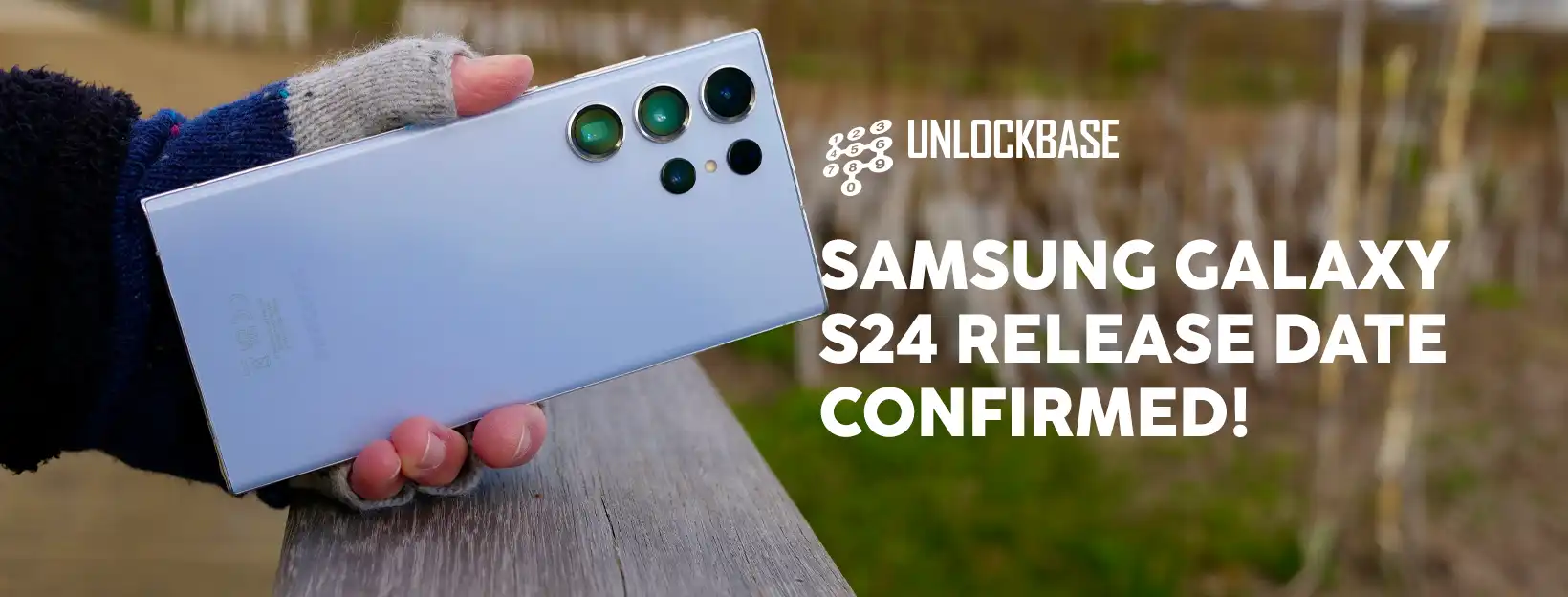
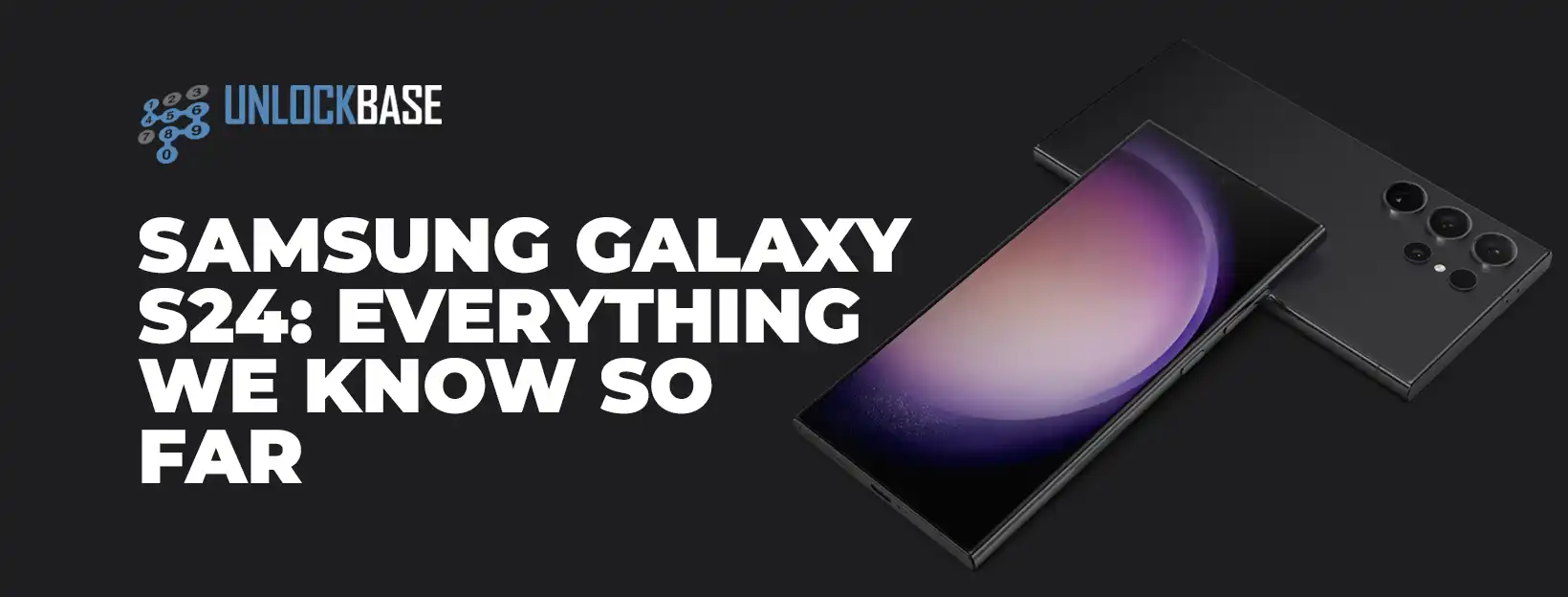
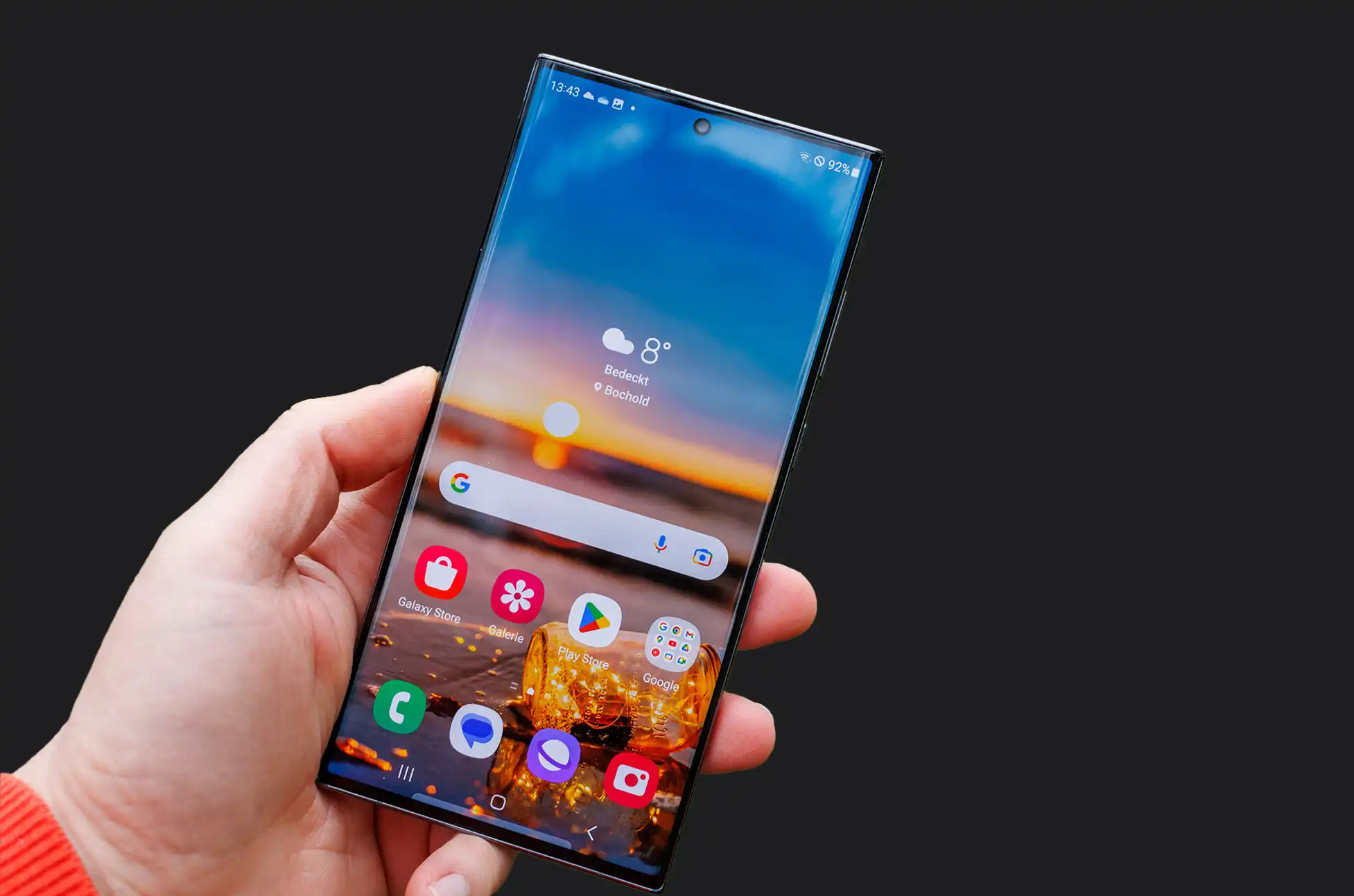
Samsung galaxy s24 release date? In the ever-evolving realm of smartphones, the anticipation surrounding the next iteration of the Samsung Galaxy S series has reached its peak. Amidst the whirlwind of speculations and rumors, Samsung has officially quelled the suspense by confirming the release date for its highly-awaited flagship line.
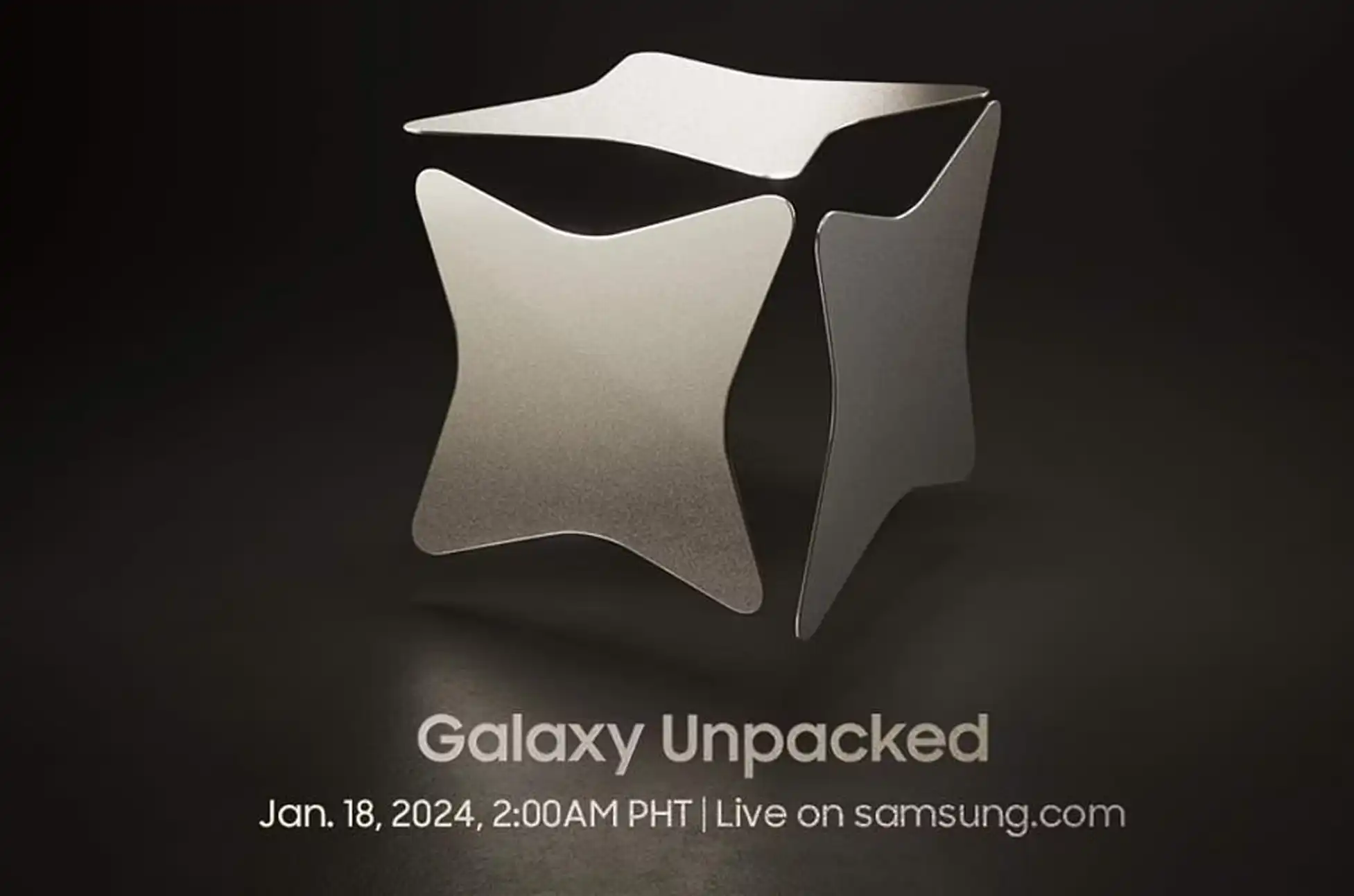
Mark your calendars, tech enthusiasts! The next Galaxy Unpacked event is set to unfold on January 18, 2023, at 2 AM Philippine time, a strategic move that precedes its predecessor’s release in February 2023.
Fueling the excitement is a tantalizing teaser that sheds light on Samsung’s groundbreaking “Galaxy AI” technology, poised to be a central feature in the upcoming Galaxy S24, Galaxy S24 Plus, and Galaxy S24 Ultra.
The Tech Marvels Unveiled
As the curtains rise on this technological spectacle, leaked promo materials have spilled the beans on what to expect from these cutting-edge devices.
The Galaxy S24 Plus and S24 Ultra are poised to feature a bespoke Qualcomm Snapdragon 8 Gen 3 for Galaxy chip, 12GB RAM, 45W fast charging, and 15W wireless charging. Elevating the visual experience, both will sport QHD+ 120Hz LTPO AMOLED displays, with the Ultra boasting a slightly larger 6.8-inch screen.
In the international arena, the vanilla Galaxy S24 will dance to the tune of the Exynos 2400, reserving the Qualcomm chip exclusively for the US and Canada. The distinctions don’t end there; the vanilla model will sport a more modest 25W charging and 8GB of RAM.
A Glimpse Through the Lens
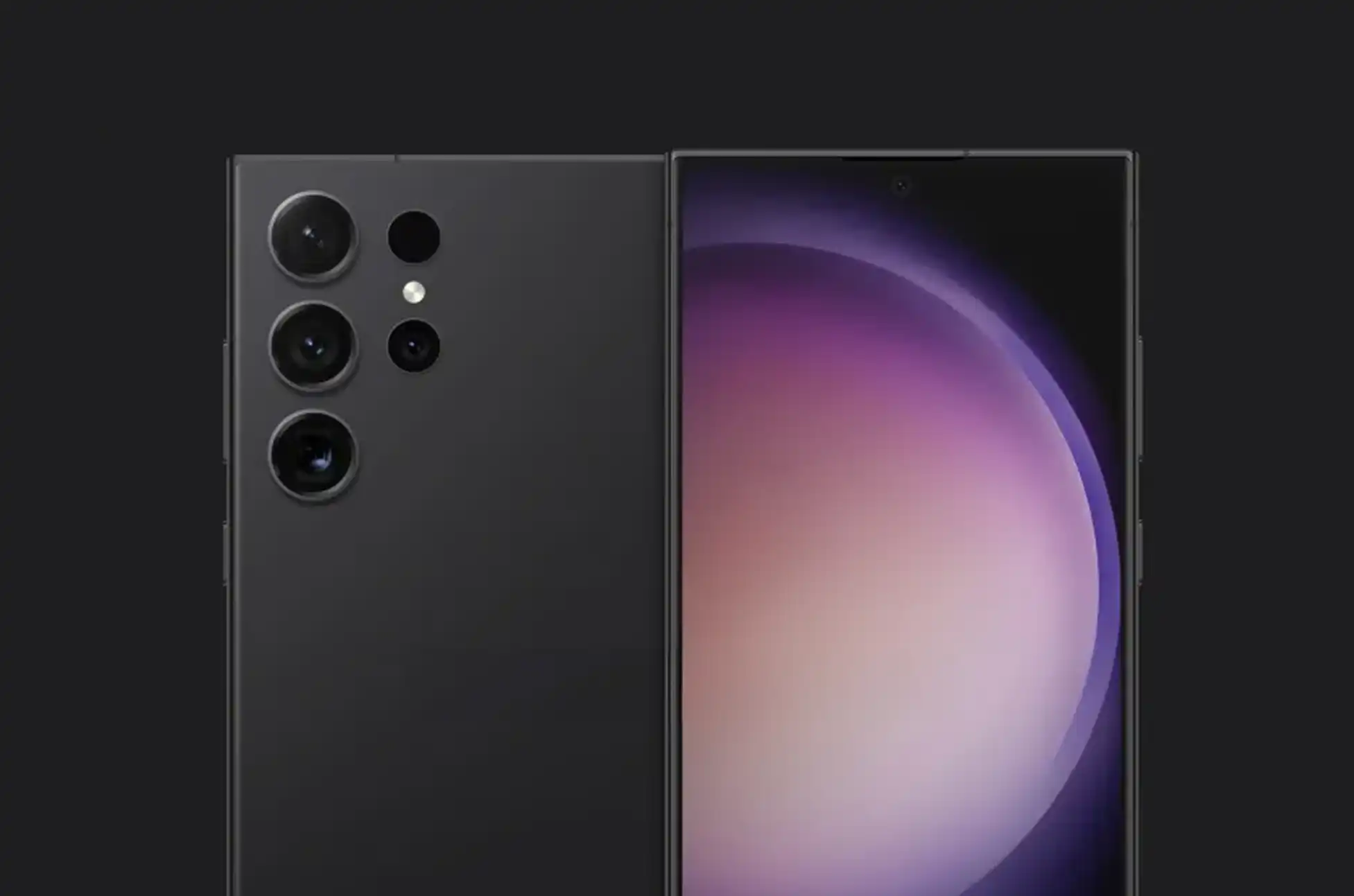
The camera setup is nothing short of impressive. The vanilla and Plus models share a powerful 50-megapixel main camera, complemented by a 10-megapixel telephoto lens and a 12-megapixel ultra-wide lens.
Meanwhile, the Ultra steals the spotlight with a remarkable 200-megapixel main shooter, accompanied by a 50-megapixel lens with 5x telephoto capabilities, a 10-megapixel lens with 3x telephoto for captivating portraits, and the familiar 12-megapixel ultra-wide lens.
Samsung Galaxy S24 Release date : The Countdown Begins
With the official details and renders set to unravel on the 18th, the tech sphere is buzzing with anticipation. Brace yourselves for a glimpse into the future as Samsung’s Galaxy S24 series promises to redefine the smartphone landscape.
Stay tuned for an immersive experience that transcends boundaries and sets new benchmarks in innovation. The countdown to January 18th has never felt more exhilarating!
All products, and company names, logos, and service marks (collectively the "Trademarks") displayed are registered® and/or unregistered
trademarks™ of their respective owners.
The authors of this web site are not sponsored by or affiliated with any of the third-party trade mark or third-party registered trade mark owners,
and make no representations about them, their owners, their products or services.
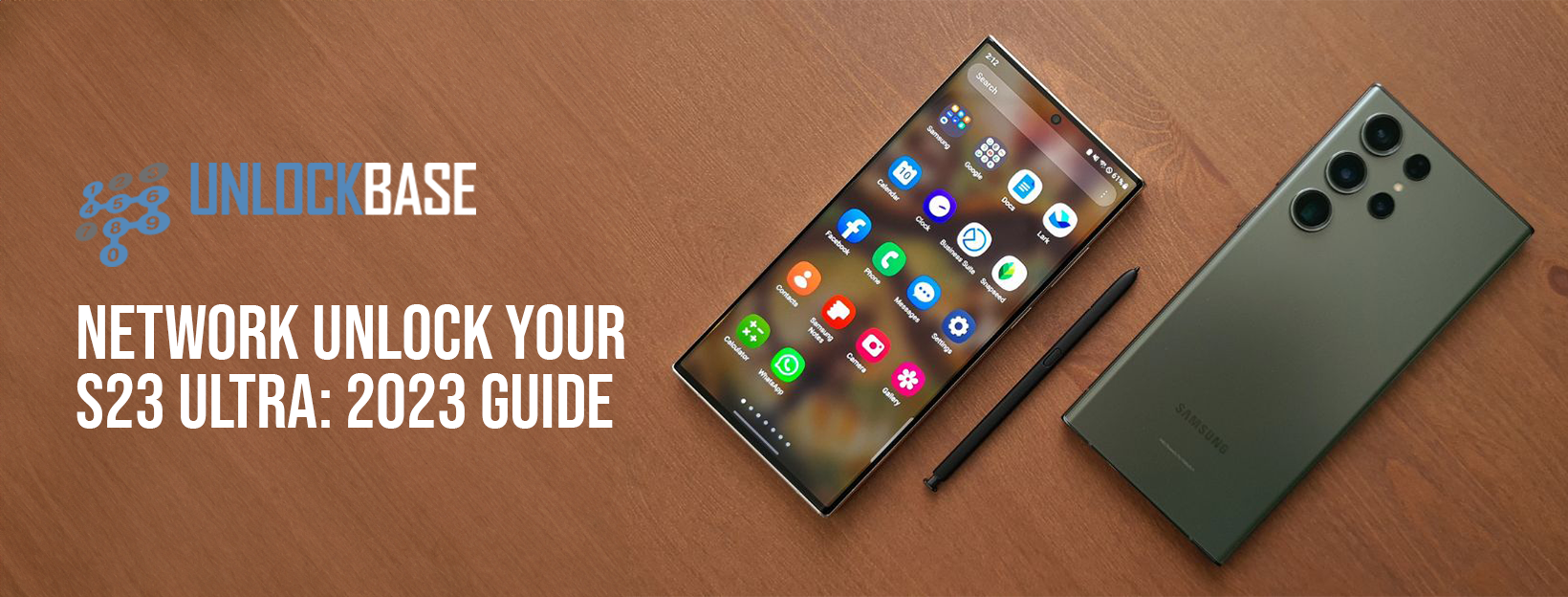
Hey there, Samsung S23 Ultra users! Tired of being stuck with one carrier? Dreaming of the freedom to switch as you please? We’ve all been there, and I’ve got some great news for you: unlocking your phone is simpler than you think, and I’m here to walk you through on how to unlock S23 Ultra.
By the end of this easy-to-follow guide, you’ll be all set to pair your Samsung S23 Ultra with any carrier you fancy. So, grab a cup of coffee, and let’s dive in!
How to Unlock S23 Ultra: Understanding Network Unlocking
Before we get started, it’s important to understand what network unlocking is. When a phone is ‘network locked,’ it is tethered to a certain carrier, which means it can only be used with that carrier’s SIM card. Unlocking your phone removes these constraints.
All You Need to Know Before we Proceed on How to Unlock S23 Ultra
First things first,let’s make sure your Samsung S23 Ultra is ready to be unlock. Check with your carrier about unlocking eligibility. If you’re all clear, they’ll give you the magic key – the unlock code.
Quick Tip for Postpaid Phones: If you got your phone through a contract, you might need to wait it out until you can unlock it. But don’t lose hope! Services like UnlockBase might just have a workaround for you.
Try popping in a SIM card from a different carrier to see if your phone is already unlocked. If it works, you’re all set! If not, no worries – I’ve got your back with the next steps.
Backup Your Device Before Unlocking
I think this is the first step on how to unlock S23 Ultra. It’s wise to backup your Samsung S23 Ultra before proceeding with the unlocking process. This ensures that no crucial data is lost during the process. Connect your device to a computer to transfer and secure your data.
How to Unlock S23 Ultra
Unlocking your Samsung Galaxy S23 Ultra is surprisingly straightforward and doesn’t require technical expertise. Follow these steps:
Choose the country and carrier your phone is currently locked to
Confirm your payment and wait for an email with the unlock code
How to Unlock S23 Ultra using Unlock Code:
Remove your phone’s original SIM card
Insert a new SIM card of your choice
A prompt will appear for the unlock code
Enter the unlock code provided by UnlockBase
Conclusion
That’s it! You’re now the proud owner of an unlocked Samsung S23 Ultra. Feel the freedom of choosing any carrier that fits your lifestyle. And remember, always back up your data before you start. If you hit a snag or just want to share your unlocking adventure, drop a comment below. Happy unlocking!
All products, and company names, logos, and service marks (collectively the "Trademarks") displayed are registered® and/or unregistered
trademarks™ of their respective owners.
The authors of this web site are not sponsored by or affiliated with any of the third-party trade mark or third-party registered trade mark owners,
and make no representations about them, their owners, their products or services.
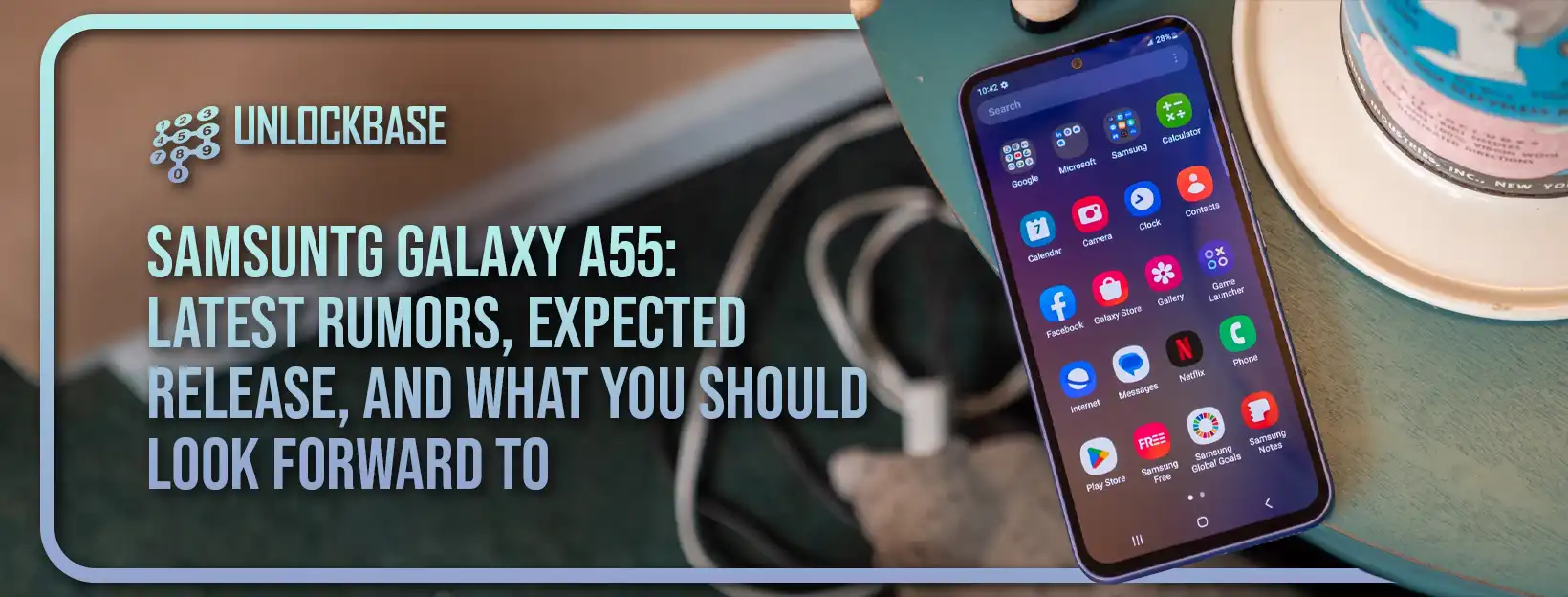
If you’re eagerly waiting for the next big thing from Samsung, you’re in the right place! The Samsung Galaxy A55 is buzzing in the smartphone world, and we’re here to share all the exciting details we’ve gathered so far.
Samsung Galaxy A55 5G Released Date
Without a doubt. Although Samsung has not confirmed the existence of the Galaxy A55 5G, a successor to the Galaxy A54 5G is almost certain to form the foundation of the brand’s mid-tier line-up in 2024.
It’s unclear whether the phone will be branded the Galaxy A55 5G, but it seems unlikely that Samsung will mess with the branding of its successful mid-range model. As a result, we fully expect the Galaxy A55 5G to be Samsung’s follow-up to the Galaxy A54 5G from 2023.
Samsung Galaxy A55 5G: Release Date
Based on the recent release pattern of Samsung’s Galaxy A series, the Samsung Galaxy A55 5G is most likely to be unveiled around mid-March 2024. This prediction aligns with the launches of the previous models:
Galaxy A52 5G: March 17, 2021
Galaxy A53 5G: March 17, 2022
Galaxy A54 5G: March 15, 2023
Typically, these handsets are introduced shortly after the early-year launch of the Samsung Galaxy S flagship series.
It’s worth noting, though, that this hasn’t always been the standard. For example, the Galaxy A51 5G was released in April 2020, and the A50 debuted in February 2019. However, Samsung has shown more consistency in its release schedule in recent years. Given the increasing significance of the Galaxy A series in Samsung’s lineup, it’s unlikely that the company will revert to less predictable launch windows. Therefore, an early 2024 launch for the Galaxy A55 5G seems like a reasonable expectation.
Samsung Galaxy A44 5G: Specs and Features
Given that the launch of the phone is still quite a way off, there aren’t many rumors yet about the Samsung Galaxy A55 5G. However, we can make some educated guesses about what it might offer.
The Samsung Galaxy A55 5G is expected to feature a significant design change with what looks like a metal frame with flat edges, complete with antenna lines. This new design is hoped to be comfortable to hold without causing discomfort to the palm.
In terms of hardware, we anticipate that the Samsung Galaxy A55 5G will retain key features from its predecessor. These include an IP67 rating for dust and water resistance, a 120Hz Super AMOLED display for smooth visuals, and Wi-Fi 6 capabilities for faster internet connectivity. Additionally, Samsung’s leading update policy is likely to continue, providing four years of Android version updates and five years of security updates, ensuring the phone’s relevance until at least 2029.
One of the biggest questions surrounding the Galaxy A55 5G is its processor. It’s unclear whether Samsung will develop a new mid-tier Exynos chip or follow the S23 series in using Qualcomm Snapdragon processors. There are rumors about an Exynos 1480 chipset, which could potentially bring AMD graphics to a mid-range phone for the first time. However, we’ll have to wait for more concrete information to confirm these speculations.
Samsung Galaxy A55 5G: What we hope to see
We have some ideas for what we’d love to see in Samsung’s next mid-range model, the Galaxy A55 5G. While there’s no certainty that these features will be included, it’s exciting to think about the possibilities.
Wireless Charging
The Galaxy A55 5G excels in many areas and stands out against its competitors, yet the absence of wireless charging is a noticeable omission that can make the phone seem a bit behind the times.
While wireless charging isn’t an essential feature, it has become a convenience that users have grown to expect, especially in phones within this price range. Competing models like Apple’s iPhone SE and Google’s Pixel 7a, which are similarly priced, already include wireless charging.
Given that other brands have been incorporating wireless charging for a while now, and considering the Galaxy A55 5G is likely to come with a plastic body, there doesn’t seem to be a compelling reason for Samsung to continue omitting this feature. Adding wireless charging would certainly bring the Galaxy A55 5G up to speed with its main rivals.
Quality like Flaship Phones
While it’s unreasonable to expect all high-end features in a more budget-friendly model, a more luxurious build would firmly position the Galaxy A55 5G as a perfect intermediary between Samsung’s top-tier and more affordable lines. Fortunately, there are rumors and leaked renders suggesting a metal frame for the Galaxy A55 5G. An upgrade in screen protection, perhaps to something like Gorilla Glass Victus, would also be a welcome improvement.
However, any such design enhancements must be carefully weighed against the need to keep the phone’s price under $500. Balancing these aspects will be key to maintaining the Galaxy A55 5G’s appeal as a cost-effective yet quality option.
Enhanced Camera Capacities
From our experience, the main and ultrawide cameras on the Galaxy A54 5G are quite competitive. While further improvements would be nice, they don’t necessarily need better hardware. The 5MP macro camera, on the other hand, is less consistent. Although it’s a step up from the ultra-basic 2MP macro lenses found in other devices, it’s not as practical as a telephoto lens that could provide additional zoom capabilities. In essence, the macro lens seems more like a filler than a feature that adds significant value, and many users might not find it very useful over time.
Replacing this macro lens with a 2x or 3x zoom telephoto camera would significantly enhance the phone’s photography capabilities and set the Galaxy A55 5G apart from its rivals. Samsung has already made a smart move by reducing the number of cameras from four to three. The next step would be to focus on optimizing the performance of these three lenses. Though not the most budget-friendly upgrade, it would be a meaningful improvement to the phone’s overall utility in photography.
Samsung Galaxy A55 5G: Price Range
Samsung has maintained fairly stable pricing for its more budget-friendly phones in the US over recent years, as seen with the Galaxy A52 5G at $499, the A53 5G at $449, and the A54 5G also at $449. However, in European and UK markets, the prices have gradually increased, nudging the phone towards the higher end of the mid-range segment.
For the Galaxy A55 5G, it would be surprising to see a significant price hike, given that its affordability is a major part of its appeal. That said, the US market might be poised for a slight increase, considering the economic landscape. Samsung may not be able to avoid passing some cost increases onto its customers. Despite this, the expectation is that the base model of the Galaxy A55 5G will still be priced under $500.
Conclusion
The Samsung Galaxy A55 5G is shaping up to be a formidable player in the mid-range smartphone arena. Possible wireless charging, a higher-quality build, and swapping out the macro lens for a telephoto option have the potential to boost its appeal significantly. We’d love to hear if you’re also looking forward to the Samsung Galaxy A55 5G!
All products, and company names, logos, and service marks (collectively the "Trademarks") displayed are registered® and/or unregistered
trademarks™ of their respective owners.
The authors of this web site are not sponsored by or affiliated with any of the third-party trade mark or third-party registered trade mark owners,
and make no representations about them, their owners, their products or services.
Samsung S24? While the Samsung Galaxy S23 series currently stands out as one of the top choices for Android smartphones, especially the impressive Galaxy S23 Ultra, it’s natural to turn our attention to what’s on the horizon.
Samsung has recently introduced two new foldable phones, including the sizable Galaxy Z Fold 5. However, if you’re not particularly interested in foldable devices, the Galaxy S24 series represents Samsung’s upcoming flagship lineup, scheduled for an early release next year.
Anticipating the Samsung S24
It is highly likely that Samsung will release a Galaxy S24 series, given its consistent history of launching Samsung Galaxy S phones annually for the past 13 years. Although there have been surprises from Samsung in the past, such as the leap from the Galaxy S10 to the Galaxy S20 in 2020 to align with the launch year, there is currently no indication of a naming strategy change. Therefore, we anticipate the launch of the Galaxy S24 in 2024.
Samsung S24 Design: What to Expect
While details about the design of the Galaxy S24 have been slow to emerge, recent information provides some insights into what Samsung’s next phone might offer. It seems that the Galaxy S24 lineup could take inspiration from Apple’s design choices in various ways.
The overall appearance of all three Galaxy S24 phones is expected to remain relatively unchanged, as Samsung has been standardizing its design language across its phones, including budget models like the Galaxy A14. Revolutionary design changes are unlikely for next year, as indicated by early renders of the Galaxy S24 and S24 Ultra. The former features squared edges reminiscent of recent iPhones, while the latter retains rounded edges but makes a significant move.
Based on leaks and rumors, it appears that Samsung is moving away from curved screens for the Galaxy S24. The screen is rumored to be completely flat, marking a departure from the curved displays seen on previous flagship phablets. This shift aligns with recent trends, indicating that flat-edged phones are making a comeback in the Android market, while curved screens are becoming less common.
Further supporting this change, the Galaxy S24 Ultra is rumored to feature a flat panel with a 6.8-inch 1440p resolution screen, boasting a peak brightness of 2,500 nits, a significant improvement over the Galaxy S23 Ultra’s 1,750 nits panel. Additionally, the use of a titanium frame is expected to reduce the S24 Ultra’s weight to just 233g, a notable decrease from the previous model.
The Galaxy S24+ is also receiving upgrades, with slightly larger screens than its predecessor and a move to QHD resolution for an even higher pixel density.
Galaxy S24 Specs: : What to Expect
Regarding specifications, it’s likely that the Galaxy S24 will feature the newly-announced Snapdragon 8 Gen 3 SoC, continuing Samsung’s partnership with Qualcomm. Expect 8GB to 12GB of RAM and various storage options, potentially up to 2TB on the Ultra model.
There has been speculation about Samsung potentially switching back to Exynos chips in certain markets, but the latest reports suggest that the Galaxy S24 Ultra will use the Snapdragon 8 Gen 3 worldwide, while smaller S24 models may employ the new Exynos 2400 in select regions.
Other improvements include possible ultra-wideband support and brighter displays for better outdoor visibility. Unfortunately, it is expected that the charging speeds will remain at 45W PPS limits for the S24 Ultra.
Galaxy S24 Camera Improvements
The Galaxy S24 is expected to feature camera enhancements, potentially retaining its 200MP primary lens but with optimizations. There’s speculation that it may adopt 1-inch sensors, following a trend in Europe and China, which could bring larger sensors to the U.S.
Samsung is likely to continue using its ISOCELL sensors for primary lenses and may extend this to other lenses, with trademarks suggesting a new ISOCELL Zoom series. Notable leaks hint at a 50MP 3x telephoto lens, which could improve digital zoom quality.
Another rumor suggests the presence of a 3x 10MP optical shooter and a 50MP 5x periscope lens. While the latter may perform well at 10x digital zoom, achieving high-quality 100x digital zoom remains a challenge.
Conclusion
In anticipation of the Samsung Galaxy S24, there’s excitement for potential enhancements in design, specifications, and camera capabilities. Samsung’s history suggests a 2024 release.
Design-wise, while not revolutionary, flat screens, squared edges, and titanium frames promise a fresh look. Specifications include the Snapdragon 8 Gen 3 SoC, increased RAM, and storage options.
Camera improvements, with the possibility of larger sensors and new ISOCELL Zoom lenses, hint at enhanced photography capabilities. The Galaxy S24 series is expected to be a significant addition to Samsung’s lineup, with an official unveiling in 2024.
All products, and company names, logos, and service marks (collectively the "Trademarks") displayed are registered® and/or unregistered
trademarks™ of their respective owners.
The authors of this web site are not sponsored by or affiliated with any of the third-party trade mark or third-party registered trade mark owners,
and make no representations about them, their owners, their products or services.
If you’re a Samsung fan looking forward to the next big update, you’re in for a treat. Samsung One UI 6 is now available, bringing a slew of new features and upgrades to your smartphone. This post will go over everything you need to know about the release, essential features, and device compatibility.
Samsung One UI 6 Release Date and Availability
Samsung hasn’t spilled the beans on when exactly One UI 6 will drop, but if we peek at their past habits, we can take an educated guess. Usually, Samsung unveils its fresh software goodies in the last quarter of the year, anywhere from October to December. And with more devices getting the beta version, it’s a good bet that One UI 6 will land in the final quarter of 2023.
Samsung One UI 6 Beta Program
Although the final version of Samsung One UI 6 isn’t ready for everyone just yet, you can already get your hands on the beta edition if you’re eager to give it a try. Right now, the beta program is open to specific devices, including:
Samsung Galaxy S23
Samsung Galaxy A53
Samsung Galaxy M23 5G
Samsung Galaxy S23 Plus
Samsung Galaxy A52
Samsung Galaxy S22 (South Korea only)
Samsung Galaxy S23 Ultra
Samsung Galaxy A34 5G
Samsung Galaxy Z Fold 5
Samsung Galaxy A54 5G
Samsung Galaxy A23
Samsung Galaxy Z Flip 5
How to install?
If you find your device mentioned in the list for the beta program, here’s a step-by-step guide on how to install Samsung One UI 6. Start by downloading the Samsung Members app from either the Galaxy Store or Google Play. After logging in, keep an eye out for the Registration for One UI Beta Program option on the home banner or notices page. Once you’ve completed this step, head over to your device’s Setting >Software Update> Download and Install. If the beta is available for your device and in your region, Samsung will automatically fetch and install the latest beta version for your device.
What’s New?
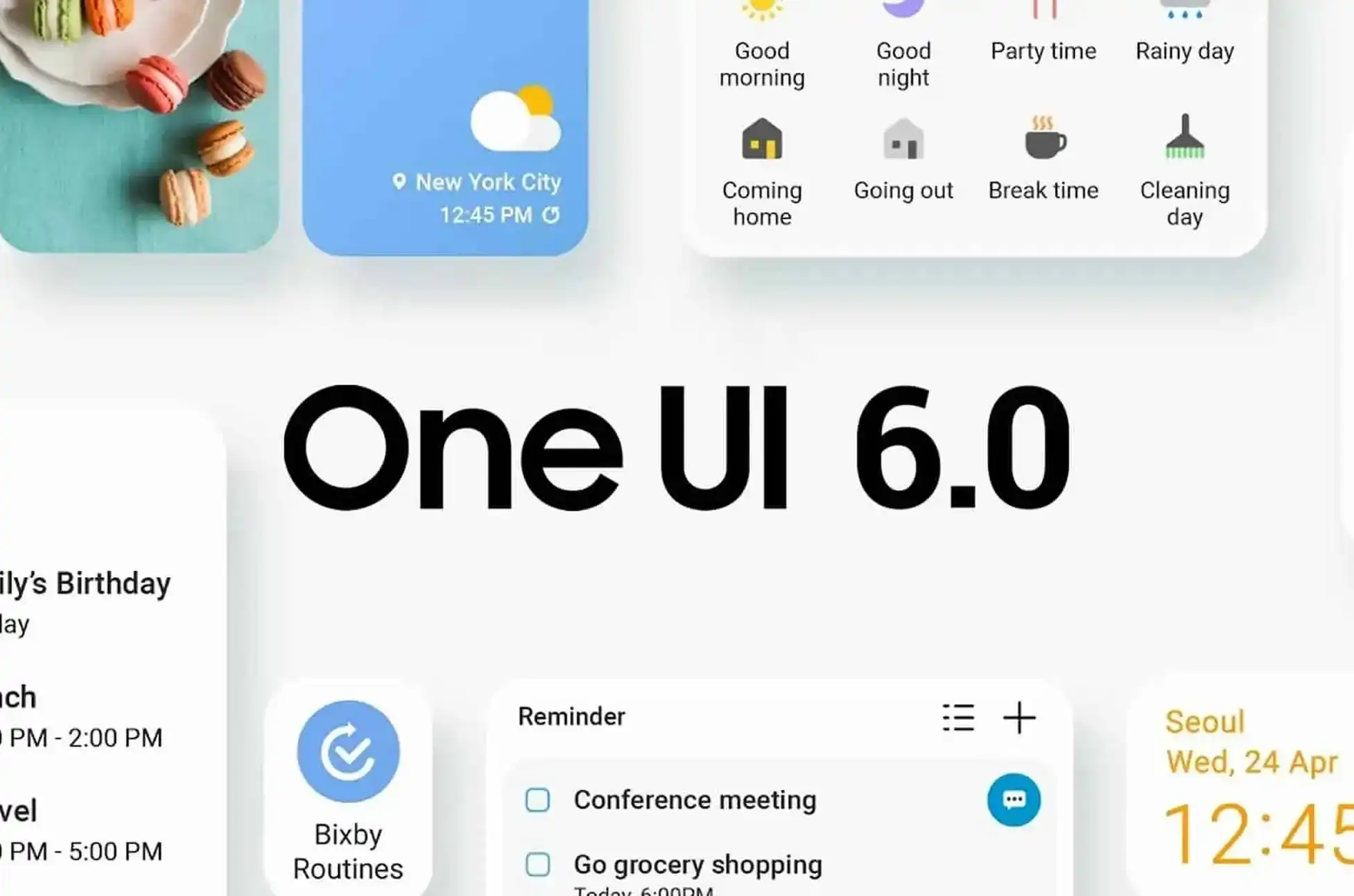
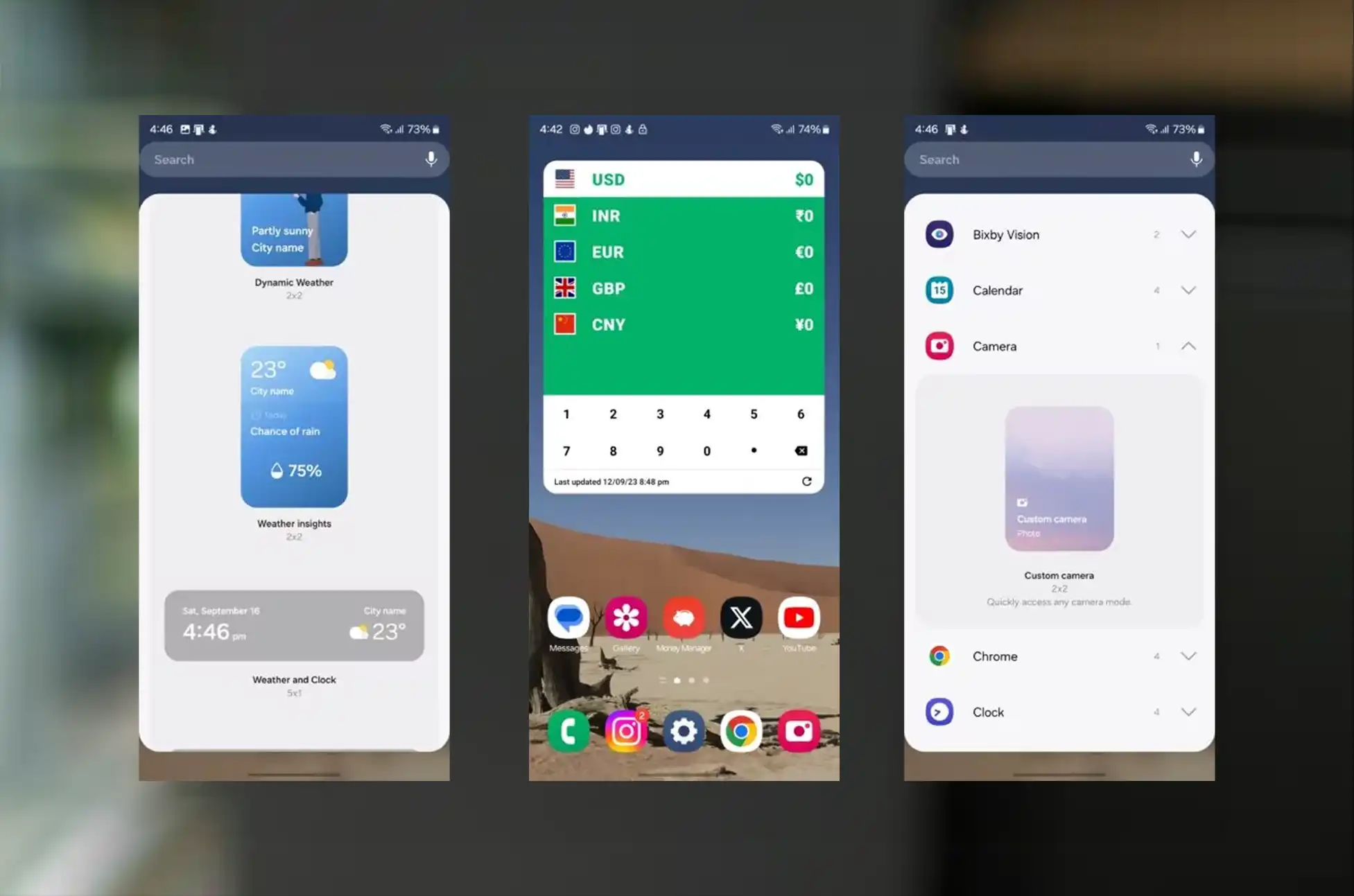
Samsung One UI 6 is set to bring a bundle of fresh features in addition to the usual Android 14 updates. These enhancements encompass a fresh font, streamlined icon labels, and exciting new widgets like a weather insights widget and a camera widget for speedy access to user-defined camera modes. Alongside these, One UI 6 boasts several other noteworthy features, including:
Personalize your onscreen experience by adjusting fonts and layouts to your liking.
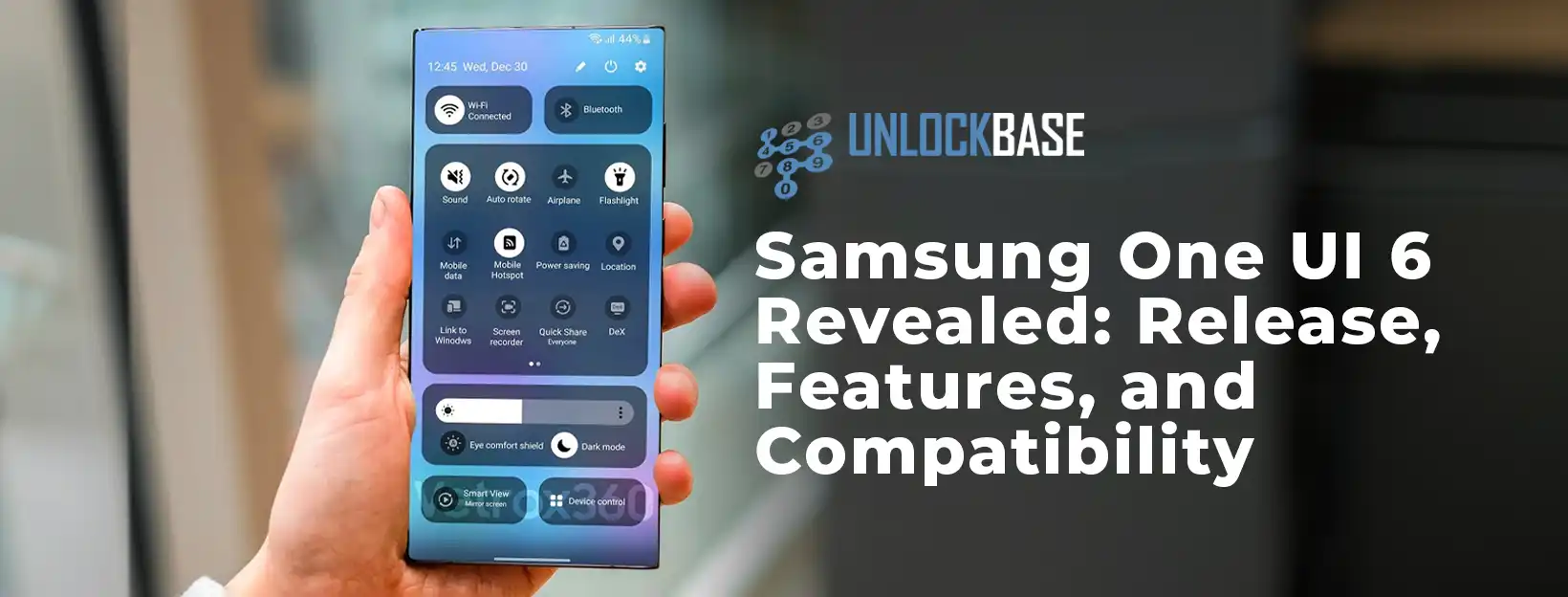
Revamped Quick Settings panel with more choices for Wi-Fi, Bluetooth, eye comfort, and dark mode.
Updates to the notification panel, making individual notifications appear as separate cards.
Improved app drawer search for extra functionality when long-pressing specific apps.
A fresh emoji style in the Samsung keyboard.
Enhancements to various pre-installed apps like the gallery, camera, and weather apps.
Samsung One UI 6 Compatibility
The Samsung One UI 6 update is set to make its way to all Galaxy S devices starting from the S21 series and including the Plus and Ultra versions. It will also be accessible for the Z Fold 3, Z Flip 3, or any newer models. Furthermore, compatibility extends to the Galaxy Tab S7 FE, Galaxy Tab S8 series, and Galaxy Tab S9 series. Even budget-friendly Samsung phones, such as those in the M series, F series, and A series, are anticipated to receive the One UI 6 update.
Conclusion
Samsung One UI 6 is all about simplicity, performance, and privacy. The spartan design and enhanced features make it a noteworthy update for Samsung users. While the rollout may take some time, it’s worth the wait. Keep an eye on your device for that update notification, and get ready to experience a more streamlined and user-friendly Samsung interface.
Stay tuned for more updates and enjoy the journey with Samsung’s One UI 6!
All products, and company names, logos, and service marks (collectively the "Trademarks") displayed are registered® and/or unregistered
trademarks™ of their respective owners.
The authors of this web site are not sponsored by or affiliated with any of the third-party trade mark or third-party registered trade mark owners,
and make no representations about them, their owners, their products or services.
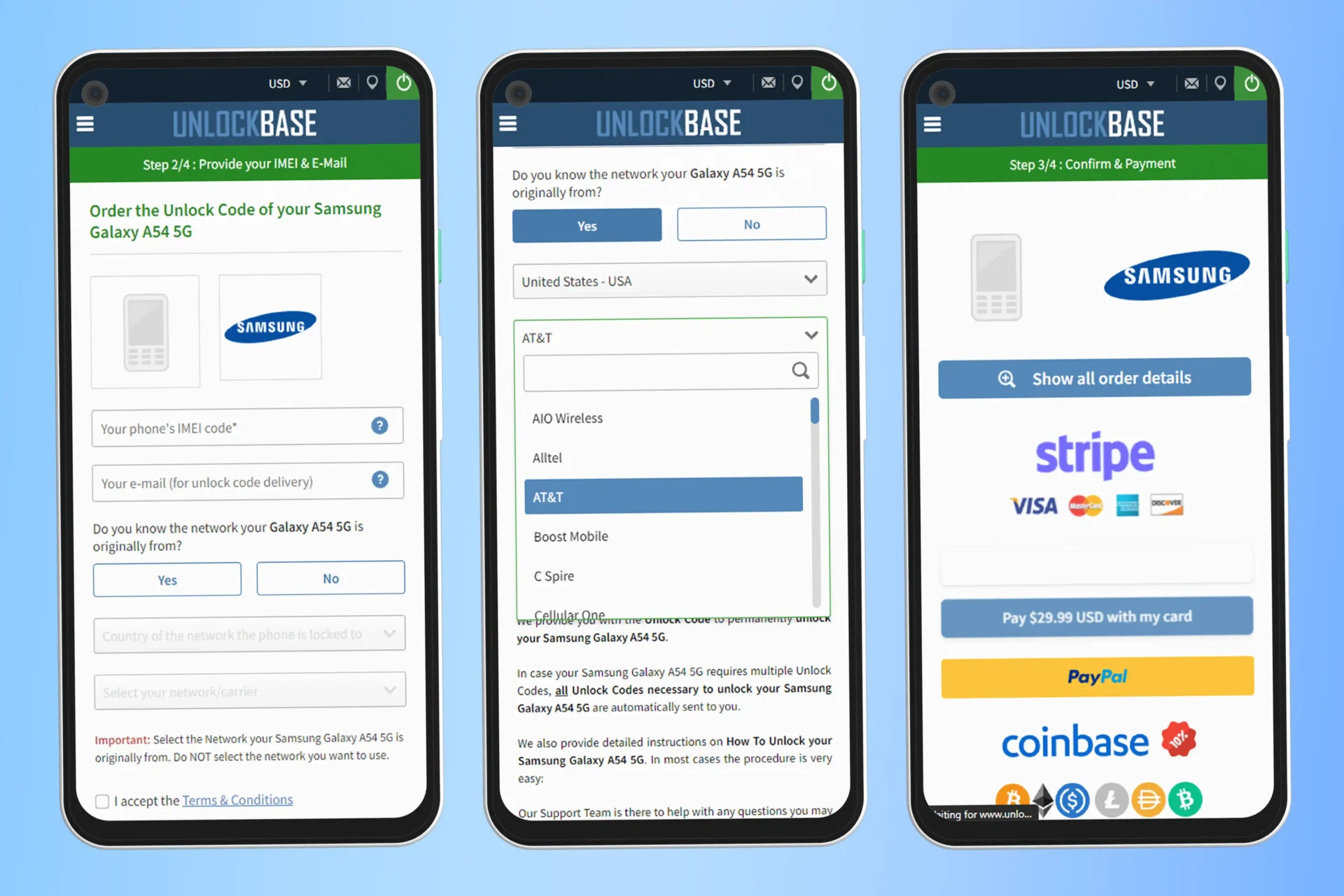
How to unlock Samsung A54? Are you looking to free your Samsung A54 from its network restrictions? The advantages of an unlocked phone are manifold, from cost savings to global freedom. Not to mention, you can wave goodbye to those pesky restrictions that prevent you from switching to another service provider or using your phone abroad without incurring hefty charges. In the modern age, such flexibility is not just desirable; it’s essential.
You’re at the right place! Many users feel overwhelmed by the technicalities involved in unlocking a phone. However, it doesn’t have to be complex or intimidating. Our aim is to demystify the process, breaking it down into easy-to-follow steps so that even the least tech-savvy among us can achieve success.
Why Unlock Your Samsung A54?
Unlocking your smartphone has its perks:
Use any network carrier worldwide.
Avoid extra roaming charges when traveling.
Increase resale value of your phone.
Unlocking the Samsung A54 and emphasizing our unwavering commitment at UnlockBase
We’ve witnessed numerous unlocking services rise and fall throughout the years, each promising unparalleled success. At UnlockBase, we have consistently stood out and industry leaders have recognized us, earning the trust of thousands across the globe. Our reputation is not just a tagline – it’s rooted in transparency, operational efficiency, and an undying commitment to ensuring customer satisfaction. When customers choose UnlockBase, they’re banking on a legacy of positive feedback and a track record that solidly speaks to our expertise and reliability.
Steps to Unlock Samsung A54 Using UnlockBase:
1. Prepare Your Device Details:
IMEI Number: Dial *#06# on your Samsung A54 to retrieve this unique identification number.
Model Number: Ensure it’s specifically a Samsung A54.
Network Provider: Identify the network to which your phone is currently locked.
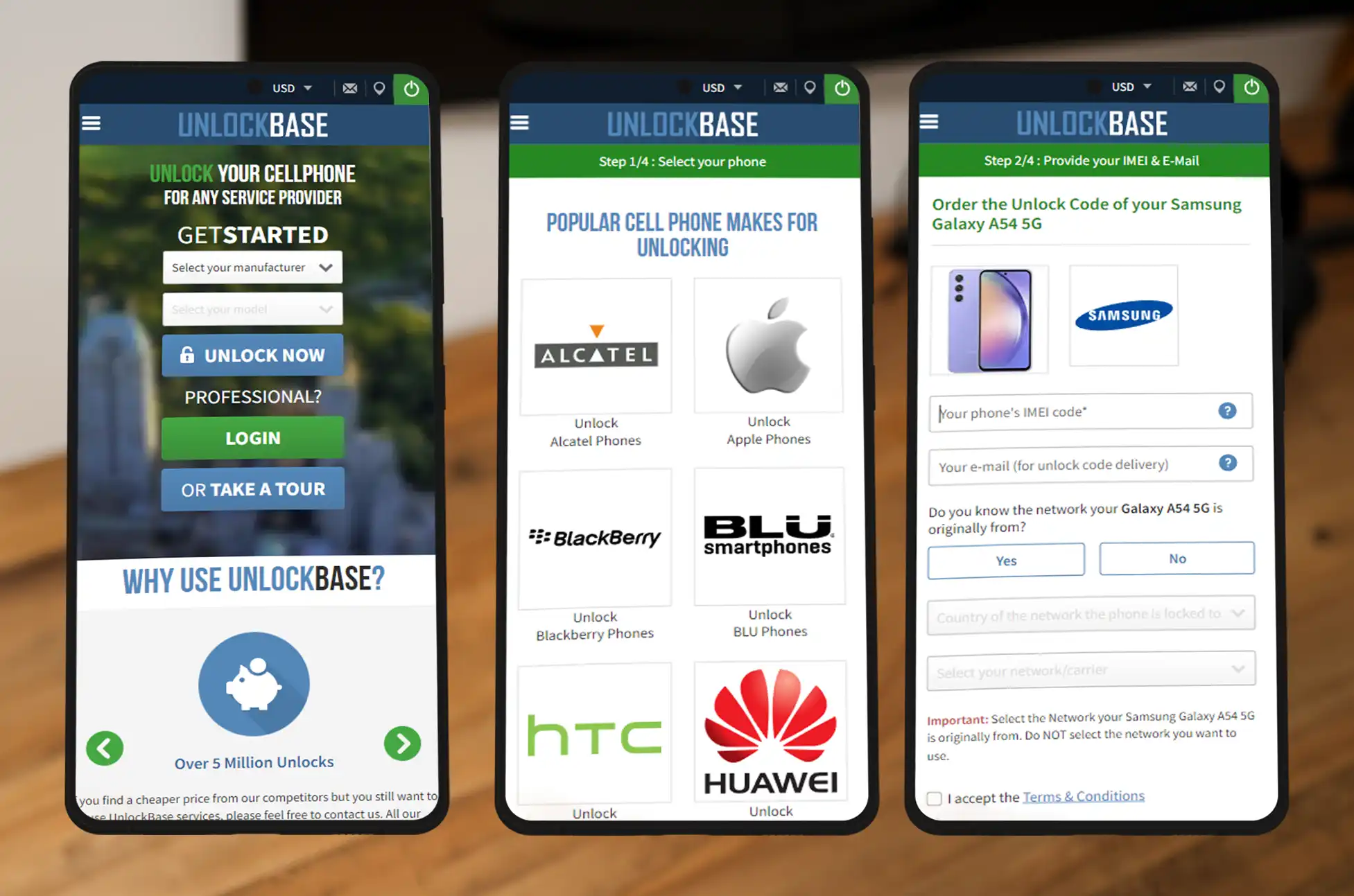
2. Navigate to the UnlockBase Website:
Access: Head straight to UnlockBase’s official site.
Search: Within the site, locate and select the Samsung A54 from the unlocking section.
3. Input the Necessary Details:
Provide Info: Fill in your phone’s IMEI number, model number, and current network provider.
Accuracy Check: Double-check all provided details for accuracy to ensure a smooth process.
4. Complete the Payment Process:
Choose Payment Mode: Select from the list of available payment methods.
Transaction Security: All payments processed on UNLOCKBASE are encrypted and secure.
5. Await Your Unlock Code:
Waiting Period: After successfully completing the payment, expect a brief waiting period.
Email Notification: UnlockBase will send a unique unlock code, specifically for your Samsung A54, to your registered email address.
6. Enter the Unlock Code:
Change SIM Card: Insert a SIM card from a different carrier into your Samsung A54.
Power Up: Turn on your phone. Upon startup, a prompt will request the unlock code.
Code Entry: Key in the unlock code you received via email from UNLOCKBASE.
7. Revel in Your Unlocked Samsung A54:
Confirmation: Once the entered code gets accepted, your Samsung A54 is officially unlocked!
Global Flexibility: You’re now empowered to use any carrier worldwide.
Conclusion
Unlocking your Samsung A54 isn’t just about using different carriers; it’s about breaking free from limitations. Whether you’re aiming for better network flexibility, preparing for international travels, or simply wishing to boost your phone’s value for a future sale, UNLOCKBASE ensures a smooth and reliable unlocking experience.
All products, and company names, logos, and service marks (collectively the "Trademarks") displayed are registered® and/or unregistered
trademarks™ of their respective owners.
The authors of this web site are not sponsored by or affiliated with any of the third-party trade mark or third-party registered trade mark owners,
and make no representations about them, their owners, their products or services.
Unlock Samsung Galaxy S23 FE? Desiring to break free from the restrictions of your current carrier with your Samsung S23 FE? Looking to enjoy the liberty of choosing any mobile network? Carrier-imposed barriers can be a nuisance, but there’s a straightforward solution. This guide will explain how to unlock your Samsung S23 FE for compatibility with various service providers.
By the end of this read, you’ll have the expertise to use your Samsung S23 FE on any mobile network, granting you the choice to pick the most suitable plan. Without further ado, let’s jump in!
Essential Information to Unlock Your Samsung Galaxy S23 FE:
Before embarking on the unlocking journey, ensure your Samsung S23 FE qualifies for carrier unlocking. Reach out to your service provider and inquire about an unlock code. If your device meets the criteria, your carrier will grant you this code.
Devices on postpaid plans, which often come with a two-year commitment, might have some restrictions. If your Samsung S23 FE is under such a contract, you’ll need to wait for its conclusion before initiating the unlock. However, an exception exists if you’re willing to shoulder an early termination fee. And here’s the exciting part – with UnlockBase, you might be able to free your Samsung S23 FE from these restrictions sooner than anticipated.
Once you’ve ensured your Samsung S23 FE is ready for the transition, try a SIM card from a different provider. If the device rejects the new SIM, it’s still locked. But if it accepts, congratulations – your device is already unlocked, and there’s no need for further action.
Consider Backing Up Before Unlocking:
While it’s not mandatory, backing up your Samsung S23 FE’s data before the unlocking process is prudent. This step ensures the safety of your valuable data. To do so, simply connect your device to a computer and save your data securely.
Unlocking Procedure for Your Samsung Galaxy S23 FE:
Unlocking your Samsung S23 FE is more straightforward than it appears. It doesn’t demand specialized knowledge or tools. Here’s a step-by-step guide:
Specify the country where your phone is currently locked.
Indicate the current network or provider.
Confirm your payment and await an email notification.
After receiving the unlock code:
Eject the SIM card originally provided with your phone.
Insert the new SIM card of your choice.
An input box will promptly appear on-screen.
Type in the unlock code provided by UnlockBase.
Conclusion
Unlocking your phone not only offers flexibility but can also enhance its resale value. If you’re considering a future sale, going carrier-free is a wise choice. Should you have further inquiries, please share them in the comments below!
All products, and company names, logos, and service marks (collectively the "Trademarks") displayed are registered® and/or unregistered
trademarks™ of their respective owners.
The authors of this web site are not sponsored by or affiliated with any of the third-party trade mark or third-party registered trade mark owners,
and make no representations about them, their owners, their products or services.
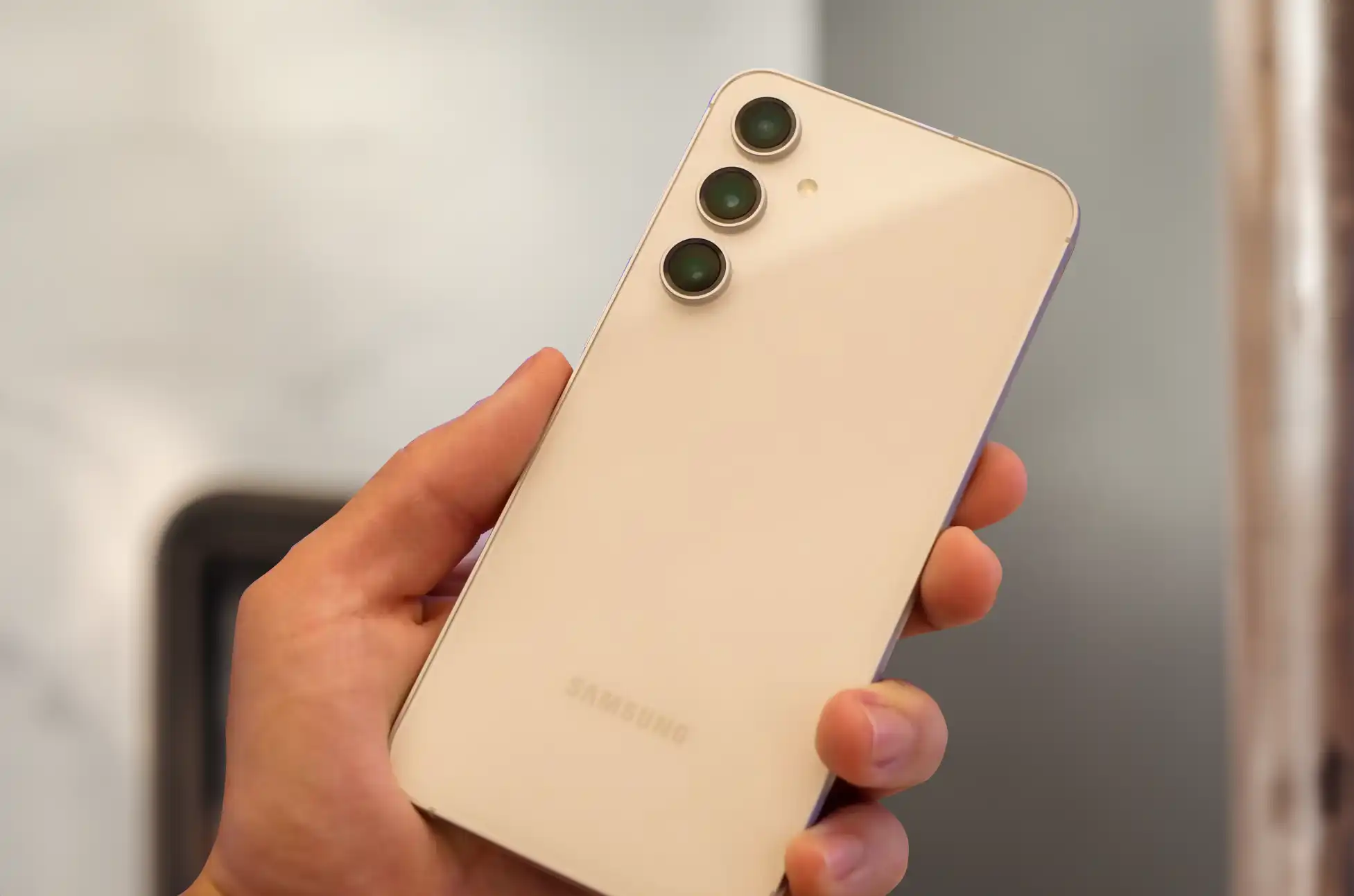
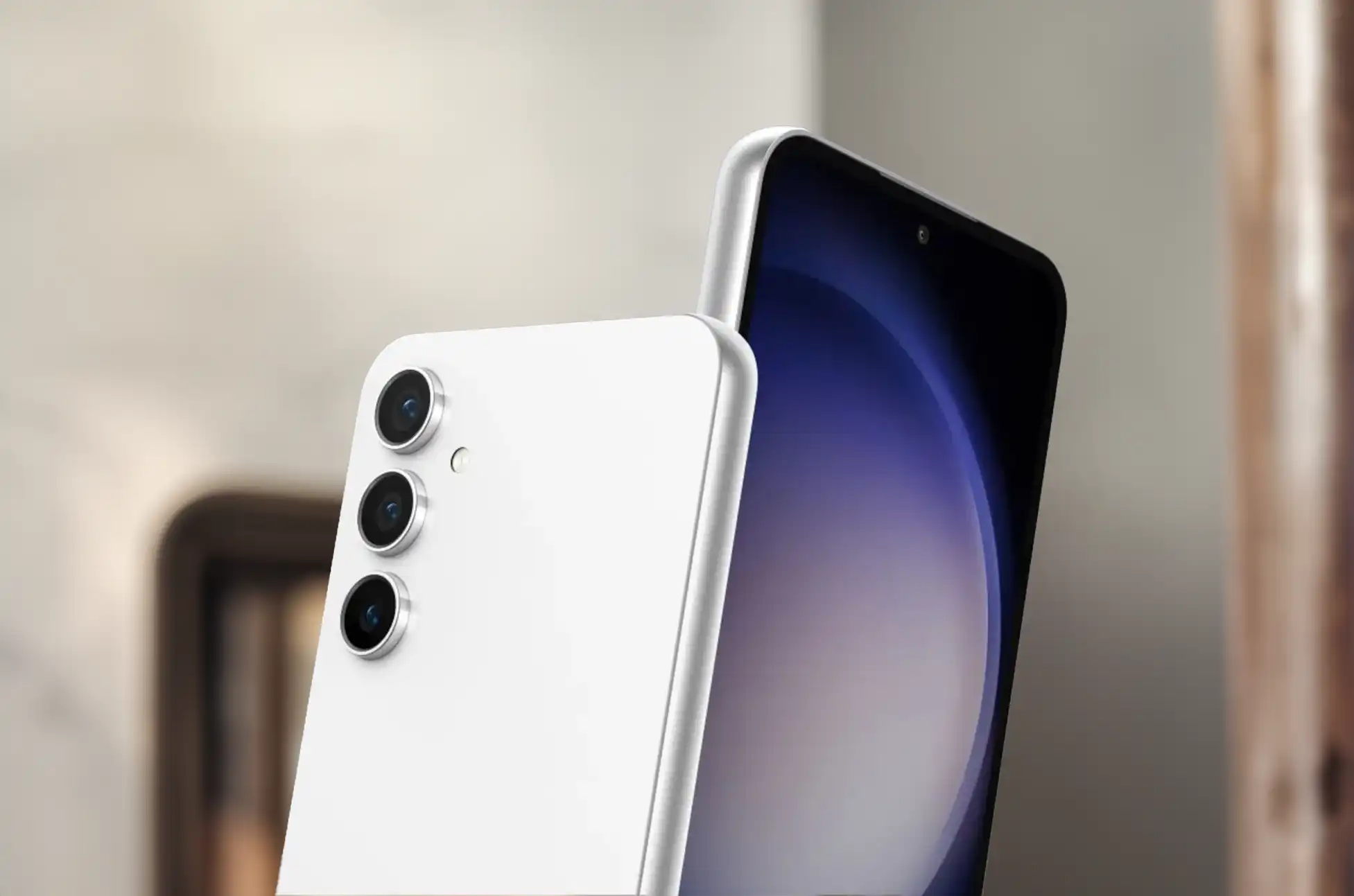
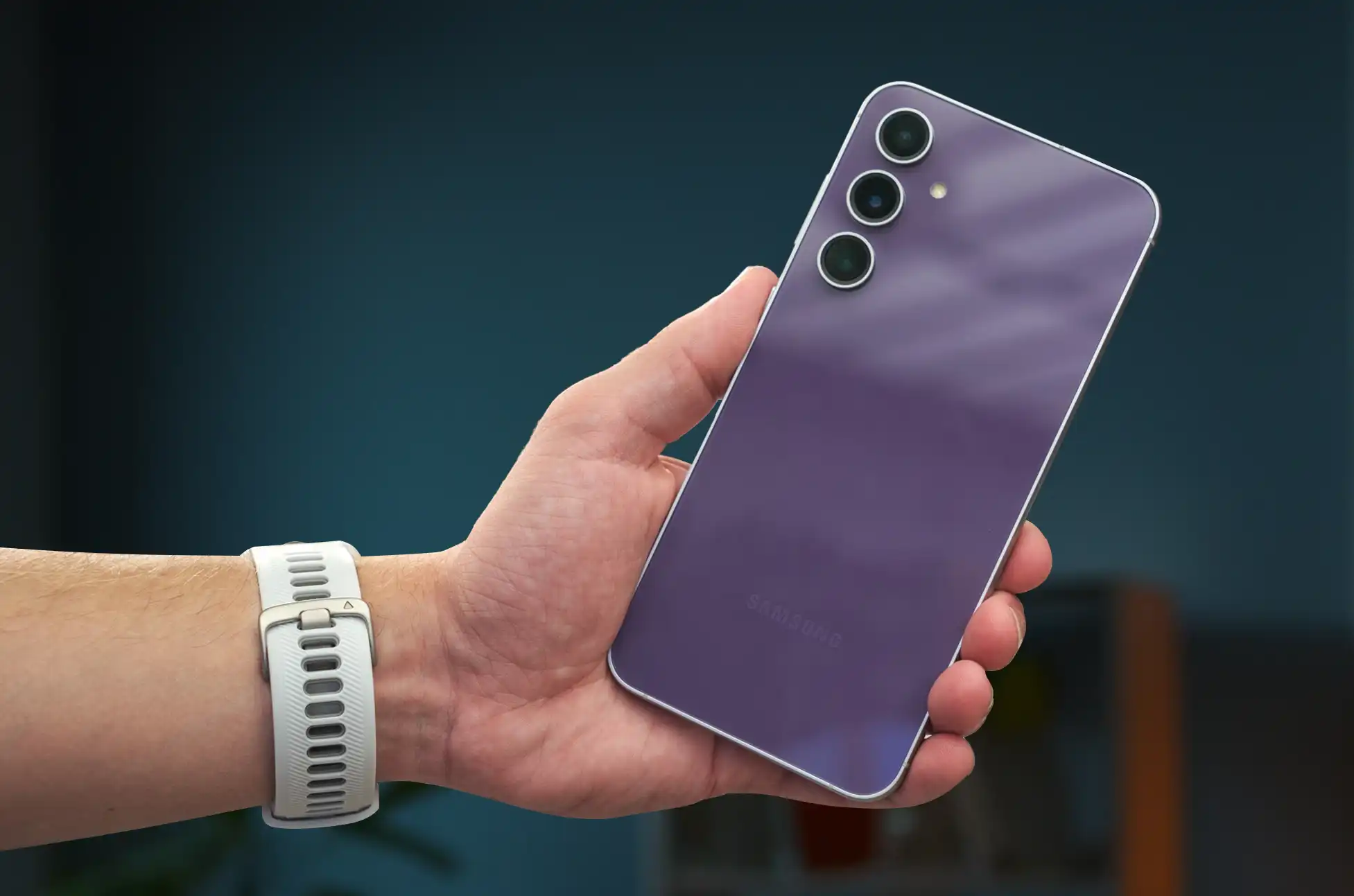
In the competitive world of smartphones, Samsung has consistently been a leader, setting benchmarks with its innovative technology and design. The introduction of the Galaxy S20 FE marked a notable shift, offering flagship-level experiences at a fraction of the price. Fast forward to the present, the Galaxy S23 FE emerges, promising to not just continue this legacy but to elevate it, even after the hiccup of the Galaxy S21 FE.
Samsung Galaxy S23 FE: A Revival in the Making
Unveiled on October 4, the Galaxy S23 FE, priced at $599 for the 8GB/128GB model, promises a blend of affordability, performance, and quality. Available from October 26, this smartphone is anticipated to mirror the success of its predecessors, despite the absence of a Galaxy S22 FE.
A Closer Look at Specifications
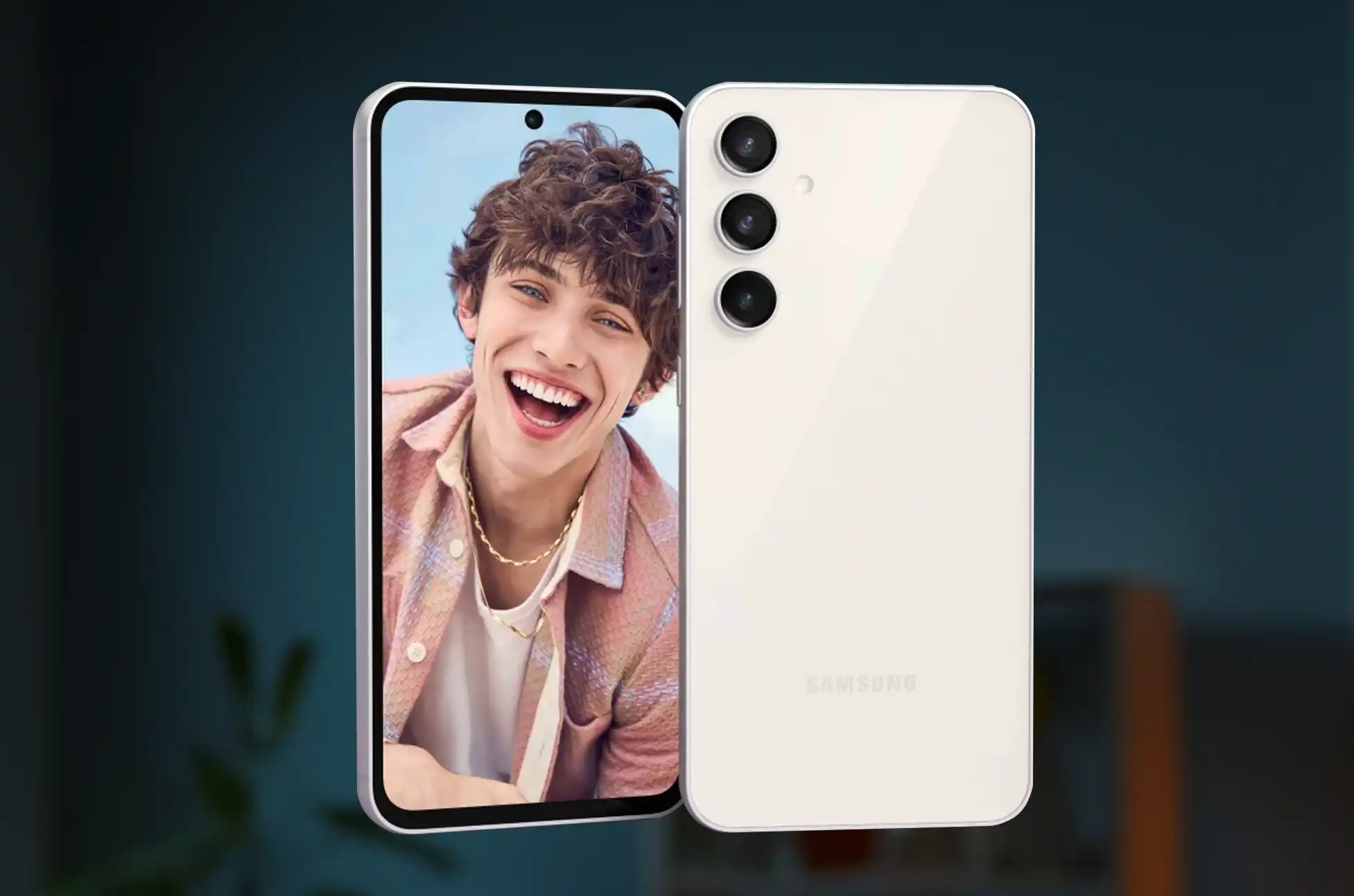
Samsung never shies away from integrating pioneering technology in its FE series. The S23 FE, boasting a 120Hz OLED screen, a robust battery, and wireless charging, is no exception. However, it’s the improved 50 MP main camera, enhanced by “Nightography” for superior low-light photos, that steals the spotlight.
Samsung Galaxy S23 FE
Display
6.4-inch Dynamic AMOLED, FHD+ (2,340 x 1,080), 120Hz refresh rate
Processor
Qualcomm Snapdragon 8 Gen 1 (US) or Exynos 2200 (Global)
RAM
8GB
Storage
128GB or 256G, No expandable storage
Battery and power
4,500mAh, 25W wired charging, 15W wireless charging, Reverse wireless charging, No charger in box
With strong (but one-year-old) silicon, a 120Hz OLED screen, a respectable-sized battery, and wireless charging, the Galaxy FE series often offers some flagship-level features at a more affordable price range.
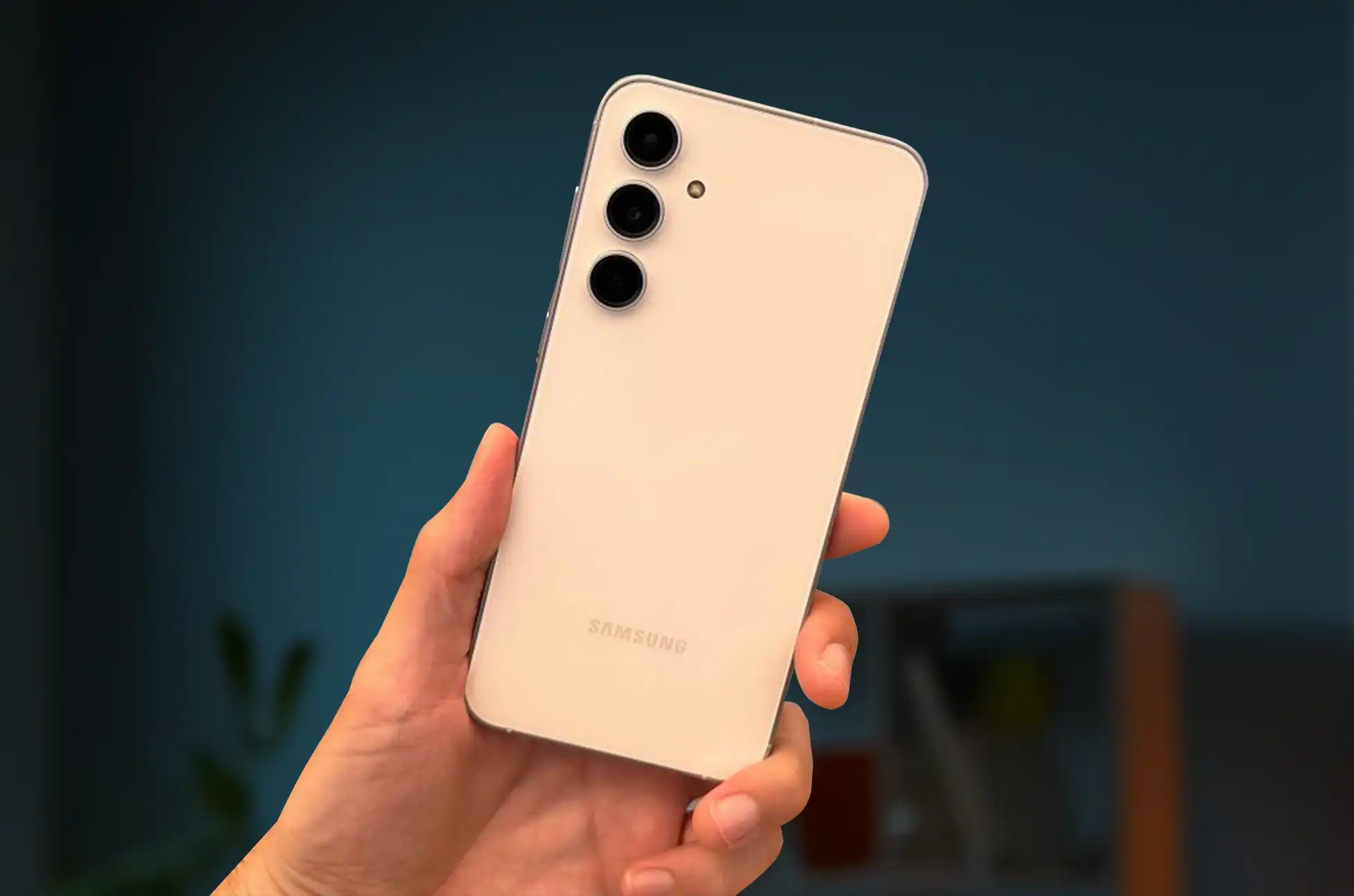
Don’t hold your breath expecting a fancy design because Samsung’s new phone also borrows certain styling ideas from the less expensive Galaxy A series. But the durability you receive is comforting.
Camera: Capturing Moments with Precision
The 50 MP main camera is a significant leap from the 12MP predecessors, promising crisp, detailed, and vibrant images. Samsung’s “Nightography” ensures that low-light conditions are no barrier to capturing mesmerizing moments. The additional 12MP ultrawide and 8MP 3x telephoto lenses, though reminiscent of the earlier versions, promise reliability and versatility.
Performance: A Harmonious Blend of Power and Efficiency
Equipped with the Exynos 2200 or Snapdragon 8 Gen 1, depending on the region, the S23 FE is not the epitome of cutting-edge performance but a balanced offering for those seeking reliable functionality without the flagship price tag. A detailed review awaits to explore its sustained performance capabilities in real-world usage.
Aesthetic and Durability: Functionality Meets Design
While aesthetics aren’t the headline for the S23 FE, the phone’s build quality is a silent promise of resilience. The presence of IP68 and Gorilla Glass 5 is a nod towards a design that’s meant to endure the rigors of daily use while maintaining an air of elegance.
Battery and Charging: The Reliable Companion
The 4,500mAh battery might elicit a sense of déjà vu but is still a commendable feature, ensuring the device stays alive through extensive use. With 25W wired charging and the reintroduction of wireless charging, the S23 FE promises both longevity and convenience.
Where can you buy the Samsung Galaxy S23 FE?
Want to get the Galaxy S23 FE? Beginning on October 26, the phone will be accessible in the US. In North America and Europe, we anticipate that the phone will be sold on websites like Samsung.com and Amazon.com. Additionally, it makes sense that carriers from all around the world will stock the phone. As soon as we have more information, we’ll update this section.
Conclusion
The Samsung Galaxy S23 FE stands as a beacon for those navigating the waters between exorbitant flagship prices and the desire for innovative features. It encapsulates a harmonious blend of affordability, reliability, and sophistication. In the world of smartphones, where the tussle between cost and innovation is perennial, the S23 FE emerges as a testament to Samsung’s prowess in striking a delicate balance.
All products, and company names, logos, and service marks (collectively the "Trademarks") displayed are registered® and/or unregistered
trademarks™ of their respective owners.
The authors of this web site are not sponsored by or affiliated with any of the third-party trade mark or third-party registered trade mark owners,
and make no representations about them, their owners, their products or services.
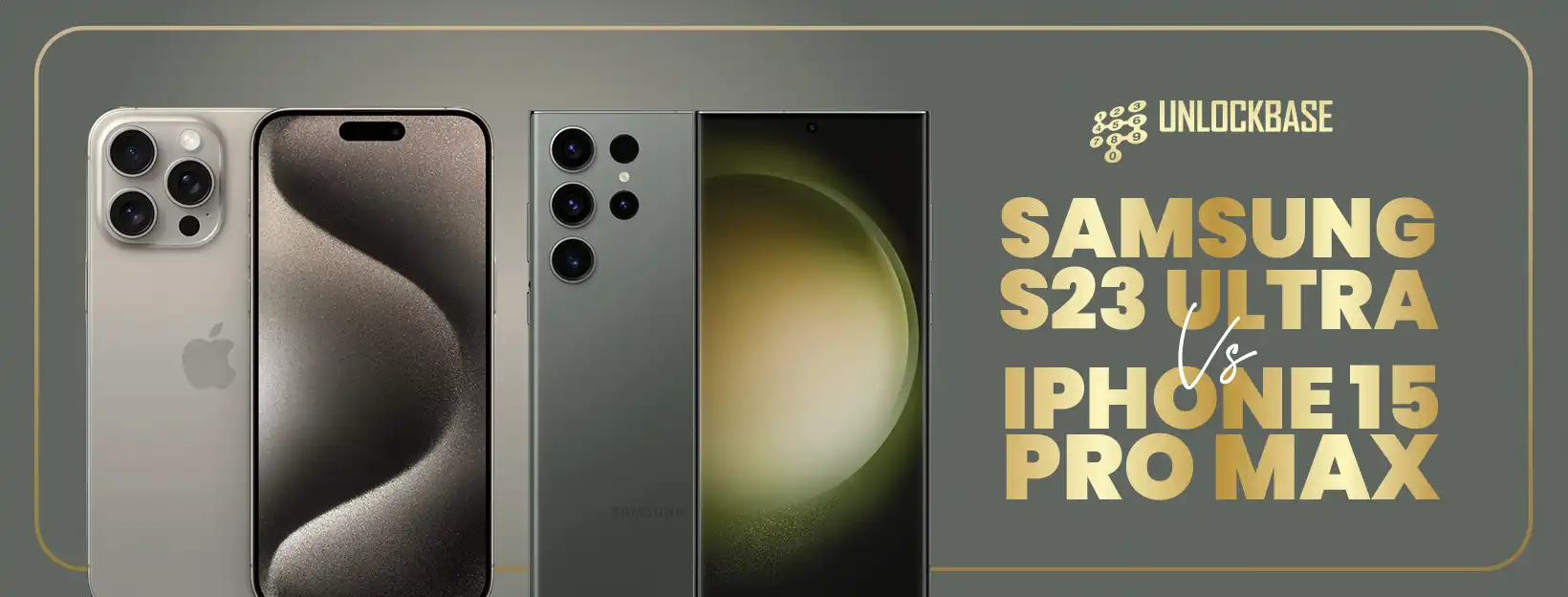
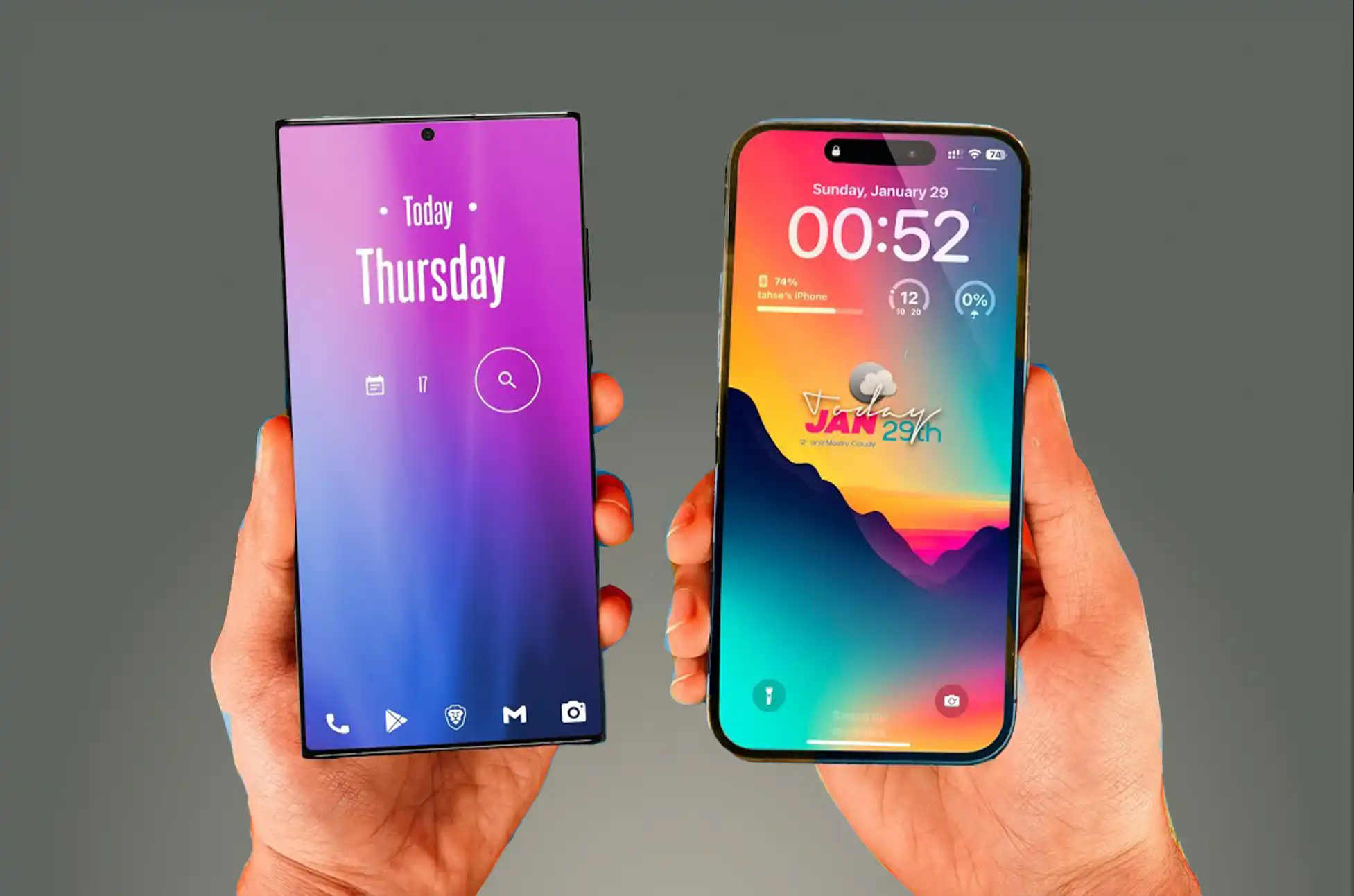
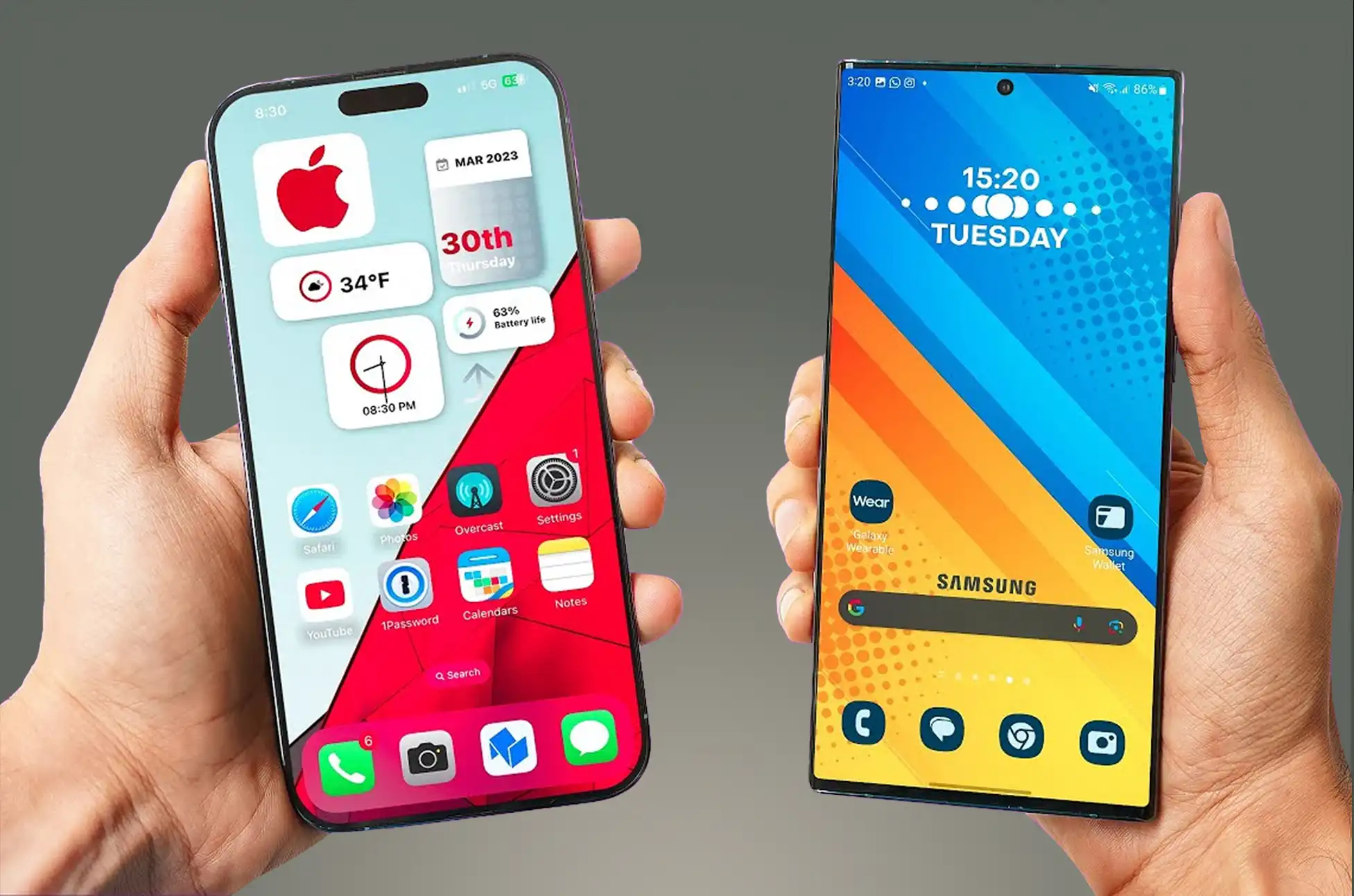
Samsung S23 Ultra vs iPhone 15 Pro Max? Two heavyweight candidates in the world of smartphones have emerged to redefine perfection in mobile technology: the Samsung Galaxy S23 Ultra and the iPhone 15 Pro Max. These flagship products are proof of the pinnacle of innovation, but selecting amongst them can be difficult. In this comparison, we’ll look at both of their strengths and weaknesses to help you determine which one best meets your preferences and needs.
S23 Ultra vs iPhone 15 Pro Max: Display
Samsung Galaxy S23 Ultra:
The S23 Ultra offers an immersive visual experience with a huge 6.8-inch Dynamic AMOLED display and a buttery-smooth 1~120Hz refresh, 240Hz touch sampling, making it a multimedia powerhouse.
iPhone 15 Pro Max:
The 6.7-inch Super Retina XDR display with 120Hz on the iPhone 15 Pro Max provides a breathtaking visual feast with deep blacks and bright colors.
S23 Ultra vs iPhone 15 Pro Max: Performance
Samsung Galaxy S23 Ultra:
The S23 Ultra boasts top-tier performance, effortlessly handling multitasking and demanding programs, thanks to its Snapdragon 8 Gen 2 processor and abundant 8GB or 12GB RAM. It also includes Android 13 and will be updated to Android 17, as well as five years of security patches.
The S23 Ultra benefits from One UI, Samsung’s software package that offers a lot of extra features that other Android devices don’t have. This has its own attractive environment that rivals Apple’s, as well as significant enhancements to multitasking and getting things done. This includes Samsung DeX, which turns your phone into a desktop PC when plugged into a display.
iPhone 15 Pro Max:
The iPhone 15 Pro Max includes the A17 Bionic processor and iOS 17. Apple hasn’t specified a software support period for the new models, but past history with iPhones suggests it’ll be at least five years, if not seven.
The ecosystem is a significant factor in Apple’s advantage. Because all of Apple’s products operate together, if you already have an iPad and a Mac, the iPhone will fit right in. Combine that with the capabilities currently available in iOS, such as Focus modes and the new StandBy mode, which may have rendered the Pixel Tablet obsolete, and you have a solid package.
S23 Ultra vs iPhone 15 Pro Max: Camera
Samsung Galaxy S23 Ultra:
The S23 Ultra’s quad-camera system, which includes a 200MP main sensor, a 12MP ultrawide lens, and a 10MP periscope telephoto lens, ensures excellent photography and video capabilities. Its 100x Space Zoom is an impressive feature.
iPhone 15 Pro Max:
The iPhone 15 Pro Max is a game changer in this department. It has a new and enhanced version of last year’s 48MP camera, the same 12MP ultrawide as previously, and a completely new 12MP, 5X telephoto lens. This is Apple’s first use of a periscope system, and it will be interesting to see how well it works.
S23 Ultra vs iPhone 15 Pro Max: Design and Colors
Design
Samsung Galaxy S23 Ultra:
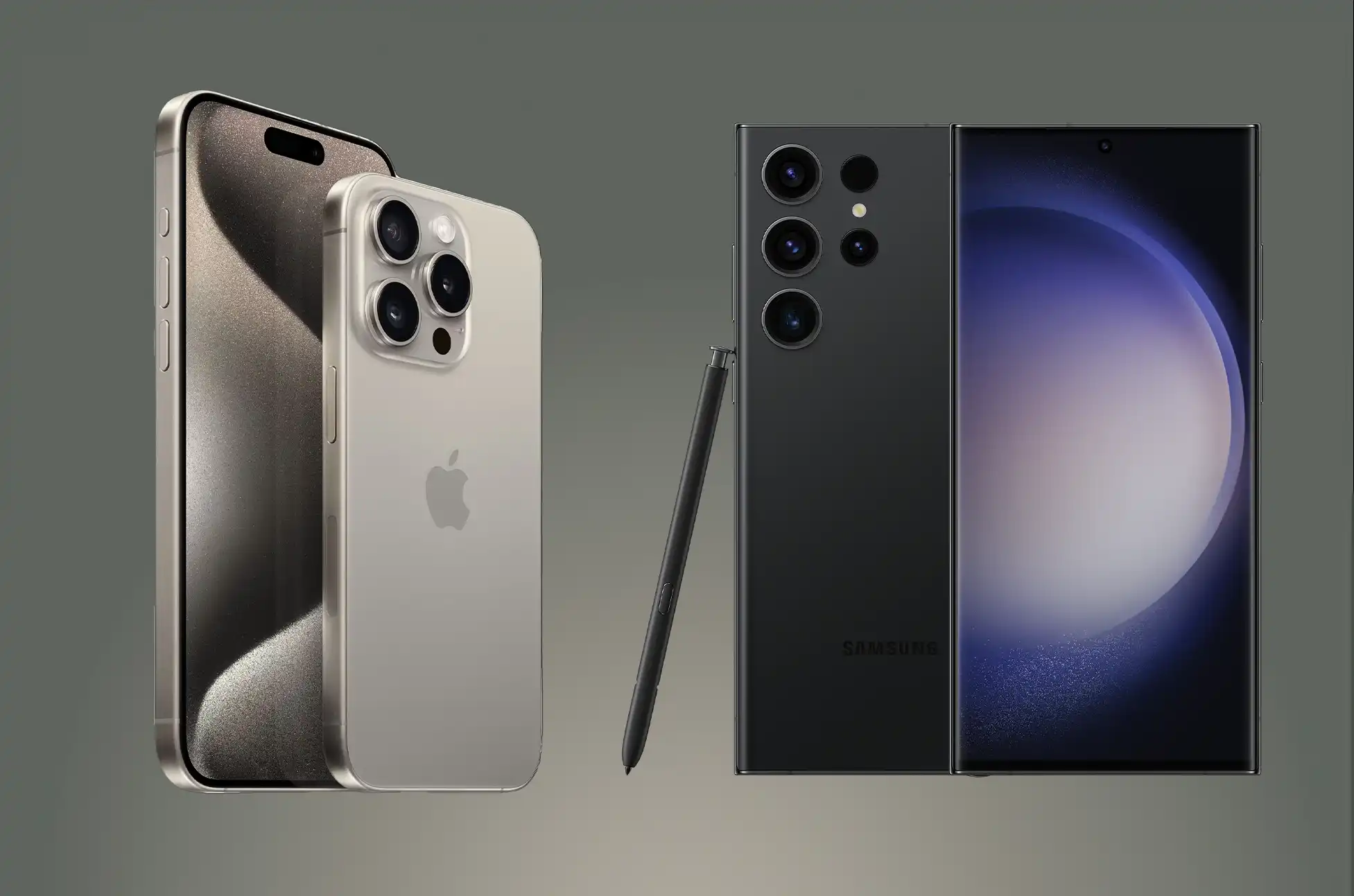
The Samsung Galaxy S23 Ultra boasts a squared-off design featuring aesthetically pleasing corners, although they can sometimes feel a bit sharp when holding the phone. The display extends beyond the edges, offering minimal bezels, with the only interruption being a small camera cutout. Furthermore, the S23 Ultra is constructed using Armored Aluminum and Gorilla Glass Victus 2, ensuring durability and strength.
iPhone 15 Pro Max:
The iPhone 15 Pro Max retains the iconic iPhone design, featuring square edges, a flat display with rounded corners, and the Dynamic Island at the screen’s center. Notably, this year’s model incorporates a titanium metal frame instead of stainless steel. However, the most significant shift is the switch from a Lightning port to a USB-C port. Whether due to external influences or not, this change benefits all users by ensuring that all new non-budget smartphones will utilize the same charging cable, as well as USB-C and PPS chargers.
Color
Pro and Ultra phones have been notorious for their somewhat muted color options, and the iPhone 15 Pro Max continues this trend. The standout choice is the Natural Titanium variant, which keeps the titanium frame in its original state, complemented by a glass back in a matching metallic gray shade. The available white, blue, and black models, while not unattractive, don’t quite capture the same attention.
Samsung’s previous Ultra models faced a similar issue, but the S23 Ultra has introduced a breath of fresh air. It offers four standard colors: black, cream, green, and lavender. While the cream and lavender options add some vibrancy, it’s the Samsung-exclusive colors that truly stand out. These colors have been part of Samsung’s lineup for a few generations, but the S23 Ultra elevates them. Our favorite among these exclusives is the striking red variant. Featuring a contrasting black frame that sets it apart from the rest. If red isn’t to your liking, there are also options like gunmetal gray, blue, and lime. While it may seem like a minor detail, lively color choices can significantly enhance the excitement of a phone. It’s commendable to see Samsung putting effort into this aspect.
Conclusion
The decision between the S23 Ultra vs iPhone 15 Pro Max comes down to personal tastes. If you value Android customization and camera versatility, the S23 Ultra could be the perfect fit for you. The iPhone 15 Pro Max is an excellent pick if you enjoy the simplicity of iOS and the seamless Apple ecosystem.
Finally, both of these premium smartphones provide amazing performance, gorgeous screens, and outstanding cameras. Your choice should be influenced by brand loyalty, operating system preference, and feature preferences. Whichever option you choose, you’ll get a cutting-edge device that represents the pinnacle of mobile technology.
All products, and company names, logos, and service marks (collectively the "Trademarks") displayed are registered® and/or unregistered
trademarks™ of their respective owners.
The authors of this web site are not sponsored by or affiliated with any of the third-party trade mark or third-party registered trade mark owners,
and make no representations about them, their owners, their products or services.
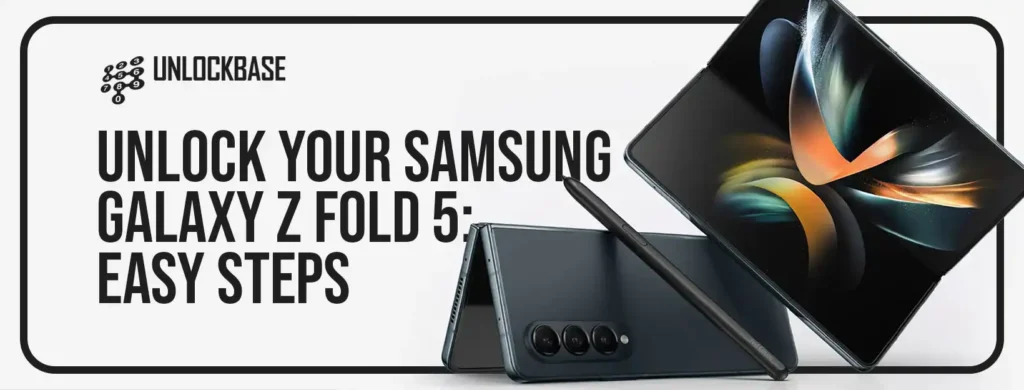
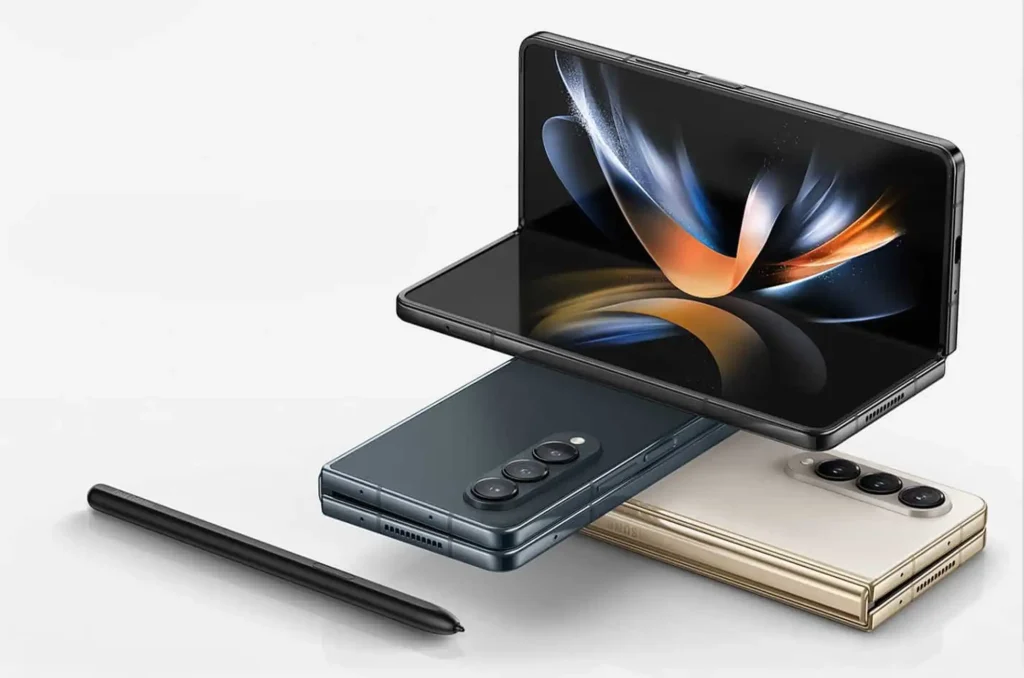
Want to Give your Samsung Z Fold 5 Unlock Today? Hey there, proud owners of the stunning Galaxy Z Fold 5! If you’ve been itching to explore the endless possibilities of your foldable marvel, you’re in for a treat. Dive into the world of SIM unlocking your Samsung Galaxy Z Fold 5 as we break down the “what,” “why,” and “how” in this comprehensive guide. Let’s jump right in!
Understanding the Z Fold 5 SIM Unlock
Picture this: you’re opening up your Galaxy Z Fold 5 to unfold not just a device, but a gateway to connectivity across the globe. That’s precisely what a SIM unlock achieves – liberating your phone to work with SIM cards from any network provider, regardless of your location. Think of it as granting your phone a universal passport to function seamlessly anywhere.
Safety First: Z Fold 5 SIM Unlock
Worried about the safety of the process? Relax, there’s zero risk involved in unlocking your Z Fold 5. This isn’t a venture that will void your warranty or tamper with your existing contract. Consider it a hassle-free upgrade that broadens your device’s horizons without any drawbacks.
Why Bother with a Z Fold 5 SIM Unlock?
Now, onto the “why” before we delve into the “how.” You might be wondering, “Why bother unlocking my Z Fold 5 in the first place?”
Embrace Freedom – Planning an international escapade? With a SIM-unlocked Z Fold 5, you can bid farewell to those dreaded roaming charges. Just pop in a local SIM card and stay connected without breaking the bank.
Flexibility Matters – Seeking better plans or contemplating a carrier switch? Your phone needs to be unlocked to truly exercise your options. It’s your device, your call.
Boost Resale Value – Someday, if you decide to part with your Z Fold 5, an unlocked device will fetch a premium price. Potential buyers will appreciate the liberty to choose their preferred carrier.
Step-by-Step Guide: Unlocking Your Galaxy Z Fold 5
Check Your Eligibility
Ensure that you meet the eligibility criteria for unlocking your Samsung Galaxy Z Fold 5. Most carriers have specific requirements, such as completing the contract period or paying off the device in full.
Check Your Carrier
Contact your current carrier’s customer support to initiate the unlocking process and receive the required instructions. Prepare to furnish your device’s IMEI number, which is typically accessible in the device settings or by dialing *#06#.
If you find that you’re ineligible to unlock your phone through your carrier, don’t fret—simply proceed with the following steps:
Unlock your Samsung Galaxy Z Fold 5
Unlock new avenues of connectivity, follow these simple steps:
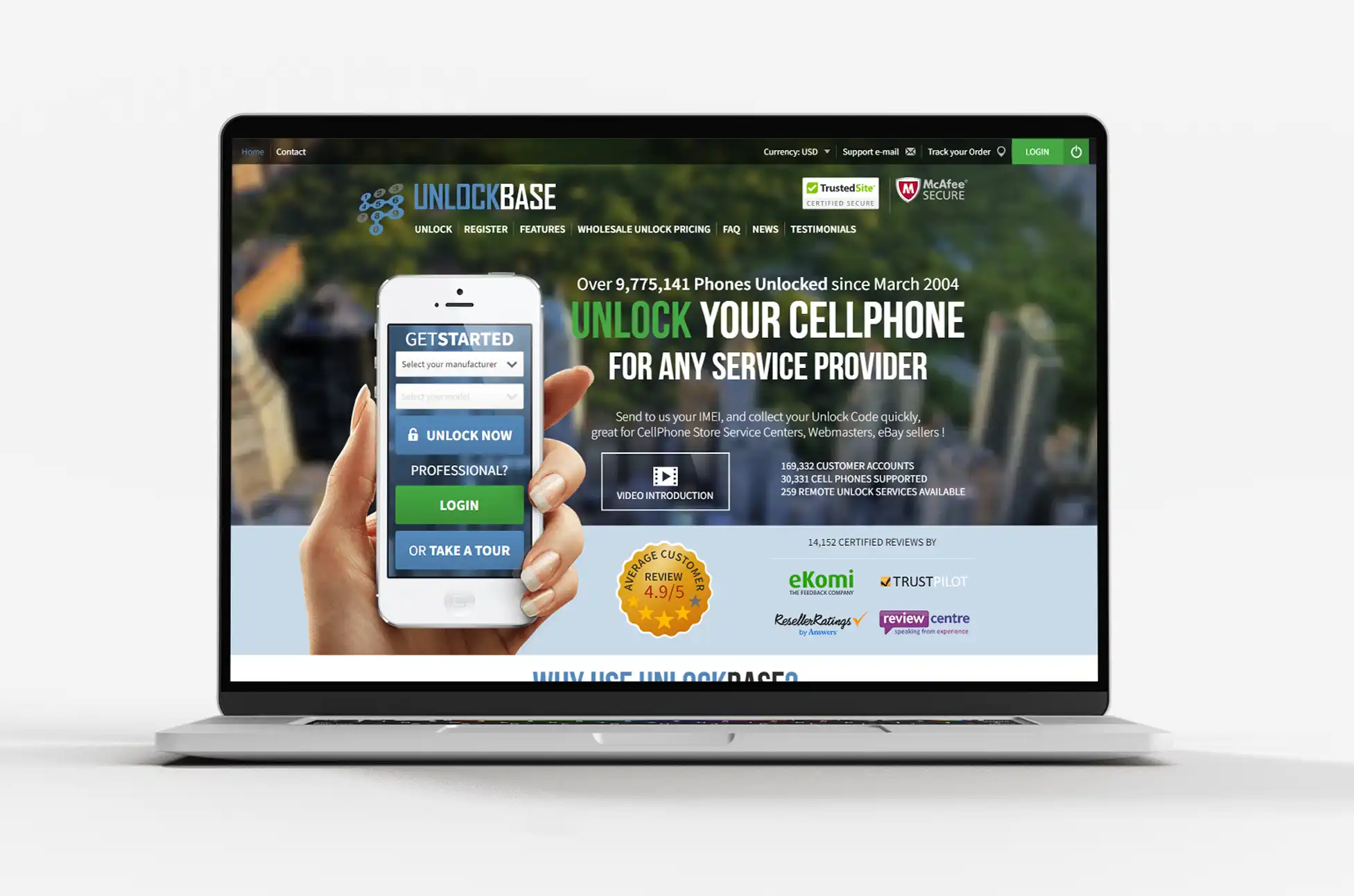
Head to the UnlockBase website.
Select the brand of your phone and enter your IMEI.
Provide your email for confirmation.
Choose the country and carrier your phone is locked to.
Complete the payment and await email confirmation.
Power Down Your Device
Before proceeding, ensure that your Galaxy Z Fold 5 is powered off.
Insert a Different SIM Card
Insert a SIM card from a different carrier into your device.
Enter the Unlock Code
Power on your device and enter the unlock code when prompted. This code will vary based on your carrier and device IMEI.
Enjoy Your Unlocked Galaxy Z Fold 5
Once the correct unlock code is entered, your Samsung Galaxy Z Fold 5 will be successfully unlocked. You can now use SIM cards from various carriers and enjoy the freedom to switch networks as needed.
Conclusion
Unlocking your Samsung Galaxy Z Fold 5 is like adding another layer to its already impressive arsenal of features. Whether you’re after independence, versatility, or just unbeatable value, a Z Fold 5 SIM unlock opens up a world of opportunities.
So, fellow tech enthusiast, here’s to you uncovering the full potential of your device! Remember, in a world where limits exist, don’t let your phone be one of them. Embrace the freedom to connect, explore, and experience without boundaries.
All products, and company names, logos, and service marks (collectively the "Trademarks") displayed are registered® and/or unregistered
trademarks™ of their respective owners.
The authors of this web site are not sponsored by or affiliated with any of the third-party trade mark or third-party registered trade mark owners,
and make no representations about them, their owners, their products or services.