
2026
How to Check If Your Phone Will Work in Another Country (2026 Compatibility Guide)
Travel Tips, Uncategorized
Before traveling internationally, one of the most important steps is verifying phone compatibility abroad. Many users assume their device will work automatically, only to discover issues with signal, data, or activation once they arrive.
In 2026, mobile connectivity has become more advanced—but also more complex. Differences in network bands, SIM technology, and carrier policies mean that not every phone works seamlessly in every country.
This guide explains how to check if your phone will work abroad and what to prepare before you travel.
Why Compatibility Matters for Travel
Ensuring phone compatibility abroad is essential for staying connected during travel. Whether you need maps, messaging, or access to important accounts, a working phone is no longer optional.
Several factors influence whether a device works internationally:
- Network frequency bands vary by country
- Carriers support different technologies (4G, 5G, VoLTE)
- SIM and eSIM availability differ across regions
- Device lock status may restrict usage
Even modern smartphones can encounter issues if these elements do not align. Taking time to check phone works internationally helps avoid unexpected problems.
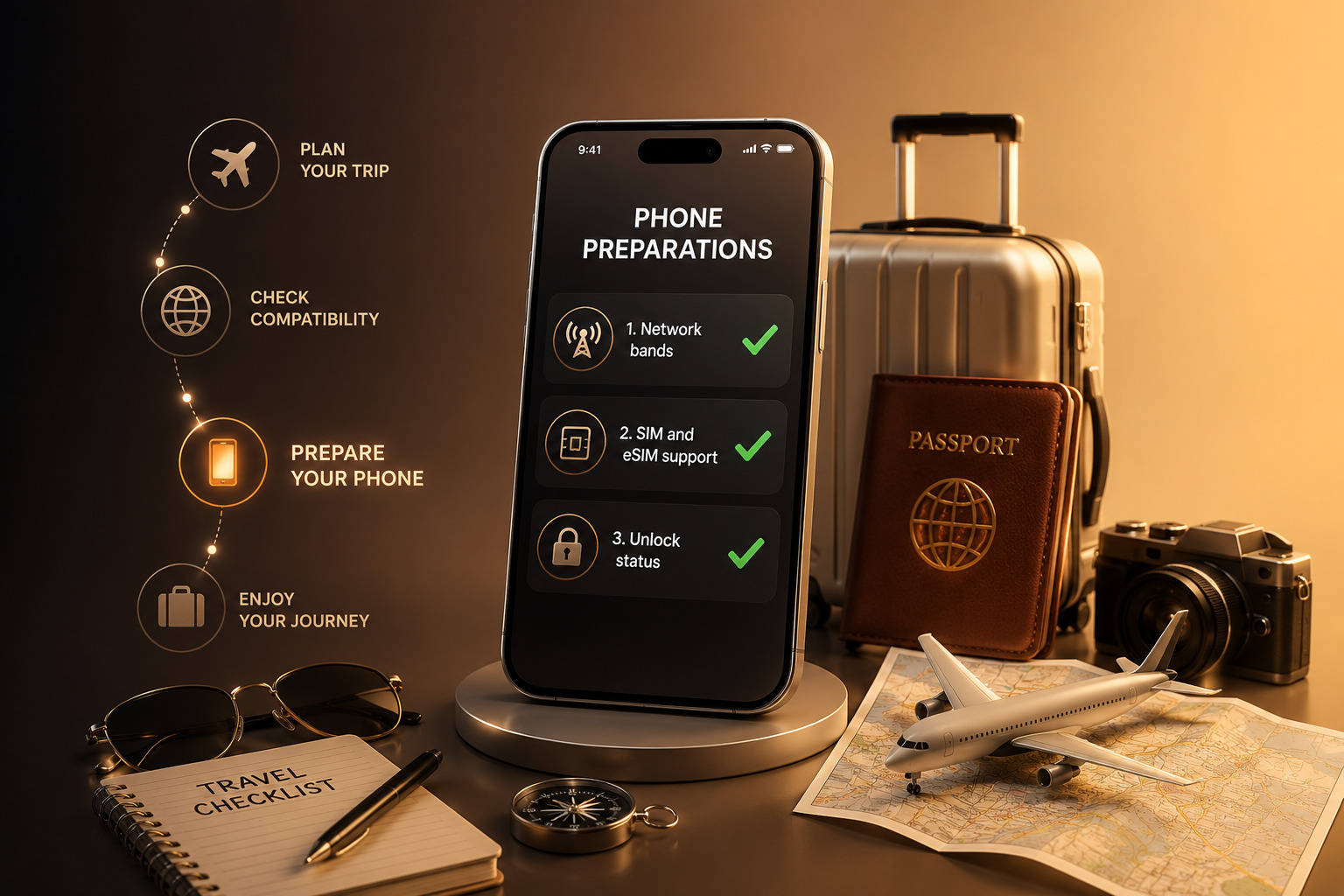
Step 1: Check Network Bands
The first step in verifying phone compatibility abroad is checking network band support.
Mobile networks operate on specific frequency bands, and these vary by region. If your phone does not support the bands used in your destination country, it may struggle to connect or fail entirely.
To check this:
- Look up your phone’s model specifications
- Compare supported bands with those used by local carriers
- Focus on 4G LTE and 5G bands for reliable performance
This step is especially important when traveling between continents. A device designed for one region may lack key bands used elsewhere.
Understanding mobile bands compatibility ensures your phone can access local networks effectively.
Step 2: Check SIM and eSIM Support
The next step involves verifying SIM capabilities. In 2026, many networks rely on eSIM technology, but physical SIM cards still play a role.
Check whether your device supports:
- Physical SIM cards
- eSIM activation
- Dual SIM or multiple profiles
An eSIM travel setup allows users to download local plans without swapping SIM cards. This can simplify connectivity, especially for short trips.
However, not all phones support eSIM, and some carriers require specific configurations. Confirming international SIM compatibility helps you choose the best option before arrival.
Step 3: Verify Unlock Status
Even if your phone supports the right bands and SIM types, it may still fail abroad if it is locked to a carrier.
A locked device restricts network access, preventing you from using local SIM or eSIM plans. This is one of the most common reasons users struggle to use phone abroad.
To verify unlock status:
- Check device settings for carrier lock information
- Contact your carrier if unsure
- Test with another SIM if possible
An unlocked phone provides the flexibility needed for international use, allowing you to connect to different networks without restrictions.
If your device is still locked, resolving this before traveling can help avoid connectivity issues abroad.
Common Mistakes to Avoid
Even experienced travelers sometimes overlook key details when preparing their devices.
One common mistake is assuming that all modern smartphones support global networks. While many devices are compatible, regional variations still exist.
Another mistake involves skipping the IMEI or compatibility check. A phone may appear functional but face hidden restrictions that limit its usability.
Users also sometimes rely solely on roaming without exploring local SIM or eSIM options. This can lead to higher costs and reduced performance.
Avoiding these mistakes ensures better travel phone setup and a smoother experience abroad.
Additional Tips for International Use
To maximize phone compatibility abroad, consider a few additional steps.
Update your device before traveling. Software updates often improve network compatibility and fix known issues.
Research local carriers in advance. Knowing which providers offer the best coverage helps you choose the right plan.
Keep backup options available. If possible, store multiple eSIM profiles or carry a physical SIM as a fallback.
These small preparations make a significant difference in maintaining reliable connectivity.
Why Unlocking and Compatibility Go Together
Unlocking and compatibility are closely connected. A phone may support global bands and eSIM, but without unlocking, those capabilities remain limited.
In 2026, as eSIM adoption increases, unlocking becomes even more important. Without physical SIM cards as an alternative, users depend entirely on digital activation.
Ensuring both compatibility and unlocking allows users to fully benefit from modern mobile technology.
Real-World Example
Consider a traveler moving from the US to Europe.
If the phone supports European bands, includes eSIM functionality, and is unlocked, the user can:
- Activate a local eSIM plan instantly
- Maintain their original number if needed
- Switch networks without changing devices
If any of these elements are missing, the experience becomes more complicated.
This example highlights why phone compatibility abroad requires a complete check rather than a single step.
Conclusion: Check Before You Travel
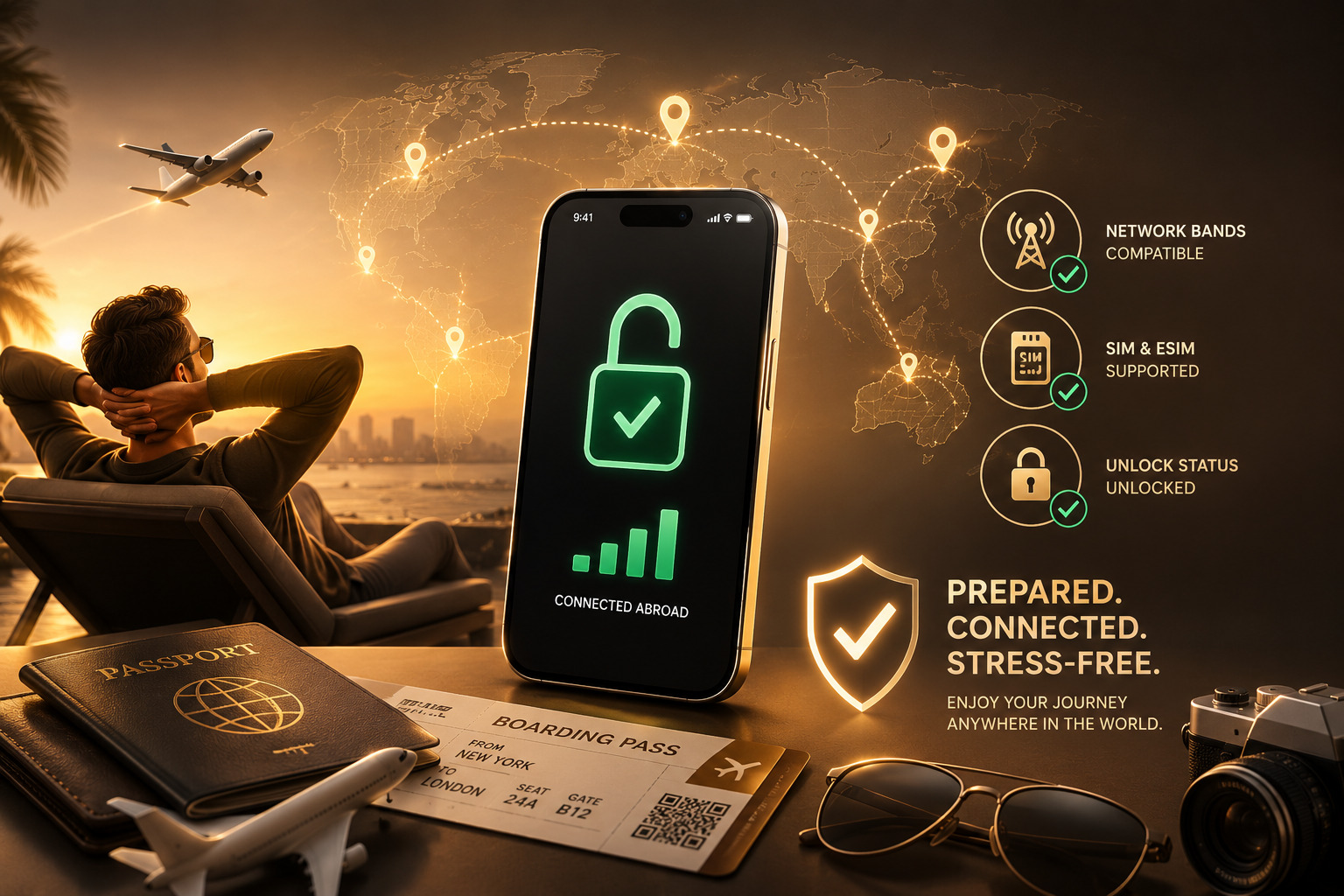
Verifying phone compatibility abroad is one of the most important steps before traveling in 2026. By checking network bands, SIM support, and unlock status, users can avoid common issues and stay connected wherever they go.
Preparation ensures that your device works as expected, allowing you to focus on your trip instead of troubleshooting connectivity problems.
UnlockBase.com helps users prepare their devices for international use by ensuring compatibility across different networks.
All products, and company names, logos, and service marks (collectively the "Trademarks") displayed are registered® and/or unregistered trademarks™ of their respective owners. The authors of this web site are not sponsored by or affiliated with any of the third-party trade mark or third-party registered trade mark owners, and make no representations about them, their owners, their products or services.


Comments are closed.