
2026
How to Check If Your Phone Supports eSIM Before Switching Carriers (2026 Guide)
eSim
Before switching carriers in 2026, one of the most important steps is to check eSIM compatibility on your device. As more networks move toward eSIM-first activation, knowing whether your phone supports this technology can prevent delays, failed activations, and unnecessary frustration.
eSIM simplifies connectivity, but not every phone supports it—and even compatible devices may have limitations depending on configuration or carrier restrictions. This guide explains how to verify compatibility, what to look for on iPhone and Android, and what to do if your device does not support eSIM.
Why eSIM Compatibility Matters
The shift toward eSIM has changed how users connect to mobile networks. Instead of inserting a physical SIM card, users now download a digital profile directly to their device.
To successfully switch carriers using eSIM, three elements must align:
- The device must support eSIM hardware
- The carrier must offer eSIM activation
- The phone must be compatible and not restricted
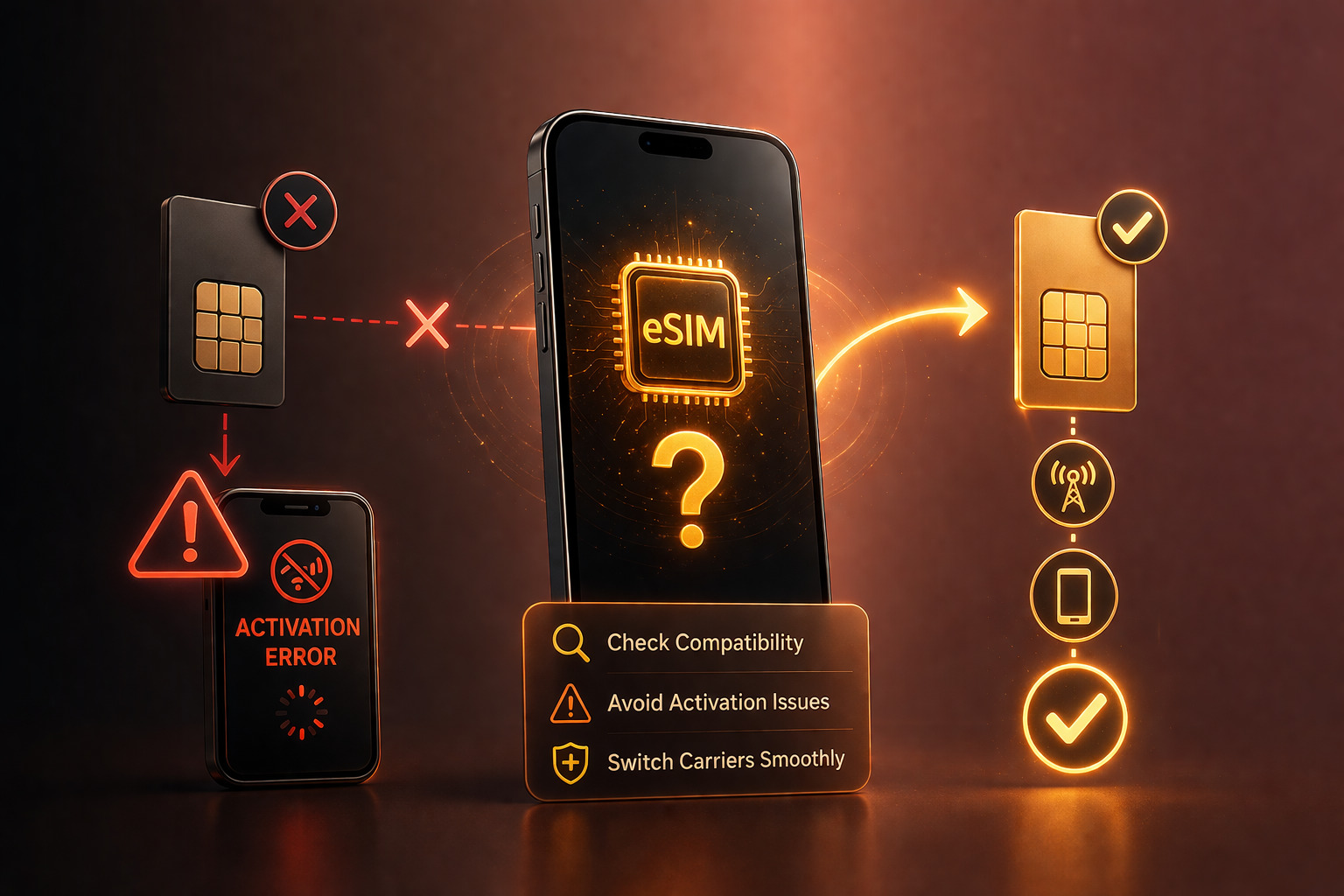
Failing to check eSIM compatibility can lead to activation errors, especially when switching carriers or traveling internationally.
In 2026, this step becomes even more important as more devices launch without physical SIM trays in certain regions.
How to Check on iPhone
Apple has supported eSIM for several generations, but not all models include it. The process to check eSIM compatibility on iPhone is straightforward.
Start by opening Settings → Cellular (or Mobile Data). If your device supports eSIM, you will see an option such as “Add eSIM” or “Add Cellular Plan.”
You can also confirm compatibility by checking your model number. Most iPhones from the XS and newer support eSIM, but regional variations may apply.
Another reliable method involves checking the device’s IMEI. Devices with both a physical SIM and eSIM typically display multiple IMEI numbers. You can find this under Settings → General → About.
When reviewing iPhone eSIM support, it is also important to consider whether the device is locked to a carrier. Even if eSIM is available, a locked device may restrict activation with other networks.
How to Check on Android
Android devices vary more widely, so the process to check eSIM compatibility depends on the manufacturer and model.
On most modern devices, you can navigate to Settings → Connections → SIM Manager or a similar menu. If eSIM is supported, you will see an option to add or manage an eSIM profile.
For Samsung devices, the Samsung eSIM guide typically involves accessing Settings → Connections → SIM Card Manager, where eSIM options appear alongside physical SIM settings.
Not all Android phones include eSIM, even in 2026. Mid-range and region-specific models may still rely exclusively on physical SIM cards.
Checking official manufacturer specifications or carrier compatibility pages can provide additional confirmation.
What to Do If Your Phone Doesn’t Support eSIM
If your device does not support eSIM, you still have options.
The most straightforward approach is to continue using a physical SIM card. Many carriers still support traditional SIM activation, even as eSIM adoption grows.
Another option is upgrading to a newer device that includes eSIM functionality. For users who travel frequently or switch carriers often, this can provide long-term convenience.
If your phone supports eSIM but fails to activate, the issue may relate to carrier restrictions rather than hardware limitations. In this case, reviewing the device’s configuration becomes important.
For users planning to switch carrier eSIM, preparation ensures a smoother transition and avoids unnecessary delays.
Before switching carriers, verifying both your device compatibility and its network flexibility can help avoid activation issues.
Common eSIM Compatibility Issues
Even when a device supports eSIM, certain factors can affect performance.
One common issue involves carrier locks. A locked phone may support eSIM but restrict activation to a specific network. This limitation becomes more noticeable in eSIM-only environments.
Another issue relates to regional firmware differences. Some devices are configured for specific markets and may not fully support all carrier features in other regions.
Users may also encounter profile limits. Some phones allow multiple stored eSIM profiles but only one active at a time.
Understanding these factors helps users complete an accurate eSIM compatibility check before switching.
Preparing Your Device for eSIM Activation
After you check eSIM compatibility, preparing your device ensures a smooth activation process.
Start by updating your device to the latest software version. Updates often improve carrier compatibility and fix activation issues.
Next, confirm that your device is not restricted by a carrier. This step is essential for users who plan to use eSIM across different networks or regions.
Finally, ensure you have access to the activation details provided by your new carrier. This may include a QR code or manual activation information.
Taking these steps reduces the likelihood of errors during setup.
eSIM and the Future of Mobile Connectivity
The move toward eSIM reflects broader changes in mobile technology. Carriers increasingly prioritize digital activation, while manufacturers design devices with fewer physical components.
As a result, the ability to check eSIM compatibility becomes a standard part of device management. Users who understand how their phone connects to networks gain greater control over their connectivity.
This shift also emphasizes flexibility. Devices that support multiple carriers and regions offer better long-term value.

Conclusion: Check Before You Switch
Taking the time to check eSIM compatibility before switching carriers helps avoid common issues and ensures a smooth activation process. In 2026, where eSIM adoption continues to grow, this step becomes essential for both everyday users and frequent travelers.
By verifying device support, understanding carrier requirements, and preparing properly, users can take full advantage of modern mobile connectivity.
UnlockBase.com helps users prepare their devices for modern network requirements by supporting flexible and compatible device usage.
All products, and company names, logos, and service marks (collectively the "Trademarks") displayed are registered® and/or unregistered trademarks™ of their respective owners. The authors of this web site are not sponsored by or affiliated with any of the third-party trade mark or third-party registered trade mark owners, and make no representations about them, their owners, their products or services.


Comments are closed.