
2026
The IMEI You Enter Matters: How Incorrect Device Information Can Complicate an Unlock Order
IMEI Unlock
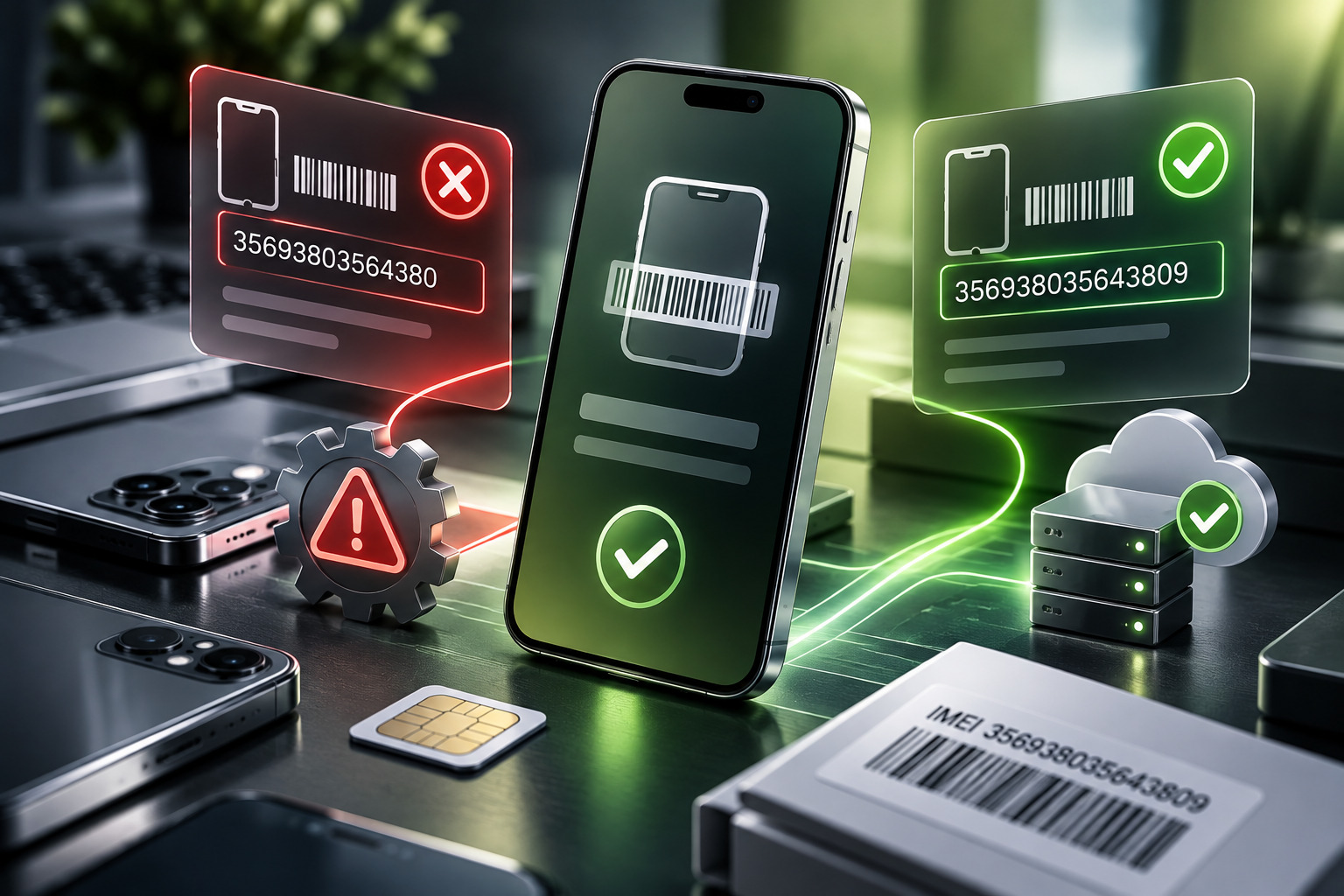
A single incorrect digit can turn a straightforward unlocking request into an avoidable complication. A wrong IMEI unlock order may fail validation, enter the wrong processing workflow or require customer-support intervention after submission.
The same problem can occur when someone selects the wrong original carrier or device model.
These mistakes are usually unintentional. Smartphone owners may copy information from an old receipt, confuse two IMEI numbers on a dual-SIM phone or assume that the carrier currently providing service is the network that originally locked the device.
Unfortunately, unlocking systems depend on accurate information.
Understanding what to verify before ordering—and what to do if something goes wrong—can save time and reduce unnecessary disputes.
Why Unlock Orders Depend on Accurate Device Information
Professional unlocking services generally need to identify the device and the relevant carrier restriction.
The required details vary by service, but may include:
- Manufacturer
- Exact model
- IMEI
- Original carrier
- Country or network
- Additional service-specific information
These fields are not simply administrative details.
They can determine which unlocking method applies and whether the request meets the selected service’s requirements.
A customer who selects the wrong carrier may purchase a service that does not apply to the device.
A customer who enters an incorrect IMEI may cause the request to reference a different device or fail automated validation.
That is why careful verification matters before payment.
What Is an IMEI?
IMEI stands for International Mobile Equipment Identity.
It is a device identifier used in mobile telecommunications.
Most consumers encounter it when checking device status, contacting a carrier or ordering an unlocking service.
An IMEI is normally 15 digits long.
It can often be found through the phone’s settings or by dialing *#06# on a compatible device.
Some phones have more than one IMEI because they support multiple cellular lines or radio identities.
That creates an important detail: the IMEI used for an unlocking request should match the provider’s instructions for the specific service.
Do not assume that any displayed identifier is interchangeable.
What Can Happen When the Wrong Carrier Is Selected?
Selecting the original carrier incorrectly is one of the most significant unlocking-order mistakes.
Suppose a phone was originally sold by Carrier A.
Later, it was used on a related network or passed to another person.
The new owner may incorrectly assume that Carrier B is the original provider.
If the phone remains restricted under Carrier A’s unlocking system, ordering a service for Carrier B may not produce the intended result.
Why the Original Carrier Matters
Unlocking services can depend on the network responsible for the restriction.
Different carriers may use different eligibility rules, processing systems or supported methods.
The correct model and IMEI are therefore not always sufficient.
The original network may be equally important.
MVNO Confusion
Mobile virtual network operators add another layer of complexity.
An MVNO sells mobile service using another operator’s network infrastructure.
Consumers may confuse the retail brand with the underlying network.
However, the original locking arrangement is not necessarily determined simply by the radio network currently used.
A device purchased through an MVNO may have its own unlocking policy.
Verify the original seller and carrier restriction rather than guessing from the SIM currently installed.
IMEI Errors: Typographical Mistakes vs Incorrect Device Identification
Not every IMEI mistake is the same.
A Typographical Error
The simplest problem is entering one digit incorrectly.
This can happen when manually copying a long number.
An invalid IMEI may be rejected by a validation system, particularly when the number fails standard formatting or check-digit rules.
But not every incorrect entry is automatically detectable.
A mistyped number may still resemble a valid IMEI.
Copying the Wrong Device
A household may own several phones of the same brand.
Someone could accidentally copy an IMEI from an old invoice or a different device.
That creates a more serious mismatch because the number may be completely valid—but belong to another phone.
Confusing IMEI and Serial Number
Manufacturers assign serial numbers as well as IMEIs.
They are not the same identifier.
Entering a serial number into an IMEI field can cause rejection or confusion.
Dual-SIM Devices
Some smartphones display IMEI 1 and IMEI 2.
The correct identifier depends on the device and unlocking method.
Customers should follow the selected service’s instructions rather than choosing arbitrarily.
How to Verify Your IMEI Before Ordering
The safest method is to read the identifier directly from the device.
On an iPhone, IMEI information is typically available under Settings > General > About.
On Android, the location varies by manufacturer, but it is generally available under the device information or status section.
Dialing *#06# is another common method.
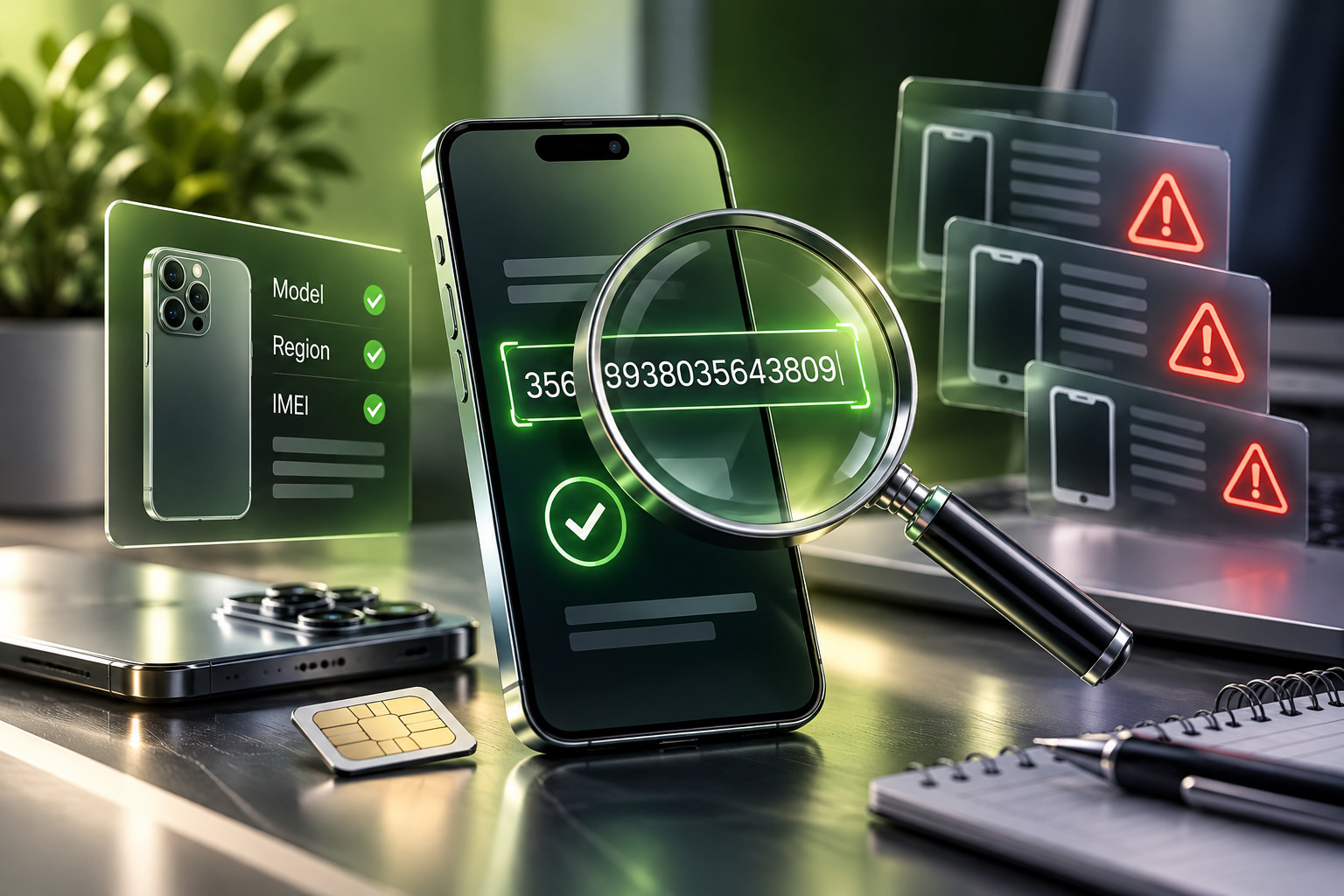
Once the number is visible, compare it with the order form carefully.
Check all digits.
If copying and pasting is possible, that may reduce transcription errors, but still confirm that the correct IMEI was copied.
For dual-SIM devices, identify which number the service requires.
Avoid relying exclusively on packaging or an old receipt if the phone itself is available for verification.
How to Confirm the Original Carrier
Determining the original carrier can be harder than finding the IMEI.
Start with the original purchase documentation.
A carrier invoice, financing agreement or retail receipt may identify the network that supplied the device.
If you purchased the phone second-hand, ask the seller for its original carrier information.
Some device-status or carrier-checking services may also provide relevant information, although results should be evaluated carefully.
Do not assume that the network currently displayed on the phone is necessarily the original locking carrier.
Likewise, an imported device may have originated from a provider unfamiliar to the current owner.
If the original carrier remains uncertain, clarify it before placing a carrier-specific order.
What a Transparent Unlocking Provider Should Explain
An unlocking provider should make the consequences of incorrect information understandable.
Customers need to know which details are essential and whether those details can be corrected after submission.
A transparent service description should explain:
- Which devices and carriers are supported
- What information the customer must supply
- Whether the service depends on the original carrier
- Any relevant eligibility restrictions
- What happens after processing begins
- How customers can request assistance
Providers should also distinguish between an order that has not yet entered processing and one already submitted to an external system.
Those situations may have different correction possibilities.
Review the device details and service conditions before submitting an order, and contact support promptly if you notice an error.
Cancellation, Processing and Refund Conditions
Refund questions often arise when a customer discovers a mistake.
The important issue is whether the order can still be stopped or corrected.
Before processing begins, some providers may be able to update information or cancel a request.
Once a request enters an external carrier or supplier workflow, changes may become more difficult.
Policies differ between services.
Consumers should therefore review the actual cancellation, correction and refund terms before ordering.
A reputable provider should explain the applicable conditions rather than promising that every mistake is refundable or declaring that every submitted order is automatically irreversible.
Why Processing Status Matters
Consider two scenarios.
In the first, a customer notices an incorrect digit immediately after checkout, before the request has entered processing.
In the second, the error is discovered after the provider has already submitted the request to a service-specific system.
The technical and commercial consequences may differ.
That is why contacting support promptly is so important.
What to Do Immediately After Discovering an Error
If you notice incorrect information, avoid submitting another order immediately.
First, gather the correct details.
Then contact the original provider through its official support channel.
Explain the mistake clearly.
Include:
- Your order number
- The incorrect field
- The correct information
- The exact phone model
- Any relevant carrier details
Do not post your complete IMEI publicly on social media or in open forums.
Share it only through the provider’s appropriate support process.
Ask whether the order can be corrected, stopped or reviewed.
If the service is already processing, request an explanation of the available options.
Should You Place a Second Order?
Usually, not before receiving clarification.
A second order may create duplicate charges or two active requests for the same device.
It can also complicate support if the first request remains in progress.
Wait until the provider confirms whether the original order can be amended or must be resolved separately.
If a new service is necessary, verify every detail again before submitting it.
Avoiding Mistakes When Buying Used Phones
Used-phone buyers face an additional challenge.
The seller may provide incomplete or incorrect device information.
Before ordering an unlock, verify the phone physically in your possession.
Check the model, IMEI and network restriction directly.
Also distinguish a carrier lock from an IMEI blacklist or ownership-account restriction.
A carrier unlock does not remove those unrelated problems..
The Value of Clear Order Communication
Good unlocking services make the ordering process understandable.
Customers should know what information they supplied, which service they selected and how to contact support if something appears wrong.
Order confirmations are particularly useful because they allow customers to review submitted information immediately.
A clear record also helps support teams investigate mistakes without relying on vague descriptions.
For consumers, the best protection remains careful verification before submission.
Conclusion: Accuracy Is Part of a Successful Unlock
A wrong IMEI unlock order is often a simple mistake with potentially frustrating consequences.
Incorrect digits, wrong device identifiers and mistaken carrier selections can all affect processing.
The best prevention is to confirm the exact IMEI directly from the phone, identify the original carrier and review the selected service’s eligibility requirements.
If you discover an error after ordering, contact support promptly and avoid creating duplicate requests before the situation is clarified.
UnlockBase.com provides service-specific instructions and order information so customers can make informed decisions before proceeding, helping reduce avoidable errors in the unlocking process.
All products, and company names, logos, and service marks (collectively the "Trademarks") displayed are registered® and/or unregistered trademarks™ of their respective owners. The authors of this web site are not sponsored by or affiliated with any of the third-party trade mark or third-party registered trade mark owners, and make no representations about them, their owners, their products or services.


Comments are closed.