
2025
Need SIM Unlocking for Any Poco Phone? Here’s How
Unlock Phone, Xiaomi
SIM unlocking any Poco phone is simpler than you might think. With the right factory unlock code, you can free your device from carrier restrictions permanently using just your IMEI number. This method works whether you’ve got a Poco X6, F5, M6, or any other model in the lineup.
The best part? You won’t need to mess with your phone’s firmware or risk voiding anything. If your Poco asks for an unlock code after swapping SIM cards, this straightforward process has you covered.
Why SIM Unlocking Any Poco Phone Makes Sense
SIM unlocking via code is the smart choice because it keeps your warranty intact. It’s fast, safe, and once it’s done, you can pop in any SIM card from any network anywhere in the world. No limitations, no hassles.
Three Solid Reasons to Unlock
Travel Without the Extra Costs: Heading overseas? Skip those ridiculous roaming charges and use local SIM cards instead. Your wallet will thank you.
Switch Carriers Anytime: Found a better deal with another provider? Make the switch without dropping cash on a new phone.
Better Resale Value: Planning to upgrade eventually? Unlocked phones sell for more because they’re more versatile for buyers.
The SIM Unlocking Process for Any Poco Phone
UnlockBase offers a reliable way for SIM unlocking any Poco phone. The service is straightforward, secure, and completely legal. Here’s what makes it worth using: once your phone is unlocked, it stays that way forever. No need to repeat the process or worry about carrier locks again.
Step-by-Step: SIM Unlocking Any Poco Phone
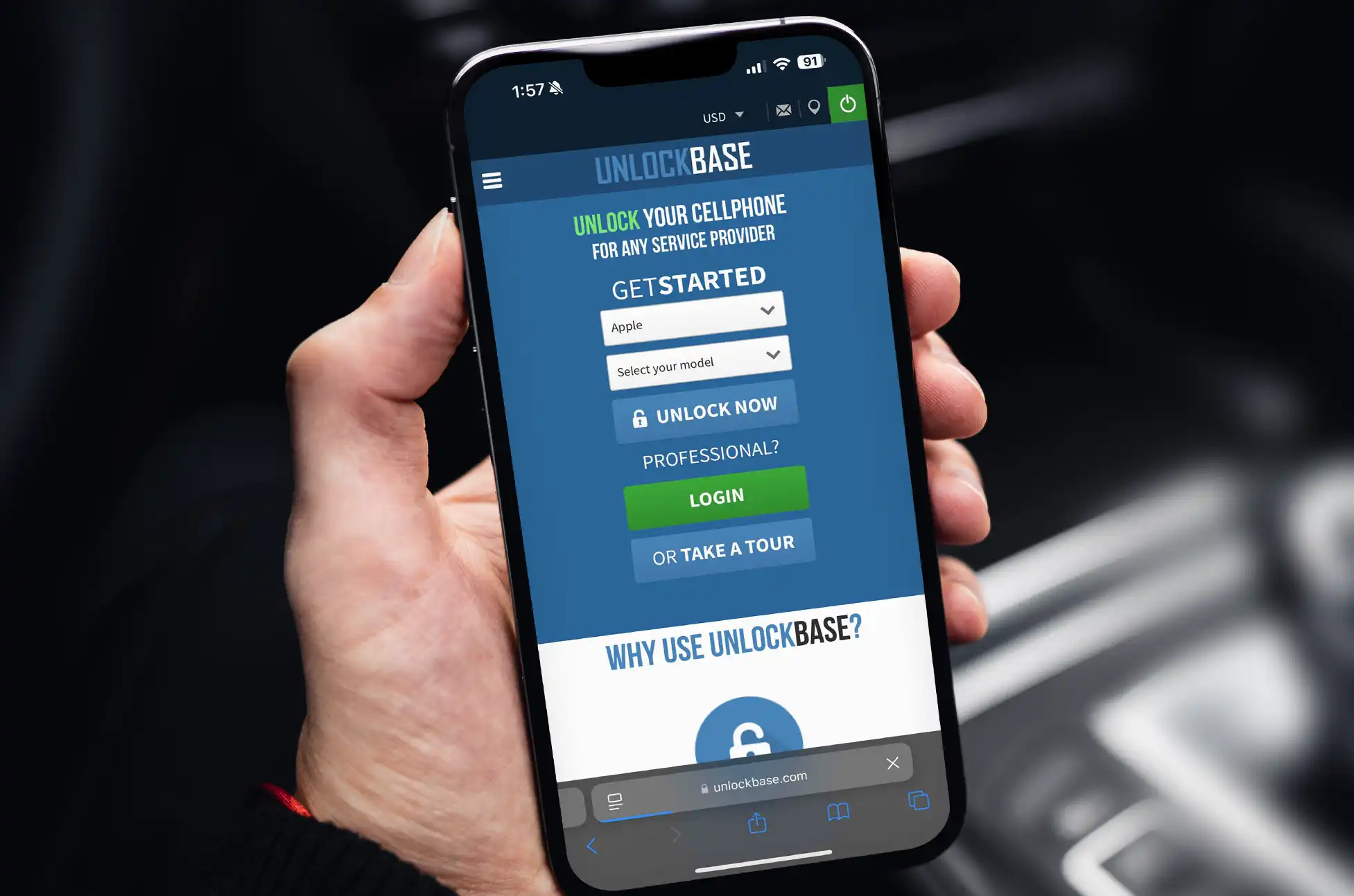
1: Head over to UnlockBase.com
2: Pick your phone brand (Xiaomi, since Poco phones fall under the Xiaomi umbrella)
3: Grab your IMEI number by dialing *#06# on your Poco phone
4: Fill in your specific Poco model and which network currently has it locked
5: Drop in your email address—you’ll need this for confirmation
6: Select the country where your network operates
7: Confirm your carrier, complete the payment, and keep an eye on your inbox for the unlock code
What to Do Once You Get Your Code
Turn off your Poco phone completely.
Remove your current SIM card and insert one from a different carrier.
Power your phone back on. You’ll see a prompt asking for the NCK/SIM Network Unlock PIN.
Type in the unlock code that UnlockBase sent you.
That’s it. Your Poco phone is now free to work with any GSM SIM card worldwide. The code comes straight from the manufacturer’s database, so it’s legitimate and permanent.
Not Sure If Your Poco Is Already Unlocked?
Here’s a quick test: pop in a SIM card from a different network and turn on your phone. If you see messages like “SIM not valid,” “phone restricted,” or it asks for an unlock code, your device is definitely locked.
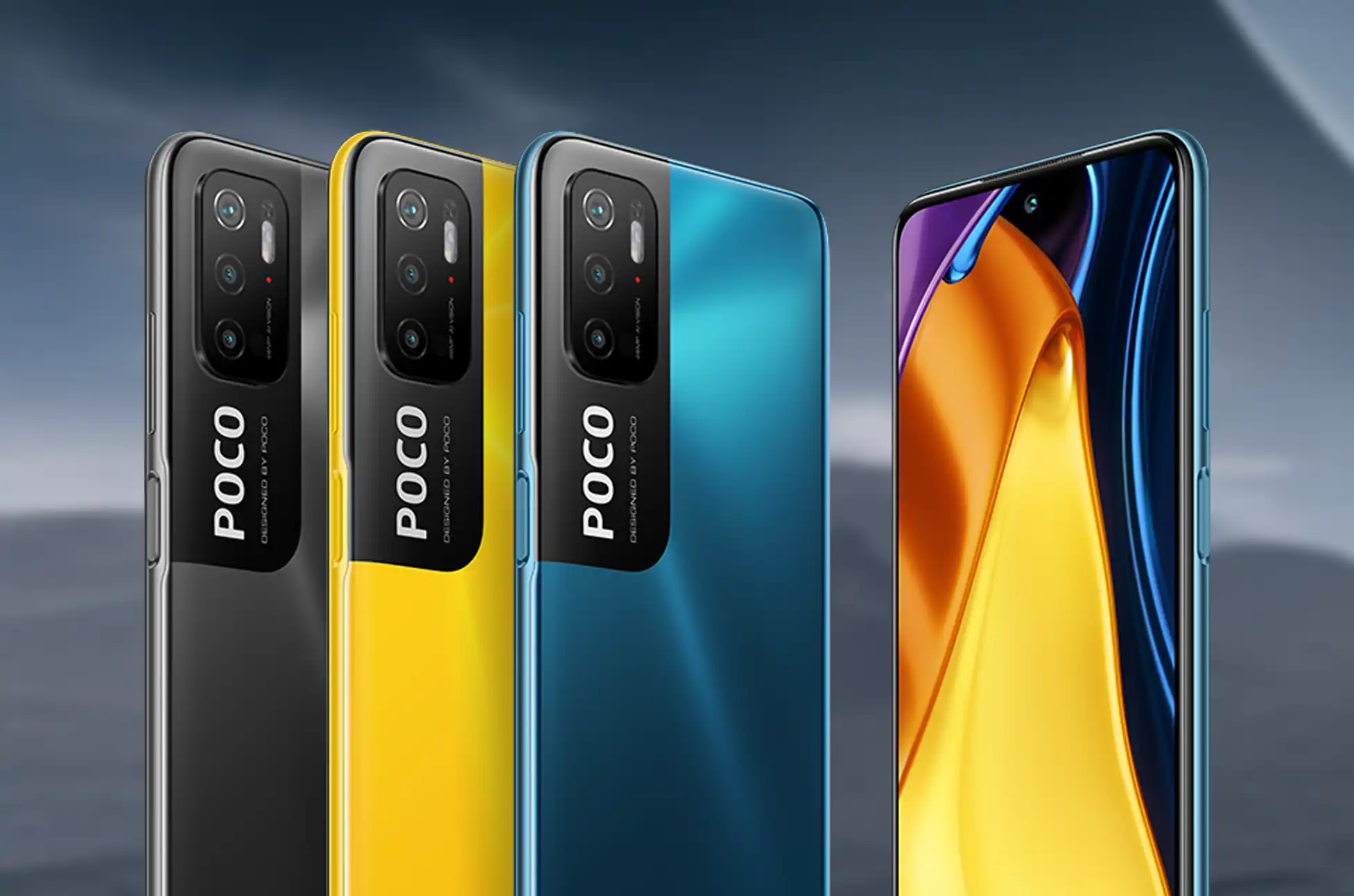
What Happens After SIM Unlocking Any Poco Phone?
Once your device is network unlocked, you’re done dealing with your original carrier’s restrictions. Just insert any compatible SIM card—as long as you’ve got an active account and credit with that network, you can make calls, text, and browse the internet without any issues.
SIM unlocking any Poco phone is a one-time process that gives you complete control over which carrier you use. With the right unlock code, you’ll have the freedom to switch networks whenever you want, wherever you are. Whether you’re traveling internationally or just looking for better rates, SIM unlocking any Poco phone opens up a world of possibilities without the commitment to a single carrier.
All products, and company names, logos, and service marks (collectively the "Trademarks") displayed are registered® and/or unregistered trademarks™ of their respective owners. The authors of this web site are not sponsored by or affiliated with any of the third-party trade mark or third-party registered trade mark owners, and make no representations about them, their owners, their products or services.


Comments are closed.