
iPhone AirDrop Android? Cross-platform file sharing just got a whole lot simpler. The long-standing barrier between Android and iOS is finally breaking down in a way that actually matters.
Google just announced something that would’ve seemed impossible a few years ago: iPhone AirDrop Android compatibility is now real. Android’s Quick Share connects directly with iPhone’s AirDrop, making file transfers between the two ecosystems seamless. No third-party apps, no email attachments, no awkward workarounds—just straightforward sharing between devices.
Here’s the google link : https://blog.google/products/android/quick-share-airdrop/
Where You Can Use It Right Now
The feature launched first on Google’s newest Pixel lineup—the Pixel 10, 10 Pro, 10 Pro XL, and 10 Fold. But this is just the starting point. Google plans to expand compatibility to more Android devices down the line.
How iPhone AirDrop Android Compatibility Works
The setup is surprisingly straightforward, though there’s a small catch on both sides.
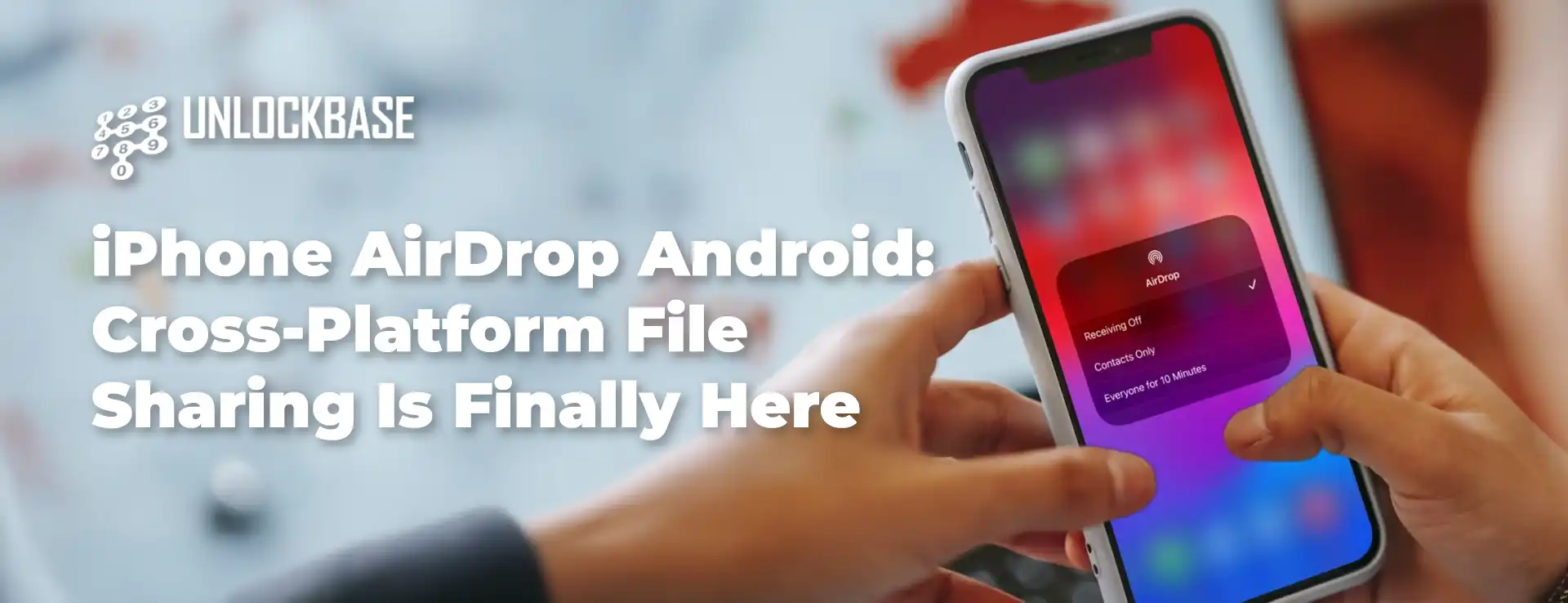
Sending from Android to iPhone: iPhone users need to temporarily adjust their AirDrop settings to “Everyone for 10 Minutes.” Once that’s done, they’ll see a familiar pop-up notification when a Pixel 10 sends them a file—it looks just like a standard AirDrop request. One tap on “Accept” and the transfer begins.
Sending from iPhone to Android: The process mirrors the other direction. Pixel 10 owners need to set Quick Share to “Everyone for 10 minutes” to receive files from an iPhone via AirDrop.
Security Remains a Priority
Google didn’t cut corners on safety to make this happen. The company built the feature with multiple security layers working together: encrypted sharing channels, native platform security measures, and peer-to-peer technology that keeps your files traveling directly between devices.
There’s also good news for privacy-conscious users: Google confirmed that “Contacts Only” mode is coming in a future update, which will tighten control over who can send you files.
Why iPhone AirDrop Android Integration Matters
For years, sharing files between Android and iPhone meant resorting to clunky solutions—cloud uploads, messaging apps with file size limits, or asking someone to email it instead. This iPhone AirDrop Android integration removes that friction entirely, making cross-platform collaboration feel as natural as it should’ve been all along.
Whether you’re in a mixed-device household, working on a team with different phone preferences, or just trying
All products, and company names, logos, and service marks (collectively the "Trademarks") displayed are registered® and/or unregistered trademarks™ of their respective owners. The authors of this web site are not sponsored by or affiliated with any of the third-party trade mark or third-party registered trade mark owners, and make no representations about them, their owners, their products or services.


Comments are closed.