
2025
Free Your Old Samsung: The Complete SIM Unlock Guide
Samsung
Got an old Samsung sitting in your drawer, still locked to your previous carrier? Maybe you’re ready to switch networks, or you want to sell that phone but the carrier lock is holding you back. Good news – learning how to sim unlock old Samsung devices is easier than you think.
This guide breaks down everything you need to know about freeing your old Samsung from carrier restrictions, so you can use it however you want.
What Does SIM Unlocking Actually Mean?
When your old Samsung is “locked,” it’s programmed to work only with one specific carrier. When you sim unlock old Samsung phones, you’re removing that restriction completely. Once unlocked, your phone becomes carrier-agnostic – meaning you can pop in any compatible SIM card and get connected.
Think of it like removing training wheels. Your phone was limited before, but now it’s ready to work with any network you choose.
Why Bother to Sim Unlock Old Samsung Devices?
There are some solid reasons to unlock that old device:
Switch Carriers Without Buying New Hardware
Found a better deal with another carrier? Use your existing Samsung instead of shelling out for a new phone.
Cut Travel Costs Dramatically
International roaming fees are brutal. When you sim unlock old Samsung phones, you can grab a local SIM card abroad and pay local rates instead of tourist prices.
Get More Money When You Sell
Unlocked phones sell for significantly more than locked ones. Buyers want flexibility, and they’ll pay extra for it.
Keep Using Your Favorite Device
If your old Samsung still works great, why replace it? Unlocking lets you keep using a phone you’re comfortable with, even if you change carriers.
Step-by-Step: How to Sim Unlock Old Samsung Phones
Ready to free your device? Here’s the process to sim unlock old Samsung phones using UnlockBase:
Getting Your Unlock Code:
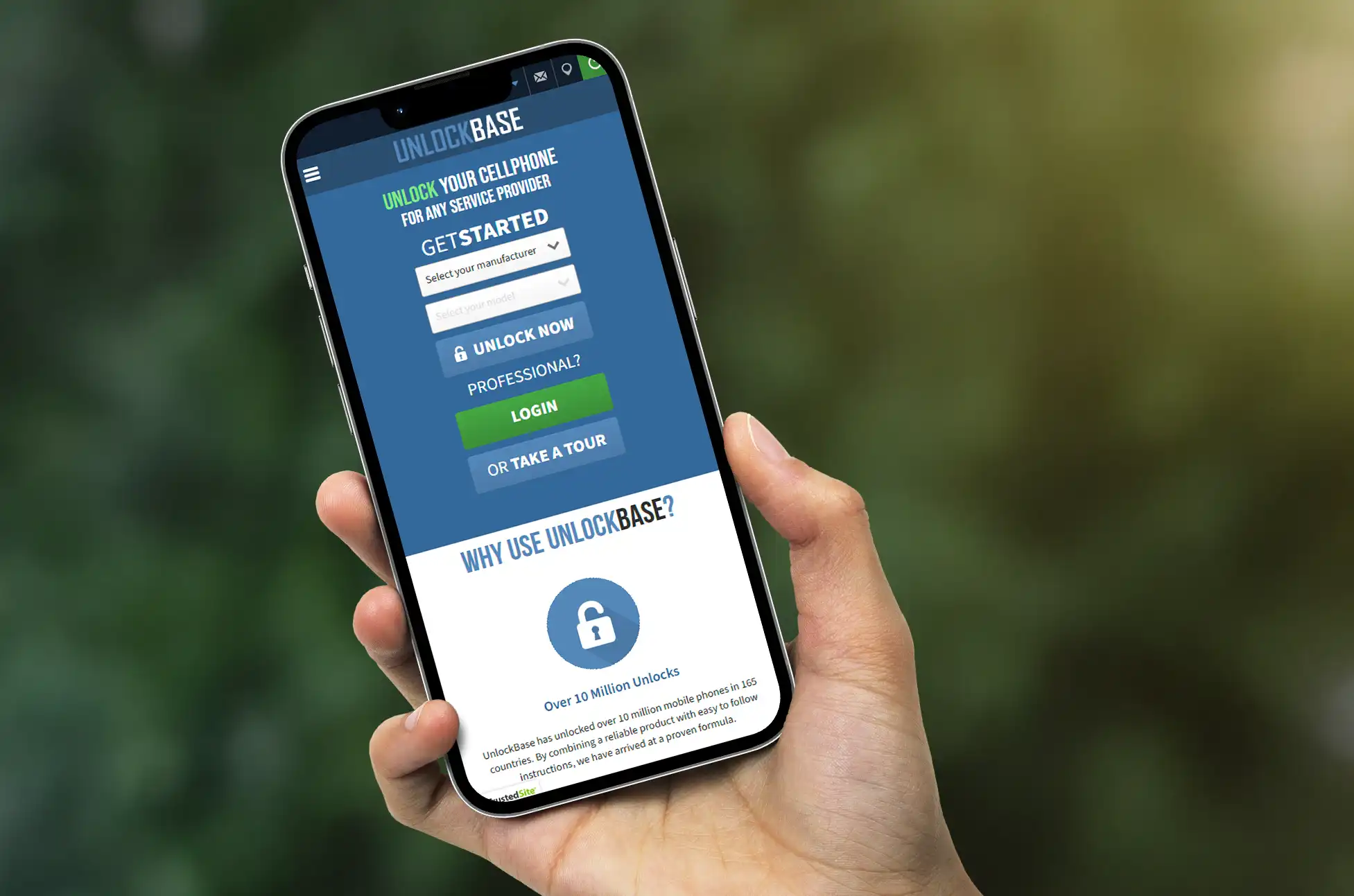
- Head over to UnlockBase in your browser
- Enter your Samsung’s IMEI number (dial *#06# to find it)
- Provide your email address for delivery confirmation
- Select the country where your phone is currently locked
- Choose your specific carrier/network provider
- Complete the payment process and watch your inbox
Applying the Unlock Code:
Once you receive the email with your unlock code:
- Power off your Samsung and remove your current SIM card
- Insert a SIM card from a different carrier
- Turn your phone back on – you’ll see a prompt asking for an unlock code
- Type in the code that UnlockBase sent you
- Hit confirm and you’re done
Your old Samsung is now free to work with any compatible carrier.
Common Questions About How to Sim Unlock Old Samsung Phones
Will this damage my phone in any way?
Not at all. The process to sim unlock old Samsung devices is a software change that doesn’t affect your phone’s hardware or performance. Your Samsung will work exactly as it did before – just with more carrier options.
Does unlocking cancel my warranty?
No, the unlock process itself won’t void your warranty. That said, if your Samsung is several years old, the original manufacturer warranty has probably expired anyway. Always double-check your specific warranty terms if you’re concerned.
Can I lock it again if I need to?
Once you sim unlock old Samsung phones, they stay unlocked. There’s no need to reverse the process – the whole point is giving you permanent flexibility.
What if my Samsung is really old?
As long as your device has a SIM card slot and can still power on, it can be unlocked. The age doesn’t matter when you sim unlock old Samsung devices.
Which old Samsung models can be unlocked?
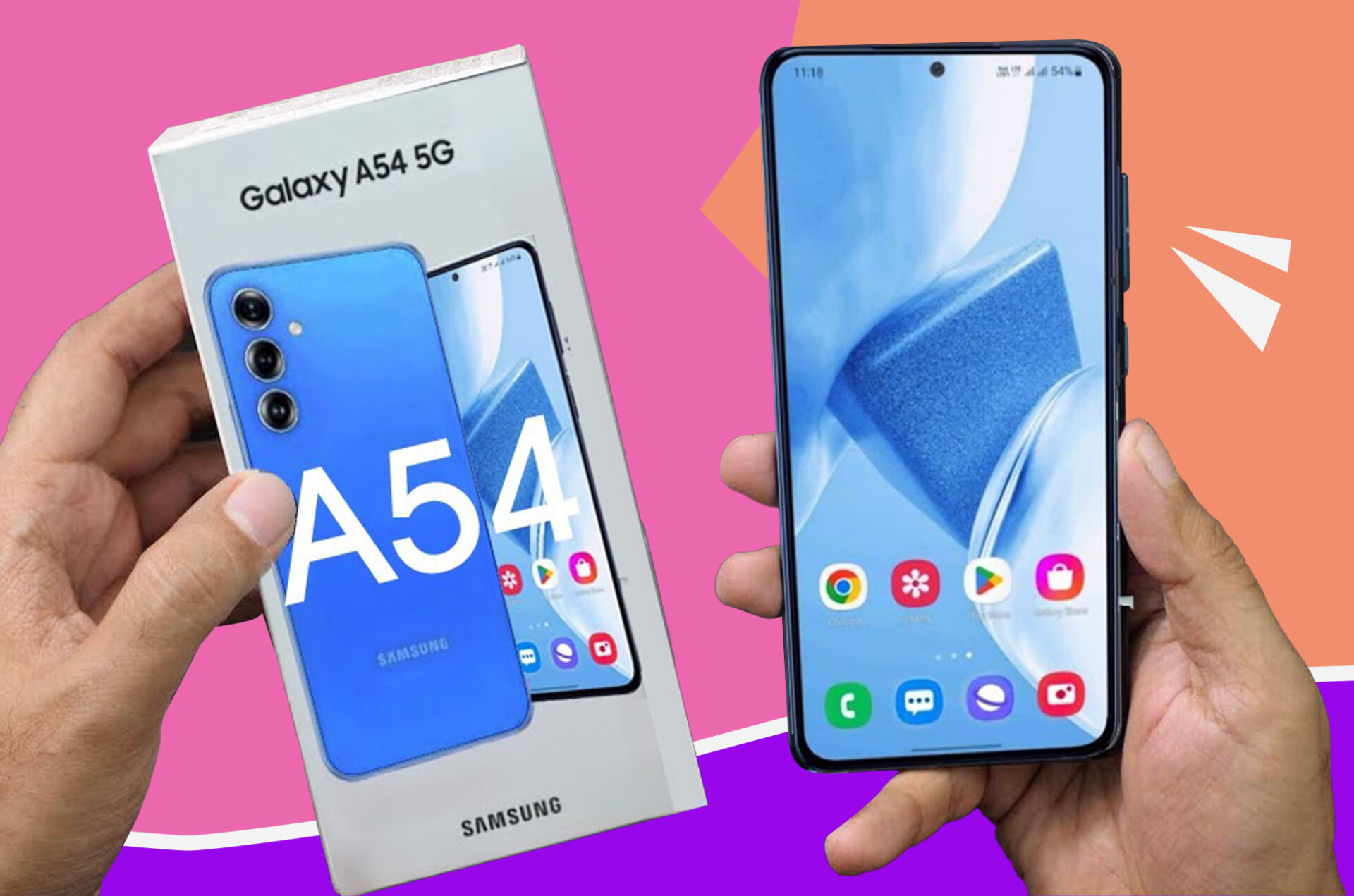
Pretty much any old Samsung with a SIM card slot can be unlocked – from Galaxy S series to Galaxy Note, Galaxy A series, and even older models like the Galaxy J series or Galaxy Core. If it has an IMEI number, you can sim unlock old Samsung phones regardless of the model.
Make Your Old Samsung Work for You
Learning how to sim unlock old Samsung devices gives you control. Whether you’re planning to use it as a backup device, hand it down to family, sell it for extra cash, or take it traveling, removing carrier restrictions makes your phone significantly more useful.
The process takes just a few minutes, and the benefits last for the lifetime of your device. No more being stuck with one carrier, no more expensive roaming charges, and no more wondering if your old phone could serve a purpose.
Your old Samsung has plenty of life left in it. When you sim unlock old Samsung phones, you give them the freedom to prove that. Take control of your device today and enjoy the flexibility you’ve been missing.
All products, and company names, logos, and service marks (collectively the "Trademarks") displayed are registered® and/or unregistered trademarks™ of their respective owners. The authors of this web site are not sponsored by or affiliated with any of the third-party trade mark or third-party registered trade mark owners, and make no representations about them, their owners, their products or services.


Comments are closed.