
Esim Management ? Managing your phone’s connectivity just got easier! Whether you’re switching carriers, traveling, or need more network freedom, this quick guide covers everything you need to know about eSIMs and phone unlocking.
ESim Management : How to Delete an eSIM on Your Phone
Removing an eSIM is simple since it’s just a digital file on your phone. Here’s how to do it:
Quick Steps:
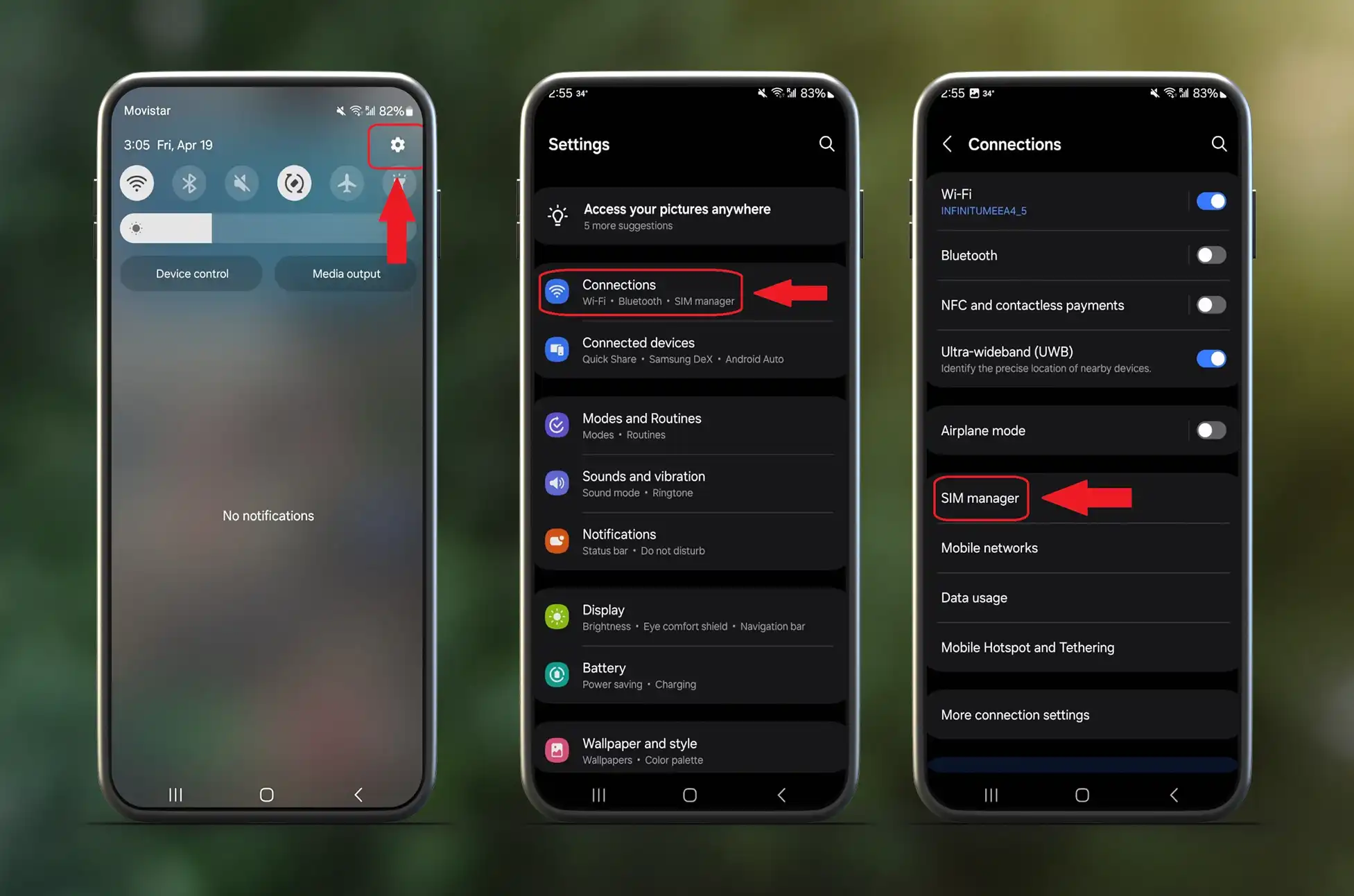
- Go to Settings → Connections → SIM Manager
- Find your eSIM under the “eSIMs” section
- Tap “Erase eSIM”
- Hit “Confirm” and you’re done!
Pro Tip: Want to keep it but not use it right now? Simply toggle the switch off instead of deleting. Perfect for travelers who want to reactivate later!
ESim Management : How to Add a New eSIM
Adding a new eSIM takes just a few minutes. First, make sure you have an unlocked phone and an eSIM activation code from your carrier.
Simple Process: • Open Settings → Connections → SIM Manager • Tap “Add eSIM” or “Add Mobile Plan” • Scan the QR code from your carrier OR enter the code manually • Follow the setup prompts
That’s it! Your new eSIM will appear alongside your existing SIMs, ready to use.
ESim Management : Unlocking Your Phone To Use Different Sim
Want to use eSIMs from different carriers? You’ll need an unlocked device. Here’s how to break those digital chains legally and safely.
What You’ll Need: • Your phone’s IMEI number (dial *#06#) • Current carrier info • Device model details
Easy Steps:
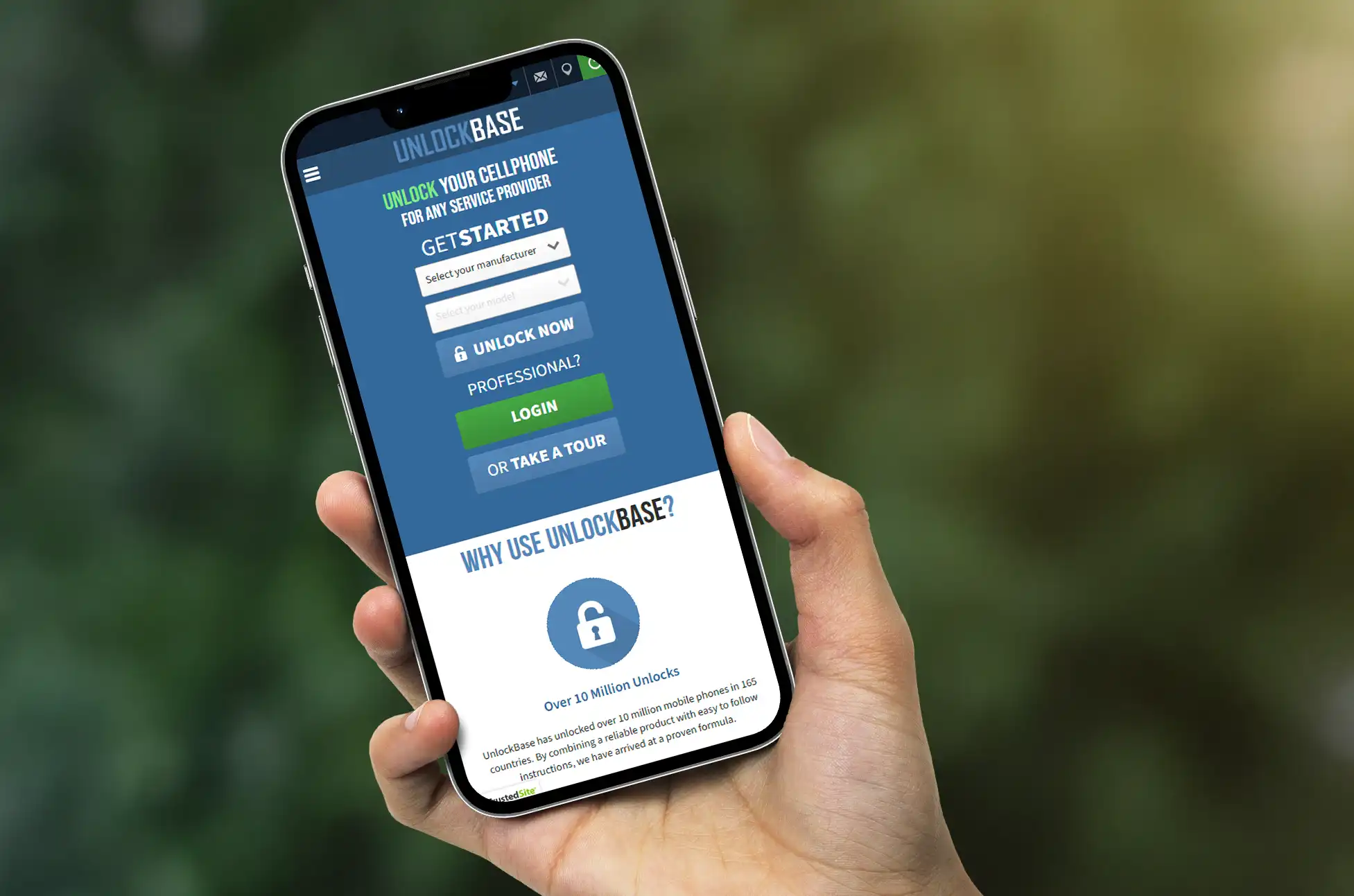
- Visit UnlockBase and select your phone brand
- Choose “Network Unlock” and enter your device details
- Provide your IMEI (double-check for accuracy!)
- Make payment through secure checkout
- Wait for processing (you’ll get email updates)
- Receive unlock instructions via email
- Test with different carrier’s SIM to confirm success
Most unlocks complete within 1-7 days depending on your phone model.
Conclusion
Managing eSIMs and unlocking your phone doesn’t have to be complicated. With these simple steps, you can easily delete old eSIMs, add new ones, and unlock your device for complete carrier freedom. Whether you’re switching carriers, traveling internationally, or just want more control over your mobile experience, these tools put the power back in your hands. Start managing your connectivity like a pro today!
All products, and company names, logos, and service marks (collectively the "Trademarks") displayed are registered® and/or unregistered trademarks™ of their respective owners. The authors of this web site are not sponsored by or affiliated with any of the third-party trade mark or third-party registered trade mark owners, and make no representations about them, their owners, their products or services.


Comments are closed.