
2026
IMEI Clean vs Blacklisted: What Every Phone Buyer Should Understand in 2026
IMEI Unlock
Understanding clean vs blacklisted IMEI status is one of the most important steps before buying, selling, or unlocking a phone in 2026. A device can look perfect, power on normally, and even appear unlocked, but still fail to work properly if its IMEI status has restrictions.
This matters especially in today’s second-hand phone market. More users are buying refurbished devices, importing phones from other countries, and purchasing from online marketplaces. These options can offer excellent value, but they also make verification more important.
Before trusting a listing or completing a purchase, every buyer should understand what an IMEI is, how blacklisting works, and why unlock status alone does not guarantee full usability.
What Is an IMEI and Why Does It Matter?
IMEI stands for International Mobile Equipment Identity. It is a unique number assigned to a mobile device, similar to a digital fingerprint for that phone.
Carriers and network operators use the IMEI to identify devices on their networks. When a phone connects to a mobile network, the carrier can read its IMEI and determine whether the device is allowed to operate.
You can usually find the IMEI by dialing *#06# on the phone, checking the device settings, or looking at the original box.
The IMEI matters because it can reveal important information about a device, including:
- Original carrier or region
- Model identification
- Lock status indicators
- Blacklist or restriction status
For buyers, IMEI verification is essential. It helps confirm whether a phone can be activated and used normally before money changes hands.
Clean IMEI vs Blacklisted IMEI
The difference between clean vs blacklisted IMEI status comes down to whether a device has network restrictions attached to its identity.
A clean IMEI generally means the phone has no major network blocks associated with it. In most cases, a clean device can be activated on compatible networks, assuming it is unlocked and supports the required bands.
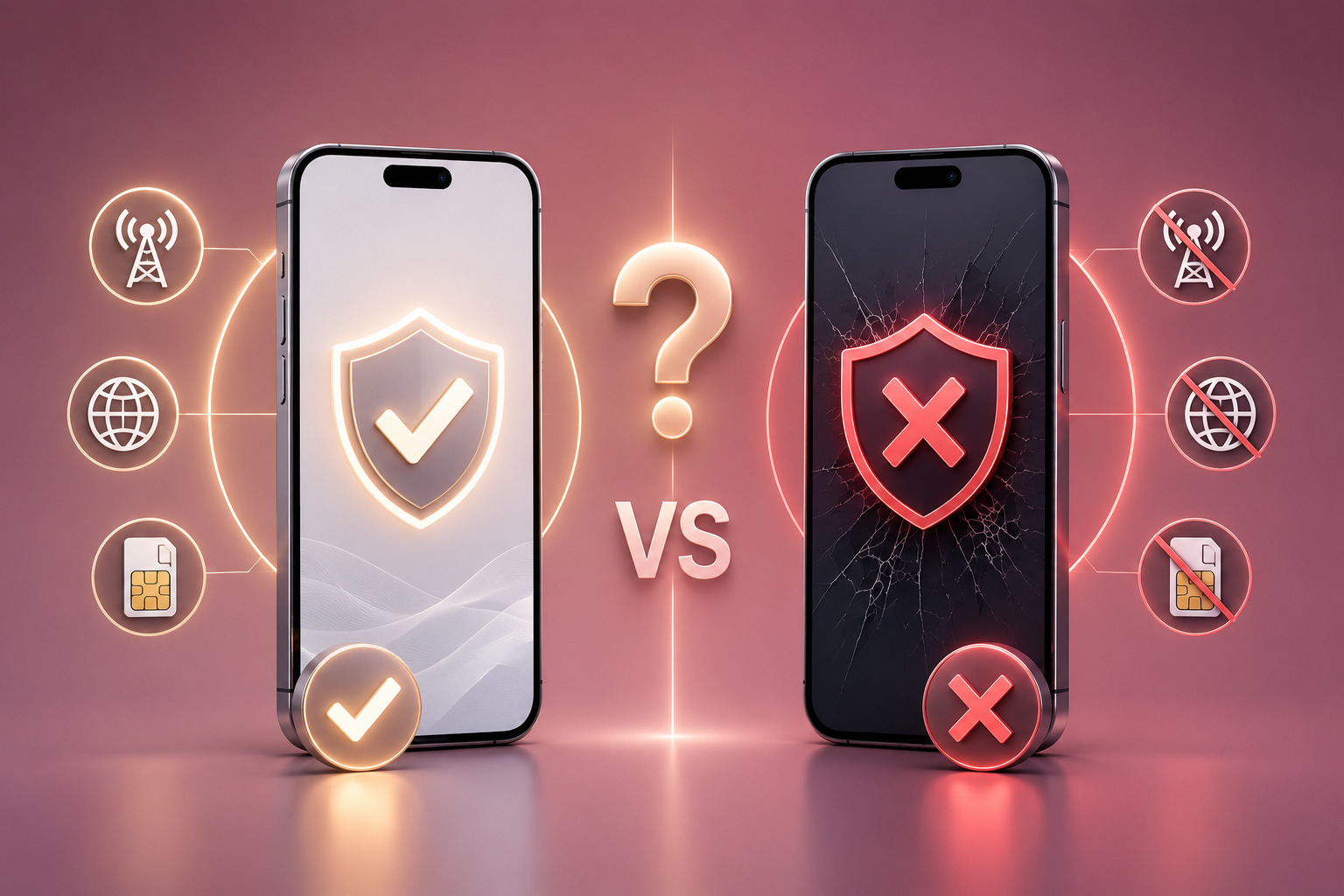
A blacklisted IMEI means the device has been flagged in carrier or industry databases. When that happens, mobile networks may block the phone from connecting, even if the device itself functions normally.
This distinction is critical. A phone with a blacklisted IMEI may still turn on, connect to Wi-Fi, open apps, and look fully operational. The problem appears when the user tries to activate mobile service.
That is why a blacklisted phone check should be part of every second-hand purchase.
Common Reasons Phones Become Blacklisted
Phones can become blacklisted for several reasons. Some relate to loss or theft, while others involve account or financing issues.
The most common reasons include:
- The phone was reported lost or stolen
- The device remains tied to unpaid financing
- The original account has unresolved obligations
- The device was involved in suspicious activity
- A carrier or insurance provider placed a restriction on it
Not every blacklisted device comes from an obvious or intentional problem. Sometimes a buyer purchases a phone in good faith, only to discover later that the previous owner had an outstanding balance or reported the device after resale.
This is why IMEI blacklist explained content matters. Buyers need to understand that a clean-looking device is not always a clean device.
A phone’s physical condition cannot confirm network eligibility. Only proper IMEI verification can do that.
How Blacklisting Affects Device Usage
A blacklisted IMEI can seriously limit how a phone works.
The most obvious issue is failed network activation. A carrier may reject the device, preventing calls, texts, and mobile data from functioning.
In some cases, the phone may work on Wi-Fi but fail with SIM or eSIM activation. Users may see messages such as no service, SIM not supported, or network unavailable.
Blacklisting may affect:
- Domestic carrier activation
- International network access
- eSIM profile installation
- Resale value
- Unlocking options
The effect can vary by country and network. Some restrictions apply across multiple regions, while others may affect only specific carriers. However, buyers should never assume that a blacklisted phone will work reliably elsewhere.
A clean phone blacklist status gives buyers far more confidence than a verbal promise from a seller.
Before purchasing a device or attempting to use it on a new network, verifying its IMEI status can help prevent unexpected restrictions.
How to Check a Phone Before Buying
A careful buyer should verify several details before purchasing any used phone.
Start with the IMEI. Ask the seller for the IMEI number and run an IMEI verification through a reputable checking service. If the seller refuses to provide it, treat that as a reason to pause.
Next, confirm the phone’s carrier and lock status. A clean IMEI does not automatically mean the phone is unlocked. It only means the device is not blacklisted or restricted in that specific way.
You should also confirm compatibility with your intended network. Even a clean and unlocked phone may not support every carrier band or feature.
Before buying, check:
- IMEI blacklist status
- Carrier lock status
- Model and region
- Network band compatibility
- eSIM or physical SIM support
If possible, test the phone with your SIM card before completing the purchase. For online purchases, choose platforms that offer buyer protection and clear return policies.
These steps help users buy phone safely and avoid problems that may only appear after activation.
Common Misconceptions About Unlocking and Blacklists
One of the biggest misunderstandings in the mobile market involves the relationship between unlocking and blacklisting.
Unlocking and blacklist removal are not the same thing.
Unlocking removes carrier restrictions that prevent a phone from accepting SIM cards from other networks. Blacklisting refers to the device’s network eligibility based on its IMEI status.
A phone can be:
- Locked but clean
- Unlocked and clean
- Locked and blacklisted
- Unlocked but blacklisted
This is why users sometimes face confusing situations. A phone may show as unlocked but still fail to connect because the IMEI is blacklisted. In that case, the issue is not the carrier lock. The issue is the device’s restriction status.
Another misconception is that factory resetting a phone clears blacklist status. It does not. A reset removes personal data from the device, but it does not change carrier database records.
Similarly, replacing a SIM card or using eSIM does not resolve blacklist restrictions. Networks identify the device through IMEI, not only through the SIM.
Understanding these differences helps buyers avoid unrealistic expectations and make better decisions.
Why IMEI Status Matters More in 2026
In 2026, IMEI status matters more than ever because the mobile market is more global, digital, and resale-driven.
Consumers regularly buy phones from other regions. eSIM activation has become more common. Carriers rely increasingly on digital checks before allowing devices onto their networks.
As a result, hidden restrictions become harder to ignore.
A phone with a questionable IMEI status may create problems not only for calls and data, but also for resale, travel, and long-term ownership.
For users planning to unlock, resell, or travel with a device, verifying clean vs blacklisted IMEI status should always come before assuming the phone is ready to use.
Conclusion
Understanding clean vs blacklisted IMEI status is essential for anyone buying or using a phone in 2026. A clean IMEI supports normal activation, while a blacklisted IMEI can block mobile service even if the phone appears functional.
Unlock status matters, but it is only one part of the picture. Buyers should also confirm blacklist status, network compatibility, carrier history, and device configuration before completing a purchase.
Taking a few minutes to verify the IMEI can prevent costly mistakes and protect long-term device usability.
UnlockBase.com helps users better understand device status and network compatibility, making it easier to make informed decisions before and after purchase.
All products, and company names, logos, and service marks (collectively the "Trademarks") displayed are registered® and/or unregistered trademarks™ of their respective owners. The authors of this web site are not sponsored by or affiliated with any of the third-party trade mark or third-party registered trade mark owners, and make no representations about them, their owners, their products or services.


Comments are closed.