Low-Cost Phone Carriers? Are you tired of huge phone bills? You’re not alone. Many people pay over $100 monthly for cell service. However, you don’t need to spend that much.
We’ve tested over 12 different carriers. After months of research, I found 5 budget options that actually work well. Moreover, these carriers use the same networks as expensive providers.
In fact, you can get quality service for as little as $5 per month. Furthermore, you won’t sacrifice coverage or reliability.
Low-Cost Phone Carriers : Why I Chose These 5 Carriers
First, let me explain my selection process. Each carrier offers several key benefits:
Low prices with no hidden fees
Good network coverage using major towers
Clear billing without surprise charges
Helpful customer service when needed
Flexible plans for different users
Now, let’s look at each option in detail.
1. US Mobile: Best for Flexibility
Starts at $8 per month
US Mobile stands out for one big reason. Unlike other budget carriers, it works on all three major networks. Additionally, you can even use two networks at once.
Key Benefits
Multiple Networks: First, choose between T-Mobile, Verizon, or AT&T. Then, some plans let you use two networks together. This means better coverage everywhere.
Clear Pricing: Plans start at just $8 monthly for 2GB. Meanwhile, unlimited plans begin at $25. Best of all, taxes and fees are included.
Extra Features: Furthermore, some plans include international calling. Also, you get free smartwatch service. Plus, certain plans offer faster data speeds.
Best for: People who want network options and premium features.
2. Tello: Perfect for Light Users
Starts at $5 per month
Tello keeps things simple. Instead of complex plans, you build exactly what you need. As a result, you only pay for what you use.
What Makes Tello Special
Custom Plans: First, pick your data amount. Next, add talk and text if needed. For example, get 1GB for $5. Then, add unlimited talk and text for $4 more.\
T-Mobile Network: You get T-Mobile’s network coverage. However, data speeds are slower than premium plans. Still, it works well for basic needs.
Low Prices: Plans range from $5 to $25. The unlimited plan gives 35GB of fast data. After that, speeds slow but don’t stop.
Best for: Kids, seniors, or anyone who uses mostly Wi-Fi.
3. Mint Mobile: Best Annual Value – Low-Cost Phone Carriers
Starts at $15 per month (paid yearly)
Thanks to Ryan Reynolds, everyone knows Mint Mobile. More importantly, it offers solid value. However, you must pay for a full year upfront.
Top Features
T-Mobile Network: You get T-Mobile’s coverage nationwide. Still, data priority is lower than expensive plans.
Annual Savings: Pay yearly and save big. Plans cost $15-$30 monthly. Data ranges from 5GB to unlimited.
International Perks: All plans include free calls to Mexico, Canada, and the UK. Plus, the unlimited plan adds free roaming in Canada.
True Unlimited: Unlike some carriers, there’s no hard data limit. After 35GB, speeds may slow during busy times. Nevertheless, service continues.
Best for: Users comfortable paying annually for T-Mobile service.
4. Helium Mobile: The Free Option -Low-Cost Phone Carriers
Starts at $0 per month
Here’s something amazing: truly free cell service. While Helium isn’t perfect, their free plan works as backup service.
Unique Features
Free Plan: Get 3GB data, 100 minutes, and 300 texts for nothing. Yes, it’s completely free.
T-Mobile Network: Like most budget carriers, Helium uses T-Mobile towers. However, data priority is low.
Affordable Upgrades: Paid plans cost $5-$30 monthly. Additionally, they offer special kids’ plans.
Best for: Emergency backup, very light users, or testing before buying.
5. Visible: Best for Heavy Users – Low-Cost Phone Carriers
Starts at $25 per month
Visible is my personal favorite. It’s Verizon’s budget brand. Most importantly, you get truly unlimited data on America’s best network.
Why Visible Wins
Verizon Network: Access Verizon’s reliable, nationwide coverage. This network often works where others don’t.
Three Simple Plans: Choose from $25, $35, or $45 monthly options. Furthermore, get $6 off monthly for your first year.
Real Unlimited: No data caps or throttling. Users report using 300GB+ without problems. Therefore, stream and download freely.
Premium Features: Higher plans include priority data. Also, get free smartwatch service. Plus, enjoy 4K video streaming.
International Benefits: All plans include unlimited calling to Mexico and Canada. Additionally, premium plans add international roaming.
Best for: Heavy data users who want Verizon’s network cheap.
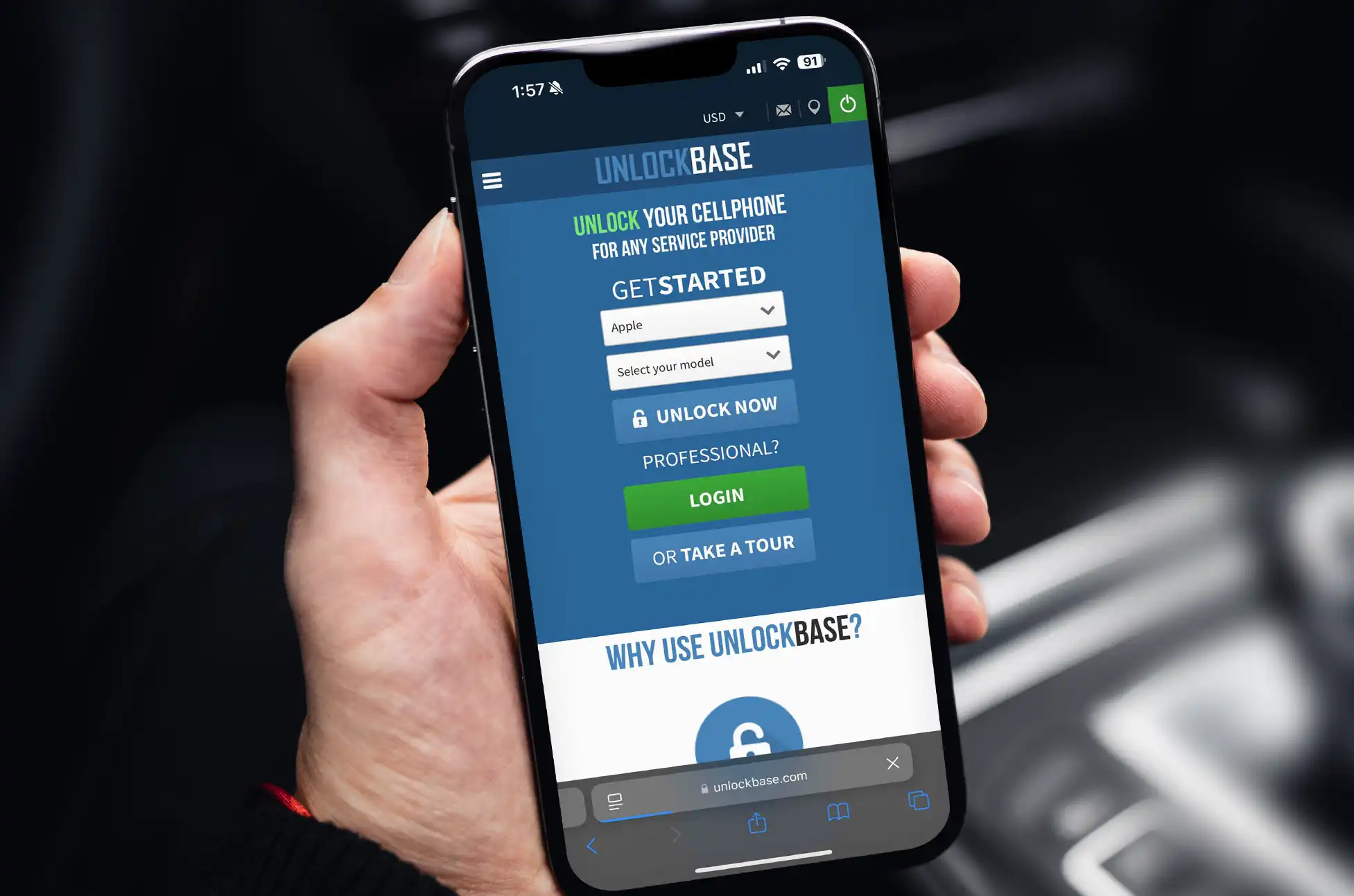
Unlock Your Phone Before Switching Carriers
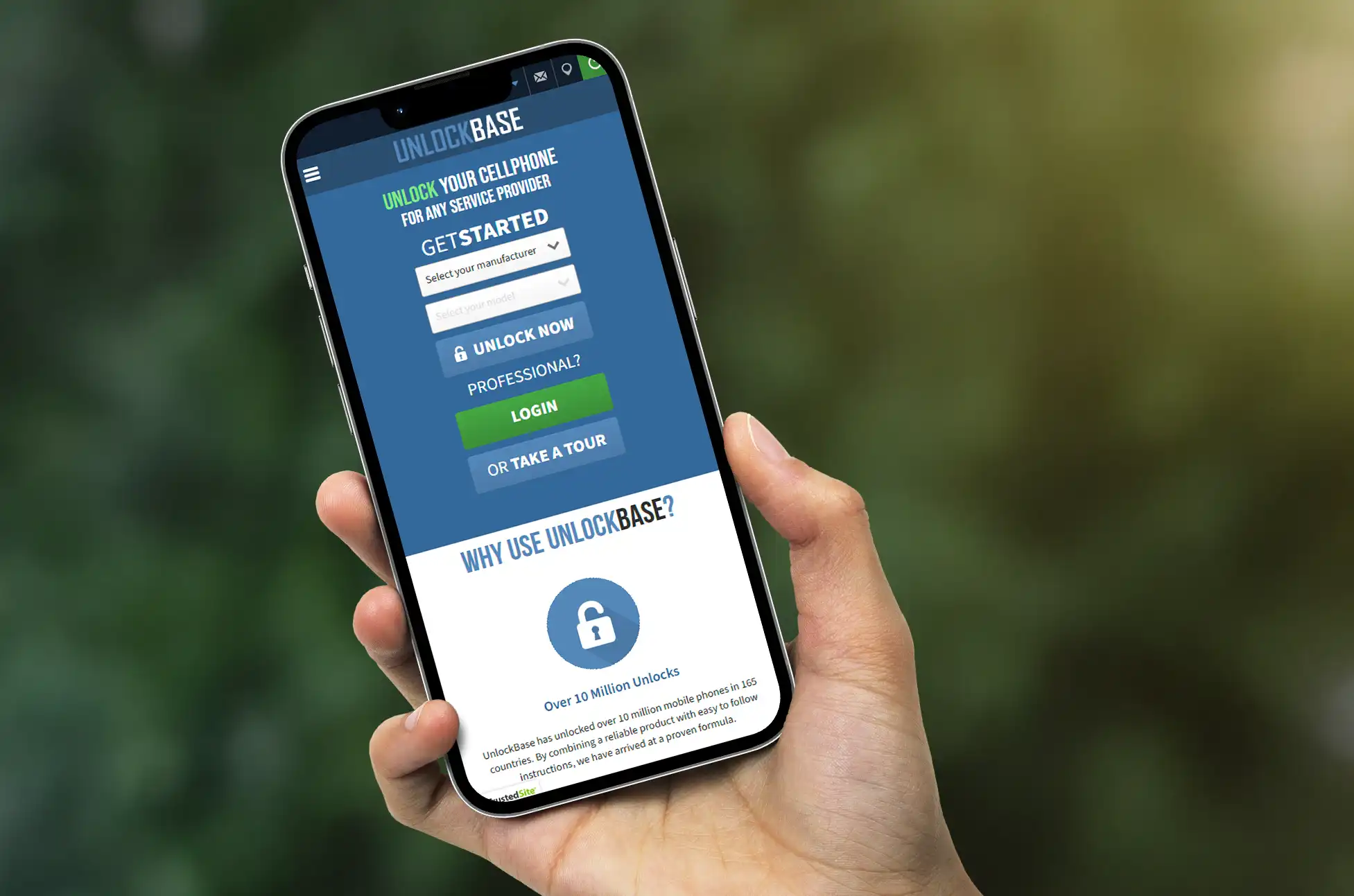
If your current phone is locked to your carrier, you’ll need to unlock it before switching to a budget provider. Here’s how:
Big carriers want you to pay premium prices. However, these 5 options prove you don’t need to. Each provides real value without typical budget carrier problems. Furthermore, every carrier offers different strengths. Therefore, the best choice depends on your specific needs. Most importantly, consider your data usage and coverage requirements.
All products, and company names, logos, and service marks (collectively the "Trademarks") displayed are registered® and/or unregistered
trademarks™ of their respective owners.
The authors of this web site are not sponsored by or affiliated with any of the third-party trade mark or third-party registered trade mark owners,
and make no representations about them, their owners, their products or services.
Unlocked Phone Security Advantages? Most people buy phones based on camera quality or storage space. However, if you care about security, there’s one feature you shouldn’t ignore: SIM freedom.
What’s a SIM Unlocked Phone?
A SIM unlocked phone works with any carrier. Therefore, you’re not stuck with one provider like you are with locked phones. Furthermore, this freedom does more than save money – it makes your phone more secure.
Unlocked Phone Security Advantages : Why It’s More Secure
Switch Networks When Needed If you think someone tracks your communications, you can quickly change carriers. As a result, this makes it harder for hackers to track you consistently.
Less Junk Software Carrier-locked phones come with bloatware you can’t remove. Moreover, these pre-installed apps often have too many permissions and create security holes. In contrast, unlocked phones have cleaner software.
Faster Security Updates Unlocked phones get security updates directly from manufacturers. Meanwhile, carrier-locked phones wait for provider approval, leaving you vulnerable longer.
Travel Safely
When traveling internationally, buy a local SIM card instead of using expensive roaming. Consequently, this keeps you off potentially unsafe networks and gives you better privacy abroad.
Fight SIM Swapping
SIM swapping happens when criminals steal your phone number. However, with an unlocked phone, you can switch to a different carrier immediately if this happens to you. Thus, you can limit the damage quickly.
Emergency Backup
If one network goes down or becomes compromised, you can switch to another carrier right away. As a result, your phone stays working when others might be stuck.
Unlocked Phone Security Advantages : How to Unlock Your Phone
If you already have a carrier-locked phone, here’s how you can get it unlocked:
Check If You’re Eligible Most carriers require you to meet certain conditions:
You must pay off your phone completely
Your account should be in good standing
You may need to wait 40-60 days after purchase
Military personnel often get special exemptions
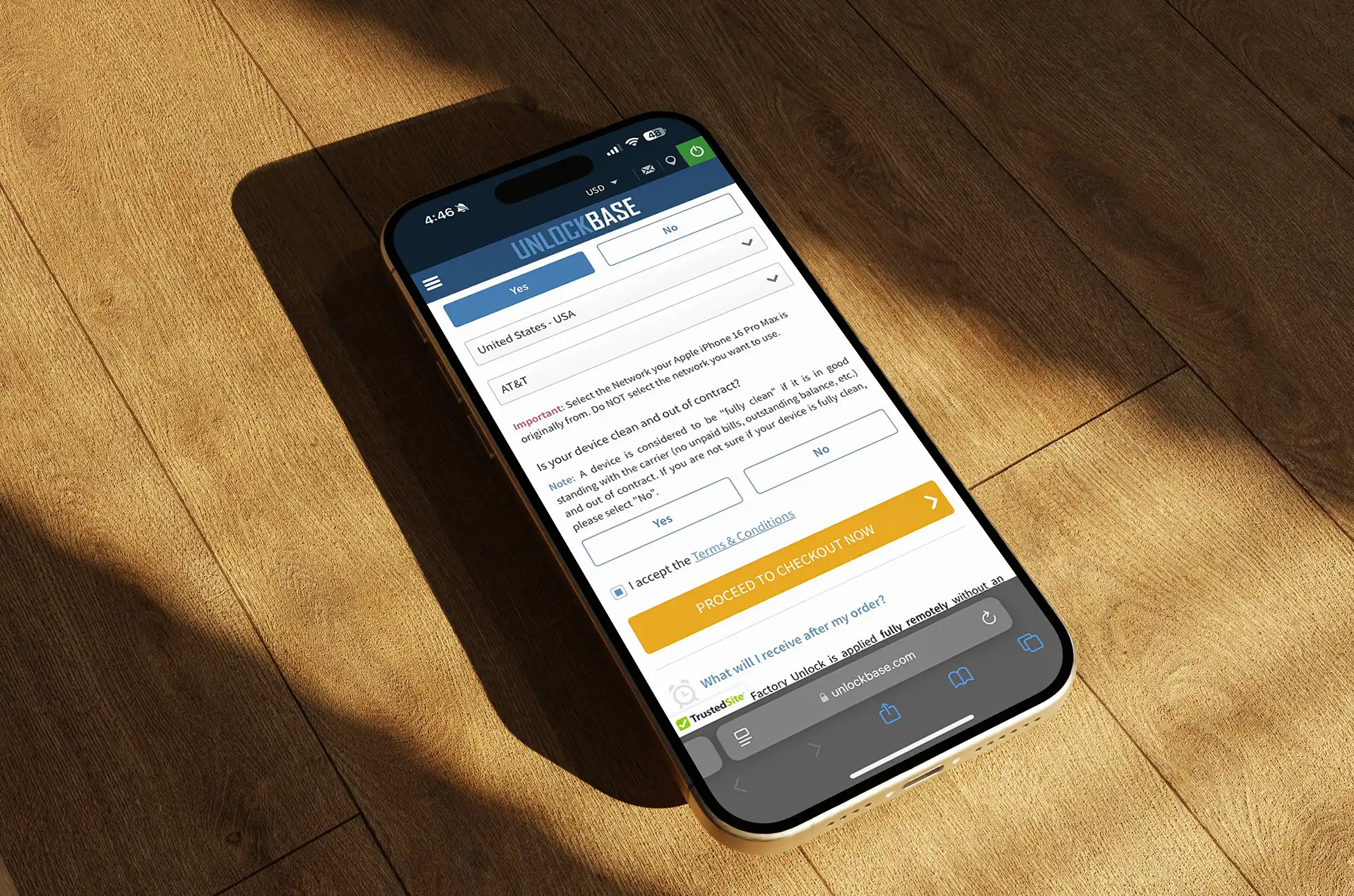
If your carrier won’t unlock your phone, don’t worry – UnlockBase has got you covered.
Choose “Network Unlock” and enter your device details
Provide your IMEI (double-check for accuracy!)
Make payment through secure checkout
Wait for processing (you’ll get email updates)
Receive unlock instructions via email
Verify It Worked After unlocking, test with a different carrier’s SIM card to make sure it actually works on other networks.
Unlocked Phone Security Advantages : The Bottom Line
SIM unlocked phones give you control. Additionally, you get faster security updates, cleaner software, and the ability to switch carriers when threats appear.
In today’s world where phones hold our most personal data, having this flexibility isn’t just convenient – it’s smart security practice.
Therefore, your next phone should be unlocked. You’ll have more options and better protection when you need it most.
All products, and company names, logos, and service marks (collectively the "Trademarks") displayed are registered® and/or unregistered
trademarks™ of their respective owners.
The authors of this web site are not sponsored by or affiliated with any of the third-party trade mark or third-party registered trade mark owners,
and make no representations about them, their owners, their products or services.
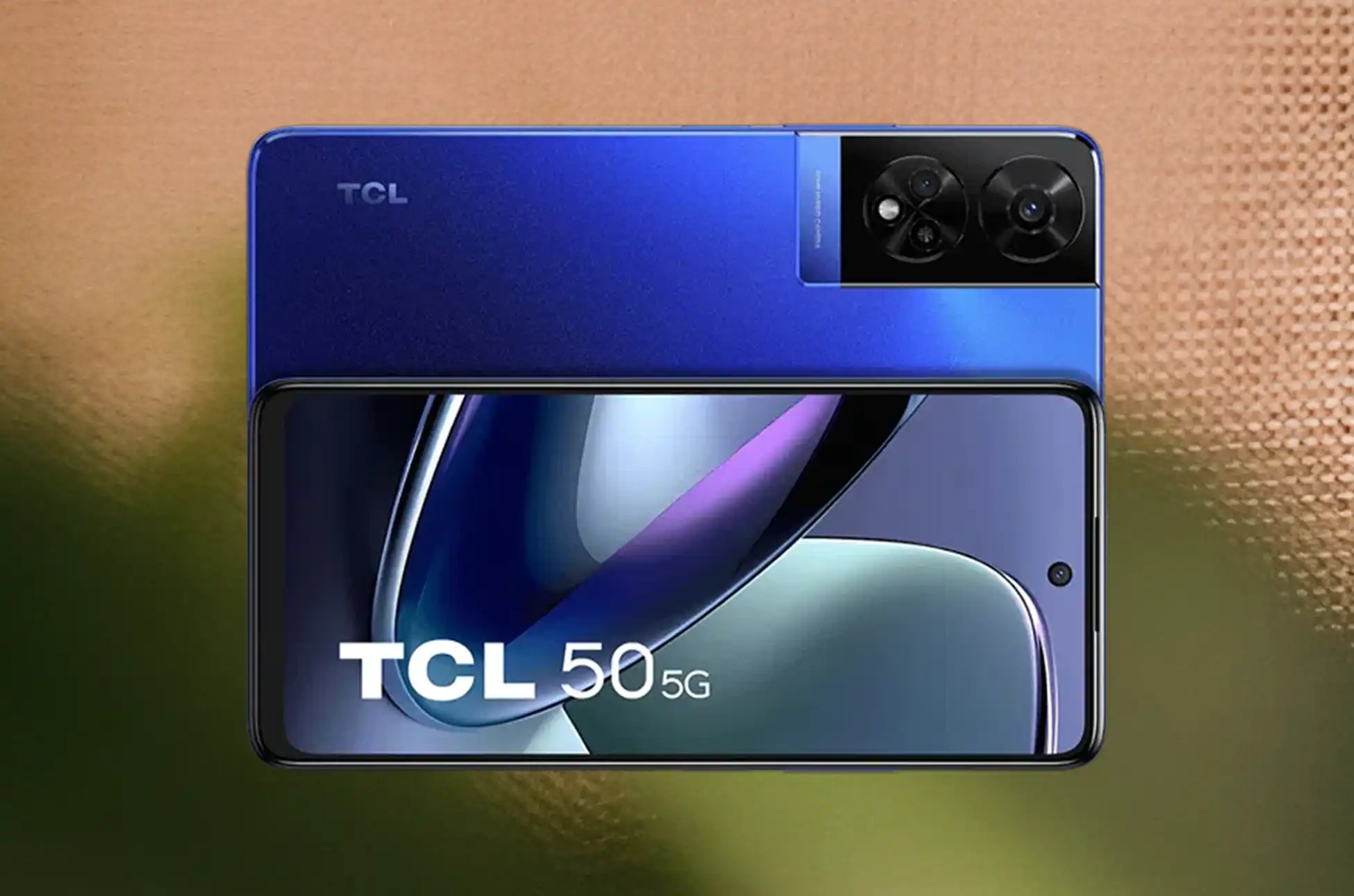
Locked TCL Phone? Phone bills getting too expensive? You’re not alone. Many people are switching to the TCL Phone unlocked model to save money and avoid being stuck with one carrier. Unlike regular phones that only work with specific companies, the TCL Phone unlocked works with any carrier you choose. This simple change could save you over $1,000 and give you complete control over your phone plan.
Locked TCL Phone : What is an Unlocked TCL Phone?
The TCL Phone unlocked edition is your passport to complete carrier independence. Unlike traditional locked devices that bind you to specific networks, this versatile smartphone works seamlessly with any compatible carrier worldwide. Simply insert a SIM card from your preferred provider, and you’re instantly connected – no strings attached, no restrictions holding you back.
How Much Money Will You Save?
The savings add up fast with a TCL Phone unlocked:
Monthly Savings: You can save $15-30 each month by choosing cheaper plans. That’s $180-360 per year.
No Hidden Fees: Carriers often add extra charges to locked phones. With the TCL Phone unlocked, you avoid these fees.
Switch Anytime: Found a better deal? Switch carriers right away. No early termination fees or penalties.
Perfect for Travel
Love to travel? The TCL Phone unlocked is a game-changer. When you travel abroad, your regular phone bill can be huge. Roaming charges are expensive. But with the TCL Phone unlocked, you can buy a local SIM card in any country. This cuts your travel phone costs by 90%. Instead of paying tourist prices, you pay local rates. Your TCL Phone works the same way, but costs much less.
Better Resale Value
When it’s time to upgrade, your TCL Phone unlocked is worth more money. Locked phones only work with one carrier. This limits who can buy them. The TCL Phone unlocked works with any carrier. More people want to buy it. This means you get 20-30% more money when you sell. That’s an extra $100-200 in your pocket.
The Numbers Don’t Lie: Total Savings Breakdown
Here’s what you can save over 2-3 years with a TCL Phone unlocked:
Plan savings: $180-360 per year
Travel savings: $50-100 per trip
Better resale value: $100-200 extra
Avoiding fees: $150-300 saved
Total savings: $500-1,000
Quick Guide: Unlocking Your Locked TCL Phone with UnlockBase
The TCL Phone unlocked gives you freedom and saves money. Yes, you pay more upfront. But the savings add up fast. You’ll save on monthly bills, spend less when traveling and get more money when you sell. And you’ll never be stuck with a bad carrier again.
Ready to take control of your phone costs? Choose the TCL Phone unlocked model. Join thousands of smart consumers who are saving money and enjoying mobile freedom.
All products, and company names, logos, and service marks (collectively the "Trademarks") displayed are registered® and/or unregistered
trademarks™ of their respective owners.
The authors of this web site are not sponsored by or affiliated with any of the third-party trade mark or third-party registered trade mark owners,
and make no representations about them, their owners, their products or services.
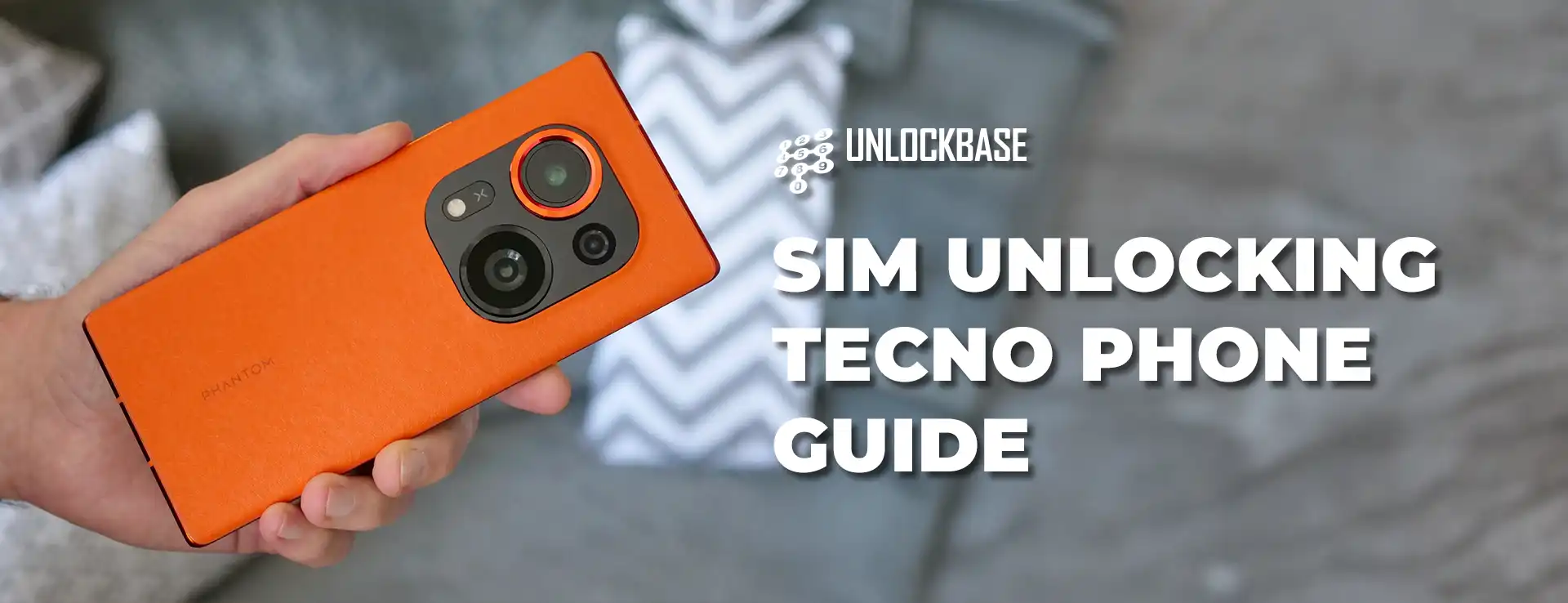
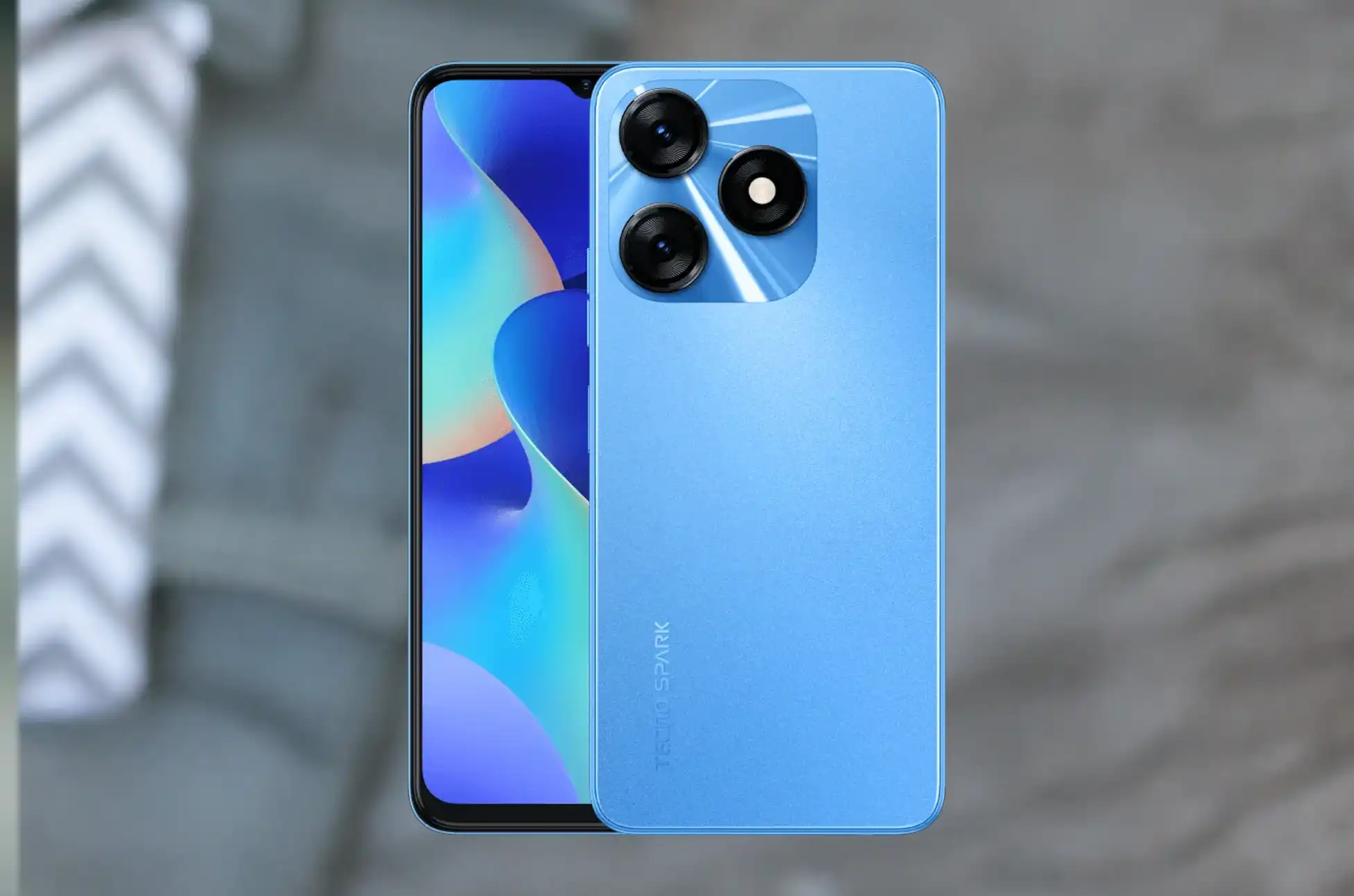
Sim Unlocking TECNO phone? Do you want the freedom to switch networks or travel internationally without expensive roaming fees? If so, then SIM unlocking your TECNO device is exactly what you need.
TECNO phones have gained massive popularity worldwide for their affordability and features. However, many users don’t realize they can unlock these devices for complete carrier freedom. Furthermore, this guide will show you exactly how to unlock your TECNO phone safely and legally.
What is a Locked Phone?
First, let’s understand what a locked phone means. A locked phone is restricted to work only with one specific carrier or network. When you purchase a TECNO phone from carriers like AT&T, T-Mobile, or Verizon, they often lock it to their network.
This lock prevents you from using SIM cards from other carriers. Additionally, the restriction works through software that checks your SIM card against an approved list. If your SIM doesn’t match the carrier’s database, your TECNO phone simply won’t connect.
Why Do Carriers Lock TECNO Phones?
Carriers use phone locking as a business strategy for several reasons:
Contract assurance – Ensure customers complete their full contract terms
Customer retention – Make it difficult to switch to competitor networks
Revenue protection – Maintain steady subscriber numbers and loyalty
Investment recovery – Protect subsidies provided for discounted phones
Benefits of Sim Unlocking TECNO phone
Now, let’s explore the amazing advantages of unlocking your TECNO device. The benefits extend far beyond simple carrier switching.
Complete Network Freedom – You can switch between any compatible networks. Moreover, choose based on coverage, pricing, or service quality. No more poor signal or expensive plans.
International Travel Convenience – Instead of paying huge roaming charges, buy local SIM cards abroad. Furthermore, this saves hundreds of dollars on international trips.
Higher Resale Value – Unlocked TECNO phones sell for much more money. Additionally, buyers prefer unlocked devices for flexibility. Therefore, you get more when upgrading.
Access to Better Deals – You can use prepaid plans and competitive pricing. As a result, you save money on monthly bills.
Cleaner Software Experience – Unlocked phones have less bloatware. Consequently, you get better performance and more storage.
How to Check if Your TECNO Phone’s Eligibility to be Unlocked
Before starting the unlocking process, you need to verify if your TECNO phone qualifies. Here are several effective methods to check eligibility.
Methods: 1: Test with Different SIM Card
2: Check Your Carrier Account
3: Contact Customer Service
4: Use IMEI Verification Services
Finally, locate your TECNO phone’s IMEI number by dialing *#06#. Then, enter this number on carrier websites or third-party checking services. These tools can verify your device’s lock status and carrier information.
Sim Unlocking TECNO phone : What is UnlockBase?
UnlockBase is a professional and trusted phone unlocking service that specializes in removing carrier restrictions. They have successfully unlocked thousands of TECNO phones safely and legally for customers worldwide.
Unlock Your TECNO Phone Using UnlockBase: Simple Guide
Now, let’s walk through the complete step-by-step process to unlock your TECNO phone. Follow these simple instructions to gain total carrier freedom.
After completing the unlocking process, confirm success by:
Powering off your phone completely
Replacing your current SIM with one from a different carrier
Turning the phone back on
Attempting to make a call or use data
If your phone connects to the new network without prompting for an unlock code, congratulations—your device is successfully unlocked!
Sim Unlocking TECNO phone : Conclusion
Unlocking your TECNO phone with UnlockBase opens up a world of possibilities and freedom. From complete carrier flexibility to international travel convenience, the benefits are substantial and long-lasting. Don’t let carrier restrictions limit your mobile experience any longer. Start your TECNO phone unlocking journey today with UnlockBase. Enjoy the complete freedom that comes with a fully unlocked smartphone that works with any carrier worldwide.
All products, and company names, logos, and service marks (collectively the "Trademarks") displayed are registered® and/or unregistered
trademarks™ of their respective owners.
The authors of this web site are not sponsored by or affiliated with any of the third-party trade mark or third-party registered trade mark owners,
and make no representations about them, their owners, their products or services.
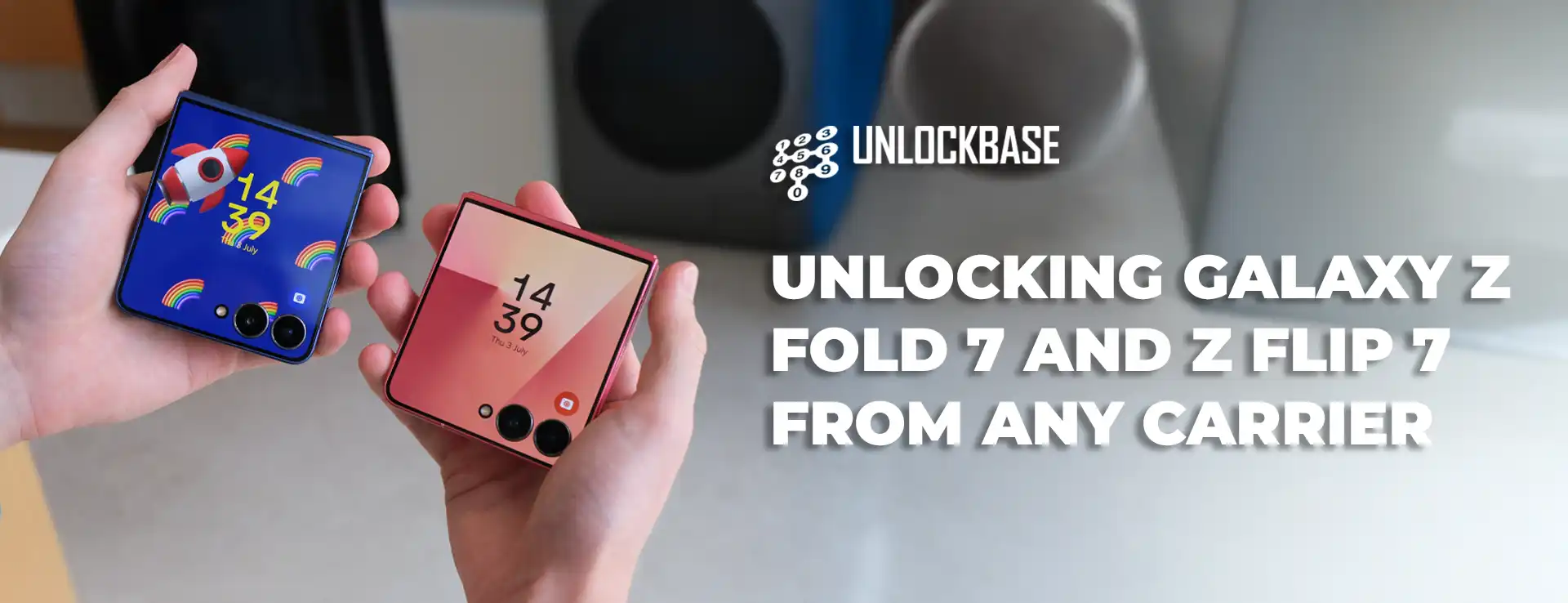
Unlocking Galaxy Z Fold 7 and Z Flip 7 ? Your shiny new Galaxy Z Fold 7 or Z Flip 7 comes with incredible technology, but there’s one thing that might be holding it back – carrier restrictions. These limitations can prevent you from getting the most out of your premium foldable device. Let’s explore how removing these restrictions can transform your smartphone experience.
Unlocking Galaxy Z Fold 7 and Z Flip 7 : Understanding Carrier Restrictions on Your Galaxy Foldables
When you purchase a Galaxy Z through a carrier, they install software locks that tie your device exclusively to their network. This means your expensive foldable can only work with that specific carrier’s SIM cards, limiting your choices.
Restrictions exist because carriers want to ensure you stay with their service. But they shouldn’t dictate how you use the device you paid for. Your Galaxy foldable has the hardware capability to work with virtually any compatible network worldwide – the software just needs to be freed from these artificial limitations.
The Real Benefits of Removing Carrier Restrictions
Network Flexibility Like Never Before
Imagine being able to switch between carriers based on who offers the best deal this month, or who has better coverage in your new neighborhood. With an unrestricted Galaxy Z Fold 7 or Z Flip 7, you’re not married to one network forever. You can take advantage of promotional rates, better customer service, or superior network performance whenever you want.
International Travel Made Simple
Roaming charges can destroy your travel budget faster than expensive hotels. When your Galaxy foldable isn’t tied to one carrier, you can simply buy a local SIM. A week in Europe that would cost $200 in roaming fees might only cost $20 with a local prepaid SIM.
Better Resale Value
Think about your next upgrade already? Devices without carrier restrictions consistently sell for 15-25% more than their restricted counterparts. Buyers know they’re getting a more versatile device, and they’re willing to pay extra for that flexibility.
Unlocking Galaxy Z Fold 7 and Z Flip 7 : How UnlockBase Removes These Restrictions
UnlockBase specializes in safely removing carrier locks from Samsung devices, including the latest Galaxy Z Fold 7 and Z Flip 7 models. Their process works by generating unique codes that permanently disable the carrier restrictions without modifying your device’s hardware or voiding your warranty.
The UnlockBase Process Explained
Step 1: Device Information CollectionVisit UnlockBase and select your Samsung Galaxy model. You’ll need to provide your device’s IMEI number (found by dialing *#06#) and specify which carrier currently has your device locked.
Step 2: Code Generation UnlockBase’s systems work with carrier databases to generate your specific code. This process typically takes 1-48 hours depending on your carrier and device model.
Step 3: Code Application Once you receive your code via email, you’ll insert a SIM card from a different carrier into your Galaxy device. When prompted for the code, enter the numbers provided by UnlockBase.
Step 4: Verification Your Galaxy Z Fold 7 or Z Flip 7 will verify the code and permanently remove the carrier restrictions. The process is complete, and your device is now free to work with any compatible network.
Unlocking Galaxy Z Fold 7 and Z Flip 7 : What Makes UnlockBase Different
Carrier Database Access
UnlockBase maintains relationships with carrier databases worldwide, ensuring they can generate legitimate codes for virtually any Samsung device, including the newest Galaxy Z
Permanent Solution
Unlike temporary workarounds or risky software modifications, UnlockBase’s method permanently removes restrictions using the same process carriers would use if you met their requirements.
Zero Risk to Your Device
The process doesn’t involve rooting, flashing firmware, or making any permanent changes to your device’s software. Your warranty remains intact, and your device functions exactly as before – just without the carrier restrictions.
Unlocking Galaxy Z Fold 7 and Z Flip 7 : Getting Started with UnlockBase
Ready to free your Galaxy Z Fold 7 or Z Flip 7 from carrier restrictions? The process begins at UnlockBase’s website, where you’ll find a simple form asking for your device details. Their customer support team is available to help if you have questions about compatibility or the process.
Your premium Galaxy foldable deserves to reach its full potential. Don’t let carrier restrictions limit what your device can do or where it can connect. With UnlockBase’s proven process, you can transform your restricted device into a truly global smartphone that works on your terms, not your carrier’s.
The freedom to choose your network, save money while traveling, and get better resale value when you upgrade – that’s what your Galaxy Z Fold 7 or Z Flip 7 was meant to deliver.
All products, and company names, logos, and service marks (collectively the "Trademarks") displayed are registered® and/or unregistered
trademarks™ of their respective owners.
The authors of this web site are not sponsored by or affiliated with any of the third-party trade mark or third-party registered trade mark owners,
and make no representations about them, their owners, their products or services.
Do you feel stuck with one carrier on your new Xiaomi phone? Moreover, do you want freedom to switch networks? Additionally, do you hate expensive roaming fees when traveling? If so, unlocking Xiaomi phones is the perfect solution.
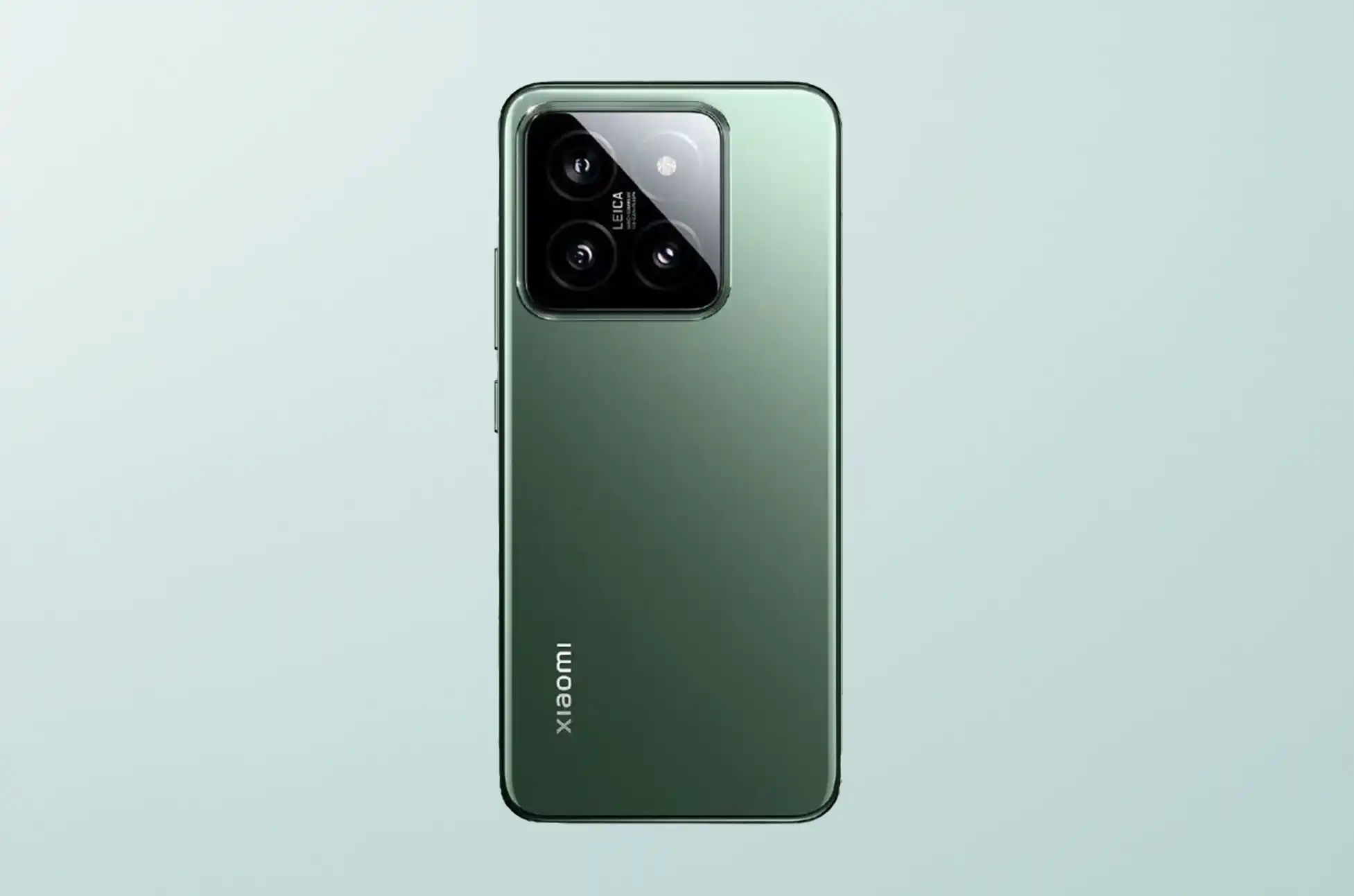
This guide shows you exactly how to unlock your latest Xiaomi phone safely. Furthermore, we’ll cover everything about legal unlocking using UnlockBase. Whether you own a Xiaomi 14 Ultra or Redmi Note 13, unlocking gives you complete control.
What is a Locked Phone?
First, let’s understand what a locked phone means. A locked phone works only with one specific carrier. When you buy a Xiaomi phone from Verizon or T-Mobile, they lock it to their network. As a result, you can’t use SIM cards from other carriers.
The lock uses software that checks your SIM card. If your SIM doesn’t match the carrier’s list, your phone won’t connect. Therefore, you stay tied to your original carrier until you unlock the device.
Why Do Carriers Lock Phones?
Carriers lock phones for several business reasons:
Contract completion – They keep customers for the full term
Prevent switching – They make it harder to move to competitors
Maintain loyalty – They reduce customer churn rates
Recover costs – They protect their phone financing investments
Understanding this helps you see why unlocking Xiaomi phones gives you so much value.
Benefits of Unlocked Xiaomi Phones
Next, let’s explore why millions choose to unlock their devices. Unlocking Xiaomi phones opens many possibilities.
Freedom to Choose Your Carrier – You can switch between networks based on coverage, pricing, or service quality. Moreover, you’re not bound by long-term contracts or early termination fees.
International Travel Made Easy – Instead of paying expensive roaming charges, you can simply purchase a local SIM card. This can save you hundreds of dollars on international trips.
Higher Resale Value – Potential buyers prefer unlocked devices because they offer more flexibility. Therefore, you’ll get more money when it’s time to upgrade.
Access to Better Deals – You can take advantage of prepaid plans and competitive pricing from different carriers. This freedom often leads to substantial savings on monthly bills.
No Carrier Bloatware – Unlocked phones typically come with less pre-installed carrier software. As a result, you get a cleaner Android experience with better performance.
How to Check if Your Xiaomi Phone is Eligible
Before starting the unlock process, check if your phone qualifies. Here are several ways to verify eligibility.
Method 1: Try Different SIM Cards
First, insert a SIM card from another carrier into your Xiaomi phone. If it asks for an unlock code, your phone is locked. However, if it connects normally, it’s already unlocked.
Method 2: Check Carrier Account
Next, log into your carrier’s website or app. Look for device unlock options in account settings. Most carriers show unlock status for your specific device.
Method 3: Contact Customer Service
Additionally, call your carrier’s customer service about unlock eligibility. They can check your account status instantly. Moreover, they’ll tell you if you meet their requirements.
Method 4: Use IMEI Services
Finally, find your phone’s IMEI by dialing *#06#. Then, enter this number on carrier websites. Third-party services can also verify lock status.
What is UnlockBase?
UnlockBase is a professional phone unlocking service. They specialize in removing carrier restrictions from mobile devices. Furthermore, they’ve successfully unlocked thousands of Xiaomi phones safely.
Why Choose UnlockBase?
UnlockBase stands out from other services with key advantages. First, they operate completely within legal boundaries. Moreover, they work with official carrier databases. As a result, your Xiaomi warranty stays intact.
The service supports virtually all Xiaomi models. This includes latest releases like Xiaomi 14 series and Redmi Note 13 series. Additionally, their database covers devices from major carriers worldwide.
Key Service Features
Fast Processing – Most unlocks complete within 24-72 hours
Money-Back Promise – Full refund if unlock fails
24/7 Support – Customer service available anytime
Secure Process – Your information stays private
Legal Method – Uses official carrier procedures
UnlockBase built its reputation on reliability and speed. Furthermore, their transparent pricing makes the process stress-free.
Unlocking Xiaomi Phone Using UnlockBase
Now that you understand the basics, let’s walk through the step-by-step process of unlocking Xiaomi phones.
Visit UnlockBase Website: Go to the UnlockBase website
Select Your Device: Choose your phone brand
Enter Device Details: Provide your phone’s IMEI number
Payment: Complete the payment process
Receive Instructions: You’ll get detailed instructions and an unlock code via email
Unlock Your Phone: Insert a new SIM and follow the instructions provided
Important Unlock Tips
Additionally, follow these important guidelines:
First, backup your data before starting
Moreover, ensure stable internet connection
Furthermore, keep your unlock code email safe
Finally, contact support if issues arise
Unlocking Latest Xiaomi Phones : Conclusion
Unlocking Xiaomi phones with UnlockBase opens unlimited possibilities. From carrier freedom to travel convenience, the benefits last long-term.
Whether you own flagship Xiaomi 14 Ultra or budget Redmi Note 13, unlocking puts you in control. Take advantage of better deals and travel without restrictions. Moreover, increase your phone’s resale value significantly.
Don’t let carrier restrictions limit your experience. Start your Xiaomi unlock process today with UnlockBase. Enjoy the freedom that comes with a truly unlocked smartphone.
All products, and company names, logos, and service marks (collectively the "Trademarks") displayed are registered® and/or unregistered
trademarks™ of their respective owners.
The authors of this web site are not sponsored by or affiliated with any of the third-party trade mark or third-party registered trade mark owners,
and make no representations about them, their owners, their products or services.
Are you tired of being stuck with one carrier on your Vivo phone? Furthermore, do you want the freedom to switch networks or use international SIM cards? If so, learning how to unlock any Vivo phone is the perfect solution. In this comprehensive guide, we’ll walk you through everything you need to know about phone unlocking and how UnlockBase can help you unlock any Vivo phone model with ease.
What is a Locked Phone?
A locked phone is a device that’s restricted to work only with one specific carrier or network. When you purchase a phone from a carrier like Verizon, AT&T, or T-Mobile, they often lock the device to prevent you from using it with competing networks.
Additionally, this lock is implemented through software that checks your SIM card against an approved carrier list. If your SIM doesn’t match, the phone simply won’t connect to any network. Therefore, you’re essentially tied to your original carrier until the phone is unlocked.
Most importantly, phone locking is a business practice that helps carriers:
Ensure contract completion
Prevent customers from switching networks easily
Maintain subscriber loyalty
Recover device subsidies
Benefits of Unlocked Phones
Freedom to Choose Your Carrier – You can switch between networks based on coverage, pricing, or service quality. Moreover, you’re not bound by long-term contracts or early termination fees.
International Travel Made Easy – Instead of paying expensive roaming charges, you can simply purchase a local SIM card. This can save you hundreds of dollars on international trips.
Higher Resale Value – Potential buyers prefer unlocked devices because they offer more flexibility. Therefore, you’ll get more money when it’s time to upgrade.
Access to Better Deals – You can take advantage of prepaid plans and competitive pricing from different carriers. This freedom often leads to substantial savings on monthly bills.
No Carrier Bloatware – Unlocked phones typically come with less pre-installed carrier software. As a result, you get a cleaner Android experience with better performance.
How to Check if Your Vivo Phone is Locked
Before attempting to unlock your device, it’s important to determine if your Vivo phone is locked. Here are several methods to check:
Method 1: Try a different SIM card. If your phone displays an error message or asks for an unlock code, then it’s locked. However, if it connects normally, your phone is already unlocked.
Method 2: Check Settings Menu. Navigate to your phone’s settings and look for network or carrier information. Sometimes, locked phones will display carrier-specific branding or restrictions in the settings menu.
Method 3: Use IMEI Checking Services. Simply dial *#06# to find your IMEI number, then enter it on carrier websites or third-party services to check lock status.
What is UnlockBase?
UnlockBase is a trusted phone unlocking service that offers completely legal solutions for all Vivo phone models, including V, Y, and X series devices. The service processes most unlock requests within 1-72 hours. With 24/7 customer support available to assist you throughout the process, UnlockBase provides a safe, fast, and reliable way to unlock your Vivo phone while working within carrier guidelines and industry standards.
Unlock Any Vivo Phone Using UnlockBase
Now that you understand the basics, let’s walk through the step-by-step process of unlocking.
Visit UnlockBase Website: Go to the UnlockBase website
Select Your Device: Choose your phone brand
Enter Device Details: Provide your phone’s IMEI number
Payment: Complete the payment process
Receive Instructions: You’ll get detailed instructions and an unlock code via email
Unlock Your Phone: Insert a new SIM and follow the instructions provided
Conclusion
Learning how to unlock any Vivo phone with UnlockBase is a straightforward process that opens up a world of possibilities. From carrier freedom to international travel convenience, the benefits are substantial when you unlock any Vivo phone.
Whether you’re looking to switch carriers, travel internationally, or simply increase your phone’s resale value, knowing how to unlock any Vivo phone is a smart choice. Take control of your mobile experience today and enjoy the freedom that comes with an unlocked Vivo phone.
All products, and company names, logos, and service marks (collectively the "Trademarks") displayed are registered® and/or unregistered
trademarks™ of their respective owners.
The authors of this web site are not sponsored by or affiliated with any of the third-party trade mark or third-party registered trade mark owners,
and make no representations about them, their owners, their products or services.
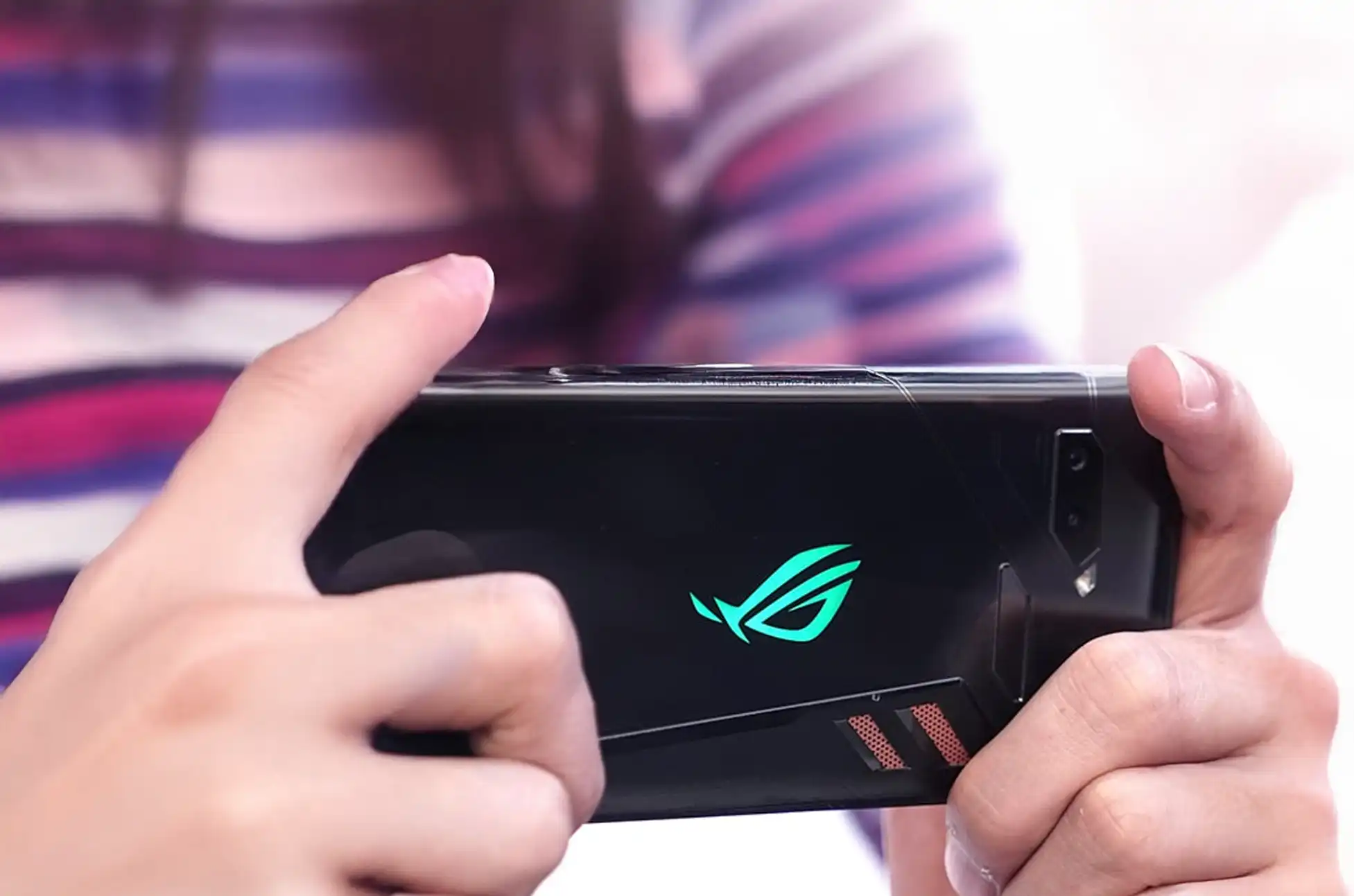
Sim Unlocking Asus Device? Are you looking to unlock the full potential of your ASUS phone? Unlocking your device can provide you with freedom. You can use it with any carrier. You can also access a variety of new features. In this guide, we’ll walk you through the steps to unlock any ASUS phone. We’ll also explore the benefits of doing so.
Sim Unlocking Asus Device : Why Unlock Any ASUS Phone?
Unlocking your ASUS phone allows you to use it with any GSM carrier worldwide. This means you can switch to a different carrier. You don’t have to buy a new phone. Additionally, unlocking your device can increase its resale value. Unlocked phones are typically more desirable to buyers.
Furthermore, unlocked phones give you more control over your mobile experience. You can choose the best plan for your needs. You can also avoid expensive roaming charges when traveling abroad. Moreover, you’ll have access to better network coverage options.
How to Unlock Any ASUS Phone
Unlocking your ASUS phone is a straightforward process. It can be completed in just a few simple steps. Here’s how to do it:
Step 1: Gather Your Device Information
Before you begin, you’ll need to gather some information about your device. This includes its IMEI number. You can find your IMEI number by dialing *#06# on your phone. Write down this number. You’ll need it later.
Step 2: Get the Unlock Code
Contact your carrier and request an unlock code for your ASUS phone. Your carrier may require you to meet certain eligibility requirements. They need to provide you with the unlock code first. If you find yourself not meeting the eligibility criteria, there’s no need to worry. UnlockBase offers a solution with straightforward steps:
Select your phone’s manufacturer from the list provided
Enter your phone’s IMEI number in the designated field
Input your email address for verification
Choose the country where your phone is currently locked
Select the network or carrier from which you wish to unlock your phone
Once your payment is successfully processed, keep an eye out for a confirmation email
Step 3: Enter the Unlock Code
Once you’ve received the unlock code from your carrier, insert a non-supported SIM card into your ASUS phone. You’ll be prompted to enter the unlock code. Enter the code provided by your carrier. Your device will then be unlocked.
Step 4: Restart Your Device
After entering the unlock code, restart your ASUS phone. Once it restarts, it should be unlocked. It will be ready to use with any GSM carrier. Test it with different SIM cards to make sure it works properly.
Sim Unlocking Asus Device : Benefits of Unlocking Your ASUS Phone
Carrier Freedom
Unlocking your ASUS phone gives you the freedom to switch to any GSM carrier. You don’t have to buy a new phone. This is especially useful if you’re unhappy with your current carrier’s service. You can also take advantage of better deals from other carriers.
Increased Resale Value
Unlocked phones are typically more valuable than locked phones. Therefore, unlocking your ASUS phone can increase its resale value. Buyers prefer unlocked devices because they offer more flexibility. This means you can sell your phone for a higher price.
Access to New Features
Unlocking your device may allow you to access new features. You can also get customization options that were previously unavailable. Some carriers restrict certain features on locked phones. However, unlocked phones give you full access to all features.
Better International Travel Experience
With an unlocked ASUS phone, international travel becomes much easier. You can buy local SIM cards in any country you visit. This helps you avoid expensive roaming charges. Additionally, you’ll have access to local rates for calls, texts, and data.
Things to Consider Before Unlocking
Before you unlock your ASUS phone, there are a few things to consider. First, make sure your device is eligible for unlocking. Most carriers have specific requirements that must be met. Second, ensure your account is in good standing with your current carrier.
Also, be aware that some carriers may charge a fee for unlocking. However, this fee is usually small compared to the benefits you’ll gain. Finally, make sure you use a reputable unlocking service like UnlockBase to avoid any issues.
Sim Unlocking Asus Device : Conclusion
Unlocking your ASUS phone can provide you with the freedom to use your device how you want. Whether you’re looking to switch carriers or simply want to unlock new features, unlocking your device is a simple process. It can unlock a world of possibilities.
Unlock your ASUS phone today and experience the freedom and flexibility that comes with an unlocked device. The process is simple, safe, and completely legal. Therefore, there’s no reason not to unlock your phone and enjoy all the benefits it offers.
All products, and company names, logos, and service marks (collectively the "Trademarks") displayed are registered® and/or unregistered
trademarks™ of their respective owners.
The authors of this web site are not sponsored by or affiliated with any of the third-party trade mark or third-party registered trade mark owners,
and make no representations about them, their owners, their products or services.
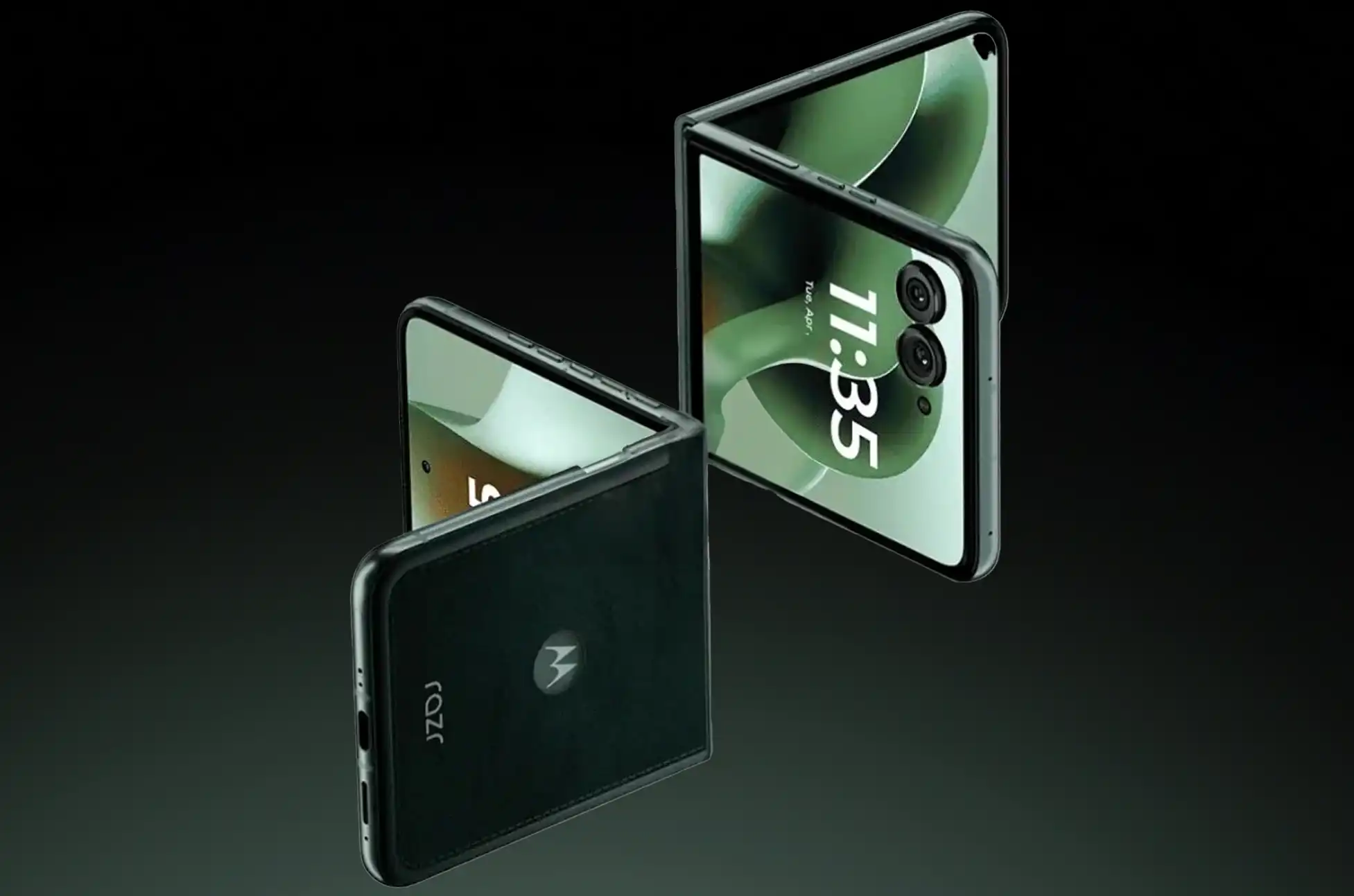
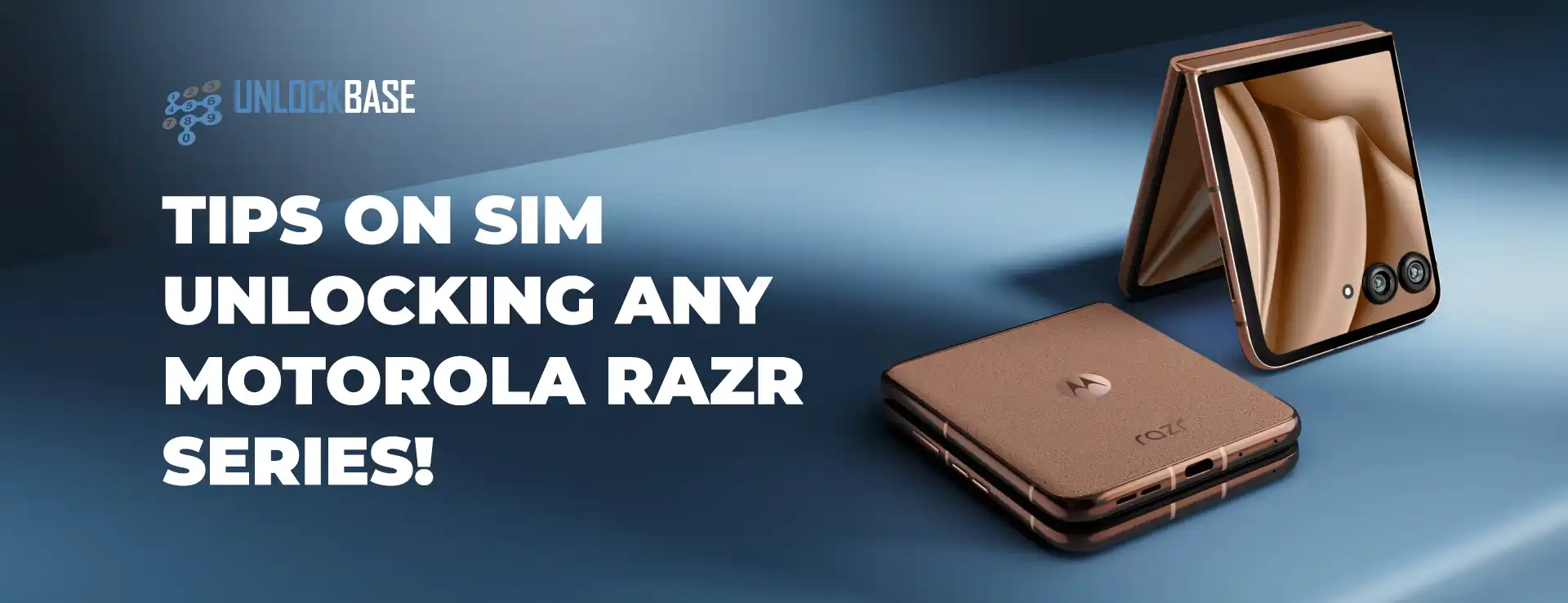
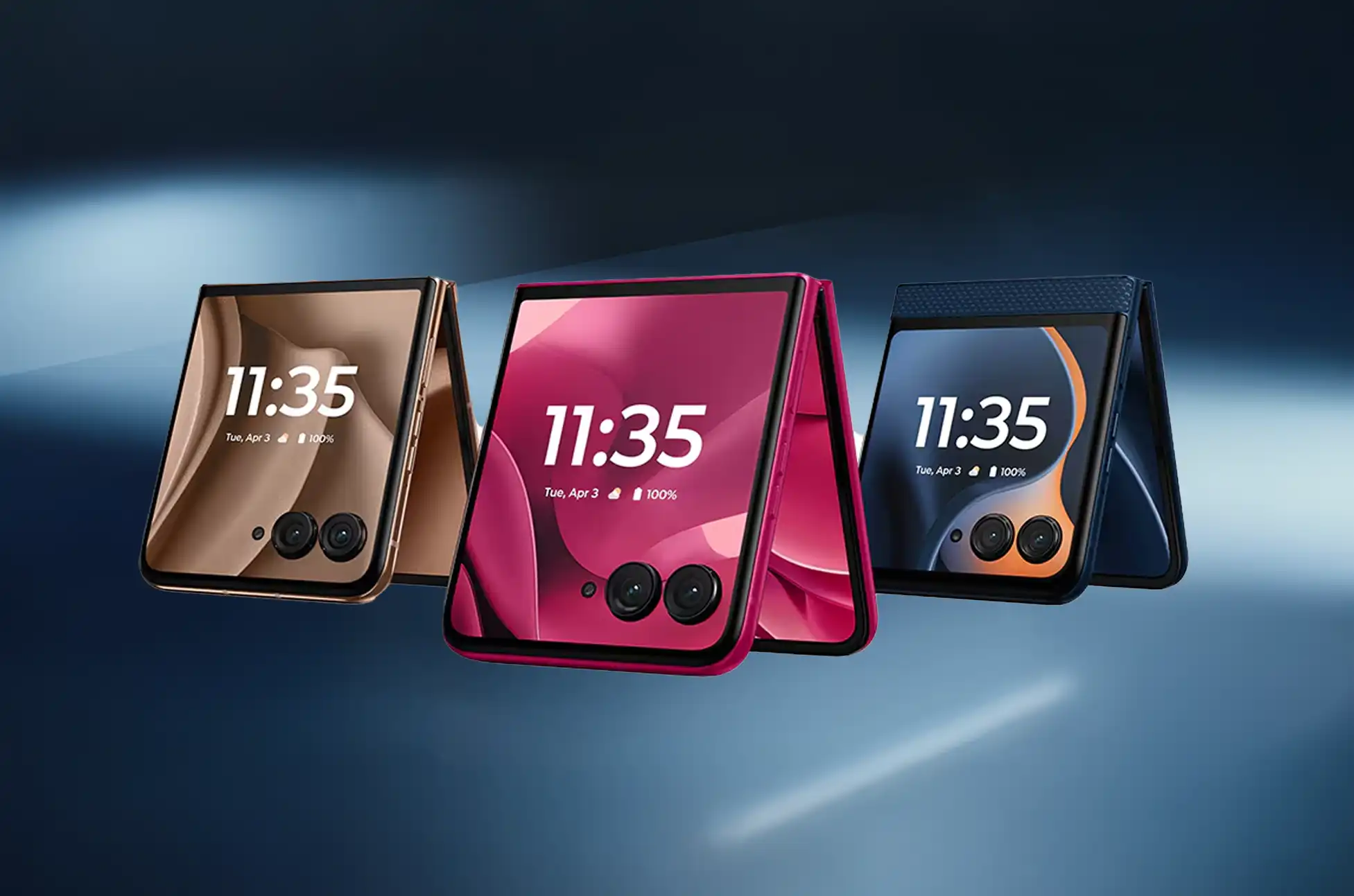
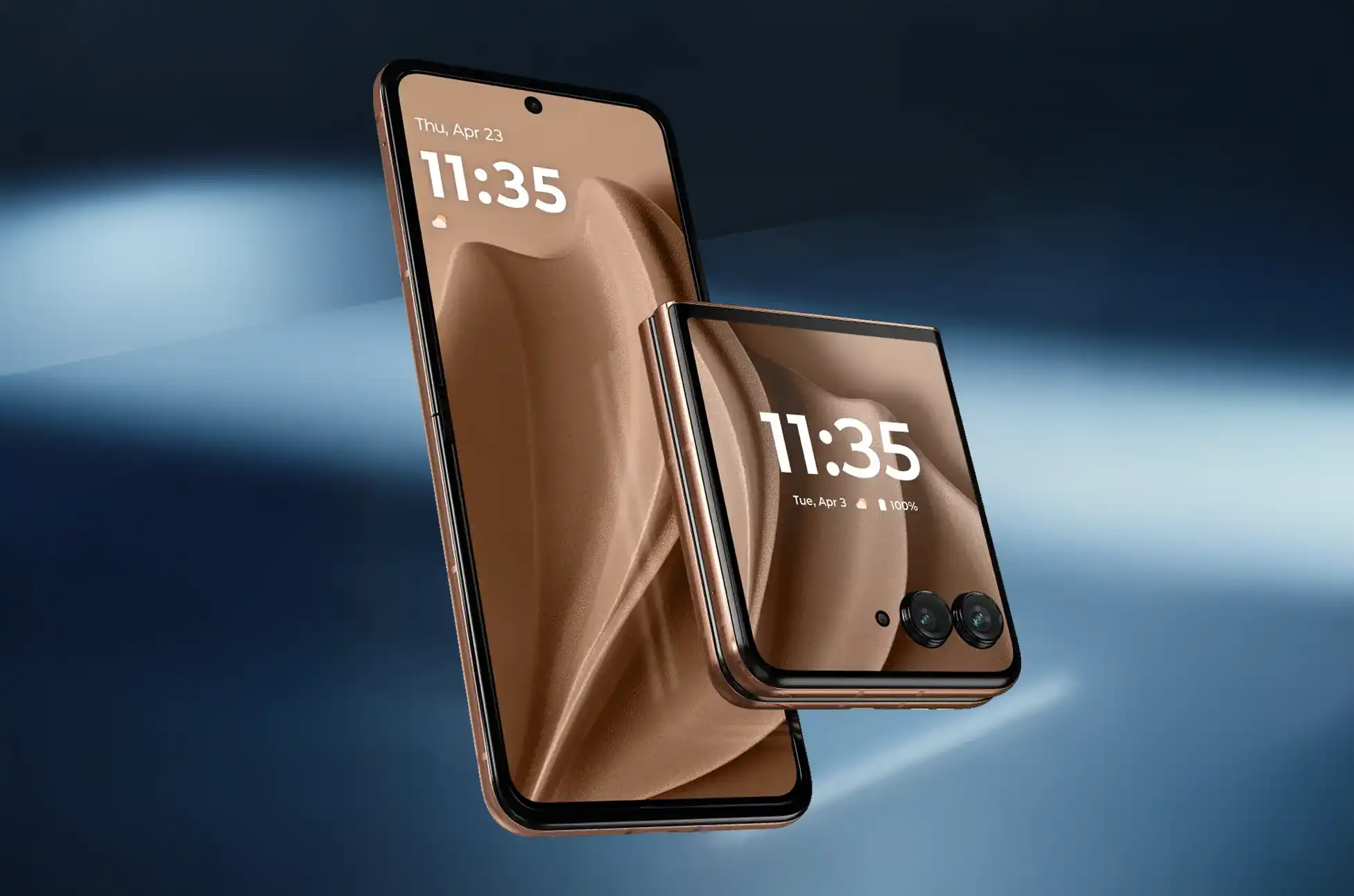
Unlocking Motorola RAZR Series? The Motorola RAZR combines stunning design with cutting-edge technology, making it a standout choice for smartphone enthusiasts. However, if your device is locked to a specific carrier, you’re missing out on its full potential. Whether you’re a frequent traveler looking to dodge expensive roaming fees or simply want the freedom to choose your network provider, unlocking your RAZR is the perfect solution.
Understanding Motorola RAZR SIM Unlocking
Before diving into the unlocking process, it’s important to understand what SIM unlocking actually means. When you unlock your Motorola RAZR, you’re essentially removing the software restrictions that tie your device to a single carrier. This liberation allows your phone to accept and work with SIM cards from different network providers, both domestically and internationally.
The benefits are immediate and substantial. You’ll gain the flexibility to switch carriers for better deals, use local SIM cards when traveling abroad to avoid hefty roaming charges, and significantly increase your phone’s resale value. Most importantly, you’ll have complete control over your mobile experience.
Why Choose to Unlock Your Motorola RAZR?
Your Motorola RAZR already stands out with its sleek design and powerful features. By choosing to unlock it, you’re unleashing its complete potential and maximizing your investment. Here are the key reasons why unlocking makes sense:
Cost Savings: Switch to more affordable carriers without losing your beloved device. Many budget carriers offer identical coverage at a fraction of the cost, and unlocking gives you access to these savings.
Travel Freedom: International travel becomes much more economical when you can use local SIM cards instead of paying astronomical roaming fees. A simple SIM swap can save you hundreds of dollars on a single trip.
Network Flexibility: Choose carriers based on coverage quality in your area, customer service reputation, or specific features that matter to you. You’re no longer stuck with a provider that doesn’t meet your needs.
Step-by-Step Guide to Unlocking Your Motorola RAZR
When carrier unlocking isn’t feasible or you need a faster solution, professional unlocking services offer an excellent alternative. UnlockBase is a trusted online platform that specializes in unlocking mobile devices, including all Motorola RAZR models.
The process is remarkably straightforward. Simply visit their website, select your device manufacturer and model, then provide your phone’s IMEI number and email address. You’ll also need to specify the country and carrier your phone is currently locked to. After completing your payment, you’ll receive your unlock code via email, usually within hours.
Unlocking Motorola RAZR Series : Detailed UnlockBase Process
Here’s exactly how to unlock your Motorola RAZR using UnlockBase:
Choose Motorola as your phone’s manufacturer from the available options
Enter your IMEI number carefully – double-check for accuracy
Provide your email address where you’ll receive the unlock code
Select your country and current carrier from the dropdown menus
Complete the payment process securely through their checkout system
Wait for the email containing your unique unlock code
Remove your original SIM card from the device
Insert a new SIM card from a different carrier
Enter the unlock code when your phone prompts you
Applying Your Unlock Code
Once you receive your unlock code, the final steps are simple. Power off your Motorola RAZR completely, then remove the current SIM card using the ejector tool. Insert a SIM card from a different carrier – this is crucial as the unlock prompt only appears when a foreign SIM is detected.
Turn your phone back on and wait for the unlock code prompt to appear. Enter the code exactly as provided, being careful with capitalization and special characters. After successful entry, your phone will restart and register with the new network. Congratulations – your Motorola RAZR is now unlocked!
Unlocking Motorola RAZR Series : Conclusion
Unlocking your Motorola RAZR opens up a world of possibilities and puts you in complete control of your mobile experience. Whether you choose to work with your carrier or use a professional service like UnlockBase, the process is straightforward and the benefits are immediate.
Don’t let carrier restrictions limit what you can do with your sophisticated device. With the freedom to choose any compatible network, travel internationally without worry, and access better deals, unlocking your Motorola RAZR is one of the smartest decisions you can make for your mobile future. Take action today and experience the liberty you’ve been missing.
All products, and company names, logos, and service marks (collectively the "Trademarks") displayed are registered® and/or unregistered
trademarks™ of their respective owners.
The authors of this web site are not sponsored by or affiliated with any of the third-party trade mark or third-party registered trade mark owners,
and make no representations about them, their owners, their products or services.
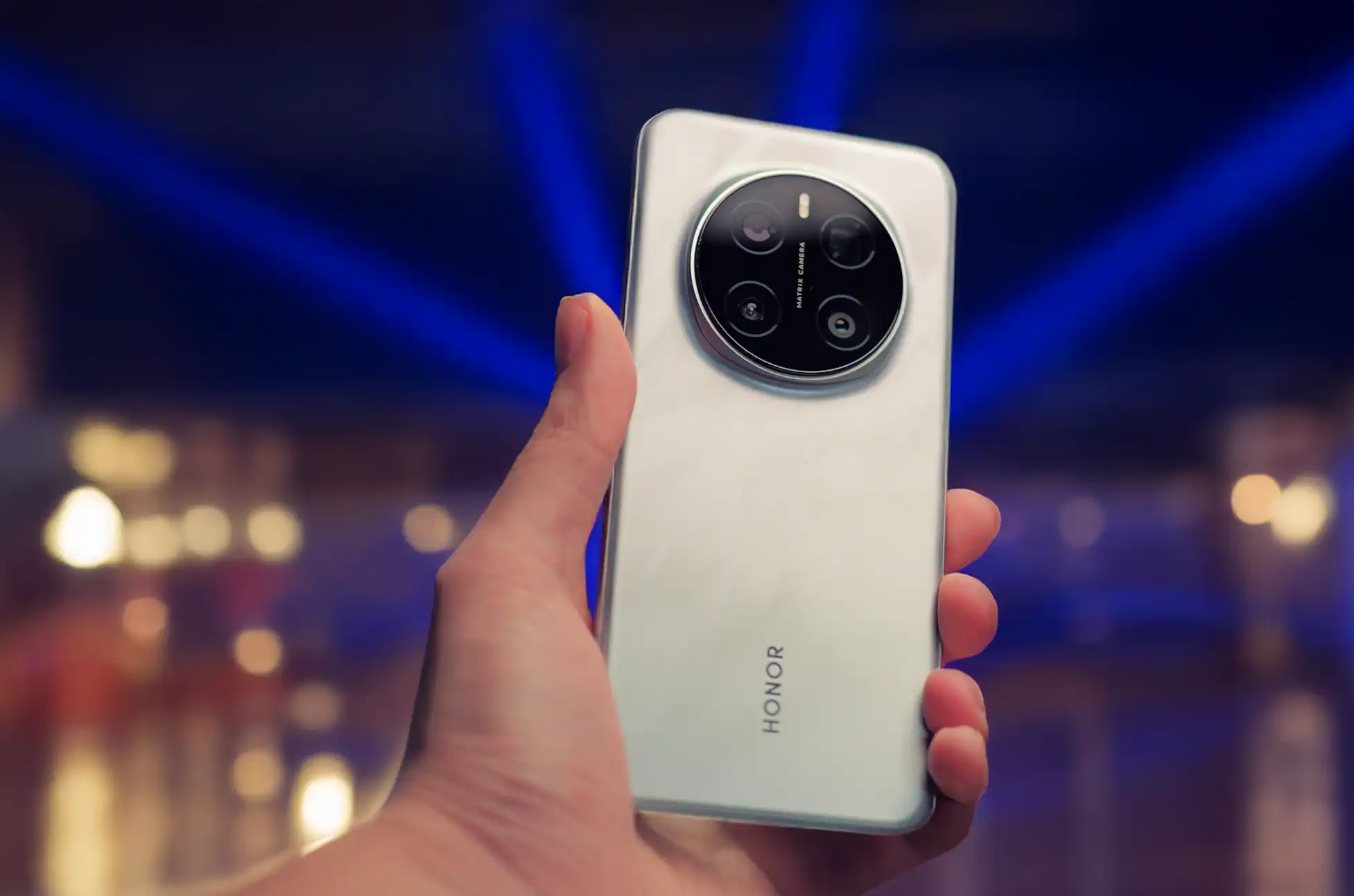
Unlocking Any Honor Phone? Honor smartphones combine great features with affordable prices, making them popular worldwide. However, many users discover that carrier locks limit their flexibility when traveling or switching to better network deals and coverage options.
When you unlock your Honor device, you gain freedom to use any network provider globally. This opens up new possibilities for better rates and worldwide connectivity. While several unlocking methods exist, UnlockBase provides the most reliable, secure, and user-friendly solution for easy device unlocking.
Honor Phone Unlocking Methods
Carrier Unlocking Services: Your network provider may offer unlocking for a fee. However, this process often takes time and includes restrictions like minimum contract periods or customer loyalty requirements.
DIY Unlocking Solutions: Free online methods exist, but they’re often complicated and time-consuming. Additionally, these methods risk damaging your device if you don’t execute them correctly.
UnlockBase Professional Service: In contrast, UnlockBase delivers a 100% satisfaction guarantee. Therefore, your Honor device will unlock successfully without complications.
Why UnlockBase is Your Best Unlocking Choice
UnlockBase has over ten years of experience in mobile unlocking services. As a result, they’ve built a solid reputation for expertise, speed, and customer satisfaction. Here’s why they’re the top choice for Honor device unlocking:
Guaranteed Success: Every unlock includes a 100% satisfaction guarantee. This means your Honor phone will unlock successfully.
Rapid Processing: Most unlocking requests complete within 24 hours. Consequently, you can enjoy carrier freedom quickly.
Secure Platform: Advanced security measures and encrypted payment methods protect your personal information. Furthermore, the entire process remains safe throughout.
Simple Process: The straightforward procedure requires no technical expertise. Therefore, all users can access it easily.
Extensive Compatibility: UnlockBase supports all Honor phone models. This includes the newest releases as well.
Step-by-Step Honor Phone Unlocking Guide
Unlocking your Honor device through UnlockBase is straightforward:
Visit UnlockBase Website: First, navigate to their site and select your Honor phone model from the available options.
Find Your IMEI Number: Next, locate your device’s IMEI. You’ll typically find it under the battery, in Settings under “About Phone,” or by dialing *#06#.
Identify Your Current Carrier: Then, determine which network locks your Honor phone. You’ll usually find this information on device packaging or carrier documentation.
Submit Device Details: After that, enter your IMEI number and original network provider information.
Process Payment: Subsequently, select a secure payment method and complete your transaction.
Receive Unlock Code: You’ll then receive your unique unlock code via email after payment confirmation.
Apply Unlock Code: Finally, insert a different carrier’s SIM card, power on your device, and enter the unlock code when prompted.
Once you complete these steps, your Honor phone works with any compatible network provider. Whether local, national, or international, this unlocks new possibilities for choosing better carriers. Moreover, you’ll save on roaming fees and stay connected globally.
Conclusion
While multiple Honor phone unlocking methods exist, UnlockBase provides the most reliable, secure, and straightforward approach. Their easy process gives you complete freedom to use your Honor device with any network provider you choose.
All products, and company names, logos, and service marks (collectively the "Trademarks") displayed are registered® and/or unregistered
trademarks™ of their respective owners.
The authors of this web site are not sponsored by or affiliated with any of the third-party trade mark or third-party registered trade mark owners,
and make no representations about them, their owners, their products or services.