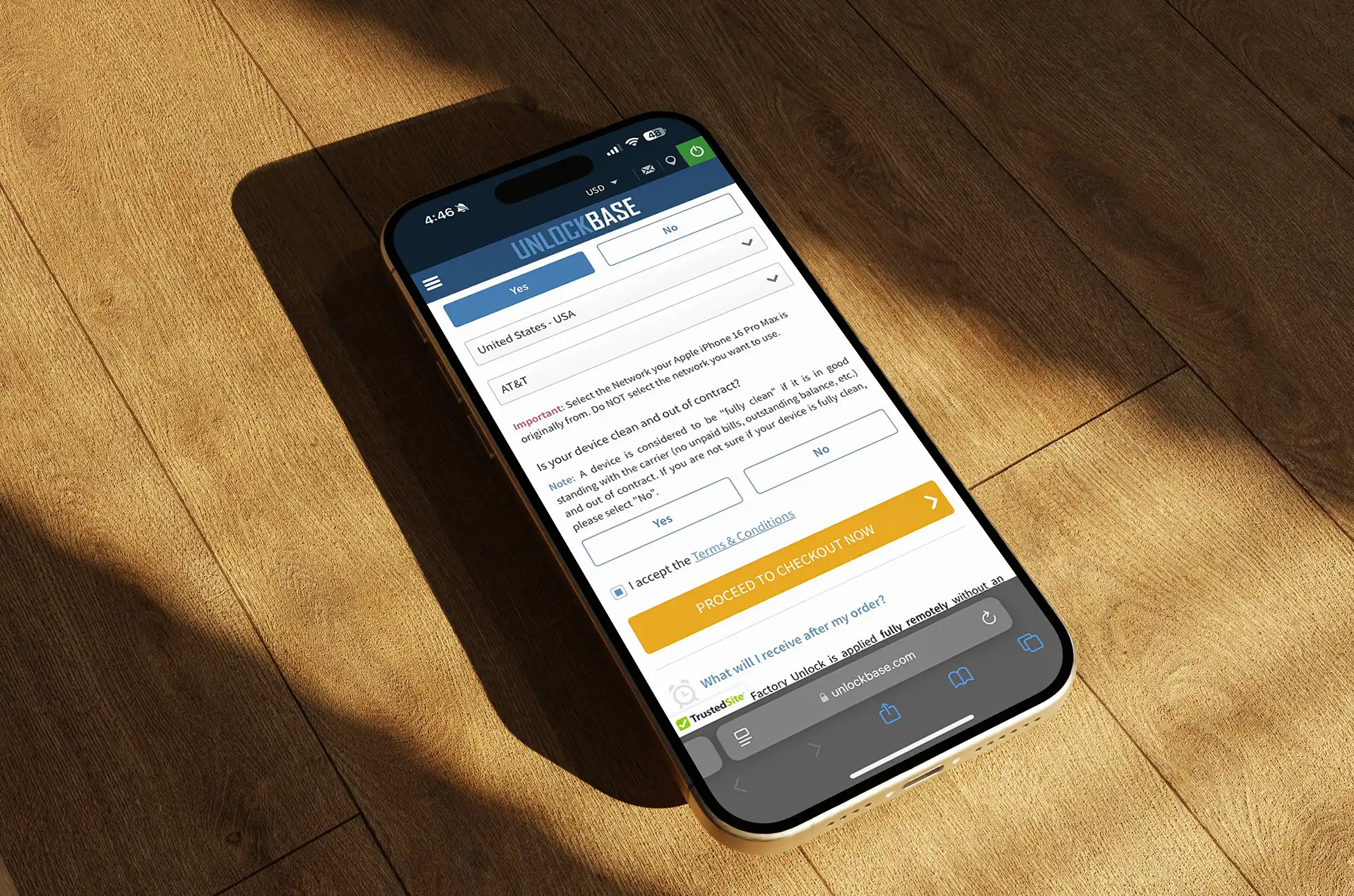
Despite a more regulated and mature mobile industry, phone unlocking scams 2026 remain a real concern for consumers worldwide. As demand for device flexibility grows—driven by international travel, resale, and eSIM adoption—so does the number of unreliable unlocking offers targeting uninformed users.
The good news is that most issues are avoidable. By understanding how legitimate unlocking works and knowing what warning signs to look for, users can unlock their phones safely and confidently without unnecessary risk.
Why Unlocking Scams Still Exist
Phone unlocking sits at the intersection of carriers, manufacturers, and regional regulations. This complexity creates space for confusion, which unreliable providers often exploit.
Several factors explain why phone unlocking scams 2026 continue to surface:
Many users do not know whether their device is eligible for unlocking
Carrier rules differ by country and network
Unlocking timelines vary by model and provider
The process itself happens remotely, which reduces visibility
Because users cannot “see” the unlocking process, trust becomes essential. When transparency is missing, mistakes happen.
Common Red Flags
Recognizing warning signs early helps users avoid unreliable services. While offers may look convincing at first glance, patterns often repeat.
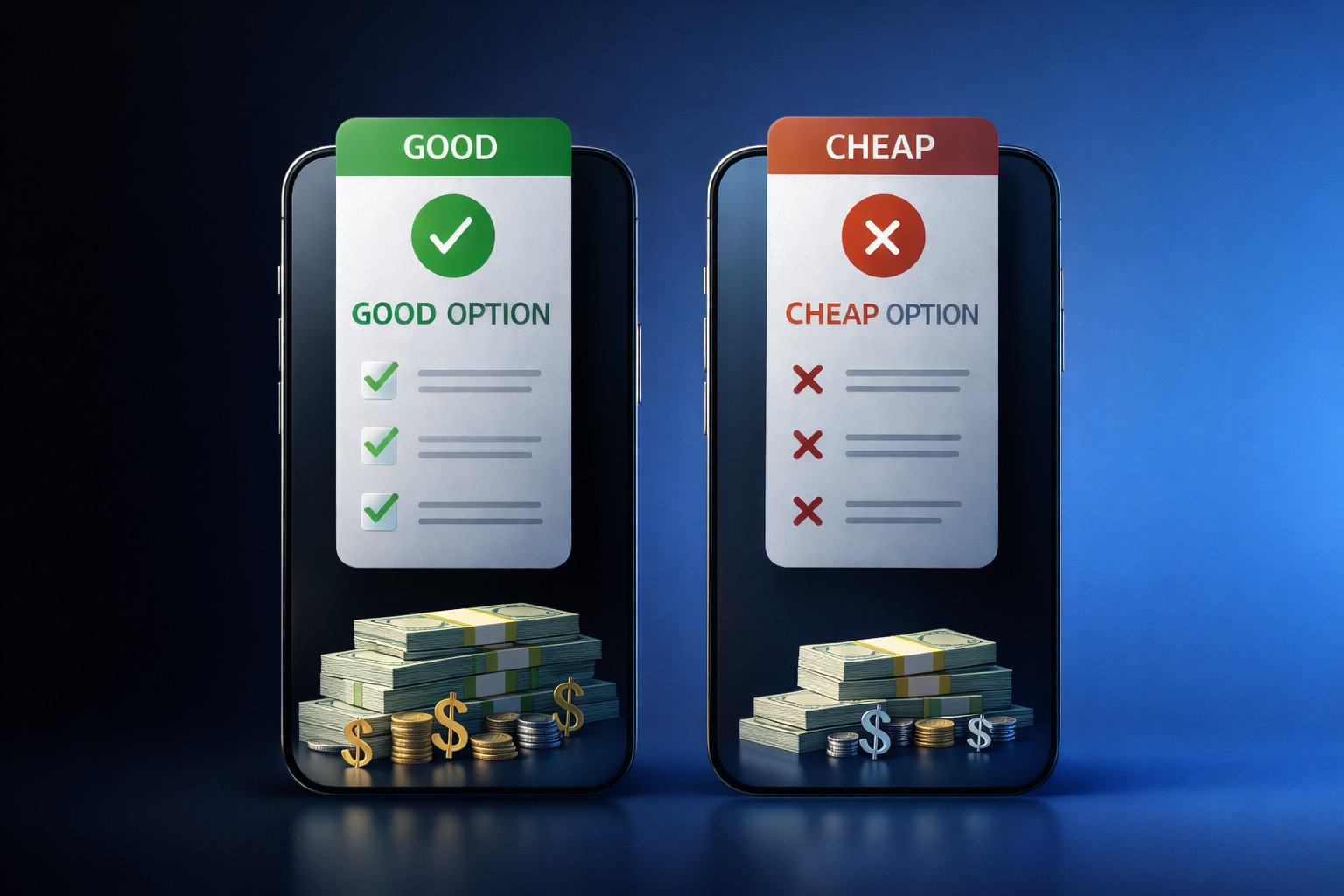
Unrealistic Pricing
One of the clearest indicators of fake unlock services is pricing that sounds too good to be true.
Common examples include:
“Instant unlock for any phone, any carrier”
Extremely low flat fees for all devices
Guarantees that ignore model or carrier differences
Legitimate unlocking depends on device type, network, and eligibility. Pricing that ignores these factors often signals an unreliable offer.
Vague Processes
Another major red flag is a lack of clear explanation. If a provider cannot describe how unlocking works, users should pause.
Warning signs include:
No explanation of IMEI-based unlocking
Generic claims without carrier references
No mention of eligibility checks or timelines
Users looking to verify unlocking provider credibility should expect clear, understandable descriptions of each step.
No Support or Guarantees
Professional unlocking services provide structured support. Unreliable offers often disappear once payment is made.
Be cautious if a service:
Offers no customer support channels
Avoids written policies or service terms
Refuses to clarify refund or failure scenarios
In 2026, lack of accountability remains a strong indicator of risk.
How Legitimate Unlocking Works
Understanding the correct process is the best defense against phone unlocking scams 2026. Legitimate unlocking follows defined technical and administrative steps.
A standard IMEI-based unlock typically works as follows:
Device Verification The provider checks the phone model, carrier, and IMEI status.
Eligibility Confirmation Unlocking eligibility depends on carrier rules, contract status, and blacklist checks.
Carrier or Database Processing Authorized systems process the unlock request using official methods.
Confirmation and Activation The user receives clear instructions to complete or confirm the unlock.
This process takes time and varies by device. Transparency at each step is a key indicator of IMEI unlock legitimacy.
Understanding how legitimate unlocking services operate makes it easier to identify transparent providers and avoid offers that rely on unclear processes or unrealistic promises.
Choosing a Trusted Provider
Selecting the right service matters more than speed or price. Users who unlock phone safely focus on credibility and clarity.
What to Look For
A reliable unlocking provider typically offers:
Clear explanations of the unlocking method
Model- and carrier-specific pricing
Realistic timelines based on device type
Accessible customer support
Consistency across these areas signals professionalism.
Transparency Over Promises
Legitimate providers do not promise universal solutions. Instead, they explain limitations upfront.
Trustworthy services clearly state:
When unlocking is not possible
How long processing may take
What happens if eligibility changes
This honesty protects users from unrealistic expectations.
Reviews and Industry Presence
While reviews should be read critically, long-term industry presence matters. Providers active for many years tend to rely on repeat users and professional reputation.
Look for signs such as:
Detailed help sections or knowledge bases
Consistent branding and communication
Clear business identity and contact information
These factors help users avoid fake unlock services without relying on fear-based assumptions.
Practical Steps to Unlock a Phone Safely in 2026
Users can take a few proactive steps to reduce risk when unlocking.
Step 1: Check Device Status
Before contacting any service:
Confirm carrier lock status
Verify IMEI number accuracy
Ensure the device is not blacklisted
This information sets realistic expectations.
Step 2: Compare Explanations, Not Just Prices
When reviewing services, compare how they explain the process. Clear explanations matter more than low cost.
Step 3: Avoid Pressure Tactics
Urgency-driven offers often signal unreliable practices. Legitimate providers allow users time to decide.
Compliance, Trust, and User Confidence
Responsible unlocking aligns with carrier policies and legal frameworks. Transparency builds confidence and supports informed decision-making.
In 2026, users value services that:
Explain compliance clearly
Respect regional carrier rules
Focus on long-term device usability
Trust grows from clarity, not exaggerated claims.
Conclusion: Making Informed Unlocking Decisions in 2026
As device flexibility becomes more important, phone unlocking scams 2026 remain a topic users should approach with awareness—not fear. Most costly mistakes happen when users rush decisions or rely on unclear offers.
By understanding how legitimate unlocking works and recognizing common warning signs, users can protect their devices, data, and investment.
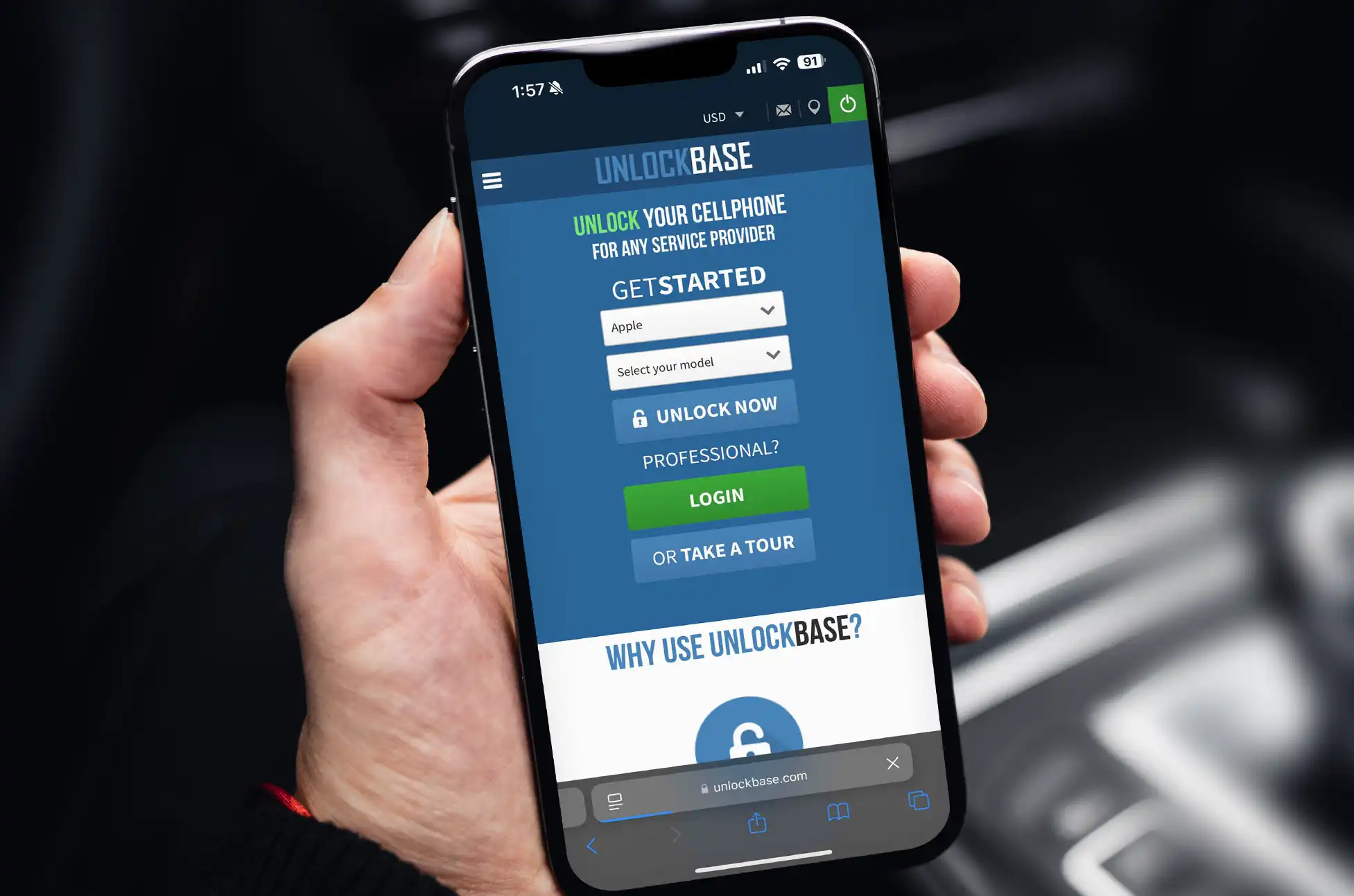
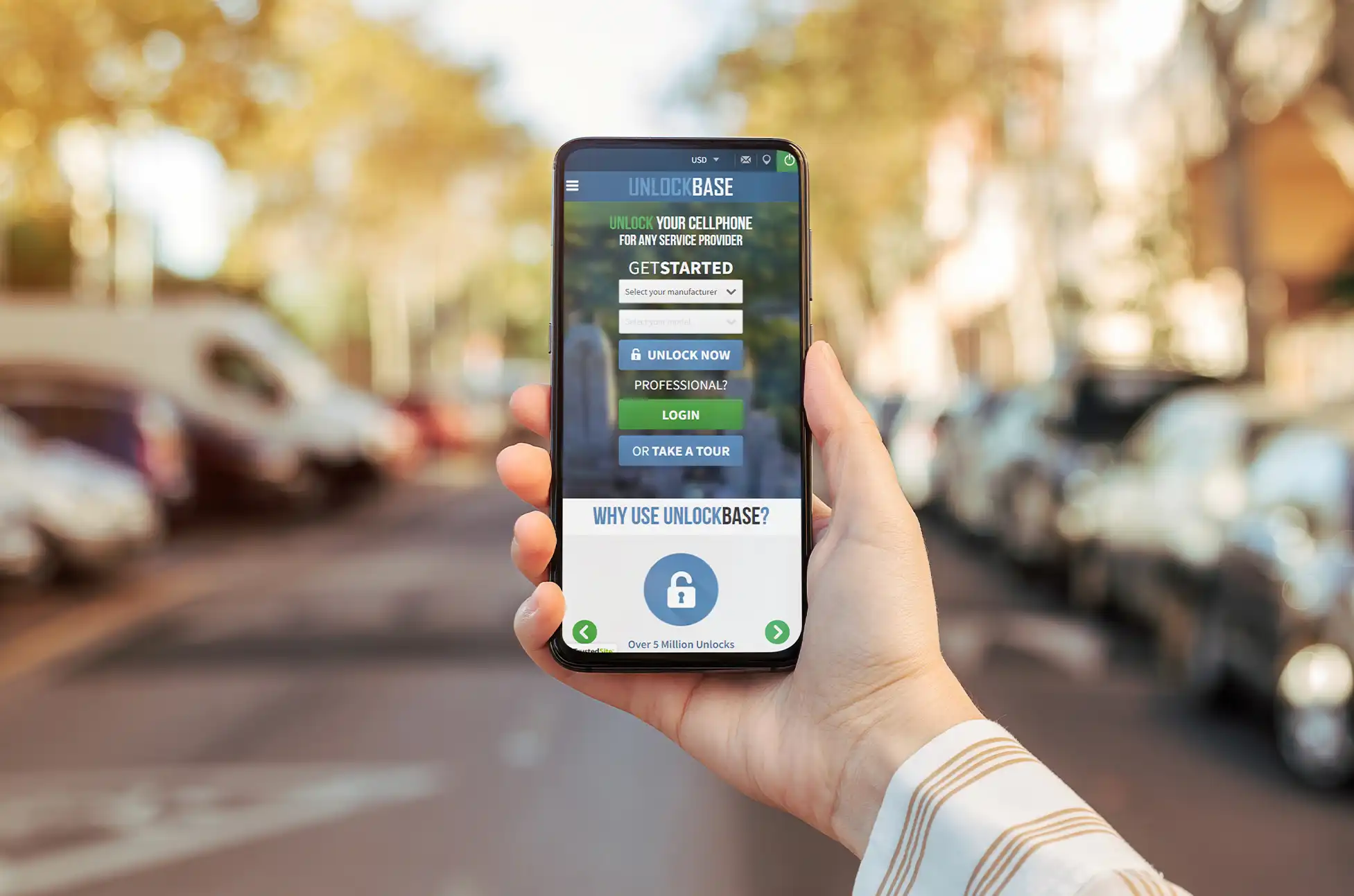
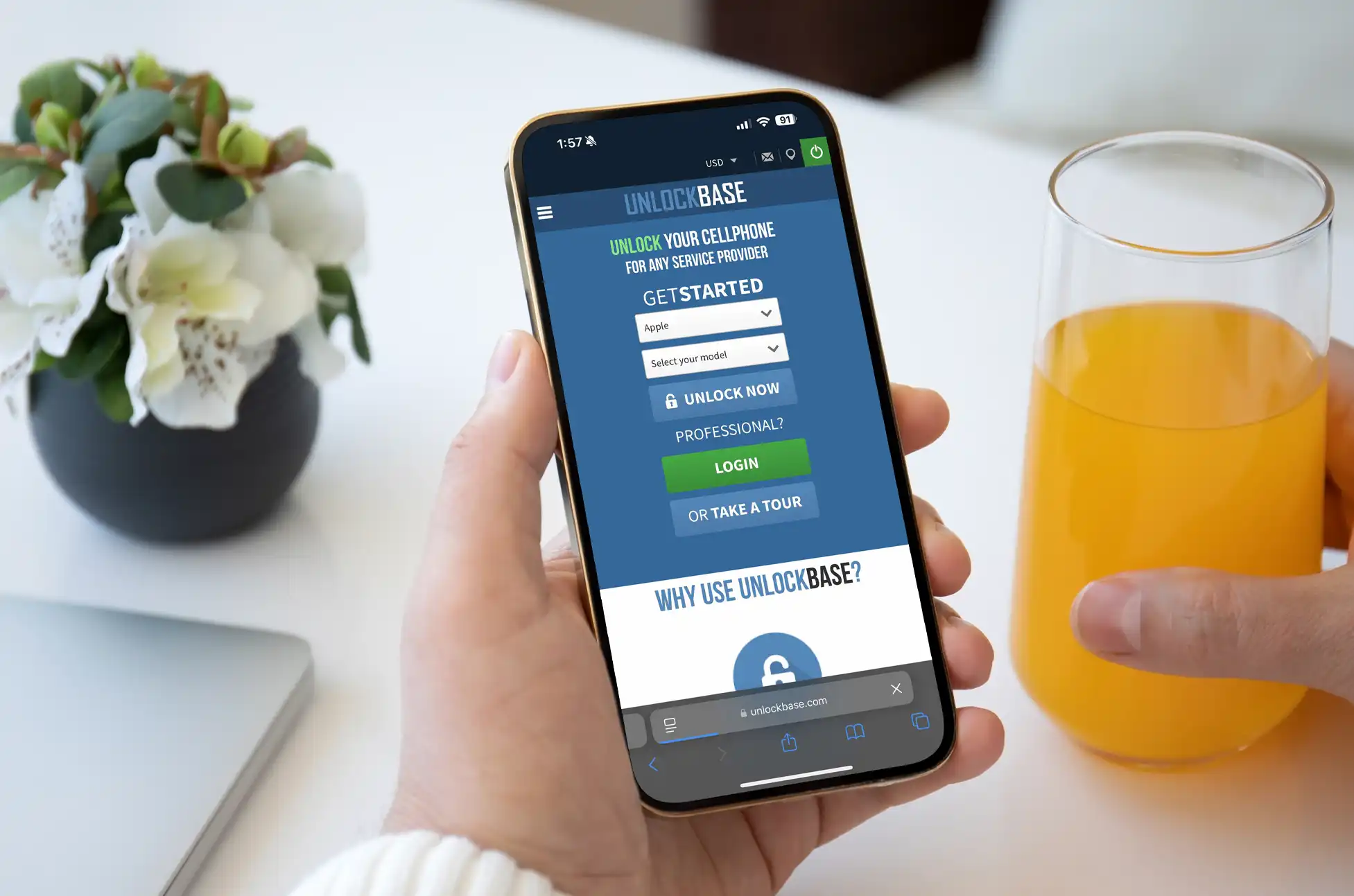
UnlockBase.com is built around clear processes, verified methods, and professional support—offering users a secure and transparent alternative to unreliable unlocking services. For those seeking clarity and confidence when unlocking a device, UnlockBase remains a trusted benchmark in the global mobile unlocking industry.
All products, and company names, logos, and service marks (collectively the "Trademarks") displayed are registered® and/or unregistered
trademarks™ of their respective owners.
The authors of this web site are not sponsored by or affiliated with any of the third-party trade mark or third-party registered trade mark owners,
and make no representations about them, their owners, their products or services.
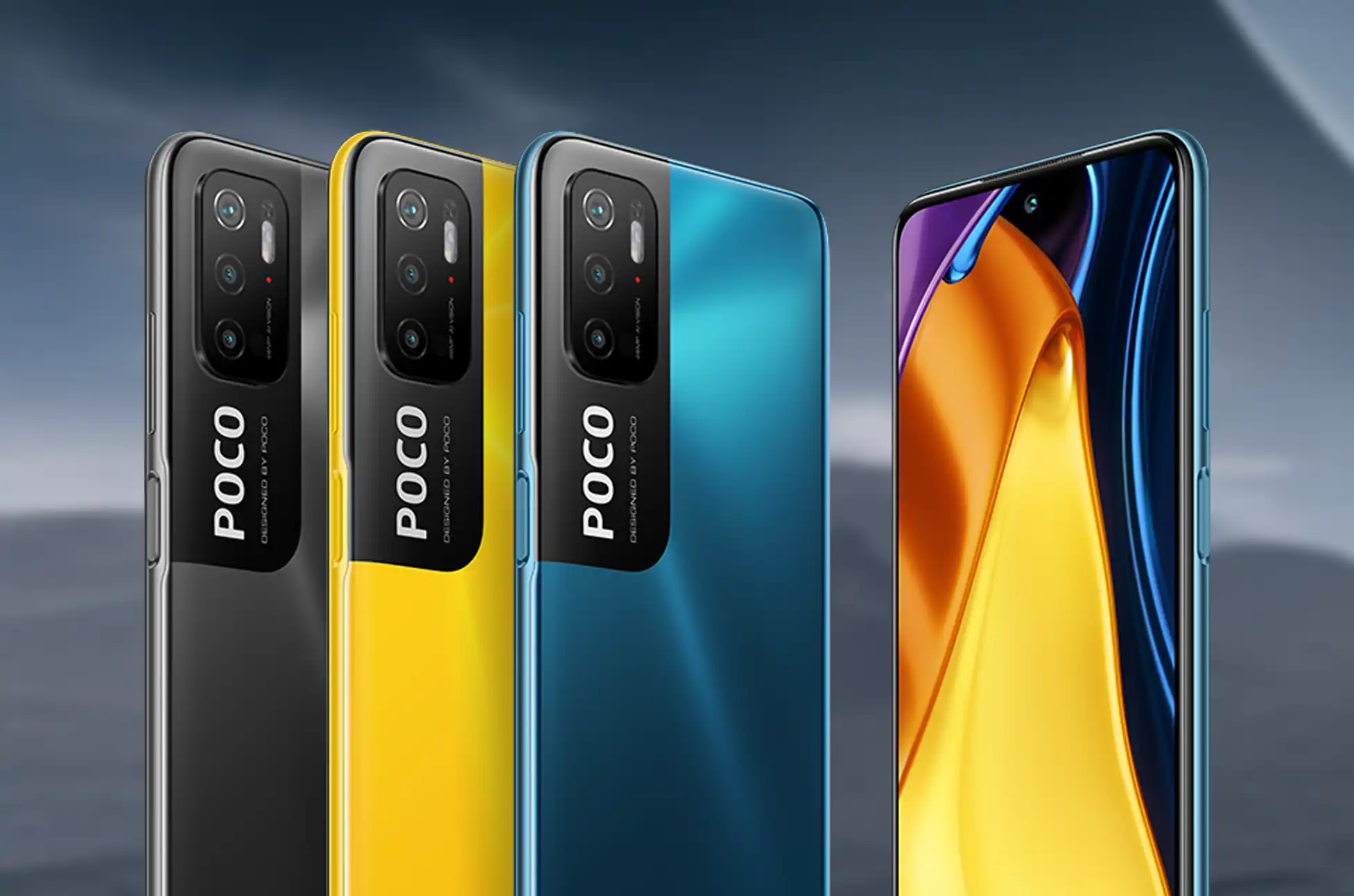
SIM unlocking any Poco phone is simpler than you might think. With the right factory unlock code, you can free your device from carrier restrictions permanently using just your IMEI number. This method works whether you’ve got a Poco X6, F5, M6, or any other model in the lineup.
The best part? You won’t need to mess with your phone’s firmware or risk voiding anything. If your Poco asks for an unlock code after swapping SIM cards, this straightforward process has you covered.
Why SIM Unlocking Any Poco Phone Makes Sense
SIM unlocking via code is the smart choice because it keeps your warranty intact. It’s fast, safe, and once it’s done, you can pop in any SIM card from any network anywhere in the world. No limitations, no hassles.
Three Solid Reasons to Unlock
Travel Without the Extra Costs: Heading overseas? Skip those ridiculous roaming charges and use local SIM cards instead. Your wallet will thank you.
Switch Carriers Anytime: Found a better deal with another provider? Make the switch without dropping cash on a new phone.
Better Resale Value: Planning to upgrade eventually? Unlocked phones sell for more because they’re more versatile for buyers.
The SIM Unlocking Process for Any Poco Phone
UnlockBase offers a reliable way for SIM unlocking any Poco phone. The service is straightforward, secure, and completely legal. Here’s what makes it worth using: once your phone is unlocked, it stays that way forever. No need to repeat the process or worry about carrier locks again.
2: Pick your phone brand (Xiaomi, since Poco phones fall under the Xiaomi umbrella)
3: Grab your IMEI number by dialing *#06# on your Poco phone
4: Fill in your specific Poco model and which network currently has it locked
5: Drop in your email address—you’ll need this for confirmation
6: Select the country where your network operates
7: Confirm your carrier, complete the payment, and keep an eye on your inbox for the unlock code
What to Do Once You Get Your Code
Turn off your Poco phone completely.
Remove your current SIM card and insert one from a different carrier.
Power your phone back on. You’ll see a prompt asking for the NCK/SIM Network Unlock PIN.
Type in the unlock code that UnlockBase sent you.
That’s it. Your Poco phone is now free to work with any GSM SIM card worldwide. The code comes straight from the manufacturer’s database, so it’s legitimate and permanent.
Not Sure If Your Poco Is Already Unlocked?
Here’s a quick test: pop in a SIM card from a different network and turn on your phone. If you see messages like “SIM not valid,” “phone restricted,” or it asks for an unlock code, your device is definitely locked.
What Happens After SIM Unlocking Any Poco Phone?
Once your device is network unlocked, you’re done dealing with your original carrier’s restrictions. Just insert any compatible SIM card—as long as you’ve got an active account and credit with that network, you can make calls, text, and browse the internet without any issues.
SIM unlocking any Poco phone is a one-time process that gives you complete control over which carrier you use. With the right unlock code, you’ll have the freedom to switch networks whenever you want, wherever you are. Whether you’re traveling internationally or just looking for better rates, SIM unlocking any Poco phone opens up a world of possibilities without the commitment to a single carrier.
All products, and company names, logos, and service marks (collectively the "Trademarks") displayed are registered® and/or unregistered
trademarks™ of their respective owners.
The authors of this web site are not sponsored by or affiliated with any of the third-party trade mark or third-party registered trade mark owners,
and make no representations about them, their owners, their products or services.
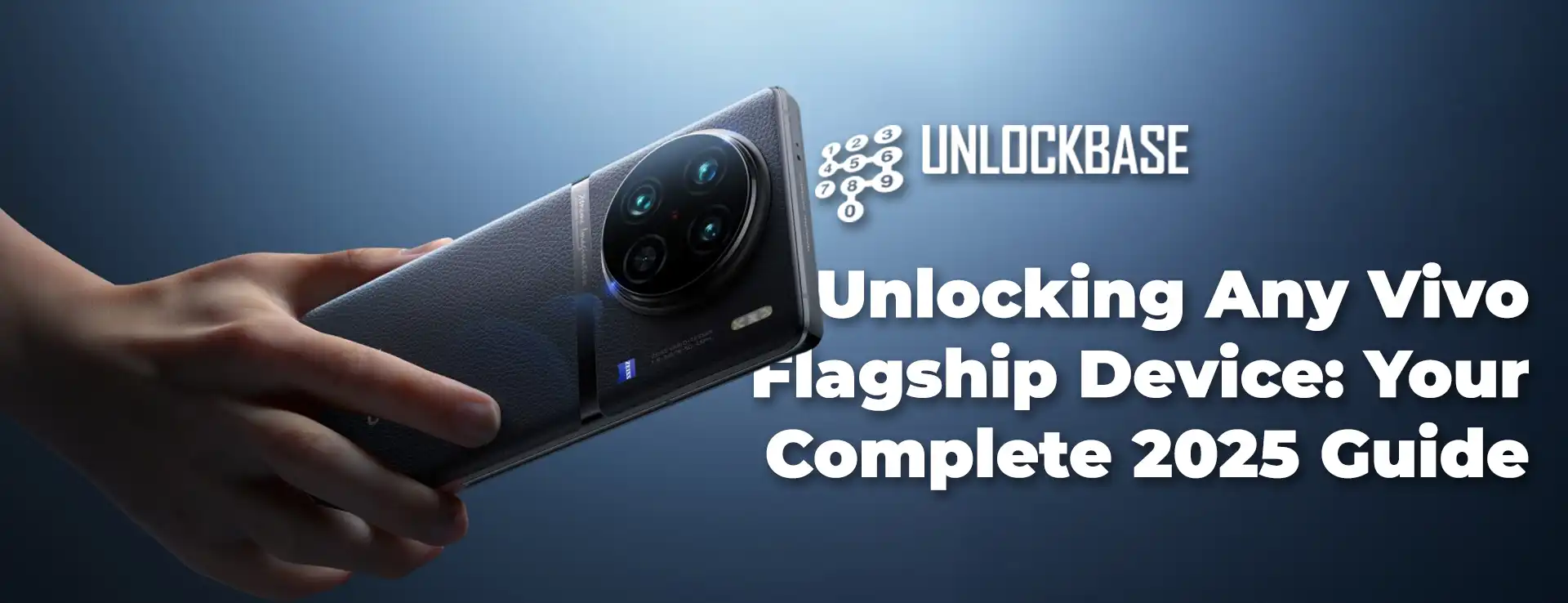
Stuck with a single carrier on your premium Vivo device? Want the flexibility to hop between networks or pop in a local SIM card when traveling abroad? Unlocking Vivo flagship phones gives you that freedom, and it’s easier than you might think.
This guide breaks down everything you need to know about freeing your Vivo flagship from carrier restrictions, with a focus on using UnlockBase to get the job done quickly and safely.
Why Your Vivo Flagship Might Be Locked
When you buy a phone through carriers like Verizon, AT&T, or T-Mobile, they often lock it to their network. This software restriction prevents your device from working with other carriers’ SIM cards, keeping you tied to one provider.
Benefits of Unlocking Vivo Flagship Devices
Carrier Freedom – Switch networks anytime based on better coverage, pricing, or service quality without early termination fees.
Travel Smart – Skip expensive roaming charges by using local SIM cards abroad. This simple switch can save you hundreds on international trips.
Higher Resale Value – Buyers prefer unlocked devices for their flexibility, meaning you’ll get more money when upgrading.
Better Plans – Access prepaid options and competitive deals from different carriers, often cutting your monthly bill significantly.
How to Check If Your Device Is Locked
The easiest way? Borrow a SIM card from a friend using a different carrier. If you get an error message or unlock code prompt, your phone is locked. You can also dial *#06# to get your IMEI number and check it on carrier websites or third-party services.
Unlocking with UnlockBase
UnlockBase offers legitimate unlocking services for all Vivo flagship models, including X and V series devices. The process is straightforward:
The service operates legally within carrier guidelines and provides 24/7 customer support throughout the process.
Take Control of Your Device
Unlocking Vivo flagship phones through UnlockBase gives you complete control over your mobile experience. Whether you’re switching carriers, traveling internationally, or preparing to sell your device, the process is simple, safe, and worth the investment for the freedom it provides.
All products, and company names, logos, and service marks (collectively the "Trademarks") displayed are registered® and/or unregistered
trademarks™ of their respective owners.
The authors of this web site are not sponsored by or affiliated with any of the third-party trade mark or third-party registered trade mark owners,
and make no representations about them, their owners, their products or services.
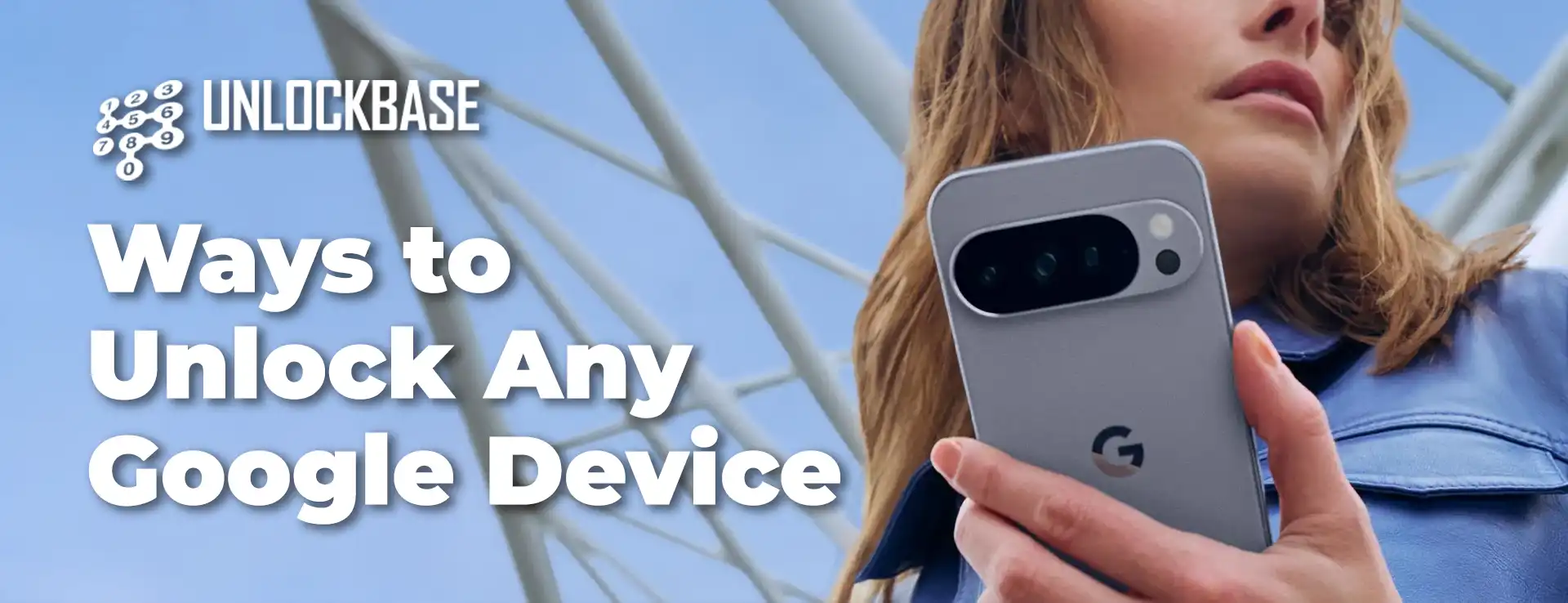
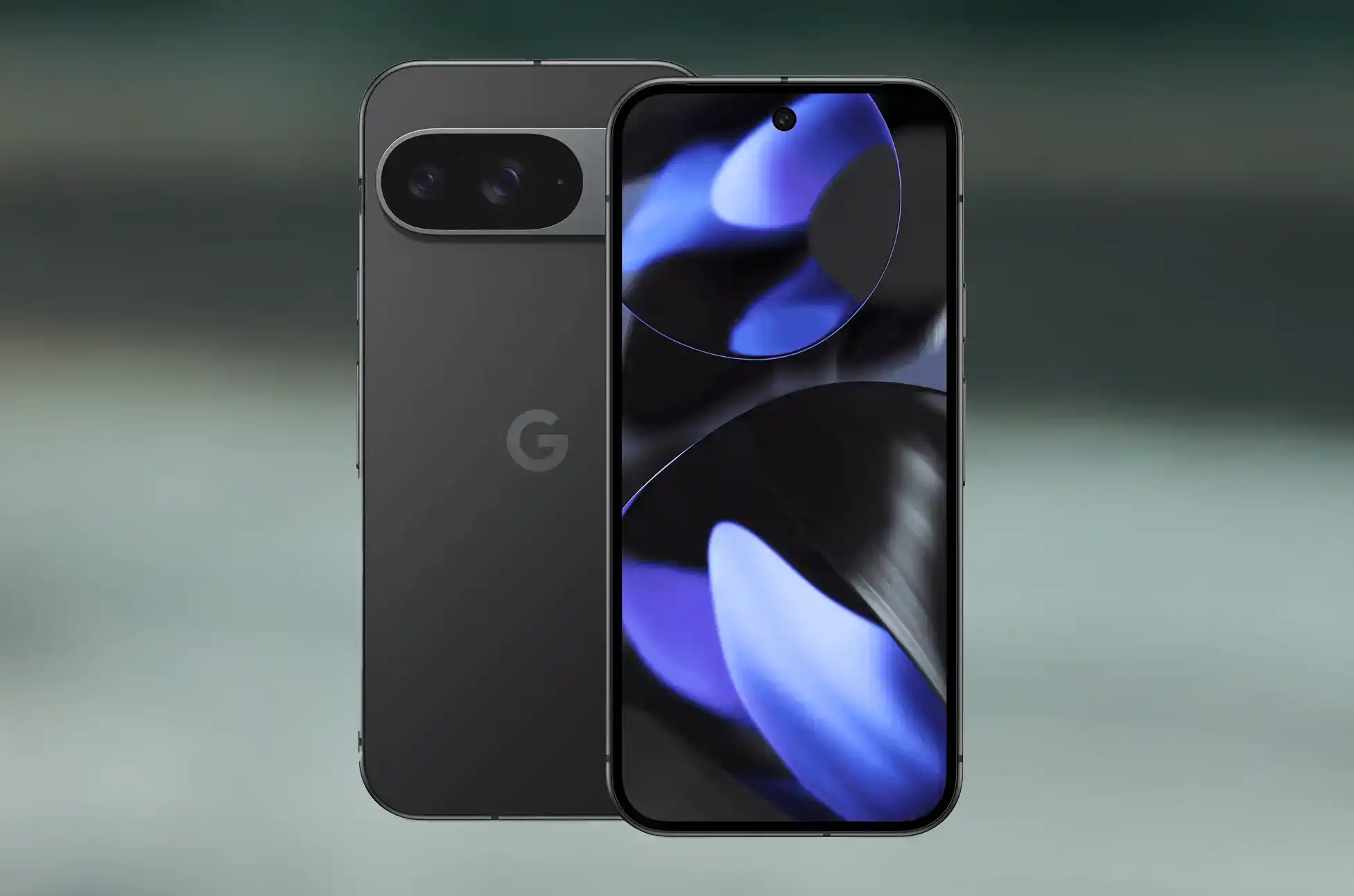
Unlock Any Google Device? So you’ve got a Google device, whether it’s a Pixel phone, a Chromebook, or another Android gadget from the tech giant. If you’re looking to break free from carrier restrictions or simply want more control over your hardware, you’re in the right place.
Let’s explore the practical ways to unlock your Google device and what that means for you.
What Does “Unlocking” Actually Mean?
When we talk about unlocking a Google device, we’re usually referring to removing carrier restrictions. This means your phone or tablet can work with any compatible network provider, not just the one you originally purchased it through.
The benefits are straightforward:
Switch carriers whenever you want
Use local SIM cards when traveling abroad
Avoid expensive roaming charges
Increase your device’s resale value
Access better plan pricing from different providers
Method 1: Going Through Your Carrier
The most common approach is contacting your current mobile provider directly. Most carriers will unlock your device if you meet their requirements.
What you’ll typically need:
Your device must be completely paid off—no outstanding payment plans or contracts. You’ll usually need to have been a customer for 60-90 days minimum. The account must be in good standing with no past-due balances.
How it works:
Reach out to your carrier’s customer support team and request an unlock. They’ll ask for your IMEI number (found in your device settings under “About phone”). After verifying your eligibility, they’ll process the request, which typically takes 1-3 business days.
This method costs nothing if you qualify, making it the preferred option for most people.
Method 2: UnlockBase Service
Sometimes carrier unlocking isn’t an option—maybe you’re still in a contract, or you purchased a used device with unknown history. That’s where services like UnlockBase come in.
Select your device’s current locked country and carrier
Complete the payment
After payment goes through, you’ll receive instructions via email. These services charge a fee, but they can work when traditional carrier unlocking won’t.
Unlock Any Google Device : Why Bother Unlocking?
Beyond the obvious flexibility of switching carriers, unlocking your Google device makes financial sense.
Travel becomes easier—pop in a local SIM card instead of paying inflated international rates from your home carrier. You can shop around for better deals without being locked into one provider’s ecosystem. And if you ever decide to sell your device, unlocked models command higher prices on the resale market.
For those who keep devices long-term, unlocking means you’re not tied to a carrier that might discontinue favorable plans or change their terms.
Before You Start
Check your device’s compatibility with the carriers you’re considering. Not all devices support all network bands, especially when switching between carriers that use different technologies.
Back up your data before attempting any unlocking method. While carrier unlocking shouldn’t erase anything, bootloader unlocking definitely will.
Verify that unlocking won’t violate any active agreements you have with your carrier. Breaking contract terms could result in fees or complications.
Unlock Any Google Device : Making Your Choice
The right unlocking method depends on your situation. If you’ve owned your device for a while and everything’s paid off, start with your carrier—it’s free and legitimate. If that’s not an option, reputable third-party services can help, though they’ll charge for it.
Technical users might explore bootloader unlocking for maximum customization, but most people won’t need this level of access.
Your Google device was designed to be powerful and flexible. Unlocking it simply ensures you can use that flexibility to its fullest extent, on your terms.
All products, and company names, logos, and service marks (collectively the "Trademarks") displayed are registered® and/or unregistered
trademarks™ of their respective owners.
The authors of this web site are not sponsored by or affiliated with any of the third-party trade mark or third-party registered trade mark owners,
and make no representations about them, their owners, their products or services.
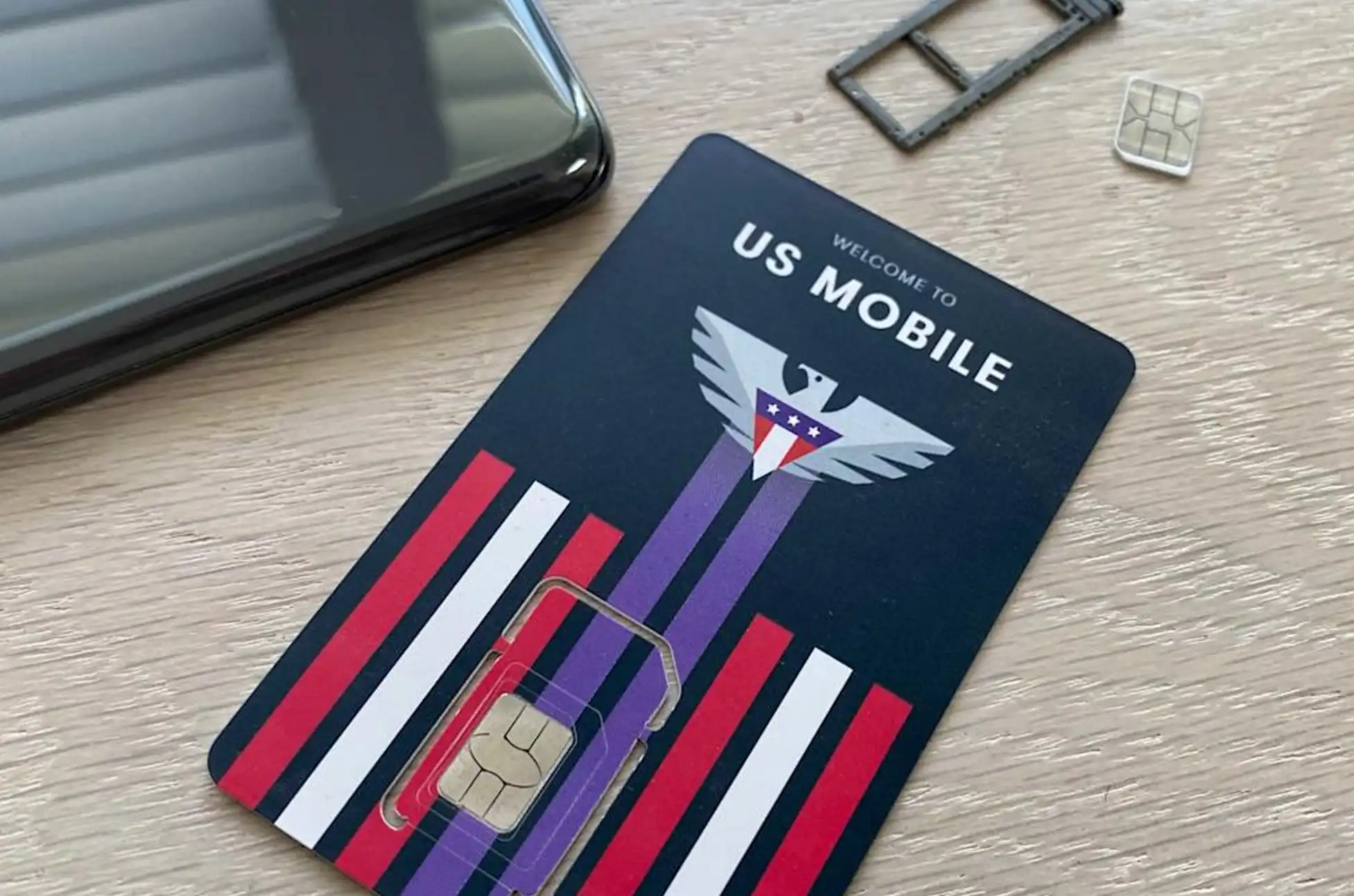
US Mobile markets itself as a “super carrier” with access to Verizon, AT&T, and T-Mobile’s networks. Sounds incredible, right? But before you get excited about seamless connectivity everywhere, let’s break down how US Mobile network switching actually works for your daily use.
Understanding US Mobile’s Network Switching Options
Here’s the good news: US Mobile has evolved its network switching capabilities significantly. You’re no longer locked into a single network forever like you might have been in the past. They now offer two distinct ways to work with multiple carriers.
Option 1: The Multi-Network Plan
Think of this as the premium experience for US Mobile network switching. You get automatic access to two of the three major networks simultaneously—similar to how Google Fi operated when it first launched. Your phone intelligently switches between, say, AT&T and Verizon based on which signal is stronger at your location.
Option 2: Manual Network Transfers
Every US Mobile plan includes the ability to manually switch networks through their app. But here’s where reality diverges from the marketing. US Mobile network switching isn’t just flipping a switch—it’s essentially migrating your service to a different carrier entirely.
The process works best with an eSIM (physical SIM swaps are possible but add unnecessary hassle). US Mobile claims the transfer takes about 15 minutes while connected to Wi-Fi. The truth? Many users report waits stretching into hours or even days. Failed transfers happen occasionally, forcing you to restart the whole process.
Unlike Google Fi’s unlimited automatic switching, US Mobile network switching comes with strict guardrails:
Minimum wait time: 3 hours between network changes
Transfer limit: 8 switches per billing cycle
Cost: Only your first two transfers are free—after that, you’ll pay $2 per switch
That $2 fee isn’t monthly, either. It’s permanent. Once you’ve burned through your two freebies, every subsequent change costs money (unless you’re on certain premium plans that include unlimited transfers).
Is Network Switching Worth It?
The honest answer? It’s somewhere in the middle.
The “super carrier” label makes US Mobile’s network switching sound like it offers effortless, automatic coverage across all three networks whenever you need it. For most users on standard plans, that’s not quite accurate. Manual switching with fees, time delays, and occasional technical hiccups doesn’t exactly deliver the frictionless experience you might imagine.
Who benefits most from US Mobile network switching?
This feature shines for specific situations:
You travel regionally 1-2 times monthly and consistently hit dead zones with your current network
You’ve experienced repeated congestion issues in your area
You want backup options during network outages
You’re willing to plan ahead rather than expecting instant switches
Who should temper their expectations?
If you’re hoping for automatic, instantaneous network switching as you drive around town, you’ll be disappointed. The manual process with cooldown periods and potential technical issues makes this more of a “break glass in case of emergency” feature than an everyday convenience.
US Mobile’s multi-carrier access is genuinely useful for the right person. Just make sure you understand what you’re actually getting before making the switch.
All products, and company names, logos, and service marks (collectively the "Trademarks") displayed are registered® and/or unregistered
trademarks™ of their respective owners.
The authors of this web site are not sponsored by or affiliated with any of the third-party trade mark or third-party registered trade mark owners,
and make no representations about them, their owners, their products or services.
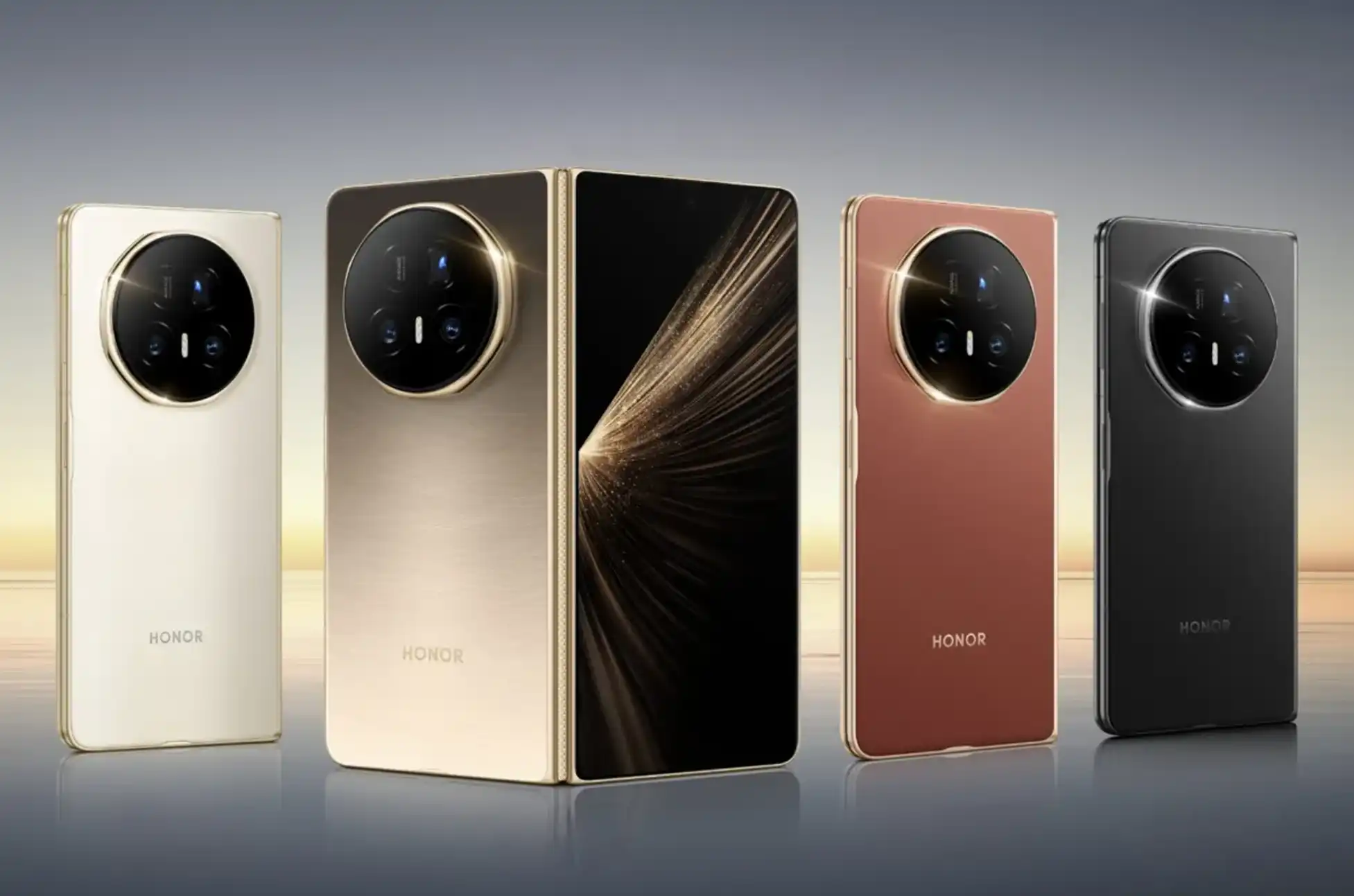
Honor Magic V5 Unlock? The Honor Magic V5 represents cutting-edge foldable technology, combining premium design with powerful performance. But if your device is carrier-locked, you’re missing out on one of its biggest advantages: true global connectivity.
Network locks can feel like digital handcuffs. Whether you’re planning international travel, hunting for better data plans, or simply want the freedom to switch carriers without switching phones, an unlocked Honor Magic V5 puts you back in control.
Honor Magic V5 Unlock : Why Your Honor Magic V5 Might Be Locked
When you purchase a flagship device like the Honor Magic V5 through a carrier, it often comes with network restrictions. These locks tie your expensive foldable to a single provider, limiting your options and potentially costing you more in the long run.
The good news? Getting your Honor Magic V5 unlocked is simpler than you might think.
Your Options for Unlocking the Honor Magic V5
Going Through Your Carrier
Your current network provider might unlock your device, but expect to jump through hoops. Many carriers charge fees, require you to complete your contract, or make you wait months before they’ll even consider your request. For a premium device like the Honor Magic V5, this route often means unnecessary delays.
DIY Unlocking Methods
YouTube tutorials and forum guides promise free unlocking solutions, but here’s the reality: these methods are risky. One wrong step could brick your expensive foldable or void your warranty. When you’re dealing with a sophisticated device like the Honor Magic V5, DIY approaches just aren’t worth the gamble.
Professional Unlocking with UnlockBase
UnlockBase offers what the other methods can’t: speed, security, and guaranteed results. With over ten years in the unlocking business, they’ve built their reputation on actually delivering what they promise.
Unlocking Your Honor Magic V5: The Process
Getting your foldable unlocked takes just a few minutes of your time:
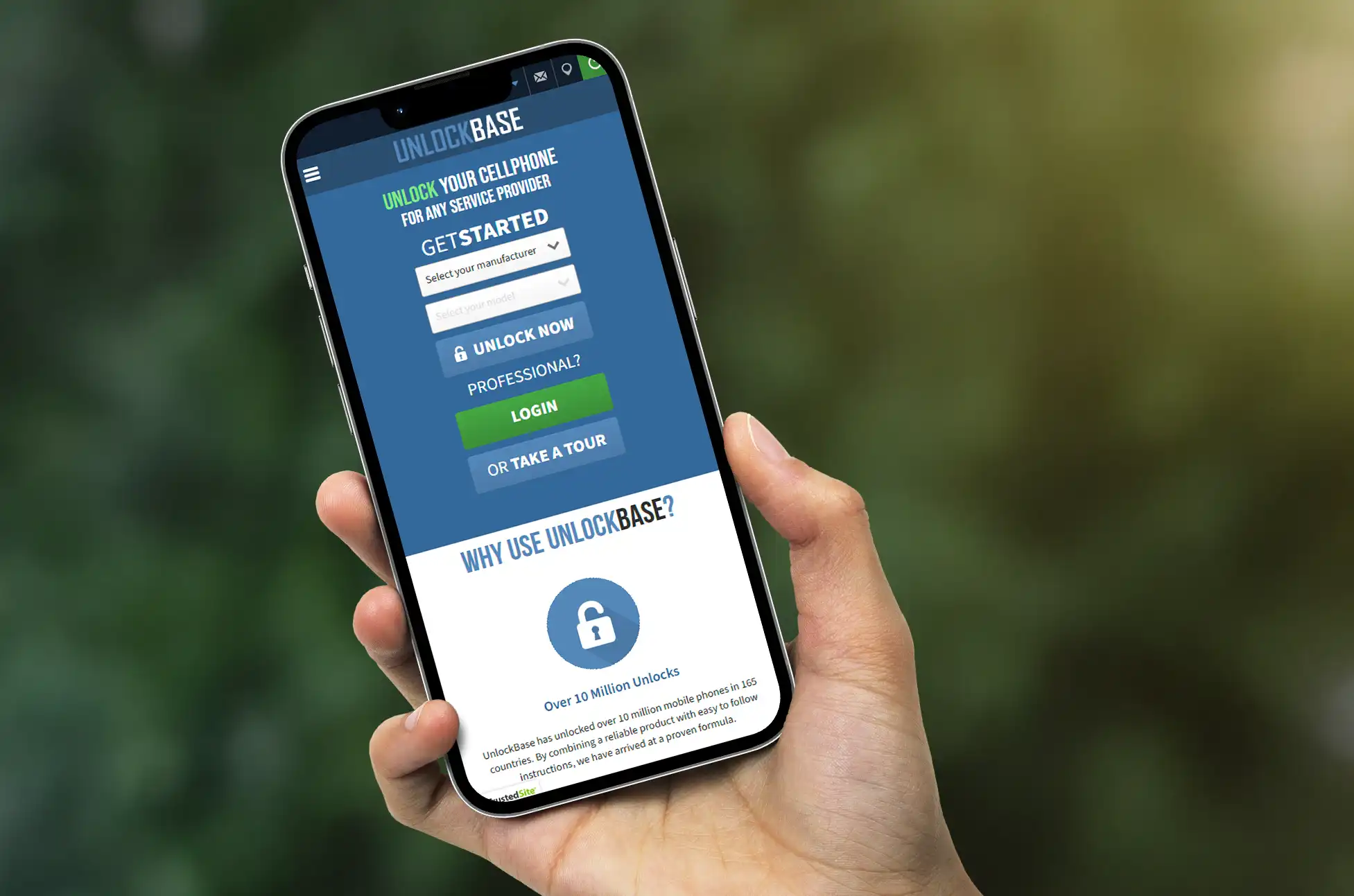
Step 1: Navigate to UnlockBase Visit the UnlockBase website and find the Honor Magic V5 in their device selector.
Step 2: Find Your IMEI Number Your IMEI is your phone’s unique identifier. Find it by opening Settings, tapping “About Phone,” then looking for the IMEI field. You can also dial *#06# to display it instantly.
Step 3: Identify Your Current Network You’ll need to know which carrier your Honor Magic V5 is currently locked to. Check your original purchase receipt or packaging if you’re not sure.
Step 4: Submit Your Information Enter your IMEI number and current carrier information on the UnlockBase website.
Step 5: Complete Your Order Choose your preferred payment method and finalize the purchase. The checkout process is secure and takes just moments.
Step 6: Check Your Email Once processed, your unique unlock code arrives directly in your inbox. Keep an eye out for it within 24 hours.
Step 7: Apply the Unlock Code Power off your Honor Magic V5, swap in a SIM card from a different carrier, then turn it back on. When prompted, enter the unlock code you received. That’s it—your device is now free to use with any compatible network worldwide.
Honor Magic V5 Unlock : What You Gain with an Unlocked Honor Magic V5
Freedom to switch carriers whenever better deals appear. No more expensive roaming fees when traveling abroad. The ability to use local SIM cards in any country you visit. Better resale value when you’re ready to upgrade. Complete control over your connectivity choices.
Your Honor Magic V5 was built to go anywhere and do anything. Don’t let a network lock hold it back.
Honor Magic V5 Unlock : Making the Smart Choice
Sure, you could wait weeks for your carrier to maybe unlock your device. You could risk your expensive foldable with untested DIY methods. Or you could choose the proven solution that thousands of Honor users trust.
UnlockBase removes the complexity and risk from unlocking your Honor Magic V5, giving you the freedom to use your device exactly how you want. Fast turnaround, guaranteed results, and complete peace of mind—that’s the UnlockBase difference.
Ready to experience your Honor Magic V5 without limits? Your unlock code is just one click away.
All products, and company names, logos, and service marks (collectively the "Trademarks") displayed are registered® and/or unregistered
trademarks™ of their respective owners.
The authors of this web site are not sponsored by or affiliated with any of the third-party trade mark or third-party registered trade mark owners,
and make no representations about them, their owners, their products or services.
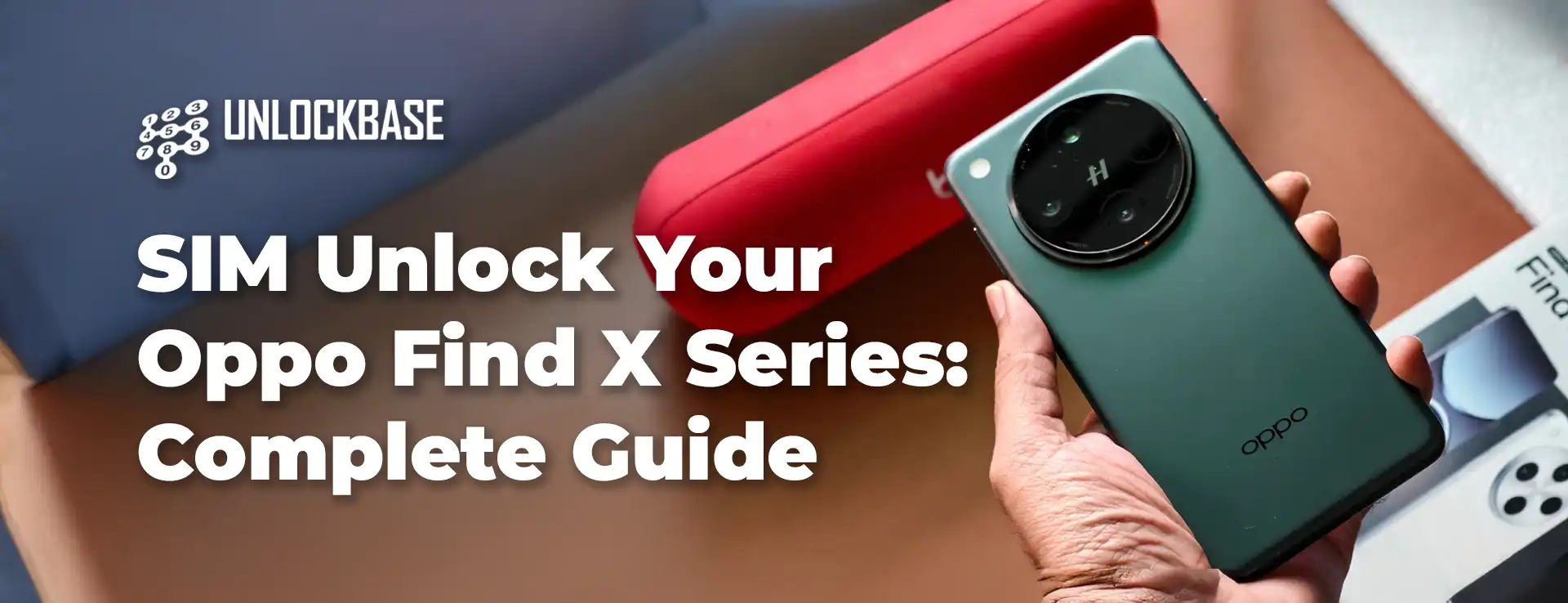
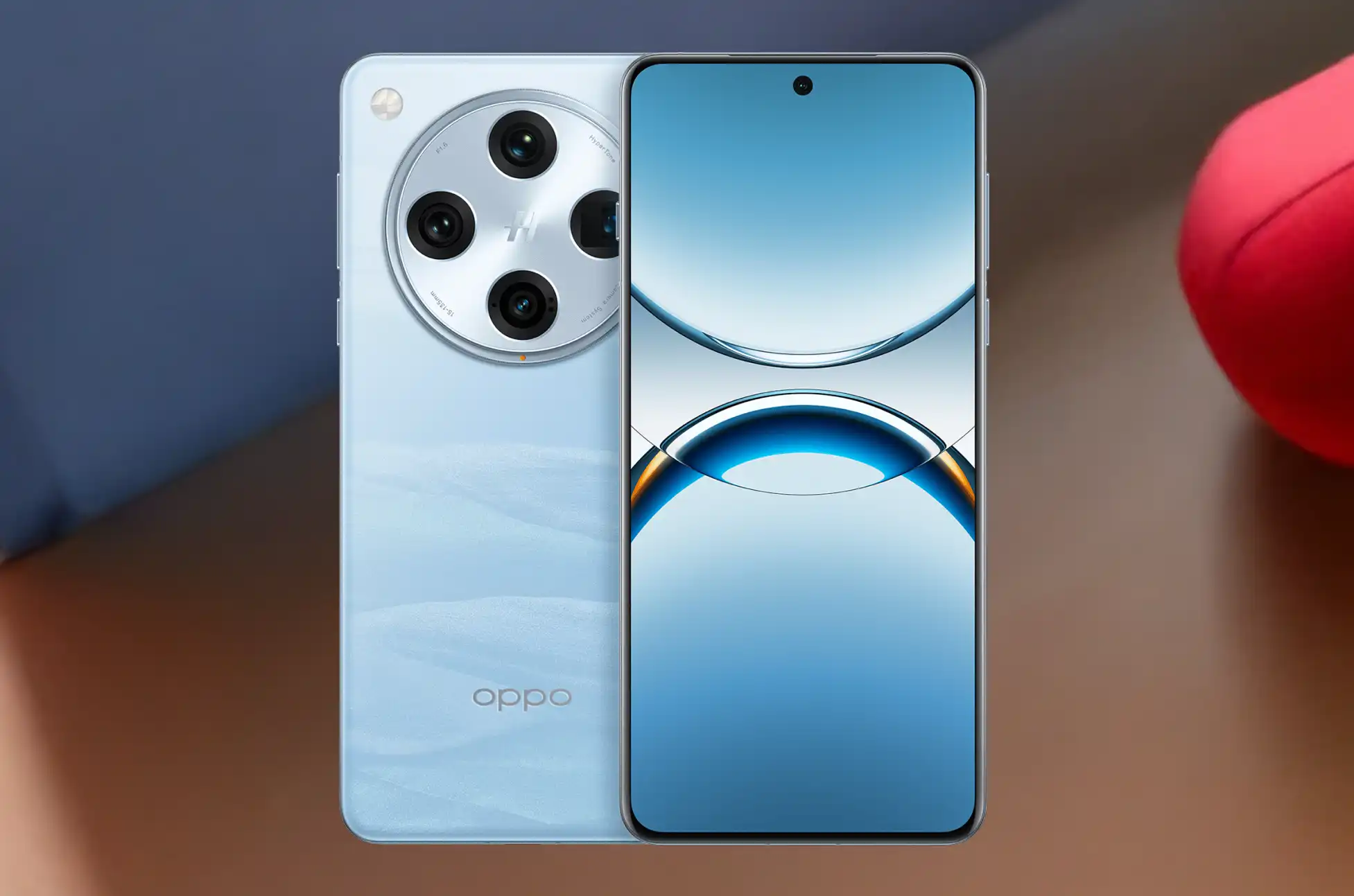
Oppo Find X SIM Unlock? Stuck with a carrier-locked Oppo Find X? Whether you’re looking to switch networks, avoid expensive roaming charges on your next trip, or just want the freedom to use any SIM card, unlocking your phone is more straightforward than you’d expect.
Why Your Find X Is Locked in the First Place
When carriers sell phones, they often lock them to their network. It’s a way to keep you on their service plan. You own the device, but try using a different carrier’s SIM card? The phone refuses to cooperate.
The fix? SIM unlocking. Once your Oppo Find X is unlocked, it becomes network-independent. Use any compatible carrier, jump to better plans when they appear, buy local SIM cards overseas, and increase what you’ll get when selling it later. Simple as that.
Check If Your Oppo Find X Is Actually Locked
Before going further, confirm your phone’s lock status. Insert a SIM card from a different carrier into your Find X. If it prompts you for an unlock code or shows a network restriction message, it’s locked. If it connects normally, you’re already set.
Want certainty? Dial *#06# to display your IMEI number, then use an online checker to verify the lock status. It takes less than a minute.
Oppo Find X SIM Unlock : The Reliable Approach
UnlockBase simplifies the entire unlocking process. No technical expertise needed, no sketchy software downloads—just a clean unlock code that works for your specific device.
Choose the country and network your Find X is locked to
Complete the payment and wait for your email
Your code usually arrives within a few hours, though timing varies based on your carrier and specific Find X model.
Applying Your Unlock Code
Once UnlockBase sends you the code:
Insert a SIM card from a different carrier into your Find X
Your phone will prompt you for a SIM unlock PIN
Enter the unlock code you received
Hit confirm
Done. Your Oppo Find X should now work with any compatible SIM card. Restart the phone to make sure everything connects properly.
Fixing Common Problems
“Incorrect code” message: Verify you typed it exactly as provided. Characters like 0 and O are easy to mix up. You usually get around 10 attempts, so be careful with each entry.
No prompt appears: Make sure the SIM is properly inserted and comes from a different carrier. Try restarting your Find X with the new SIM already in place.
SIM not detected: Test the SIM in another phone to confirm it works. Clean both the card and tray gently. Check that the SIM matches the network frequencies your Find X supports.
What You Gain from an Unlocked Find X
Network freedom: Stop being held hostage by one carrier’s pricing. Compare plans across all providers and switch whenever a better deal shows up. No need to buy another phone just to change networks.
Travel smart: Local SIM cards during trips cost a fraction of roaming fees. Spending $10 on a local SIM beats paying $10 daily to your home carrier. On a week-long trip, that’s $70 in your pocket instead of theirs.
Higher resale value: Locked phones only attract buyers on that specific network. Unlocked phones appeal to everyone. You’ll get more offers and better prices when it’s time to upgrade.
Dual SIM flexibility: Run two different carriers simultaneously—one for work, one for personal use. Or keep your home number active while using local networks abroad.
Oppo Find X SIM Unlock Now
Unlocking your Oppo Find X takes minutes and costs less than what you’d pay for a few days of international roaming. The process is legal, safe, and won’t affect your warranty. You get complete freedom to choose any carrier that works with your phone.
Visit UnlockBase, request your unlock code, and cut the strings tying your device to one network. Your Oppo Find X was designed to work globally—let it.
All products, and company names, logos, and service marks (collectively the "Trademarks") displayed are registered® and/or unregistered
trademarks™ of their respective owners.
The authors of this web site are not sponsored by or affiliated with any of the third-party trade mark or third-party registered trade mark owners,
and make no representations about them, their owners, their products or services.
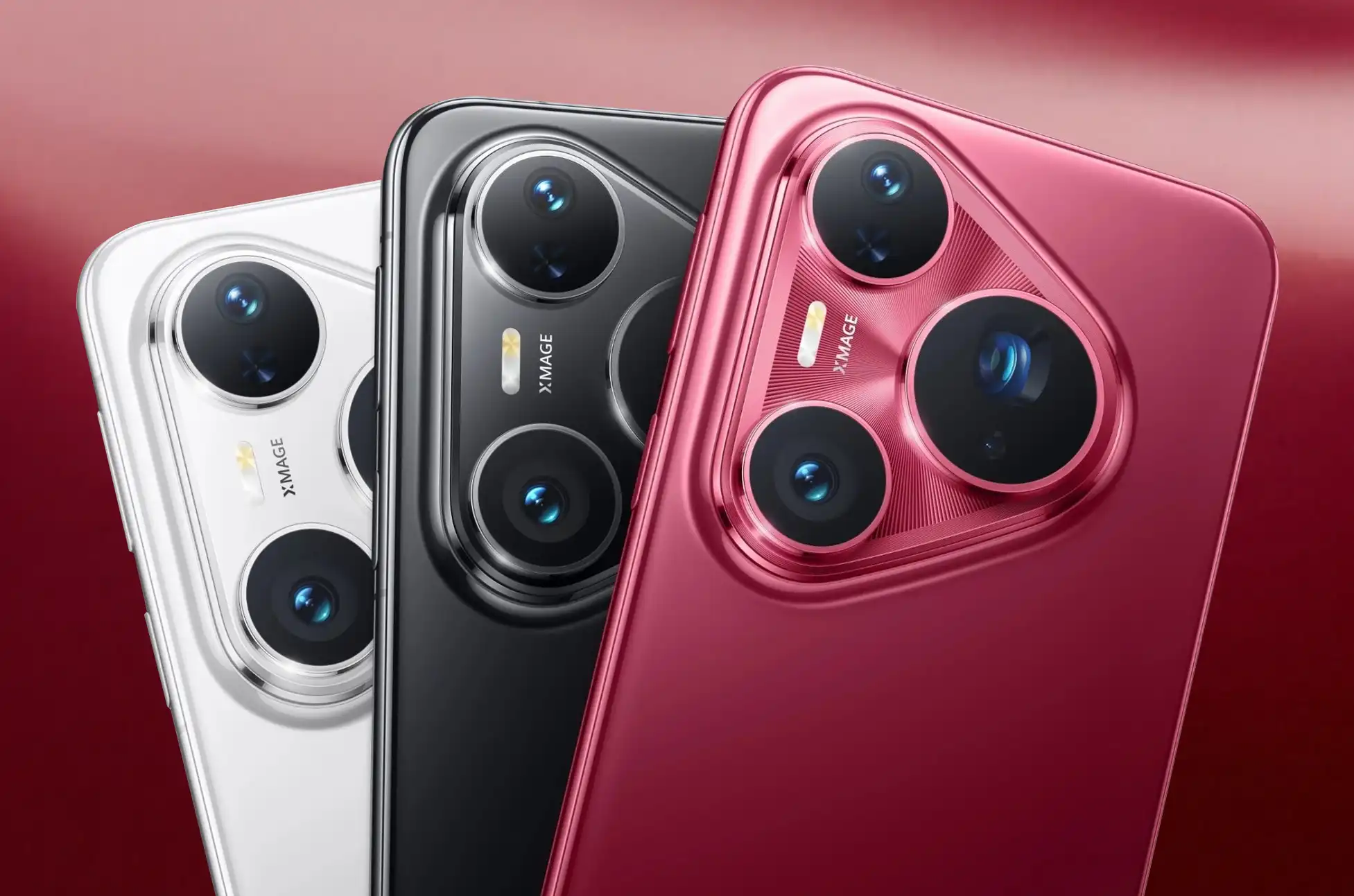
Unlocking Huawei Pura 80? Stuck with a carrier-locked Huawei Pura 80? Whether you want to switch networks, travel without outrageous roaming fees, or simply use any SIM card you choose, unlocking your device is easier than you think.
Why Your Huawei Pura 80 Needs Unlocking
Carriers lock phones to keep you tied to their network. It’s frustrating—you paid for the device, but you can’t use it with another carrier’s SIM card. The good news? You can break free without voiding your warranty or dealing with shady software.
A SIM-unlocked Huawei Pura 80 works with any compatible carrier worldwide. Switch providers whenever you want, grab local SIM cards when traveling, and boost your phone’s resale value instantly.
Is Your Pura 80 Actually Locked?
Before anything else, check if your phone is locked. Pop in a SIM card from a different carrier. If your Pura 80 asks for an unlock code or shows a network restriction message, it’s locked. If it connects normally, you’re already good to go.
Want to be sure? Dial *#06# to get your IMEI number, then use an online checker to verify your lock status.
Unlocking Huawei Pura 80: Unlock With UnlockBase
UnlockBase makes the process straightforward. No technical skills required, no software downloads, just a simple code that frees your device.
Enter your phone’s IMEI number (dial *#06# to find it)
Provide your email for confirmation
Choose the country and network your phone is locked to
Confirm your payment and wait for an email with the unlock code
You’ll typically receive your code within a few hours, though timing varies by carrier and model.
Using Your Unlock Code
Once you get the email from UnlockBase:
Insert a SIM card from a different carrier into your Pura 80
Your phone will prompt you to enter the SIM unlock PIN
Enter the unlock code provided by UnlockBase
Hit confirm and you’re done
Your Huawei Pura 80 should now accept any compatible SIM card. Restart your phone to make sure everything’s working properly.
Unlocking Huawei Pura 80 : What If Something Goes Wrong?
Phone says “incorrect code”: Double-check you entered it exactly as provided. Watch out for similar characters like 0 and O. You have limited attempts (usually 10), so be careful.
No prompt appears: Make sure the SIM card is properly inserted and from a different carrier than your lock. Try restarting your phone with the new SIM inside.
SIM not detected: Verify the SIM card works in another device. Clean both the card and the SIM tray. Check that the SIM is compatible with your phone’s network bands.
Works Across All Pura 80 Models
Whether you have the standard Pura 80, Pro, Pro+, or Ultra, the unlocking process is identical. All models in the series use the same IMEI-based unlock method, making UnlockBase compatible with every variant.
The Benefits of an Unlocked Pura 80
Freedom to switch carriers: Compare plans and move to better deals without buying a new phone. No more hostage situations with overpriced contracts.
Travel-friendly: Buy cheap local SIM cards instead of paying daily roaming fees. A $10 SIM beats $10-per-day charges every time.
Higher resale value: Unlocked phones attract more buyers and sell for more money. You’re not limiting your market to one carrier’s customers.
Dual SIM flexibility: Mix carriers for work and personal use, or keep one slot for international travel.
Skip the Free “Solutions”
You’ll find videos and forums promising free unlock codes or software. Most are scams, malware, or outdated methods that don’t work on the Pura 80 series.
Huawei stopped providing direct unlock codes years ago. Those “calculator codes” and emergency dialer tricks? They don’t work on modern devices. Save your time and frustration—stick with a proven service like UnlockBase.
Unlocking Huawei Pura 80 : Get Unlocked Today
SIM unlocking your Huawei Pura 80 series phone takes minutes and costs less than a month of roaming fees. The process is safe, legal, and gives you complete control over which carrier you use.
Visit UnlockBase, grab your unlock code, and free your device from carrier restrictions. Your Pura 80 deserves to work with any network you choose.
All products, and company names, logos, and service marks (collectively the "Trademarks") displayed are registered® and/or unregistered
trademarks™ of their respective owners.
The authors of this web site are not sponsored by or affiliated with any of the third-party trade mark or third-party registered trade mark owners,
and make no representations about them, their owners, their products or services.
Unlocking iPhone 17 Pro & iPhone 17 Pro Max is now easier than ever, thanks to advanced eSIM technology. This groundbreaking feature eliminates the need for physical SIM cards, making unlocking a seamless process. Whether you’re switching carriers or using local SIM cards during travel, unlocks endless possibilities.
What is eSIM in Unlocking iPhone 17 Pro & iPhone 17 Pro Max?
eSIM technology is revolutionizing iPhone 17 Pro & iPhone 17 Pro Max. When unlocking iPhone, you no longer need a physical SIM card to activate your device on a cellular network. Instead, your carrier can activate an eSIM digitally, simplifying the unlocking process. Unlocking lets you effortlessly switch between carriers or use multiple phone numbers on one device.
Why Unlocking iPhone 17 Pro & iPhone 17 Pro Max is Essential
Unlocking iPhone offers several key advantages that enhance your experience:
Switch Carriers with Ease When Unlocking: It allows you to move to a different carrier without having to buy a new device, giving you more freedom in unlocking.
Use Local SIM Cards During Travel After Unlocking: When traveling internationally, unlocked iPhone lets you use local SIM cards, helping you save money on roaming charges. Unlocking is necessary to take advantage of local SIM options.
Increase Resale Value with Unlocked iPhone : Unlocked iPhones are more valuable than locked ones. If you plan to sell your iPhone in the future, unlocking can help you get a better price.
Unlocking Methods: Exploring Your Options
There are various ways to achieve iPhone unlocking, each with its own unique features and challenges. Here’s a brief overview:
Carrier Unlock: The official method, though it often comes with strict eligibility requirements and processing delays.
Unlocking Services: Options like UnlockBase provide a quick and hassle-free solution, frequently at competitive rates.
DIY Unlocking: Tech-savvy users might consider software-based methods, but proceed with caution—there are risks involved!
Why Choose UnlockBase in Unlocking iPhone 17 Pro & iPhone 17 Pro Max?
Easy and Secure: Enjoy a straightforward process that prioritizes data protection.
Quick and Efficient: Say goodbye to lengthy waiting times with fast service.
Lifetime Unlocks: Your iPhone remains unlocked permanently, even after firmware updates.
Trusted and Reliable: Join millions of satisfied customers who trust Unlocking.com for their unlocking needs.
Easy Step in Unlocking iPhone 17 Pro & iPhone 17 Pro Max
Select Apple as the manufacturer and iPhone 17 Pro & iPhone 17 Pro Max as your model.
Enter your phone’s IMEI number.
Provide your email for confirmation.
Choose the country and network to which your phone is locked during the unlocking process.
Complete the payment process.
Once you receive a confirmation email, follow the instructions provided to finish unlocking.
Conclusion
UnlockingiPhone 17 Pro & iPhone 17 Pro Max gives you the freedom to use your device how you want. Whether you’re switching carriers, traveling internationally, or looking to increase the resale value of your phone, unlocking iPhone 17 Pro & iPhone 17 Pro Max is a step in the right direction. Take advantage of the eSIM technology in youriPhone 17 Pro & iPhone 17 Pro Max and unlock a world of possibilities today!
All products, and company names, logos, and service marks (collectively the "Trademarks") displayed are registered® and/or unregistered
trademarks™ of their respective owners.
The authors of this web site are not sponsored by or affiliated with any of the third-party trade mark or third-party registered trade mark owners,
and make no representations about them, their owners, their products or services.
Unlocking iPhone 17 is now easier than ever, thanks to advanced eSIM technology. This groundbreaking feature eliminates the need for physical SIM cards, making unlocking a seamless process. Whether you’re switching carriers or using local SIM cards during travel, unlocks endless possibilities.
What is eSIM in Unlocking iPhone 17?
eSIM technology is revolutionizing iPhone 17. When unlocking iPhone, you no longer need a physical SIM card to activate your device on a cellular network. Instead, your carrier can activate an eSIM digitally, simplifying the unlocking process. Unlocking lets you effortlessly switch between carriers or use multiple phone numbers on one device.
Why Unlocking iPhone 17 & iPhone 17 Plus is Essential
Unlocking iPhone 17 offers several key advantages that enhance your experience:
Switch Carriers with Ease When Unlocking: It allows you to move to a different carrier without having to buy a new device, giving you more freedom in unlocking.
Use Local SIM Cards During Travel After Unlocking: When traveling internationally, unlocked iPhone lets you use local SIM cards, helping you save money on roaming charges. Unlocking is necessary to take advantage of local SIM options.
Increase Resale Value with Unlocked iPhone : Unlocked iPhones are more valuable than locked ones. If you plan to sell your iPhone in the future, unlocking can help you get a better price.
Unlocking Methods: Exploring Your Options
There are various ways to achieve iPhone unlocking, each with its own unique features and challenges. Here’s a brief overview:
Carrier Unlock: The official method, though it often comes with strict eligibility requirements and processing delays.
Unlocking Services: Options like UnlockBase provide a quick and hassle-free solution, frequently at competitive rates.
DIY Unlocking: Tech-savvy users might consider software-based methods, but proceed with caution—there are risks involved!
Why Choose UnlockBase in Unlocking iPhone 17 & 17 Plus?
Easy and Secure: Enjoy a straightforward process that prioritizes data protection.
Quick and Efficient: Say goodbye to lengthy waiting times with fast service.
Lifetime Unlocks: Your iPhone remains unlocked permanently, even after firmware updates.
Trusted and Reliable: Join millions of satisfied customers who trust Unlocking.com for their unlocking needs.
Select Apple as the manufacturer and iPhone 17 or iPhone 17 Plus as your model.
Enter your phone’s IMEI number.
Provide your email for confirmation.
Choose the country and network to which your phone is locked during the unlocking process.
Complete the payment process.
Once you receive a confirmation email, follow the instructions provided to finish unlocking.
Conclusion
Unlocking iPhone 17 and iPhone 17 Plus gives you the freedom to use your device how you want. Whether you’re switching carriers, traveling internationally, or looking to increase the resale value of your phone, unlocking iPhone 17 is a step in the right direction. Take advantage of the eSIM technology in your iPhone 17 and unlock a world of possibilities today!
All products, and company names, logos, and service marks (collectively the "Trademarks") displayed are registered® and/or unregistered
trademarks™ of their respective owners.
The authors of this web site are not sponsored by or affiliated with any of the third-party trade mark or third-party registered trade mark owners,
and make no representations about them, their owners, their products or services.