Unlocking iPhone 16 is now easier than ever, thanks to advanced eSIM technology. This groundbreaking feature eliminates the need for physical SIM cards, making unlocking iPhone 16 a seamless process. Whether you’re switching carriers or using local SIM cards during travel, unlocking iPhone 16 unlocks endless possibilities.
What is eSIM?
eSIM technology is revolutionizing iPhone. When unlocking iPhone 16 Pro, you no longer need a physical SIM card to activate your device on a cellular network. Instead, your carrier can activate an eSIM digitally, simplifying the unlocking process. UnlockingMax lets you effortlessly switch between carriers or use multiple phone numbers on one device.
Why Unlocking iPhone 16 Pro & iPhone 16 Pro Max is Essential
Unlocking iPhone offers several key advantages that enhance your experience:
Switch Carriers with Ease: Unlocking allows you to move to a different carrier without having to buy a new device, giving you more freedom.
Use Local SIM Cards During Travel: When traveling internationally, unlocking your phone lets you use local SIM cards, helping you save money on roaming charges. Unlocking is necessary to take advantage of local SIM options.
Increase Resale Value: Unlocked iPhones are more valuable than locked ones. If you plan to sell your Phone in the future, unlocking can help you get a better price.
Unlocking Methods: Exploring Your Options
There are various ways to achieve iPhone unlocking, each with its own unique features and challenges. Here’s a brief overview:
Carrier Unlock: The official method, though it often comes with strict eligibility requirements and processing delays.
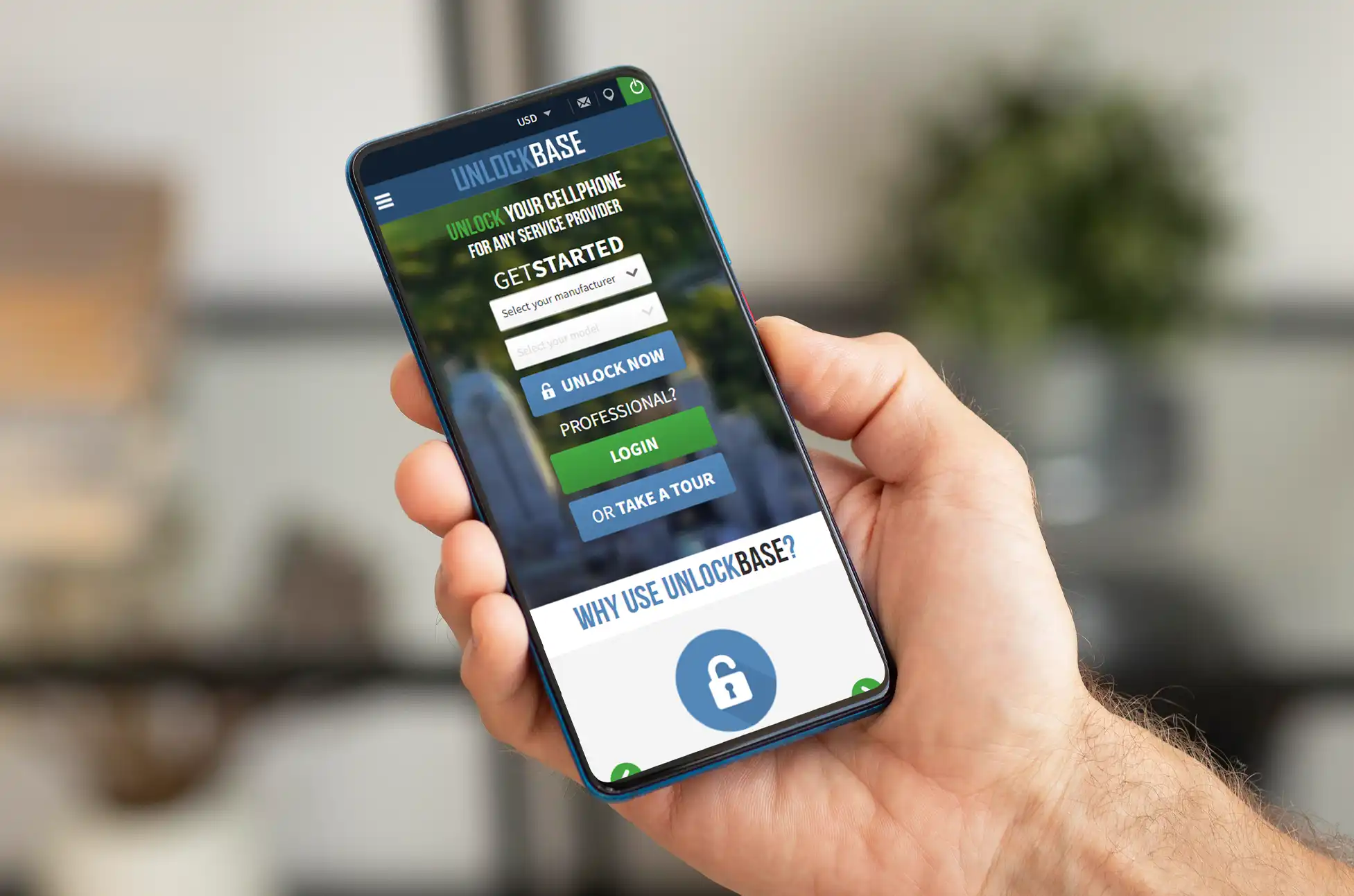
Unlocking Services: Options like UnlockBase provide a quick and hassle-free solution, frequently at competitive rates.
DIY Unlocking: Tech-savvy users might consider software-based methods, but proceed with caution—there are risks involved!
Why Choose UnlockBase in Unlocking iPhone 16 Pro & Pro Max?
Easy and Secure: Enjoy a straightforward process that prioritizes data protection.
Quick and Efficient: Say goodbye to lengthy waiting times with fast service.
Lifetime Unlocks: Your iPhone remains unlocked permanently, even after firmware updates.
Trusted and Reliable: Join millions of satisfied customers who trust UnlockBase for their unlocking needs.
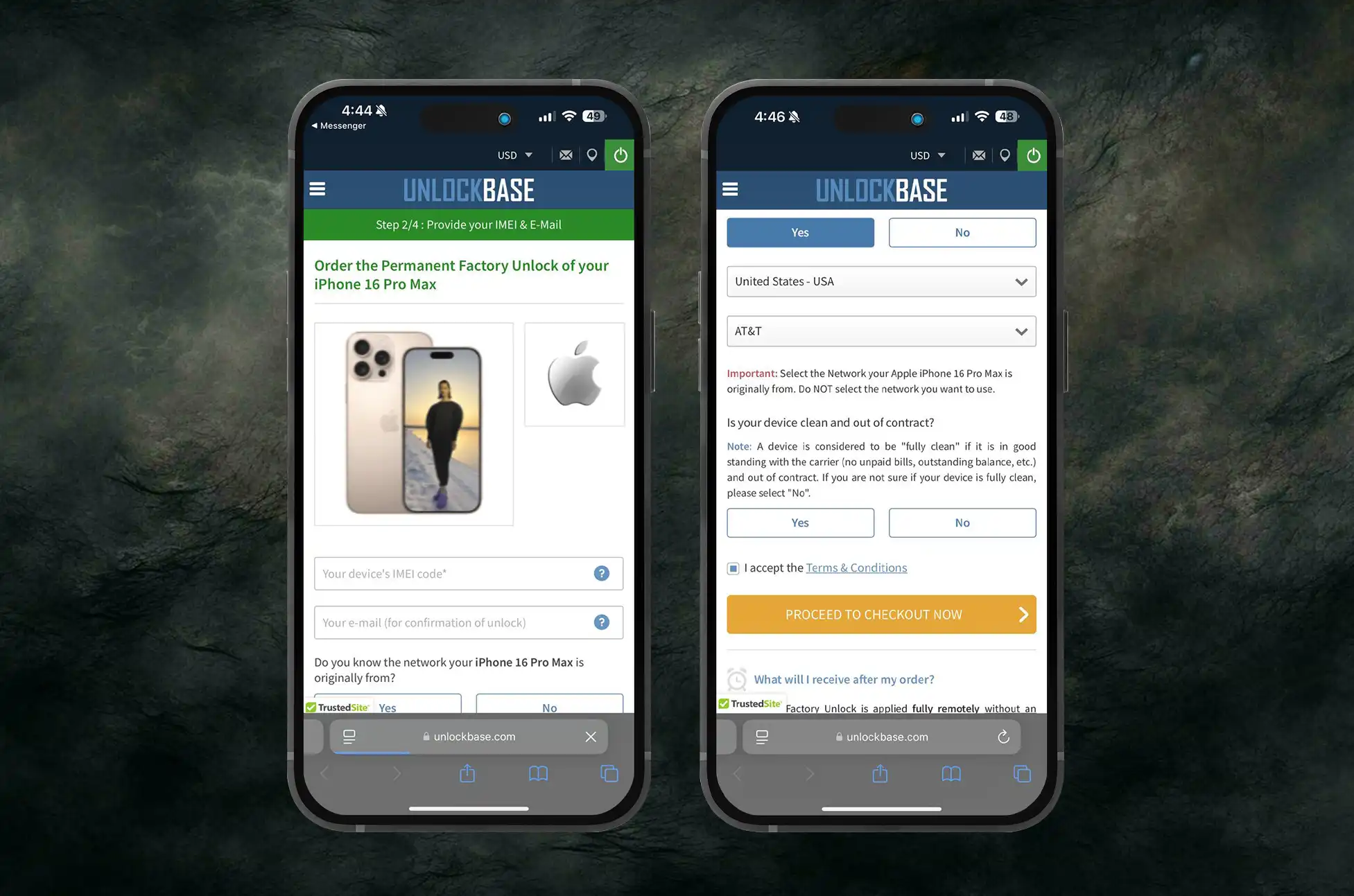
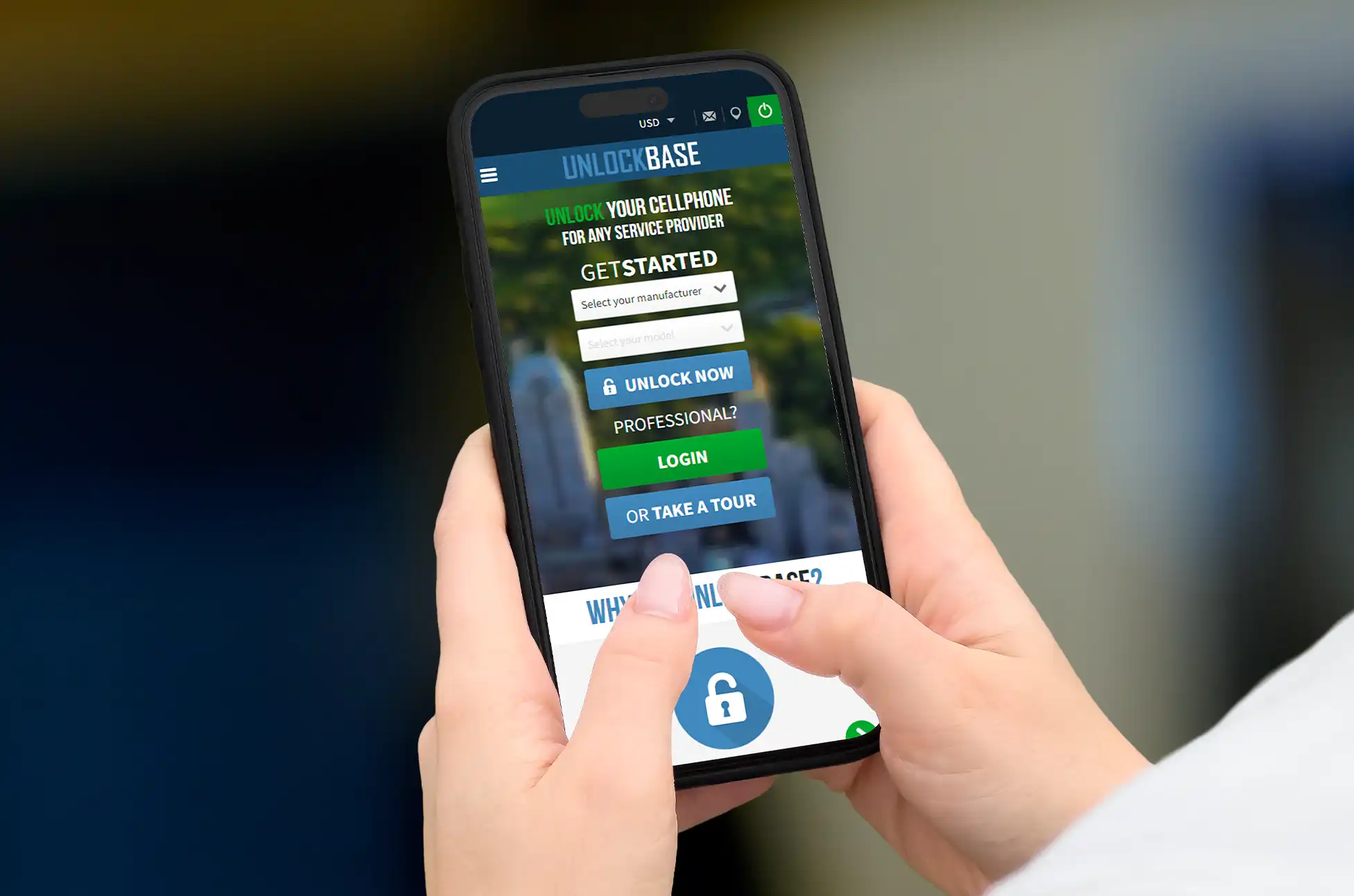
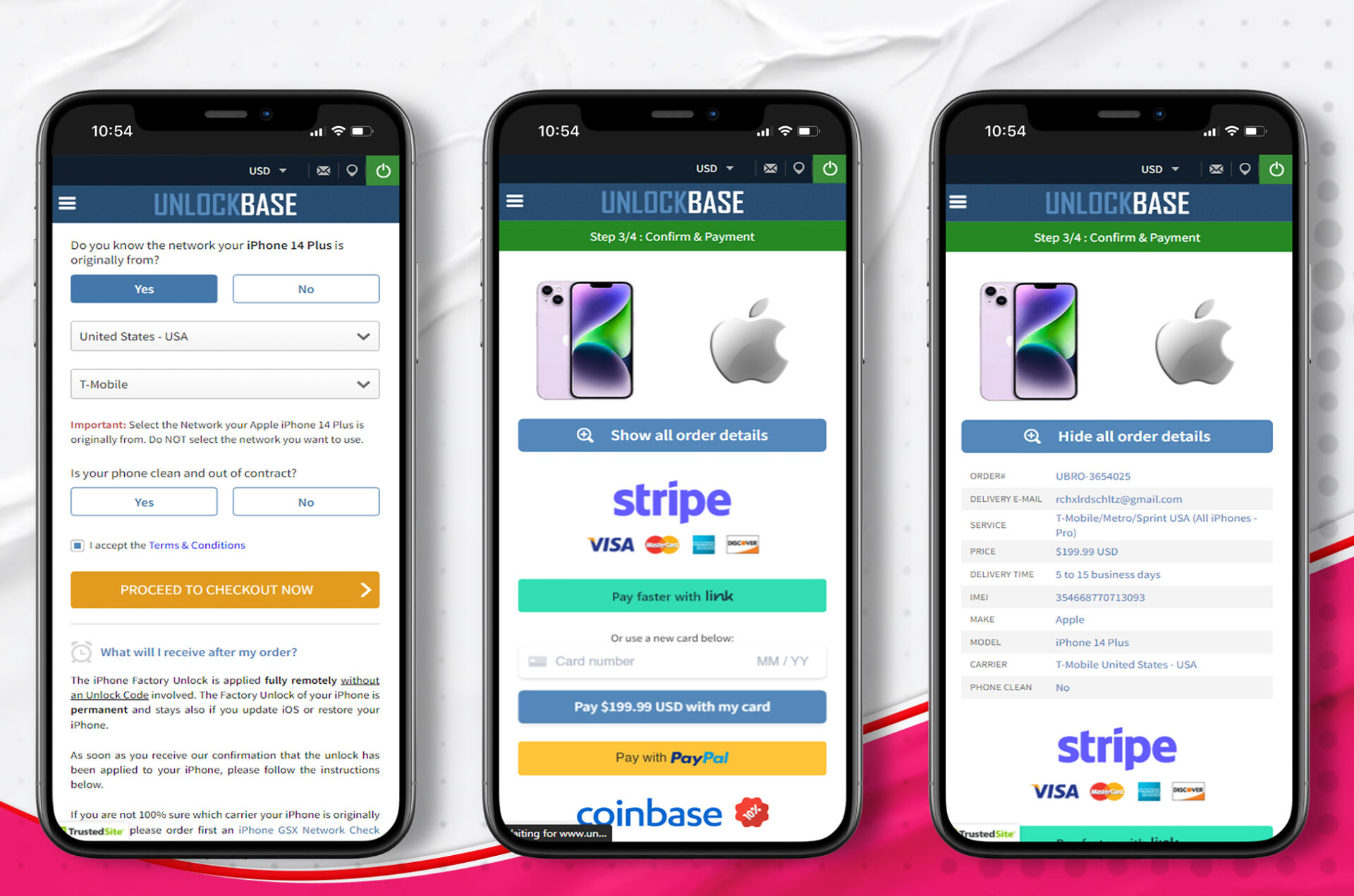
Select Apple as the manufacturer and iPhone 16 Pro or iPhone 16 Pro Max as your model for unlocking iPhone 16 Pro.
Enter your phone’s IMEI number.
Provide your email for confirmation.
Choose the country and network to which your phone is locked during the unlocking process.
Complete the payment process.
Once you receive a confirmation email, follow the instructions provided to finish unlocking iPhone 16 Pro.
Conclusion
Unlocking iPhone gives you the freedom to use your device how you want. Whether you’re switching carriers, traveling internationally, or looking to increase the resale value of your phone, unlocking iPhone is a step in the right direction. Take advantage of the eSIM technology in your iPhone 16 Pro and unlock a world of possibilities today!
All products, and company names, logos, and service marks (collectively the "Trademarks") displayed are registered® and/or unregistered
trademarks™ of their respective owners.
The authors of this web site are not sponsored by or affiliated with any of the third-party trade mark or third-party registered trade mark owners,
and make no representations about them, their owners, their products or services.
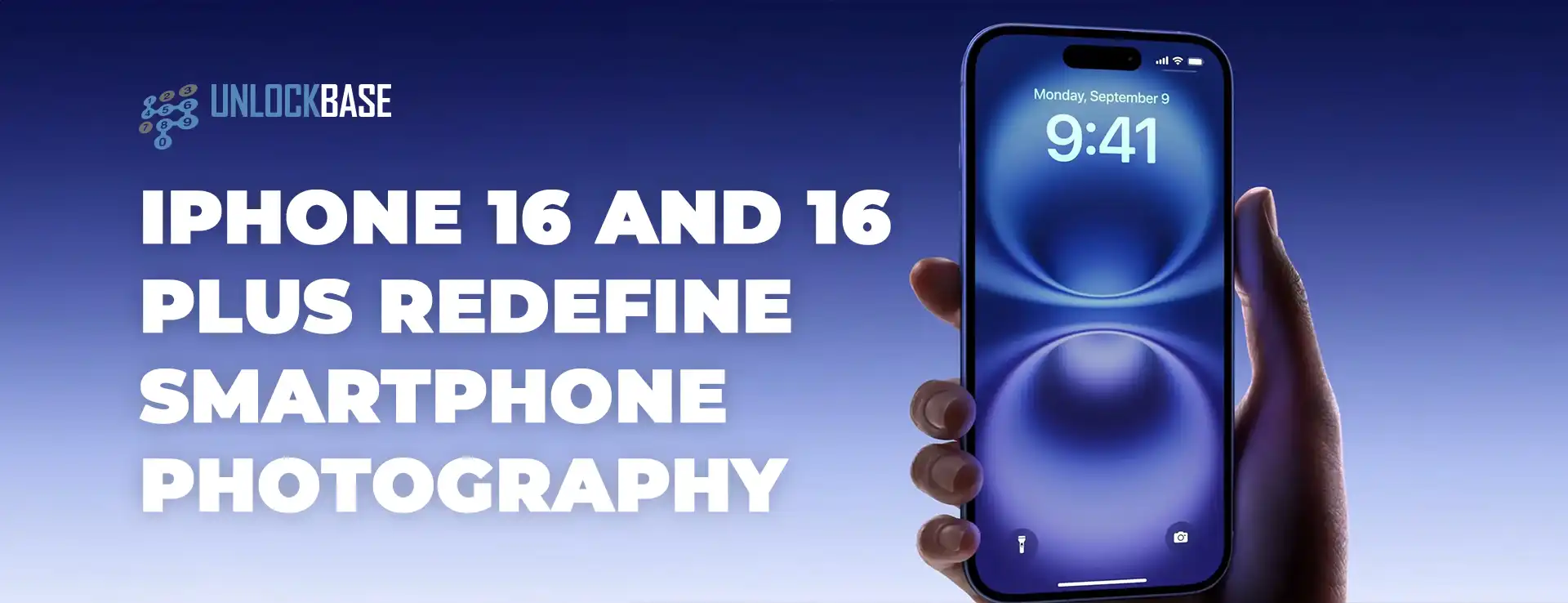
Unlocking iPhone 16 and iPhone 16 Plus is now easier than ever, thanks to advanced eSIM technology. This groundbreaking feature eliminates the need for physical SIM cards, making iPhone 16 a seamless process. Whether you’re switching carriers or using local SIM cards during travel, iPhone 16 unlocks endless possibilities.
What is eSIM in iPhone 16?
eSIM technology is revolutionizing iPhone 16. When unlocking iPhone 16, you no longer need a physical SIM card to activate your device on a cellular network. Instead, your carrier can activate an eSIM digitally, simplifying the unlocking process. Unlocking lets you effortlessly switch between carriers or use multiple phone numbers on one device.
Why Unlock iPhone 16 & iPhone 16 Plus is Essential
Unlocking iPhone 16 offers several key advantages that enhance your experience:
Switch Carriers with Ease: Unlocking iPhone 16 allows you to move to a different carrier without having to buy a new device, giving you more freedom.
Use Local SIM Cards During Travel : When traveling internationally, unlocked phone lets you use local SIM cards, helping you save money on roaming charges. Unlocking is necessary to take advantage of local SIM options.
Increase Resale Value: Unlocked iPhones are more valuable than locked ones. If you plan to sell your iPhone 16 & 16 Plus in the future, unlocking can help you get a better price.
Unlocking Methods: Exploring Your Options
There are various ways to achieve iPhone unlocking, each with its own unique features and challenges. Here’s a brief overview:
Carrier Unlock: The official method, though it often comes with strict eligibility requirements and processing delays.
Unlocking Services: Options like UnlockBase provide a quick and hassle-free solution, frequently at competitive rates.
DIY Unlocking: Tech-savvy users might consider software-based methods, but proceed with caution—there are risks involved!
Why Choose UnlockBase in Unlocking iPhone 16 & 16 Plus?
Easy and Secure: Enjoy a straightforward process that prioritizes data protection.
Quick and Efficient: Say goodbye to lengthy waiting times with fast service.
Lifetime Unlocks: Your iPhone remains unlocked permanently, even after firmware updates.
Trusted and Reliable: Join millions of satisfied customers who trust Unlocking.com for their unlocking needs.
Select Apple as the manufacturer and iPhone 16 or iPhone 16 Plus as your model for unlocking
Enter your phone’s IMEI number
Provide your email for confirmation
Choose the country and network to which your phone is locked to
Complete the payment process
Once you receive a confirmation email, follow the instructions provided to finish unlocking!
Conclusion
Unlocking your iPhone gives you the freedom to use your device how you want. Whether you’re switching carriers, traveling internationally, or looking to increase the resale value of your phone, Unlocking iPhone is a step in the right direction. Take advantage of the eSIM technology in your iPhone 16 and unlock a world of possibilities today!
All products, and company names, logos, and service marks (collectively the "Trademarks") displayed are registered® and/or unregistered
trademarks™ of their respective owners.
The authors of this web site are not sponsored by or affiliated with any of the third-party trade mark or third-party registered trade mark owners,
and make no representations about them, their owners, their products or services.
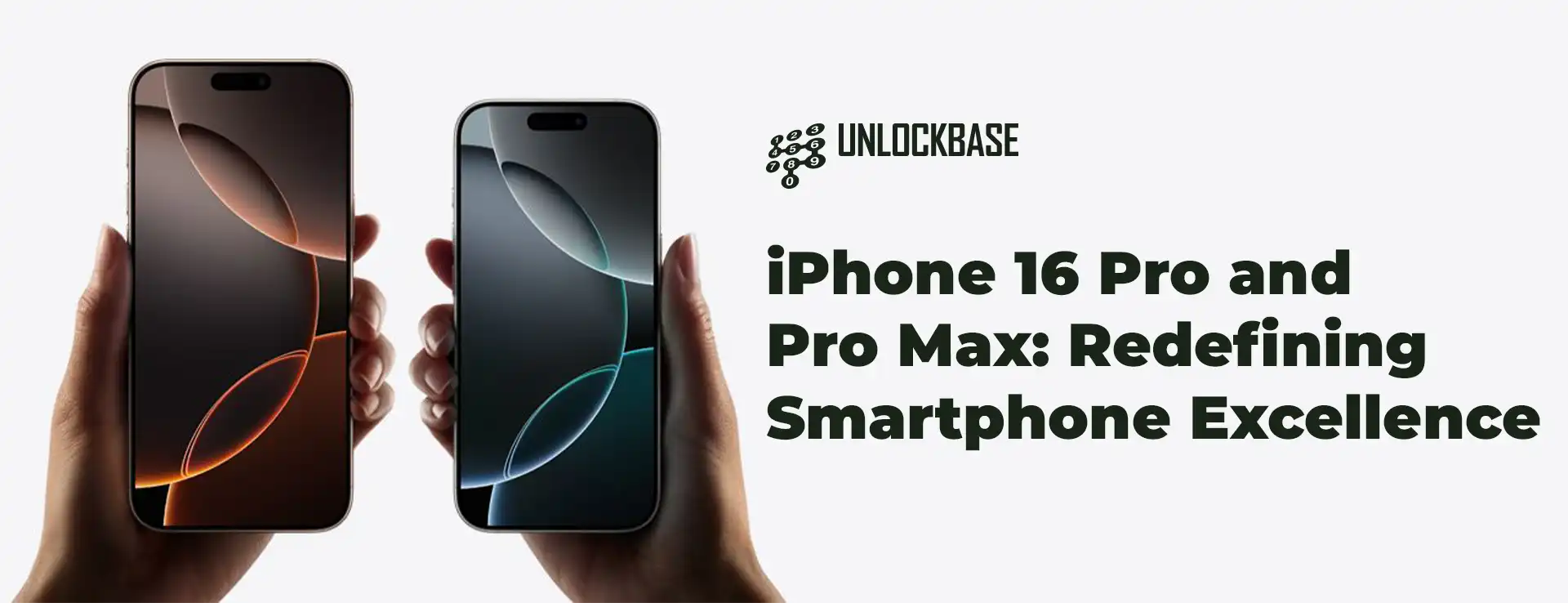
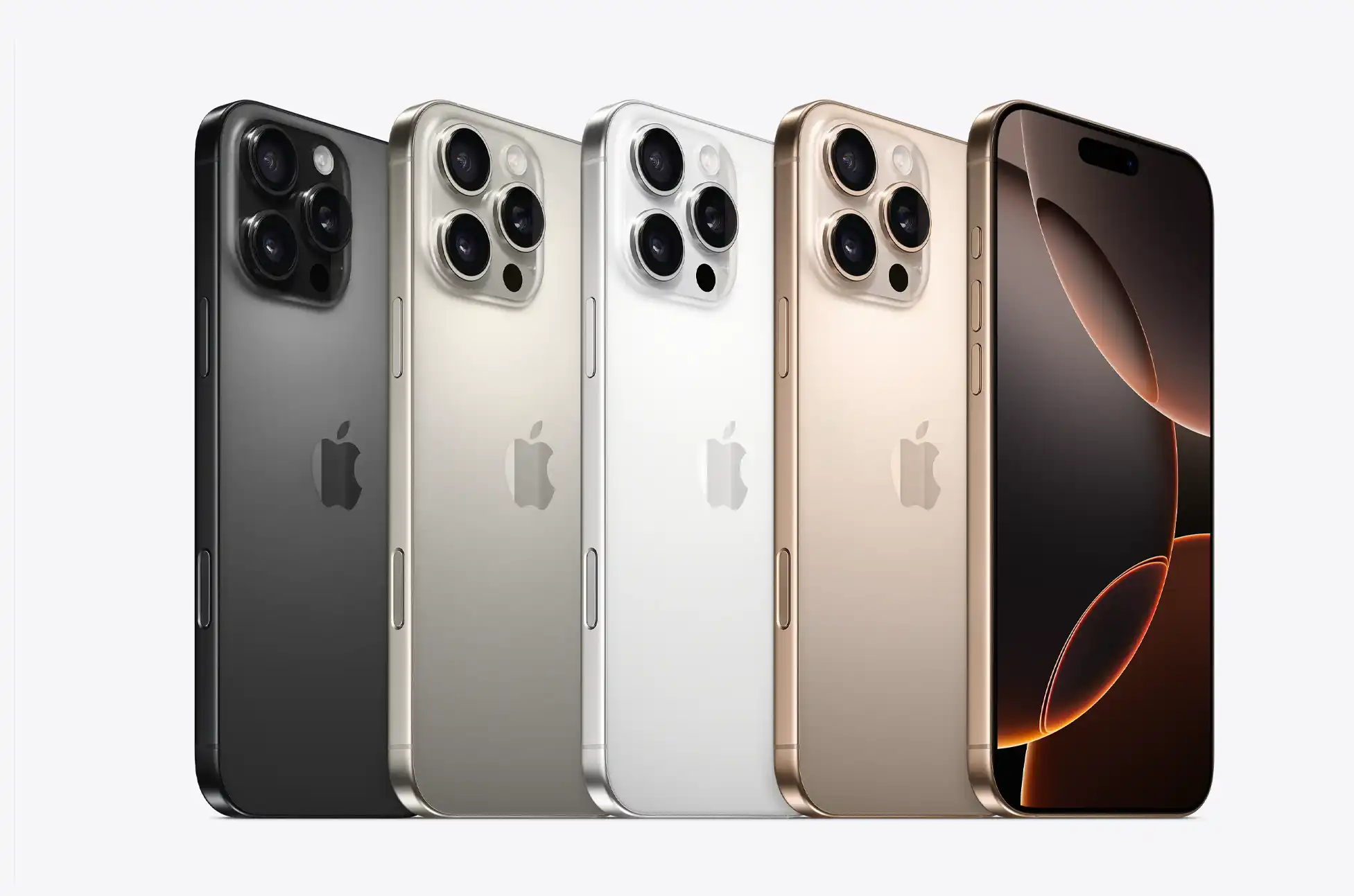
Apple has once again raised the bar in smartphone technology with the unveiling of the iPhone 16 Pro and iPhone 16 Pro Max. These cutting-edge devices combine sleek design with powerful performance, offering users an unparalleled mobile experience.
iPhone 16 Pro & Pro Max : Design and Display
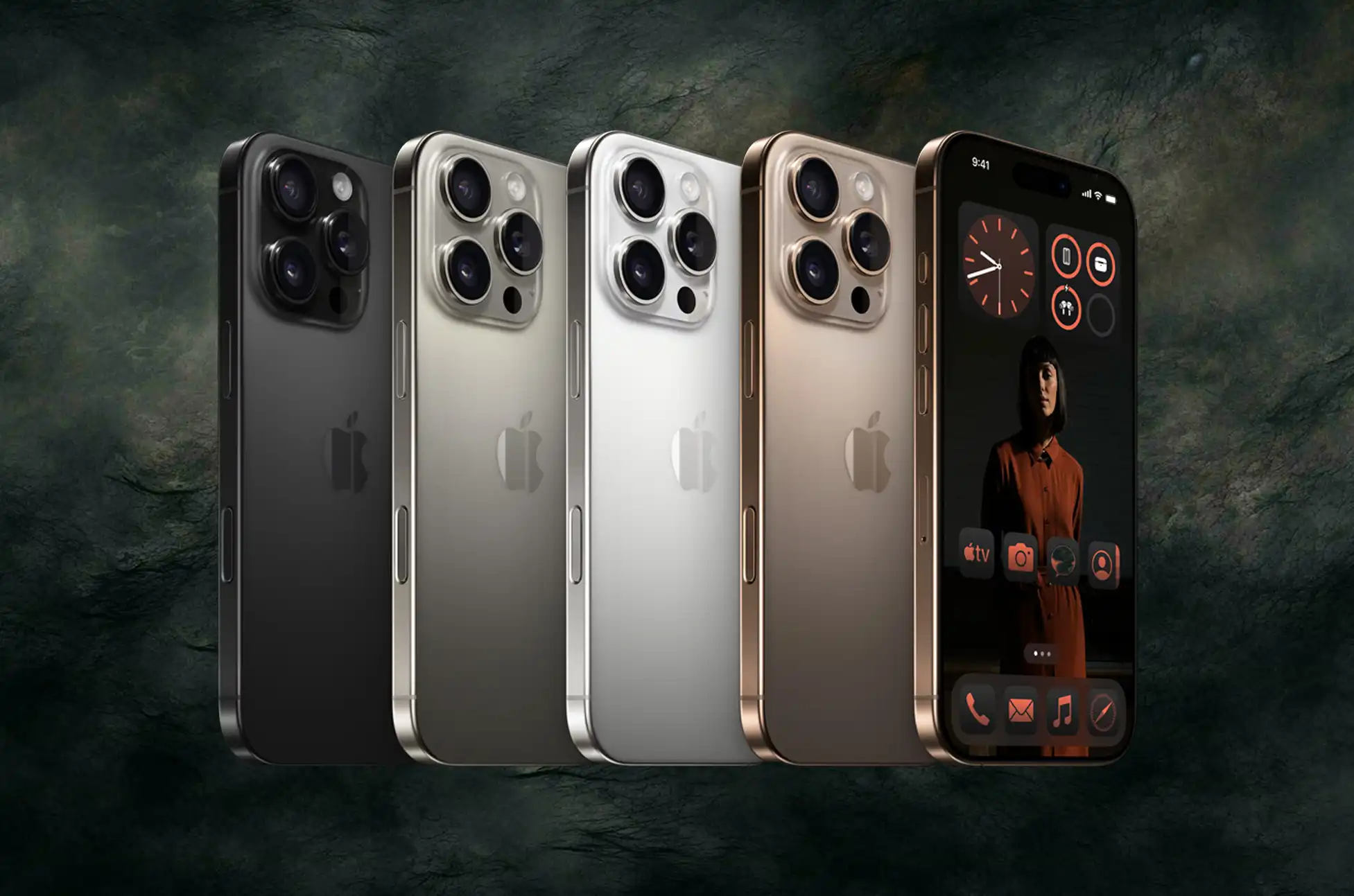
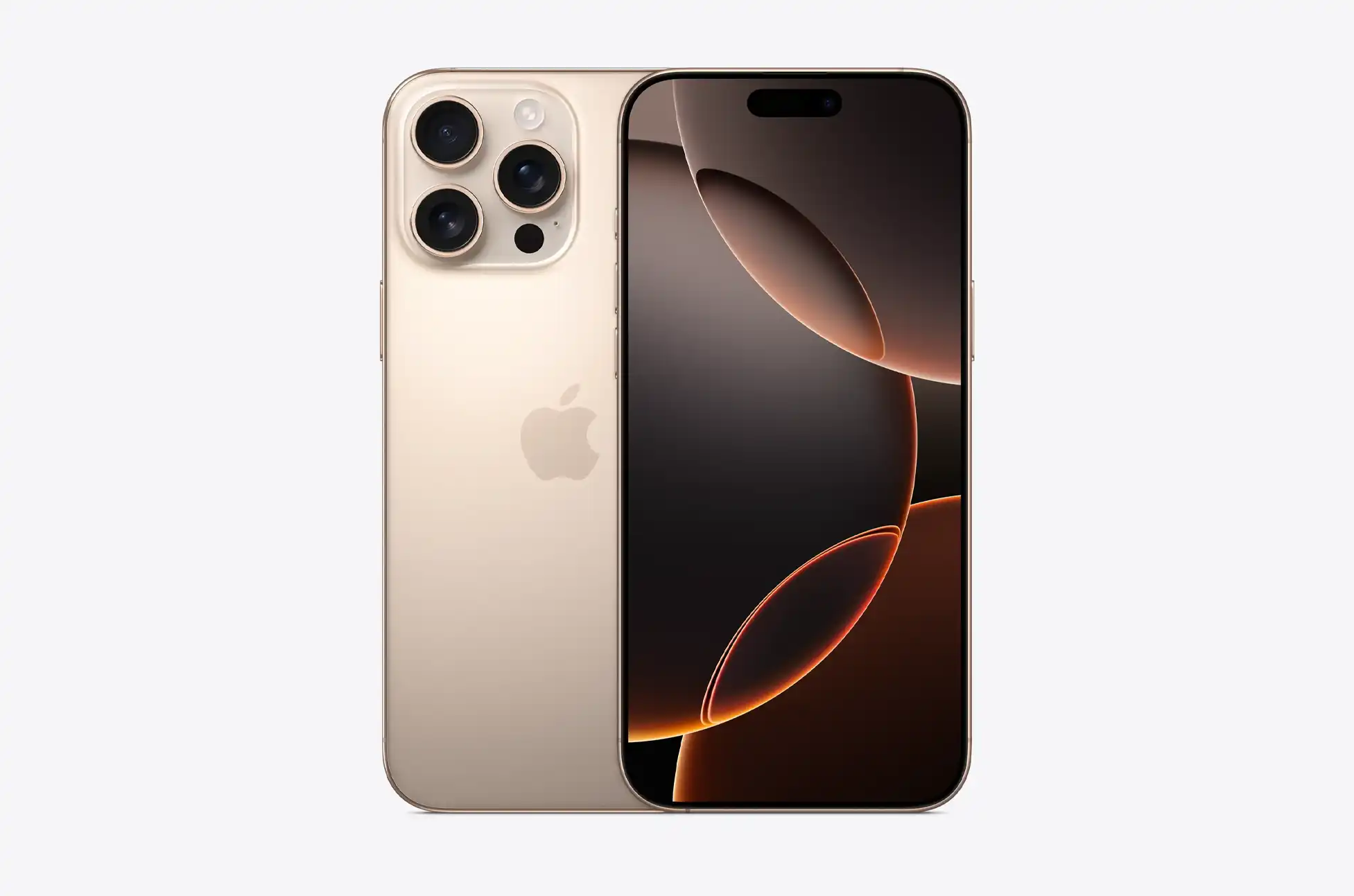
The new iPhone 16 Pro series features a Grade 5 titanium build, offering durability without compromising on style. Available in a new Desert Titanium color, alongside Natural, White, and Black Titanium, these devices exude sophistication.
Both models boast larger displays with thinner bezels:
iPhone 16 Pro: 6.3-inch Super Retina XDR OLED (2622 x 1206 pixels)
iPhone 16 Pro Max: 6.9-inch Super Retina XDR OLED (2868 x 1320 pixels)
The ProMotion technology delivers a 120Hz adaptive refresh rate, ensuring smooth scrolling and responsive interactions. With a peak brightness of 2,000 nits, content remains vivid even in bright outdoor settings.
Camera Innovations
The standout feature is the new Camera Control button, a dedicated control that allows users to quickly launch the camera app, focus on subjects, and swipe through different modes effortlessly.
The advanced camera system includes:
48MP main camera with 2nd-gen Sensor-Shift OIS
48MP ultra-wide/macro lens
12MP telephoto lens with 5x optical zoom
12MP TrueDepth front camera
Video capabilities have been significantly enhanced, with the ability to record 4K videos at 120fps with Dolby Vision support. The new Audio Mix feature, paired with four microphones, allows users to mix audio directly on their device, perfect for content creators and filmmakers.
iPhone 16 Pro & Pro Max : Performance and Battery Life
At the heart of the iPhone 16 Pro series lies the powerful A18 Pro chip:
6-core CPU (2 performance cores, 4 efficiency cores)
6-core GPU
16-core NPU for AI tasks
This chip delivers a 15% faster CPU and 20% faster GPU performance compared to its predecessor.
Battery life has also seen a significant boost:
iPhone 16 Pro: Up to 27 hours of video playback
iPhone 16 Pro Max: Up to 33 hours of video playback
This represents an increase of up to 4 hours compared to previous models.
iOS 18 and Apple Intelligence
The devices ship with iOS 18, featuring Apple Intelligence – a suite of AI-powered features designed to enhance user experience. While specific details are yet to be fully revealed, users can expect improvements in areas such as natural language processing, image recognition, and Siri capabilities.
Connectivity and Additional Features
The iPhone 16 Pro series is equipped with:
5G support
WiFi 7 compatibility
Bluetooth 5.3
2nd-gen Ultra Wideband (UWB) chip
USB-C port
MagSafe charging (up to 25W)
Qi2 wireless charging (up to 15W)
iPhone 16 Pro & Pro Max : Pricing and Availability
The new iPhone 16 Pro is now listed on the Apple website. It comes in 128GB, 256GB, 512GB, and 1TB models for a price of $999, $1099, $1299, and $1499, respectively. Meanwhile, the Pro Max starts at the 256GB model for $199, while the 512GB variant retails for $1399 and the 1TB at $1499.
Conclusion
The iPhone 16 Pro and Pro Max represent a significant leap forward in smartphone technology. With advanced camera systems, powerful performance, AI capabilities, and extended battery life, these devices set new standards in the industry. Whether you’re a professional photographer, content creator, or simply demand the best from your mobile device, the iPhone 16 Pro series offers a compelling package that pushes the boundaries of what’s possible in a smartphone.
All products, and company names, logos, and service marks (collectively the "Trademarks") displayed are registered® and/or unregistered
trademarks™ of their respective owners.
The authors of this web site are not sponsored by or affiliated with any of the third-party trade mark or third-party registered trade mark owners,
and make no representations about them, their owners, their products or services.
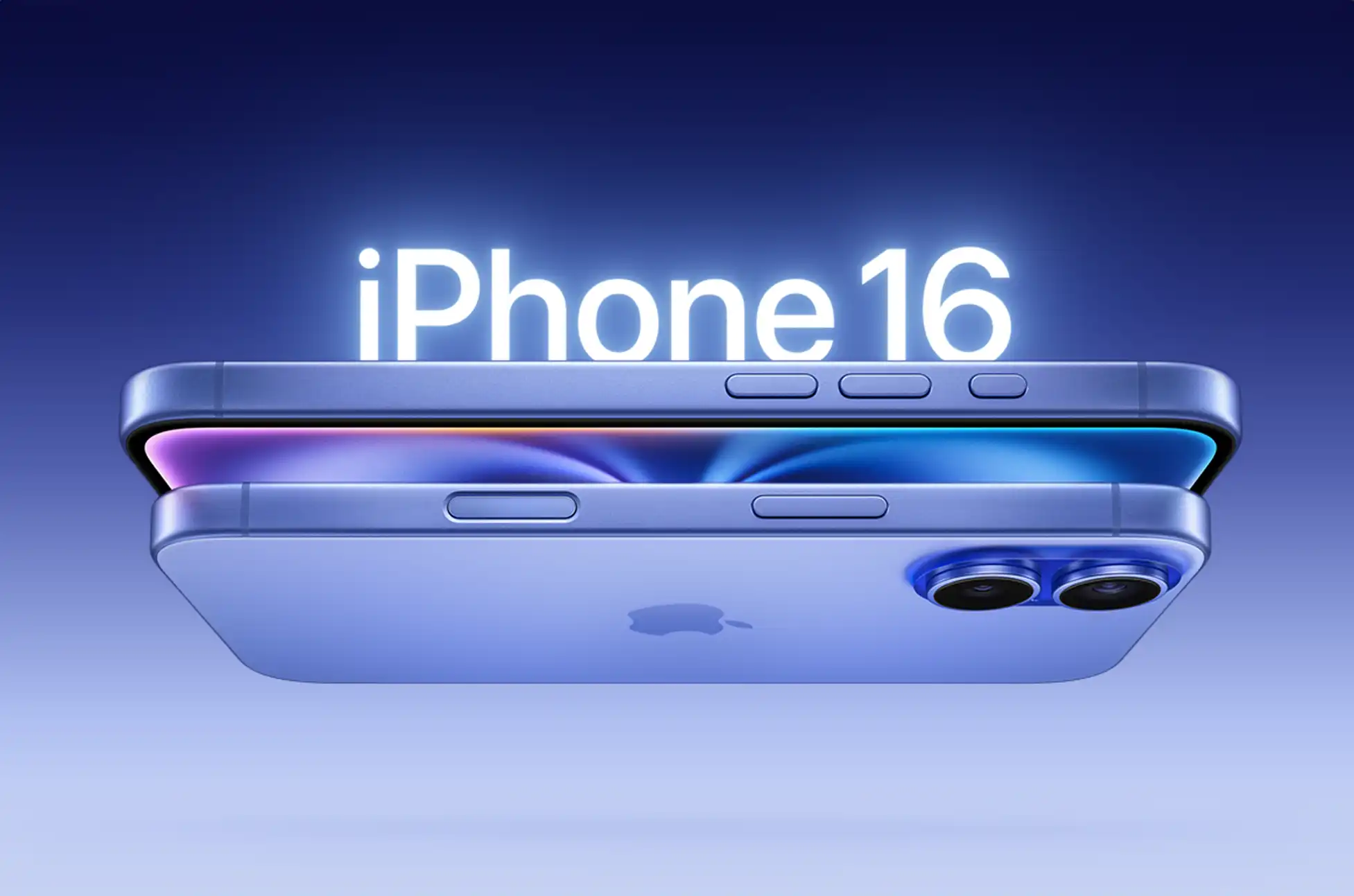
Buckle up, tech enthusiasts! Apple’s latest marvel, the iPhone 16 series, has just hit the scene, and it’s bringing a tidal wave of innovation that’ll make your tech-loving heart skip a beat. Let’s dive into the thrilling world of the iPhone 16 and 16 Plus, shall we?
A Touch of Magic: The Camera Control Button
Imagine controlling your camera with a simple touch or press, without even glancing at the screen. That’s exactly what the new Camera Control button delivers! This nifty addition is both touch and pressure-sensitive, allowing you to launch the camera, switch between lenses, and access various functions with intuitive ease. It’s like having a photography assistant right at your fingertips!
3D Revolution: A New Perspective on Memories
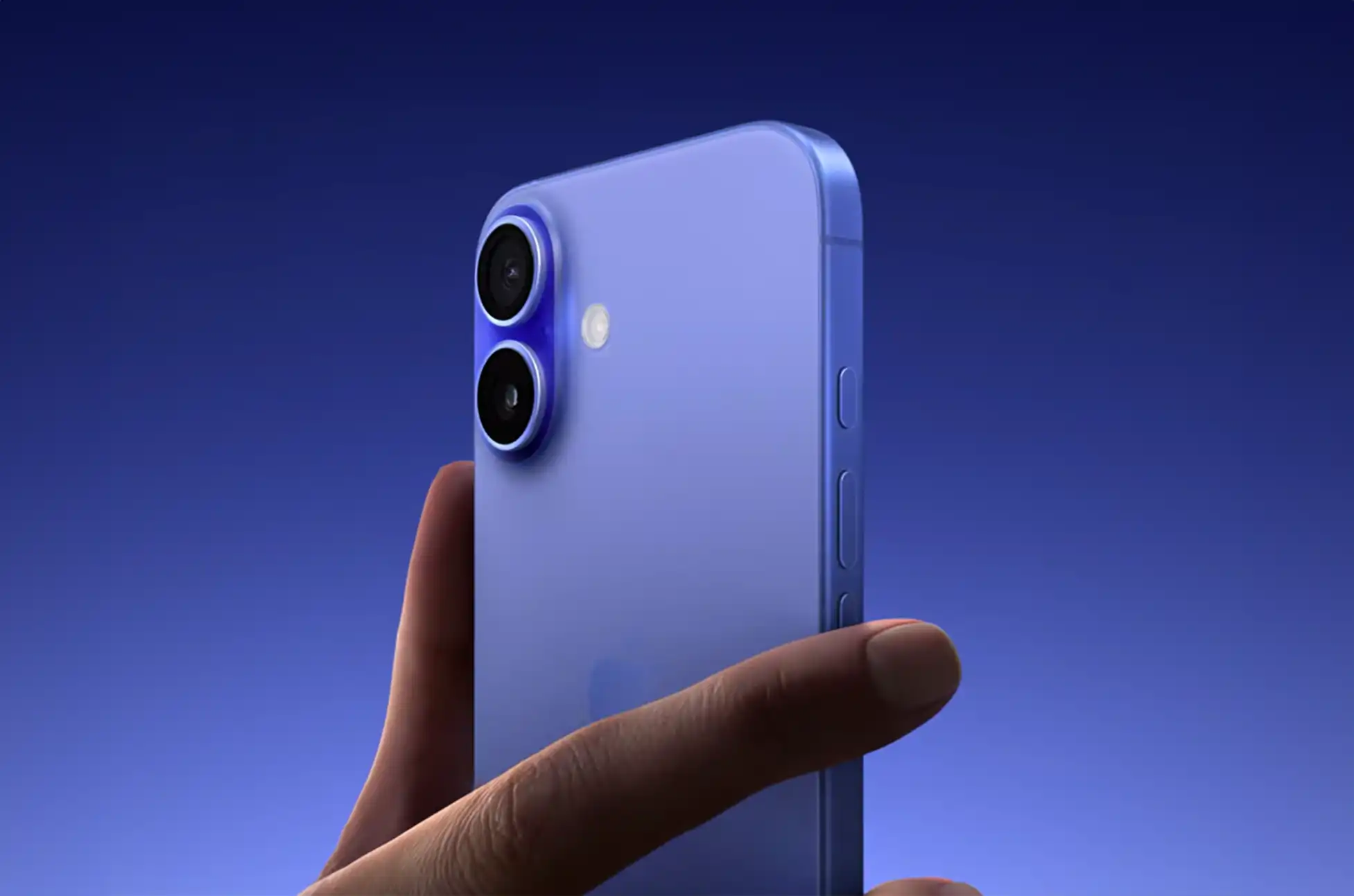
Hold onto your hats, because the iPhone 16’s camera layout has undergone a jaw-dropping transformation. The dual cameras now sit vertically, closer than ever before. But here’s the kicker – this isn’t just for show. This realignment enables users to capture stunning 3D photos and videos, perfect for viewing on devices like the Apple Vision Pro. Your memories are about to leap off the screen!
The 12-megapixel ultra-wide camera is now armed with autofocus, opening up a world of macro photography and videography. But that’s not all – it gobbles up 2.6x more light, resulting in images so crisp and clear, you’ll think you’re looking through a window. Meanwhile, the 48-megapixel main shooter pulls off an impressive trick, delivering 2x shots that rival dedicated telephoto lenses. Who needs a bulky camera kit when you’ve got this powerhouse in your pocket?
Lights, Camera, Action: Hollywood in Your Hand
Apple’s throwing in some serious cinematic flair with the new Audio Mix feature. Now you can tweak your video’s audio for that blockbuster feel. And for the Instagram crowd, new Photographic Styles let you apply filters before you even snap the shot. Your social media game is about to level up!
A18 Chip: The Heart of a Champion
Powering this beast is the all-new A18 chip, leaving its predecessor, the A16 Bionic, in the dust. We’re talking a 30% boost in CPU performance and a whopping 40% increase in GPU capabilities. With its 6-core CPU and 5-core GPU, this chip isn’t just fast – it’s lightning in a bottle!
Endurance Champion: Battery Life That Won’t Quit
Say goodbye to battery anxiety! The iPhone 16 boasts up to 22 hours of video playback, while the Plus model pushes it to an impressive 27 hours. And when you do need a top-up, the faster 25W MagSafe charging has got your back, juicing up to 50% in just half an hour.
iPhone 16 and 16 Plus : Built Tough, Styled Sharp
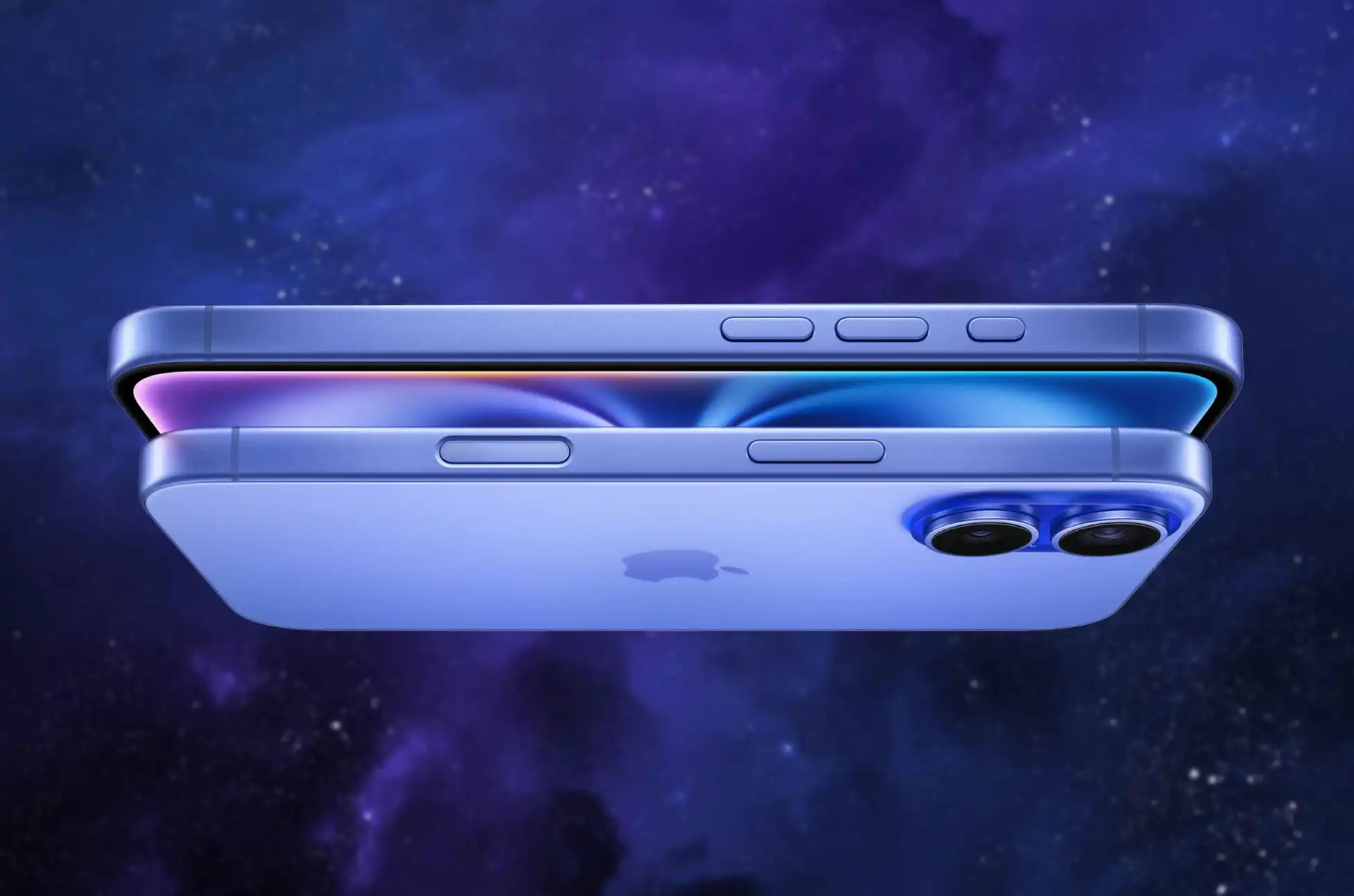
Wrapped in an aerospace-grade aluminum frame and protected by the new Ceramic Shield glass (twice as tough as any other smartphone glass!), the iPhone 16 is ready for anything life throws at it. And it’s not just durable – it’s a looker too, with fresh, funky colors like Ultramarine, Teal, and Pink joining a crisp new White option.
iPhone 16 and 16 Plus : Apple Intelligence Arrives
Unlike last year’s models, both the iPhone 16 and 16 Plus come equipped with Apple Intelligence, bringing cutting-edge AI features to your fingertips. The future of smartphones is here, and it’s more intelligent than ever!
The Bottom Line: iPhone 16 and 16 Plus
Ready to upgrade? The iPhone 16 starts at $799 for the 128GB model, with 256GB and 512GB options available at $899 and $1099 respectively. The iPhone 16 Plus kicks off at $899 for 128GB, climbing to $999 for 256GB and $1199 for the spacious 512GB model.
With its groundbreaking 3D capture capabilities, cinematic audio features, and the powerhouse A18 chip, the iPhone 16 and 16 Plus aren’t just smartphones – they’re portals to the future of mobile technology. Whether you’re a photography enthusiast, a power user, or just someone who appreciates cutting-edge tech, these devices are set to redefine what you expect from a smartphone. The future is calling – will you answer?
All products, and company names, logos, and service marks (collectively the "Trademarks") displayed are registered® and/or unregistered
trademarks™ of their respective owners.
The authors of this web site are not sponsored by or affiliated with any of the third-party trade mark or third-party registered trade mark owners,
and make no representations about them, their owners, their products or services.
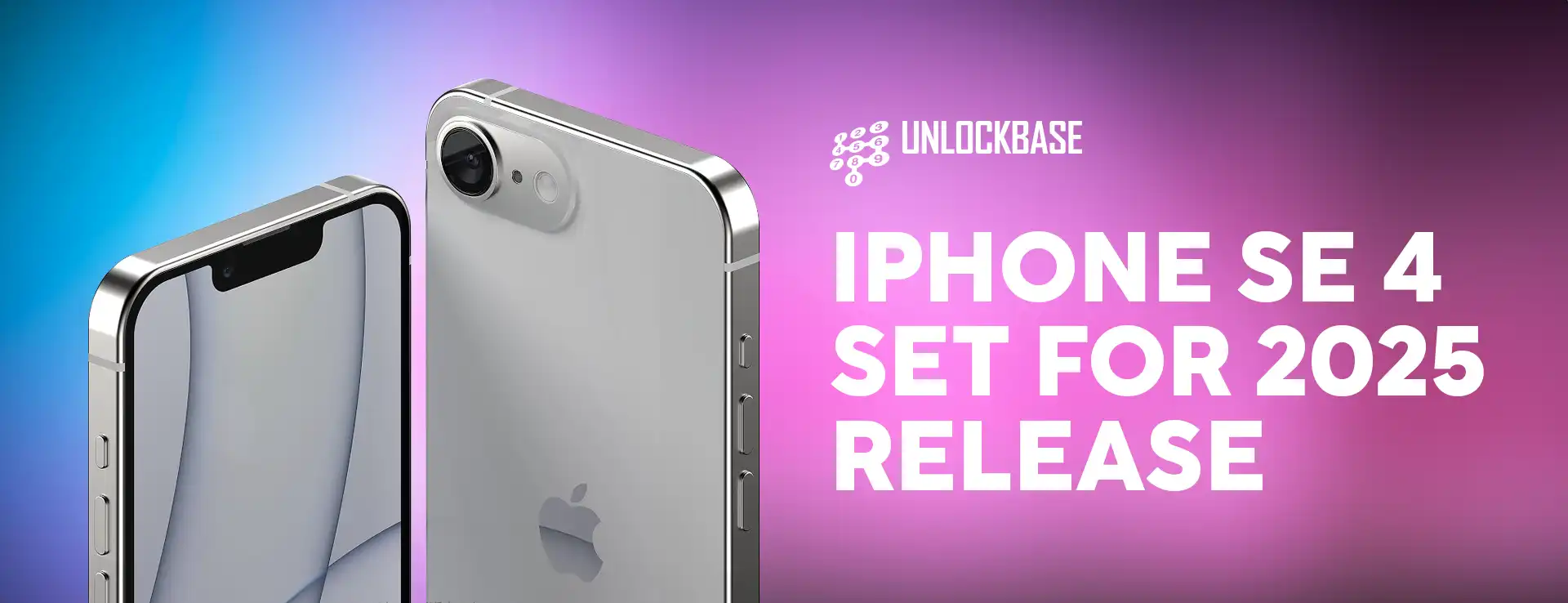
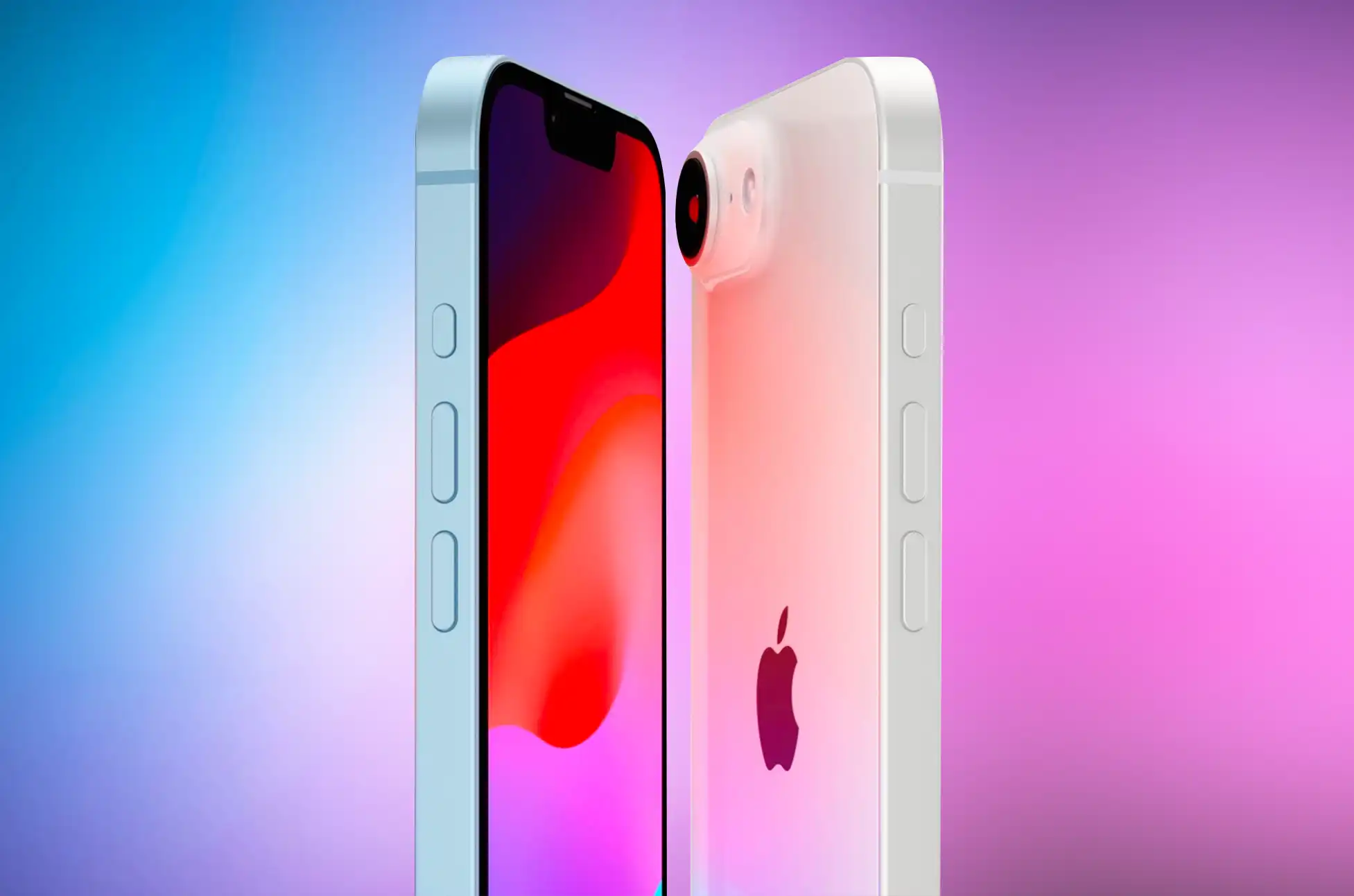
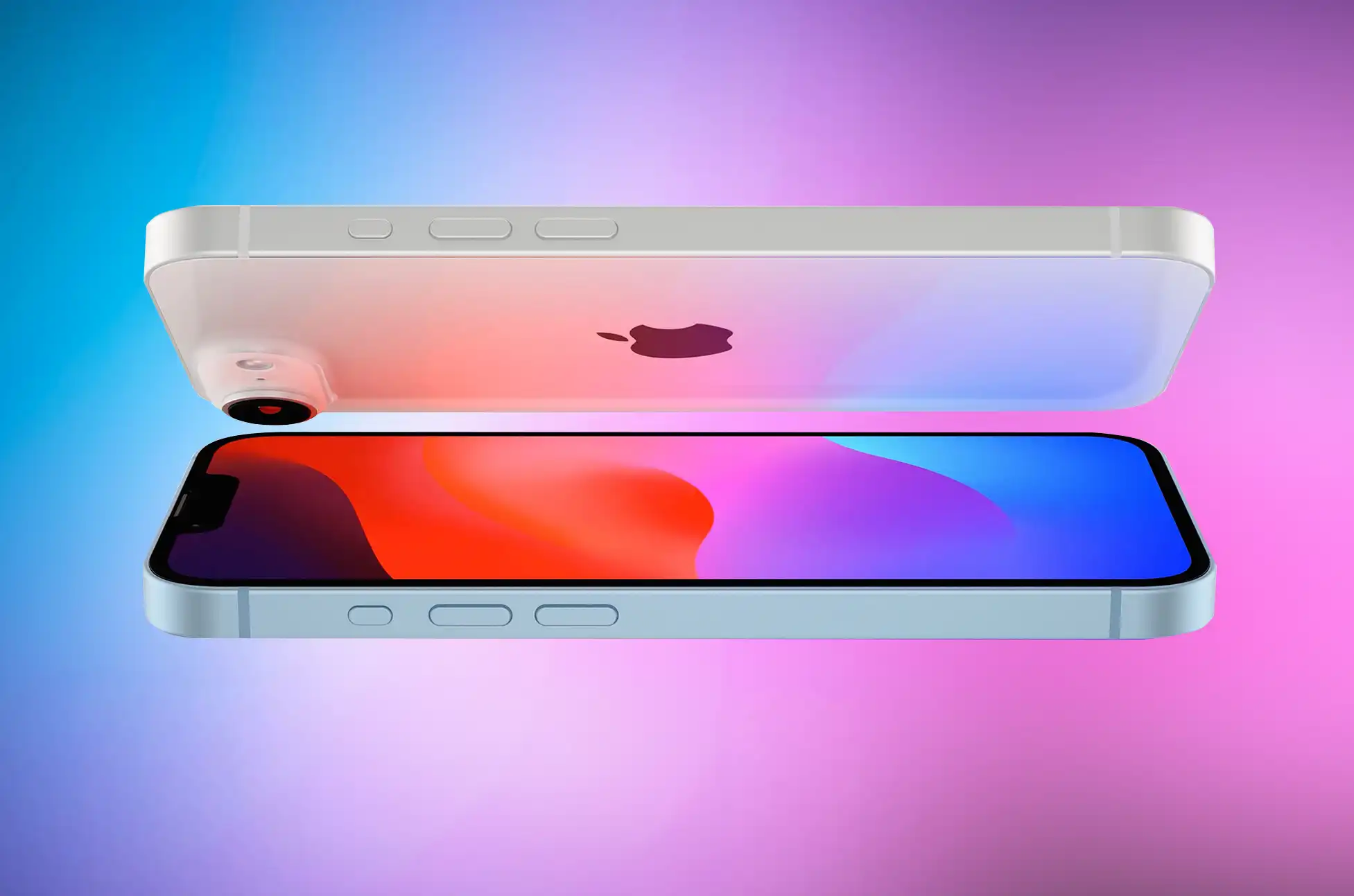
Apple’s popular iPhone SE 4 is set to continue with a fourth generation model, reportedly launching in early 2025. This budget-friendly device has consistently delivered flagship-level performance at a more accessible price point, thus making it a favorite among cost-conscious consumers and those preferring a compact form factor.
iPhone SE 4 : Key Features and Changes
The iPhone SE 4 will reportedly bring significant upgrades, modernizing the budget-friendly line:
A larger 6.1-inch OLED display, representing a substantial increase from the previous 4.7-inch screen
An all-screen design with Face ID, consequently retiring the Home button and Touch ID
A USB-C port, thereby aligning with the iPhone 15 series and current industry standards
A multi-function action button, which Apple first introduced in the iPhone 15 Pro
An expected price under $500, therefore maintaining its affordability
Although specific details about the processor remain undisclosed, the SE line has consistently offered high-end performance. Additionally, users can expect improvements in camera capabilities and battery life.
Release Timeline and Production
Industry insiders suggest that Apple plans to begin production in October 2024. Subsequently, they anticipate the release in early 2025, with two potential windows:
January 2025, before the Lunar New Year
March 2025, aligning with previous SE model releases
This timeline follows the series’ pattern of 2-4 year gaps between models, with a 3-year gap expected this time.
Significance in Apple’s Lineup
The iPhone SE plays a crucial role in Apple’s ecosystem by:
Providing an entry point for new users to the iOS ecosystem
Offering an affordable upgrade option for users of older iPhones
Delivering high-end performance at a mid-range price point
The iPhone SE 4 aims to modernize Apple’s budget offering while maintaining its affordability. As a result, it’s expected to appeal to a wide range of consumers, from tech enthusiasts on a budget to those who simply prefer a more compact device.
iPhone SE 4 : Conclusion
While these details are based on industry rumors and speculation, they paint an exciting picture of the upcoming iPhone SE 4. Apple has not officially confirmed any information about the device. Nevertheless, consumers and tech enthusiasts alike are eagerly awaiting more concrete details as we approach the anticipated 2025 release date.
All products, and company names, logos, and service marks (collectively the "Trademarks") displayed are registered® and/or unregistered
trademarks™ of their respective owners.
The authors of this web site are not sponsored by or affiliated with any of the third-party trade mark or third-party registered trade mark owners,
and make no representations about them, their owners, their products or services.
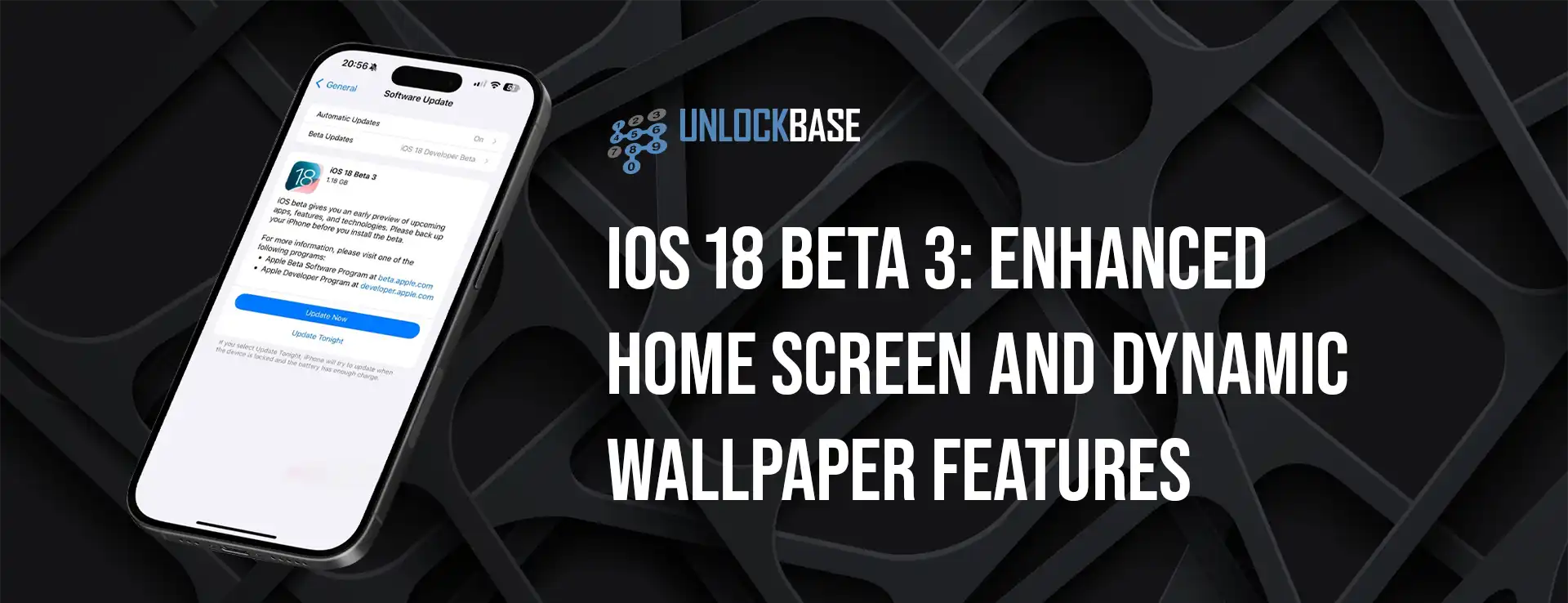
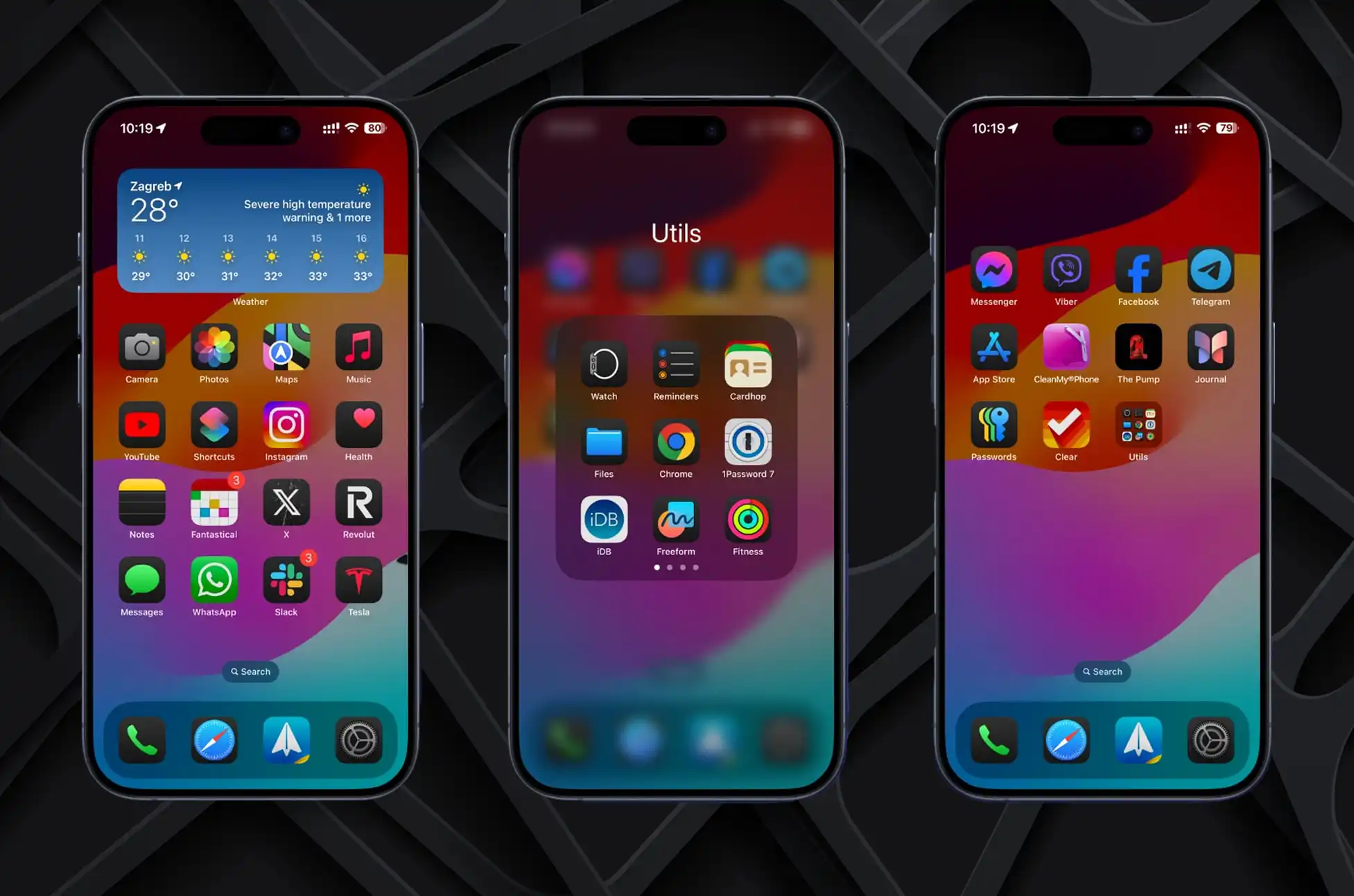
With the upcoming release of iOS 18, Apple continues to refine its mobile operating system with a host of new features and enhancements. Beta 3 of iOS 18 introduces significant updates aimed at improving the home screen experience and adding long-awaited functionalities like dynamic wallpapers. Here’s a detailed look at what iOS 18 brings to the table:
iOS 18 Beta 3: Automatic Dark Effect for App Icons
iOS 18 introduces a refreshed home screen experience with support for light, dark, and tinted app icons. Third-party developers can now submit different versions of their app icons to match these themes.
Previously, users who chose the dark theme had to deal with light-colored, third-party app icons that disrupted the home screen’s cohesive appearance. iOS 18 resolves this issue by automatically applying a dark effect to unoptimized app icons, ensuring a more consistent look.
All app icons now adapt to the dark theme, including those from third-party developers who haven’t optimized their icons yet. The operating system automatically detects the icon’s colors and applies a dark background while attempting to preserve the branding.
If the automatic effect doesn’t achieve the desired result, iOS 18 dims the icon’s colors instead. This encourages developers to support the new app icon themes manually, but ensures users won’t have to tolerate an inconsistent home screen.
iOS 18 Beta 3: Dynamic Wallpaper Feature
iOS 18 also introduces a dynamic wallpaper feature, long available on macOS. Dynamic wallpapers compile multiple image variants into a single bundle that changes throughout the day. This highly requested feature is now available on iPhones.
The dynamic variant of the default wallpaper switches between four colors—Purple, Azure, Pink, and Yellow—automatically throughout the day. While this implementation is more limited than macOS, which offers numerous shades with slight differences, it is a welcome addition for iPhone users.
iOS 18 Beta 3: Additional Features
iOS 18 includes several other handy features, such as InSight in the Apple TV app and expanded RCS support. Developers can already download and install iOS 18on their compatible iPhones. Users who prefer not to install developer builds can expect the public beta to launch next week.
Conclusion
iOS 18 enhances the user experience with an automatic dark effect for app icons, a new dynamic wallpaper feature, and additional updates. These improvements not only streamline the home screen’s aesthetic by automatically adjusting third-party app icons but also introduce a long-awaited dynamic wallpaper feature for more personalized device customization. As Apple continues to refine iOS 18 through its beta phases, users can look forward to a more cohesive and visually appealing operating system experience when the public release arrives.
All products, and company names, logos, and service marks (collectively the "Trademarks") displayed are registered® and/or unregistered
trademarks™ of their respective owners.
The authors of this web site are not sponsored by or affiliated with any of the third-party trade mark or third-party registered trade mark owners,
and make no representations about them, their owners, their products or services.
Want to resell iPhone 15 for more? Upgrading to the latest model often means selling your current device. To get the best resale value for your iPhone 15, unlocking it can be a game-changer. This guide explores how unlocking your iPhone 15 can increase its resale value and attract more buyers.
Resell iPhone 15: Understanding the Resale Value of Unlocked iPhones
When you unlock your iPhone 15, you’re essentially freeing it from the restrictions of a specific carrier. With an unlocked phone, buyers gain the freedom to use it with any carrier, both locally and internationally. This flexibility empowers them to choose the carrier that best suits their needs, avoiding any restrictions from contracts.
Why Unlock Your iPhone to Increase its Resale Value
Broaden Your Market: By unlocking your iPhone 15, you make it accessible to a larger pool of buyers. Those who prefer a specific carrier or plan to use the phone internationally will be more inclined to purchase an unlocked device.
Increase Perceived Value: Unlocked iPhones are often perceived as more valuable than locked ones. Buyers are willing to pay a premium for the freedom and flexibility that comes with an unlocked device.
Faster Sale: Unlocked iPhones tend to sell faster than locked ones. The ability to use the phone with any carrier makes it a more attractive option for buyers who are in a hurry to replace their current device.
Higher Resale Price: Ultimately, unlocking your iPhone 15 can lead to a higher resale price. The increased demand for unlocked devices can drive up the selling price, allowing you to recoup more of the initial cost of the phone.
How to Unlock Your iPhone 15
Check Eligibility: Ensure your iPhone 15 is eligible for unlocking by contacting your carrier or using online tools provided by carriers.
Contact Carrier: Request an unlock from your carrier. Be prepared to meet any requirements they may have, such as having an account in good standing.
UnlockBase: If your carrier cannot unlock your iPhone 15, UnlockBase got you covered!
Confirm your payment and check your email for confirmation.
Verify Unlock Status: Insert a SIM card from a different carrier to verify that your iPhone 15 is successfully unlocked.
Preparing Your Unlocked iPhone 15 for Resale
Back Up Your Data: Before resetting your iPhone 15, back up your data to avoid losing any important information.
Reset Your iPhone 15: Reset your iPhone 15 to its factory settings to erase all data and prepare it for its new owner.
Conclusion
Unlocking your iPhone 15 can significantly increase its resale value and attract more buyers. Users perceive unlocked iPhones as more valuable than locked ones because they offer flexibility and freedom. Whether you’re looking to upgrade to the latest model or simply want to get the best price for your current device, unlocking can help you achieve your goal.
All products, and company names, logos, and service marks (collectively the "Trademarks") displayed are registered® and/or unregistered
trademarks™ of their respective owners.
The authors of this web site are not sponsored by or affiliated with any of the third-party trade mark or third-party registered trade mark owners,
and make no representations about them, their owners, their products or services.
iPhone Voicemail Issues?Despite the rise of email and SMS, voicemail remains a vital communication tool for many. If your iPhone’s voicemail suddenly stops working, don’t worry. Before you start considering more drastic measures, try these troubleshooting steps.
1. Ensure Voicemail is Activated: iPhone Voicemail Issues
First, check if your voicemail is enabled. Navigate to Settings > Phone and scroll down. If you see the option Change Voicemail Password, your voicemail is active. If this option is missing, you need to activate voicemail by opening the Phone app and tapping Voicemail at the bottom.
2. Force-Close the Phone App and Reopen It
If voicemail is active, the next step is to ensure the Phone app is functioning correctly. Sometimes, simply restarting the app can resolve the issue. Swipe up from the bottom of the screen to view all open apps. Find the Phone app by swiping left or right, then swipe up on it to close. Return to the home screen and reopen the Phone app by tapping its icon.
3. Toggle Mobile Data
If your voicemail still isn’t working, the issue might be with your mobile data connection. To troubleshoot this, go to Settings > Mobile Data (or Cellular Data in the US) and toggle it off and back on. This can reset the connection and resolve the issue. If mobile data fails to reconnect, double-check your phone bill to ensure it’s paid up.
4. Update Your iOS Software
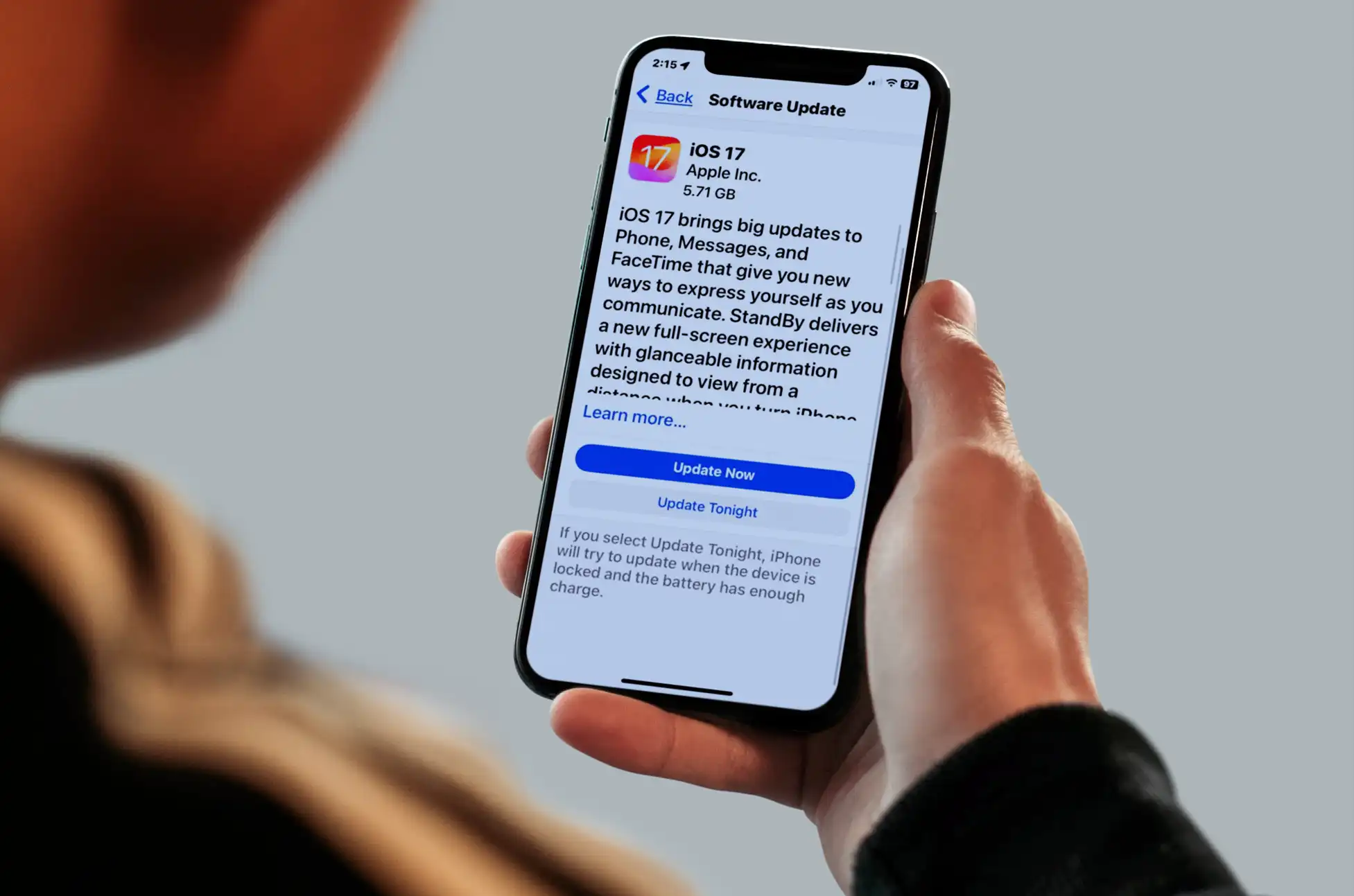
Sometimes, an iOS update is needed to fix voicemail issues. Go to Settings > General > Software Update to check for available updates. If an update is pending, install it to ensure your iPhone’s software is up to date.
5. Restart Your iPhone
A device restart can often solve various issues, including voicemail problems. Hold the power button until the slider appears, slide to power off, and then turn your iPhone back on. This simple step can often clear temporary glitches.
6. Disable Call Forwarding
Voicemail might not work if call forwarding is enabled. To check, go to Settings > Phone and scroll to Call Forwarding. If it’s toggled on, switch it off. This ensures that calls are not redirected away from your voicemail.
7. Contact Your Carrier
The problem might lie with your carrier’s voicemail service. Contact your carrier’s support to check for any service outages or issues with your line. Visit your carrier’s website for customer support options, which often include online chat services.
8. Unlocking a Locked Phone
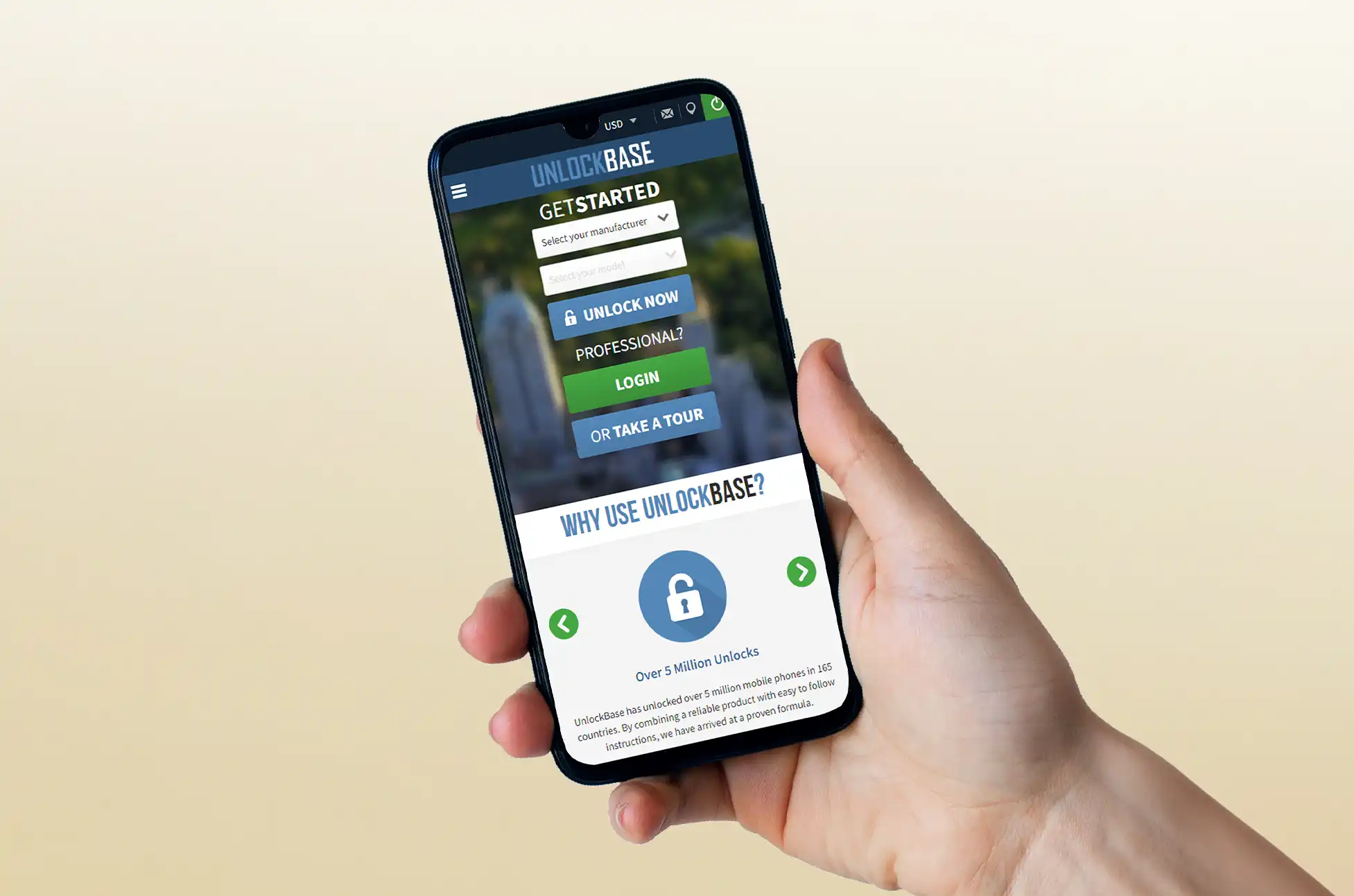
If your iPhone is locked to a specific carrier, it might need to be unlocked to use voicemail properly. Visit UnlockBase.com and follow their steps to unlock your phone. This can resolve issues related to carrier-specific restrictions.
iPhone Voicemail Issues : Contact Apple Support
If you’ve tried all these steps and voicemail still isn’t working, reach out to Apple Support. There might be an issue with the voicemail software on your iPhone. You can contact them through the Apple Support iOS app or their website for further assistance.
By following these detailed steps, you can troubleshoot and potentially resolve most voicemail issues on your iPhone. If the problem persists, professional support from your carrier or Apple might be necessary to get your voicemail back up and running.
All products, and company names, logos, and service marks (collectively the "Trademarks") displayed are registered® and/or unregistered
trademarks™ of their respective owners.
The authors of this web site are not sponsored by or affiliated with any of the third-party trade mark or third-party registered trade mark owners,
and make no representations about them, their owners, their products or services.
iPhone 15 Pro Max Unlock is now simpler than ever, thanks to its eSIM technology. This innovative feature eliminates the need for traditional SIM cards, offering you greater flexibility in how you use your device. Whether you want to switch carriers or use local SIM cards while traveling, unlocking your iPhone 15 Pro Max opens up a world of possibilities.
What is eSIM?
eSIMs are revolutionizing the way we use our phones. With eSIM technology, you no longer need a physical SIM card to activate your phone on a cellular network. Instead, your carrier can activate an eSIM digitally, making it easier to switch between carriers or use multiple phone numbers on one device.
Why Unlock Your iPhone 15 Pro Max?
Unlocking your iPhone 15 Pro Max offers several benefits:
Switch Carriers: Unlocking your iPhone 15 Pro Max allows you to switch to a different carrier without having to buy a new phone.
Use Local SIM Cards: When traveling internationally, you can save money on roaming charges by using a local SIM card. Unlocking your iPhone 15 Pro Max is necessary to use a local SIM card in another country.
Increase Resale Value: Unlocked iPhones are more valuable than locked ones. If you plan to sell your iPhone 15 Pro Max in the future, unlocking it can help you get a better price.
How to Unlock Your iPhone 15 Pro Max?
Unlocking your iPhone 15 Pro Max from its carrier involves contacting your carrier and requesting an unlock. You can start this process on your carrier’s website. Major carriers like AT&T, T-Mobile, and Verizon provide detailed instructions on their websites for unlocking devices.
Keep in mind that unlocking your iPhone 15 Pro Max may take some time, and you must meet specific eligibility criteria set by your carrier, such as being an active customer with no outstanding bills or device payments.
Alternatively, you can use a service like UnlockBase to unlock your iPhone if you are unable to meet your carrier’s requirements. UnlockBase will whitelist your IMEI in Apple’s database, ensuring that your warranty remains valid and allowing you to update to the latest version of iOS.
To unlock your iPhone with UnlockBase, follow these steps:
Once you receive a confirmation email, follow the instructions provided to complete the unlocking process.
Conclusion
Unlocking your iPhone 15 Pro Max gives you the freedom to use your device how you want. Whether you’re switching carriers, traveling internationally, or looking to increase the resale value of your phone, unlocking your iPhone 15 Pro Max is a step in the right direction. Take advantage of the eSIM technology in your iPhone 15 Pro Max and unlock a world of possibilities today!
Unlock Your iPhone 15 Pro Max Now with UnlockBase and Experience True Freedom!
All products, and company names, logos, and service marks (collectively the "Trademarks") displayed are registered® and/or unregistered
trademarks™ of their respective owners.
The authors of this web site are not sponsored by or affiliated with any of the third-party trade mark or third-party registered trade mark owners,
and make no representations about them, their owners, their products or services.
The iPhone 15 Plus stands as a technological marvel, boasting breathtaking features and unparalleled performance. But imagine unlocking its full potential and liberating yourself from the constraints of your current carrier. That’s where unlocking comes into play, and today, we’ll delve into how to unlock your iPhone 15 Plus using the trusted platform: UnlockBase.
Is Unlocked iPhone 15 Plus the same as jailbreaking?
No, there’s a significant difference between unlocking and jailbreaking. Apple prohibits customers from jailbreaking iPhones they sell. Unlocked iPhones let you use any mobile carrier, but you must still download software through the App Store or another official Apple channel.
Unlocked iPhone 15 Plus: Simple and Secure Guide
UnlockBase, a leader in unlocking services, provides a simple, secure, and permanent solution for unlocking your iPhone 15 Plus:
Identify Your Lock: Check if your iPhone is locked by inserting a SIM card from a different carrier. An error message indicates a lock.
Choose Your Method:
Official Unlock: Contact Apple if eligible (usually iPhones bought directly from them). It’s safe but slower.
UnlockBase Unlock: Enter your IMEI on UnlockBase’s website. Fast, secure, and permanent, without voiding your warranty.
UnlockBase Advantages:
Simple and Secure: User-friendly process with data protection.
Fast and Efficient: Say goodbye to long waiting times.
Permanent Unlocks: Your iPhone stays unlocked regardless of firmware updates.
Reliable and Trusted: Millions of satisfied customers vouch for UnlockBase’s expertise.
Confirm payment and check your email for confirmation.
Your IMEI will be whitelisted in Apple’s database, granting a permanent official unlock without voiding your warranty. Upon receiving confirmation from UnlockBase, follow these steps:
Turn on your iPhone with a non-accepted SIM Card.
Your iPhone will activate instantly with the new SIM Card, indicating it’s unlocked.
Enjoy using your iPhone with any network carrier worldwide.
Conclusion
Once you have unlocked iPhone 15 Plus, your iPhone remains free from Apple’s security measures, never locking up again, even after firmware upgrades. Regardless of carrier restrictions, UnlockBase can unlock your device. Unlock your iPhone 15 Plus today and experience true freedom.
All products, and company names, logos, and service marks (collectively the "Trademarks") displayed are registered® and/or unregistered
trademarks™ of their respective owners.
The authors of this web site are not sponsored by or affiliated with any of the third-party trade mark or third-party registered trade mark owners,
and make no representations about them, their owners, their products or services.