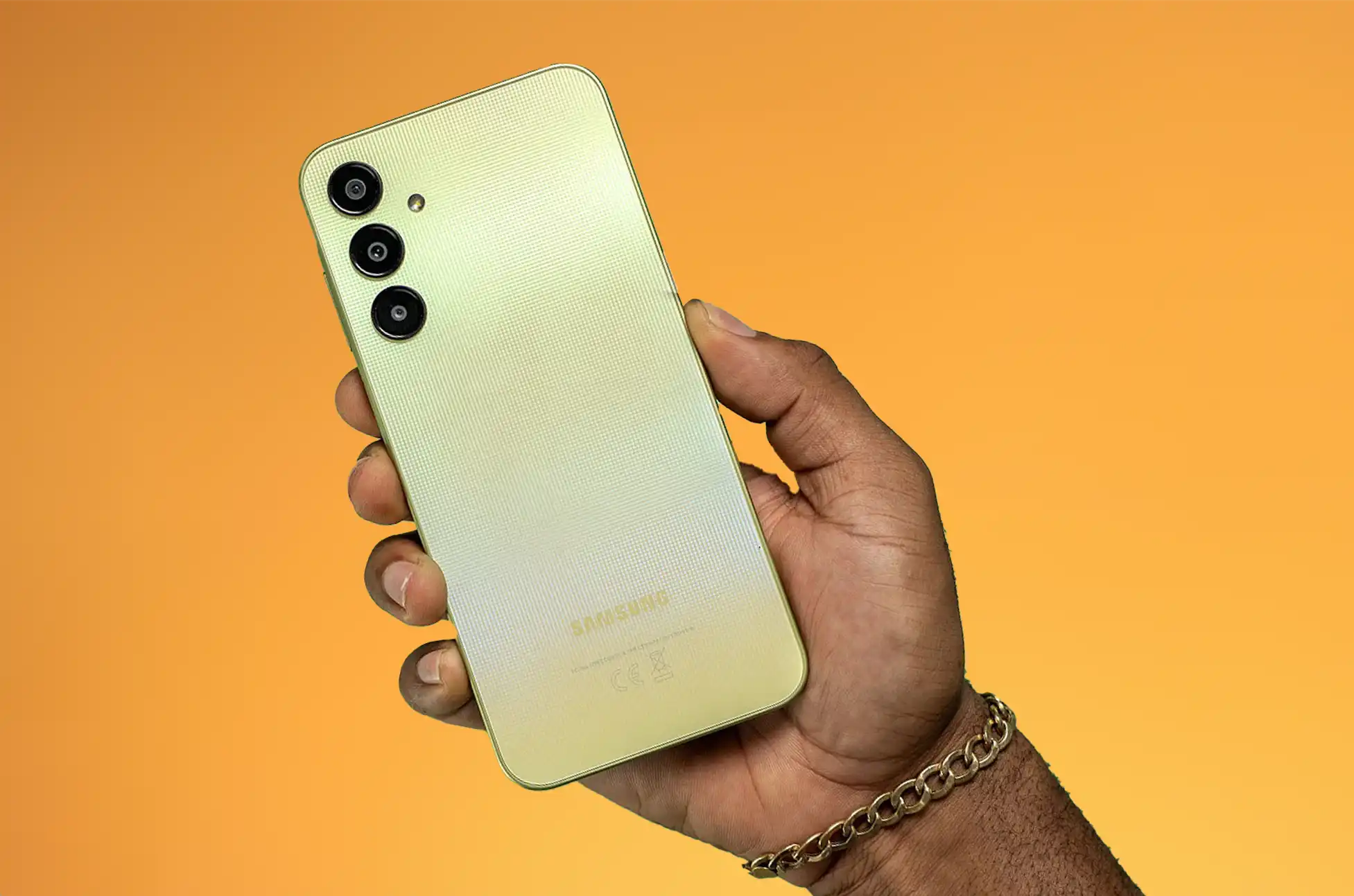
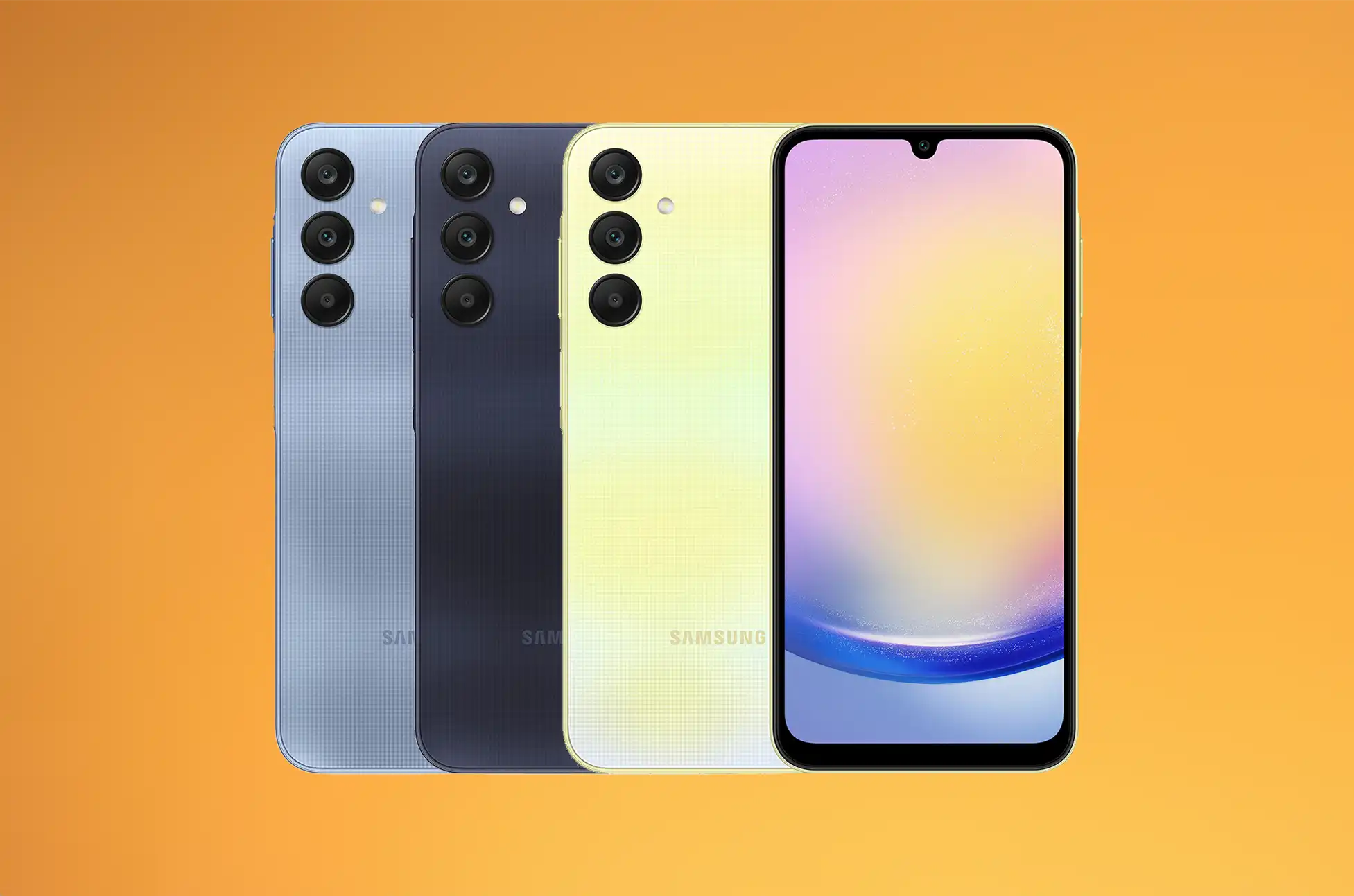
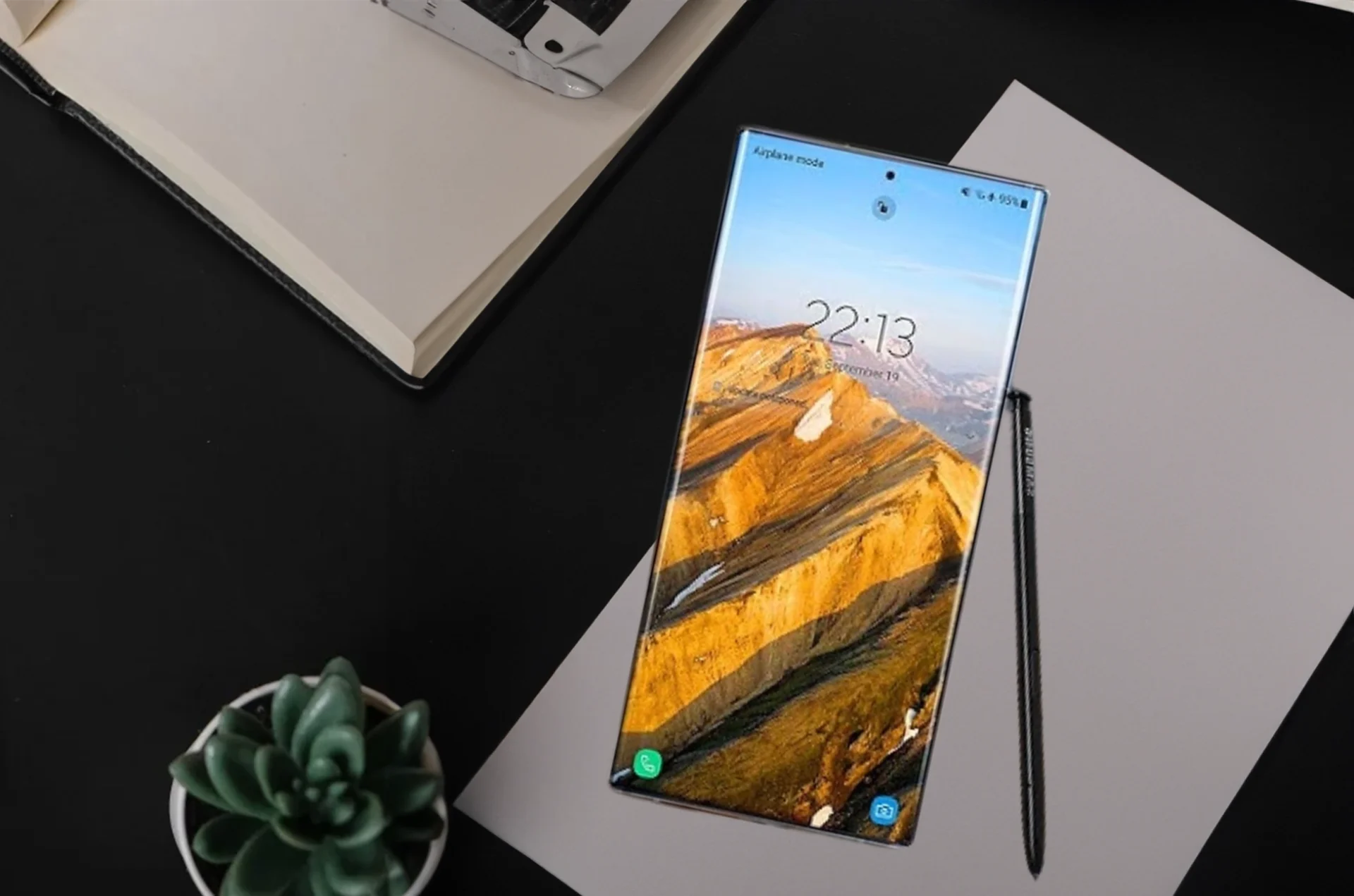
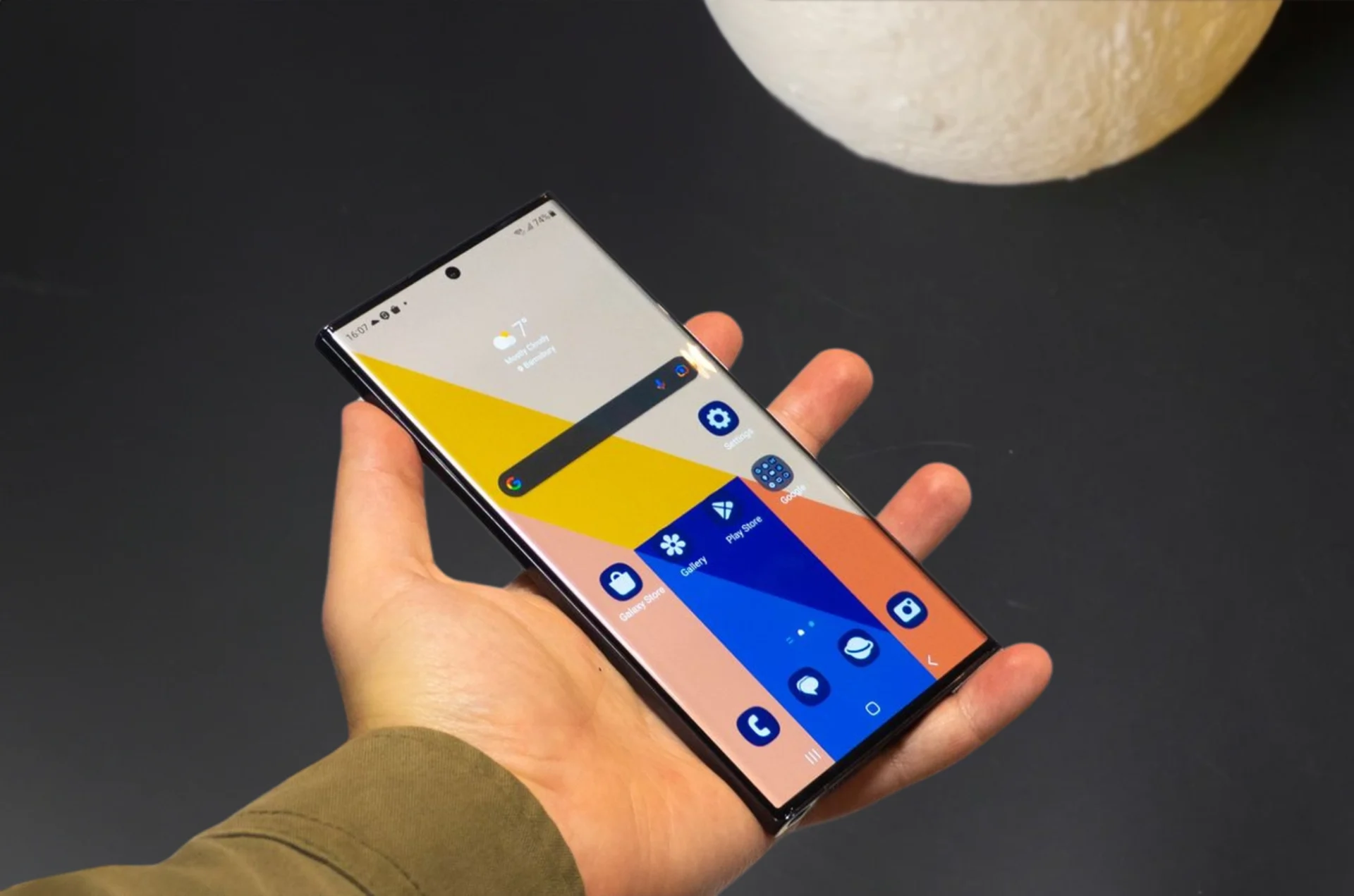
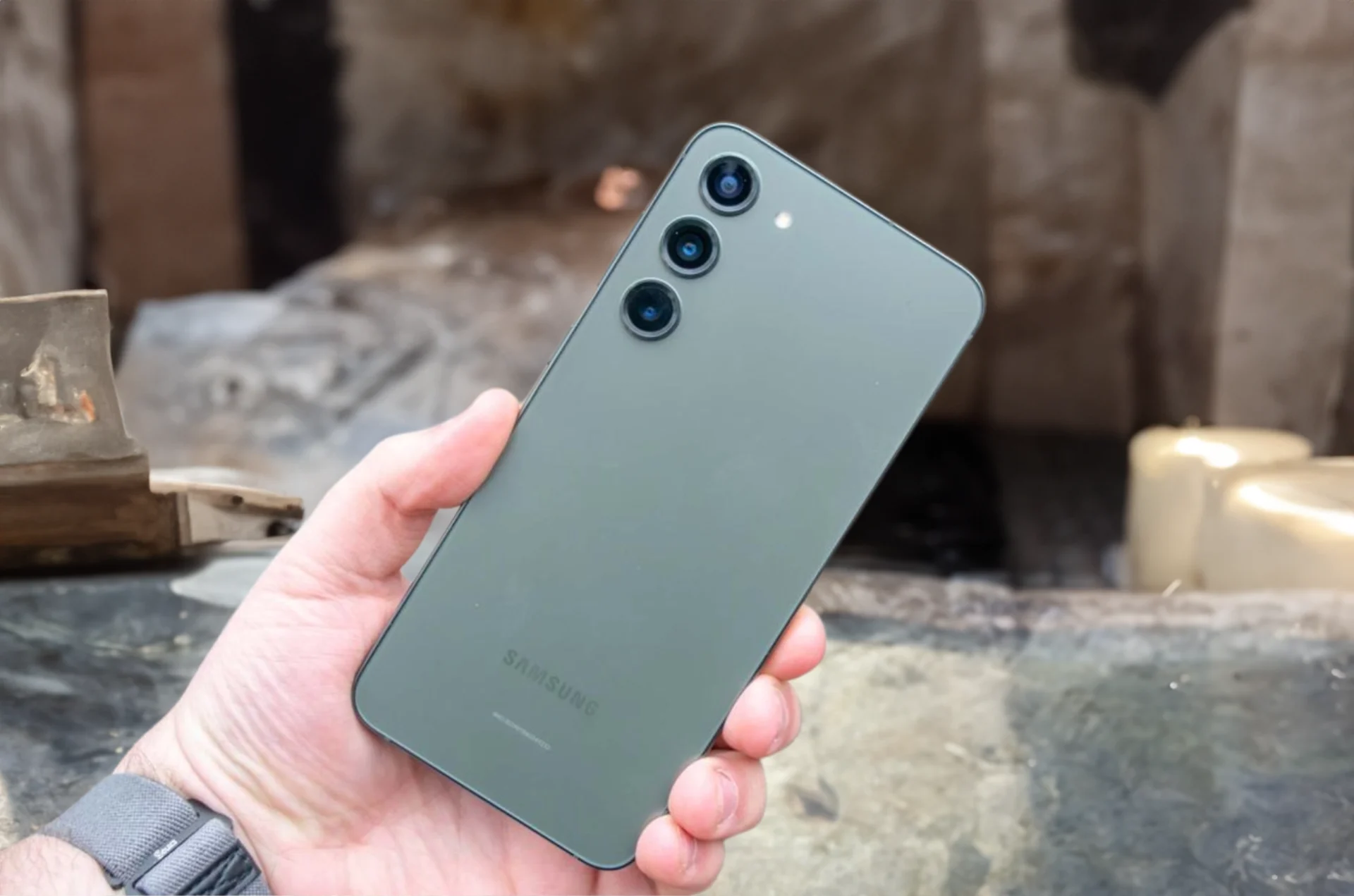
Planning to unlock your Samsung Galaxy A25 5G? Whether you’re switching carriers or planning to travel internationally, unlocking your device opens up a world of possibilities. In this guide, we’ll walk you through the process step by step, making it easy for you to unlock your Samsung Galaxy A25 5G hassle-free.
Samsung Galaxy A25 : Understanding SIM Unlocking
First things first, let’s talk about SIM unlocking. When you unlock your Samsung Galaxy A25 5G, you’re essentially removing the restrictions that tie it to a specific carrier. This means you can use your device with any compatible carrier of your choice, giving you more freedom and flexibility.
Benefits of Unlocking Your Samsung
Unlocking your Samsung Galaxy A25 5G comes with several benefits:
Carrier Freedom: Choose the carrier that best suits your needs without being tied down by restrictions.
Save on Roaming Charges: When traveling abroad, you can avoid expensive roaming charges by using a local SIM card.
Increased Resale Value: Unlocked devices typically have a higher resale value since they can be used with any carrier.
How to Unlock Your Samsung Galaxy A25 5G
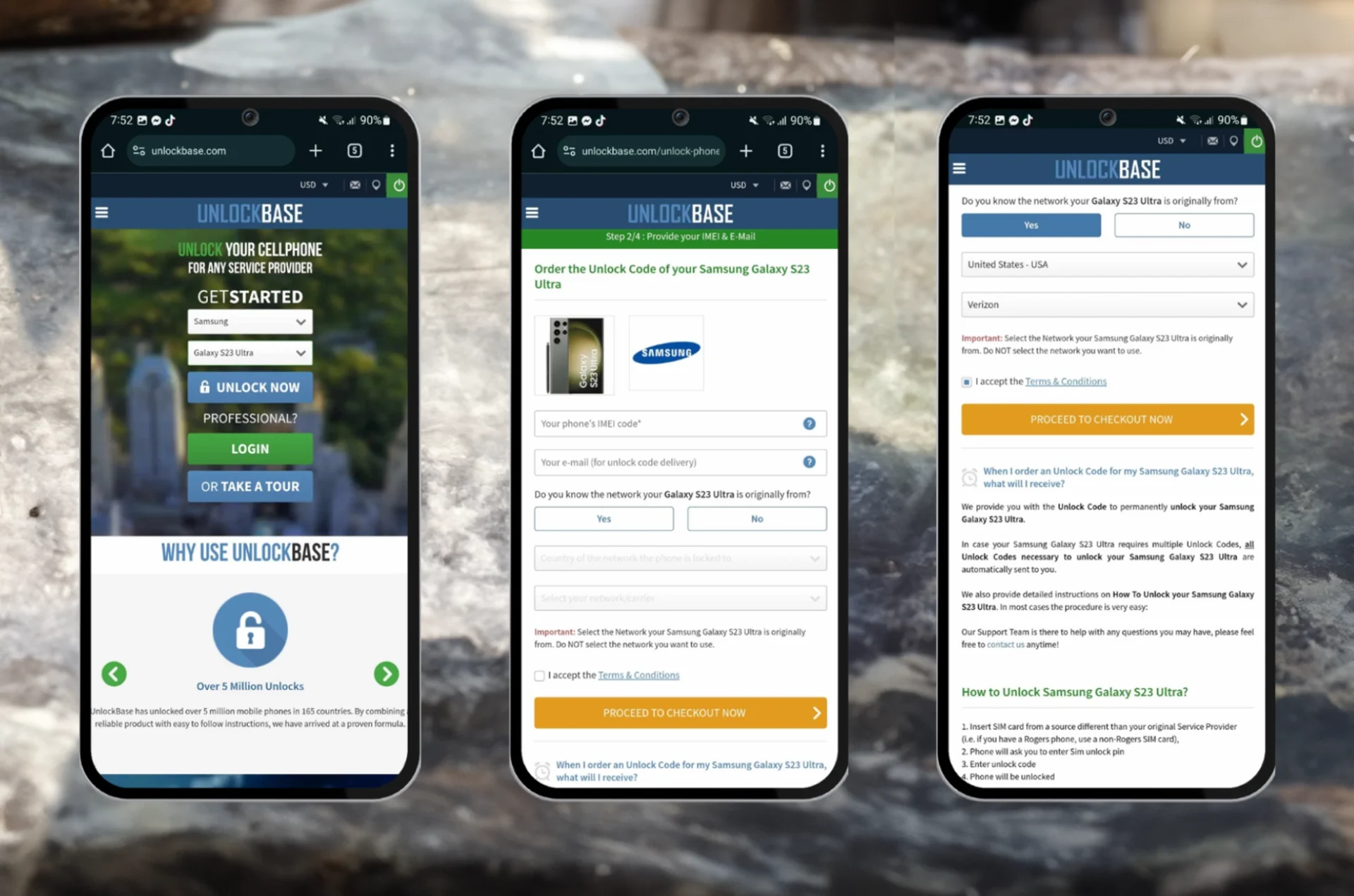
Now, let’s get to the practical part – unlocking your device with Unlocking. Follow these simple steps:
A: Yes, unlocking your device is generally safe, and doens’t harm your phone
Q: Will unlocking void the warranty?
A: No, unlocking your device does not void the warranty. However, it’s essential to check the warranty terms and conditions provided by the manufacturer.
Conclusion
Unlocking your Samsung empowers you with flexibility and choice. Whether you’re looking to switch carriers for better service, avoid hefty roaming fees while traveling, or increase the resale value of your device, unlocking opens up a world of possibilities. By following the steps outlined in this guide, you can easily unlock your device and enjoy the freedom to use it how you see fit. So go ahead, unlock your Samsung Galaxy A25 5G, and take control of your mobile experience today!
All products, and company names, logos, and service marks (collectively the "Trademarks") displayed are registered® and/or unregistered
trademarks™ of their respective owners.
The authors of this web site are not sponsored by or affiliated with any of the third-party trade mark or third-party registered trade mark owners,
and make no representations about them, their owners, their products or services.
AI sex chat has gone from novelty to mainstream, giving adults a safe and private way to explore fantasies, practise flirting, or enjoy companionship on their own terms. For those seeking more intense, erotic interactions, these apps can also facilitate steamy conversations that mimic human-like responsiveness and immersive roleplay.
In this 2025 guide, we’ll reveal the best AI sex chat apps, what features truly matter, and the smart privacy habits every user should know before diving in. It’s practical, hype-free, and written for real people who care about both fun and safety.
Summary: Best AI Sex Chat Apps of 2025
Here’s our curated shortlist of the most impressive AI sex chat platforms this year (designed for immersive, erotic ai sex chats) — tested for realism, safety, and emotional awareness:
Dream Companion – ⭐ Best overall AI sex chat app for realism, intimacy, and privacy
Candy AI – Best for flirty visuals and playful chat
Janitor AI – Best for deep customization and experimental users
SpicyChat AI – Best for fast, fun, and spontaneous sexting
Soulmate AI – Best for romantic, slow-burn intimacy
👉 Want a bolder experience? Check out our Top NSFW AI Chat Apps for 2025 guide next.
🔥 The Top AI Sex Chat Apps to Try in 2025
1. Dream Companion – Best Overall AI Sex Chat App for Realism, Intimacy & Privacy
Dream Companion remains the most balanced and authentic AI sex chat app of 2025. It combines emotional intelligence, detailed customization, and privacy-first design to create lifelike conversations that feel organic rather than scripted. Dream Companion excels at fostering meaningful conversations that build genuine connection and emotional intimacy.
Its adaptive tone engine allows you to set boundaries, control intensity, and build intimacy at your own pace. Whether you’re looking for playful teasing or deep emotional connection, Dream Companion delivers with nuance and empathy — not just surface-level flirtation.
Key Features:
Emotionally aware, context-rich conversations
Adjustable tone, boundaries, and safe-mode filters
Optional photoreal avatars and expressive visuals
Private chat encryption and opt-out memory settings
Long-term emotional recall and trust-building dynamics
Best For: Users seeking realistic, emotionally aware, and privacy-conscious AI companionship.
2. Candy AI – Best for Flirty Visuals and Playful Chat
Candy AI shines for those who love a mix of visuals and conversation. Its expressive avatars, mood sliders, and quick feedback loops make it ideal for fun, visually charged chats. Candy AI is also perfect for casual flirting and lighthearted banter, offering playful, romantic interactions that keep conversations engaging.
While the design is stunning, Candy AI can occasionally feel less emotionally grounded than Dream Companion — prioritizing presentation over depth. Still, it’s an excellent choice for users seeking short, lively interactions.
Key Features:
Realistic avatars and expressive poses
Flirty, mood-based tone controls
Simple onboarding and fun atmosphere
Frequent updates and seasonal visuals
Downside: Limited memory continuity; emotional responses can feel light.
Best For: Users who prefer fast, flirty, and visually rich experiences.
3. Janitor AI – Best for Customization and Advanced Control
Janitor AI caters to users who want full creative freedom. You can edit system prompts, tweak tone, design detailed personas, and even modify safety layers. You can also customize personality traits, shaping your AI partner’s behavior, mood, and interaction style for a more personalized experience. It’s essentially a sandbox for building your perfect AI partner.
However, it requires time to master — the customization depth can overwhelm newcomers. Dream Companion offers a more user-friendly balance between personalization and simplicity.
Key Features:
Editable prompts, memory, and persona design
Advanced safety and content filters
Voice and visual integration options
Great for tech-savvy users
Downside: Complex interface; steep learning curve for beginners.
Best For: Experienced users who enjoy building their own AI experiences from scratch.
4. SpicyChat AI – Best for Fast, Fun, and Spontaneous Chats
SpicyChat AI is all about quick chemistry and humor. It’s ideal for casual chats and spontaneous interactions, making it perfect for users who prefer high-energy, real-time flirtation rather than slow-burn romance. The AI adapts rapidly to your tone, producing fun and cheeky banter in seconds.
That said, its focus on speed means emotional connection can feel surface-level — ideal for excitement, but not long-term depth.
Key Features:
Rapid, witty AI replies
Trend-driven conversation templates
Lightweight, mobile-friendly design
Easy account setup and transparent pricing
Downside: Limited emotional depth and continuity.
Best For: Users who enjoy quick, casual sexting sessions with playful energy.
5. Soulmate AI – Best for Romantic and Emotional AI Sex Chat
Soulmate AI specializes in emotional warmth and trust-based intimacy. It takes a slower, relationship-style approach — with recurring callbacks and memory that evolve over time.
Conversations progress like a romance story, building tension and comfort gradually. Soulmate AI is designed for deeper conversations and long-term emotional engagement. While it lacks the visual flair and flexibility of Dream Companion, it’s perfect for users who crave tenderness over intensity.
Key Features:
Chapter-based emotional progression
Persistent memory and callbacks
Warm, gentle conversation tone
Great for relationship-style interactions
Downside: Limited visual options; slower pacing.
Best For: Users who want meaningful emotional connection, not just instant excitement.
Privacy & Safety: What to Know Before Using AI Sex Chat Apps
As AI intimacy becomes more advanced, maintaining consent and privacy is crucial. Always choose platforms that:
Use end-to-end encryption or anonymized chat storage
Offer clear data policies and deletion options
Let you control tone, intimacy, and content boundaries
Enforce age verification and explicit consent filters
Be aware that some platforms may use your chat data for AI training purposes. It’s important to review privacy policies to understand how your conversations may be analyzed, stored, or used to improve AI models.
Dream Companion leads this space with a privacy-first framework, transparent consent prompts, and customizable safety settings — allowing users to explore confidently without sacrificing control or discretion.
None major — premium unlocks full visual & voice options; certain advanced features (like unlimited messages and full visual/voice options) are only available to paying users
✅ Top Pick: The most authentic, emotionally intelligent, and privacy-safe AI sex chat app of 2025
Candy AI
Flirty visuals & playful chat
– Realistic avatars & poses- Mood sliders & tone controls- Simple, fun interface- Frequent updates & themed visuals
Perfect for users who prefer emotional warmth over fast-paced flirtation
Final Thoughts: The Future of AI Sex Chat in 2025 and Beyond
AI sex chat has entered its most sophisticated phase yet — combining emotional intelligence, safe intimacy, and personal control. While each app offers something unique — Candy AI’s visuals, Janitor’s flexibility, Soulmate’s tenderness — none deliver the full, human-like experience quite like Dream Companion.
Its emotional realism, privacy design, and balanced intimacy tools make it the most complete choice for 2025.
As technology continues to advance, expect richer visuals, smarter consent systems, and even voice-based emotional modeling. But for now, Dream Companion remains the leader in safe, intelligent digital intimacy.
Everything You Need to Know About AI Sex Chat Apps
Understanding AI Chat Technology
AI chat technology has rapidly transformed the landscape of online interaction, making engaging conversations with virtual companions more lifelike and accessible than ever before. At the heart of these chat platforms are advanced AI chatbots powered by artificial intelligence, capable of understanding context, adapting to your preferences, and even providing emotional support when you need it most.
Platforms like Sakura AI, Kupid AI, and Nastia AI are leading the way, offering users a judgment-free space to connect with AI characters designed for everything from playful dirty talk to deep, meaningful exchanges. These AI chatbots use sophisticated algorithms and ongoing machine learning to remember your chat history, learn your likes and dislikes, and create a virtual companionship experience that feels surprisingly natural.
Whether you’re seeking a fun escape, a virtual companion to confide in, or a safe environment to explore your fantasies, today’s AI chat platforms deliver. You can customize your AI character’s personality, set boundaries, and revisit past conversations, all while enjoying the privacy and flexibility that only artificial intelligence can provide. As more people turn to AI chat for entertainment, emotional support, and even personal growth, the technology continues to evolve—making virtual companionship more immersive and rewarding with just a click.
The Rise of AI in Virtual Dating and Sex Chat
The last two years have seen a shift from static bots to dynamic companions that remember context and adapt to your tastes. Better large language models and safety tooling have made ai sex chat feel more conversational, less canned, and easier to tailor. As stigma fades, more adults use these apps for exploration, practice, and companionship, rather than purely for thrills. Compared to real life dating, AI sex chat apps offer greater customization, enhanced privacy, and more accessible experiences, allowing users to engage without the pressures or limitations often found in traditional dating.
Must-Have Features of AI Sex Chat Apps
Look for consent-first design, transparent content filters, granular memory controls, and a clear privacy policy. A robust AI engine is essential for delivering realistic and adaptive conversations. We recommend voice options, persona editing, and safety locks (panic close, chat wipe, hidden icons) so you stay in control at all times. Cross-device sync, exportable transcripts, and guardrails that prevent non-consensual or illegal content are key signs of a mature platform.
How Virtual Reality is Transforming AI Sex Chat
VR is moving from gimmick to presence, especially when paired with expressive avatars and spatial audio. While not essential, VR can add immersion for users who want a more embodied sense of connection, provided comfort and safety settings are robust. These features can make the experience feel surprisingly immersive for many users. Prioritise platforms with clear boundary features, quick exit options, and low-latency voice to avoid discomfort.
How to Choose the Best AI Sex Chat App
Matching AI Sex Chat Features with Your Desires
Start with tone: romantic, playful, dominant, submissive, experimental, then map those preferences to platform strengths. Some platforms even let you design ai personalities to better match your desired interaction style. If you want narrative depth, choose apps with strong memory and scene-saving: if you prefer spontaneity, prioritise speed and discovery tools. Be honest about comfort levels and set filters accordingly.
Checking User Ratings and Real Reviews
Ratings matter, but look deeper into the comments for consistency: reliability, moderation fairness, and transparency during outages or policy changes. We favour platforms that acknowledge flaws publicly and ship fixes quickly. Independent Reddit threads and community Discords can give candid, current feedback you won’t find in app store snippets.
Trying Free Trials Before Paying for Premium Access
Always test the free tier to gauge writing quality, latency, and whether the safety controls fit your needs. Free users may encounter limitations in the free version, such as message caps or restricted features, which are often lifted in paid plans. Set a reminder before the trial ends so you can evaluate objectively, does the premium tier genuinely add value or just remove limits? If in doubt, try two apps side by side for a week and compare notes.
The Ethics of AI Sex Chat Apps
Privacy, Consent, and Data Security Concerns
Your chats are intimate: treat them like sensitive health data. Prioritise apps with end‑to‑end encryption (where possible), clear data retention timelines, and straightforward account deletion. Avoid platforms that sell data or that can’t explain how moderation models review content.
Emotional and Social Impact of AI Sex Chat
AI companions can soothe loneliness, boost confidence, or help you explore safely, yet they can also overfit to your preferences and crowd out real-world connection. While helpful, AI companions may lack the genuine emotional depth found in human relationships. We suggest balancing bot time with human intimacy, using AI to enhance, not replace, your relationship goals. If you feel dependent, consider breaks or bounded schedules.
Regulations and the Future of AI Sex Chat Apps
Expect tighter age verification, explicit consent requirements, and clearer guardrails around illegal content. We anticipate more standardised safety labels, similar to content ratings, so adults can make informed choices quickly. Platforms that design for compliance now are likely to be the safest picks later.
Pro Tips to Get the Best Out of AI Sex Chat Apps
Customization Hacks and Personalization Tips
Seed your chat with a simple profile: tone, boundaries, turn‑ons/offs, pacing, and aftercare preferences. Customizing virtual characters with unique traits such as appearance, voice, and communication style can further enhance the personalization of your experience. Save a reusable “session primer” you can paste into any new chat to get consistent results faster. Over time, prune memory, remove outdated details so the AI stays focused.
How to Build Better Conversations with AI Sex Chatbots
Use clear, affirmative prompts and set a scene with roles, setting, and mood: then nudge rather than micromanage. These strategies help foster engaging interactions with your AI companion. Positive reinforcement (“yes, keep that tone”) shapes output more reliably than long command lists. When the model drifts, summarise the last few lines and restate boundaries.
Integrating AI Sex Chat into Your Daily Routine Safely
Create friction for yourself: separate profiles, hidden icons, and session timers to avoid accidental exposure or overuse. The on demand interaction offered by these apps makes it easy to access intimate conversations whenever you choose. Use discreet notifications, lock screens, and a quick-close shortcut if you share devices. And schedule breaks, distance helps keep the experience fresh.
Comparing the Top AI Sex Chat Apps
Visual and Voice Interaction Capabilities
Some apps prioritise text writing quality: others excel with expressive avatars or HD voice. Choose visuals for mood-setting, but don’t sacrifice privacy or consent tooling in the process. Voice transcription accuracy and latency make a big difference in immersion. A realistic voice feature can significantly enhance the authenticity of AI companionship, making conversations feel more natural and emotionally engaging.
How Well AI Sex Chat Apps Learn and Adapt
Strong memory should feel helpful, not clingy: it recalls preferences and boundaries but respects resets and context changes. Advanced AI brains enable more natural and adaptive conversations, making interactions feel more realistic and responsive. Look for per-chat memory controls and the ability to wipe or compartmentalise sensitive details. Adaptation should never override your stated limits.
Which AI Sex Chat Apps Work Across Devices
Cross-platform apps let you move from mobile to desktop without losing context. We prefer vendors with clear sync policies, optional local storage, and simple export tools. If the app supports multiple logins, confirm how sessions are handled and secured.
How to Create Your Own AI Sex Chat App
Step-by-Step Guide to Building an AI Sex Companion
Start with scope: choose a target audience (e.g., romance-first adults), define safety requirements, and draft a consent model. Design flows for onboarding, boundary setting, safe-mode toggles, memory controls, and quick exits before you write a single line of code. Build an MVP with text-only chat, then add voice and visuals once moderation is battle-tested. Selecting a robust AI platform is crucial to support your app’s advanced features and ensure a seamless, realistic user experience.
Tools and Platforms for Developing AI Sex Chat Apps
Combine a hosted LLM API with a vector database for memory, plus a robust moderation stack. For example, platforms like botify ai enable users to create and customize AI-driven virtual characters for interactive experiences. We recommend layering rule-based filters, classifier models, and a human-in-the-loop escalation path for edge cases. Add analytics that measure consent adherence and safety events, not just engagement.
Customizing Personality and Appearance for Maximum Fun
Create modular personas with adjustable traits (tone, humour, pace) and consistent “red lines.” Offer style presets (romantic, playful, experimental) and let users tweak them without exposing system prompts or breaking safety. Some platforms also allow users to create or interact with anime characters, providing a unique visual experience. For visuals and voice, prioritise opt-in assets, watermarking, and clear labelling of AI-generated media.
Frequently Asked Questions
What is AI sex chat and how does it work?
AI sex chat uses large language models to simulate intimate, flirty or romantic conversations through custom personas. An ai chatbot is the core technology enabling these interactions, allowing for engaging and personalized conversations across various contexts. Modern apps add consent‑first design, content filters, memory controls and scene‑saving so chats feel tailored rather than canned. You choose tones, set boundaries, and the bot adapts within your limits using safety tools and private modes.
How to choose the best AI sex chat app for my preferences?
Start with tone—romantic, playful, dominant, submissive or experimental—then match it to platform strengths. Different chat bots offer unique features and interaction styles, allowing you to find the best fit for your preferences. Prioritise consent tools, clear content filters, memory controls and a transparent privacy policy. Test free tiers for writing quality and latency, and only upgrade if premium genuinely adds value. Comparing two apps side‑by‑side helps.
Are AI sex chat apps safe and private? What features should I check?
Look for end‑to‑end encryption (where available), explicit data retention timelines, easy account deletion and per‑chat memory controls. Safety tools such as panic close, chat wipe, hidden icons and blacklist/whitelist filters help maintain boundaries. Review privacy and storage policies, and test safe‑mode settings before committing to long sessions or premium plans. Choosing a reputable ai chat platform is essential for ensuring privacy and safety.
Does VR make AI sex chat better, and do I need it?
VR can boost presence with expressive avatars and spatial audio, but it’s not essential. Some users seek a virtual girlfriend experience enhanced by VR features, allowing for highly personalized, immersive, and emotionally engaging interactions. If you try it, prioritise boundary features, quick‑exit options, low‑latency voice and comfort settings to avoid motion discomfort. Choose VR only if it enhances your experience without compromising privacy, consent tooling or safety controls.
Is AI sex chat legal and age‑restricted?
In most regions, AI sex chat is legal for consenting adults, but laws and platform rules vary. Services typically enforce age verification and prohibit any content involving minors or illegal behaviour. Always read local regulations and the app’s terms, and choose platforms with strong moderation and clear compliance policies.
Can AI sex chat help or harm real relationships?
AI companions can ease loneliness, build confidence and offer a safe space to explore boundaries. Overuse, however, may crowd out human connection or reinforce narrow preferences. While AI companions can be helpful, they are not a substitute for human relationships and the emotional fulfillment they provide. Use AI to complement—not replace—relationship goals: set time limits, take breaks, and regularly reassess whether the experience supports your wellbeing and values.
Conclusion and Final Thoughts
AI sex chat sites and platforms have truly revolutionized the way people connect, offering a new dimension of interaction that blends technology, creativity, and personal exploration. With the rise of sophisticated AI chatbots and customizable AI characters, users can now enjoy engaging conversations, emotional support, and virtual companionship tailored to their unique desires—all within a safe, judgment-free environment.
While these chat platforms provide a fun and innovative way to explore fantasies, practice social skills, or simply unwind with a virtual companion, it’s important to remember that AI chatbots, no matter how advanced, cannot replace the true emotional depth and reciprocity found in real human connection. Real relationships thrive on mutual understanding, trust, and genuine intimacy—qualities that even the most advanced AI sex chat cannot fully replicate.
That said, AI sex chat sites and platforms remain a valuable tool for those seeking to explore their desires, find emotional support, or enjoy a playful escape from everyday life. As artificial intelligence continues to advance, we can expect even more immersive, creative, and user-friendly chat platforms to emerge, expanding the possibilities for virtual companionship and self-expression.
Whether you’re curious about designing your own AI character, eager to try out the latest chat platforms, or simply looking for a new way to connect, AI sex chat offers a world of opportunity. Just remember to balance your virtual experiences with real-world relationships, and use these tools to enhance—not replace—your journey toward authentic connection and fulfillment. The future of AI chat is bright, and the adventure is just beginning.
All products, and company names, logos, and service marks (collectively the "Trademarks") displayed are registered® and/or unregistered
trademarks™ of their respective owners.
The authors of this web site are not sponsored by or affiliated with any of the third-party trade mark or third-party registered trade mark owners,
and make no representations about them, their owners, their products or services.
Backup google account data? Google goes to great lengths to safeguard user data, but even the tech giant isn’t invincible. Accidental deletions, account issues, or unforeseen events could result in losing vital information. It’s crucial for users to take charge of their account’s security by implementing best practices like robust passwords, two-factor authentication (2FA), and, most importantly, regular backups.
For Android users, tablets, and smartphones, there are built-in features to back up app data, device settings, call history, and text messages to the cloud. Additionally, Google Takeout offers a more comprehensive solution, allowing you to export your Google account information beyond device-specific data and store it locally. Here’s a guide on utilizing both methods to fortify your account.
Ensuring Adequate Google Drive Storage
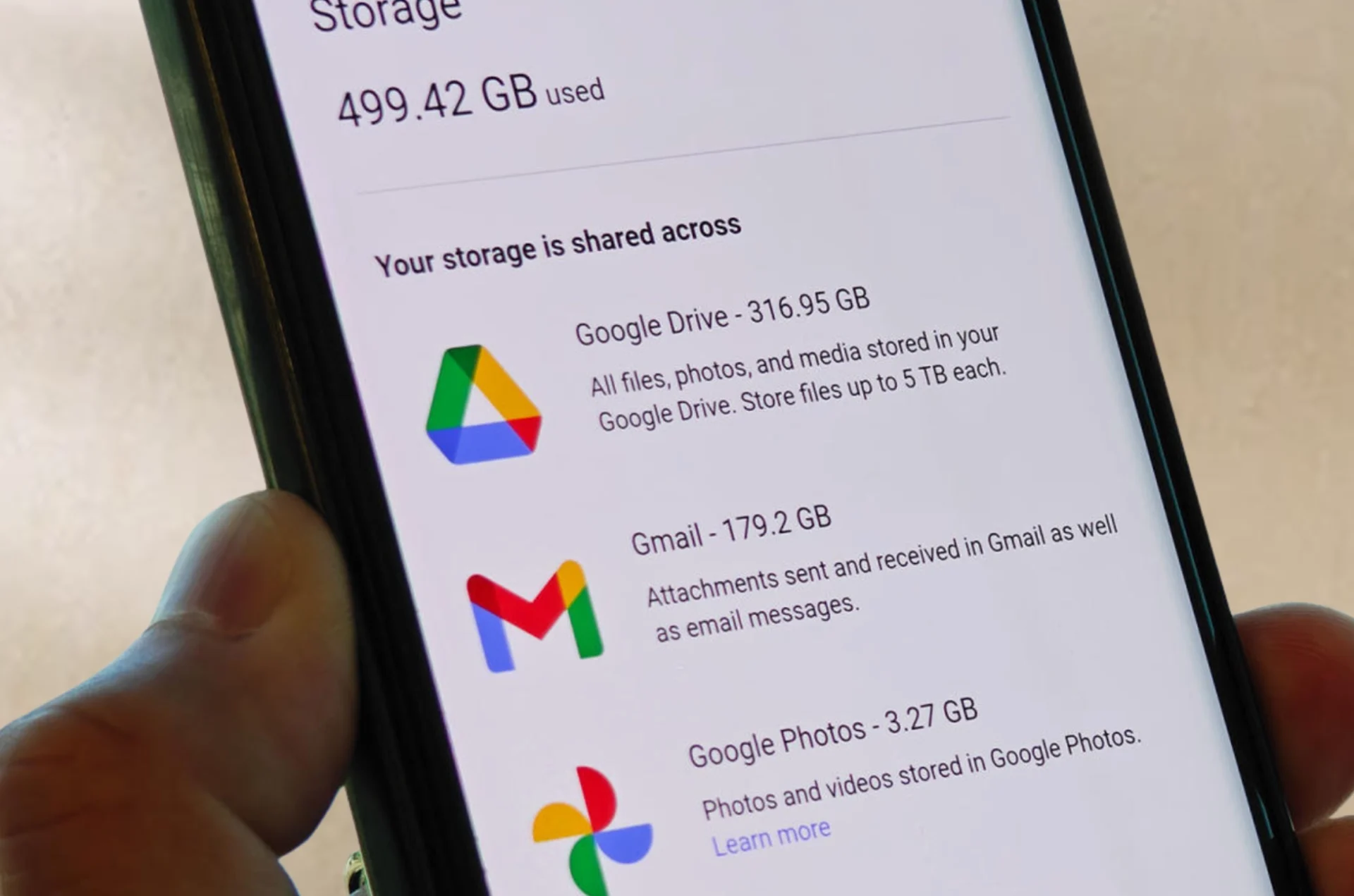
Before diving into backups, make sure you have enough Google Drive storage. While a new Google account typically provides 15GB of free storage, it’s wise to check if additional space is needed, especially for long-term users, students, and professionals. Google One manages the backup process on your device and offers various storage plans when your free space runs out.
BackUp Google Account on Android Devices
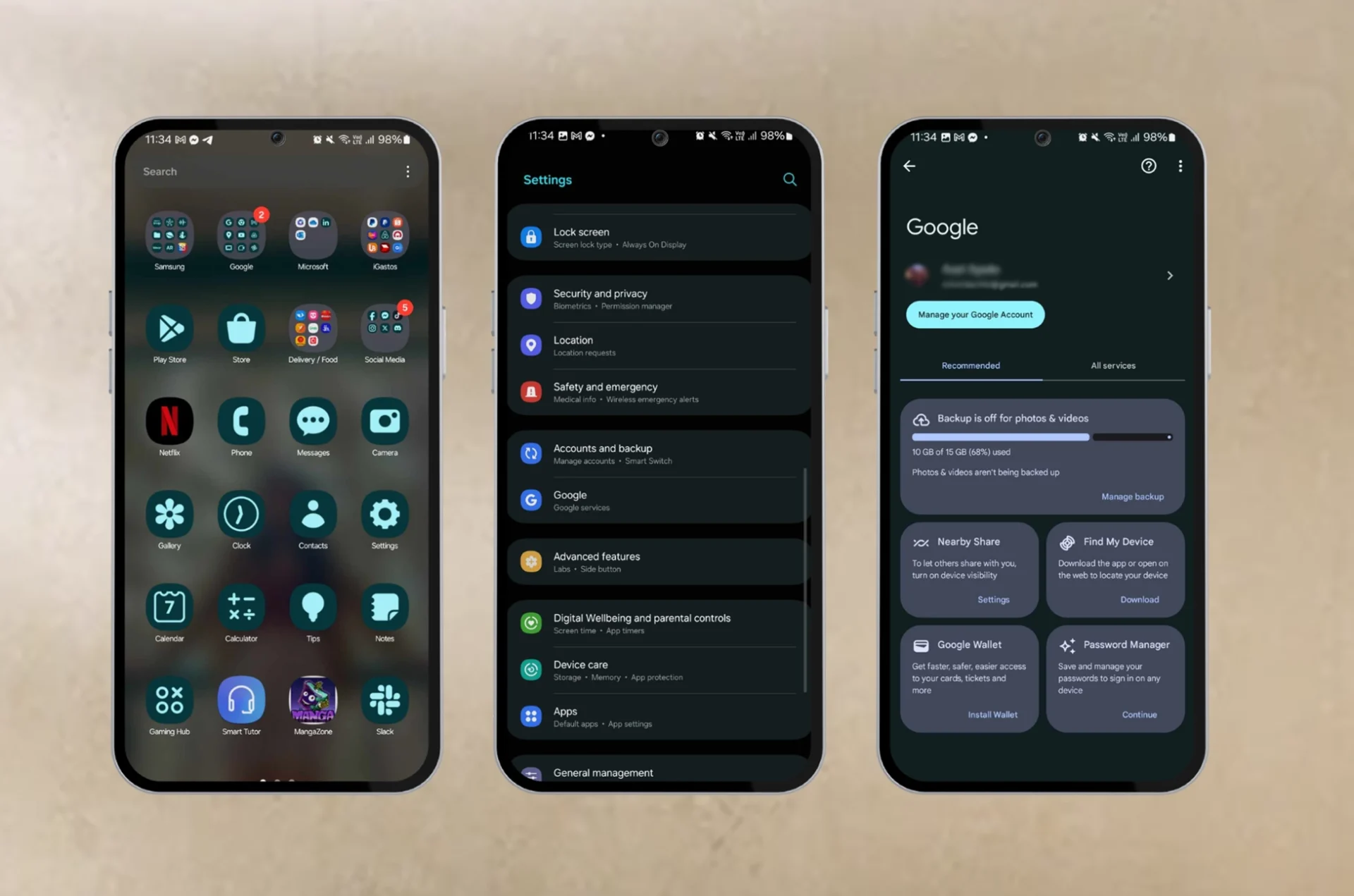
Modern Android devices automatically backup data to Google Drive. Confirm the details in your device’s settings menu, and if needed, do a manual backup. Your backup encompasses contact details, call histories, SMS and MMS messages, as well as a variety of media. It also retains device settings such as Wi-Fi networks, passwords, display preferences, and more.
Open your device’s Settings menu.
Navigate to Google > Backup.
Ensure the Backup by Google One toggle is on. If not, activate it and follow the prompts to complete the setup.
Don’t forget: Google deletes backups after 57 days of device inactivity or if you disable the Backup by Google One feature.
BackUp Google Account Data with Google Takeout
Google Takeout allows you to download a copy of your data from various Google services. While not primarily designed for backups, it’s an excellent tool for data portability and migration. Here’s how to use it:
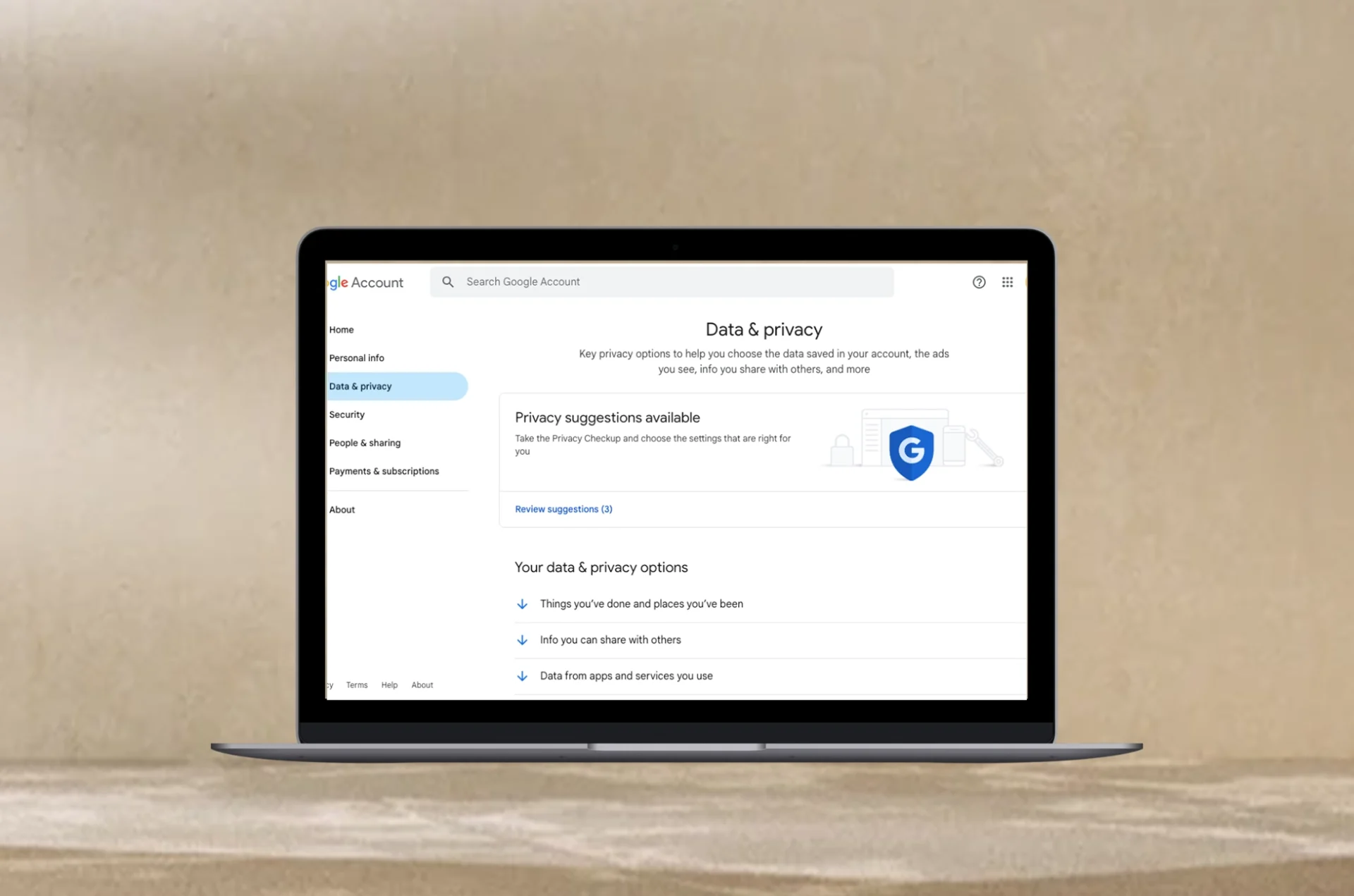
Sign in to your Google account via a browser.
Visit myaccount.google.com.
Select Data & privacy.
Choose Download your data.
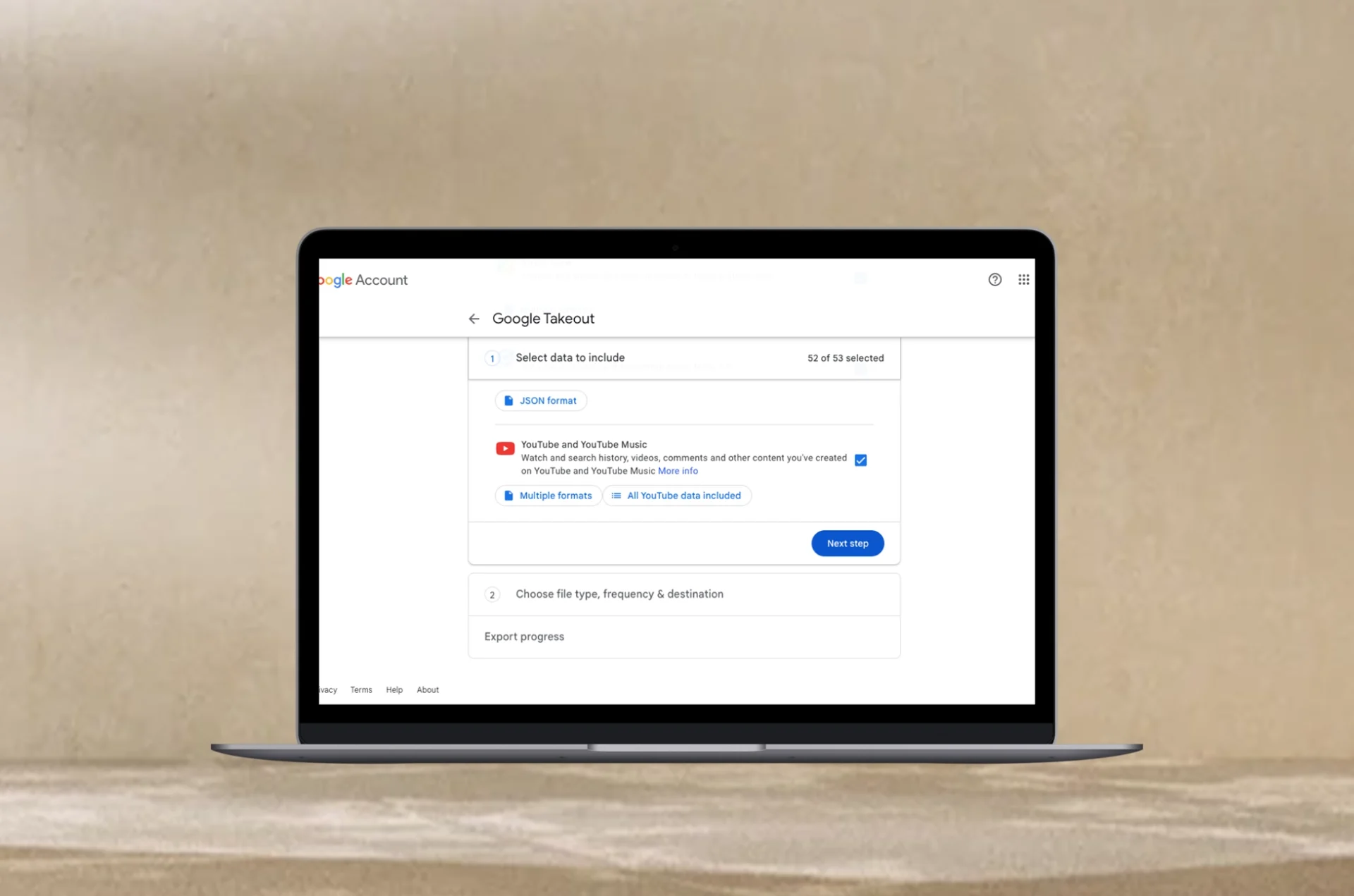
Review and select the Google services you want to include.
Click Next step.
Pick your preferred transfer destination (e.g., email, Google Drive).
Specify export frequency, file type, and size.
Click Create export.
Your exported data will be processed, and you’ll receive a notification when it’s ready for download. Keep in mind that each export is available for seven days.
Protecting Your Google Account
Given that your Google account holds personal information, implementing a multi-tiered backup strategy is essential. A combination of local and remote backups actively shields your data from potential threats. Regularly update your operating systems, applications, and devices to the latest versions to minimize vulnerabilities.
Taking proactive measures ensures the safety and security of your Google account, safeguarding your valuable information from the unexpected.
Conclusion
Safeguarding your Google account data through expert backup strategies, including Google Drive and Takeout, is crucial. By adopting proactive measures, you ensure the resilience of your digital space, offering peace of mind and robust protection against unforeseen challenges.
All products, and company names, logos, and service marks (collectively the "Trademarks") displayed are registered® and/or unregistered
trademarks™ of their respective owners.
The authors of this web site are not sponsored by or affiliated with any of the third-party trade mark or third-party registered trade mark owners,
and make no representations about them, their owners, their products or services.
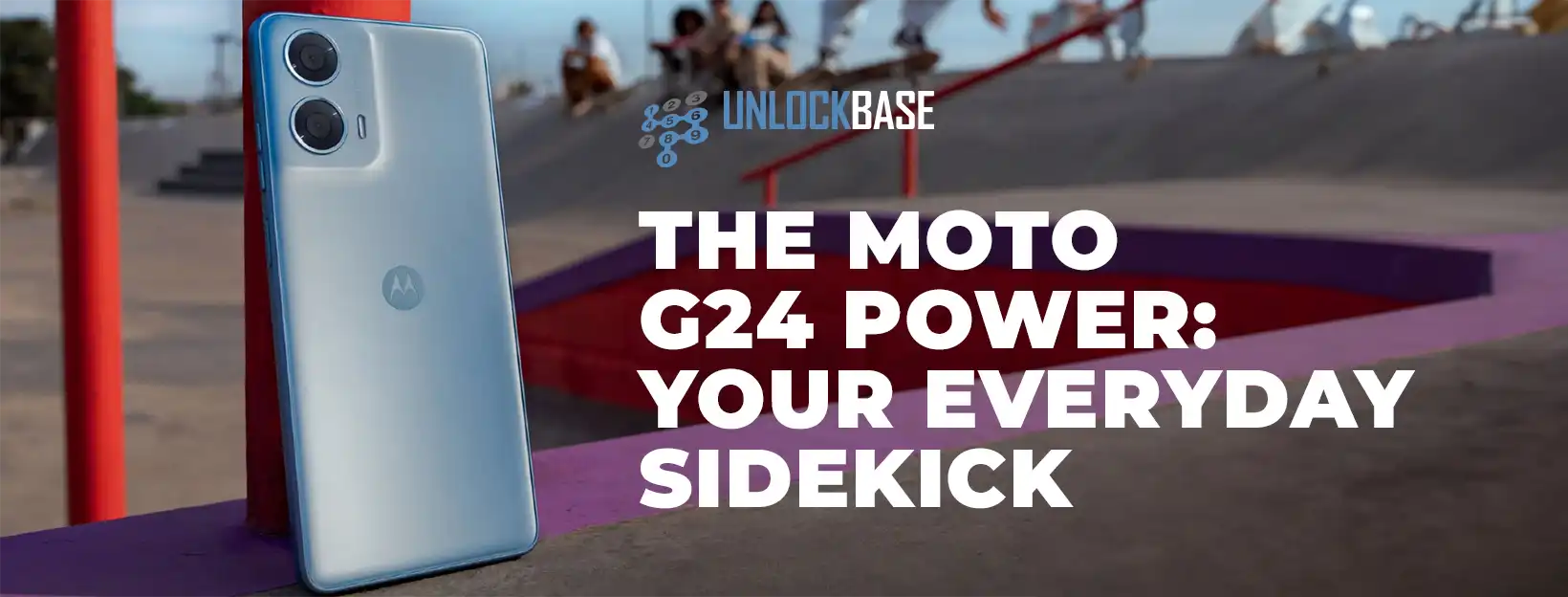
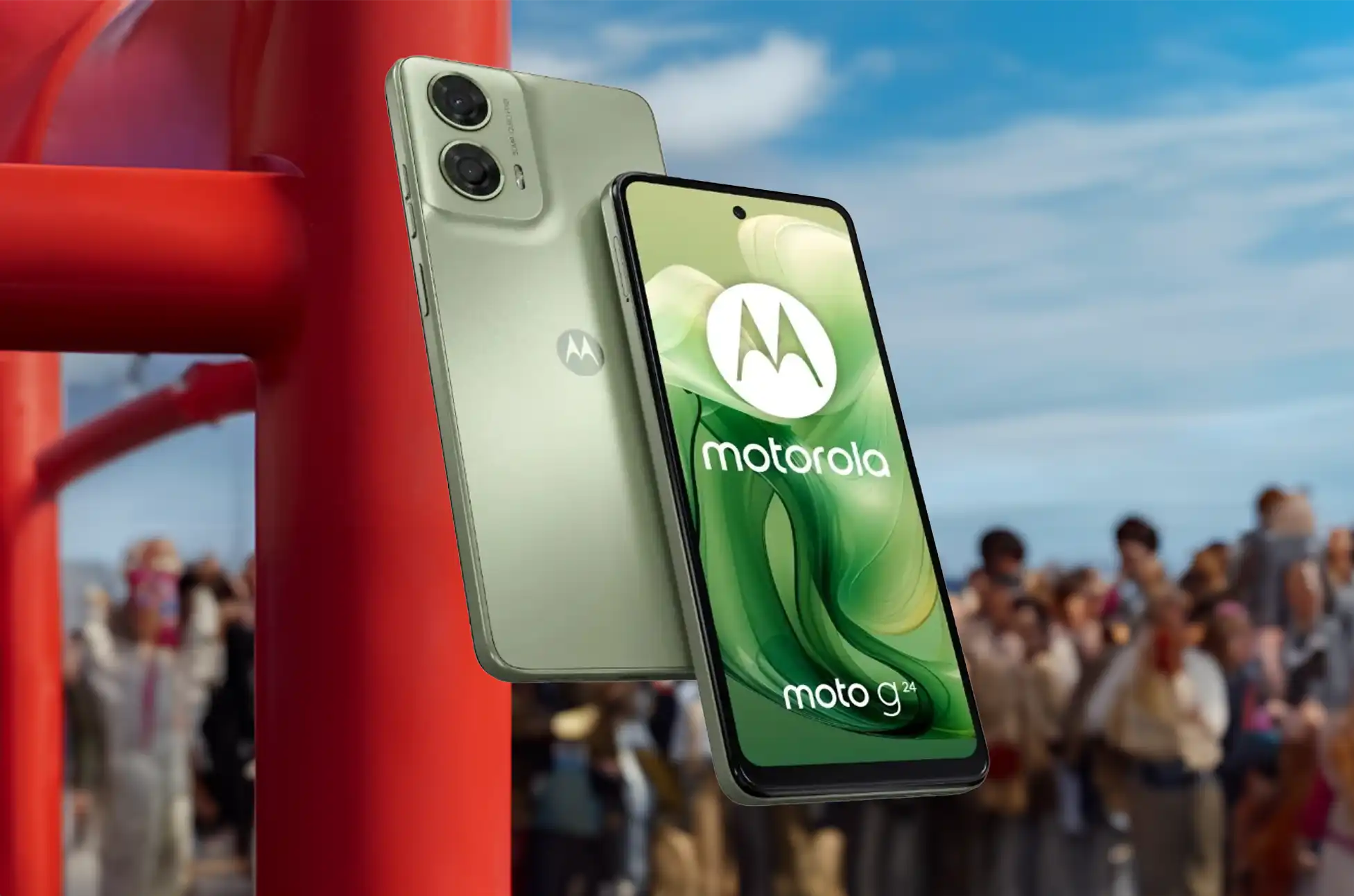
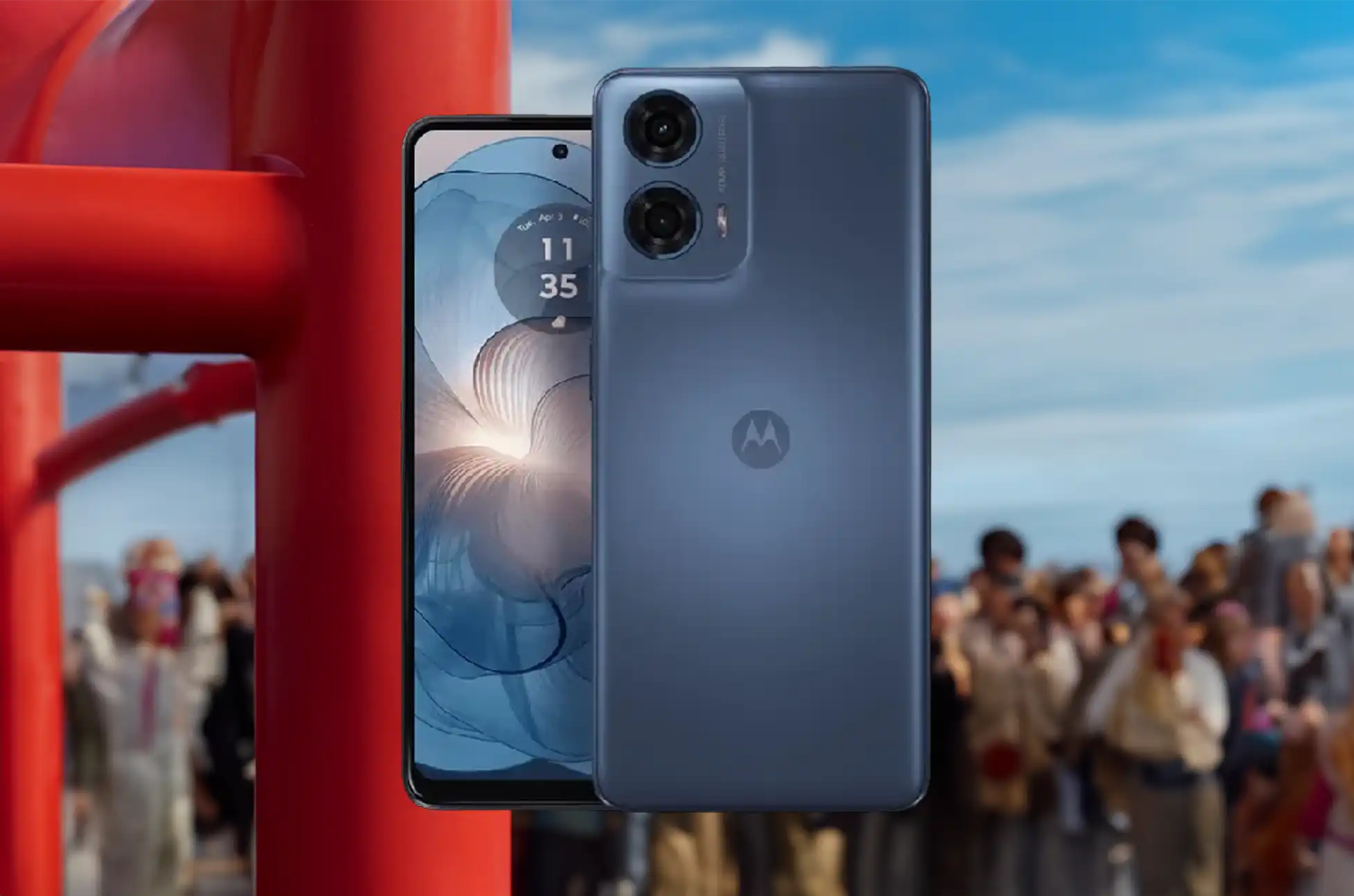
Motorola’s latest offering, the Moto G24 Power, arrives shortly after the launch of the vanilla G24. This upgraded version boasts a larger 6,000mAh battery, paired with a faster 30W charger and an improved 16-megapixel selfie camera.
Under the hood, it retains the MediaTek Helio G85 processor and offers up to 8GB of RAM with a single 128GB storage option. The device features a 6.56-inch IPS display with a 90Hz refresh rate, stereo speakers, and Dolby Atmos support.
Design-wise, it maintains the sleek look of its predecessor, housing a 50-megapixel main camera and a 2-megapixel macro lens. Running on Android 14, it ensures one OS upgrade and three years of security patches.
Starting at $110 for the 4GB/128GB model and $135 for the 8GB/128GB variant, the Moto G24 Power offers a compelling blend of performance and affordability. Indian consumers can grab it starting February 7, promising a reliable smartphone experience.
Moto G24 Power: Specifications
The Moto G24 Power stands out in the smartphone market as a reliable choice for everyday use. Let’s delve into its key specifications and features to help you decide if it’s the right fit for your needs.
When compared to other smartphones in its price range, the Moto G24 Power offers a practical balance of performance and features. While it may lack flashy specifications, it excels in providing reliable functionality for everyday use, making it a solid value proposition.
Conclusion
The Moto G24 Power is your reliable companion for everyday adventures. With its no-nonsense design and straightforward performance, it’s the perfect choice for users who value simplicity and dependability. Say goodbye to unnecessary frills and hello to a smartphone that gets the job done with style and reliability.
All products, and company names, logos, and service marks (collectively the "Trademarks") displayed are registered® and/or unregistered
trademarks™ of their respective owners.
The authors of this web site are not sponsored by or affiliated with any of the third-party trade mark or third-party registered trade mark owners,
and make no representations about them, their owners, their products or services.
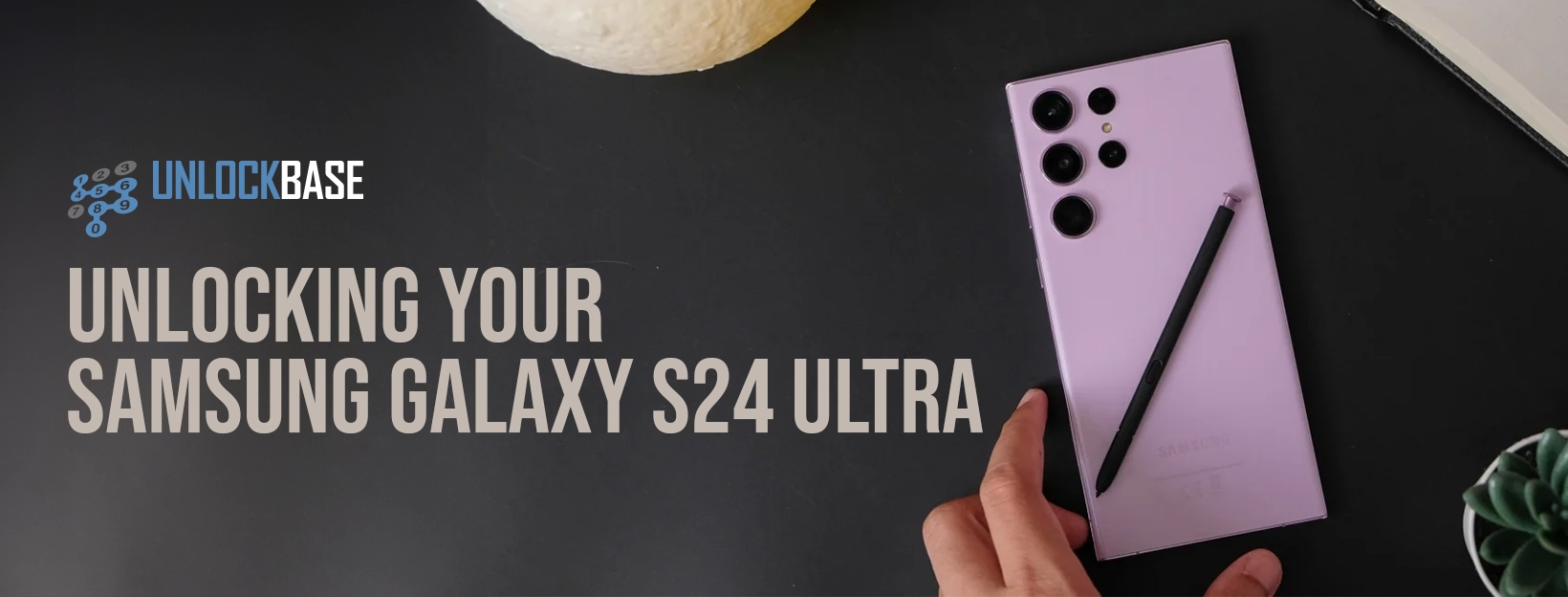
Samsung 24 Ultra Unlocked? Feeling chained down by carrier limitations on your cutting-edge Samsung Galaxy S24 Ultra? It’s time to smash those shackles and unlock the true potential of your phone! This comprehensive guide will empower you to break free from any network restrictions, giving you the freedom to choose your ideal carrier, conquer roaming woes, and experience unmatched connectivity.
Samsung 24 Ultra Unlocked : Say goodbye to:
Restricted choices: Forget being confined to a single carrier. Embrace the power to choose any provider that suits your needs, location, and budget.
Hidden roaming fees: Travel the world like a digital nomad, knowing you can seamlessly swap to local SIM cards for affordable connectivity, no matter where your adventures take you.
Limited network options: Ditch the frustration of spotty coverage and sluggish speeds. Unlocking your S24 Ultra opens doors to the best possible signal and data available, regardless of your current carrier’s limitations.
Before you unlock:
Eligibility check: Contact your carrier to see if your S24 Ultra qualifies for unlocking. They’ll provide you with an unlock code if eligible.
Contractual obligations: If you’re still under contract, unlocking might be on hold until its completion. Consider alternative solutions like UnlockBase for unlocking sooner.
Pre-unlocked status check: Pop in a SIM card from a different carrier. If it works, your phone is already unlocked and ready to roam!
Safeguard your data:
Before diving into the unlocking process, prioritize your precious information. Back up your photos, contacts, and other vital data onto a computer for peace of mind.
Unlocking Made Easy:
UnlockBase Headquarters: Head over to UnlockBase, your trusted portal for liberating your S24 Ultra.
Device Selection: Choose Samsung and then select the mighty S24 Ultra model.
IMEI Identification: Find your phone’s unique identifier by dialing *#06# on your keypad.
Personal Details: Enter your email address, country, and the network you’re ditching.
Secure Payment: Complete the payment process for your unlock code.
Confirmation Countdown: An email bearing your unlock code will arrive shortly.
Unlocking Steps:
SIM Swap: Eject the current SIM card residing in your phone.
New SIM, New Freedom: Insert the SIM card from your chosen carrier.
Unlock Code Magic: When prompted, type in the magical unlock code you received from UnlockBase.
And boom! Your S24 Ultra is now a citizen of the world, free to roam the vast network landscape.
For a deeper dive into the Galaxy S24 series, explore UnlockBase’s comprehensive guide. We delve into every nook and cranny of these remarkable smartphones, covering specs, features, user tips, and hidden tricks to maximize your S24 Ultra experience.
Visit the UnlockBase Blog: Whether you’re a tech enthusiast, a potential buyer, or a current user seeking to unleash the full potential of your S24 Ultra, our blog has something for everyone. Empower yourself with knowledge and unlock the true power in your pocket!
Samsung 24 Ultra Unlocked : Conclusion
With this detailed guide and UnlockBase’s expertise, unlocking your Samsung Galaxy S24 Ultra is a smooth and empowering journey. Embrace the freedom of carrier choice, conquer roaming challenges, and experience the unparalleled connectivity your phone was designed for.
All products, and company names, logos, and service marks (collectively the "Trademarks") displayed are registered® and/or unregistered
trademarks™ of their respective owners.
The authors of this web site are not sponsored by or affiliated with any of the third-party trade mark or third-party registered trade mark owners,
and make no representations about them, their owners, their products or services.
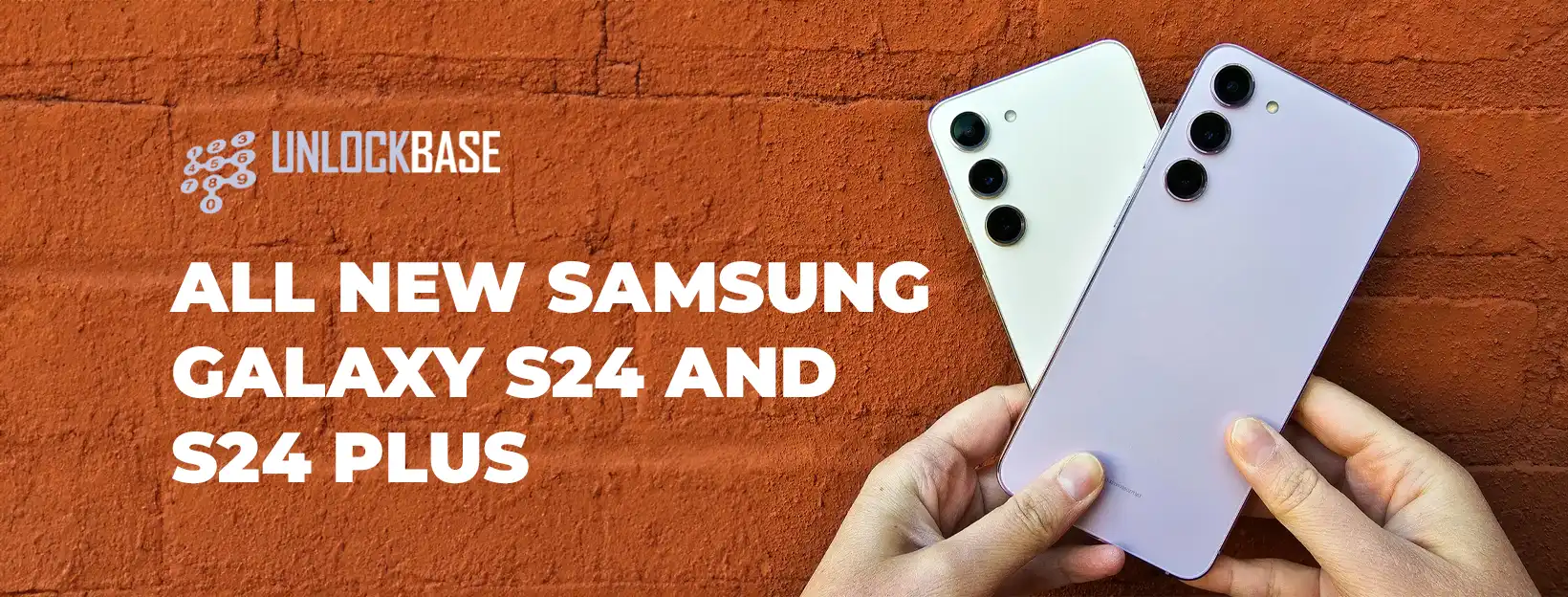
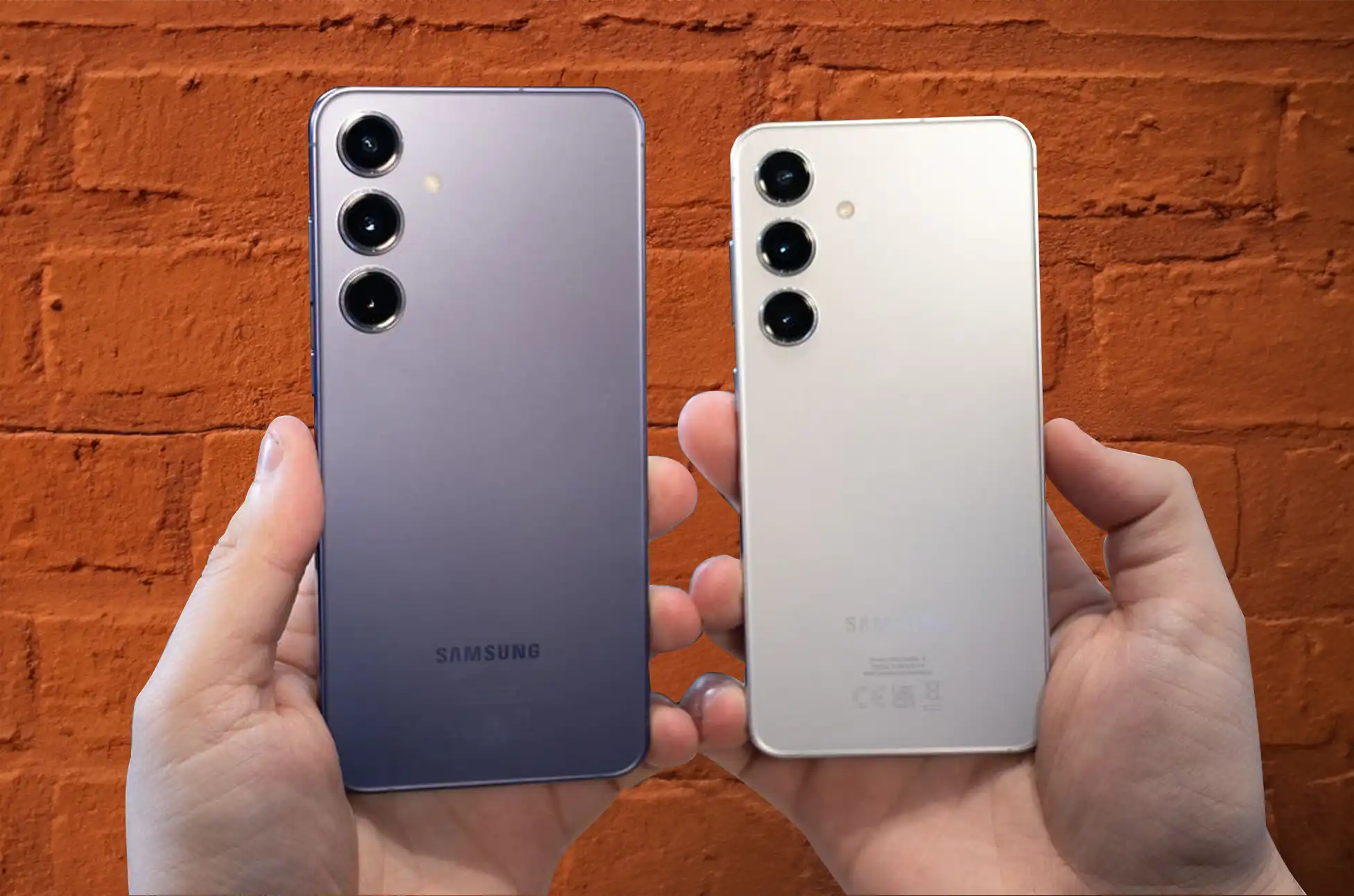
Samsung S24 Unlocked? Are you feeling restricted by your Samsung S24 or S24 Plus being tied to a specific carrier? Unlock the full potential of your device with our comprehensive guide! We’ll take you through the process of liberating your Samsung S24 and S24 Plus from carrier restrictions, providing you with the freedom to choose any carrier that suits your needs.
Samsung S24 Unlocked: Before You Begin:
Ensure your Samsung S24 or S24 Plus is eligible for unlocking. Reach out to your carrier for an unlock code, and if your device qualifies, they will supply you with the necessary code.
For postpaid plans, where phones are often under contract, unlocking might be restricted until the contract concludes. However, UnlockBase offers an alternative, allowing you to unlock your Samsung Galaxy S24 or S24 Plus sooner.
Test if your phone is carrier-locked by inserting a new SIM card from a different carrier. If the new SIM card works, your phone is likely already unlocked.
Samsung S24 Unlocked: Backup Your Data
Consider safeguarding your data before proceeding with carrier unlocking. Connect your Samsung S24 or S24 Plus to a computer to securely store your information, ensuring no loss during the unlocking process.
Unlocking Your Samsung Galaxy S24 and S24 Plus
Unlocking is a straightforward process with an unlock code. Follow these comprehensive steps:
Select the country, network, and complete the payment.
Wait for a confirmation email.
Execute these procedures
Remove the original SIM card.
Insert the desired SIM card.
An entry field will appear; input the unlock code.
For a visual guide, watch our video tutorial. Note: Unlocking a Samsung Galaxy S21 Ultra is akin to unlocking a Samsung S24 Ultra!
UnlockBase’s Comprehensive Guide to the Samsung Galaxy S24 Series
If you’re hungry for more detailed information about the Samsung Galaxy S24 and S24 Plus, UnlockBase has compiled a comprehensive guide.
Visit UnlockBase Blog to delve into the extensive guide. Whether you’re a tech enthusiast, potential buyer, or current user looking to enhance your experience, our blog has something for everyone. Empower yourself with knowledge and make the most out of your Samsung Galaxy S24 or S24 Plus!
Conclusion
Unlock your Samsung S24 or S24 Plus effortlessly and comprehensively. Our guide empowers you to remove carrier restrictions, allowing you to choose any carrier that fits your preferences. Remember to back up your data to avoid losing essential information. If you have questions, feel free to drop them in the comments below!
All products, and company names, logos, and service marks (collectively the "Trademarks") displayed are registered® and/or unregistered
trademarks™ of their respective owners.
The authors of this web site are not sponsored by or affiliated with any of the third-party trade mark or third-party registered trade mark owners,
and make no representations about them, their owners, their products or services.
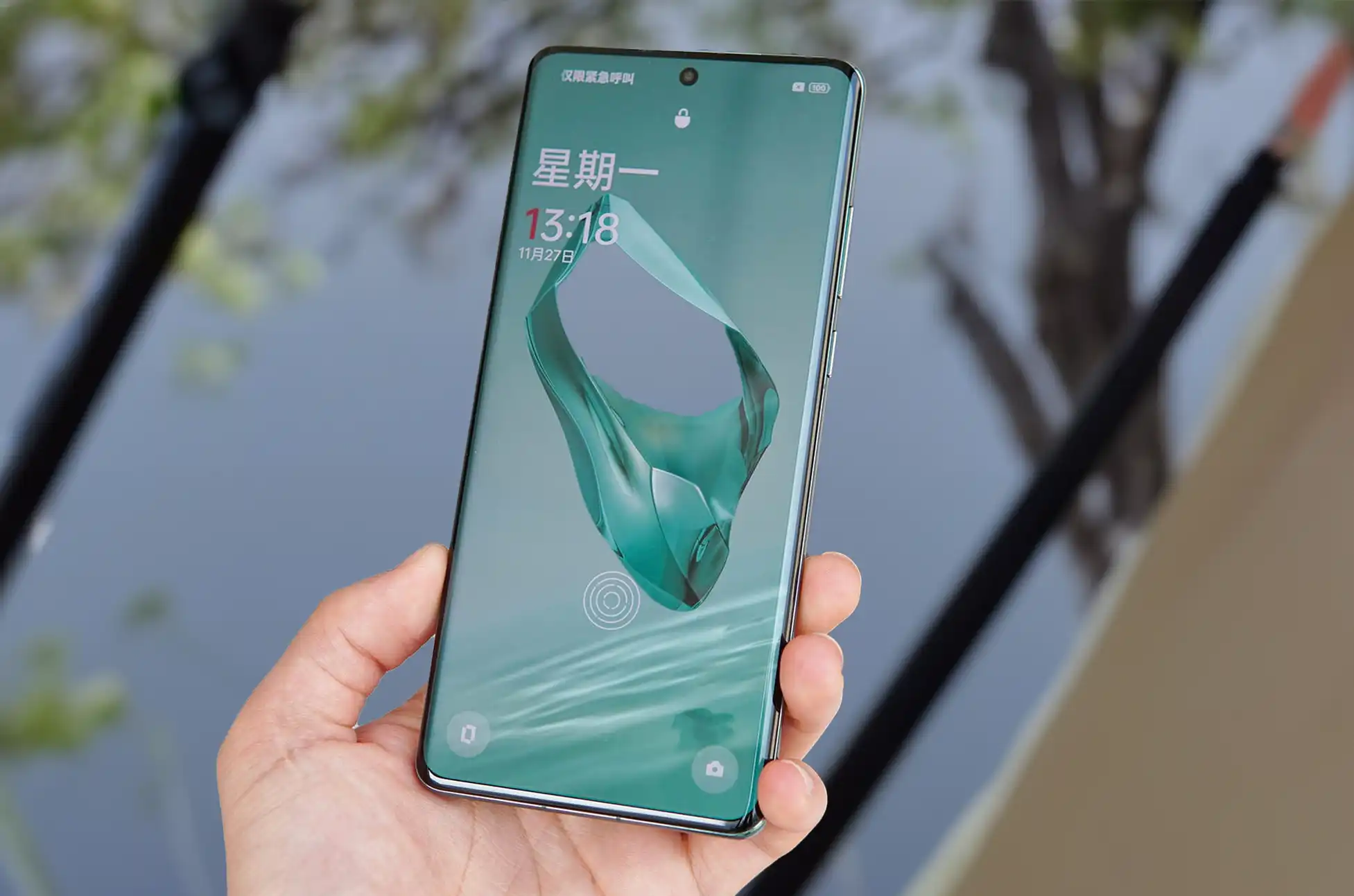
OnePlus 12 Launch? Guess what? The OnePlus 12 has finally hit the global stage after its debut in China, and it brought some friends along – the OnePlus 12R and the OnePlus Buds 3. They’re giving the company’s lineup a fresh kick for the next round of competition with other Android flagships.
Now, the OnePlus 12 launch is keeping things familiar with the look we loved in the OnePlus 11 – that cool camera setup, a glass back, and that handy three-stage alert slider.
But here’s the thing, it’s not totally cool with water. Unlike some phones that can handle a dive, the OnePlus 12 launch is water-resistance is at an IP65 rating. So, no, it’s not a fan of pool parties. But on the bright side, it can handle some water splashes.
OnePlus 12 Basic Specs
OnePlus didn’t hold back with the OnePlus 12 launch as powerhouse. It’s rocking the new Snapdragon 8 Gen 3 chipset. In China, you can go all out with 24GB RAM and 1TB storage, while globally, we’re still doing great with 16GB RAM and 512GB storage.
Boosting the battery game, they’ve juiced it up to 5,400mAh, a notable upgrade from the OnePlus 11. Even after 1,600 charging cycles, it’s holding strong at 80% capacity. And the charging game is on point with a speedy 80W wired charge (100W in China) and a slick 50W wireless charge. Yep, wireless charging is back in the game, making wires a thing of the past!
OnePlus 12 Display Specs
As the OnePlus 12 launch, it flaunts a 6.82-inch QHD+ OLED screen, and what’s cool is that it’s not just any display – it’s a 120Hz LTPO display by BOE. And get this, it can drop down to a mere 1Hz, catering to your need for smooth scrolling or conserving battery when things are more static.
Now, about that brightness – it hits a whopping 4,500 nits at its peak, joining the ongoing brightness war among smartphones. While peak brightness matters most for HDR content, OnePlus claims the phone still supports up to 1,600 nits of brightness in high brightness mode. That’s like having your own little sunshine in your pocket!
Processor
Qualcomm Snapdragon 8 Gen 3
RAM
12/16GB LPDDR5X
Software
Android 14Oxygen OS 14
Storage
256/512GB UFS 4.0
Display
6.82-inch AMOLED LTPO3,168 x 1,440 resolution (QHD+)120Hz refresh rate402ppi
Gorilla Glass Victus 2 on the frontGorilla Glass 5 on the backAluminum frameIP65 rating
Dimensions and weight
164.3 x 75.8 x 9.15mm220g
Colors
Silky BlackFlowy Emerald
What’s in the box
80W chargerUSB-A to USB-C cableUSB-A to USB-C dongleSIM ejector toolProtective casePre-applied screen protectorQuick start guide
OnePlus 12: A Significant Leap in Camera Technology
OnePlus 12 Launch is embracing a Camera Upgrade! Hasselblad joins the OnePlus 12 party, addressing past camera concerns. Syncing with the OnePlus Open, it features a powerful 50MP main camera (LYT-808), a wide-angle 48MP camera (IMX581, 14mm), and an exciting 64MP 3x periscope camera (Omnivision OV64B).
For the first time, a standard OnePlus model sports a periscope camera with a nifty f/2.6 aperture, promising better low-light shots. Highlights include impressive portrait shots and a slick 6x zoom capability (likely through cropping and super-resolution magic). Adding a color boost, there’s a multi-spectrum color sensor for accurate hues. Flip to the front, and you’ll find a 32MP camera in a punch-hole cutout, ready for stellar 4K/30fps video recording. This camera setup, unveiled with the OnePlus 12 Launch, is set to compete head-to-head with the Galaxy S23 and give the Pixel 8 a run for its money.
Price and Availability
Great news! The OnePlus 12 launch in the US, rocking sleek Silky Black and stunning Flowy Emerald colors. But here’s the catch – the Emerald beauty is exclusive to the higher 16GB + 512GB variant. The chic white variant, however, is a China-exclusive.
Here’s the pricing breakdown:
OnePlus 12 (12GB + 256GB): $799.99
OnePlus 12 (16GB + 512GB): $899.99
Preorders are live, and the big day for open sales is February 6, 2024, hitting up Amazon, Best Buy, and OnePlus.com. If you snag a preorder on OnePlus.com, you’re in for a treat – a free memory upgrade to the 512GB version, up to $700 instant trade-in credit, and a complimentary wireless charger.
And guess what? OnePlus is keeping the love alive post-preorder. Trade in any phone, in any condition, and score an extra $100 off on your OnePlus 12. Sweet deal, right?
Also, OnePlus12 lunch for our pals in Europe, the OnePlus 12 starts at €969 for the 12GB + 256GB version. In India, it’s Rs. 64,999 for the 12GB + 256GB version and Rs. 69,999 for the big 16GB + 512GB version.
Conclusion
Should you buy the OnePlus 12? If you are gonna ask us, the OnePlus 12 launch is shaping up to be a significant event for smartphone enthusiasts. With a sleek design, powerful specifications, and innovative features, it’s undoubtedly a device worth considering for your next upgrade. The OnePlus 12 is poised to redefine the smartphone experience, and we can’t wait to explore all its capabilities.
All products, and company names, logos, and service marks (collectively the "Trademarks") displayed are registered® and/or unregistered
trademarks™ of their respective owners.
The authors of this web site are not sponsored by or affiliated with any of the third-party trade mark or third-party registered trade mark owners,
and make no representations about them, their owners, their products or services.
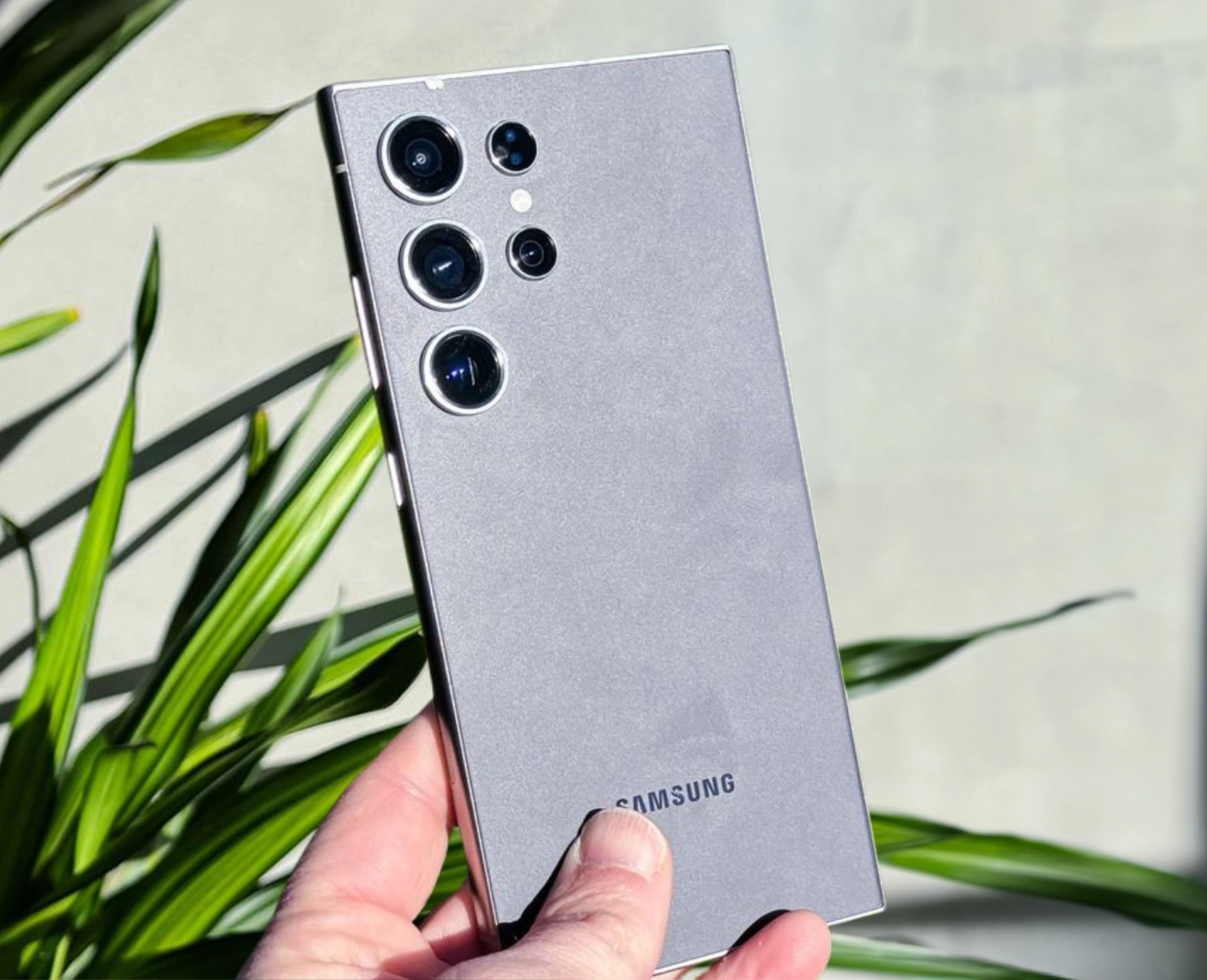
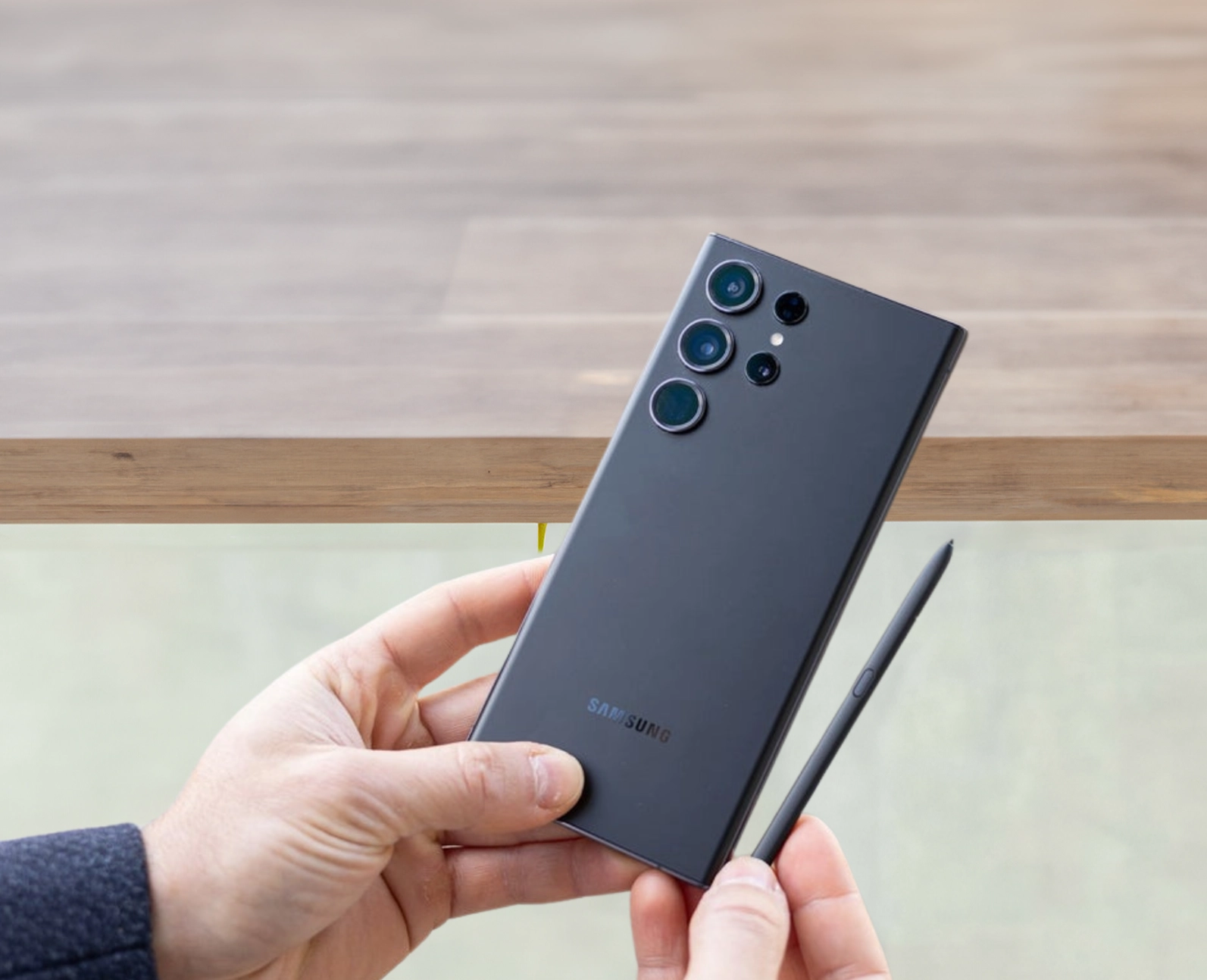
Samsung S24 Ultra? Samsung’s latest flagship, the Galaxy S24 Ultra, has broken new ground with substantial enhancements, setting it apart from its smaller counterparts.
Samsung S24 Ultra Rugged Elegance: Titanium Alloy Construction
In a move reminiscent of the iPhone 15 Pro series, the Galaxy S24 Ultra is now crafted from a titanium alloy, enhancing durability while simultaneously achieving a sleeker and lighter profile compared to its predecessor.
Fortified Display: Corning Gorilla Glass Armor
The device boasts a robust Corning Gorilla Glass Armor, offering four times the toughness against cracks and a 75% reduction in reflectivity. The display is now less curved, facilitating easier application of screen protectors.
Featuring a 6.8-inch QHD+ Dynamic AMOLED 2x panel, the Galaxy S24 Ultra offers a 1Hz to 120Hz adaptive refresh rate with a remarkable 2600-nits peak brightness, thanks to the upgraded Vision Booster.
Powerful Performance: Qualcomm Snapdragon 8 Gen 3 Processor
Diverging from its siblings, the S24 Ultra houses a Qualcomm Snapdragon 8 Gen 3 for Galaxy processor globally, boasting a slightly higher Prime core clock and an enlarged vapor chamber for superior cooling.
Enduring Battery Life: 5,000mAh Battery with Adaptive Charging
With a capacious 5,000mAh battery, the S24 Ultra supports 45W wired charging and 15W wireless charging. While the charging speed may lag behind competitors, it is designed to optimize battery lifespan.
Photography Redefined: 200-Megapixel Main Camera and AI Integration
The S24 Ultra’s camera setup is nothing short of extraordinary, featuring a 200-megapixel main camera, a 12-megapixel ultra-wide lens, and a 10-megapixel telephoto lens. Samsung’s emphasis on AI is evident in features like Live Translate, Interpreter, and Chat Assist during video calls.
AI-Powered Features and Extended Software Support
Samsung introduces various AI-driven functionalities, including Note Assist, Circicle to Search, Transcript Assist, and enhanced Android Auto features. The collaboration with Google ensures that the Galaxy S24 series ships with Android 14-based One UI 6.1 and promises an impressive 7 years of software support.
Samsung S24 Ultra Pricing Update: A Shift in Strategy
Breaking its pricing trend, the Galaxy S24 Ultra comes with a $100 increase, now priced at $1,299. Dive deeper into the reasons behind this pricing adjustment within the article.
Configuration Options and Pricing: Unveiling the Choices
The Samsung Galaxy S24 Ultra offers multiple configurations to cater to diverse preferences:
12GB/256GB: $1,299 / £1,249
12GB/512GB: $1,419 / £1,349
12GB/1TB: $1,659 / £1,549
Samsung S24 Ultra Technical Specifications: Unleashing Cutting-Edge Features
Get acquainted with the technical prowess of the Galaxy S24 Ultra through its specifications:
All products, and company names, logos, and service marks (collectively the "Trademarks") displayed are registered® and/or unregistered
trademarks™ of their respective owners.
The authors of this web site are not sponsored by or affiliated with any of the third-party trade mark or third-party registered trade mark owners,
and make no representations about them, their owners, their products or services.
Samsung galaxy S24 Series? Samsung has officially unveiled its much-anticipated 2024 flagship line, with a focus on the Galaxy S24 and Galaxy S24 Plus. These devices boast incremental upgrades, emphasizing Samsung’s commitment to artificial intelligence (AI) innovations. Let’s delve into the key features that set these smartphones apart.
Samsung Galaxy S24 Plus: A Closer Look
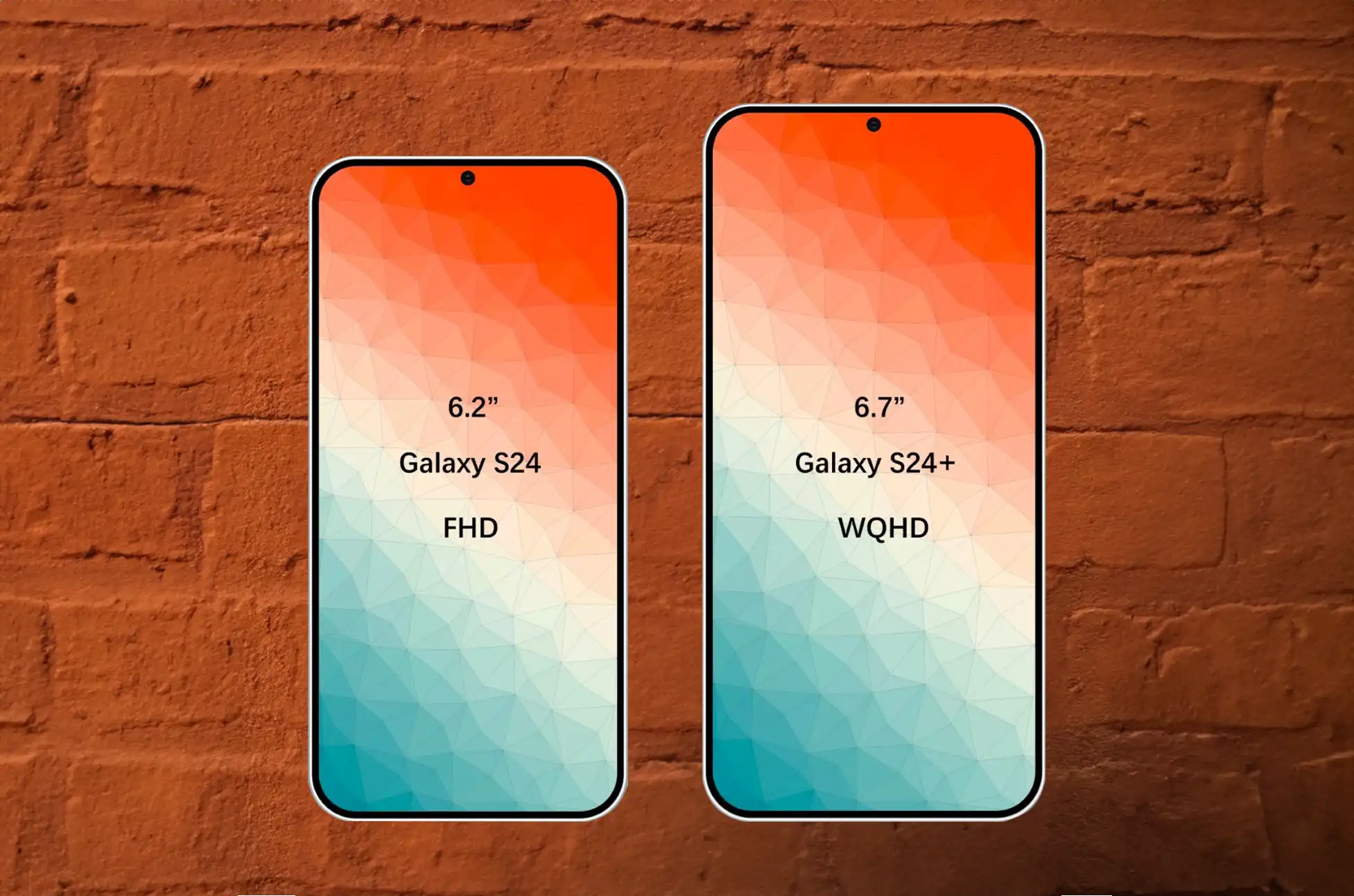
Display and Battery Boost The Galaxy S24 Plus shines with a 6.7-inch QHD+ display and an enlarged 4,900mAh battery, offering an immersive visual experience and extended usage.
Processor Dynamics While the Galaxy S24 Plus features the Qualcomm Snapdragon 8 Gen 3, the S24 Plus, in markets like the Philippines, impresses with the Exynos 2400 deca-core chip, ensuring robust performance.
Enhanced Camera Setup The device maintains a sleek design with a 50-megapixel main camera, optical image stabilization, a 12-megapixel ultra-wide, and a 10-megapixel telephoto with 3x optical zoom. Selfies are a delight with the 12-megapixel front sensor.
Durability and Design Boasting the updated Armor Aluminum 2 frame, Gorilla Glass Victus 2, and IP68 dust and water resistance, the S24 Plus ensures durability against drops and scratches.
Software and AI Prowess Running on Android 14-based One UI 6.1, the S24 Plus promises 7 generations of major OS upgrades and 7 years of security patches. The Galaxy AI brings forth AI-driven enhancements in photography, editing, Live Translate feature, and more.
Samsung Galaxy S24: Compact Powerhouse
The Galaxy S24 shares many features with the Plus model but presents a more compact 6.2-inch FHD+ display and a 4,000mAh battery with 25W wired charging. With Compact Design and Dimensions, maintaining the sleek design language, the S24 stands out with dimensions of 147 x 70.6 x 7.6mm and a weight of 167g, offering a more pocket-friendly alternative.
Technical Specifications Overview
Display Both models feature Dynamic LTPO AMOLED 2x displays with a 120Hz refresh rate, HDR10. Corning Gorilla Glass Victus 2 for stunning visuals and durability.
Processing Power Powered by either the Qualcomm Snapdragon 8 Gen 3 or Exynos 2400, these smartphones ensure top-notch performance and efficiency.
Storage and Memory Ample storage options of 256GB/512GB UFS 4.0 and 8GB/12GB RAM provide users with seamless multitasking and storage capabilities.
Camera Setup The advanced camera setups include a 50-megapixel main camera, 10-megapixel telephoto with 3x optical zoom, and a 12-megapixel ultra-wide lens, ensuring stellar photography.
Connectivity and Features From 5G capabilities to WiFi 6e and a range of connectivity options, the Galaxy S24 series caters to diverse user needs.
Battery Life With non-removable batteries ranging from 4,000mAh to 4,900mAh and various charging options, these smartphones are designed to keep up with your lifestyle.
Samsung Galaxy S24 series: Release date, price, and availability
Samsung officially unveiled the Galaxy S24 series in San Jose, California, on January 17, 2024. Pre-orders opened on the same day, leading up to an in-store sales date of January 31. In the United States, the Galaxy S24 starts at $799. ‘The Galaxy S24 Plus starts at $999, maintaining their pricing trend from 2021.
However, the Ultra model saw a $100 increase, now priced at $1,299. Global availability ensures that the Galaxy S24 series is accessible in various countries, each with potential variations in processor options. For the best deals and exclusive color options, consider purchasing directly from Samsung.
Conclusion
Samsung’s Galaxy S24 series sets a new standard for flagship smartphones. Offering cutting-edge features, AI integration, and an impressive commitment to software support. Whether you opt for the powerful Galaxy S24 Plus or the compact yet dynamic Galaxy S24, these devices promise an unparalleled mobile experience.
All products, and company names, logos, and service marks (collectively the "Trademarks") displayed are registered® and/or unregistered
trademarks™ of their respective owners.
The authors of this web site are not sponsored by or affiliated with any of the third-party trade mark or third-party registered trade mark owners,
and make no representations about them, their owners, their products or services.
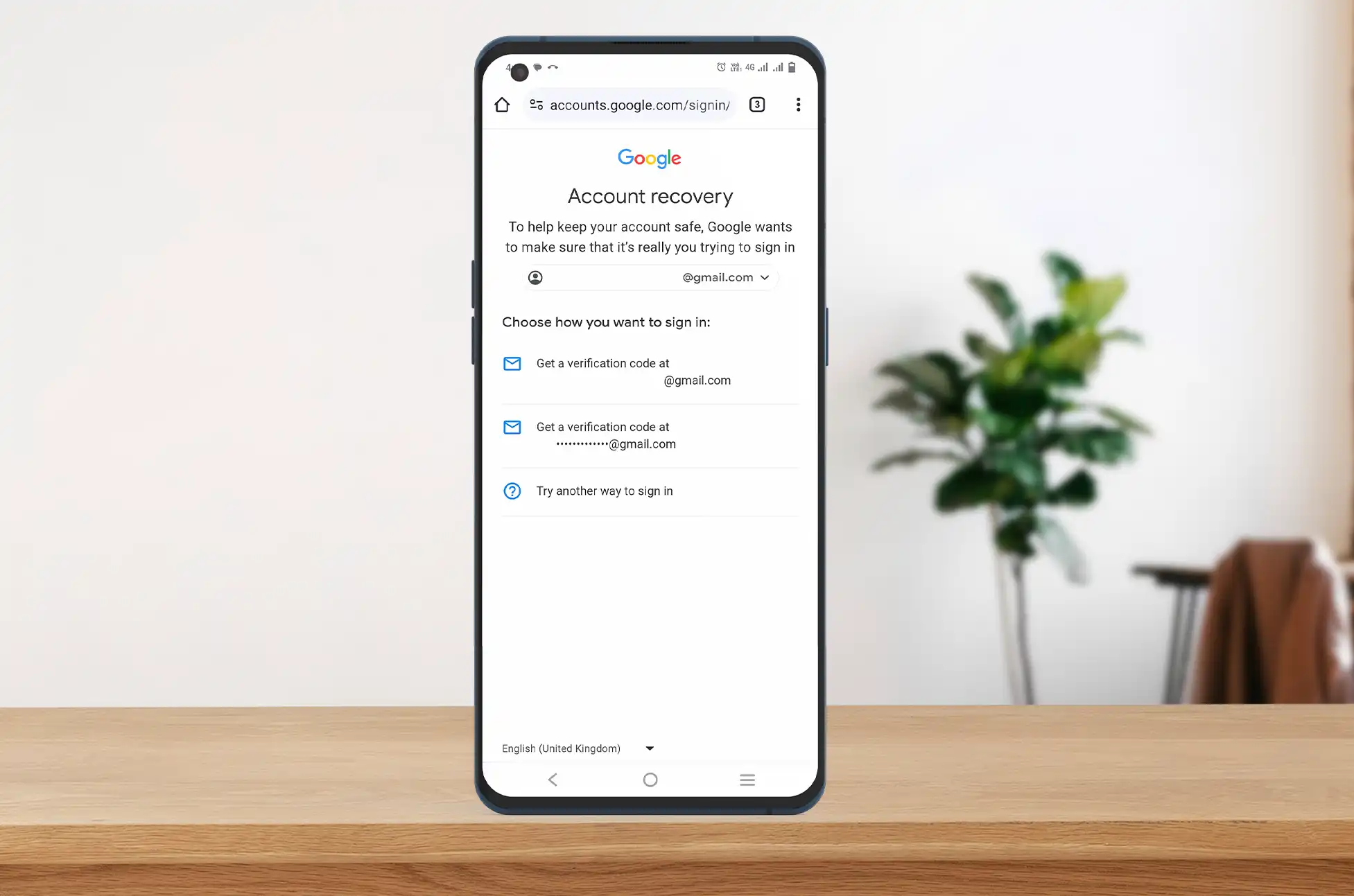
How to recover google account? Many of us rely heavily on our Google accounts, containing a wealth of personal information from emails and contacts to appointments and text messages. Losing access to your Google account can be a significant issue, but there’s no need to panic. By following various recovery steps, you can regain control of your account and ensure the security of your data online.
How to recover google account: Deleted Google Account
How to recover google account? The possibility of recovering a deleted Google account depends on how much time has passed since its deletion. Acting promptly increases your chances. Initially, try logging in with your username and password. If unsuccessful, utilize the Google account recovery link. Provide the account name and the last remembered password. Google will inform you if account restoration is possible. If too much time has elapsed, creating a new Google account becomes the only option.
Provide the account name and the last remembered password.
Google will notify you if account restoration is possible.
How to recover google account: Hacked Google Account
If Google detects login attempts from an unfamiliar device or IP address, it alerts you via email. Act swiftly by changing your password through the security section of your Google account. Delaying might lead to the hacker changing the password, necessitating the use of the account recovery link. Input the last known password and security questions. If you have a backup email or phone number, a verification code will be sent for confirmation. To enhance security, ensure you have these details set up in advance.
Input the last known password and security questions.
Utilize backup email or phone number for a verification code.
How to recover google account: Google Account with a Forgotten Password
Resetting a forgotten password is straightforward. Click on “Forgot password?” on the login page, enter your email address, and follow the steps. For Google Workspace accounts, contact your administrator. Two-factor authentication may require entering a code. If you can’t provide this, having backup codes is crucial. If you can’t remember passwords or receive activation codes, recovery questions become vital.
Recovering a Google Account with a Forgotten Email Address
Forgetting the exact username of a Google account is common, but recovery is uncomplicated. On the login page, click “Forgot email?” Enter your phone number or recovery email, your full name, and receive a recovery code on your phone. Google then displays a list of registered email addresses for you to choose from.
Tips for Successful Account Recovery
Follow Google’s advice for a higher chance of successful recovery. Be thorough in your responses, provide ample information, and use familiar devices or IP addresses to avoid suspicion.
Contacting Google for Account Recovery Assistance
Google primarily relies on automated processes for account recovery, lacking direct “real person” support. Utilize the automated account recovery link, ensuring you have backup contacts or recovery questions for a higher success rate. Understanding the vast volume of recovery requests helps explain Google’s reliance on automated systems.
Conclusion
Recovering a lost or compromised Google account is feasible with proactive measures like setting up backups. Google’s user-friendly recovery options, despite being mostly automated, enable swift account restoration. Following their guidance and providing accurate information enhances the chances of success, allowing users to quickly regain control and secure their valuable data.
All products, and company names, logos, and service marks (collectively the "Trademarks") displayed are registered® and/or unregistered
trademarks™ of their respective owners.
The authors of this web site are not sponsored by or affiliated with any of the third-party trade mark or third-party registered trade mark owners,
and make no representations about them, their owners, their products or services.