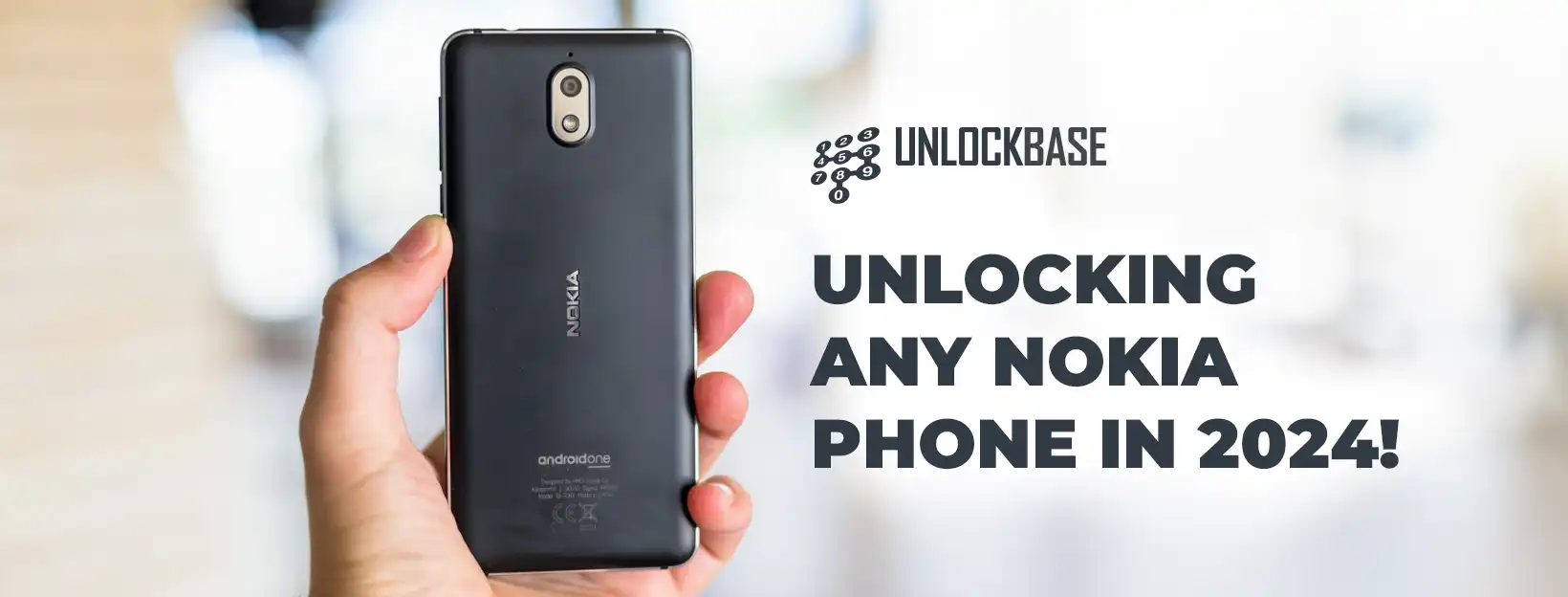
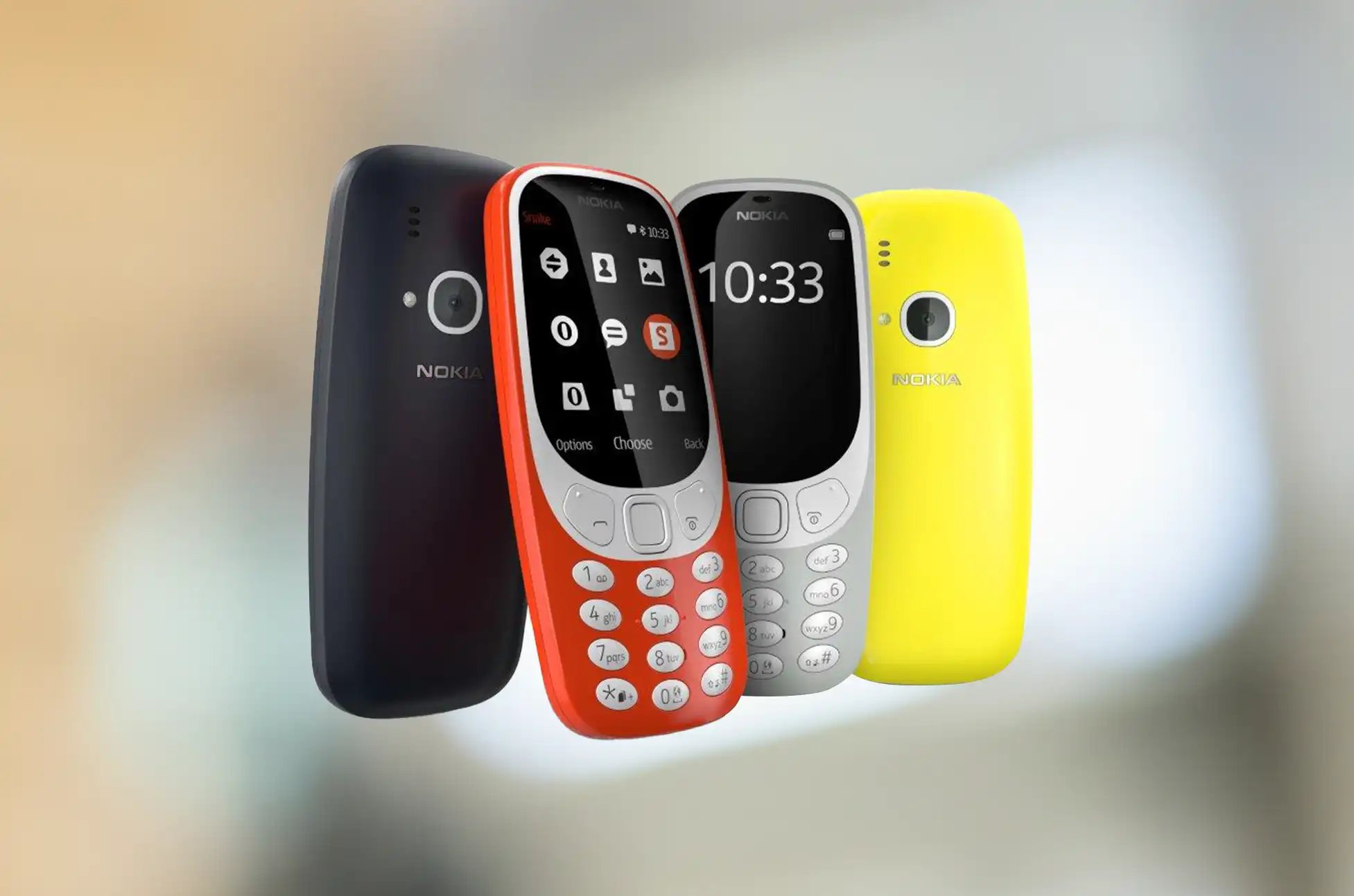
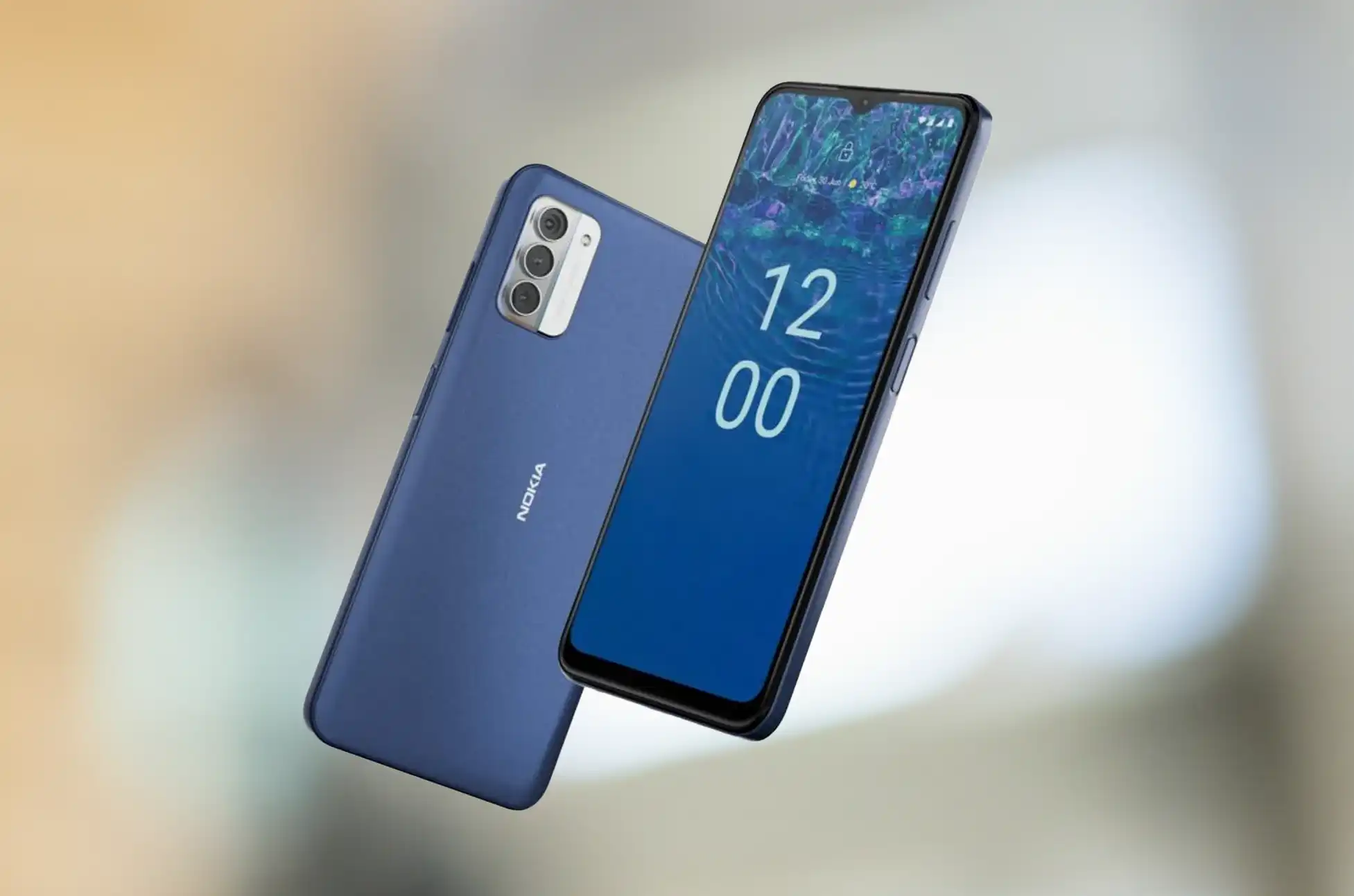
Unlocking Any Nokia Phone in 2024? Giving your phone a freedom might seem like a daunting task, but fear not! Unlocking your Nokia phone is surprisingly straightforward and much easier than you might think. In this article, we’ll provide you with a step-by-step guide to effortlessly unlock your Nokia phone, opening up a world of possibilities. Let’s dive into this uncomplicated guide that simplifies the entire unlocking process.
Unlocking Any Nokia Phone in 2024: What You Need Before Unlocking
Before starting the unlocking process for your Nokia phone, gather some essential details, such as the IMEI (International Mobile Equipment Identity) number. You can find this unique identifier by dialing *#06# on your phone’s keypad or checking in the device settings. This information is crucial for the unlocking procedure.
Ensure you meet the criteria set by Nokia for unlocking a device. Your contract or payment plan must be fully settled, the device paid off entirely, and your Nokia phone account should be active and in good standing. Once these conditions are met, initiate the unlocking process by contacting your carrier.
Note: If you don’t meet the eligibility criteria, worry not. UnlockBase offers a solution with a set of straightforward steps.
Unlocking Any Nokia Phone in 2024
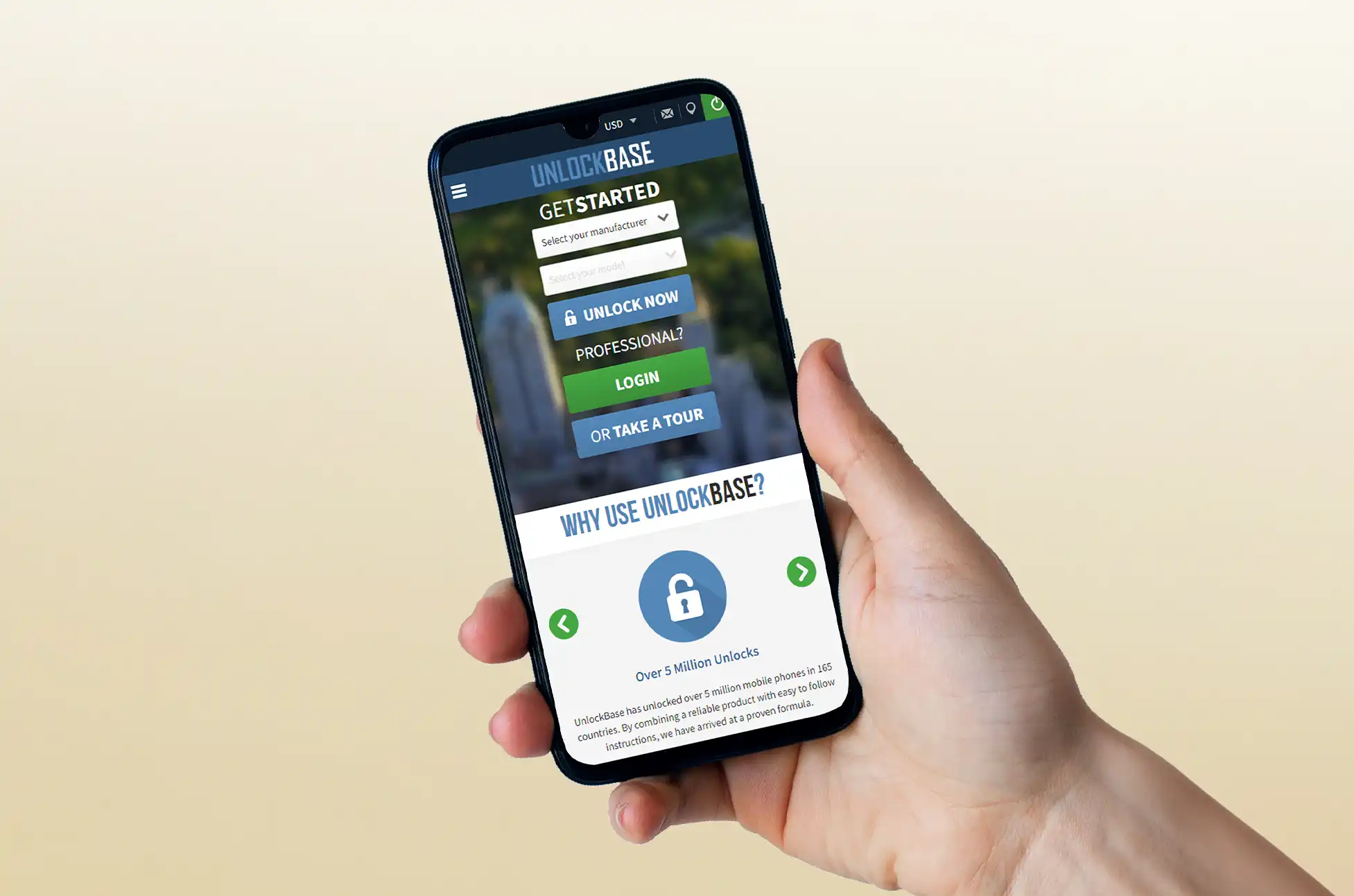
Follow these simple instructions provided by UnlockBase to unlock your Nokia device, allowing you to use it with any carrier of your choice.
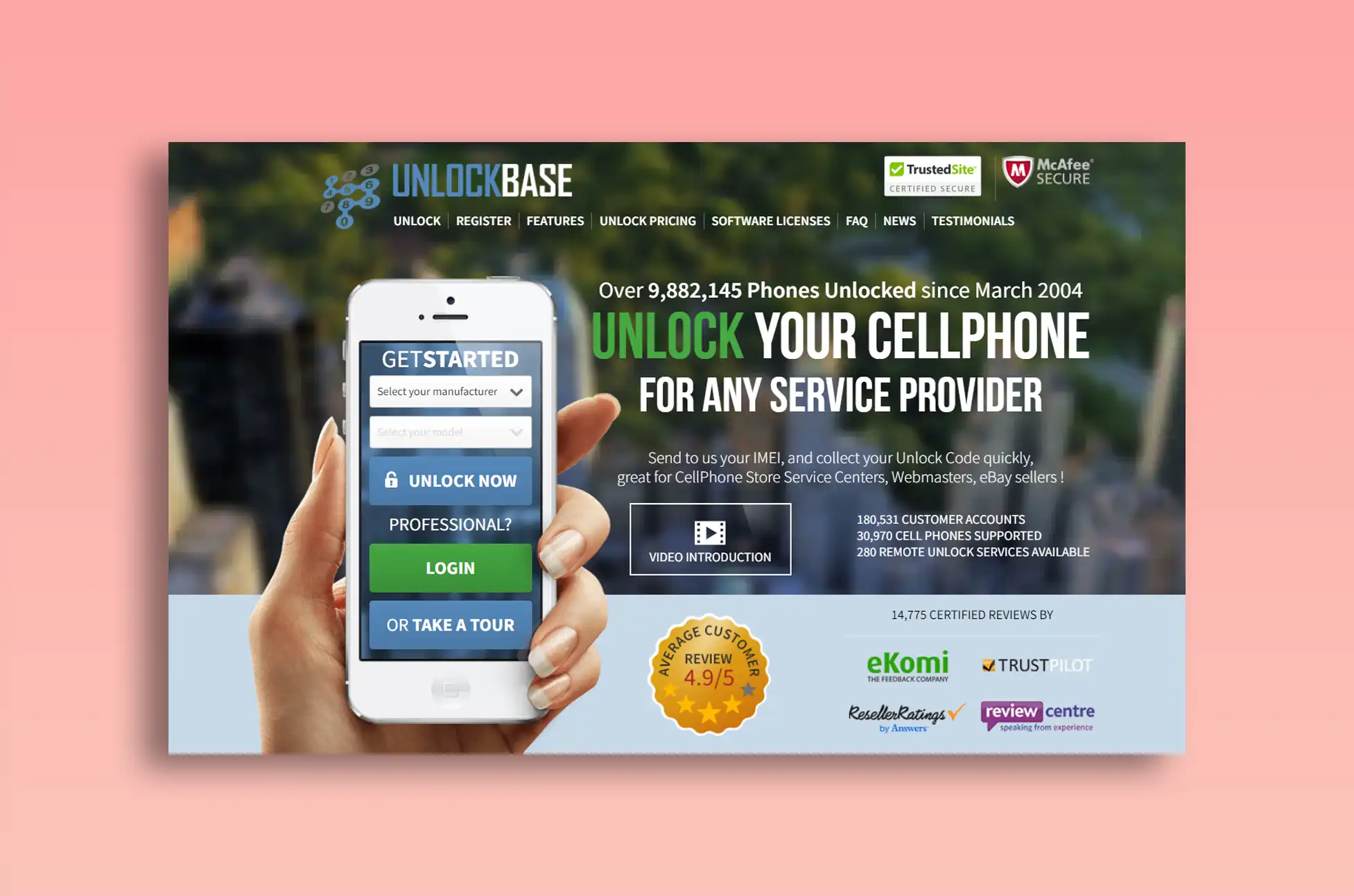
Select Nokia as your phone’s manufacturer from the list.
Enter your phone’s IMEI number in the designated field.
Provide your email address for verification.
Choose the country where your phone is currently locked.
Select the network or carrier from which you wish to unlock your Nokia phone.
After successful payment processing, wait for a confirmation email.
Upon receiving the confirmation email, follow these steps:
Remove the SIM card that originally came with your phone.
Insert the SIM card from Nokia into your phone.
A prompt should appear on your screen asking for the unlock code.
Enter the unlock code provided to you by UnlockBase.
These steps are designed to guide you smoothly through the process, ensuring a hassle-free experience on how to unlock your Nokia phone.
FAQs on How to Unlock Nokia Phone with UnlockBase
Q1: What is an IMEI number and where can I find it?
A1: The IMEI is a unique number assigned to your mobile device. Dial *#06# or check in the phone’s settings.
Q2: How do I know if my phone is eligible for unlocking?
A2: Your phone is typically eligible if fully paid off and not bound by a contract or payment plan. Check with your carrier to confirm eligibility.
Q3: What if my phone is not eligible for unlocking through my carrier?
A3: If your carrier deems your phone ineligible, use services like UnlockBase for an alternative method.
Q4: Will unlocking my Nokia phone with UnlockBase affect my warranty?
A4: No, unlocking won’t affect your phone’s warranty, but check the terms provided by Nokia.
Q5: Can I use any SIM card after unlocking my Nokia phone?
A5: Yes, once unlocked, you can use SIM cards from different carriers.
Q6: What should I do if the unlock code doesn’t work?
A6: Contact UnlockBase’s customer support for further assistance.
Q7: How long does it take to receive the unlock code from UnlockBase?
A7: It varies, usually taking a few hours to a few days, depending on the phone model and network.
Q8: Is it legal to unlock my Nokia phone?
A8: Yes, it is legal in many countries, including the United States, following carrier policies.
Q9: Will unlocking my Nokia phone erase my data?
A9: No, unlocking won’t erase data, but it’s wise to back up before making changes.
Conclusion
Unlocking your Nokia phone is a straightforward process, provided you follow the necessary steps and meet the eligibility criteria. This newfound flexibility can save you money and make your Nokia phone more versatile
All products, and company names, logos, and service marks (collectively the "Trademarks") displayed are registered® and/or unregistered
trademarks™ of their respective owners.
The authors of this web site are not sponsored by or affiliated with any of the third-party trade mark or third-party registered trade mark owners,
and make no representations about them, their owners, their products or services.
Sony Xperia 1 VI Leaks? Sony has been tight-lipped about its latest flagship, the Xperia 1 VI, managing to keep leaks to a minimum. However, as the unveiling approaches on May 17, leaks are surfacing, giving us a clearer picture of what to expect.
Sony Xperia 1 VI Leaks Design
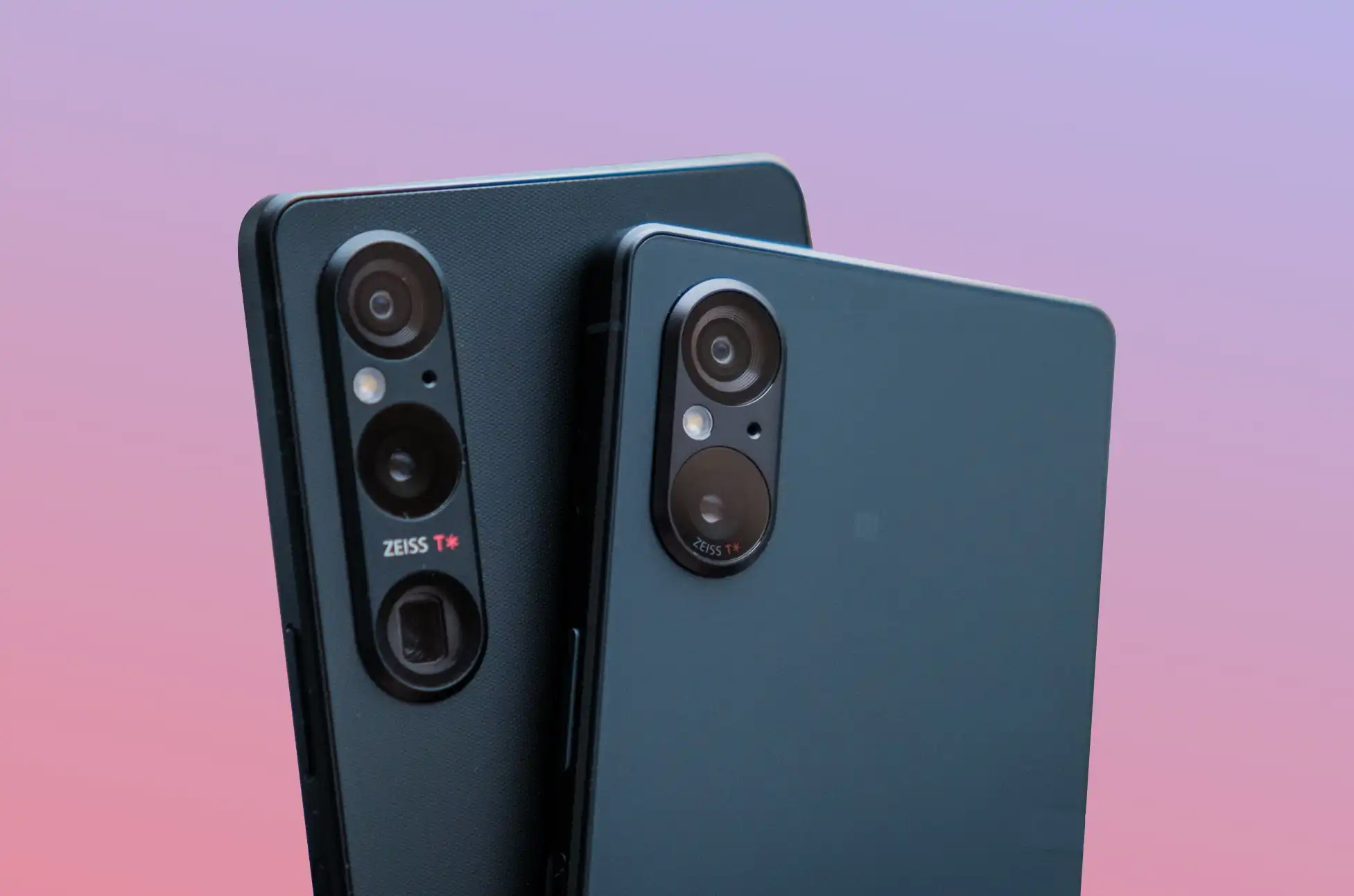
Rumors suggest the Xperia 1 VI will feature a sleek, monolithic design similar to its predecessors. Rumors suggest the back will sport frosted textured glass, adding a touch of elegance. Additionally, designers are expected to incorporate horizontal grooves on the sides, reminiscent of past models. Color options could include Black and Platinum Silver, with the possibility of a return for the Khaki Green variant.
Leaked renders, likely part of Sony’s promotional campaign, showcase the phone’s design. One image confirms the inclusion of a telephoto camera with a range of 85mm to 170mm, a significant upgrade from the Xperia 1 V’s 85mm to 125mm range.
Display
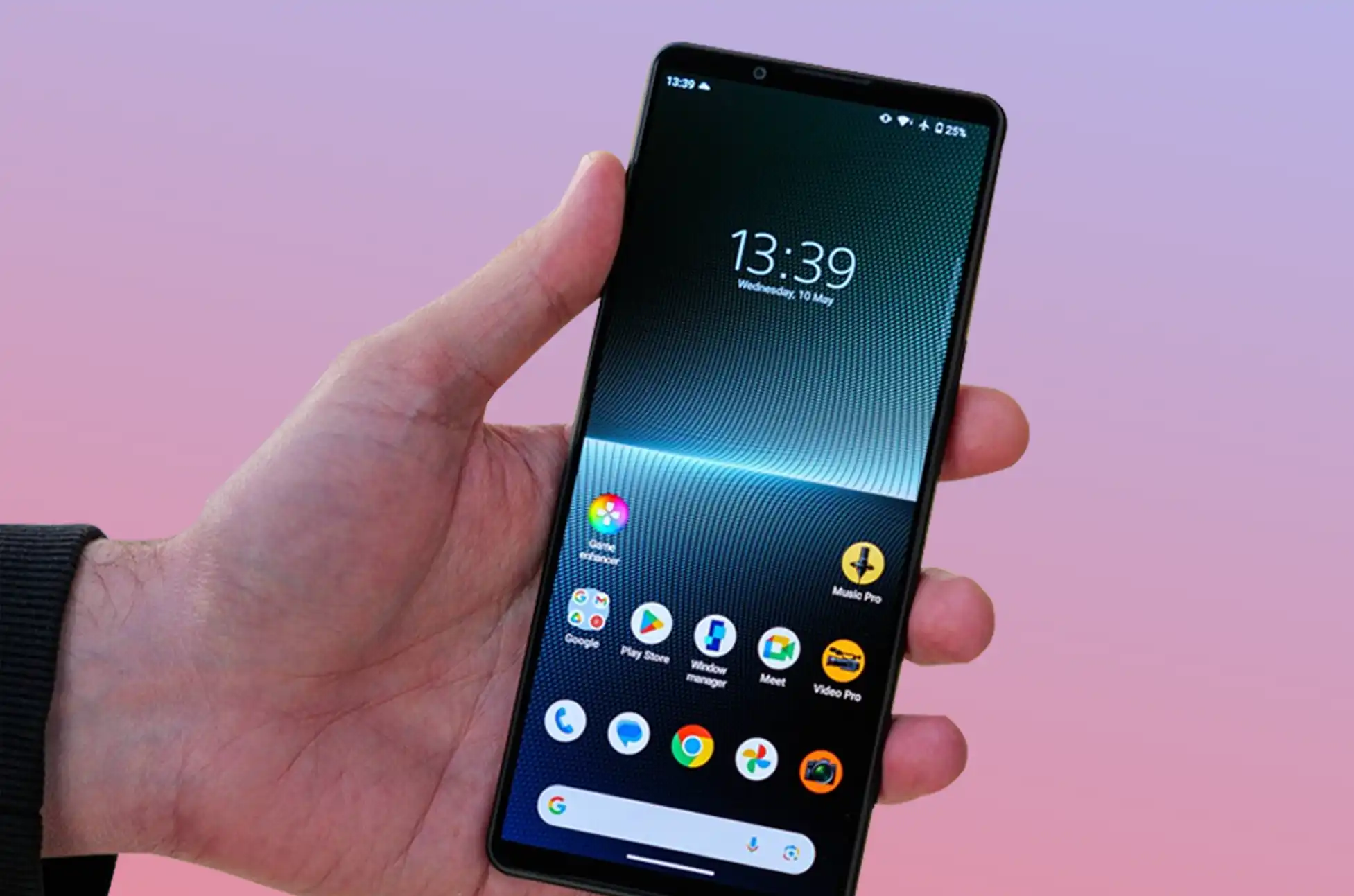
Meanwhile, Rumors suggest that Sony may opt for a shorter and wider design for the Xperia 1 VI, with an aspect ratio of 19.5:9, deviating from its predecessor’s proportions. Today’s leaks further support this claim, adding that the display will be OLED with variable refresh rates ranging from 1Hz to 120Hz. This shift could indicate a departure from the 4K resolution seen in previous models.
Additionally, the leaked information suggests that the display could be 1.5 times brighter than before. It may also include features such as an outdoor visibility booster and BRAVIA HDR remaster technology, enhancing the overall viewing experience.
Camera
The Xperia 1 VI is rumored to feature a similar camera setup to its predecessor, with the telephoto lens being the only hardware upgrade. Sony may also consolidate its camera apps into one, improving usability.
Features and Perks
In keeping with its reputation for prioritizing gaming even in smartphones, Sony equips the Xperia 1 VI with features that cater to gamers, including a 240Hz touch scanning rate, adjustable white balance, low gamma raiser, and an FPS optimizer. For movie aficionados, those who purchase an Xperia 1 VI may receive one year of free Sony Pictures movie streaming and access to up to five Sony movie titles remastered with IMAX video and DTS sound, optimized for the handset.
Sony Xperia 1 VI Leaks: Specifications
Processor: Qualcomm Snapdragon 8 Gen 3 SoC
Aspect Ratio: 19.5:9
Display: OLED, variable refresh rates from 1Hz to 120Hz
RAM: 12/16GB
Battery: 5,000 mAh, with wireless charging and reverse wireless charging support
OS: Android 14
Other Features: 240Hz touch scanning rate, adjustable white balance, low gamma raiser, FPS optimizer
Sony Xperia 1 VI Leaks: Price
A recent leak suggested that the Xperia 1 VI could be priced at TWD 39,900 (~$1,233 USD) in Taiwan.
Conclusion
With its sleek design, upgraded camera, and powerful specifications, the Sony Xperia 1 VI is shaping up to be an exciting addition to Sony’s lineup. It promises to deliver a premium user experience with features tailored for both gamers and movie enthusiasts. As we await the official launch, stay tuned for more updates and details on this highly anticipated flagship smartphone.
All products, and company names, logos, and service marks (collectively the "Trademarks") displayed are registered® and/or unregistered
trademarks™ of their respective owners.
The authors of this web site are not sponsored by or affiliated with any of the third-party trade mark or third-party registered trade mark owners,
and make no representations about them, their owners, their products or services.
Performing a factory reset on your Samsung Galaxy phone is essential if you’re selling, trading in, or giving away your device. It ensures that all your personal data is cleared from the device. Additionally, a factory reset can be helpful in resolving persistent software issues that may not have been fixed by software updates. By resetting your device to its factory settings, you return it to the state it was in when you first unboxed it. This process removes all personal data and downloaded apps, restoring the device to its default settings.
In this guide, we’ll walk you through the steps to perform a factory reset on your how to factory reset Samsung. We’ll also provide instructions on how to back up your data beforehand, whether you’re keeping the device or transitioning to another Android foldable. Additionally, we’ll discuss how to remotely reset your device, although we recommend checking if you can locate your lost device before initiating the reset.
What to do before factory resetting your Samsung Galaxy phone
Knowing how to factory reset Samsung only requires a few minutes, but it’s important to prepare beforehand. This step-by-step guide ensures that you don’t lose any important data by backing it up to the cloud, making it easily retrievable.
Backup your Samsung Galaxy Phone
To prepare your device for a factory reset, it’s essential to back up your data to avoid losing important information. Backing up also ensures that your device settings are preserved, allowing you to restore it to its previous state post-reset. You can do this using your Samsung account, Google account, or Smart Switch.
If you’re transitioning to a new Samsung device or plan to continue using the same one after the factory reset, consider using Samsung Cloud for the backup process. This service offers a convenient way to back up your device and is exclusively available on Samsung devices. Samsung Cloud supports the backup and restoration of the following, ensuring a seamless transition.
Call logs
Messages
Contacts
Calendar
Clock (such as your alarms).
Settings
Home screen (including widgets and customization settings).
Apps
Voice recordings
If you’re transitioning to a non-Samsung device, consider backing up your data with Google One. This service is accessible on any Android phone. Keep in mind that settings and customization features may vary depending on the device manufacturer. Additionally, you can utilize Samsung’s SmartThings service to remotely back up your phone. This is particularly useful if you’re unable to recover your device.
Follow our guide for backing up your Samsung device to the cloud or an external storage device to prevent any loss of essential data during the backup process. Additionally, enable automatic backups to ensure you can recover your data in any situation.
How to factory reset Samsung Galaxy Phone
You can perform a factory reset on your how to factory reset Samsung in three different ways. Whether you have physical access to your device, are locked out of it, or have unfortunately lost it, you can still factory reset the device. We provide step-by-step guidance on how to factory reset Samsung Galaxy phone.
Before proceeding, ensure you have the following information readily available. It may be required during the factory reset or recovery process.
Samsung account credentials
Google account credentials
Lock screen PIN, password, or pattern
Factory reset from the phone
If you can access your phone’s Settings app and navigate your device normally, this method is the simplest wayon how to factory reset Samsung Galaxy phone.
To initiate the factory reset process, follow these steps:
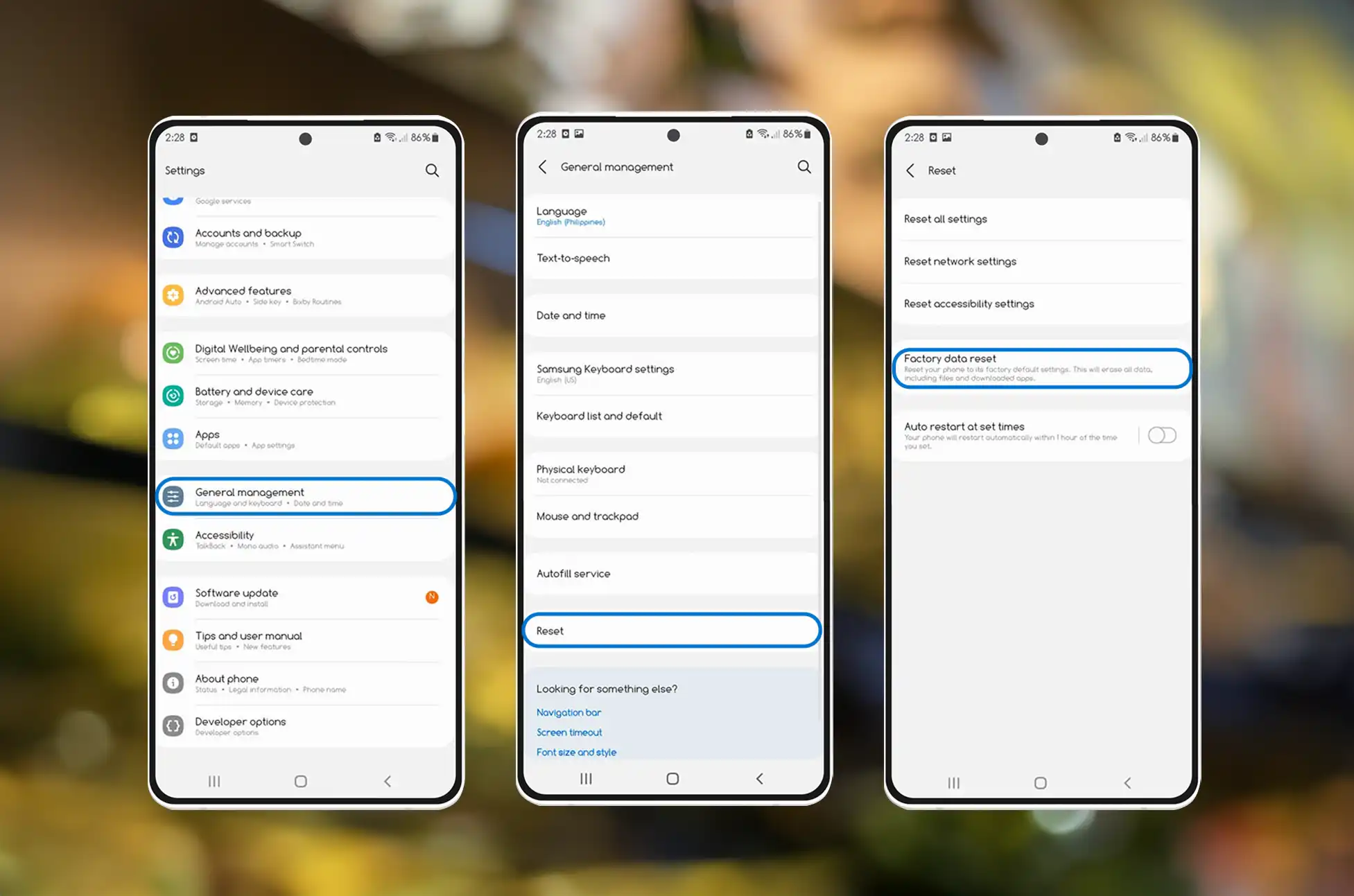
Open the Settings app
Scroll down and tap on General Management
Click on Reset
Tap Factory data reset
Scroll down and tap Reset
Enter your lock screen PIN, password, or pattern
Tap Delete all
Enter your Samsung account password or verify it with an email
Tap OK to start the factory reset
After your Samsung Galaxy phone finishes the factory reset, it shows the device setup screen.
Factory reset using your Samsung Galaxy phone’s buttons
If your Samsung phone doesn’t start or you’re unable to unlock it, you can factory reset it using the phone’s buttons. This method utilizes the recovery menu, but the factory reset outcome remains the same as usual.
Turn off your Samsung phone
Hold the Power and Volume Up buttons simultaneously until the recovery menu appears
Select Wipe data/factory reset
Select Factory data reset
The phone returns to the recovery menu after the factory reset
Select Reboot system now
Factory reset using SmartThings Find
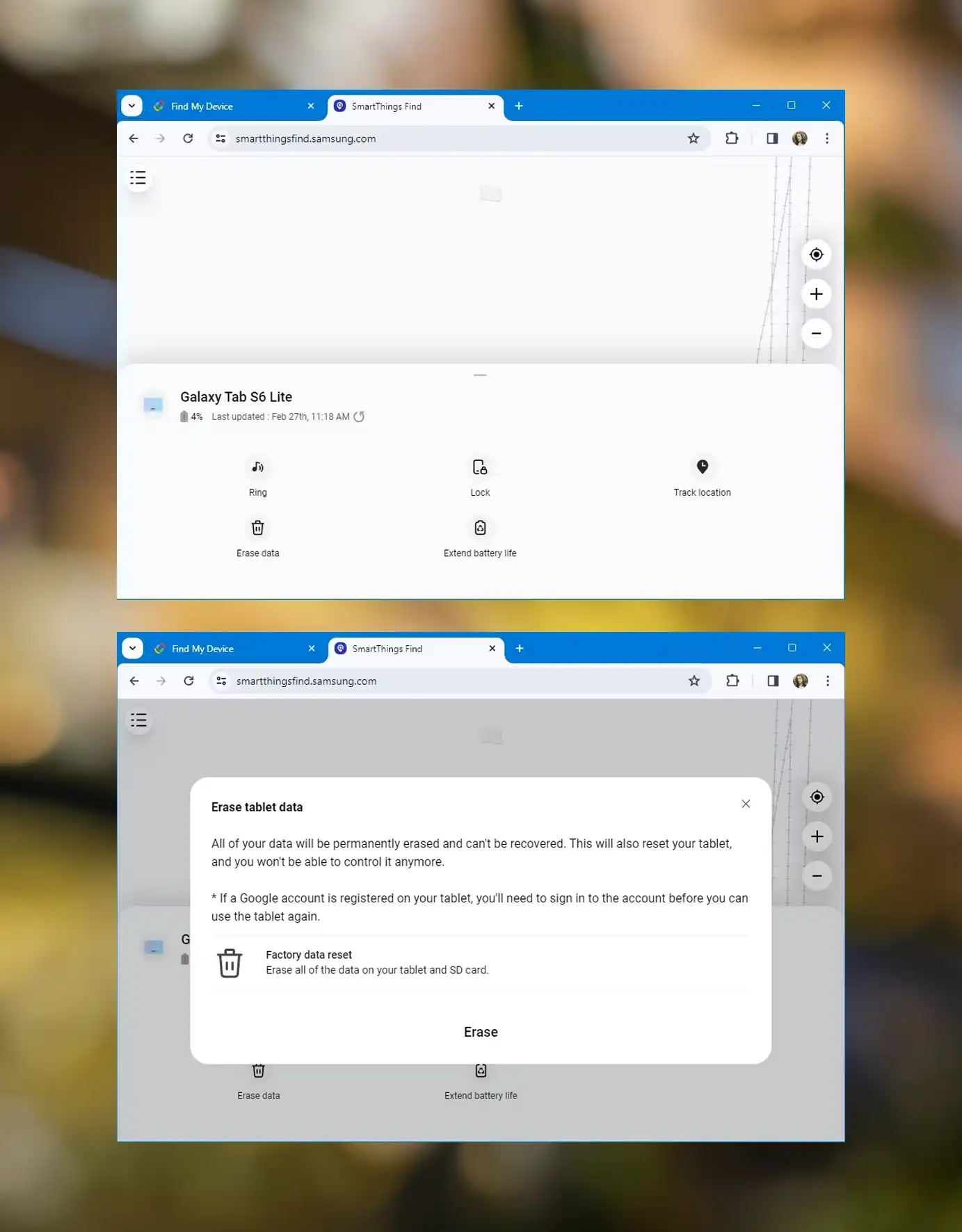
If you’re unable to access your Samsung Galaxy phone, you can remotely factory reset it. SmartThings Find is Samsung’s device location tool, which can be accessed from any browser. Keep in mind that you cannot find your device with SmartThings Find after a factory reset.
Go to the SmartThings Find website
Sign in with the same Samsung account you use on your Samsung Galaxy phone
Click the menu button in the upper-left corner of your screen
Select your Samsung Galaxy phone
Click Erase data
Enter your Samsung account password
Click Erase to start the factory rese
Conclusion
Performing a factory reset can resolve certain software issues with your Samsung Galaxy phone, while updates may address others. If you’re keeping your device, ensure you’re utilizing all its distinct features. When utilized correctly, it serves as a productivity and media powerhouse.
All products, and company names, logos, and service marks (collectively the "Trademarks") displayed are registered® and/or unregistered
trademarks™ of their respective owners.
The authors of this web site are not sponsored by or affiliated with any of the third-party trade mark or third-party registered trade mark owners,
and make no representations about them, their owners, their products or services.
How to unlock Sony phone? The process of unlocking mobile phones continues to be shrouded in mystery, despite the fact that mobile phones have been an integral component of our lives for the better part of the last two decades.
Unlocking your Sony Xperia phone can bring numerous benefits, including access to more affordable SIM-only package prices and the ability to use your phone with any network. It also makes it simpler for you to give your old phone to a member of your family or a close friend.
What It Means When Your Sony Xperia Phone is Locked
When your Sony Xperia phone is locked, it means it can only be used with the service provider from whom you originally purchased the phone. Even after your contract with your provider ends and your phone is paid in full, it will not become automatically unlocked.
How to Check If Your Sony Xperia Phone is Unlocked
To find out whether your Sony Xperia phone is locked, insert a SIM card from a different carrier and check if the network name displays on your device. If you can use the phone with the new SIM card, it’s been unlocked.
Legalities of Unlocking Your Sony Xperia Phone
Unlocking your Sony Xperia phone is legal and does not violate any laws.
Benefits of Unlocking Your Sony Xperia Phone
Unlocking your phone provides several advantages, including:
Cheaper roaming charges overseas
Warranty still applies
Permanent unlock
Increased device value
How to Unlock Your Sony Xperia Phone
Unlocking your Sony Xperia phone is a simple process:
Check your SIM lock status by dialing ##7378423##.
Find your IMEI number by dialing *#06# and note it down.
Enter the unlock code provided by UnlockBase when prompted.
Conclusion
Unlocking your Sony Xperia phone gives you the freedom to use any network and enjoy cheaper roaming charges. Follow the steps outlined above to unlock your device and enhance its value. UnlockBase offers a reliable and legal method for unlocking your Sony Xperia phone.
All products, and company names, logos, and service marks (collectively the "Trademarks") displayed are registered® and/or unregistered
trademarks™ of their respective owners.
The authors of this web site are not sponsored by or affiliated with any of the third-party trade mark or third-party registered trade mark owners,
and make no representations about them, their owners, their products or services.
Samsung’s One UI remains a standout among Android skins, and the latest One UI 6.1 update enhances this reputation further. While it might appear as a minor update, Samsung has packed it with several new features that will also benefit older flagship devices. The update initially arrived on the Galaxy S24 flagship series, but it is now reaching older flagships as well.
One UI 6.1 Features
Samsung has opted to maintain the familiar design language of One UI while focusing on enhancing functionality with this update, rather than making significant visual changes. A noteworthy update is the integration of advanced features under the Galaxy AI umbrella. While many of these features are available on older flagships, they are unlikely to be available on A and M series smartphones due to their resource-intensive nature.
What’s New?
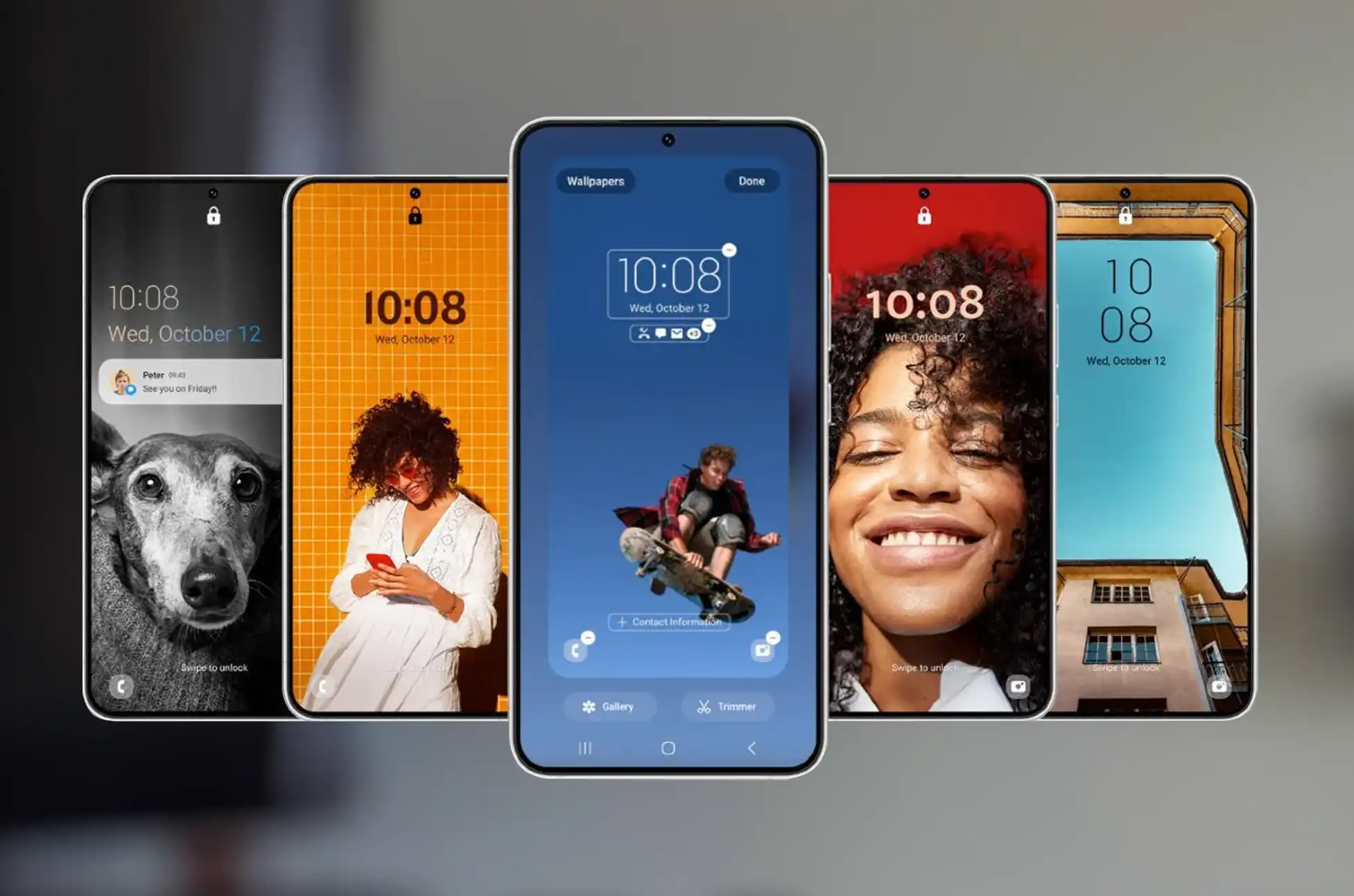
AI-Generated Wallpapers: Similar to Google’s AI wallpapers on the Pixel 8 series, Samsung devices will now offer a variety of categories and themes to create unique wallpapers with weather and portrait effects.
Generative Edit: Using generative AI, One UI 6.1 allows users to relocate or erase objects in images, or even move subjects to different parts of the picture.
Photo Expansion: Samsung’s Gallery app now supports expanding pictures beyond their original borders, akin to outpainting features in AI image generators. This feature requires a Samsung account and an internet connection.
Live Translate: This feature enables users to answer phone calls in foreign languages. Translate the caller’s voice in real-time, and vice versa, without the need for the other party to use a Samsung device. Internet connectivity is required for this feature.
Chat Assist: Samsung Keyboard now uses AI to translate and adjust the conversational tone of highlighted text, similar to Microsoft’s Swiftkey keyboard.
Transcript Assist: Select phones running One UI 6.1 will use AI to generate transcripts, translations, and summaries of long voice recordings.
Note Assist: Samsung’s Notes app will automatically condense large blocks of text into concise, bulleted summaries
Circle to Search: Allows users to highlight specific parts of the screen for a visual search,like Google Lens but for on-screen content.
Battery Protection: One UI 6.1 introduces new options for Battery protection. Including Basic, Adaptive, and Maximum modes, to prevent battery degradation to varying degrees.
Super HDR: Similar to Google’s Ultra HDR, Super HDR enhances HDR photo highlights. This feature is available on the Galaxy S24 series and may expand to older flagships.
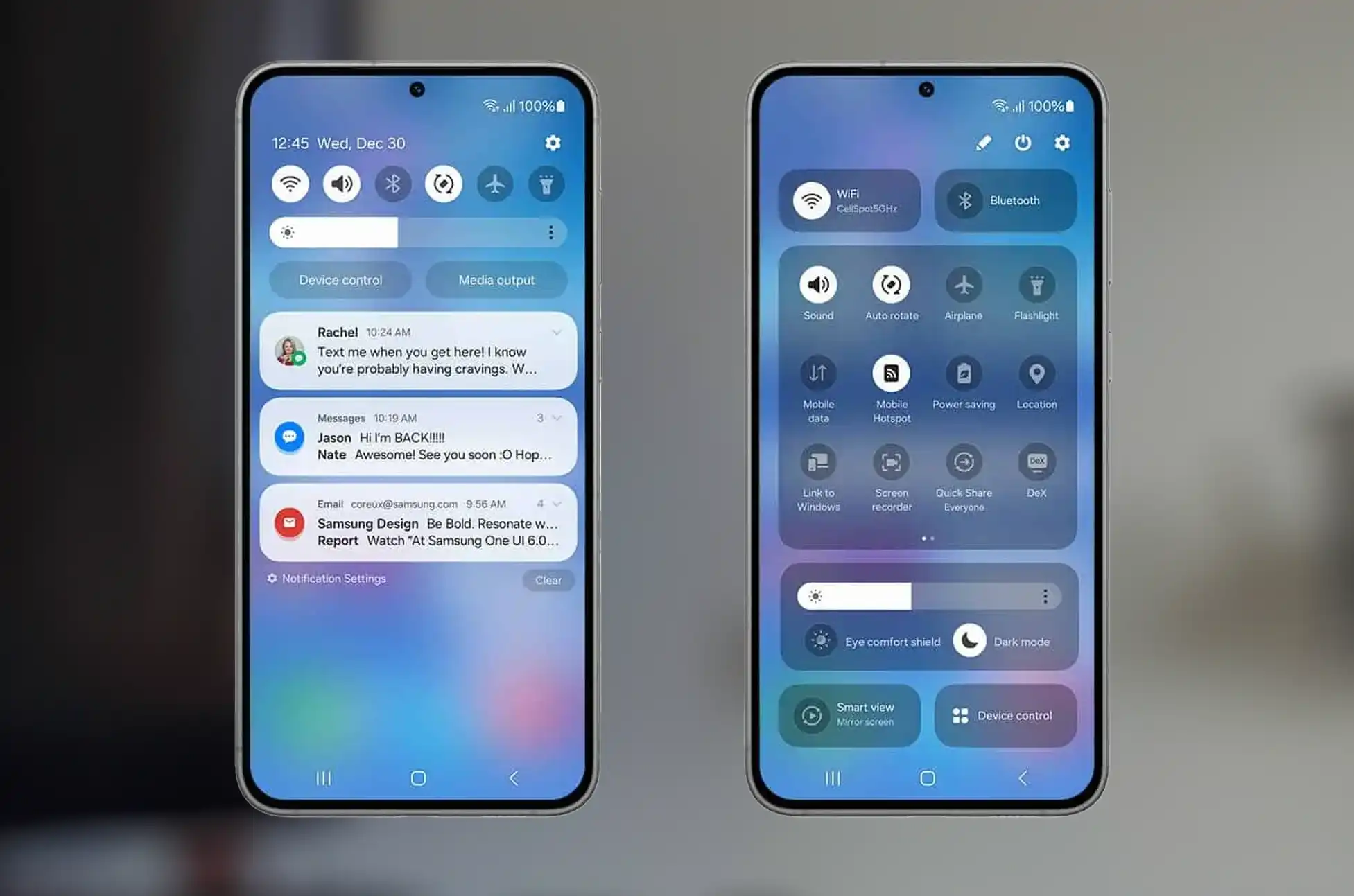
Lock Screen Widgets: Widgets return to the lock screen in One UI 6.1, a feature that was previously removed without explanation.
Quick Share: Samsung and Google have merged Quick Share and Nearby Share. Allowing users to share content with all Android phones, not just Galaxy devices, by clicking the Quick Share button.
One UI 6.1 Release Date: Device Compatibility and Rollout
The One UI 6.1 update began rolling out to Samsung’s last-generation devices, including the Galaxy S23 series, Z Fold 5, Z Flip 5, and Galaxy Tab S9 series in April 2024. However, older and less expensive phones are still awaiting the update. In terms of compatibility, all devices eligible for the One UI 6 update are expected to receive the One UI 6.1 update as well. Unfortunately, this excludes some older favorites like the Galaxy S20 series, which received its last major software update last year.
Conclusion
The Samsung One UI 6.1 update brings a host of new features and improvements to Samsung’s lineup of smartphones and tablets. With enhancements in AI capabilities, camera features, and user interface improvements, One UI 6.1 aims to provide a more intuitive and enjoyable user experience. Keep an eye out for the update on your device, as Samsung continues to roll it out to more devices in the coming weeks.
All products, and company names, logos, and service marks (collectively the "Trademarks") displayed are registered® and/or unregistered
trademarks™ of their respective owners.
The authors of this web site are not sponsored by or affiliated with any of the third-party trade mark or third-party registered trade mark owners,
and make no representations about them, their owners, their products or services.
TMobile acquire Mint mobile? In the US, phone users have long been confined to a few major mobile service providers. However, lately, smaller carriers have emerged, providing economical plans without commitments. Despite claims by dominant market players that they’re unaffected, they’ve taken preemptive actions. T-Mobile’s recent acquisition suggests they’re safeguarding against potential competitors.
TMobile acquire Mint mobile: Keeps surpassing its rivals
T-Mobile remains ahead of its rivals. In the Q1 earnings call, the company revealed a total service revenue of $16.1 billion, marking a 4 percent year-over-year increase. Furthermore, it gained 532,000 net postpaid phone subscribers, surpassing both AT&T (which gained 349,000) and Verizon (which lost 68,000) during the same period. Additionally, T-Mobile added 405,000 high-speed internet customers.
Although the company may not be as well known for its internet service, T-Mobile’s home internet has been growing in popularity – especially as customers continue to take advantage of a key loophole related to tmobile and mint mobile. For a while, it’s been possible to leverage a T-Mobile home internet plan while traveling, giving customers an underlying perk tied to tmobile acquire mint mobile.
However, the company recently announced a crackdown beginning on May 8, which will require users to verify their location, impacting those leveraging the tmobile acquiring mint mobile loophole. This came on the heels of it launching new home internet plans that include the option of connectivity on the go – a far cry from the no-cost loophole associated with tmobile acquire mint mobile. That being said, it should be interesting to see how Mint Mobile and Ultra Mobile plans and pricing change.
Conclusion
T-Mobile’s acquisition of Mint Mobile marked a significant milestone in the telecom industry, highlighting T-Mobile’s dedication to innovation and customer-centric offerings related to mint mobile. As Mint Mobile continues to thrive under T-Mobile’s stewardship, consumers can anticipate ongoing innovation and value-driven prepaid options in the wireless market influenced by Tmobile.
All products, and company names, logos, and service marks (collectively the "Trademarks") displayed are registered® and/or unregistered
trademarks™ of their respective owners.
The authors of this web site are not sponsored by or affiliated with any of the third-party trade mark or third-party registered trade mark owners,
and make no representations about them, their owners, their products or services.
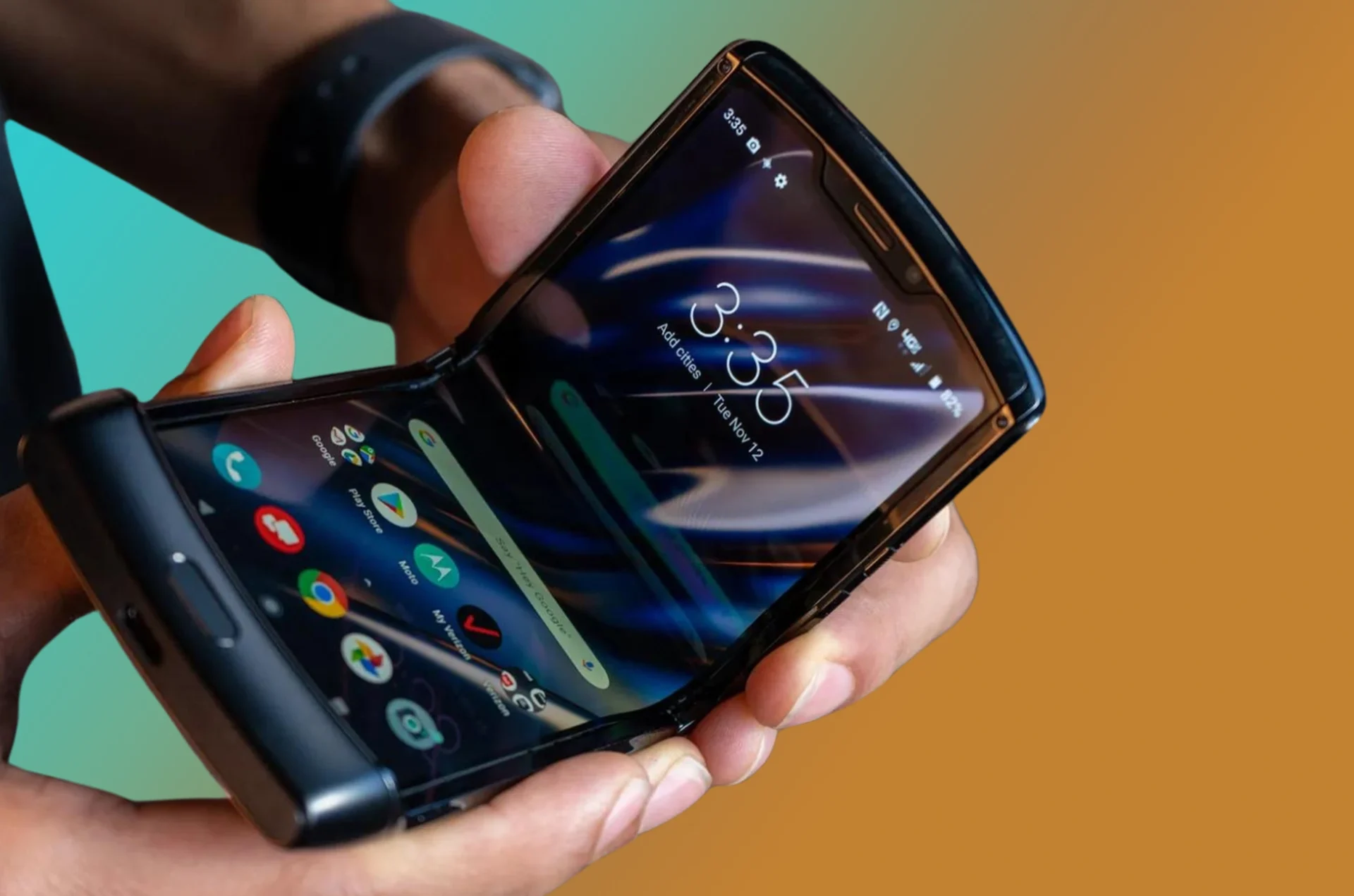
The Motorola Razr, with its stylish design and advanced features, embodies both fashion and functionality. However, like many smartphones, it may come locked to a specific carrier, limiting your options. But worry not! In this guide, we’ll delve into the process of unlocking the Motorola Razr, empowering you to break free from carrier restrictions and explore new possibilities. Whether you’re a frequent traveler seeking to avoid roaming charges or simply want the flexibility to use any SIM card, we’ve got you covered. Let’s dive into the world of Motorola Razr unlock and unlock the full potential of your device!
Understanding Motorola Razr SIM Unlocking
Let’s first understand what SIM unlocking includes before getting into the details. Motorola Razr unlock liberates your device from carrier constraints, granting compatibility with SIM cards from various carriers.This implies that when you travel overseas, you may be able to choose your service provider with more freedom and possibly save money on roaming costs.
Why Unlock Motorola Razr ?
The Motorola Razr stands out with its chic design and robust features. Opting for Motorola Razr unlock can unleash its full potential, enabling you to fully leverage its capabilities. Whether you aim to transition to a cost-effective carrier, navigate international travels without hefty roaming expenses, or simply desire the liberty to utilize any SIM card, unlocking your Razr is the ideal choice.
Step-by-Step Guide to SIM Unlocking Your Motorola Razr:
Now, let’s dive into action. Follow these straightforward steps to initiate the Motorola Razr unlock process and unlock its complete capabilities:
Contact Your Carrier: To kickstart the Motorola Razr unlock process, your initial step is to reach out to your existing carrier. They’ll furnish you with all the essential details and guidance to commence the unlocking procedure. Ensure you have your device’s IMEI number ready, typically accessible in the device settings or by dialing *#06# on your phone.
Check Eligibility: Before moving forward, confirm the eligibility of your Motorola Razr for unlocking. Typically, carriers have specific requirements that need to be fulfilled, such as fulfilling contract obligations or settling any remaining balances. Once eligibility is established, your carrier will furnish you with either an unlock code or detailed instructions on how to unlock your device.
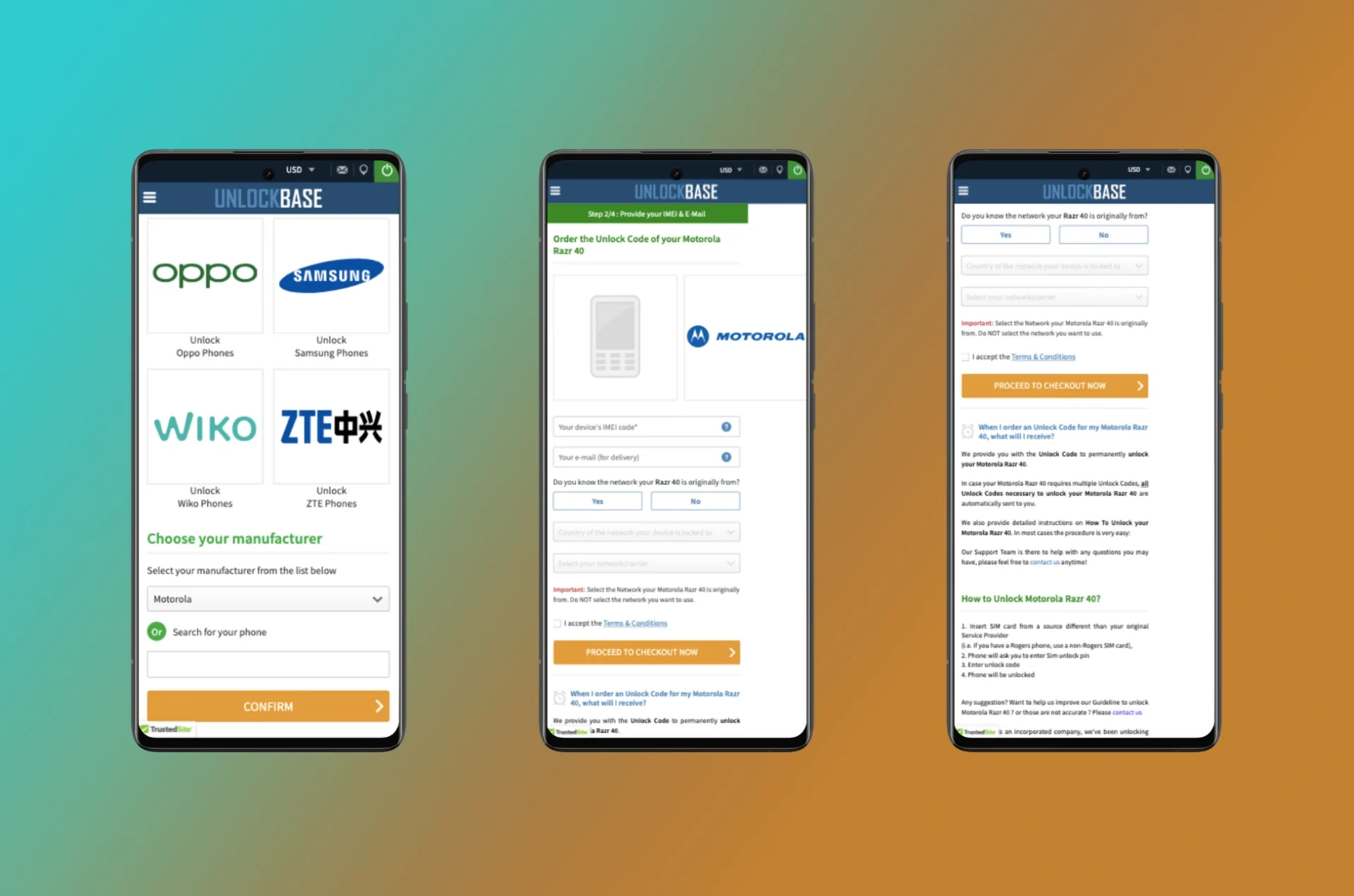
Visit UnlockBase: UnlockBase is a trusted online service specializing in unlocking mobile devices like the Motorola Razr. With a straightforward process, you can easily unlock your Razr for use with any carrier. Just select your device, choose the unlocking service, complete the payment, and receive your unlock code via email. Enjoy the freedom to use your Razr with any compatible SIM card hassle-free.
Choose the country and carrier your phone is currently locked to
Confirm your payment and wait for an email with the unlock code
Remove your phone’s original SIM card
Insert a new SIM card of your choice
A prompt will appear for the unlock code
Enter the unlock code provided by UnlockBase
Conclusion
UnlockBase offers an array of opportunities by unlocking your Motorola Razr. With its user-friendly process and dependable service, you gain the liberty to utilize your device with any carrier. Whether you seek to change carriers, travel abroad without roaming fees, or enhance your device’s flexibility, UnlockBase ensures a smooth solution. Don’t allow carrier constraints to hinder you – unlock your Motorola Razr today and revel in the freedom you’ve been longing for.
All products, and company names, logos, and service marks (collectively the "Trademarks") displayed are registered® and/or unregistered
trademarks™ of their respective owners.
The authors of this web site are not sponsored by or affiliated with any of the third-party trade mark or third-party registered trade mark owners,
and make no representations about them, their owners, their products or services.
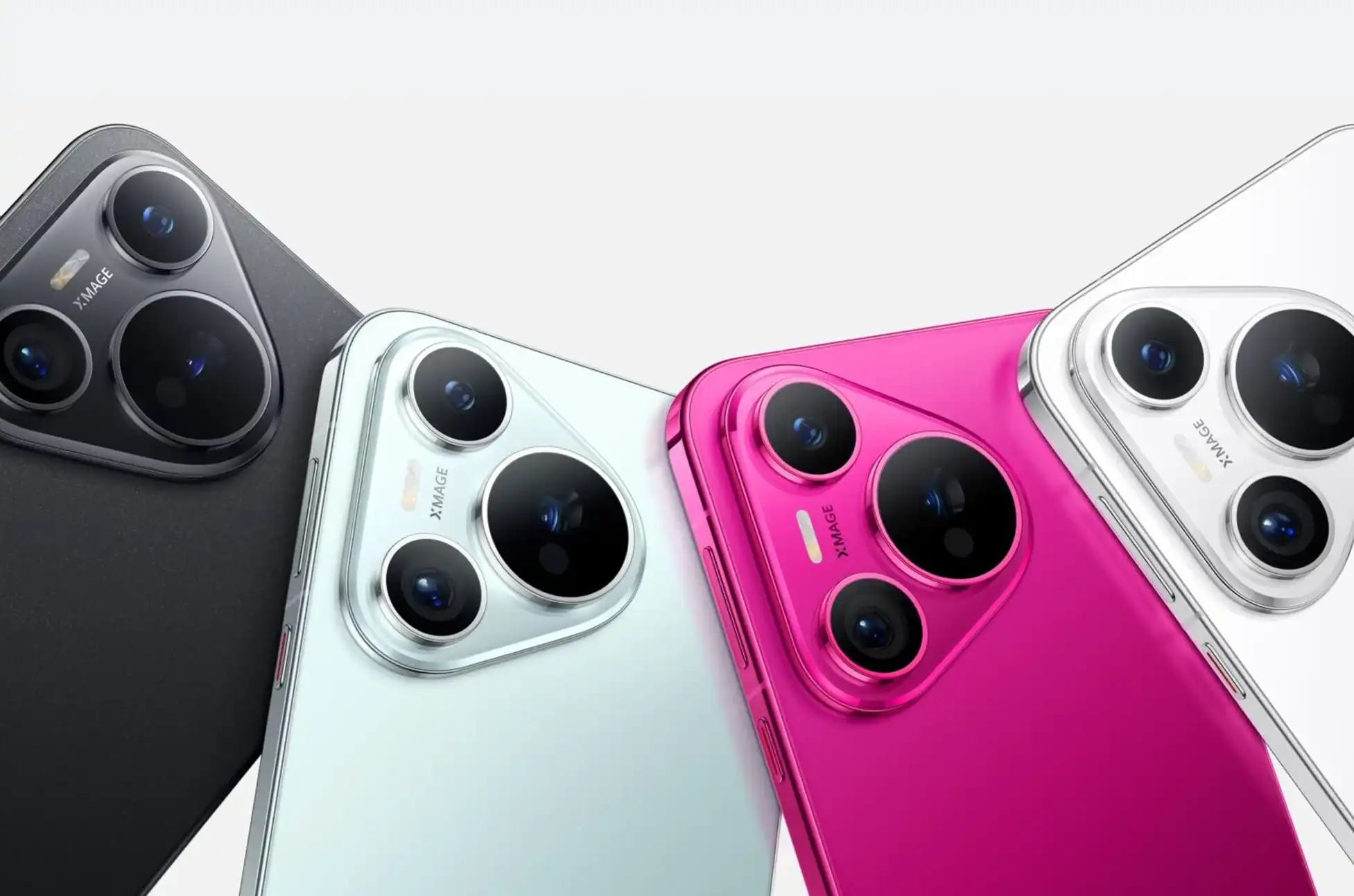
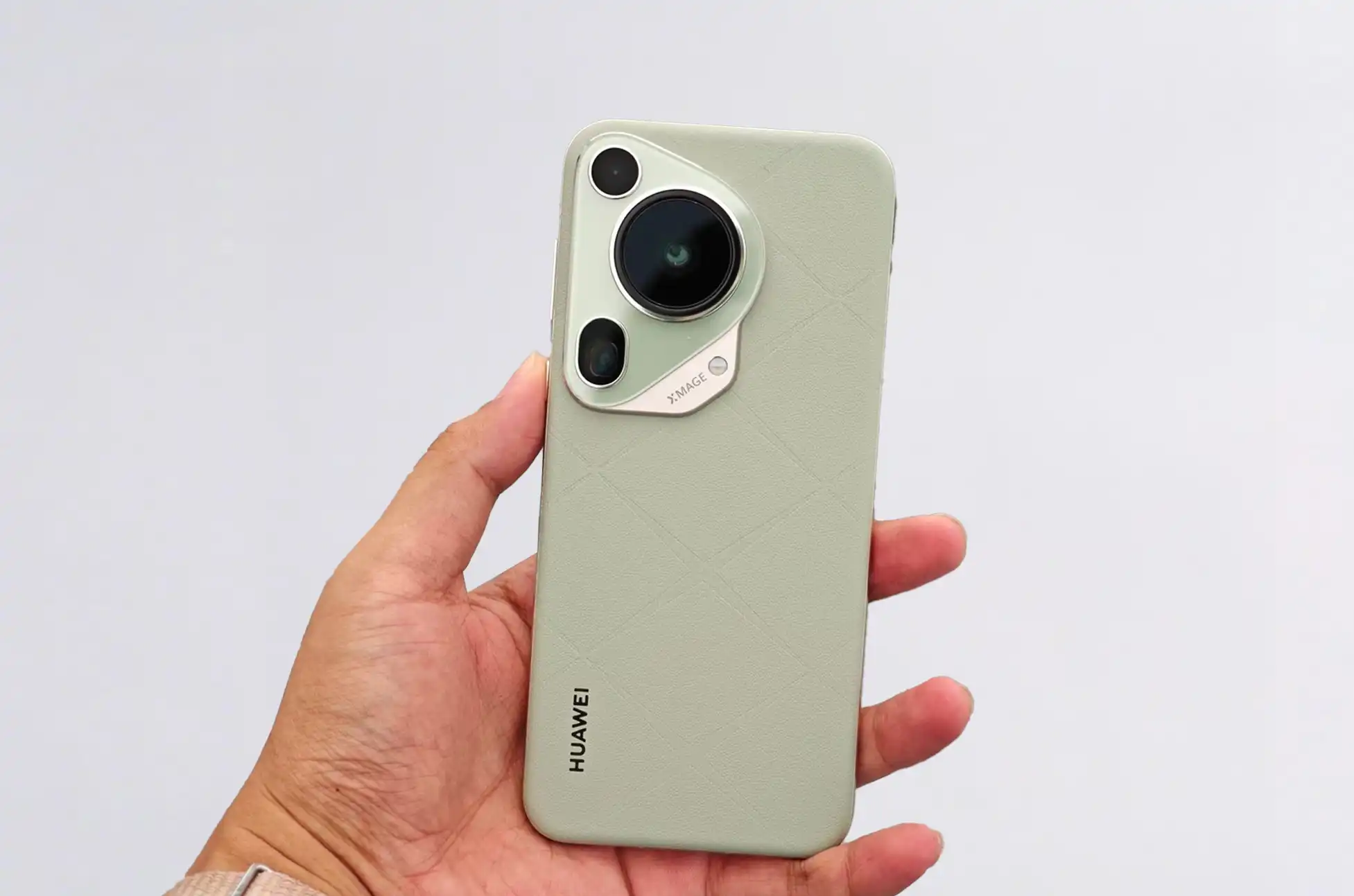
HUAWEI Pura 70 Series? HUAWEI has introducced the HUAWEI Pura series, marking the evolution from the renowned P series. They unveiled four cutting-edge devices, with a spotlight on the HUAWEI Pura 70, 70 Pro, and 70 Pro Plus.
Powering these exceptional smartphones is the groundbreaking Kirin 9010 chipset. This chipset , featuring a single 2.3GHz prime core, three 2.18GHz performance cores, and four 1.55GHz efficiency cores. In addition to its powerful performance, the HUAWEI Pura 70 series showcases a camera island design, setting it apart from conventional smartphone aesthetics.
Let’s delve into the specifications of the HUAWEI Pura 70 series:
Display A stunning 6.6-inch LTPO OLED screen with a 120Hz refresh rate. Offering a visual feast of vibrant colors and smooth transitions.
Performance Equipped with 12GB of RAM and storage options of up to 1TB. Ensuring ample space for all your files and seamless multitasking.
Camera Featuring a state-of-the-art 50-megapixel main camera with f/1.4-f/2.2 variable aperture, a 12-megapixel 5x telephoto lens with optical image stabilization, and a 13-megapixel ultra-wide lens, capturing every moment with unparalleled clarity.
Battery Boasting a 4,900mAh battery supported by 66W wired, 50W wireless, and 7.5W reverse wireless charging capabilities, ensuring that you stay powered throughout the day.
Software Running on the latest HarmonyOS 4.2 operating system, offering a seamless and intuitive user experience.
Moving on to the HUAWEI Pura 70 Pro and 70 Pro Plus
These models offer enhanced features such as 16GB of RAM and satellite messaging capability. Both models feature a 6.8-inch LTPO OLED screen with a 120Hz refresh rate and Kunlun Glass 2 for added durability.
The HUAWEI Pura 70 Pro and 70 Pro Plus also feature an advanced camera setup. Including the same 50-megapixel main camera found in the vanilla model, a 48-megapixel telephoto lens, and a 12.5-megapixel ultra-wide lens.
In terms of battery, the Pro models come equipped with a larger 5,050mAh battery and faster charging speeds of 100W wired, 80W wireless, and 20W reverse wireless charging.
HUAWEI Pura 70 Series: Pricing
in China, it is set to be available starting April 22, with international release dates yet to be announced. The HUAWEI Pura 70 starts at CNY5,499 , while the Pro models start at CNY6,499 for the 12GB/256GB variant and CNY7,999 for the top-tier models.
Conclusion
The HUAWEI Pura 70 series represents a new pinnacle of innovation, blending cutting-edge technology with exquisite design to deliver an unparalleled smartphone experience. With its groundbreaking features and capabilities, the Pura series is set to redefine the smartphone landscape and elevate the standards of mobile excellence.
All products, and company names, logos, and service marks (collectively the "Trademarks") displayed are registered® and/or unregistered
trademarks™ of their respective owners.
The authors of this web site are not sponsored by or affiliated with any of the third-party trade mark or third-party registered trade mark owners,
and make no representations about them, their owners, their products or services.
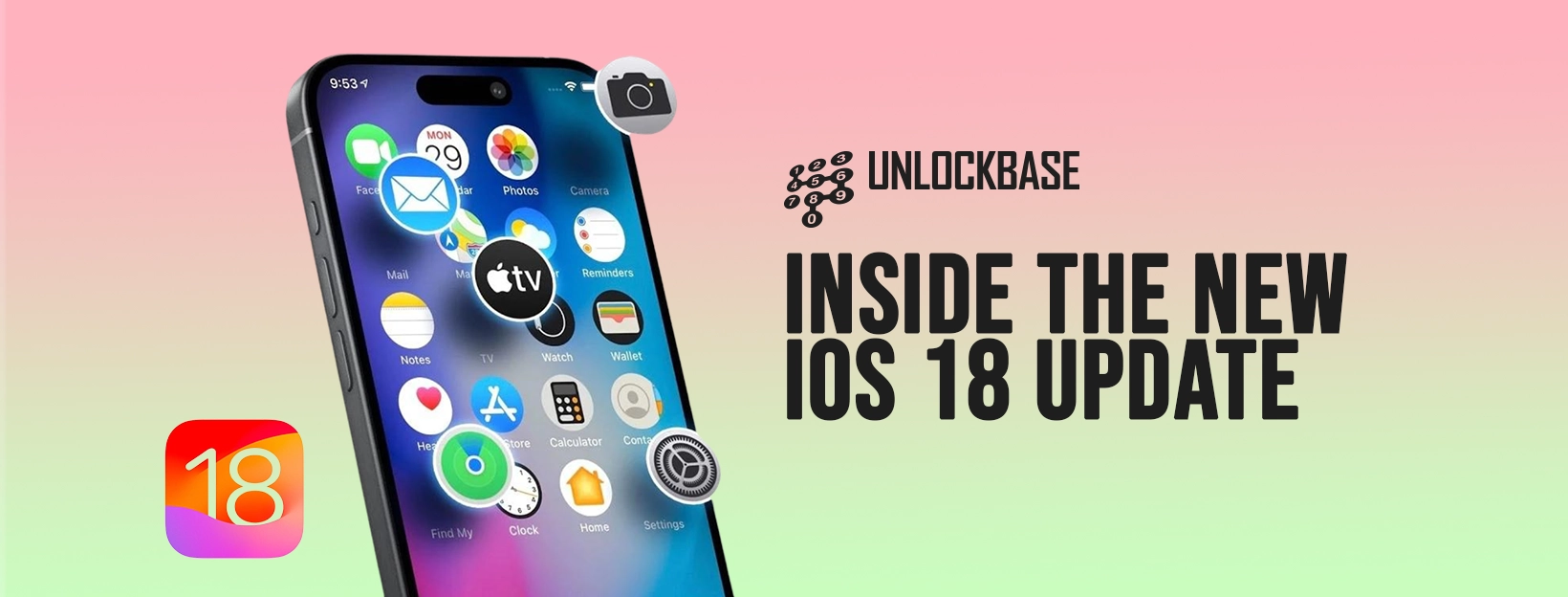
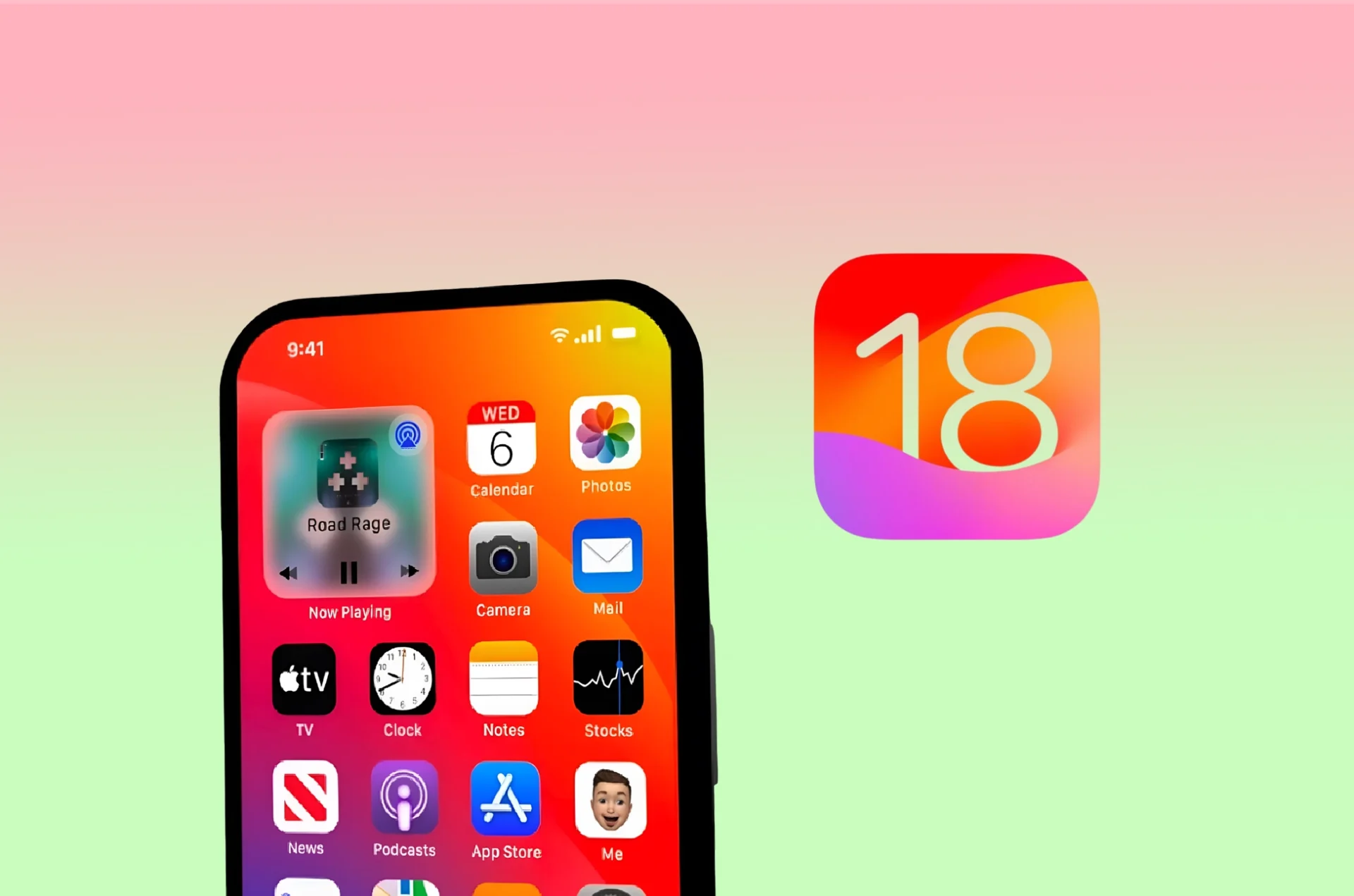
The tech world is buzzing with excitement as Apple unveils its latest software marvel – the new iOS 18 update. With this highly anticipated release, iPhone users can expect a host of new features, enhancements, and improvements designed to elevate their mobile experience to new heights.
With the release of iOS 17 late last year, a slew of enhancements, such as new contact posters and simplified contact sharing, were introduced. Despite being a substantial update, anticipation brews for even more meaningful changes in 2024. Let’s delve into my wishlist for the new iOS 18 update, along with all the latest rumors circulating.
Our Wishlist for New iOS 18 Update
With the launch of iOS 17 towards the end of last year, we witnessed a range of enhancements, from new contact posters to simplified contact sharing. While a substantial update in its own right, excitement brews for even more meaningful changes in 2024. Let’s delve into my wishlist for the new iOS 18 update and explore the latest rumors circulating.
Easier use of lock screen shortcut
In the new iOS 18 update, users may find themselves presented with a multitude of options for accessing the camera directly from the lock screen, depending on their iPhone model. However, this abundance of methods may feel overwhelming to some. A desirable improvement would involve replacing the current method of unlocking the camera by swiping left with a customizable launch function, empowering users to tailor their lock screen shortcuts to their preferences and needs.
Customizable icon placement on home screen
A highly sought-after feature in the new iOS 18 update is customizable icon placement on the home screen. While Android users have long enjoyed the freedom to arrange their home screen layouts, Apple has traditionally been more conservative in this regard. Despite recent additions like widgets, iOS still lacks options to rearrange icons or create custom grouped pages. It’s time for Apple to offer users more control over their home screen layout.
Siri upgrade or replacement?
Improving Siri’s capabilities is a key focus in the upcoming iOS 18 update. With competitors like Google Assistant setting the bar high, Siri’s current performance may no longer meet user expectations. Rumors suggest that Apple is working on enhancing Siri’s functionality and may even introduce its own AI model, tentatively named AppleGPT. The new iOS 18 update could see significant upgrades to Siri’s capabilities, bringing it closer to its rivals..
Is there AI Camera features?
The integration of AI in camera features has been a game-changer for smartphone photography. Google and Samsung have introduced powerful AI tools that allow users to effortlessly enhance their photos and videos. With the Pixel 8 and Galaxy S24 leveraging AI expertise behind the scenes, users hope that Apple will follow suit and incorporate similar innovative AI features into its products.
New iOS 18 Update: Release Date
While the official release date for the new iOS 18 update is yet to be confirmed, Apple typically launches its major OS updates annually, around mid-September, coinciding with the release of new iPhone models. The new iOS 18 update is expected to debut later this year, with an initial preview likely to be showcased at WWDC in early June.
Is there an iOS 18 beta?
If Apple sticks to its usual approach, we can expect to see an iOS 18 beta version. Historically, Apple provides initial previews primarily to developers shortly after WWDC. Public beta versions typically follow sometime afterward.
New iOS 18: Rumored features
While details about iOS 18 are still scarce, rumors suggest that Apple considers it a major upgrade, with a focus on software enhancements over hardware improvements. Speculations abound regarding potential features like real-time translation and generative imaging, aligning with advancements seen in the Android ecosystem.
Is your phone compatible?
While it’s still too early to definitively determine which iPhone models will be compatible with the new iOS 18 update, Apple has a track record of providing support to its devices for as long as possible. For example, iOS 17 extends support to the following iPhone models:
iPhone XR
iPhone XS
iPhone 11
iPhone 11 Pro
iPhone 11 Pro Max
With the iPhone 8 and X no longer receiving updates. If Apple continues this trend, iOS 18 could potentially support these models or newer ones. However, Apple doesn’t have a fixed update policy, making predictions challenging. With Android making strides with devices like the Pixel 8 and Galaxy S24, Apple might even consider offering one more major OS upgrade to models like the iPhone XR/XS. At this point, speculation is all we have.
Conclusion
While the specifics of the new iOS 18 update remain shrouded in mystery, anticipation is undeniably high. With rumors suggesting major upgrades and a potential focus on software enhancements over hardware improvements, Apple enthusiasts have much to look forward to. From the introduction of new AI features to the possibility of extended device support, the iOS landscape is poised for evolution. As we await further details and official announcements from Apple, the excitement continues to build within the tech community. Rest assured, when iOS 18 finally debuts, it’s bound to bring a wave of innovation and excitement to iPhone users worldwide. Stay tuned for updates as we eagerly await the unveiling of Apple’s latest software masterpiece.
All products, and company names, logos, and service marks (collectively the "Trademarks") displayed are registered® and/or unregistered
trademarks™ of their respective owners.
The authors of this web site are not sponsored by or affiliated with any of the third-party trade mark or third-party registered trade mark owners,
and make no representations about them, their owners, their products or services.
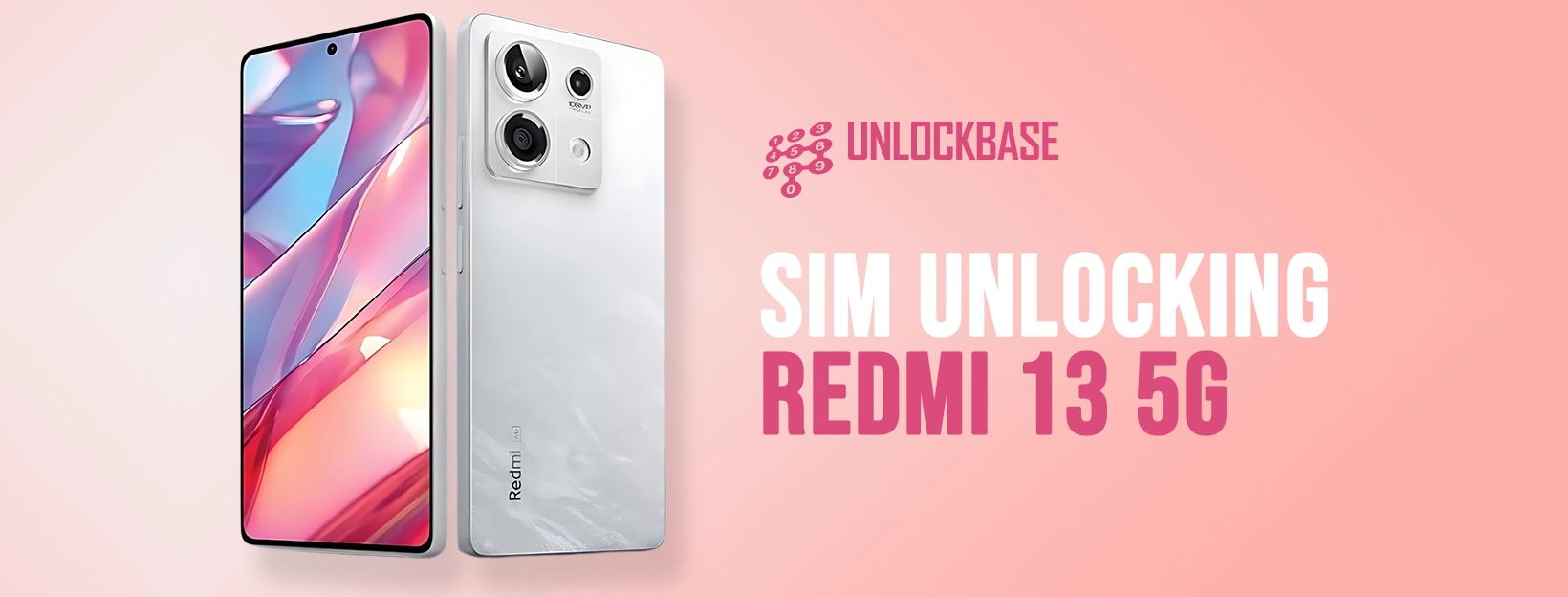
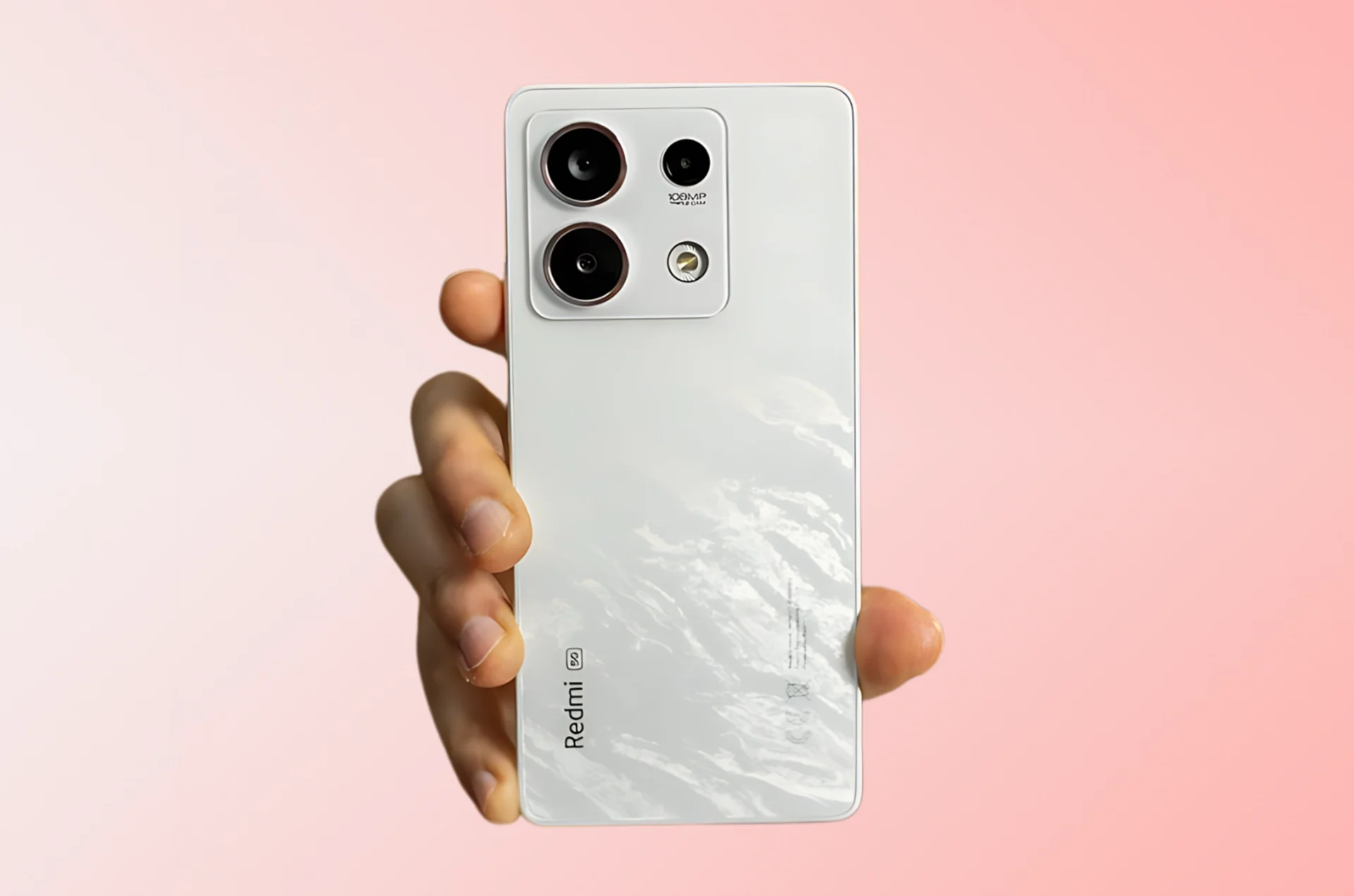
Unlocking your Xiaomi Redmi 13 5G can be a game-changer, giving you the freedom to use it with any carrier you choose. If you’re ready to break free from carrier restrictions and unlock the full potential of your device, you’ve come to the right place. In this guide, we’ll walk you through the steps on how to unlock Redmi 13 5G, so you can enjoy all the benefits of a sim-unlocked smartphone.
How to Unlock Redmi : Understanding SIM Unlocking
SIM unlocking allows you to remove the carrier restrictions on your phone, so you can use it with SIM cards from different networks. This gives you the flexibility to choose the best carrier plans, use local SIM cards while traveling, and enjoy international roaming. Not sure if your Xiaomi Redmi 13 5G is unlocked? Simply insert a different SIM card into the phone and see if it works. If you encounter error messages like ‘SIM not valid’ or ‘phone restricted,’ your phone is likely locked.
Verifying Your Eligibility
Before you start the process on how to unlock redmi 13 5G, it’s important to check if your Xiaomi Redmi 13 5G is eligible for unlocking. Contact your current carrier or visit their website to find out if your device meets the necessary criteria. If you meet the requirements, you can request your carrier to unlock your phone. However, if you’re not eligible for carrier unlocking, don’t worry. You can still unlock your Xiaomi Redmi 13 5G using the steps outlined below know how to unlock redmi 13 5G.
How to Unlock Redmi 13 5G
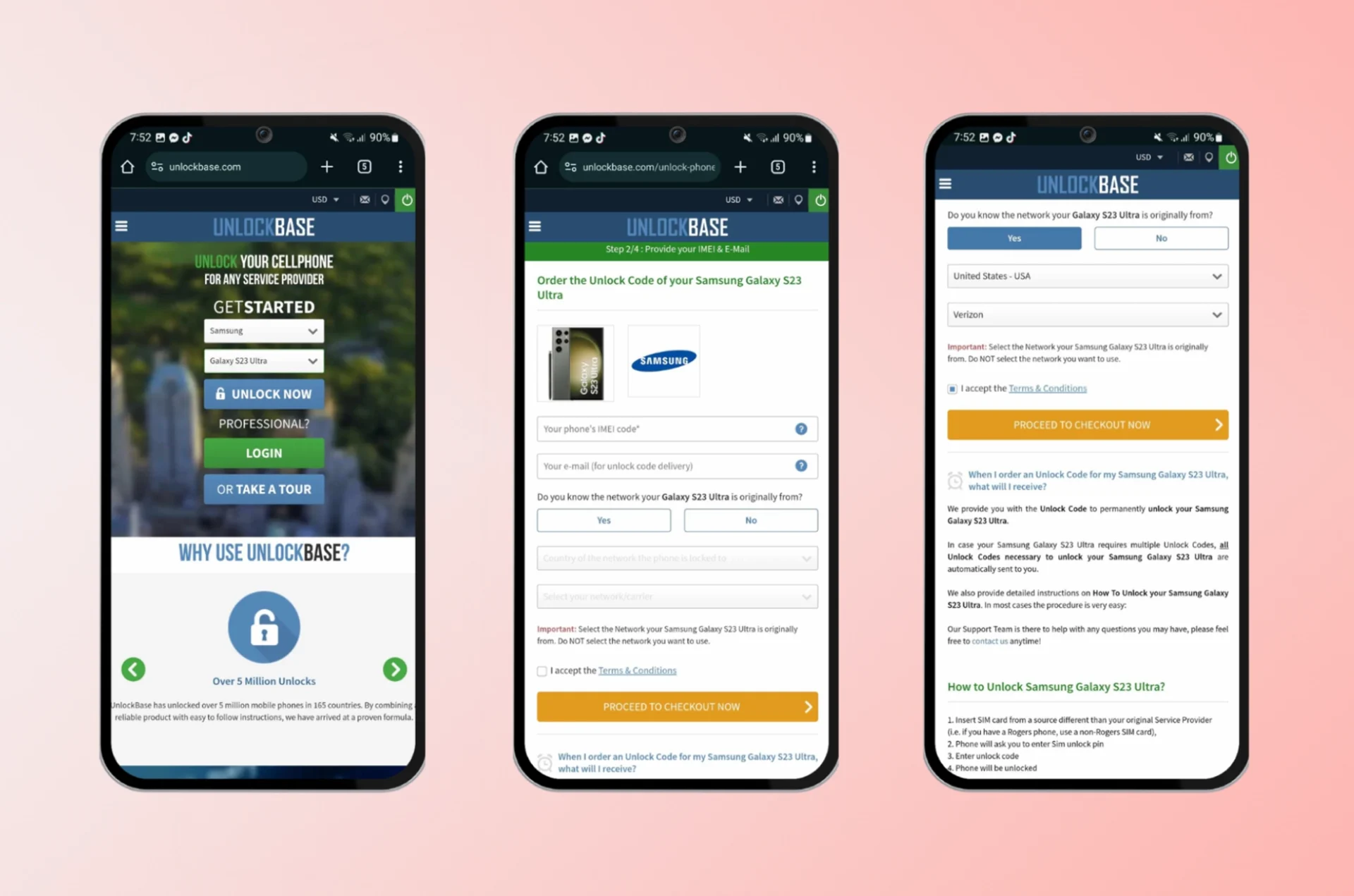
UnlockBase Service is a reliable optionon how to unlock Redmi 13 5G. It’s easy to use and offers a permanent unlocking solution. Here’s how it works:
Select your Phone brand and enter the IMEI or Serial number of your device.
Provide details about the model and current network of your Xiaomi Redmi 13 5G.
Enter your email for confirmation and select the country and network your phone is locked to.
Confirm your payment and wait for an email confirmation.
Once you receive the unlock code from UnlockBase, switch off your Xiaomi Redmi 13 5G.
Insert a SIM card from a different network provider and switch on the phone.
Enter the unlock code provided by UnlockBase when prompted.
Your Xiaomi Redmi 13 5G is now permanently unlocked and ready to use with any GSM SIM card.
Benefits of Sim Unlocking Xiaomi Redmi 13 5G
Unlocking your Xiaomi Redmi 13 5G opens up a world of possibilities, allowing you to enjoy the following benefits:
Flexibility: Choose the best carrier plans and switch networks as needed.
Travel Convenience: Use local SIM cards while traveling abroad for better rates.
International Roaming: Stay connected with your Xiaomi Redmi 13 5G while traveling internationally.
Increased Resale Value: Unlocked phones are more valuable and easier to sell.
Conclusion
Unlocking your Xiaomi Redmi 13 5G opens up a world of possibilities, allowing you to enjoy the flexibility of choosing the best carrier plans and using local SIM cards while traveling. Follow the steps outlined in this guide to unlock your device and unlock its full potential. Happy unlocking!
All products, and company names, logos, and service marks (collectively the "Trademarks") displayed are registered® and/or unregistered
trademarks™ of their respective owners.
The authors of this web site are not sponsored by or affiliated with any of the third-party trade mark or third-party registered trade mark owners,
and make no representations about them, their owners, their products or services.