
2025
SIM Unlock Your Oppo Find X Series: Complete Guide
Oppo, Unlock Phone
Oppo Find X SIM Unlock? Stuck with a carrier-locked Oppo Find X? Whether you’re looking to switch networks, avoid expensive roaming charges on your next trip, or just want the freedom to use any SIM card, unlocking your phone is more straightforward than you’d expect.
Why Your Find X Is Locked in the First Place
When carriers sell phones, they often lock them to their network. It’s a way to keep you on their service plan. You own the device, but try using a different carrier’s SIM card? The phone refuses to cooperate.
The fix? SIM unlocking. Once your Oppo Find X is unlocked, it becomes network-independent. Use any compatible carrier, jump to better plans when they appear, buy local SIM cards overseas, and increase what you’ll get when selling it later. Simple as that.
Check If Your Oppo Find X Is Actually Locked
Before going further, confirm your phone’s lock status. Insert a SIM card from a different carrier into your Find X. If it prompts you for an unlock code or shows a network restriction message, it’s locked. If it connects normally, you’re already set.
Want certainty? Dial *#06# to display your IMEI number, then use an online checker to verify the lock status. It takes less than a minute.
Oppo Find X SIM Unlock : The Reliable Approach
UnlockBase simplifies the entire unlocking process. No technical expertise needed, no sketchy software downloads—just a clean unlock code that works for your specific device.
How to Get Your Unlock Code
- Go to the UnlockBase website
- Select Oppo as your phone brand
- Enter your IMEI number (dial *#06# to find it)
- Provide your email for code delivery
- Choose the country and network your Find X is locked to
- Complete the payment and wait for your email
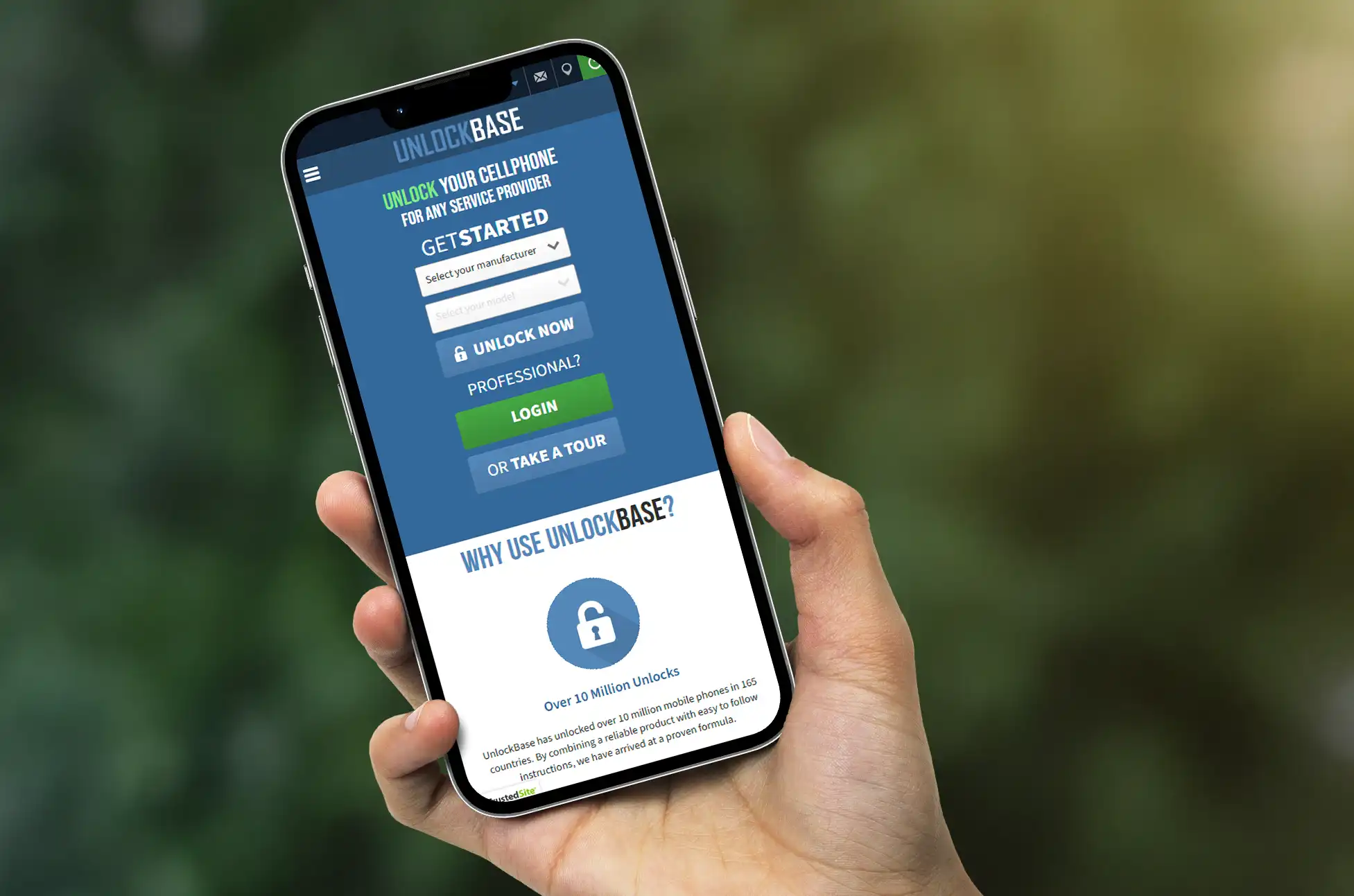
Your code usually arrives within a few hours, though timing varies based on your carrier and specific Find X model.
Applying Your Unlock Code
Once UnlockBase sends you the code:
- Insert a SIM card from a different carrier into your Find X
- Your phone will prompt you for a SIM unlock PIN
- Enter the unlock code you received
- Hit confirm
Done. Your Oppo Find X should now work with any compatible SIM card. Restart the phone to make sure everything connects properly.
Fixing Common Problems
“Incorrect code” message: Verify you typed it exactly as provided. Characters like 0 and O are easy to mix up. You usually get around 10 attempts, so be careful with each entry.
No prompt appears: Make sure the SIM is properly inserted and comes from a different carrier. Try restarting your Find X with the new SIM already in place.
SIM not detected: Test the SIM in another phone to confirm it works. Clean both the card and tray gently. Check that the SIM matches the network frequencies your Find X supports.
What You Gain from an Unlocked Find X
Network freedom: Stop being held hostage by one carrier’s pricing. Compare plans across all providers and switch whenever a better deal shows up. No need to buy another phone just to change networks.
Travel smart: Local SIM cards during trips cost a fraction of roaming fees. Spending $10 on a local SIM beats paying $10 daily to your home carrier. On a week-long trip, that’s $70 in your pocket instead of theirs.
Higher resale value: Locked phones only attract buyers on that specific network. Unlocked phones appeal to everyone. You’ll get more offers and better prices when it’s time to upgrade.
Dual SIM flexibility: Run two different carriers simultaneously—one for work, one for personal use. Or keep your home number active while using local networks abroad.
Oppo Find X SIM Unlock Now
Unlocking your Oppo Find X takes minutes and costs less than what you’d pay for a few days of international roaming. The process is legal, safe, and won’t affect your warranty. You get complete freedom to choose any carrier that works with your phone.
Visit UnlockBase, request your unlock code, and cut the strings tying your device to one network. Your Oppo Find X was designed to work globally—let it.
All products, and company names, logos, and service marks (collectively the "Trademarks") displayed are registered® and/or unregistered trademarks™ of their respective owners. The authors of this web site are not sponsored by or affiliated with any of the third-party trade mark or third-party registered trade mark owners, and make no representations about them, their owners, their products or services.


Comments are closed.