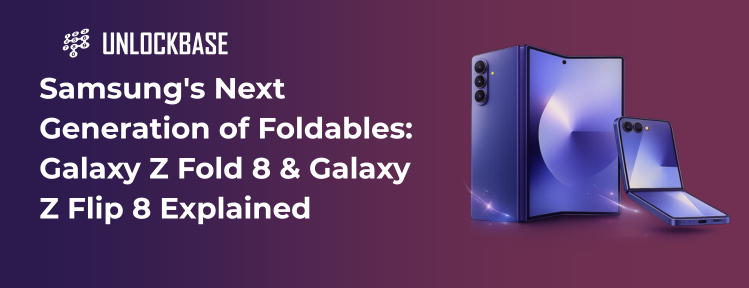
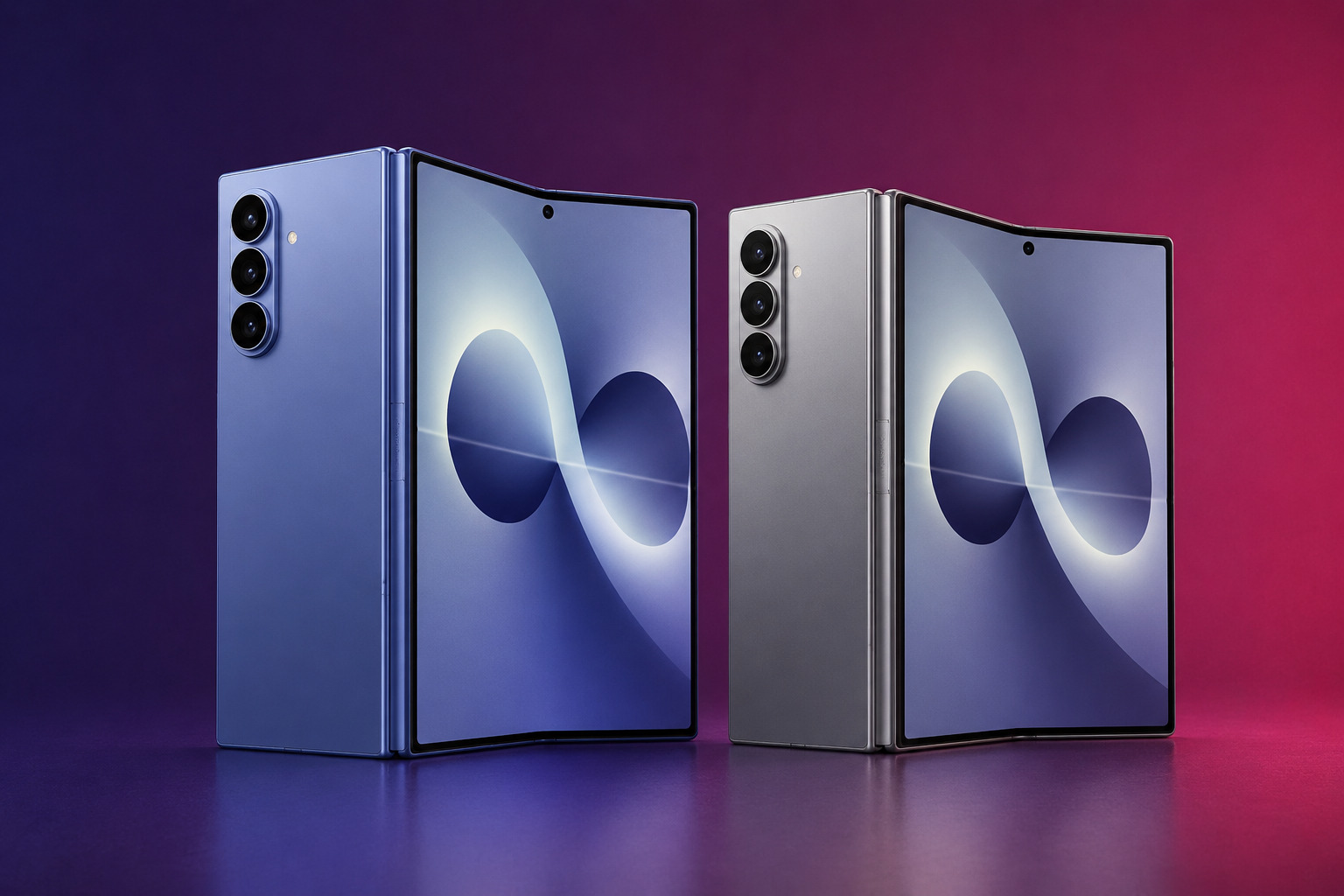
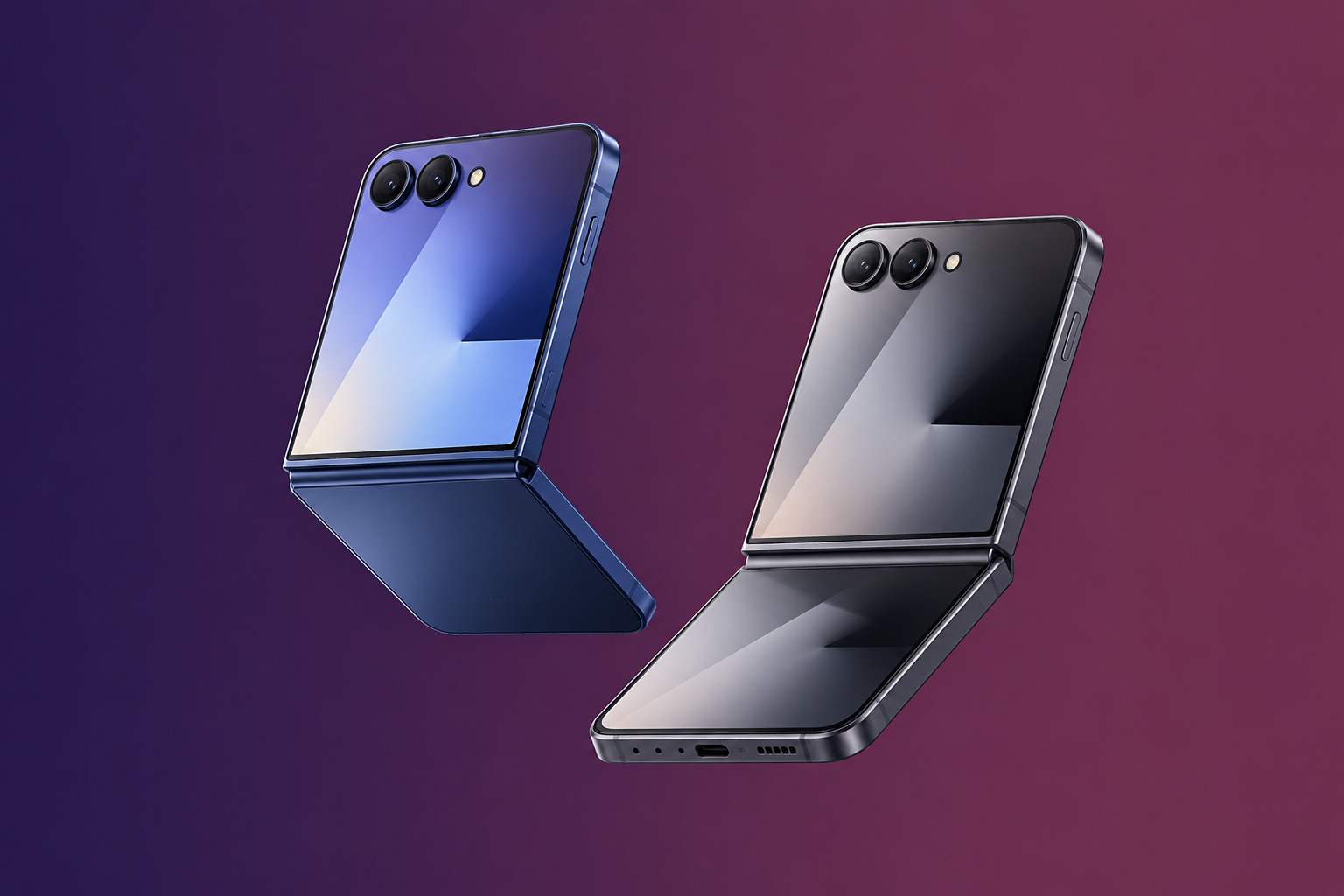
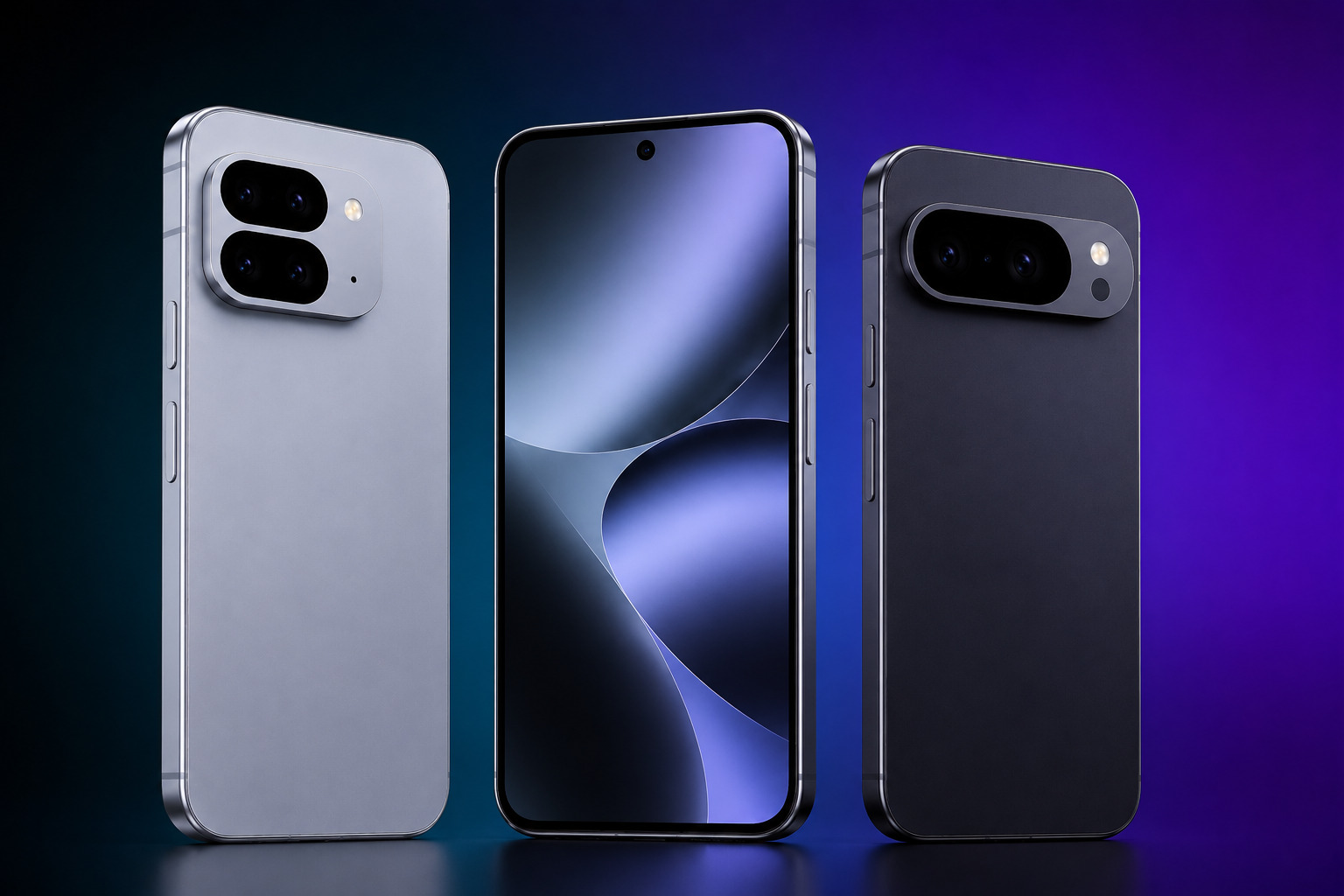
The Samsung Galaxy Z Fold 8 and Z Flip 8 represent the latest chapter in Samsung’s foldable smartphone journey. What started as an ambitious experiment has evolved into a mature product category that now plays a major role in the premium smartphone market.
In 2026, foldables are no longer niche devices reserved for early adopters. They have become practical, refined, and increasingly attractive to mainstream users. With the launch of the Samsung Galaxy Z Fold 8 and Z Flip 8, Samsung continues to push the boundaries of smartphone design while improving durability, usability, and everyday functionality.
Whether you’re interested in productivity, portability, or simply experiencing something different from the traditional smartphone format, Samsung’s newest foldables offer compelling reasons to pay attention.
Samsung’s Foldable Vision for 2026
Samsung has spent years refining its foldable technology, and the results are becoming increasingly apparent.
The company’s vision for 2026 focuses on making foldable devices feel less like specialized gadgets and more like natural alternatives to conventional smartphones. Rather than asking users to adapt to a new form factor, Samsung aims to make foldables fit seamlessly into everyday life.
The latest generation builds upon several years of improvements in:
Hinge durability
Display technology
Software optimization
Battery efficiency
Device thickness and weight
As a result, the new Samsung foldables feel more polished and practical than ever before.
Samsung also continues to strengthen its position within the Android ecosystem, competing not only against traditional flagship devices but increasingly against tablets and laptops in certain usage scenarios.
What’s New in the Galaxy Z Fold 8
The Galaxy Z Fold line remains Samsung’s productivity-focused foldable series.
The Galaxy Z Fold 8 features focus on improving the experience for users who want maximum screen space without carrying multiple devices.
Productivity & Multitasking Improvements
Samsung has continued to enhance multitasking capabilities across the Fold series.
The larger inner display allows users to comfortably:
Run multiple applications simultaneously
Work with split-screen layouts
Manage documents and spreadsheets
Participate in video conferences while taking notes
Software optimizations further improve app scaling and window management.
For professionals and power users, the Fold 8 increasingly serves as a hybrid between a smartphone and a compact tablet.
Samsung’s AI-powered productivity tools also help streamline daily workflows, making multitasking more intuitive than previous generations.
Display and Hinge Refinements
One of the most important improvements in the Fold series comes from ongoing refinement rather than dramatic redesign.
The Fold 8 introduces:
A more durable hinge mechanism
Improved crease reduction
Enhanced brightness and outdoor visibility
Better screen protection
These updates address some of the concerns that historically made users hesitant about foldable devices.
The result is a device that feels more robust and confidence-inspiring during everyday use.
Samsung’s engineering efforts continue to narrow the gap between foldables and traditional premium smartphones in terms of durability.
What’s New in the Galaxy Z Flip 8
While the Fold targets productivity enthusiasts, the Galaxy Z Flip series focuses on portability and convenience.
The Galaxy Z Flip 8 review conversation centers largely around refinement and practicality.
Compact Design Evolution
The Flip 8 continues Samsung’s approach of delivering flagship performance in a compact foldable form factor.
When folded, the device becomes significantly smaller than traditional smartphones, making it easier to:
Carry in smaller pockets
Fit into compact bags
Handle with one hand
Despite its compact size, the device still offers a full-sized smartphone experience when unfolded.
Samsung has also refined the overall design language, making the device feel more premium and cohesive.
Cover Screen & Everyday Convenience
The external cover display remains one of the Flip’s most distinctive features.
The larger and more capable cover screen allows users to:
View notifications
Respond to messages
Control media playback
Access widgets
Check navigation directions
This reduces the need to open the device for every interaction.
For many users, these small conveniences add up throughout the day and contribute significantly to the overall experience.
Fold vs Flip: Which User Is Each Device Designed For?
The ongoing Galaxy Fold vs Flip discussion comes down largely to lifestyle and priorities.
The Fold 8 appeals to users who value productivity, multitasking, and larger displays. It suits professionals, content creators, and users who frequently work on the go.
The Flip 8, on the other hand, targets users who prioritize portability, style, and convenience. It delivers flagship capabilities while maintaining a more compact footprint.
Some key distinctions include:
Galaxy Z Fold 8
Larger internal display
Enhanced multitasking
Productivity-focused experience
Tablet-like functionality
Galaxy Z Flip 8
Compact folded design
Easier portability
Strong focus on everyday convenience
Fashion-forward appeal
Neither approach is inherently better. Each serves a different type of user.
When choosing a premium foldable device, it’s worth considering not only hardware features but also how freely the device can be used across different carriers and regions.
How Foldables Are Reshaping the Premium Smartphone Market
The success of the Samsung Galaxy Z Fold 8 and Z Flip 8 demonstrates how foldables are influencing the broader smartphone industry.
Manufacturers increasingly view foldables as a long-term category rather than a short-term trend.
Several factors drive this shift:
Improved durability
Better software support
Stronger consumer confidence
Greater production efficiency
As foldable technology matures, consumers gain access to new ways of interacting with mobile devices.
The category also creates differentiation in a market where traditional smartphone designs have become increasingly similar.
Samsung’s leadership position in foldables allows it to shape consumer expectations and influence future device development across the industry.
Long-Term Ownership Considerations for Foldable Devices
When purchasing any premium smartphone, long-term ownership matters.
This is particularly true for foldables, which often represent a significant investment.
Several factors should be considered.
Software Support
Samsung continues to offer extended software support for flagship devices.
Regular security updates and feature enhancements help maintain device value over time.
International Usability
Many Fold and Flip owners travel frequently or use multiple carriers.
Ensuring compatibility with local networks, eSIM support, and carrier flexibility can significantly improve long-term usability.
Resale Value
Foldable devices continue to gain acceptance in secondary markets.
As consumer confidence grows, resale values have become more stable than in the early generations of foldable technology.
Proper maintenance and an unlocked device configuration can further improve long-term value.
Durability Improvements
Each new generation addresses previous durability concerns.
The improvements found in the Samsung foldable phones 2026 lineup suggest that foldables are increasingly capable of serving as primary devices for years rather than months.
Conclusion: Foldables Continue to Mature
The Samsung Galaxy Z Fold 8 and Z Flip 8 showcase how far foldable smartphones have evolved. Samsung has refined both product lines through meaningful improvements in durability, software, displays, and everyday usability.
The Fold 8 strengthens its position as a productivity powerhouse, while the Flip 8 continues to offer a unique blend of portability and flagship performance.
As foldables become more mainstream, users have more reasons than ever to consider them as realistic alternatives to traditional smartphones.
UnlockBase.com helps users maximize the flexibility of their devices by providing professional unlocking services trusted worldwide.
All products, and company names, logos, and service marks (collectively the "Trademarks") displayed are registered® and/or unregistered
trademarks™ of their respective owners.
The authors of this web site are not sponsored by or affiliated with any of the third-party trade mark or third-party registered trade mark owners,
and make no representations about them, their owners, their products or services.
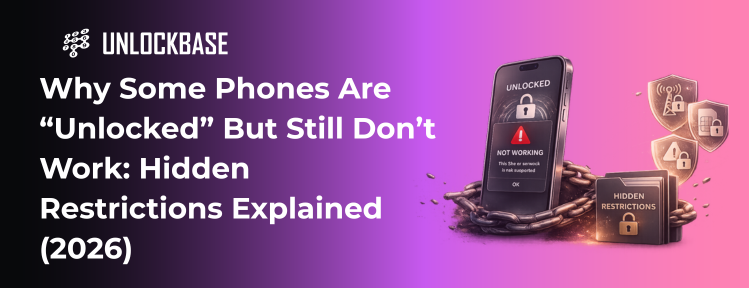
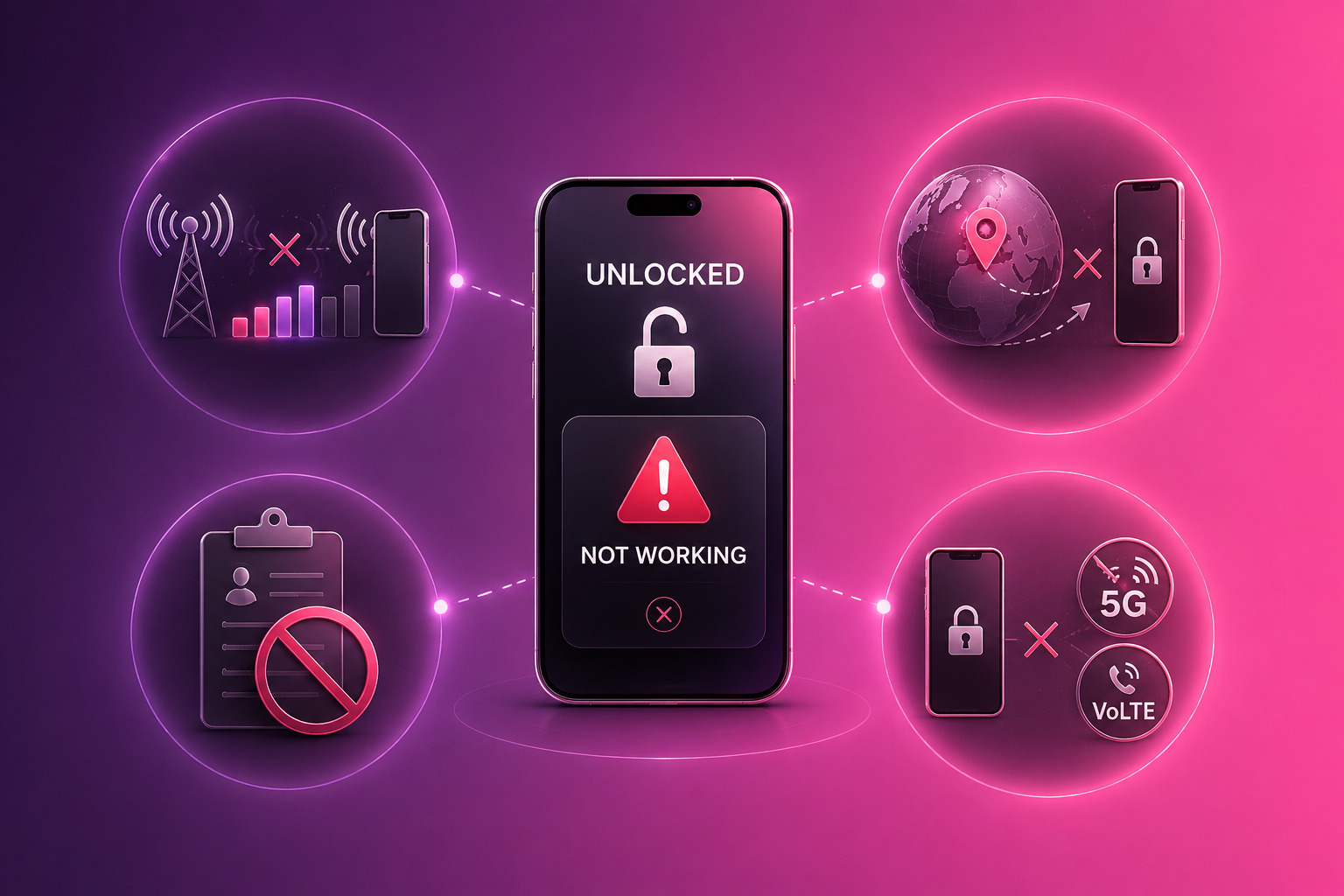
It can be frustrating to discover a phone unlocked but not working as expected. Many users assume that once a device is unlocked, it should function seamlessly across any carrier. In reality, unlocking is only one part of the equation.
In 2026, mobile networks have become more complex, and compatibility depends on several factors beyond lock status. A phone may be technically unlocked, yet still fail to connect properly, show no signal, or lack key features.
Understanding why this happens helps users avoid confusion and make better decisions when switching carriers or buying devices.
When “Unlocked” Doesn’t Mean Fully Usable
The term “unlocked” often creates misunderstandings. Users typically interpret it as complete freedom to use the device on any network.
However, unlocking simply removes the restriction that ties a phone to a specific carrier. It does not guarantee full compatibility with all networks.
A phone unlocked but not working situation usually results from differences between unlock status and network compatibility. These include hardware limitations, regional configurations, and carrier-specific requirements.
Recognizing this distinction is essential, especially as global connectivity becomes more important.
Hidden Limitations That Affect Phones
Even when a phone is unlocked, several hidden factors can prevent it from working correctly.
Network Band Compatibility Issues
One of the most common causes of a phone unlocked no signal issue involves network bands.
Different carriers use different frequency bands. If a phone does not support the required bands, it may connect partially—or not at all.
For example, a device designed for one region may lack support for certain 4G or 5G frequencies used elsewhere. This leads to weak signal, slow data, or complete disconnection.
Regional Firmware Restrictions
Some devices include region-specific firmware that affects how they operate.
These restrictions can influence:
Network registration behavior
Feature availability
Carrier-specific settings
Even if the device is unlocked, firmware differences can limit functionality when used outside its intended market.
Carrier-Specific Limitations (VoLTE, 5G, etc.)
Modern networks rely on advanced technologies such as VoLTE and 5G. These features require compatibility between the device and the carrier.
A phone not working different carrier situation may occur when:
VoLTE is not supported on the new network
5G bands differ between regions
Carrier certification is missing
In such cases, the phone may still connect but lack essential features like voice calls or high-speed data.
Blacklist / IMEI-Related Issues
IMEI status plays a critical role in device usability.
If a phone is reported lost, stolen, or associated with unpaid balances, carriers may block it—even if it is unlocked.
These IMEI problems phone issues can prevent network access entirely, leading users to believe the device is malfunctioning. If a device appears unlocked but still doesn’t function as expected, checking both its compatibility and configuration can help identify the root cause.
Real-World Scenarios
Understanding how these limitations appear in practice helps clarify the issue.
Switching Carriers in the Same Country
A user switches from one carrier to another within the same country. The phone is unlocked, but after inserting the new SIM, signal quality drops and certain features stop working.
The issue may involve:
Missing network band support
Lack of VoLTE compatibility
Carrier-specific configuration differences
The phone works—but not fully.
Using a Phone Internationally
Another user travels abroad and attempts to use a local SIM or eSIM plan. The phone is unlocked, yet it fails to connect properly.
In this case, the problem may involve:
Regional firmware restrictions
Unsupported frequency bands
Limited carrier compatibility
These scenarios show that a phone unlocked but not working does not always indicate a fault—it often reflects compatibility limitations.
How to Avoid These Problems
Avoiding compatibility issues starts with proper preparation.
Before buying or switching carriers, users should verify several key factors.
First, check network band support. Most manufacturers publish this information, allowing users to confirm compatibility with specific carriers.
Second, perform an IMEI check. This step ensures the device is not blacklisted or restricted.
Third, confirm carrier support for key features such as VoLTE and eSIM. These elements affect everyday usability more than basic connectivity.
Understanding the difference between unlocking and full compatibility helps prevent unexpected issues.
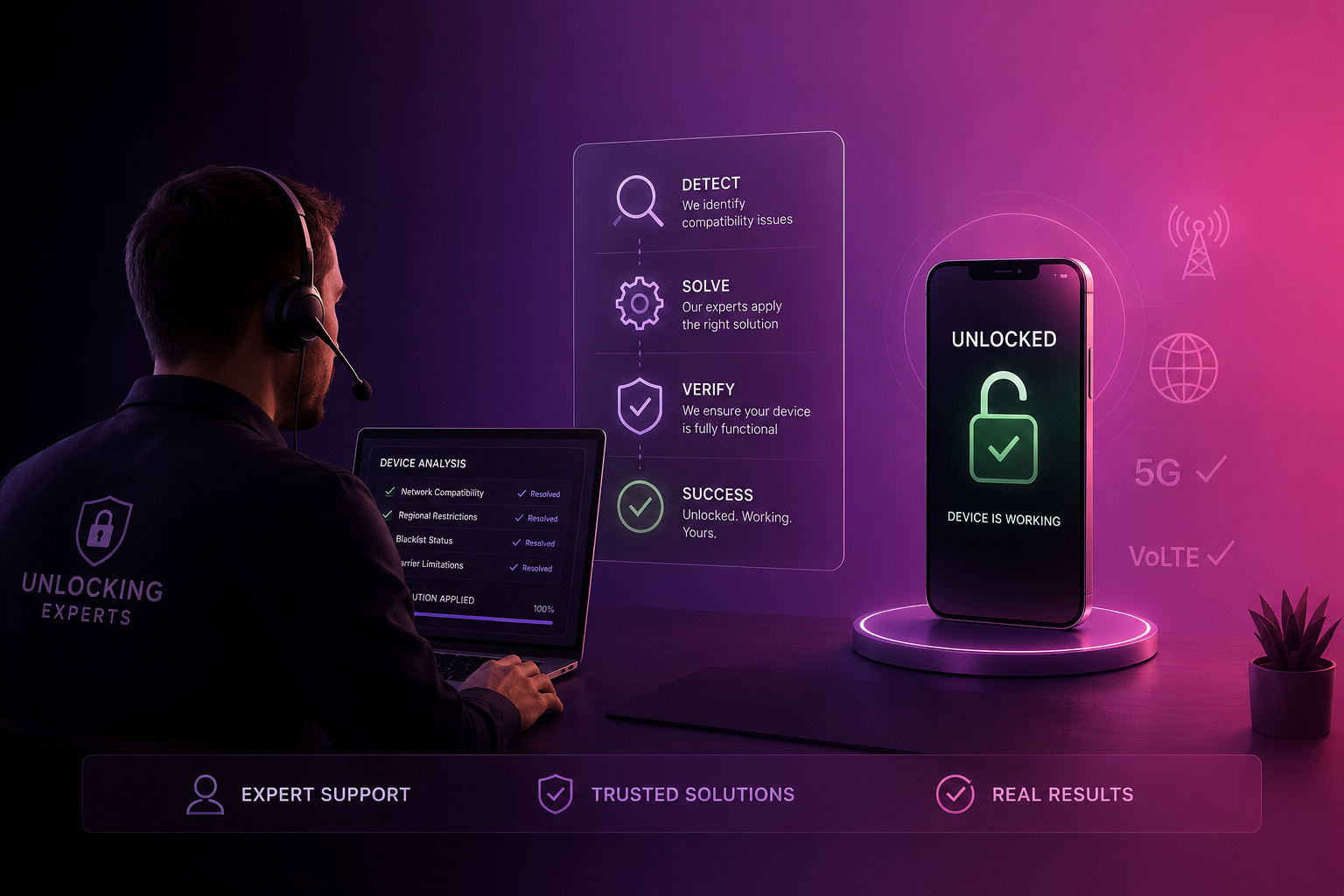
What a Reliable Unlocking Process Should Ensure
A professional unlocking service focuses on more than just removing carrier restrictions. It also provides clarity about what unlocking can and cannot guarantee.
A reliable process includes:
Transparent explanation of the unlocking method
Verification of device and carrier compatibility
Clear communication about limitations
This approach supports unlocking transparency, helping users make informed decisions.
It also reinforces unlock reliability, ensuring that the device performs as expected within its capabilities.
Why These Issues Matter More in 2026
As networks evolve, compatibility becomes more complex. eSIM adoption, regional configurations, and advanced network technologies increase the number of variables affecting device performance.
In this environment, simply unlocking a phone is no longer enough. Users must consider the full picture, including hardware support and network requirements.
Understanding these factors reduces frustration and improves overall device experience.
Conclusion: Unlocking Is Just One Part of the Equation
A phone unlocked but not working situation highlights an important reality: unlocking alone does not guarantee full usability. Compatibility, configuration, and network support all play essential roles.
By checking these factors in advance, users can avoid common pitfalls and ensure their device works as expected.
As mobile technology continues to evolve, informed decisions become the key to maintaining flexibility and performance. UnlockBase.com helps users understand and resolve unlocking and compatibility challenges, ensuring devices work as expected across different networks.
All products, and company names, logos, and service marks (collectively the "Trademarks") displayed are registered® and/or unregistered
trademarks™ of their respective owners.
The authors of this web site are not sponsored by or affiliated with any of the third-party trade mark or third-party registered trade mark owners,
and make no representations about them, their owners, their products or services.
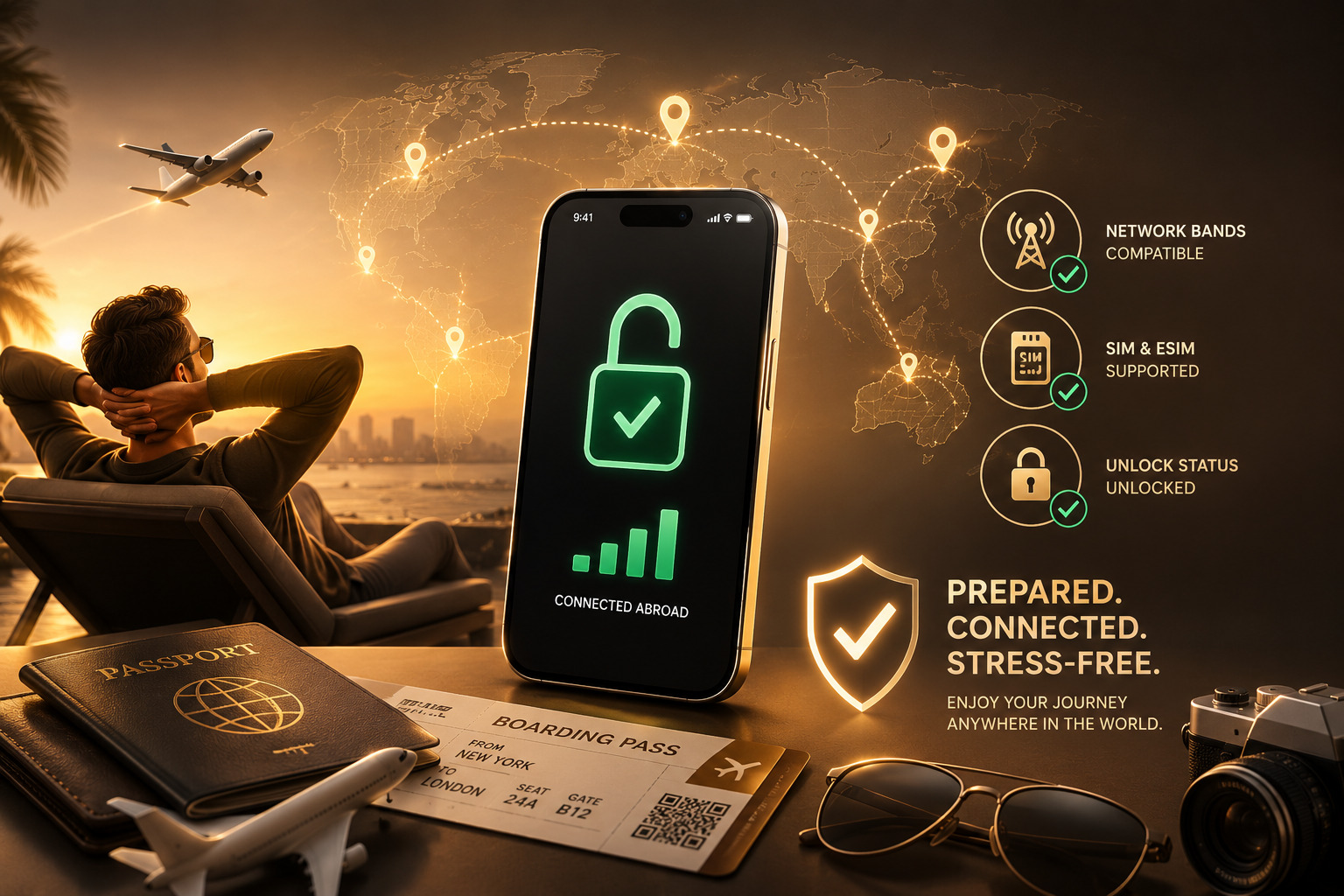
Before traveling internationally, one of the most important steps is verifying phone compatibility abroad. Many users assume their device will work automatically, only to discover issues with signal, data, or activation once they arrive.
In 2026, mobile connectivity has become more advanced—but also more complex. Differences in network bands, SIM technology, and carrier policies mean that not every phone works seamlessly in every country.
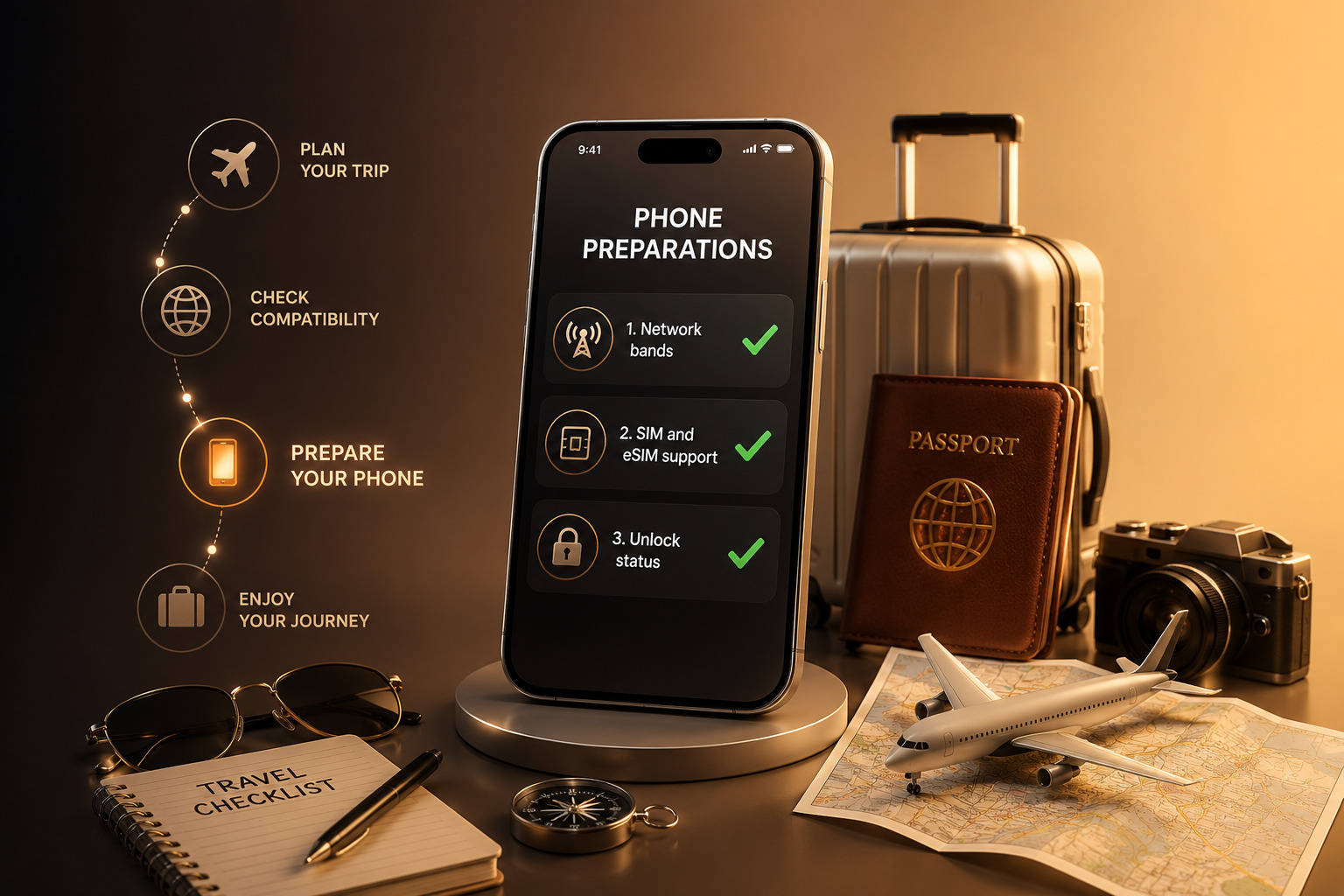
This guide explains how to check if your phone will work abroad and what to prepare before you travel.
Why Compatibility Matters for Travel
Ensuring phone compatibility abroad is essential for staying connected during travel. Whether you need maps, messaging, or access to important accounts, a working phone is no longer optional.
Several factors influence whether a device works internationally:
Network frequency bands vary by country
Carriers support different technologies (4G, 5G, VoLTE)
SIM and eSIM availability differ across regions
Device lock status may restrict usage
Even modern smartphones can encounter issues if these elements do not align. Taking time to check phone works internationally helps avoid unexpected problems.
Step 1: Check Network Bands
The first step in verifying phone compatibility abroad is checking network band support.
Mobile networks operate on specific frequency bands, and these vary by region. If your phone does not support the bands used in your destination country, it may struggle to connect or fail entirely.
To check this:
Look up your phone’s model specifications
Compare supported bands with those used by local carriers
Focus on 4G LTE and 5G bands for reliable performance
This step is especially important when traveling between continents. A device designed for one region may lack key bands used elsewhere.
Understanding mobile bands compatibility ensures your phone can access local networks effectively.
Step 2: Check SIM and eSIM Support
The next step involves verifying SIM capabilities. In 2026, many networks rely on eSIM technology, but physical SIM cards still play a role.
Check whether your device supports:
Physical SIM cards
eSIM activation
Dual SIM or multiple profiles
An eSIM travel setup allows users to download local plans without swapping SIM cards. This can simplify connectivity, especially for short trips.
However, not all phones support eSIM, and some carriers require specific configurations. Confirming international SIM compatibility helps you choose the best option before arrival.
Step 3: Verify Unlock Status
Even if your phone supports the right bands and SIM types, it may still fail abroad if it is locked to a carrier.
A locked device restricts network access, preventing you from using local SIM or eSIM plans. This is one of the most common reasons users struggle to use phone abroad.
To verify unlock status:
Check device settings for carrier lock information
Contact your carrier if unsure
Test with another SIM if possible
An unlocked phone provides the flexibility needed for international use, allowing you to connect to different networks without restrictions. If your device is still locked, resolving this before traveling can help avoid connectivity issues abroad.
Common Mistakes to Avoid
Even experienced travelers sometimes overlook key details when preparing their devices.
One common mistake is assuming that all modern smartphones support global networks. While many devices are compatible, regional variations still exist.
Another mistake involves skipping the IMEI or compatibility check. A phone may appear functional but face hidden restrictions that limit its usability.
Users also sometimes rely solely on roaming without exploring local SIM or eSIM options. This can lead to higher costs and reduced performance.
Avoiding these mistakes ensures better travel phone setup and a smoother experience abroad.
Additional Tips for International Use
To maximize phone compatibility abroad, consider a few additional steps.
Update your device before traveling. Software updates often improve network compatibility and fix known issues.
Research local carriers in advance. Knowing which providers offer the best coverage helps you choose the right plan.
Keep backup options available. If possible, store multiple eSIM profiles or carry a physical SIM as a fallback.
These small preparations make a significant difference in maintaining reliable connectivity.
Why Unlocking and Compatibility Go Together
Unlocking and compatibility are closely connected. A phone may support global bands and eSIM, but without unlocking, those capabilities remain limited.
In 2026, as eSIM adoption increases, unlocking becomes even more important. Without physical SIM cards as an alternative, users depend entirely on digital activation.
Ensuring both compatibility and unlocking allows users to fully benefit from modern mobile technology.
Real-World Example
Consider a traveler moving from the US to Europe.
If the phone supports European bands, includes eSIM functionality, and is unlocked, the user can:
Activate a local eSIM plan instantly
Maintain their original number if needed
Switch networks without changing devices
If any of these elements are missing, the experience becomes more complicated.
This example highlights why phone compatibility abroad requires a complete check rather than a single step.
Conclusion: Check Before You Travel
Verifying phone compatibility abroad is one of the most important steps before traveling in 2026. By checking network bands, SIM support, and unlock status, users can avoid common issues and stay connected wherever they go.
Preparation ensures that your device works as expected, allowing you to focus on your trip instead of troubleshooting connectivity problems. UnlockBase.com helps users prepare their devices for international use by ensuring compatibility across different networks.
All products, and company names, logos, and service marks (collectively the "Trademarks") displayed are registered® and/or unregistered
trademarks™ of their respective owners.
The authors of this web site are not sponsored by or affiliated with any of the third-party trade mark or third-party registered trade mark owners,
and make no representations about them, their owners, their products or services.
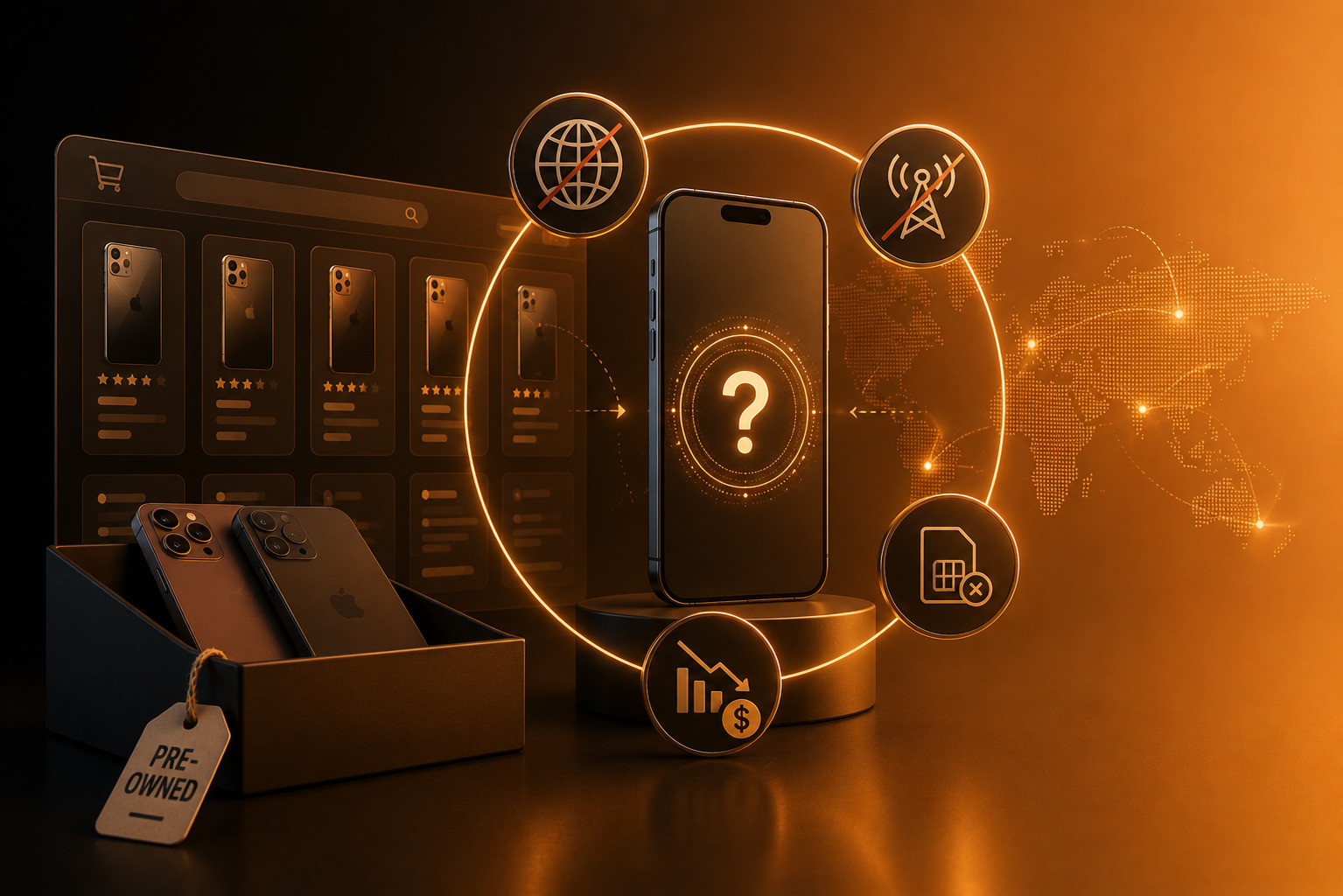
If you plan to buy used phone unlocked in 2026, you are already thinking in the right direction. The second-hand smartphone market has grown significantly, offering high-end devices at more accessible prices. However, this growth also brings new risks—especially when it comes to unlock status.
A phone may look perfect on the outside, but if it is locked to a carrier or region, its usability can become limited. In today’s global and eSIM-driven environment, unlock status plays a much bigger role than it did just a few years ago.
This guide explains why unlock status matters, how it affects real-world use, and what to check before making a purchase.
The Growing Used Phone Market in 2026
The demand for refurbished and second-hand smartphones continues to rise in 2026. Several factors contribute to this trend.
First, flagship devices have become more expensive. Many users prefer buying last year’s premium model instead of paying full price for the latest release.
Second, global marketplaces have expanded. Platforms now connect buyers and sellers across countries, making it easier to find specific models at competitive prices.
Third, device longevity has improved. Modern smartphones remain reliable for several years, increasing their value in the secondary mobile market.
As a result, more users choose to buy used phone unlocked to maximize flexibility and value.
The Biggest Risk: Buying a Locked Device
While the used phone market offers strong opportunities, it also carries risks. The most common issue involves buying a locked device.
A locked phone restricts usage to a specific carrier. This limitation affects:
Network compatibility
Carrier switching
International use
Resale potential
In some cases, the phone may function normally within one country but fail when used abroad. This is especially relevant in 2026, where eSIM adoption and global travel are more common.
Regional lock policies can also create confusion. A device purchased in one market may not fully work in another, even if the hardware supports it.
These used phone risks highlight why checking unlock status is essential before completing a purchase.
Case Study: Buying a Locked vs Unlocked Phone
Real-world scenarios show how much difference unlock status can make.
Scenario 1: Domestic Purchase
A user buys a second-hand phone from a local seller. The device is locked to a major carrier but works perfectly within that network.
Initially, everything seems fine. However, when the user decides to switch to a cheaper plan or an MVNO, activation fails. The phone cannot connect to the new carrier.
The user must either unlock the device later or accept limited flexibility.
Scenario 2: International Marketplace Purchase
Another user buys a phone from an international seller. The price is attractive, and the device appears in excellent condition.
After receiving the phone, the buyer discovers it is locked to a foreign carrier. Local SIM cards do not work, and eSIM activation fails.
In this case, the issue becomes more complex. The buyer must verify compatibility, check IMEI status, and explore unlocking options.
These examples show why it is safer to buy used phone unlocked from the beginning.
Before completing a purchase, checking whether a phone is unlocked can help avoid unexpected limitations once the device is in use.
How Unlock Status Affects Value and Usability
Unlock status directly influences how useful and valuable a phone remains over time.
Network Flexibility
Unlocked phones allow users to switch carriers easily. This flexibility becomes important when:
Changing plans
Traveling internationally
Testing different networks
A locked phone limits these options, reducing overall usability.
Resale Potential
Buyers prefer unlocked devices. When you plan to resell the phone later, an unlocked device attracts more interest and often sells faster.
This makes unlocked phone resale significantly stronger than locked alternatives.
Long-Term Ownership
Over time, users’ needs change. They may relocate, switch carriers, or explore new connectivity options such as eSIM plans.
An unlocked device adapts to these changes, while a locked phone may become restrictive.
This is why many buyers prioritize locked vs unlocked phone comparisons before making a decision.
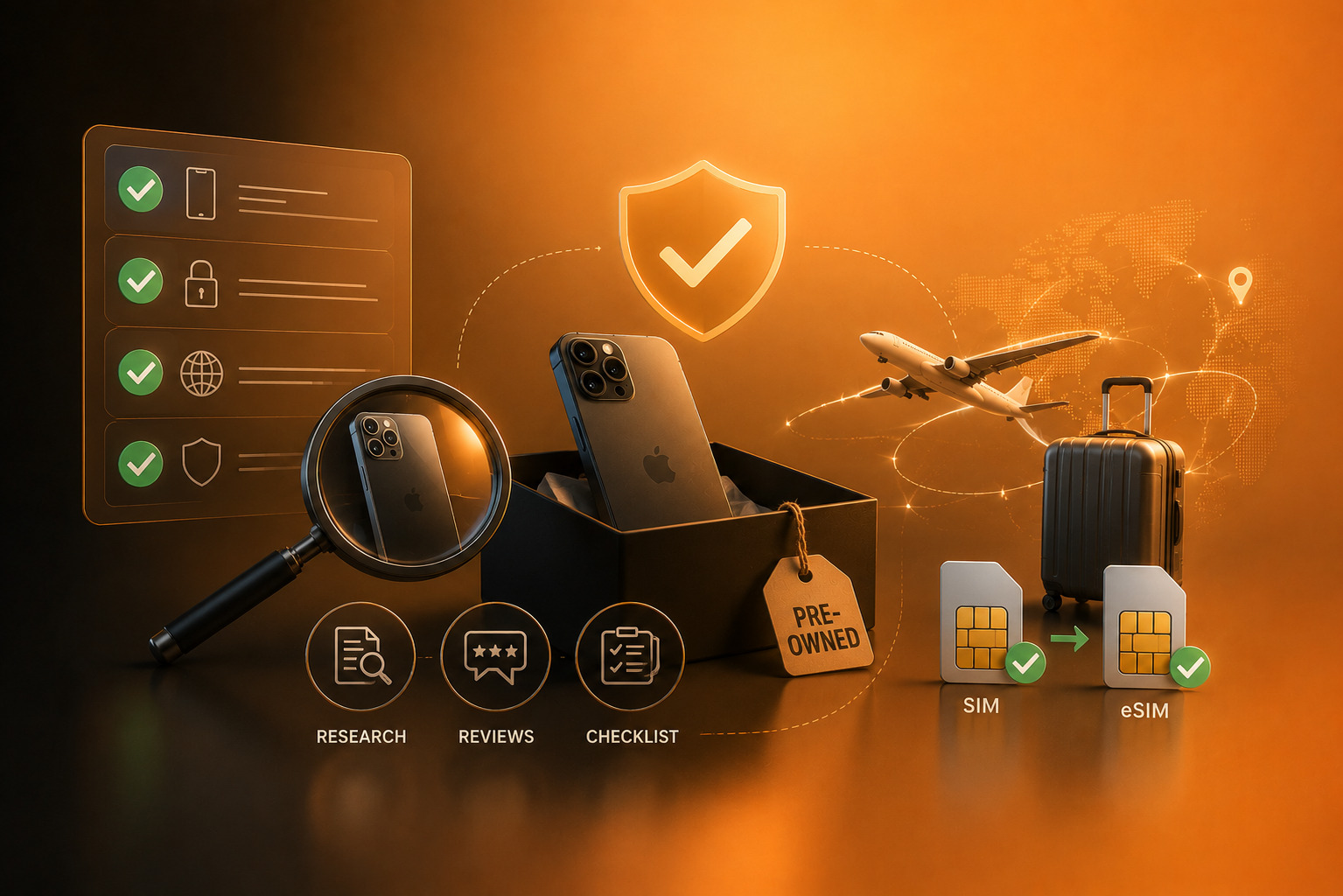
What to Check Before Buying a Used Phone
Taking a few simple steps can reduce risk and ensure a better purchase experience.
IMEI Check
Start with an IMEI check used phone process. The IMEI reveals important information about the device, including blacklist status and carrier association.
A clean IMEI indicates that the phone is not reported lost or stolen.
Unlock Status
Ask the seller directly whether the phone is unlocked. If possible, request proof or test the device with another SIM or eSIM profile.
Verifying unlock status helps avoid surprises later.
Carrier and Region Compatibility
Check which carrier originally sold the device. Some models include regional configurations that affect performance.
Make sure the phone supports your intended network bands and features.
Basic Device Condition
While unlock status is critical, do not ignore basic checks. Verify battery health, screen condition, and overall functionality.
A well-maintained device with proper unlock status offers the best long-term value.
Why Unlock Status Matters More in 2026
In previous years, users could often work around restrictions by swapping SIM cards. In 2026, this becomes less practical due to eSIM adoption and digital activation processes.
As networks evolve, flexibility depends more on software compatibility than physical access. This makes unlocking a central factor in device usability.
When you buy used phone unlocked, you ensure the device remains adaptable in a changing mobile environment.
Buy Smart, Stay Flexible
The used phone market in 2026 offers excellent opportunities, but it also requires careful evaluation. Unlock status plays a critical role in determining how useful a device will be over time.
Choosing to buy used phone unlocked reduces risk, improves flexibility, and increases long-term value. It also simplifies switching carriers, traveling, and reselling the device later.
By checking IMEI status, verifying compatibility, and confirming unlock status, buyers can make confident decisions.
UnlockBase.com helps users verify and unlock devices, making it easier to buy and use phones with confidence across different networks.
All products, and company names, logos, and service marks (collectively the "Trademarks") displayed are registered® and/or unregistered
trademarks™ of their respective owners.
The authors of this web site are not sponsored by or affiliated with any of the third-party trade mark or third-party registered trade mark owners,
and make no representations about them, their owners, their products or services.
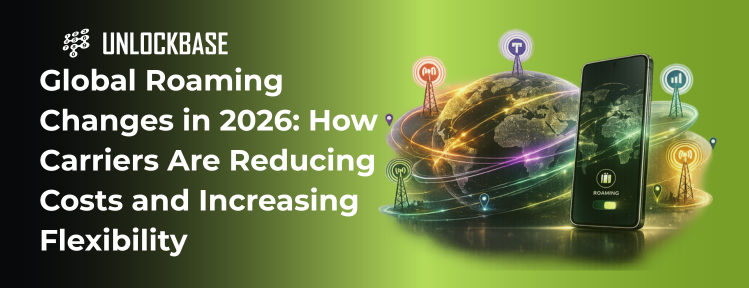
The roaming changes 2026 are transforming how users stay connected while traveling internationally. What was once associated with high costs and limited flexibility is now evolving into a more competitive and user-friendly system.
Carriers worldwide are adjusting their strategies to meet modern expectations. As travel increases and eSIM adoption expands, users demand better pricing, simpler activation, and reliable global connectivity. These changes affect not only how people use mobile data abroad, but also how devices need to be configured for seamless access.
Understanding these developments helps users make smarter decisions before traveling or switching plans.
How Roaming Is Evolving in 2026
The most important aspect of roaming changes 2026 is the shift away from traditional roaming models. In the past, users relied on their home carrier’s agreements with foreign networks, often resulting in high fees and inconsistent service.
Today, carriers approach roaming differently. Instead of treating it as a premium add-on, many now integrate international usage into standard plans.
This evolution includes:
Expanded roaming coverage across more countries
Simplified activation processes
Increased competition between carriers
These developments reflect a broader trend toward global connectivity. Users expect their devices to work seamlessly, regardless of location.
At the same time, new technologies such as eSIM reduce reliance on legacy systems, allowing carriers to offer more flexible solutions.
New Pricing Models and Bundled Plans
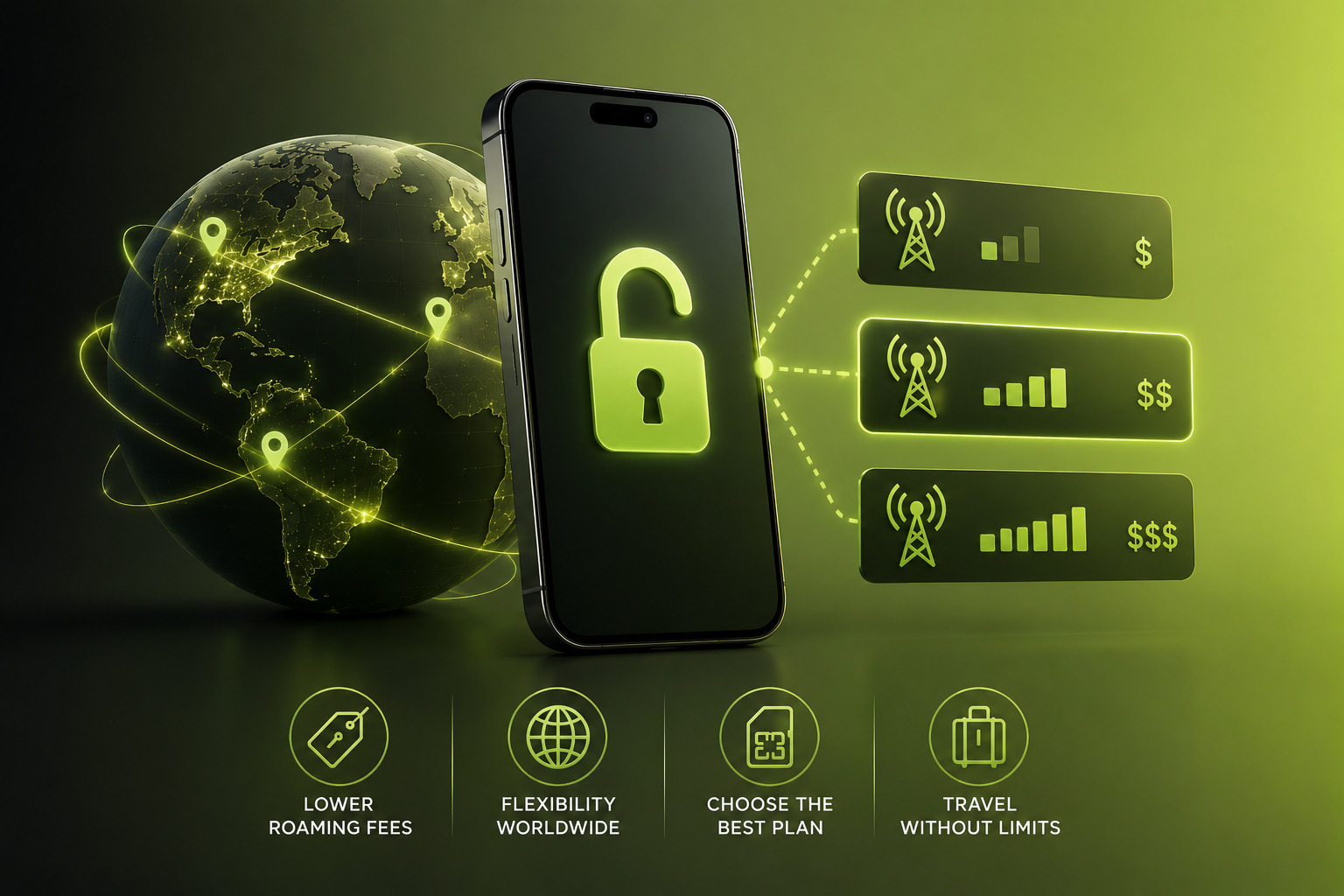
Pricing has become one of the most visible areas of change. International roaming costs continue to decline as carriers introduce new models designed to attract mobile-first users.
Instead of charging per megabyte or per minute, many providers now offer:
Daily or weekly roaming passes
Bundled international data packages
Plans with included global usage
These global mobile plans provide predictability, which users value more than ever. Rather than worrying about unexpected charges, travelers can plan their usage with clear limits.
Competition also plays a role. As smaller carriers and MVNOs expand, major networks must respond with more attractive pricing.
The result is a more balanced market where roaming becomes accessible rather than restrictive.
The Role of eSIM in Roaming Changes
The rise of eSIM roaming plans is a major driver behind roaming changes 2026. eSIM technology allows users to activate local or international plans without replacing a physical SIM card.
This capability changes how roaming works in practice.
Instead of relying solely on their home carrier, users can:
Download local data plans before arrival
Switch between carriers digitally
Maintain multiple profiles on one device
This flexibility improves both cost efficiency and network performance. In many cases, local eSIM plans offer better speeds and lower prices than traditional roaming options.
However, this shift also increases the importance of device compatibility. Not all phones support eSIM, and some may have restrictions depending on carrier configuration.
What This Means for Consumers
For users, the roaming changes 2026 bring both opportunities and responsibilities.
On the positive side, staying connected internationally is easier than ever. Users can choose between traditional roaming, local SIM cards, or eSIM-based plans depending on their needs.
Travelers benefit from:
Lower overall costs
Faster activation
Greater control over network selection
At the same time, flexibility depends on device readiness. A phone that works perfectly at home may face limitations abroad if it is locked or not fully compatible with international networks.
This is especially relevant as mobile travel connectivity becomes more digital. Without physical SIM cards as a fallback, users rely entirely on software-based activation.
As roaming becomes more flexible, ensuring your device can connect across different networks is an important part of preparing for international use.
Carrier Roaming Policy Changes
Behind these improvements, carrier roaming policy adjustments play a critical role.
Carriers now focus on:
Expanding partnerships with international networks
Simplifying activation through apps and online platforms
Offering more transparent pricing structures
These policies reflect a shift toward customer retention. Instead of discouraging roaming through high costs, carriers aim to keep users within their ecosystem by offering competitive global options.
At the same time, regional differences remain. Some carriers provide extensive international coverage, while others still limit access based on agreements and infrastructure.
Challenges That Still Exist
Despite progress, some challenges remain within the roaming changes 2026 landscape.
Users may still encounter:
Limited support in certain regions
Compatibility issues with specific devices
Variations in network quality
These factors highlight the importance of preparation. Checking device compatibility, understanding plan details, and exploring alternative options help avoid disruptions.
In many cases, the issue lies not with the carrier but with the device configuration.
Preparing for International Connectivity
To fully benefit from roaming changes 2026, users should take a few simple steps before traveling.
First, verify whether the device supports eSIM and international bands. Most modern smartphones do, but confirmation ensures compatibility.
Second, check whether the phone is locked to a carrier. A locked device may limit access to alternative roaming options.
Third, compare available plans. Depending on the destination, a local eSIM plan may offer better value than traditional roaming.
These steps help users maximize flexibility and avoid unnecessary costs.
The Future of Global Mobile Plans
Looking ahead, the trend toward integrated global plans will likely continue. As networks evolve, the distinction between domestic and international usage may become less significant.
The roaming changes 2026 represent an early stage of this transition. Over time, users may expect seamless global connectivity as a standard feature rather than an add-on.
This shift aligns with broader technological changes, where connectivity becomes more fluid and less tied to geographic boundaries.
Conclusion: A More Flexible Era of Connectivity
The roaming changes 2026 signal a clear move toward more accessible and flexible international connectivity. Lower costs, improved plans, and the rise of eSIM technology all contribute to a better user experience.
However, these benefits depend on device readiness. Users who understand their phone’s capabilities and limitations gain the most from these changes.
As global travel and digital mobility continue to grow, flexibility becomes the defining factor in mobile connectivity.
UnlockBase.com supports global connectivity by helping devices remain compatible across different carriers and regions.
All products, and company names, logos, and service marks (collectively the "Trademarks") displayed are registered® and/or unregistered
trademarks™ of their respective owners.
The authors of this web site are not sponsored by or affiliated with any of the third-party trade mark or third-party registered trade mark owners,
and make no representations about them, their owners, their products or services.
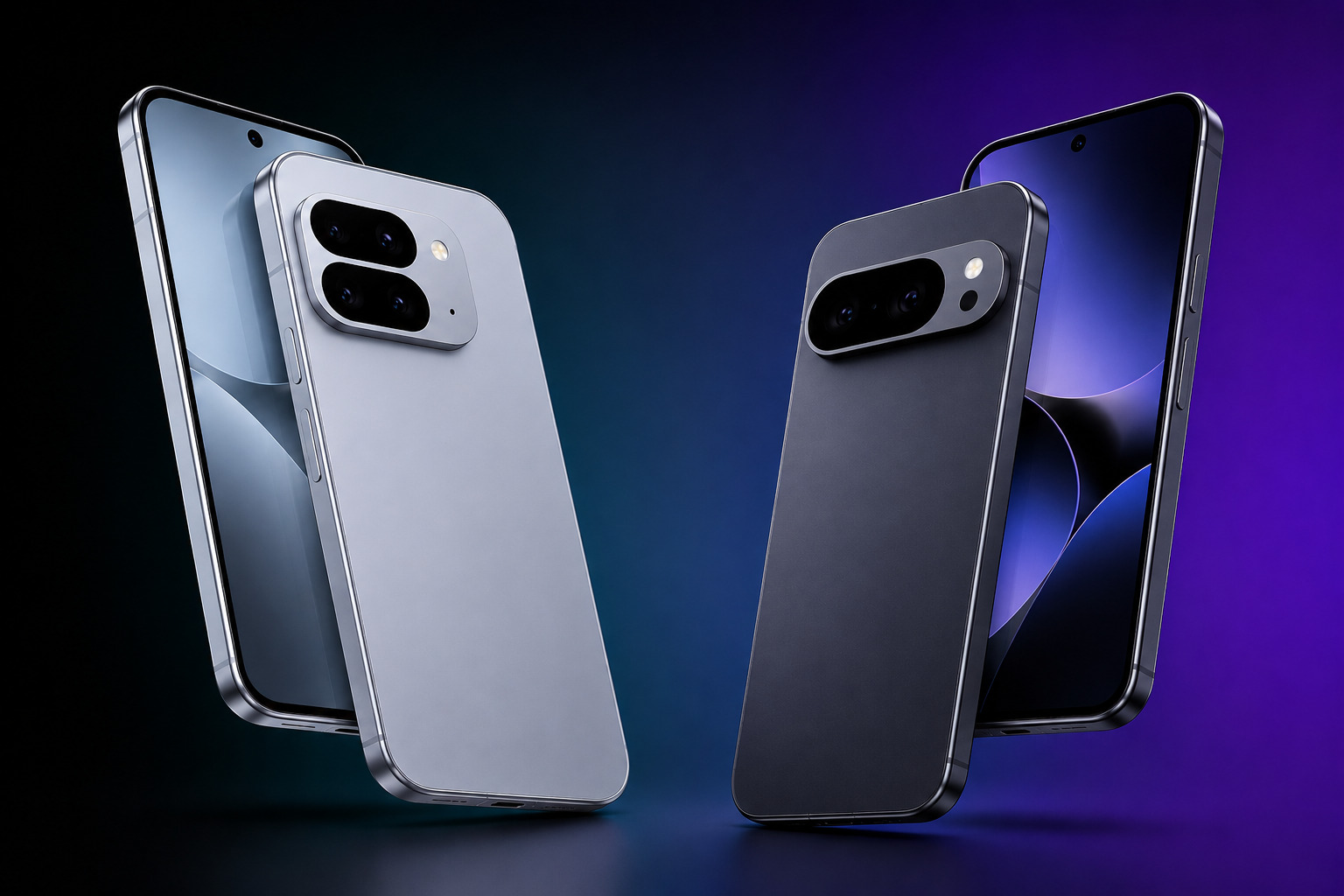
The Google Pixel 10 series arrives in 2026 at a time when artificial intelligence is no longer just a feature—it defines the smartphone experience. With the Pixel 10 and Pixel 10 Pro, Google continues to push its AI-first strategy, positioning its flagship devices as intelligent tools rather than just powerful hardware.
This year’s lineup reflects a clear direction: tighter integration between hardware, software, and machine learning. As the Android ecosystem evolves, the Pixel 10 series stands out by focusing on real-world usability driven by AI enhancements.
Google Pixel 10 Series in 2026
The Google Pixel 10 plays a central role in Google’s broader ecosystem strategy. Unlike many competitors that emphasize hardware specifications alone, Google builds its flagship identity around software intelligence.
In 2026, the Pixel series competes directly with Samsung and Apple by offering:
A clean, stock Android experience
Deep AI integration across system features
Fast updates and long-term software support
The Google flagship 2026 approach prioritizes usability over complexity. Instead of adding layers of customization, Google focuses on making everyday interactions smarter and more efficient.
This AI-first positioning sets the Pixel 10 apart in a crowded flagship market.
Key Features and Improvements
The Pixel 10 series introduces refinements across design, performance, and software. While not a radical redesign, the updates aim to improve consistency and efficiency.
Design & Display Updates
The Google Pixel 10 continues Google’s recognizable design language with subtle refinements. The device maintains a clean aesthetic while improving durability and ergonomics.
Display quality remains strong, with:
High refresh rate OLED panels
Improved brightness for outdoor visibility
Smooth touch responsiveness
In daily use, the display feels fluid and reliable, supporting both entertainment and productivity.
AI & Software Enhancements
AI remains the defining feature of the Pixel lineup. The Google AI phone features in the Pixel 10 go beyond isolated tools and integrate into the entire system.
Users benefit from:
Smarter voice interactions
Context-aware suggestions
Enhanced real-time translation
Improved photo and video processing
These features aim to reduce friction in everyday tasks. Instead of requiring manual adjustments, the device anticipates user needs and responds accordingly.
The Pixel 10 Pro expands on these capabilities with additional processing power, but the core experience remains consistent across both models.
Camera Capabilities
Camera performance has always been a Pixel strength, and the Pixel 10 continues this tradition.
The Pixel 10 Pro features include advanced computational photography, while the standard model still delivers high-quality results in most scenarios.
Users can expect:
Accurate color reproduction
Strong low-light performance
Reliable HDR processing
Stable video recording
Rather than relying solely on hardware upgrades, Google leverages AI to enhance image quality. This approach keeps the Pixel competitive with other flagship devices.
Battery & Performance
Performance improvements in the Google Pixel 10 focus on efficiency. Google’s chip design emphasizes balanced power consumption rather than maximum output.
In real-world use, this results in:
Smooth multitasking
Consistent app performance
Reliable battery life throughout the day
Battery optimization benefits from AI as well. The device learns usage patterns and adjusts background activity accordingly.
For most users, this leads to stable, predictable performance without noticeable slowdowns.
Pixel 10 vs Previous Pixel Models
Comparing the Pixel 10 vs Pixel 9 highlights incremental but meaningful improvements.
Users upgrading from older models will notice:
Faster processing speeds
Improved AI responsiveness
Better battery management
Enhanced camera consistency
While the changes may appear subtle on paper, they contribute to a smoother overall experience. The Pixel 10 refines what already worked rather than introducing unnecessary complexity.
This approach aligns with Google’s long-term strategy of gradual, user-focused improvement.
Global Availability & Carrier Compatibility
The Pixel 10 release follows Google’s typical pattern of staggered availability across regions. While major markets receive immediate access, other regions may experience delays or different configurations.
Carrier compatibility also varies. Some models are sold unlocked, while others may come with carrier-specific settings or restrictions.
Users should consider:
Network band support
eSIM compatibility
Carrier lock status
These factors influence how the device performs across different networks, especially for users who travel or switch carriers.
Because Pixel devices are distributed differently across regions, checking how your device is configured can help ensure it works smoothly across multiple networks.
Long-Term Usability and Flexibility
The Google Pixel 10 offers strong long-term value, particularly for users who prioritize software updates and system stability.
Software Longevity
Google continues to lead in Android update support. Pixel devices receive timely updates, which improves security and extends usability.
International Flexibility
For users who travel or relocate, flexibility becomes critical. An unlocked Pixel 10 supports multiple carriers and eSIM profiles, making it suitable for international use.
Resale Considerations
Resale value depends on condition, demand, and compatibility. Unlocked devices typically attract more buyers, especially in global markets.
The Pixel 10’s combination of AI features and software support helps maintain interest in the secondary market.
Final Thoughts: AI-Driven Simplicity in 2026
The Google Pixel 10 and Pixel 10 Pro reflect a clear vision for the future of smartphones. Instead of focusing solely on hardware competition, Google emphasizes intelligent software and seamless user experience.
For users who value simplicity, reliable performance, and AI-driven features, the Pixel 10 stands out as a strong contender in 2026.
Its balanced approach makes it suitable for everyday use while still competing with top-tier flagship devices. UnlockBase.com helps users maintain flexibility across carriers by providing reliable unlocking solutions for globally used devices.
All products, and company names, logos, and service marks (collectively the "Trademarks") displayed are registered® and/or unregistered
trademarks™ of their respective owners.
The authors of this web site are not sponsored by or affiliated with any of the third-party trade mark or third-party registered trade mark owners,
and make no representations about them, their owners, their products or services.
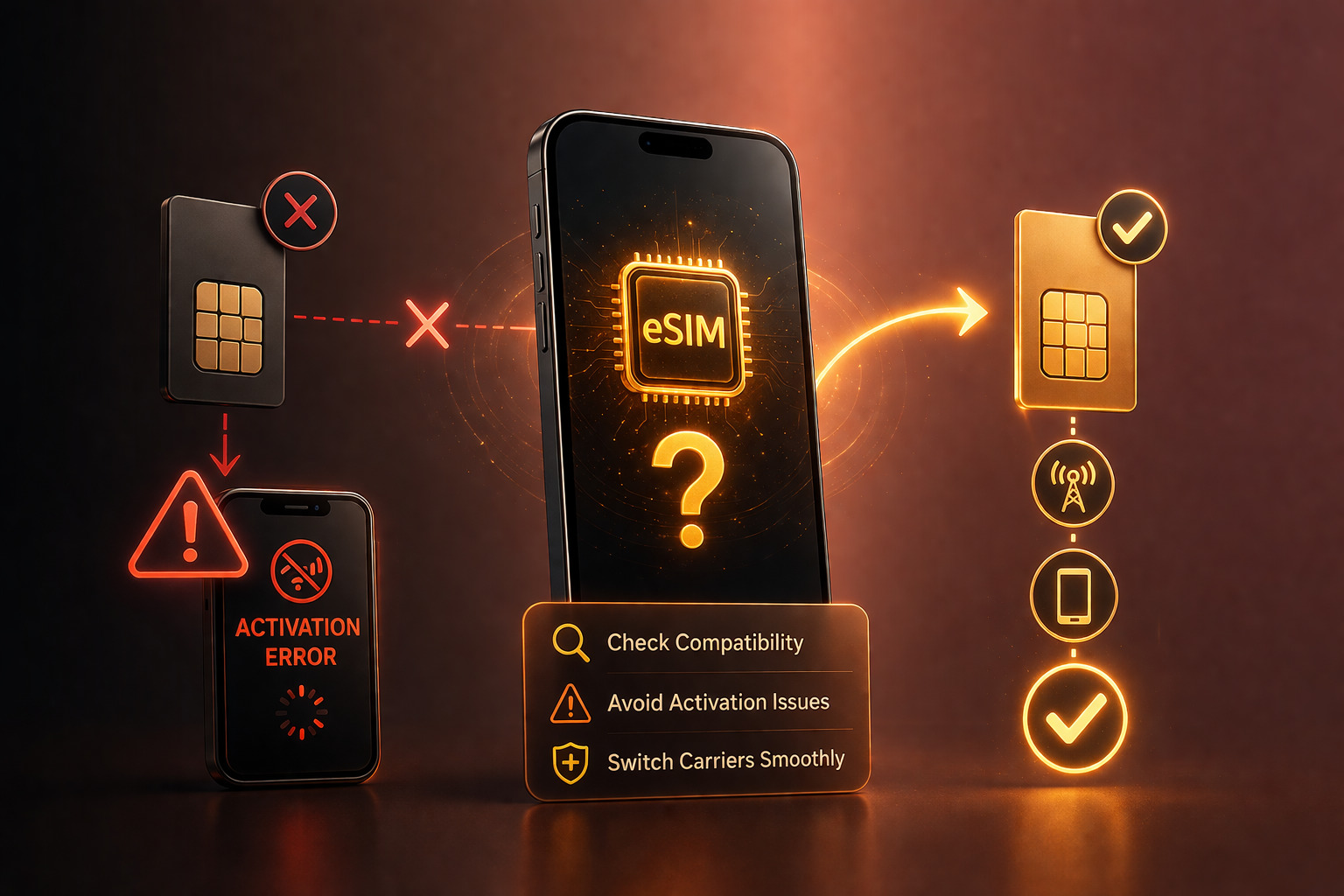
Before switching carriers in 2026, one of the most important steps is to check eSIM compatibility on your device. As more networks move toward eSIM-first activation, knowing whether your phone supports this technology can prevent delays, failed activations, and unnecessary frustration.
eSIM simplifies connectivity, but not every phone supports it—and even compatible devices may have limitations depending on configuration or carrier restrictions. This guide explains how to verify compatibility, what to look for on iPhone and Android, and what to do if your device does not support eSIM.
Why eSIM Compatibility Matters
The shift toward eSIM has changed how users connect to mobile networks. Instead of inserting a physical SIM card, users now download a digital profile directly to their device.
To successfully switch carriers using eSIM, three elements must align:
The device must support eSIM hardware
The carrier must offer eSIM activation
The phone must be compatible and not restricted
Failing to check eSIM compatibility can lead to activation errors, especially when switching carriers or traveling internationally.
In 2026, this step becomes even more important as more devices launch without physical SIM trays in certain regions.
How to Check on iPhone
Apple has supported eSIM for several generations, but not all models include it. The process to check eSIM compatibility on iPhone is straightforward.
Start by opening Settings → Cellular (or Mobile Data). If your device supports eSIM, you will see an option such as “Add eSIM” or “Add Cellular Plan.”
You can also confirm compatibility by checking your model number. Most iPhones from the XS and newer support eSIM, but regional variations may apply.
Another reliable method involves checking the device’s IMEI. Devices with both a physical SIM and eSIM typically display multiple IMEI numbers. You can find this under Settings → General → About.
When reviewing iPhone eSIM support, it is also important to consider whether the device is locked to a carrier. Even if eSIM is available, a locked device may restrict activation with other networks.
How to Check on Android
Android devices vary more widely, so the process to check eSIM compatibility depends on the manufacturer and model.
On most modern devices, you can navigate to Settings → Connections → SIM Manager or a similar menu. If eSIM is supported, you will see an option to add or manage an eSIM profile.
For Samsung devices, the Samsung eSIM guide typically involves accessing Settings → Connections → SIM Card Manager, where eSIM options appear alongside physical SIM settings.
Not all Android phones include eSIM, even in 2026. Mid-range and region-specific models may still rely exclusively on physical SIM cards.
Checking official manufacturer specifications or carrier compatibility pages can provide additional confirmation.
What to Do If Your Phone Doesn’t Support eSIM
If your device does not support eSIM, you still have options.
The most straightforward approach is to continue using a physical SIM card. Many carriers still support traditional SIM activation, even as eSIM adoption grows.
Another option is upgrading to a newer device that includes eSIM functionality. For users who travel frequently or switch carriers often, this can provide long-term convenience.
If your phone supports eSIM but fails to activate, the issue may relate to carrier restrictions rather than hardware limitations. In this case, reviewing the device’s configuration becomes important.
For users planning to switch carrier eSIM, preparation ensures a smoother transition and avoids unnecessary delays.
Before switching carriers, verifying both your device compatibility and its network flexibility can help avoid activation issues.
Common eSIM Compatibility Issues
Even when a device supports eSIM, certain factors can affect performance.
One common issue involves carrier locks. A locked phone may support eSIM but restrict activation to a specific network. This limitation becomes more noticeable in eSIM-only environments.
Another issue relates to regional firmware differences. Some devices are configured for specific markets and may not fully support all carrier features in other regions.
Users may also encounter profile limits. Some phones allow multiple stored eSIM profiles but only one active at a time.
Understanding these factors helps users complete an accurate eSIM compatibility check before switching.
Preparing Your Device for eSIM Activation
After you check eSIM compatibility, preparing your device ensures a smooth activation process.
Start by updating your device to the latest software version. Updates often improve carrier compatibility and fix activation issues.
Next, confirm that your device is not restricted by a carrier. This step is essential for users who plan to use eSIM across different networks or regions.
Finally, ensure you have access to the activation details provided by your new carrier. This may include a QR code or manual activation information.
Taking these steps reduces the likelihood of errors during setup.
eSIM and the Future of Mobile Connectivity
The move toward eSIM reflects broader changes in mobile technology. Carriers increasingly prioritize digital activation, while manufacturers design devices with fewer physical components.
As a result, the ability to check eSIM compatibility becomes a standard part of device management. Users who understand how their phone connects to networks gain greater control over their connectivity.
This shift also emphasizes flexibility. Devices that support multiple carriers and regions offer better long-term value.
Conclusion: Check Before You Switch
Taking the time to check eSIM compatibility before switching carriers helps avoid common issues and ensures a smooth activation process. In 2026, where eSIM adoption continues to grow, this step becomes essential for both everyday users and frequent travelers.
By verifying device support, understanding carrier requirements, and preparing properly, users can take full advantage of modern mobile connectivity.
UnlockBase.com helps users prepare their devices for modern network requirements by supporting flexible and compatible device usage.
All products, and company names, logos, and service marks (collectively the "Trademarks") displayed are registered® and/or unregistered
trademarks™ of their respective owners.
The authors of this web site are not sponsored by or affiliated with any of the third-party trade mark or third-party registered trade mark owners,
and make no representations about them, their owners, their products or services.
The phrase lifetime unlock guarantee appears frequently in unlocking services in 2026. At first glance, it sounds simple and reassuring: unlock your phone once, and it stays unlocked forever.
However, the reality behind this claim is more nuanced. While legitimate unlocking methods can indeed provide long-term results, the meaning of “lifetime” depends on how the unlocking process works and how the device is used afterward.
Understanding what a lifetime unlock guarantee truly represents helps users set realistic expectations and avoid confusion when comparing services.
What “Lifetime Unlock” Actually Means
A lifetime unlock guarantee typically refers to the permanence of the unlocking result under normal conditions. When a device is unlocked using legitimate methods—usually through IMEI-based carrier database updates—the unlock remains active as long as nothing alters the device’s status within that carrier system.
In practical terms, this means:
The phone stays unlocked after software updates
Resetting the device does not reverse the unlock
The device can continue working with compatible networks
This level of stability comes from how unlocking is performed. Instead of modifying the phone’s internal software temporarily, legitimate unlocking updates the carrier’s records. Once the device is marked as unlocked in those systems, it remains so unless external factors intervene.
This is the foundation of what most providers mean by a lifetime unlock guarantee—not a marketing promise, but a reflection of how the underlying process works. Understanding how unlocking works over time helps set realistic expectations and avoid misleading promises.
When Unlocks Can Be Affected
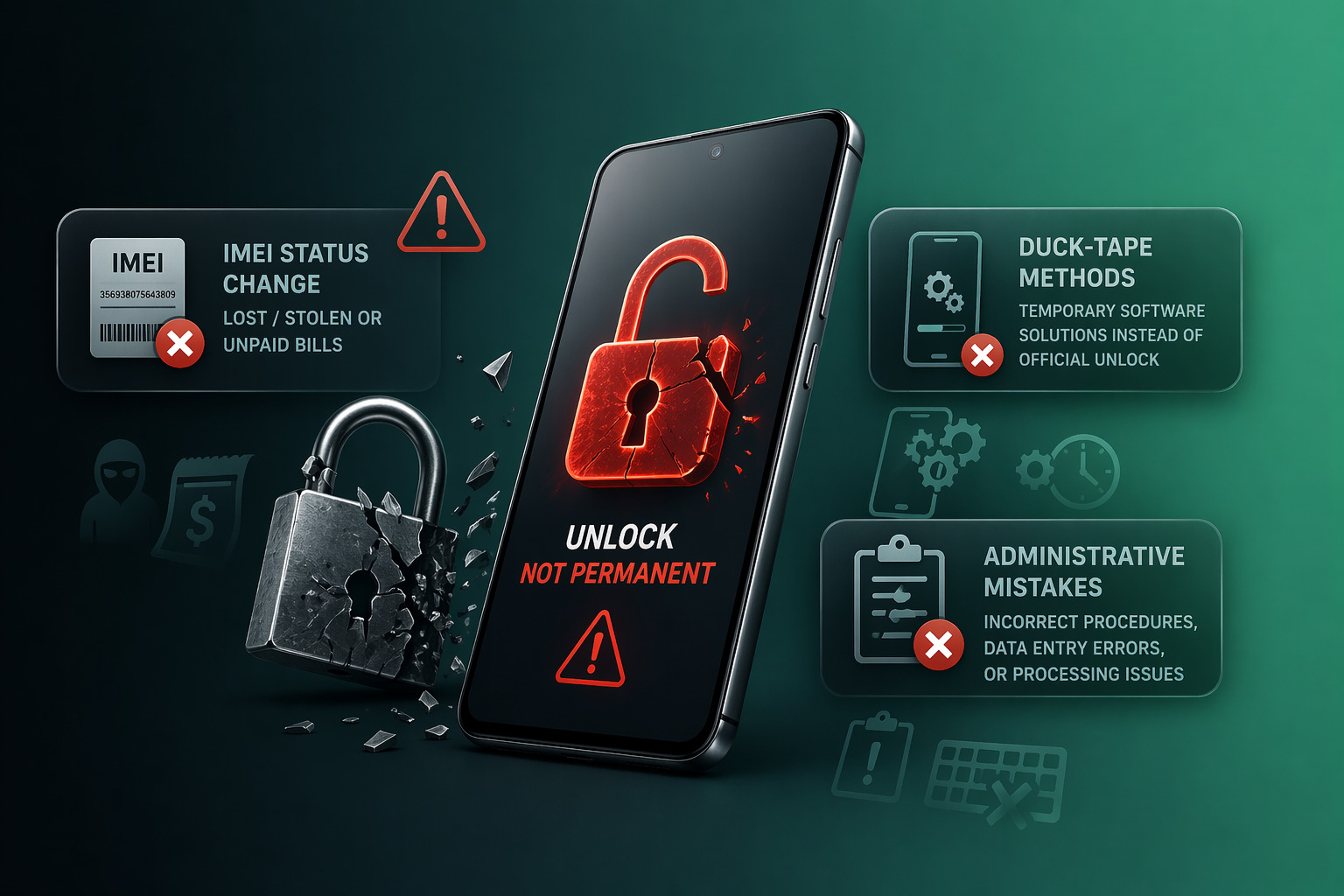
Although unlocking is generally permanent, certain situations can affect the device’s status. These cases are uncommon but important to understand.
One potential factor involves changes in the device’s IMEI status. If a phone is later reported lost, stolen, or involved in account disputes, carriers may restrict its network access regardless of previous unlock status.
Another scenario involves incorrect or unofficial unlocking methods. Temporary software-based solutions may appear to work initially but can reverse after updates or network resets.
In rare cases, administrative errors within carrier systems may also impact unlock records. Reliable providers usually address such issues through support channels.
These situations do not invalidate the concept of a lifetime unlock guarantee, but they highlight that “lifetime” depends on maintaining valid device status within carrier frameworks.
Common Misinterpretations
Many misunderstandings around unlock guarantee meaning come from how the term is presented.
One common misconception is that “lifetime” means unconditional coverage under all circumstances. In reality, guarantees apply to legitimate use cases, not to situations involving policy violations or device status changes.
Another misunderstanding is that all unlocking methods offer the same reliability. Some services rely on temporary workarounds rather than permanent database updates. These solutions may not meet the expectations associated with a true lifetime guarantee.
Users also sometimes assume that unlocking protects against all future network limitations. While unlocking enables carrier flexibility, it does not override hardware compatibility or regional network differences.
Clarifying these points helps separate realistic expectations from phone unlock myths that often circulate in online discussions.
How to Evaluate Reliable Services
Choosing a provider that offers a meaningful lifetime unlock guarantee requires careful evaluation.
A reliable service focuses on transparency. It explains how the unlocking process works, what conditions apply, and what limitations exist. Providers that clearly describe IMEI-based unlocking methods demonstrate alignment with industry standards.
Consistency also matters. Services should provide:
Clear timelines for completion
Defined support channels
Honest explanations when unlocking is not possible
A safe unlocking service does not promise universal results or ignore carrier rules. Instead, it works within established frameworks to deliver stable outcomes.
Another key factor is communication. Providers that respond to questions and offer guidance build trust over time. This level of support reinforces the reliability of the unlocking process.
Unlock Reliability in a Changing Mobile Environment
In 2026, mobile networks continue evolving with eSIM adoption, carrier policy updates, and global connectivity demands. These changes make unlock reliability more important than ever.
Users increasingly rely on unlocked devices for:
Switching carriers
Traveling internationally
Using multiple eSIM profiles
Reselling devices across regions
A stable unlock ensures that these use cases remain possible without disruption. As digital connectivity becomes more flexible, unlocking serves as a foundation for device usability.
Unlocking Transparency and Long-Term Value
Transparency plays a central role in unlocking services. Users benefit from understanding not only what a service offers, but how it delivers results.
Clear explanations reduce uncertainty and help users avoid unrealistic expectations. They also reinforce the value of legitimate unlocking, which supports long-term device flexibility rather than short-term fixes.
A genuine lifetime unlock guarantee aligns with this transparency. It reflects a process designed for stability, not temporary outcomes.
Why Expectations Matter
The concept of a lifetime guarantee often attracts attention because it promises simplicity. However, informed users recognize that unlocking involves structured processes and defined conditions.
Setting realistic expectations helps users make better decisions. It also reduces frustration when comparing services or evaluating different offers.
In the context of unlocking, clarity is more valuable than broad promises.
Conclusion: Clarity Over Claims
The term lifetime unlock guarantee holds real meaning when supported by legitimate unlocking methods and transparent practices. While unlocking can provide long-term results, it depends on proper execution and valid device status.
Users who understand how unlocking works gain confidence in their choices and avoid common misconceptions. In a rapidly evolving mobile landscape, clarity remains the key to making informed decisions.
UnlockBase.com provides clear and transparent unlocking services designed to support long-term device usability.
All products, and company names, logos, and service marks (collectively the "Trademarks") displayed are registered® and/or unregistered
trademarks™ of their respective owners.
The authors of this web site are not sponsored by or affiliated with any of the third-party trade mark or third-party registered trade mark owners,
and make no representations about them, their owners, their products or services.
In 2026, more users expect to use one phone multiple countries without needing to switch devices or carry multiple handsets. Whether traveling, relocating, or working internationally, staying connected across regions has become a practical necessity rather than a luxury.
Advances in eSIM technology, global network compatibility, and device flexibility have made this possible. However, not all phones perform equally well in cross-region scenarios. The key factor often comes down to whether a device is unlocked and fully compatible with different networks.
This article explores how users manage global connectivity with a single device and what to consider for seamless international phone use.
Why Multi-Region Device Use Is Growing
Global mobility has increased significantly in recent years. More people travel frequently, work remotely across borders, or split time between multiple countries. As a result, the need to use one phone multiple countries has grown naturally.
Several trends support this shift:
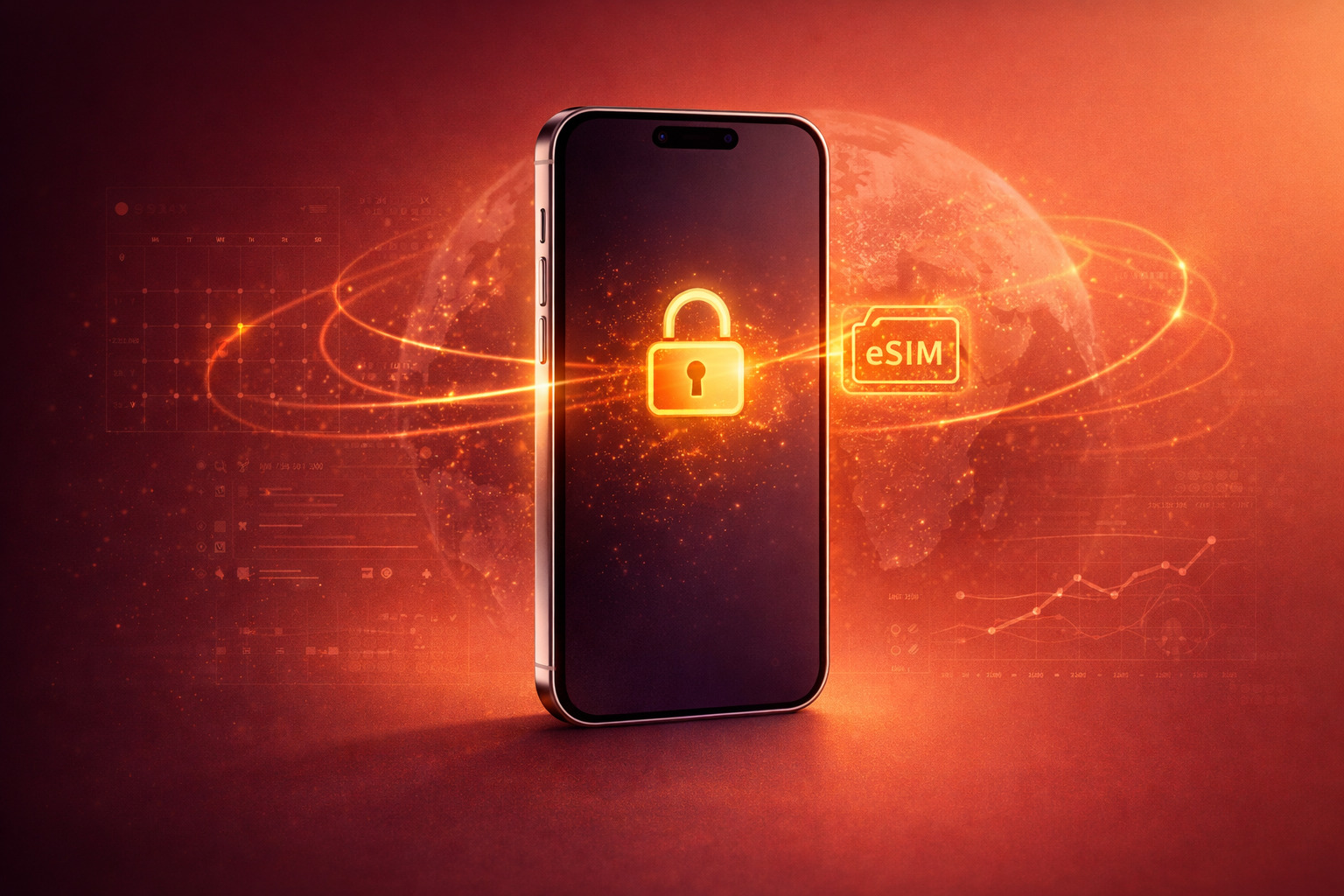
eSIM adoption allows users to install multiple carrier profiles
International data plans have become more accessible
Remote work reduces dependence on fixed locations
Global marketplaces encourage cross-border device use
These changes make carrying multiple phones unnecessary for most users. Instead, a single well-configured device can handle different regions efficiently.
At the same time, expectations have changed. Users no longer tolerate complicated setup processes or limited network access when traveling.
Case Study: US to Europe Travel
One of the most common scenarios involves travelers moving between the United States and Europe.
A typical user might keep a US carrier for calls and verification while using a European eSIM plan for data. This setup avoids expensive roaming charges and provides better local network performance.
With the right configuration, the device can:
Receive calls on the primary US number
Use a local European data plan
Switch between profiles without removing hardware
This is where eSIM travel setup becomes especially valuable. Users can download and activate plans before arrival, ensuring immediate connectivity.
However, success depends on device flexibility. A locked phone may block foreign eSIM activation or restrict network switching, even if the hardware supports it.
Case Study: Frequent Business Travelers
Frequent travelers often rely on more complex setups. They may need to maintain multiple numbers, manage regional data plans, and stay reachable across time zones.
In these cases, the ability to use one phone multiple countries becomes essential for efficiency.
A business traveler might:
Keep a primary number for their home country
Use regional eSIM profiles for data in each destination
Switch networks depending on location or cost
This approach reduces the need for multiple devices and simplifies communication.
For professionals, reliability matters more than convenience alone. Dropped connections, delayed activations, or restricted access can disrupt work.
This is why unlocked phone travel setups are preferred. They allow full control over network selection without interference from carrier limitations.
Locked vs Unlocked in Cross-Region Use
The difference between locked and unlocked devices becomes especially clear in international scenarios.
A locked phone may function normally within its original network but fail when attempting to connect to foreign carriers. This limitation can affect both physical SIM and eSIM usage.
Unlocked phones, on the other hand, support global SIM usage more effectively. They allow users to:
Activate local SIM or eSIM plans freely
Switch carriers based on availability or pricing
Maintain multiple active profiles
In 2026, international phone use increasingly depends on this flexibility. As networks adopt eSIM-first models, the ability to move between carriers without restrictions becomes critical. Using one device across multiple regions is significantly easier when it’s not limited by carrier restrictions.
Practical Considerations for Global Use
Even with an unlocked device, preparation matters. Users planning to use one phone multiple countries should consider a few practical factors.
First, check network band compatibility. While most modern smartphones support a wide range of frequencies, regional differences still exist.
Second, confirm eSIM support and profile limits. Some devices allow multiple profiles but only one active at a time, while others support simultaneous use.
Third, verify lock status before traveling. Many connectivity issues arise not from hardware limitations, but from carrier restrictions.
These steps help ensure smooth performance across different regions.
eSIM vs Physical SIM in 2026
The shift toward eSIM plays a major role in multi-region usage. eSIM eliminates the need to physically swap SIM cards, making transitions faster and more convenient.
However, this convenience also increases reliance on digital compatibility. If a device is restricted, users cannot simply insert another SIM to bypass limitations.
This makes unlocking even more important in an eSIM-first environment. Without it, flexibility decreases rather than increases.
Long-Term Benefits of Using One Device Globally
The ability to use one phone multiple countries offers several long-term advantages.
It reduces device costs by eliminating the need for multiple phones. Using one device also simplifies communication by keeping all contacts and apps on a single device. It also improves resale value, as globally compatible phones attract more buyers.
In addition, users gain greater control over connectivity. They can choose the most cost-effective plan in each region without being tied to a single provider.
These benefits make global device flexibility a key consideration in 2026.
Common Challenges and How to Avoid Them
While the concept is straightforward, some users encounter challenges when attempting international use.
Common issues include:
Carrier lock restrictions
Incompatible network bands
Limited eSIM support
Activation delays
Most of these problems can be avoided with proper preparation. Verifying compatibility and unlocking status in advance prevents disruptions.
Conclusion: One Device, Global Connectivity
The ability to use one phone multiple countries reflects how mobile usage has evolved. In 2026, users expect seamless connectivity across borders without managing multiple devices.
Unlocked phones, combined with eSIM technology and global network support, make this possible. However, flexibility depends on preparation and device configuration.
Users who plan ahead gain the most from this shift, enjoying reliable connectivity wherever they go. UnlockBase.com helps users maintain global connectivity by providing unlocking solutions designed for real-world travel and mobility.
All products, and company names, logos, and service marks (collectively the "Trademarks") displayed are registered® and/or unregistered
trademarks™ of their respective owners.
The authors of this web site are not sponsored by or affiliated with any of the third-party trade mark or third-party registered trade mark owners,
and make no representations about them, their owners, their products or services.
The Apple eSIM expansion 2026 marks a major shift in how smartphones connect to mobile networks worldwide. What began as a US-focused move toward eSIM-only iPhones is now extending into global markets, signaling a broader transformation in Apple’s long-term strategy.
For users, this change affects more than just SIM cards. It reshapes how devices are activated, how carriers operate, and how flexible a phone remains over time. As Apple pushes forward with its eSIM vision, understanding the implications becomes essential for anyone using or planning to buy an iPhone in 2026.
Apple’s eSIM Strategy Moves Beyond the US
Apple first introduced eSIM-only iPhones in the US market, removing the physical SIM tray entirely from certain models. At the time, this approach seemed region-specific. However, the Apple eSIM expansion 2026 confirms that this was only the beginning.
In 2026, Apple continues rolling out eSIM-only configurations in additional regions, particularly in markets with strong carrier infrastructure and digital onboarding capabilities. This shift reflects Apple’s broader vision: simplify hardware design while relying on software-driven connectivity.
The company’s Apple SIM strategy focuses on reducing physical dependencies. By eliminating SIM trays, Apple gains more internal space for components, improves water resistance, and aligns devices with digital-first usage patterns.
At the same time, this move places greater responsibility on carriers and users to adapt.
What’s Changing in Global Markets
The global rollout of eSIM-only iPhones introduces noticeable changes across different regions. While some markets adopt the transition smoothly, others require more adjustment.
In countries with mature digital infrastructure, eSIM activation already feels natural. Users can scan a QR code or download a carrier profile within minutes. These regions align closely with Apple’s vision.
In other markets, physical SIM cards still dominate. Retail-based activation, prepaid usage, and limited eSIM support create friction during the transition.
As a result, the eSIM adoption worldwide landscape remains uneven. Some countries move quickly toward eSIM-only models, while others continue supporting hybrid configurations.
This variation affects how users experience the eSIM only iPhone global rollout. The same device may feel seamless in one country and restrictive in another.
Impact on Carriers and Device Compatibility
The Apple eSIM expansion 2026 does not affect users alone—it also forces carriers to evolve.
Carriers must now support:
Instant digital activation
Remote profile management
Multi-profile switching
Improved customer support for eSIM onboarding
These requirements increase pressure on traditional systems that relied heavily on physical SIM distribution.
From a device perspective, compatibility becomes more complex. Even when a phone supports eSIM, factors such as carrier restrictions, regional firmware, and lock status can influence usability.
Carrier compatibility eSIM depends on several variables:
Whether the device is unlocked
Which carrier originally sold the phone
Regional network configurations
Supported frequency bands
As mobile network changes 2026 accelerate, these details become more important. Users who previously relied on physical SIM swapping must now ensure digital compatibility across networks.
What This Means for Consumers
For everyday users, the Apple eSIM expansion 2026 brings both advantages and new considerations.
On the positive side, eSIM simplifies many tasks. Users can activate plans without visiting stores, switch carriers more easily, and manage multiple profiles on a single device. Travel becomes more convenient, as local eSIM plans can be installed without replacing physical SIM cards.
However, flexibility depends heavily on device configuration. A locked device may still support eSIM but restrict activation to a single carrier. This limitation becomes more noticeable in an eSIM-only environment, where physical alternatives no longer exist.
Consumers should also consider long-term usability. As eSIM adoption grows, devices that remain flexible across networks retain more value and offer better resale potential. As eSIM becomes more widely adopted, understanding your device’s flexibility across networks becomes increasingly important.
Practical Considerations Before Switching to eSIM-Only Devices
Before purchasing or switching to an eSIM-only iPhone, users should evaluate a few key factors.
First, confirm that local carriers fully support eSIM activation. Even in 2026, support levels vary by region and provider.
Second, check device lock status. Unlocking plays a central role in ensuring the phone works across multiple networks, especially when traveling or switching carriers.
Third, understand how many eSIM profiles the device can store and manage. Some users rely on multiple numbers for business, travel, or personal use.
These considerations help users adapt smoothly to the Apple SIM strategy without encountering unexpected limitations.
The Broader Impact of eSIM Adoption Worldwide
The expansion of eSIM-only devices signals a broader industry shift. Other manufacturers often follow Apple’s lead, meaning eSIM adoption will likely accelerate across the entire smartphone market.
This trend aligns with digital transformation across industries. Physical components gradually give way to software-managed systems, increasing efficiency but also requiring stronger infrastructure.
For users, the key takeaway is preparation. Understanding how Apple eSIM expansion 2026 fits into this larger trend helps avoid compatibility issues and ensures long-term flexibility.
Unlocking and Flexibility in an eSIM-First World
In a world without physical SIM cards, unlocking becomes even more important. Without the ability to insert a different SIM, users rely entirely on digital profile compatibility.
Unlocked devices allow:
Activation across multiple carriers
Seamless switching between networks
Access to international eSIM plans
Higher resale value
As eSIM becomes standard, unlocking shifts from a convenience feature to a core requirement for device freedom.
Conclusion: A Digital Shift That Redefines Connectivity
The Apple eSIM expansion 2026 represents more than a technical update. It marks a structural change in how mobile connectivity works worldwide.
While the transition offers clear benefits in convenience and efficiency, it also introduces new dependencies on carrier support and device configuration. Users who understand these dynamics gain the most from Apple’s evolving ecosystem.
As eSIM-only devices become more common, flexibility, compatibility, and preparation define the user experience. UnlockBase.com helps users adapt to evolving network standards by ensuring devices remain compatible across different carriers and regions.
All products, and company names, logos, and service marks (collectively the "Trademarks") displayed are registered® and/or unregistered
trademarks™ of their respective owners.
The authors of this web site are not sponsored by or affiliated with any of the third-party trade mark or third-party registered trade mark owners,
and make no representations about them, their owners, their products or services.