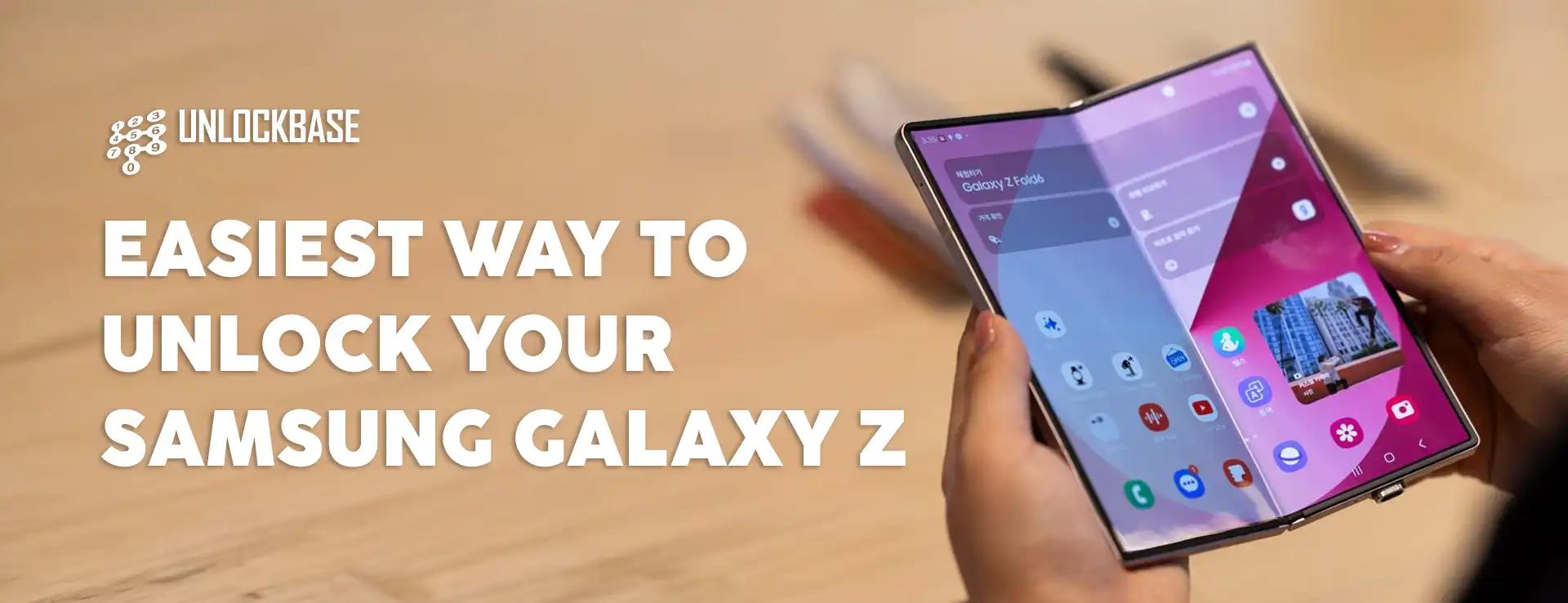
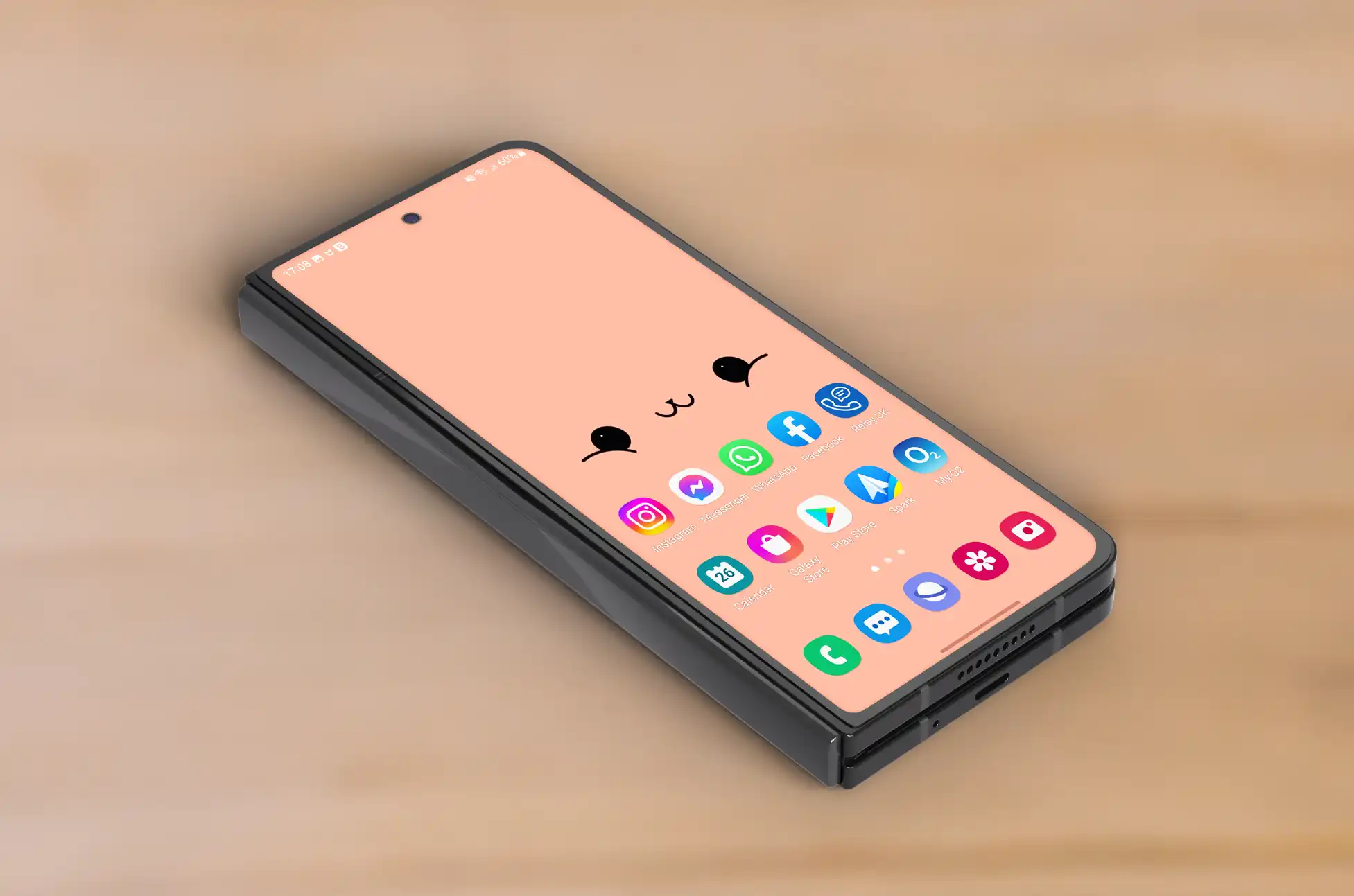
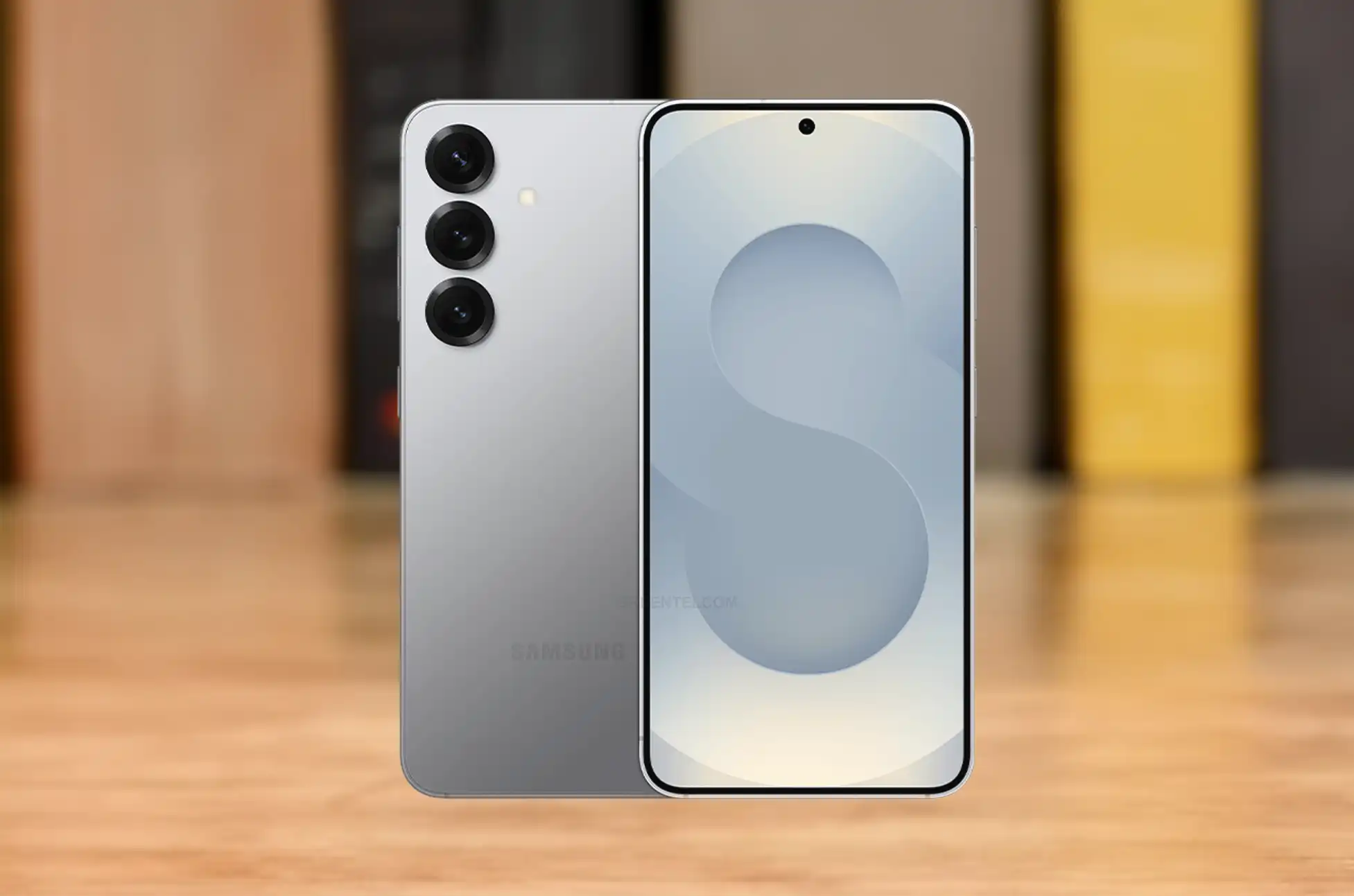
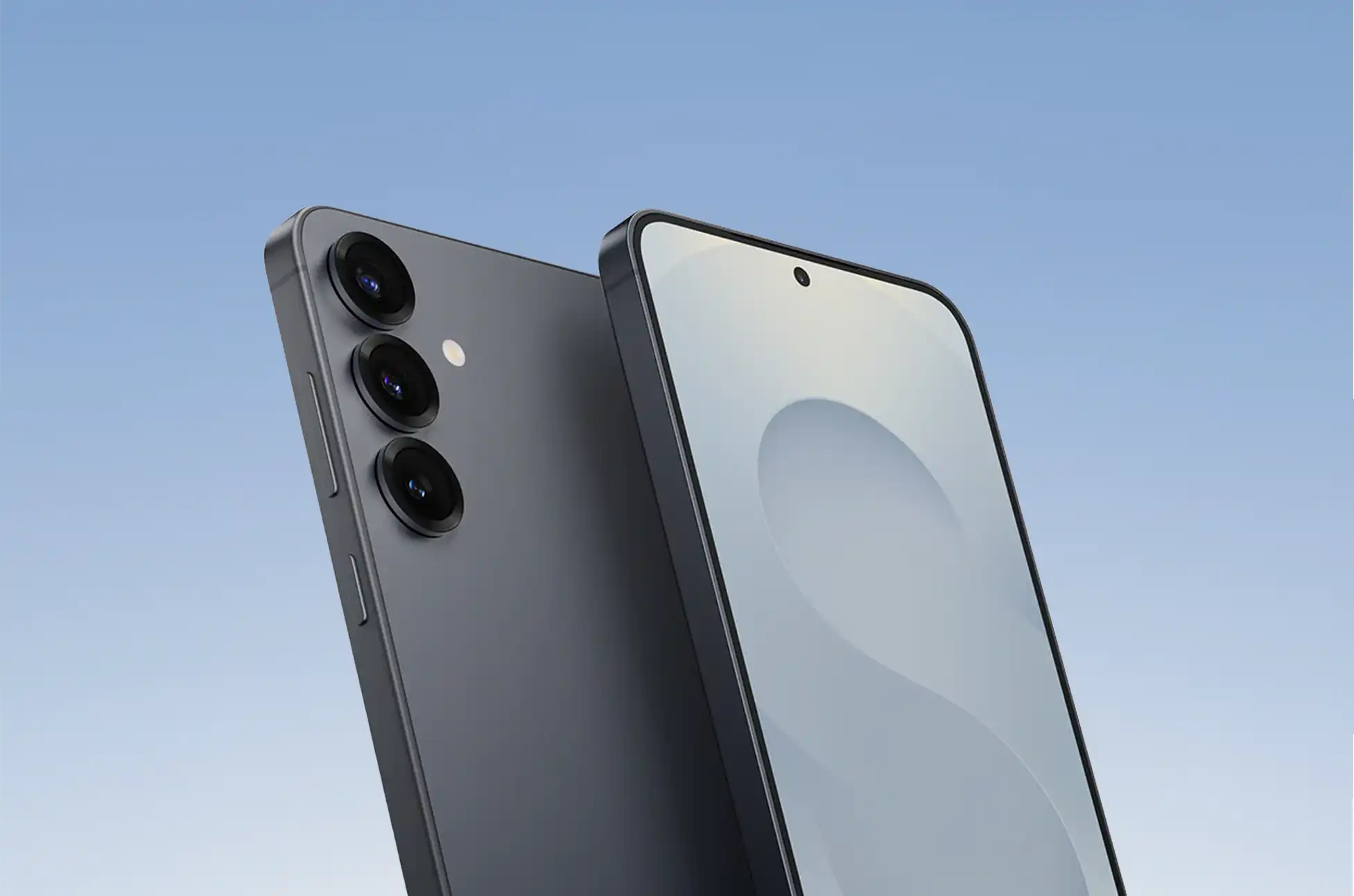
Unlock Samsung Galaxy Z Fold 6? Own a Galaxy Z Fold 6? Congratulations on having Samsung’s latest innovative foldable device! While its cutting-edge folding display already transforms how you interact with technology, there’s another way to expand your device’s capabilities that many owners overlook.
SIM unlocking your Galaxy Z Fold 6 removes carrier restrictions, allowing your premium foldable to work with any network provider worldwide. Think of it as giving your sophisticated device a universal passport—suddenly, your Z Fold 6 gains the freedom to connect anywhere, with any carrier.
Is Unlocking Safe? The Truth About Z Fold 6 SIM Unlocking
Concerned about potential risks? You can put those worries aside! SIM unlocking your Galaxy Z Fold 6 is completely safe and legitimate. The process:
Doesn’t void your warranty
Maintains all device functionality
Preserves your existing carrier contract
Causes no damage to your device’s software or hardware
It’s simply an enhancement that expands your connectivity options without any technical drawbacks.
Reasons to Unlock Samsung Galaxy Z Fold 6
Before diving into the “how,” let’s explore why unlocking your premium foldable makes perfect sense:
1. Travel Without Limitations
Planning international travel? An unlocked Z Fold 6 becomes your perfect travel companion. Simply purchase a local SIM card at your destination and enjoy:
Affordable local data rates
No expensive roaming charges
Seamless connectivity wherever you go
The full power of your device abroad
2. Ultimate Carrier Flexibility
Your unlocked device puts you in control of your mobile experience. You can:
Switch carriers whenever better plans emerge
Take advantage of competitive promotions
Test network coverage in your area
Never feel trapped by a single provider again
3. Enhanced Resale Value
Planning to upgrade in the future? An unlocked Galaxy Z Fold 6 commands a higher resale price. Potential buyers value the freedom to choose their own carrier, making your device more attractive in the secondary market.
Your Step-by-Step Guide to Unlock Samsung Galaxy Z Fold 6
Ready to liberate your device? Follow these straightforward steps:
Step 1: Verify Your Eligibility
Before proceeding, check if you meet your carrier’s requirements for unlocking. Most carriers require:
Completion of any contract obligations
Full payment of device financing
Good standing account status
Minimum service period (typically 60-90 days)
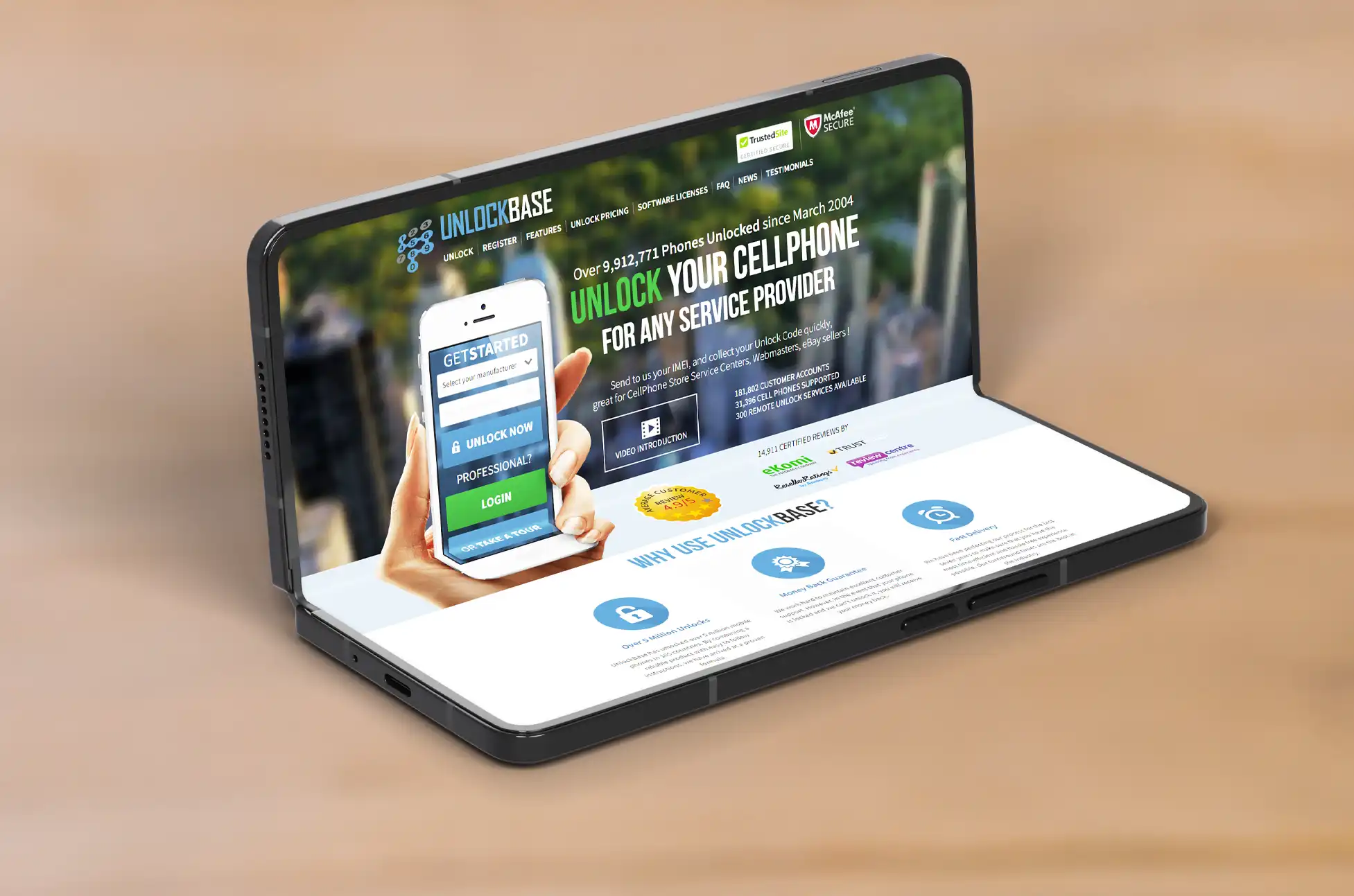
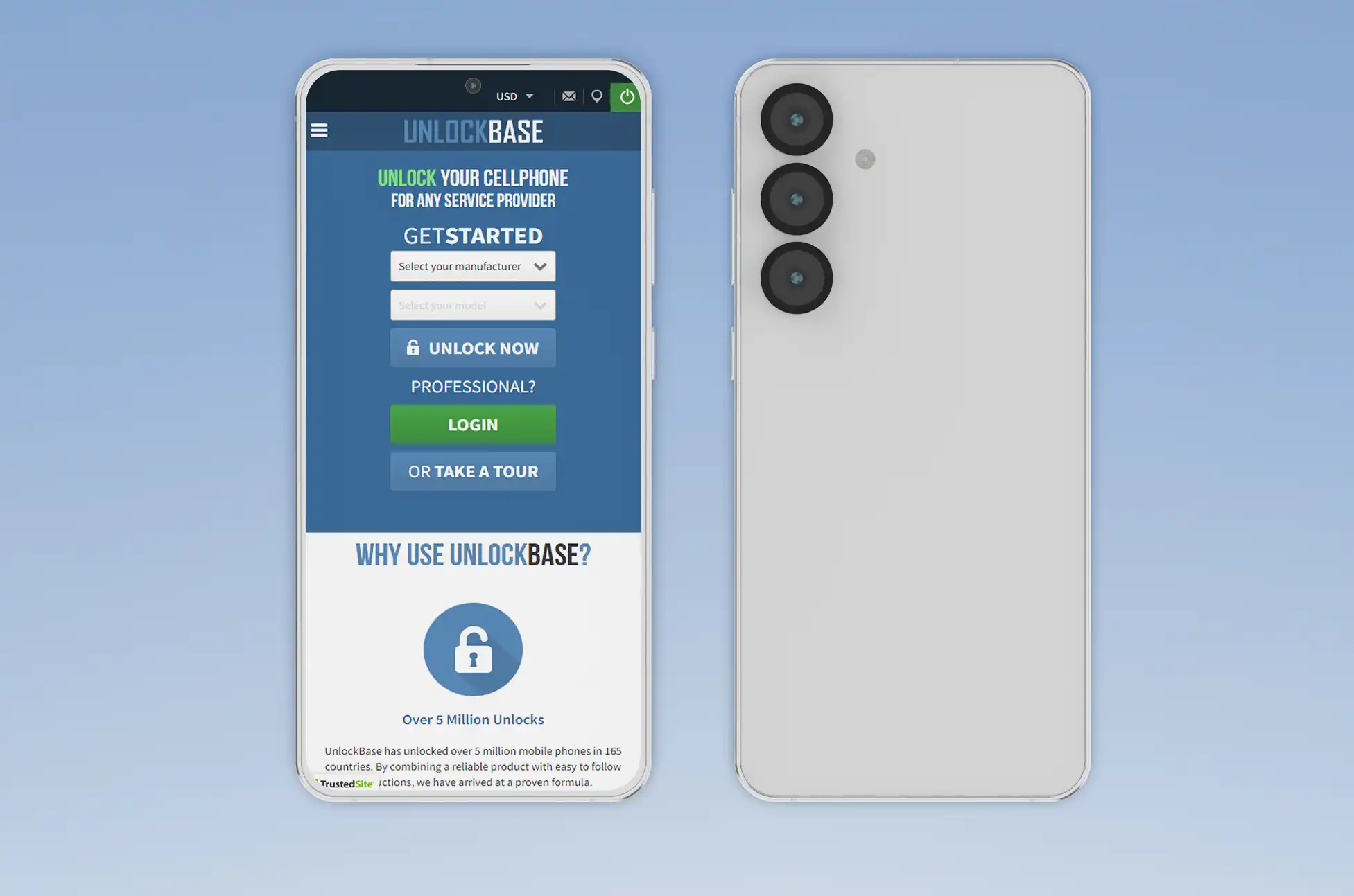
Step 2: Unlock your Samsung Galaxy Z Fold 6 with UnlockBase
Once you have your unlock code, the final steps are simple:
Power off your Galaxy Z Fold 6 completely
Insert a SIM card from a different carrier
Power on your device
When prompted, enter the provided unlock code
Confirm the unlock was successful by testing connectivity
Unlock Samsung Galaxy Z Fold 6 : Conclusion
Unlocking your Samsung Galaxy Z Fold 6 transforms it from an amazing device to an unstoppable communication powerhouse. With carrier restrictions removed, you’re free to experience connectivity on your terms.
As tech enthusiasts, we shouldn’t settle for limitations on our premium devices. Your Z Fold 6 represents cutting-edge innovation—why not match that with unrestricted network access? Unlock your device today and join the community of Galaxy owners who enjoy their technology without boundaries.
Remember: your remarkable foldable was designed to break conventional limitations. Now your connectivity can be just as revolutionary as the device itself.
All products, and company names, logos, and service marks (collectively the "Trademarks") displayed are registered® and/or unregistered
trademarks™ of their respective owners.
The authors of this web site are not sponsored by or affiliated with any of the third-party trade mark or third-party registered trade mark owners,
and make no representations about them, their owners, their products or services.
Galaxy S25 Instant Hotspot? One of Android’s greatest strengths has always been its flexibility—allowing users to mix and match devices from different manufacturers while maintaining core functionality. You can happily use a phone, tablet, and smartwatch from completely different companies, and they’ll generally work well together.
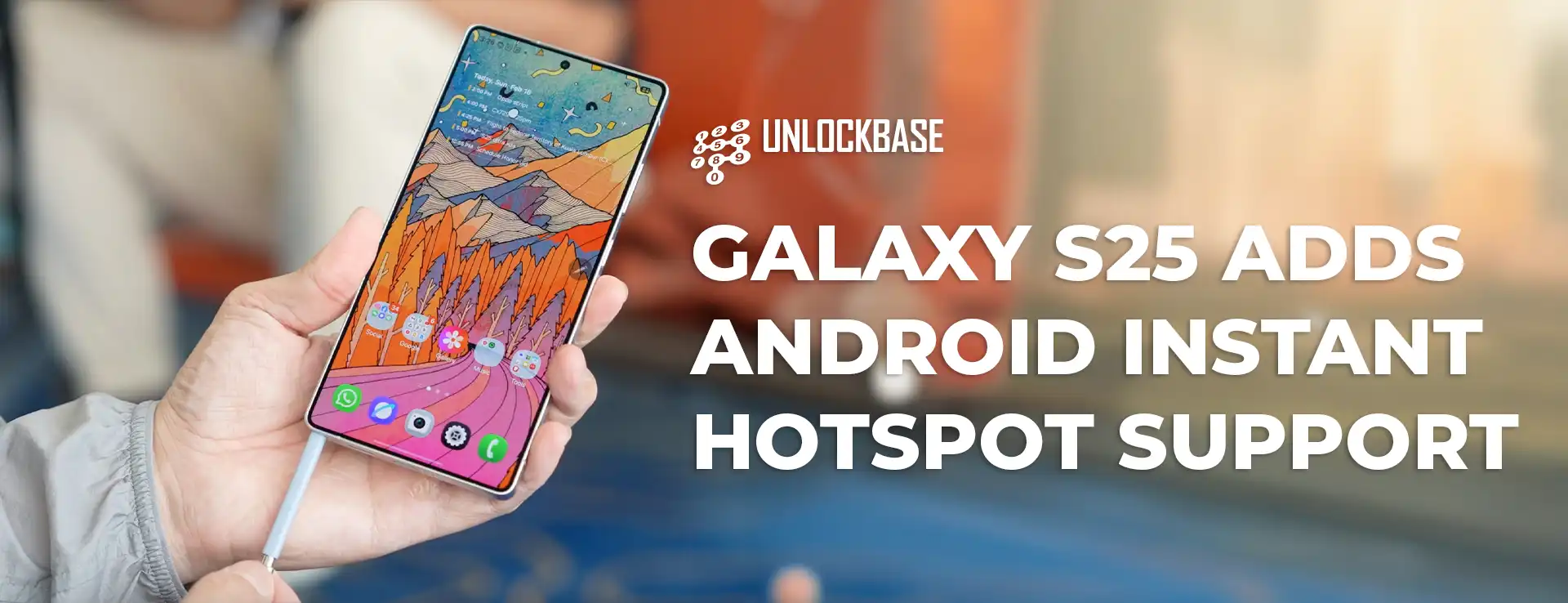
However, certain premium features have typically remained locked within single-brand ecosystems. Until now, seamlessly sharing your Samsung phone’s internet connection with a non-Samsung tablet required manual setup. That changes with the Galaxy S25, which becomes Samsung’s first phone to support Android’s universal Instant Hotspot feature.
Samsung has long enticed users to stay within its ecosystem by offering compelling cross-device features that only work with Samsung-branded products. Beyond attractive pricing bundles, the company creates powerful software integrations exclusive to its device family.
Auto Hotspot stands out as one such feature—providing an effortless way to share internet connections between Samsung devices. This system works brilliantly, but with one significant limitation: it’s strictly confined to Samsung hardware. If you prefer Android tablets from other manufacturers, you’ll be forced to:
Manually enable hotspot functionality on your Samsung phone
Navigate to your tablet’s Wi-Fi settings
Select the hotspot connection
Enter security credentials when prompted
This multi-step process creates unnecessary friction in what should be a seamless experience.
Galaxy S25 Instant Hotspot : The Universal Solution
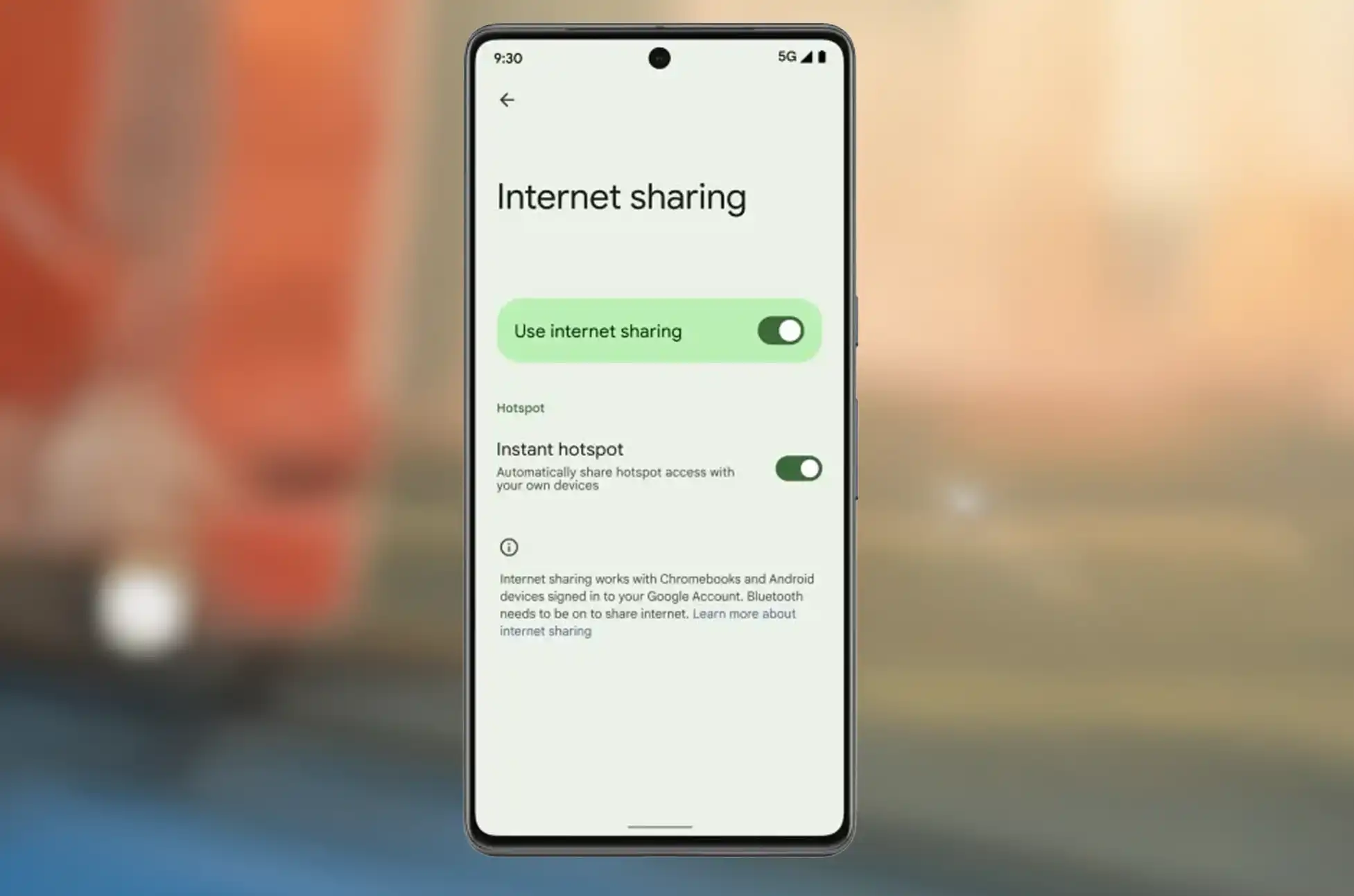
For users with non-Samsung Android phones, connectivity has been considerably simpler thanks to Android’s Instant Hotspot feature. This functionality is part of Android’s broader Cross-Device Services suite, which operates through Google Play Services across compatible Android devices.
While Samsung phones have included Cross-Device Services, they’ve notably lacked Instant Hotspot support since the feature’s introduction. This omission has created an artificial barrier for Samsung phone owners wanting to connect non-Samsung Android tablets without manual configuration.
The good news? Starting with the Galaxy S25 series, Samsung has finally integrated Instant Hotspot functionality. We’ve personally verified this working on our Galaxy S25 Ultra review unit, and Google’s support documentation confirms the addition.
The feature works exactly as expected:
Your Android tablet receives a notification offering your phone’s internet connection
Tapping “Connect” automatically creates a temporary hotspot on your phone
Your tablet connects instantly without manual intervention
Alternatively, you can select your phone’s hotspot directly from your tablet’s internet panel
This streamlined process eliminates the friction that previously existed when using Samsung phones with Android tablets from other manufacturers.
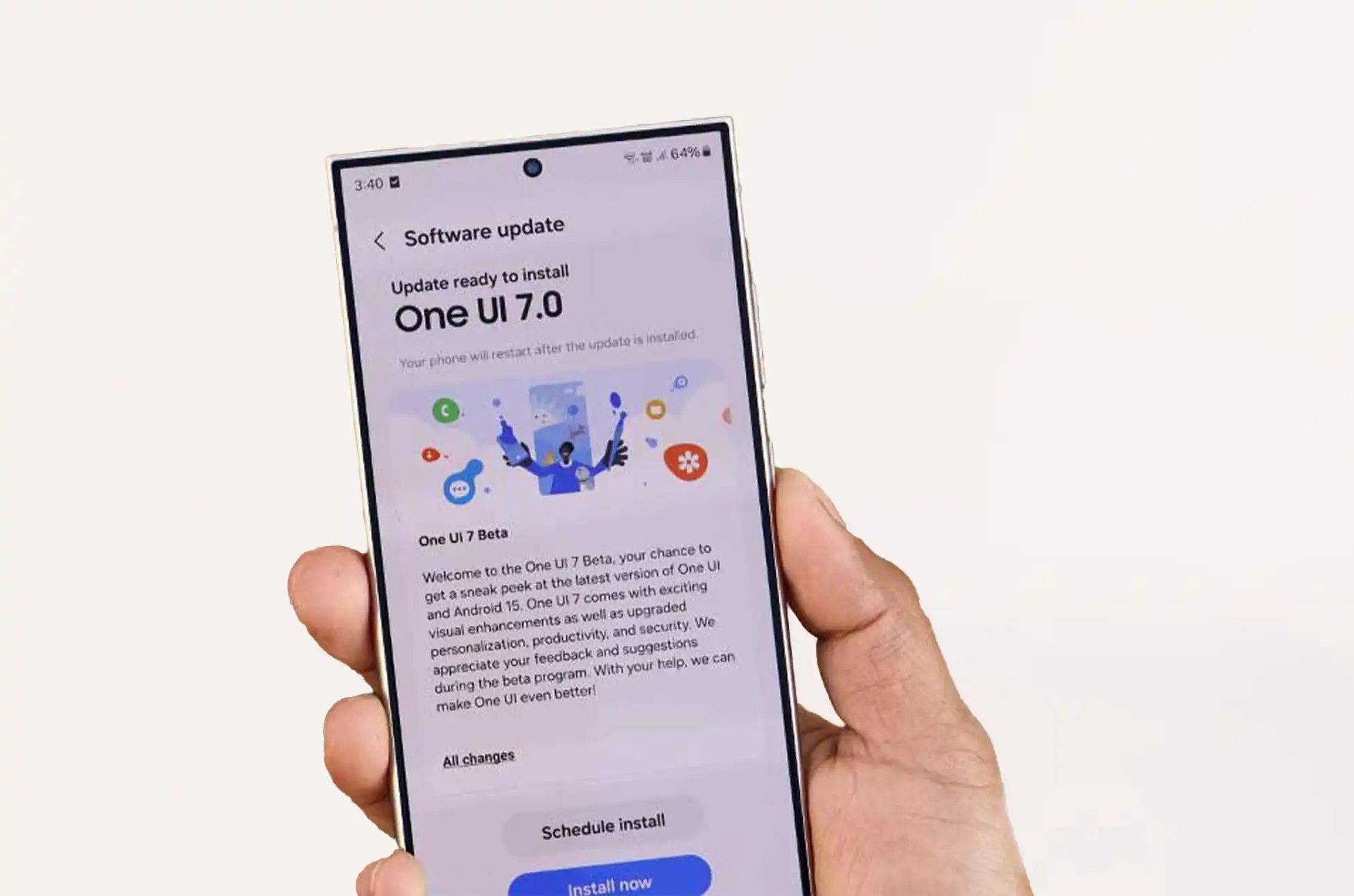
Is One UI 7 the Key to Wider Compatibility?
Google’s support documentation states that Instant Hotspot is available specifically on “Samsung S25 and newer devices.” However, there’s promising news for owners of older Samsung phones. Multiple users who have updated their previous-generation Galaxy devices to One UI 7 report that Instant Hotspot now works for them as well.
This pattern suggests that One UI 7 itself may be the enabling factor for Instant Hotspot compatibility on Samsung devices. The logical conclusion is that previous One UI versions contained elements incompatible with this particular Cross-Device Service, and the latest update resolves these conflicts.
The Future of Connected Android Devices
This integration represents a significant step toward a more cohesive Android ecosystem, where device capabilities aren’t artificially restricted by manufacturer boundaries. As mobile technology continues evolving, these cross-device experiences become increasingly important to users managing multiple devices.
Samsung’s adoption of Android’s Instant Hotspot feature signals a willingness to embrace standardized connectivity solutions alongside its own ecosystem-specific features. This dual approach provides users with greater flexibility while maintaining the premium integrated experiences Samsung is known for.
Galaxy S25 Instant Hotspot : Conclusion
Do you own a Samsung phone and a non-Samsung Android tablet? We’d love to hear about your experience with Android’s Instant Hotspot feature in the comments! Has this addition made your cross-device workflow smoother? Does it influence your future purchasing decisions? Share your thoughts below!
All products, and company names, logos, and service marks (collectively the "Trademarks") displayed are registered® and/or unregistered
trademarks™ of their respective owners.
The authors of this web site are not sponsored by or affiliated with any of the third-party trade mark or third-party registered trade mark owners,
and make no representations about them, their owners, their products or services.
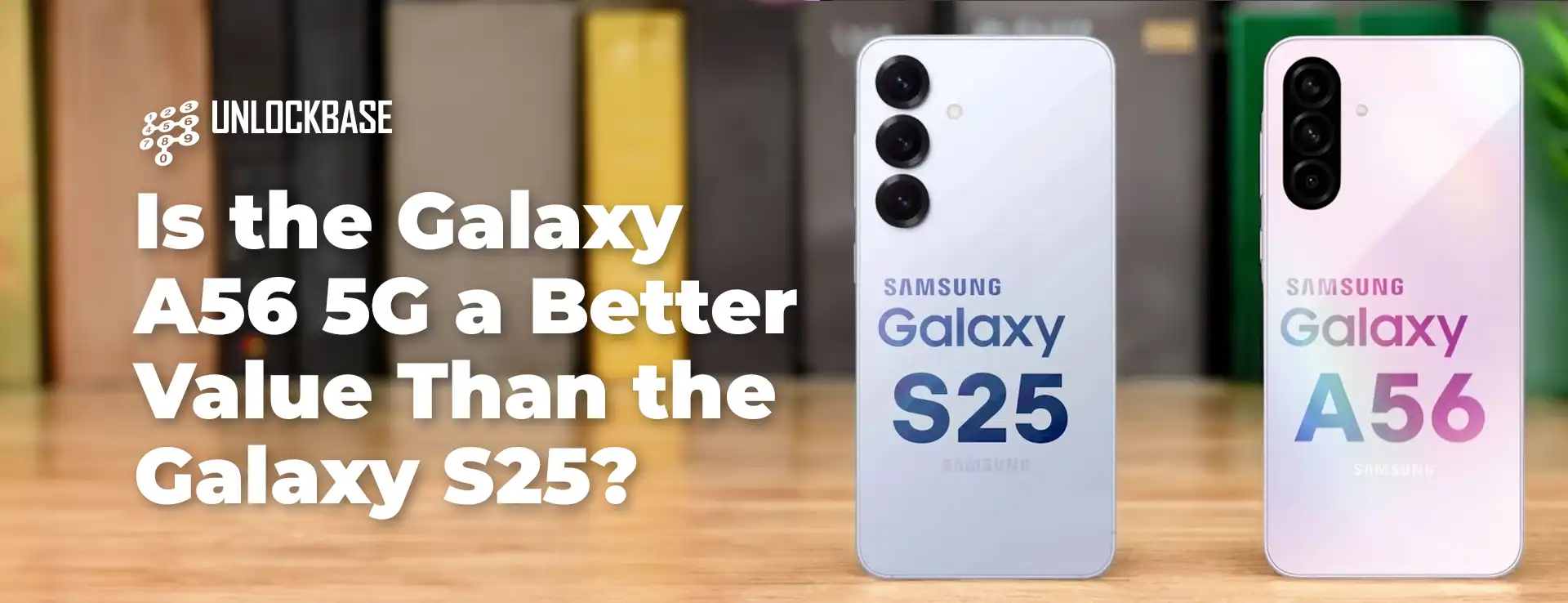
Samsung A56 or S25 ? While Samsung’s Galaxy S series has dominated the Android flagship landscape for nearly fifteen years, something unexpected has happened with their latest releases. The newly unveiled Galaxy A56 5G is challenging the base model Galaxy S25 with competitive specs at a significantly lower price point. As someone who recently switched to the compact Galaxy S25 from the massive S24 Ultra, I’m conflicted about a phone that costs $300 less while offering comparable—and sometimes superior—features.
Samsung A56 or S25 Battery and Charging: The A56 5G Takes the Crown
The Galaxy A56 5G delivers impressive hardware for its $500 price tag. When comparing key features with the Galaxy S25, several standout differences emerge:
Battery capacity: The A56 5G packs a 5,000mAh battery (matching the S25 Ultra), while the S25 makes do with just 4,000mAh
Charging speed: The A56 5G supports 45W “super fast charging” (identical to the S25+ and Ultra), whereas the S25 is limited to 25W
Screen size: The A56 5G features a larger 6.7-inch display compared to the S25’s 6.2-inch screen
While the S25’s smaller size naturally limits battery capacity, other similarly-sized phones like the Motorola ThinkPhone 25 manage to include larger batteries (4,310mAh) and faster charging (68W). Based on my experience, the S25’s battery life is adequate—comparable to my S24 Ultra—but the A56 5G will likely deliver significantly better endurance.
Samsung A56 or S25 Performance: Closer Than You Might Expect
The processing gap between these devices isn’t as dramatic as their price difference suggests. Yes, the S25’s Snapdragon 8 Elite outperforms the A56 5G’s Exynos 1580, but these differences are only noticeable in specific scenarios:
The A56 5G lacks some Galaxy AI features due to its less powerful chip
Gaming performance is reduced on demanding titles, though casual games run smoothly
The $300 premium for the S25’s performance boost is difficult to justify for most users
The battery efficiency advantages of the S25’s premium processor are essentially negated by the A56 5G’s larger power cell. In terms of memory and storage, the comparison becomes even more interesting—while the S25 starts at 128GB globally with 12GB RAM, the A56 5G offers 256GB in some regions (including the UK) with 8GB RAM. Most users won’t notice the RAM difference unless they frequently run multiple demanding apps simultaneously.
Where the Galaxy S25 Still Shines
Despite the compelling value proposition of the A56 5G, the S25 maintains several advantages that justify its premium positioning:
Superior camera system: The S25 features a useful 3X telephoto lens instead of the A56 5G’s limited 5MP macro camera
Wireless charging: The S25 supports 15W wireless charging with Qi2 compatibility, while the A56 5G offers no wireless charging
Design aesthetics: The S25 boasts a more refined look with slimmer, uniform bezels around its display
Software features: While both phones run One UI 7, the S25 exclusively offers Now Brief and Audio Eraser (the latter being particularly valuable for improving videos recorded in noisy environments)
Samsung A56 or S25 : Long-Term Software Support Considerations
The software support timeline shows a slight edge for the flagship model:
Galaxy S25: Seven years of OS updates
Galaxy A56 5G: Six years of OS updates
While a single year of extended support may not justify the $300 premium, the S25 will receive updates sooner and likely maintain feature parity longer. As Samsung continues to develop AI-focused features in future One UI versions, the gap between these devices will likely widen, even as they receive the same OS versions.
The Value Equation: A Challenge for Premium Phones
For those who prioritize wireless charging and superior photography, the S25’s premium may be worthwhile. However, the Galaxy A56 5G highlights an industry-wide issue affecting both Samsung and Google—mid-range phones now deliver approximately 90% of the flagship experience at roughly 60% of the cost.
While we celebrate the exceptional value of the $500 Galaxy A56 5G, we should also demand that Samsung enhance the value proposition of the Galaxy S series. Future-base model of S series deserve:
Better zoom capabilities with improved optical performance
Faster charging standards that match or exceed their mid-range counterparts
Larger battery capacities without compromising form factor
Exclusive AI features that deliver tangible benefits rather than novelty functions
Materials and build quality that genuinely feel premium in hand
Samsung A56 or S25 : Conclusion
What’s your take on this comparison? Would you select the Galaxy A56 5G over the S25, or are there specific flagship features worth the extra $300? Share your thoughts in the comments!
All products, and company names, logos, and service marks (collectively the "Trademarks") displayed are registered® and/or unregistered
trademarks™ of their respective owners.
The authors of this web site are not sponsored by or affiliated with any of the third-party trade mark or third-party registered trade mark owners,
and make no representations about them, their owners, their products or services.
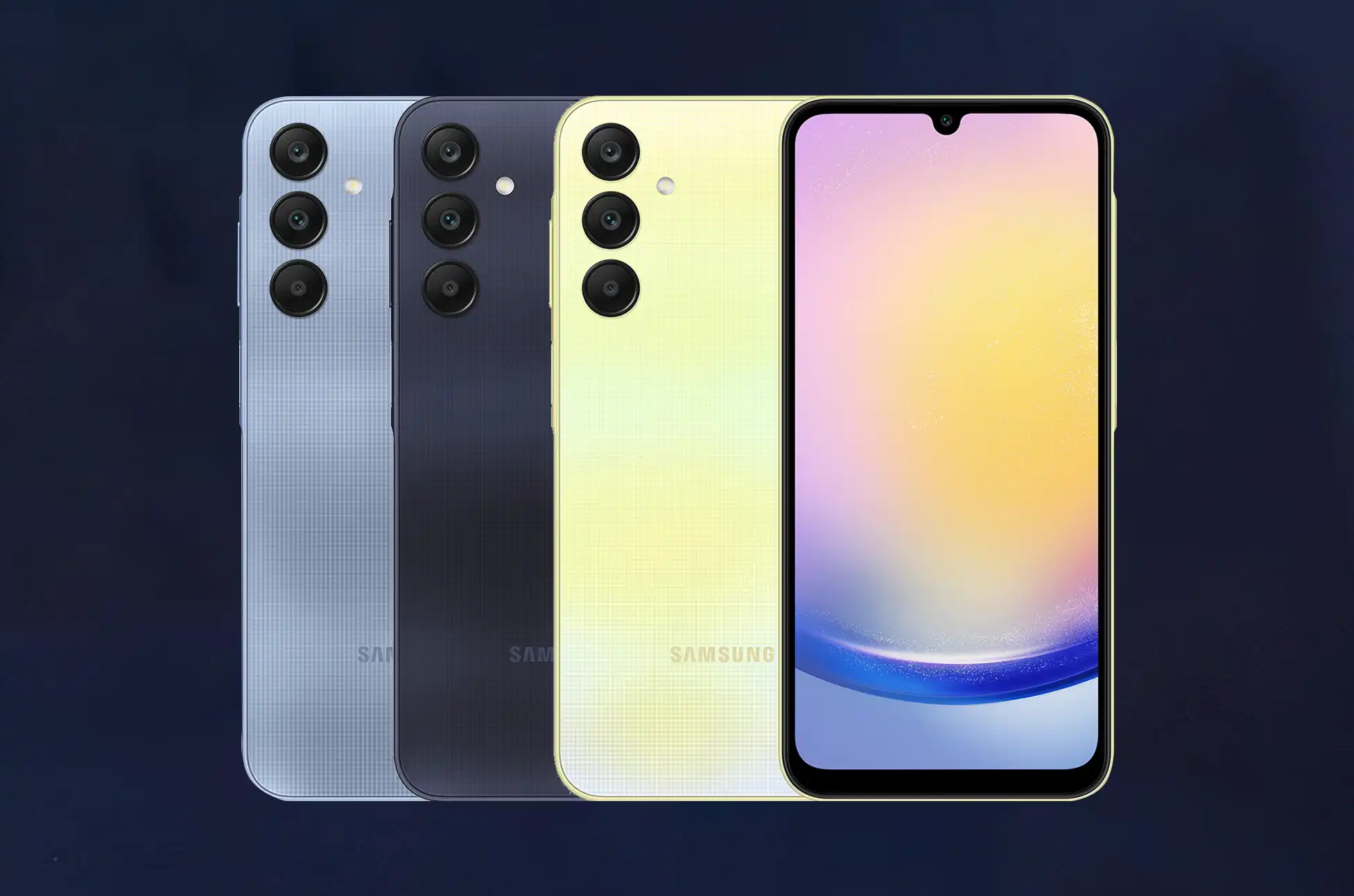
Are you tired of being tethered to a single carrier with your sleek new Samsung Galaxy A25 5G? You’re not alone! SIM unlocking your device is like giving your smartphone wings – suddenly, you have the freedom to switch carriers, use local SIMs while traveling, and potentially save a ton of money.
In this guide, I’ll walk you through everything you need to know about unlocking your A25 5G in a way that’s safe, legal, and surprisingly simple.
What Does SIM Unlocking Actually Mean?
Before we dive in, let’s clear up what we’re talking about. SIM unlocking removes the carrier restriction that came with your phone when you purchased it from providers like AT&T, T-Mobile, or Verizon. Once unlocked, your Galaxy A25 5G can accept SIM cards from virtually any compatible carrier worldwide.
Think of it as removing a digital lock that the carrier placed on your phone – a lock that serves their business interests, not necessarily yours!
Why You Might Want to Unlock Your Samsung Galaxy A25 5G
Travel Freedom: Pop in local SIM cards while abroad and avoid astronomical roaming fees
Better Deals: Shop around for the best carrier plan without needing a new device
Higher Resale Value: Unlocked phones typically sell for 20-30% more than locked ones
Dual SIM Usage: Fully utilize your A25 5G’s dual SIM capabilities for work/personal separation
Network Flexibility: Switch carriers whenever coverage or pricing benefits you
Unlocking Samsung Galaxy A25 5G
Method 1: Contact Your Carrier Directly (The Official Way)
This is often the simplest approach:
Call customer service or visit your carrier’s store
Request an unlock code for your Samsung Galaxy A25 5G
Provide your IMEI number when requested
Follow their instructions – which typically involve entering a code they’ll provide
Wait for confirmation – some carriers send unlock instructions via email
Most major carriers in the US are required by law to unlock your phone upon request if you meet their requirements, which typically include having the phone paid off and used on their network for 60-90 days.
Method 2: UnlockBase Unlocking Service
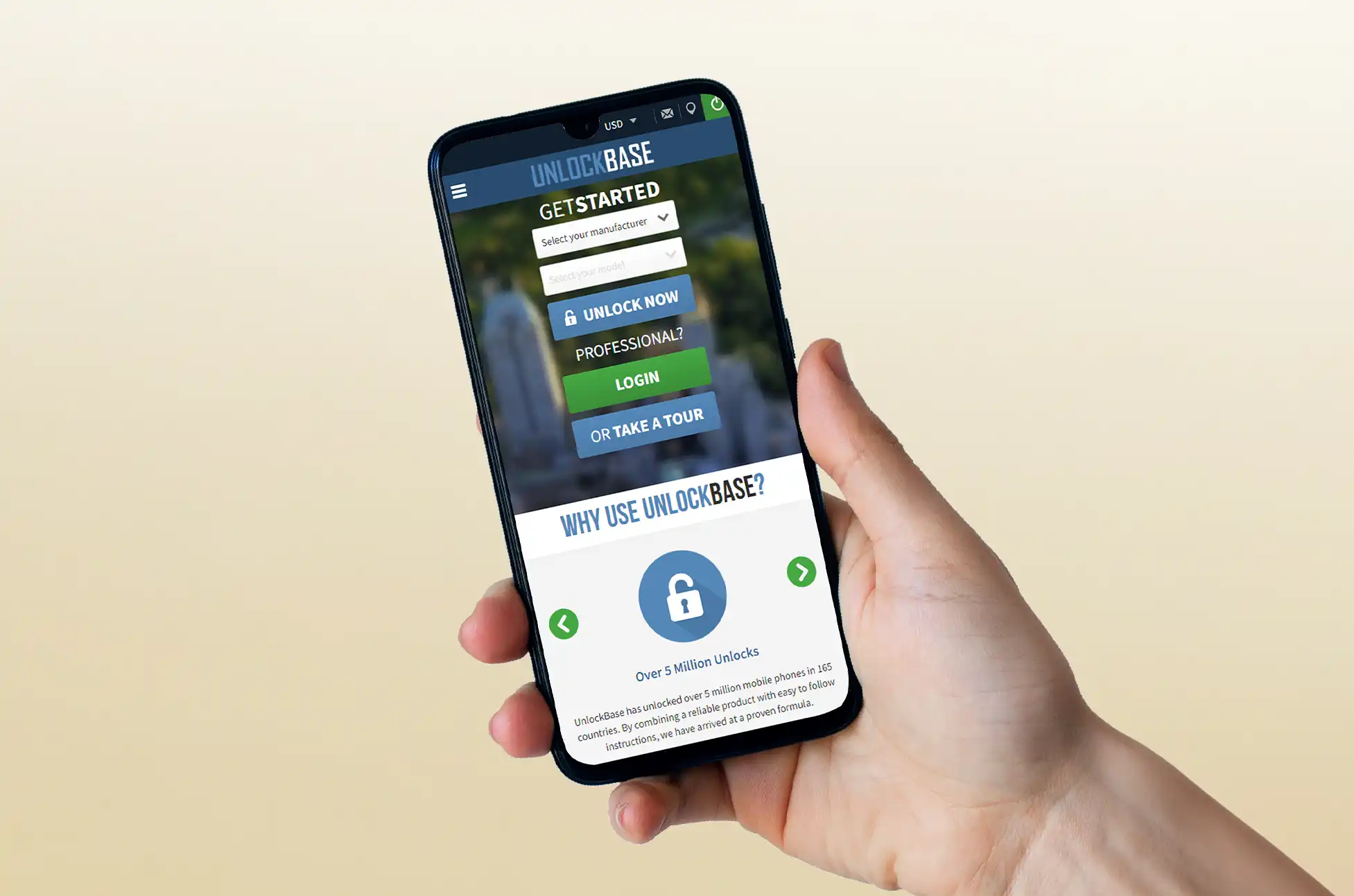
Visit UnlockBase.com and select Samsung as your manufacturer
Enter your device’s unique IMEI number (dial *#06# to find it)
Provide your email address for unlock code delivery
Select your current country and network provider
Complete the secure payment process
Wait for your confirmation email with unlock instructions
How to Verify Your A25 5G Is Successfully Unlocked
The moment of truth! Here’s how to confirm your unlock worked:
Power off your phone completely
Insert a SIM card from a different carrier
Power on your device
Try making a call or using data
If the call connects or data works, congratulations! Your Samsung Galaxy A25 5G is now unlocked and ready to use with any compatible carrier.
Unlocking Samsung Galaxy A25 5G: Enjoy Your Newfound Freedom!
Unlocking your Samsung Galaxy A25 5G opens up a world of possibilities. Whether you’re looking to save money on your mobile plan, seamlessly use local SIMs while traveling internationally, or simply want the flexibility to switch carriers whenever you please, an unlocked phone puts you in control.
Remember that while the A25 5G supports an impressive range of bands, you should always check carrier compatibility before switching. The phone’s excellent 5G capabilities and dual SIM features make it particularly valuable when unlocked.
All products, and company names, logos, and service marks (collectively the "Trademarks") displayed are registered® and/or unregistered
trademarks™ of their respective owners.
The authors of this web site are not sponsored by or affiliated with any of the third-party trade mark or third-party registered trade mark owners,
and make no representations about them, their owners, their products or services.
How to Unlock Samsung S25 Series? Are you tired of being tethered to one carrier with your new Samsung S25 or S25 Plus? Unlock your device’s full potential with our straightforward guide. Gain the freedom to choose any network, enjoy better international roaming options, and potentially save money on your mobile plan.
Check Eligibility First
Before starting the unlocking process:
Verify your Samsung S25 eligibility with your current carrier – they may provide a free unlock code if you qualify
Remember that postpaid devices under contract typically can’t be unlocked until the contract ends
Test if your phone is already unlocked by inserting a SIM from another carrier – if it works without prompting for a code, congratulations!
How to Unlock Samsung S25 Series : Protect Your Data
Back up your valuable information before proceeding with the unlock process. Connect your Samsung S25 to your computer and create a complete backup to prevent any potential data loss during the unlocking procedure.
UnlockBase: Your Digital Locksmith
When carriers say “no” to unlocking, UnlockBase says “yes.” This trusted service bypasses traditional restrictions with guaranteed unlock codes specifically tailored for your Samsung S25. With over a decade of experience and millions of successful unlocks, UnlockBase offers what your carrier won’t: freedom on your terms, not theirs.
How to Unlock Samsung S25 Series : Simple Steps to Freedom
Unlocking your Samsung S25 or S25 Plus is surprisingly straightforward with UnlockBase:
Visit UnlockBase.com and select Samsung as your manufacturer
Enter your device’s unique IMEI number (dial *#06# to find it)
Provide your email address for unlock code delivery
Select your current country and network provider
Complete the secure payment process
Wait for your confirmation email with unlock instructions
Once you receive your unlock code:
Power off your Samsung S25 and remove your original SIM card
Insert the new carrier’s SIM card
Power on your device and enter the provided unlock code when prompted
For visual learners, check out our step-by-step video tutorial on the UnlockBase website.
Explore More About Your Samsung S25 Series
Want to maximize your experience with your newly unlocked Samsung S25? Visit the UnlockBase Blog for our comprehensive guide covering:
Hidden features and settings
Camera tips and tricks
Battery optimization techniques
Customization options
Exclusive S25 series capabilities
Whether you’re a tech enthusiast or simply want to get more from your device, our detailed resources will enhance your Samsung experience.
How to Unlock Samsung S25 Series : Conclusion
Unlocking your Samsung S25 or S25 Plus gives you the freedom to choose any compatible carrier worldwide. This simple process can save you money, improve your coverage options, and make international travel more convenient. Remember to back up your data before starting, and feel free to contact us with any questions about the unlocking process.
All products, and company names, logos, and service marks (collectively the "Trademarks") displayed are registered® and/or unregistered
trademarks™ of their respective owners.
The authors of this web site are not sponsored by or affiliated with any of the third-party trade mark or third-party registered trade mark owners,
and make no representations about them, their owners, their products or services.
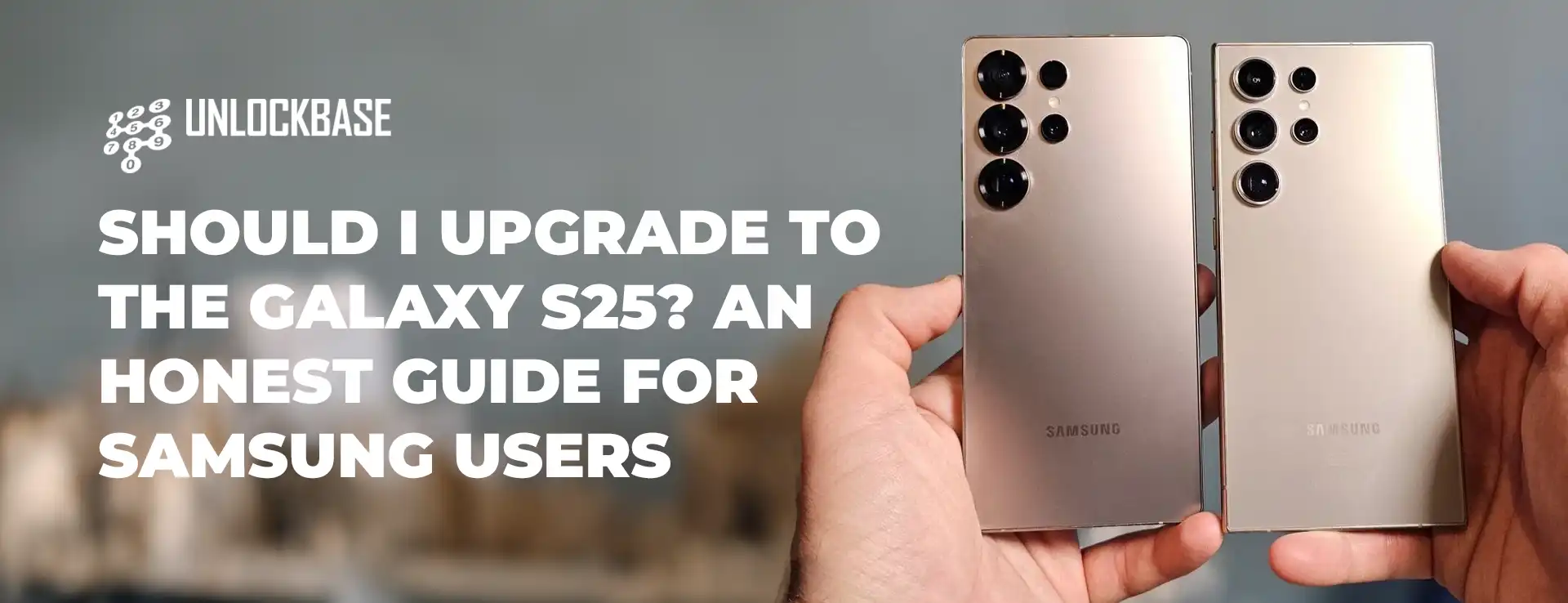
Should I upgrade to Galaxy S25 ? In the ever-evolving world of flagship smartphones, Samsung’s latest Galaxy S25 has landed with some interesting features – but is it worth your hard-earned money?
While it boasts new hardware and Qi2-compatible accessories in a sleeker package, there are compelling reasons why this might not be the upgrade you’re looking for. Let’s dive into why the Galaxy S25 might be a pass this year, especially if you’re rocking a recent Android device.
Should I upgrade to Galaxy S25 : The Design Dilemma
Remember when Samsung phones stood out in a crowd? Those days might be behind us. The Galaxy S25’s front view feels like déjà vu – it’s virtually indistinguishable from other recent smartphones. Even Apple’s iPhone 16 has adopted Samsung’s signature traffic light camera arrangement, making the Galaxy S25 lose its distinctive edge. For those seeking a unique aesthetic, brands like Google and OnePlus are currently offering more distinctive designs.
Camera System: Same Hardware, Different Year
Photography enthusiasts, take note: the Galaxy S25’s camera system is essentially a carbon copy of its predecessor. You’re looking at the same 50MP main sensor, 10MP telephoto lens, and 12MP front camera from the S24. While Samsung promises enhanced post-processing capabilities, persistent issues like motion blur remain unaddressed. If you’re coming from an S24 or S23, you won’t find any groundbreaking photography improvements here.
The Qi2 Conundrum: Almost There, But Not Quite
Wireless charging enthusiasts have been eagerly awaiting full Qi2 implementation on Android flagships. While the S25 offers “Qi2 Ready” accessories and improved wireless charging speeds, it stops short of full Qi2 integration. This half-measure feels particularly disappointing, especially since Samsung has apparently solved the S Pen interference issues that previously prevented magnetic charging implementation.
Should I upgrade to Galaxy S25 ? Battery and Charging
The 4,000mAh battery and 25W charging speeds remain unchanged from the S24. While the battery life isn’t bad – offering around nine hours of screen time with regular use – the charging speeds feel outdated compared to competitors like the OnePlus 12’s blazing 80W charging. In a world where fast charging is becoming increasingly important, Samsung seems content to maintain the status quo.
Value Proposition: The S24 Looks Better Than Ever
Here’s the kicker: most of the Galaxy S25’s exciting features are software-based, coming through One UI 7. Since this update is also heading to the S24 (which still has six years of updates ahead), last year’s model becomes increasingly attractive – especially with current discounts of up to $150 through major retailers.
Should I upgrade to Galaxy S25?
If you’re using a Galaxy S21 or older device, the S25 represents a notable upgrade in performance and features. However, current owners of recent Android phones might want to sit this generation out. The Google Pixel 9 and OnePlus 12 present compelling alternatives, or you might want to wait for the potentially more innovative Galaxy S26.
Key Takeaways:
Familiar design that lacks distinctiveness
Unchanged camera hardware from previous generation
Incomplete Qi2 wireless charging implementation
Conservative battery and charging capabilities
Better value in discounted S24 models
What are your thoughts on Samsung’s latest flagship? Are you planning to upgrade, wait for the S26, or explore other options? Share your perspective in the comments below.
All products, and company names, logos, and service marks (collectively the "Trademarks") displayed are registered® and/or unregistered
trademarks™ of their respective owners.
The authors of this web site are not sponsored by or affiliated with any of the third-party trade mark or third-party registered trade mark owners,
and make no representations about them, their owners, their products or services.
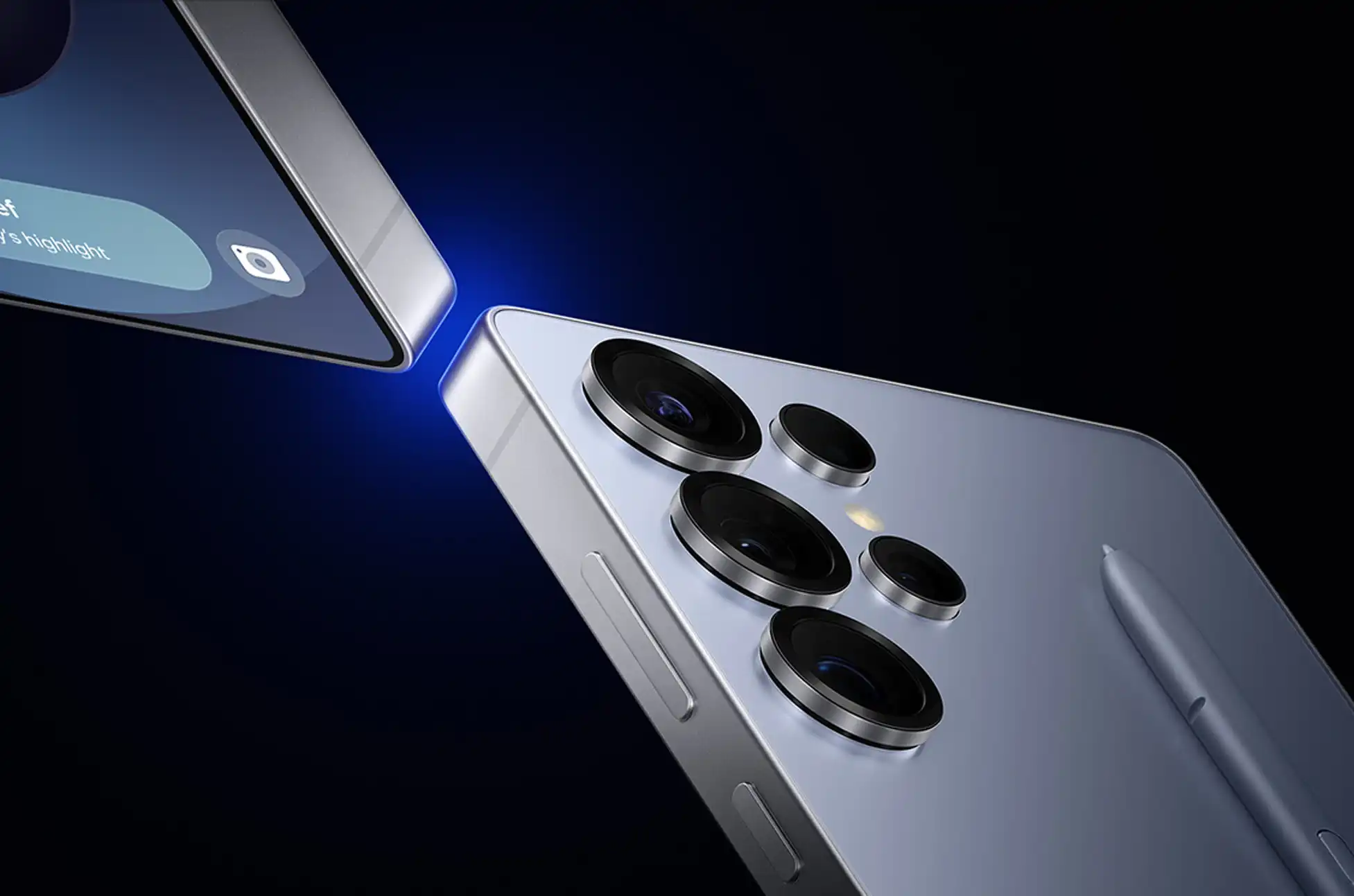
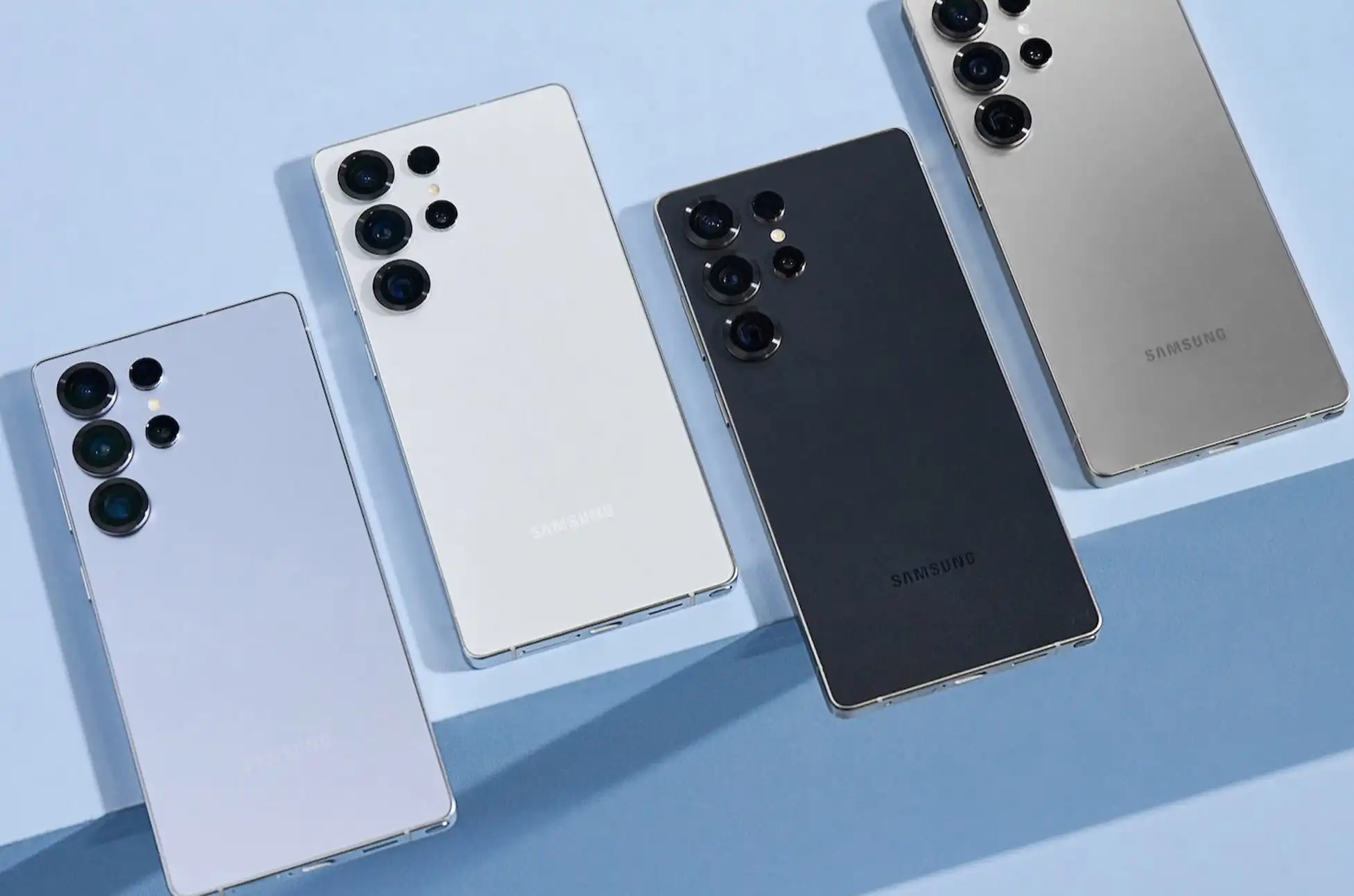
The smartphone landscape has been forever changed with Samsung’s latest masterpiece – the Samsung Galaxy S25 Ultra. Let’s dive deep into what makes this device a game-changer in the world of mobile technology.
Samsung Galaxy S25 Ultra : A New Era of Smartphone Photography
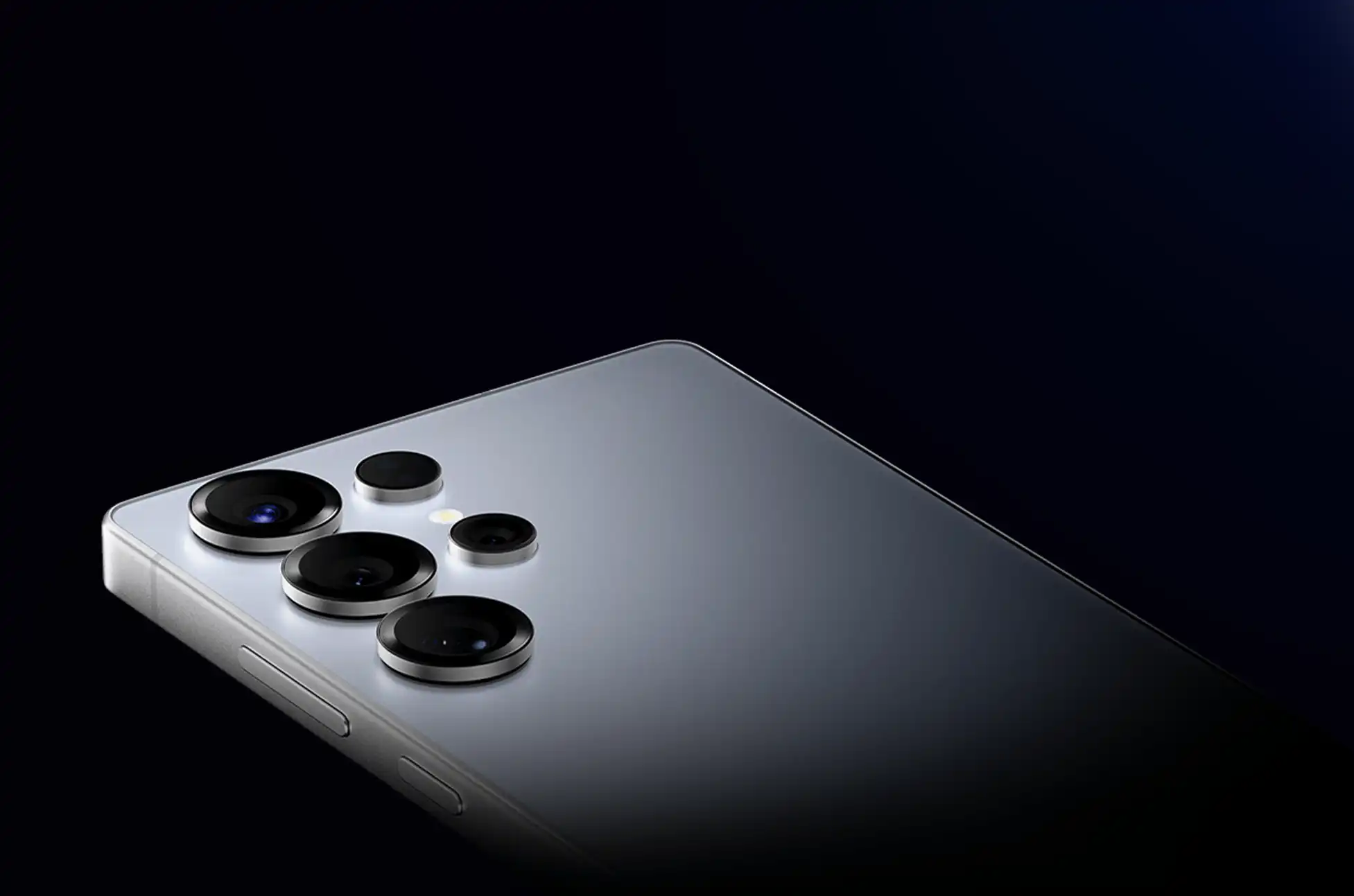
The S25 Ultra’s camera system is nothing short of revolutionary. At its core sits a breathtaking 200-megapixel main sensor that’s rewriting the rules of mobile photography. But that’s just the beginning. The cutting-edge quad-camera setup includes:
A versatile 50-megapixel ultra-wide lens that captures stunning landscapes and group shots with remarkable clarity
A powerful 50-megapixel telephoto camera with 5x optical zoom for crystal-clear distant subjects
A precision-engineered 10-megapixel 3x telephoto lens for perfect portrait shots
A refined 12-megapixel front camera for stunning selfies
Professional creators will love the new Galaxy Log feature, bringing true cinematic capabilities to mobile filmmaking. The innovative Audio Eraser technology sets new standards for video production, while Virtual Aperture control offers DSLR-like depth manipulation.
The Snapdragon 8 Elite for Galaxy processor isn’t just an upgrade – it’s a quantum leap forward. With a 40% boost in NPU performance, 37% improved CPU capabilities, and 30% enhanced GPU power, this chipset transforms everything from gaming to multitasking.
The introduction of Corning Gorilla Armor 2 represents a paradigm shift in smartphone durability:
Revolutionary anti-reflective technology for superior visibility
Enhanced drop protection for peace of mind
Best-in-class scratch resistance
A premium feel that sets new standards for flagship devices
Immersive Display Technology
The massive 6.9-inch QHD+ Dynamic AMOLED 2X display is a technological marvel:
Crystal-clear 3120 x 1440 resolution for unparalleled visual clarity
Adaptive 1-120Hz refresh rate that ensures smooth scrolling while preserving battery life
Impressive 2600-nit peak brightness for perfect visibility in any lighting condition
HDR10+ support for true-to-life color reproduction
Power and Connectivity for the Future
Despite its powerful features, the S25 Ultra maintains excellent battery life with:
A robust 5,000mAh battery for all-day usage
45W fast charging capability
Advanced wireless charging technology
Reverse wireless charging for emergency power sharing
The device also brings the latest in connectivity:
WiFi 7 capability for lightning-fast internet
Enhanced 5G performance
Bluetooth 5.4 for superior wireless audio
Comprehensive GPS support for precise navigation
Samsung Galaxy S25 Ultra : Software Innovation
Running on Android 15 with One UI 7, the S25 Ultra introduces groundbreaking AI features:
Advanced personal assistance capabilities
Enhanced privacy features
Seamless device integration
Improved multitasking capabilities
Storage and Memory Options
Choose from three powerful configurations:
Samsung Galaxy S25 (12/128GB): $799.99
Samsung Galaxy S25 Plus (12/256GB): $999.99
Samsung Galaxy S25 Ultra (12/256GB): $1,299.99
Launch Offers and Incentives
Early adopters can enjoy exceptional benefits:
Complimentary storage upgrade
30% discount on Galaxy accessories
Half-price Samsung Care+ subscription for one year
The Samsung Galaxy S25 Ultra isn’t just another flagship phone – it’s a glimpse into the future of mobile technology. With its revolutionary camera system, unmatched performance, and cutting-edge features, it sets new standards for what a premium smartphone can achieve. Whether you’re a professional creator, mobile gaming enthusiast, or someone who demands the very best in mobile technology, the S25 Ultra delivers on every front.
All products, and company names, logos, and service marks (collectively the "Trademarks") displayed are registered® and/or unregistered
trademarks™ of their respective owners.
The authors of this web site are not sponsored by or affiliated with any of the third-party trade mark or third-party registered trade mark owners,
and make no representations about them, their owners, their products or services.
Galaxy S25 Series Leak ? The countdown to Galaxy Unpacked has begun, with Samsung’s latest flagship series just weeks away. Let’s dive into the leaked specifications that hint at what’s coming for the Galaxy S25 family.
The Compact Champion: Galaxy S25
The base S25 model demonstrates Samsung’s commitment to premium features in a smaller package. At just 7.2mm thin and weighing 162g, it’s designed for those who prefer a more manageable device. The phone sports a crisp 6.2-inch Dynamic AMOLED 2X display with a smooth 120Hz refresh rate.
Key specifications:
Custom Snapdragon 8 Elite processor
12GB RAM with storage options up to 512GB
Triple camera array (50MP/12MP/10MP)
4,000mAh battery with 25W charging
Gizmochina
Galaxy S25 Series Leak : The Perfect Balance: Galaxy S25 Plus
Building on its smaller sibling’s foundation, the S25 Plus offers a more expansive experience with its 6.7-inch QHD+ display. It strikes an impressive balance between size and capability.
Premium features include:
Larger 4,900mAh battery
45W fast charging support
Enhanced storage options (256GB/512GB)
Same powerful camera system as base model
The Ultimate Flagship: Galaxy S25 Ultra
Gizmochina
The Ultra stands as Samsung’s technological showcase, featuring their most advanced mobile innovations. With its massive 6.9-inch QHD+ display and premium build quality, it’s designed for users who demand the absolute best.
Flagship specifications:
Revolutionary quad-camera system • 200MP main sensor • 50MP ultrawide • Dual telephoto lenses (3x and 5x)
Storage options up to 1TB
5,000mAh battery
Galaxy S25 Series Leak : Innovation or Iteration? What’s Actually New
Samsung brings some notable upgrades for 2025, though many features remain familiar. The Snapdragon 8 Elite chip promises enhanced performance, while Wi-Fi 7 connectivity ensures faster wireless speeds. One UI 7, based on Android 15, introduces refined software features.
Key improvements:
Custom-tuned Snapdragon processor
Advanced connectivity options
Refined One UI experience
Enhanced camera capabilities on Ultra
Connectivity and Software
All S25 models come equipped with:
Wi-Fi 7 support
Bluetooth 5.3
Dual-SIM + eSIM capability
Android 15 with One UI 7
Gizmochina
Battery Life and Charging
Power management varies across models:
S25: 4,000mAh, 25W wired
S25 Plus: 4,900mAh, 45W wired
S25 Ultra: 5,000mAh, 45W wired All support wireless charging at unspecified speeds
Galaxy S25 Series Leak : Conclusion
While the S25 series brings refinements across the board, it follows Samsung’s conservative upgrade approach. The improvements feel iterative rather than revolutionary, potentially making it a tough sell for S24 owners. However, those upgrading from older devices will find significant improvements in performance, camera capabilities, and overall user experience.
All products, and company names, logos, and service marks (collectively the "Trademarks") displayed are registered® and/or unregistered
trademarks™ of their respective owners.
The authors of this web site are not sponsored by or affiliated with any of the third-party trade mark or third-party registered trade mark owners,
and make no representations about them, their owners, their products or services.
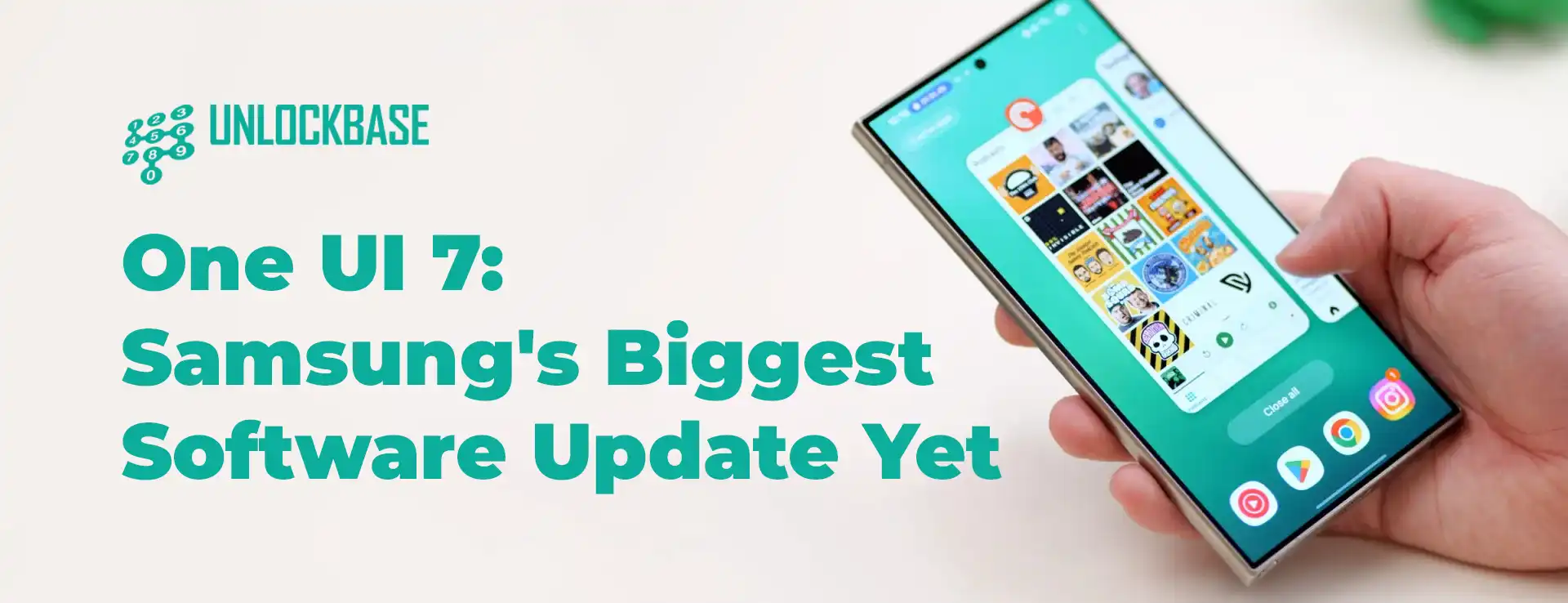
Samsung is about to revolutionize your Galaxy experience with One UI 7, their most ambitious software update in years.
Set to debut alongside the Galaxy S25 series in January 2025, this update brings fresh design elements, smarter AI features, and countless quality-of-life improvements. Let’s dive into what makes this update so special and why it might just change how you use your Samsung phone.
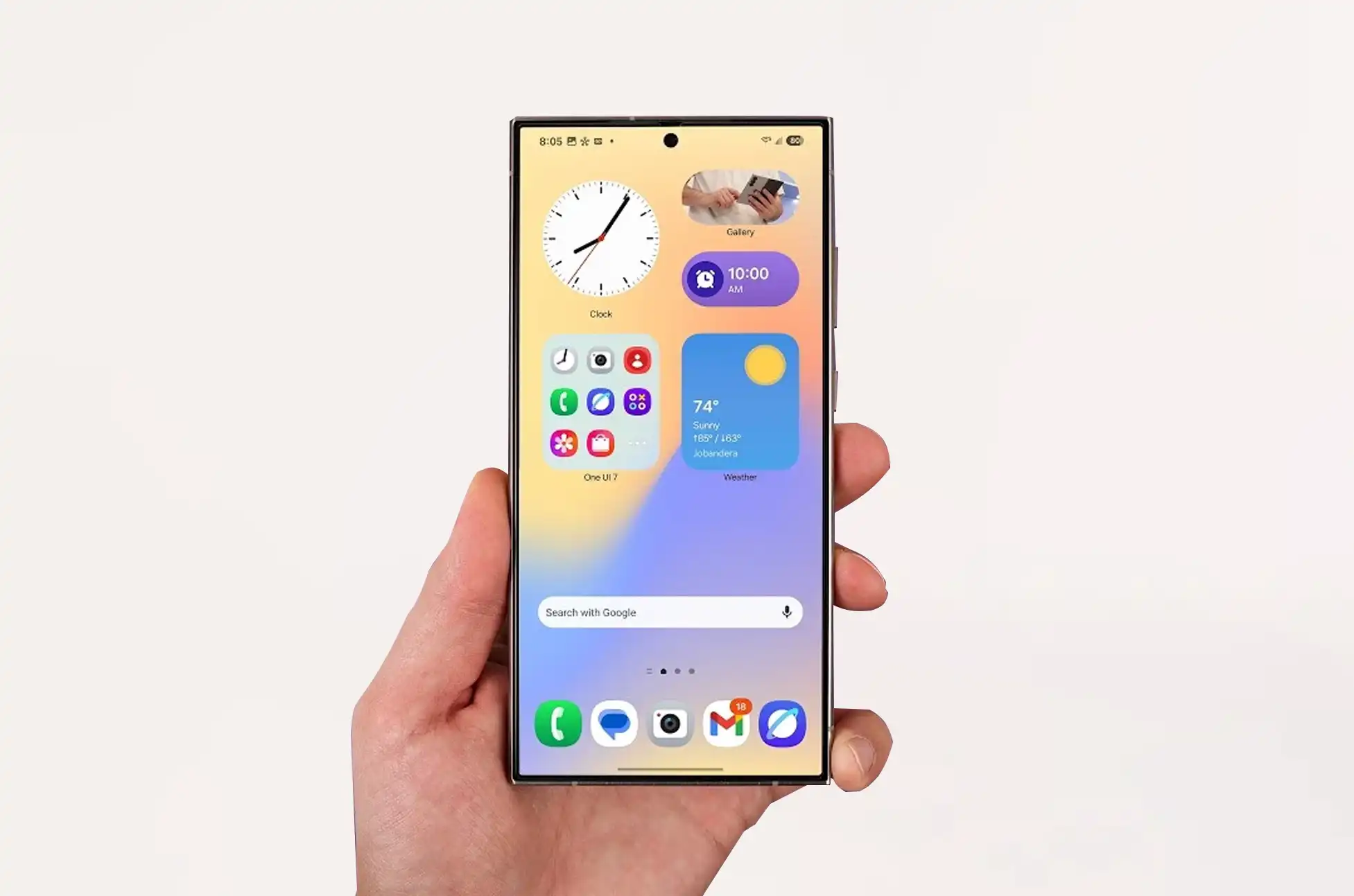
A Fresh New Look: One UI 7
Remember the simple swipe-down gesture for notifications? One UI 7 reimagines this core interaction. Taking inspiration from modern smartphone interfaces, Samsung now offers separate gestures for notifications and quick settings. While this might take some getting used to, the improved notification design makes it worthwhile – they’re bolder, more colorful, and easier to read at a glance.
The visual refresh doesn’t stop there. Samsung has embraced vibrant colors and bold designs across the entire interface. App icons pop with renewed energy, and widgets feel more integrated than ever. The lock screen gets a major upgrade too, with new widget options for battery status and weather updates, plus more flexibility in clock customization.
Smoother Than Ever: Performance Upgrades
One UI 7 brings noticeably smoother animations that make every interaction feel more polished. App switching feels more responsive, and multitasking is more intuitive. Even if you’re someone who traditionally turns off animations, these new improvements might change your mind.
The camera app receives a welcome decluttering, making it easier to switch between modes and zoom levels with one hand. And yes, after years of user requests, Samsung finally introduces a vertical app drawer! Don’t worry, traditionalists – you can still keep the classic horizontal layout if you prefer.
The Now Bar: Samsung’s AI-Powered Assistant
Meet the Now Bar, Samsung’s innovative take on smart notifications. This AI-driven feature learns from your daily routine to provide timely information and suggestions. Whether it’s reminding you about lunch plans, suggesting music based on your mood, or keeping you updated about weather changes, the Now Bar aims to be your personal digital assistant.
Enhanced Security and Battery Management
Understanding the importance of long-term device care, One UI 7 introduces sophisticated battery management options. You can now choose between different charging profiles, including an 80% limit option or a dynamic 95-100% cycle, helping preserve your battery’s longevity – crucial for those planning to take advantage of Samsung’s seven-year support promise for flagship devices.
Samsung Knox gets a powerful upgrade too, with cross-app data encryption ensuring your information stays secure as you use the new AI features.
One UI 7 : When Can You Get It?
While One UI 7 is currently in beta testing, the full release is expected to launch alongside the Galaxy S25 series in January 2025. As with any major update, we recommend waiting for the stable release rather than installing the beta on your primary device.
All products, and company names, logos, and service marks (collectively the "Trademarks") displayed are registered® and/or unregistered
trademarks™ of their respective owners.
The authors of this web site are not sponsored by or affiliated with any of the third-party trade mark or third-party registered trade mark owners,
and make no representations about them, their owners, their products or services.
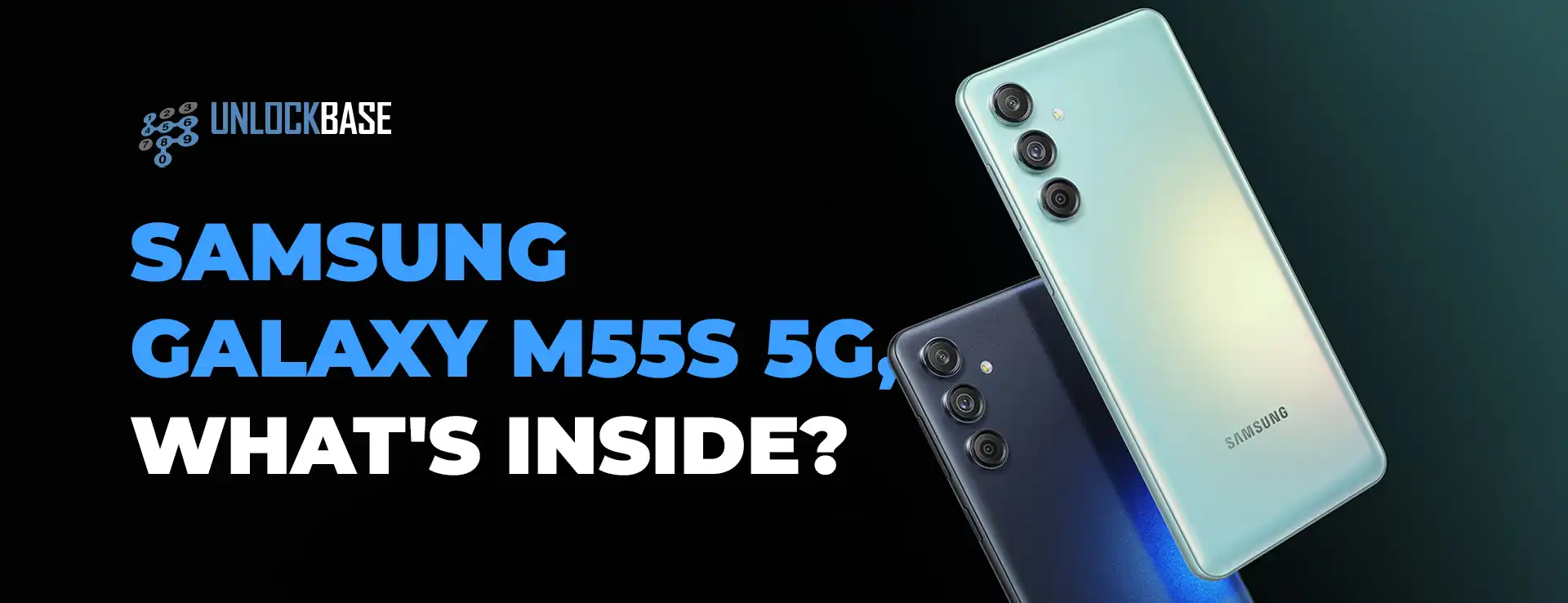
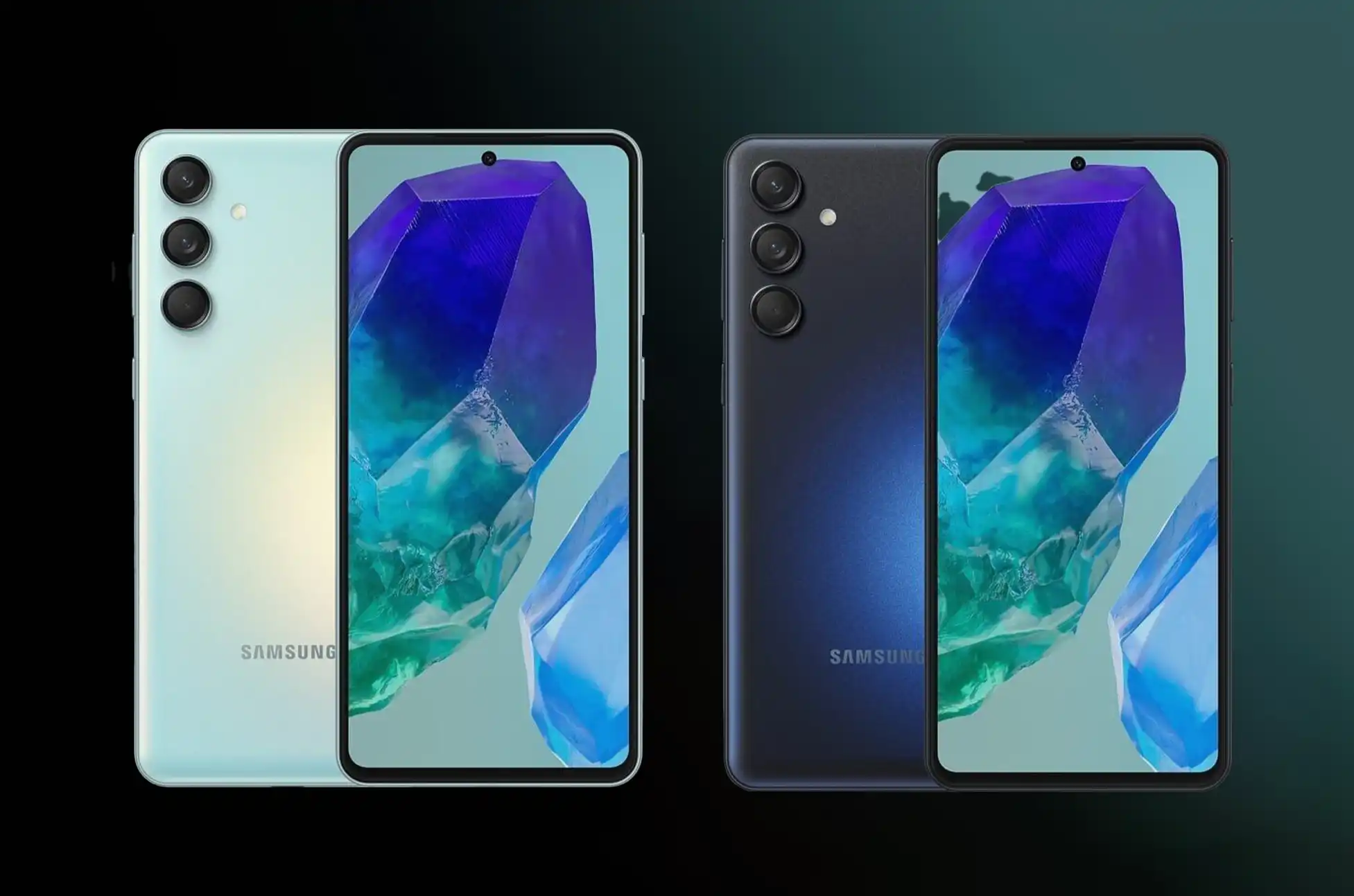
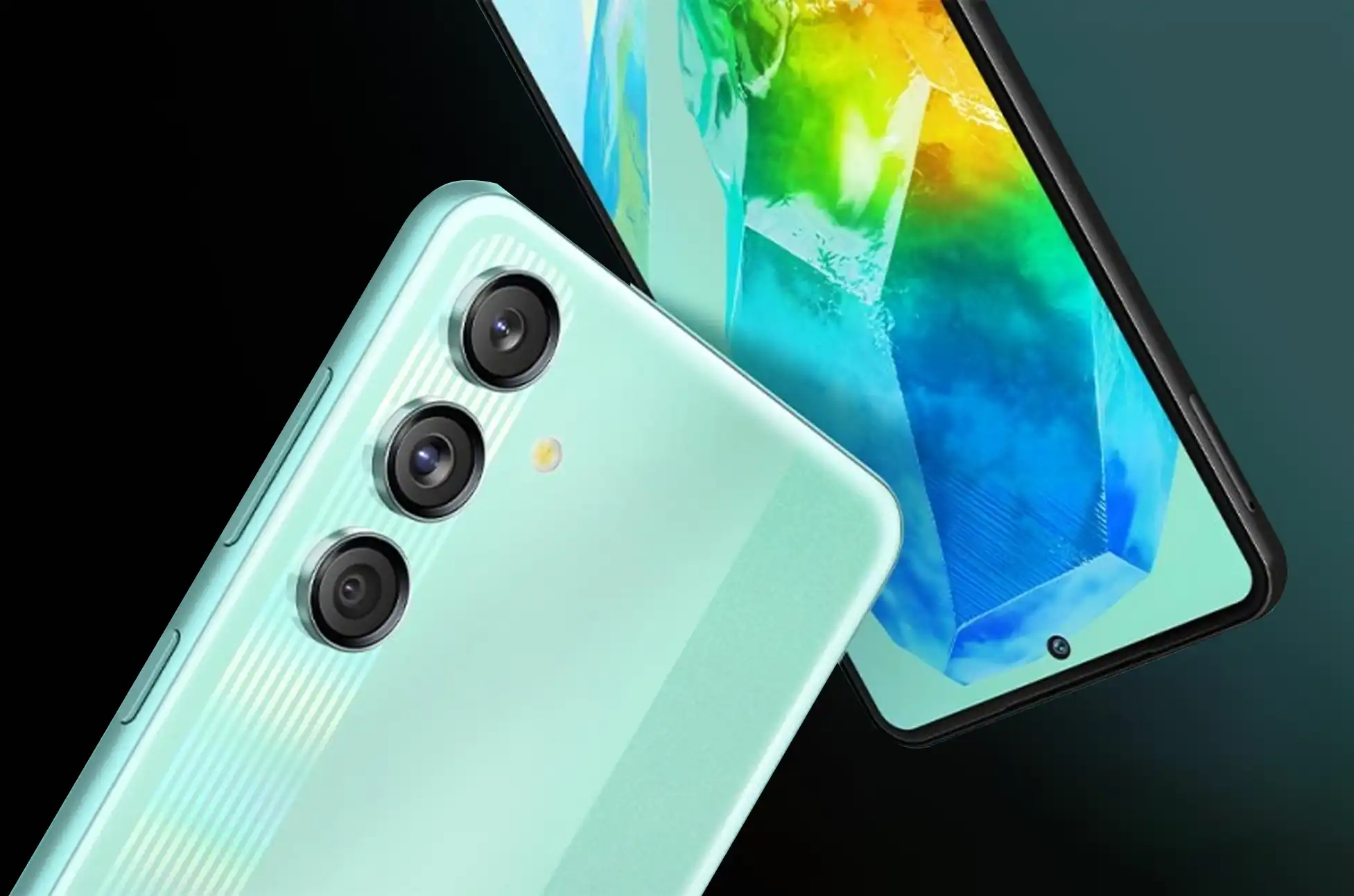
Tech enthusiasts, get ready to feast your eyes on the latest gem in Samsung’s Galaxy M series! The Samsung Galaxy M55s 5G has just landed and it’s packed with features that’ll make your inner geek squeal with delight. Let’s dive into what makes this smartphone a true powerhouse!
Samsung Galaxy M55s 5G : A Visual Treat for Your Eyes
Imagine holding a vibrant 6.7-inch FHD+ Super AMOLED+ display in your hands. With its silky-smooth 120Hz refresh rate and dazzling 1,000-nit peak brightness, your favorite content will pop like never before. Whether you’re scrolling through social media or binge-watching your favorite shows, this screen is a game-changer.
Snap, Click, Wow!
Selfie lovers, rejoice! The Galaxy M55s boasts a sharp 50-megapixel front camera that’ll capture your best angles in stunning detail. But wait, there’s more! Flip the phone over, and you’ll find a triple-camera setup led by another 50-megapixel sensor with optical image stabilization. Say goodbye to blurry shots and shaky videos!
Performance That Packs a Punch
Under the hood, the Qualcomm Snapdragon 7 Gen 1 octa-core processor is ready to tackle anything you throw at it. With 8GB of RAM (expandable up to 16GB with virtual RAM) and storage options of 128GB or 256GB (expandable up to a whopping 1TB), you’ll never run out of space for your apps, photos, and videos.
Power for Days
Worried about running out of juice? Fear not! The Galaxy M55s comes with a beefy 5,000mAh battery that’ll keep you connected all day long. And when you do need a top-up, the 45W fast charging has got your back.
Sleek, Secure, and Oh-So-Stylish
Available in eye-catching Coral Green and Thunder Black, this phone isn’t just a powerhouse – it’s a fashion statement. The in-display fingerprint scanner and face unlock features ensure your data stays safe and sound, while Samsung Knox Vault provides an extra layer of security and encryption.
Samsung Galaxy M55s 5G : Ready to Get Your Hands on One?
The Samsung Galaxy M55s 5G is available on Amazon India starting September 16. Snag the 8GB/128GB model for INR19,999 ($240) or go all out with the 8GB/256GB version for INR22,999 ($280)
Key Specs at a Glance:
Android 14 with One UI 6.1
6.7-inch FHD+ Super AMOLED+ display (120Hz refresh rate)
Qualcomm Snapdragon 7 Gen 1 processor
50MP front camera, triple rear camera setup (50MP + 8MP + 2MP)
5,000mAh battery with 45W fast charging
5G ready for lightning-fast connectivity
The Samsung Galaxy M55s 5G is more than just a phone – it’s your ticket to a world of stunning visuals, powerful performance, and cutting-edge technology. Are you ready to upgrade your mobile experience?
All products, and company names, logos, and service marks (collectively the "Trademarks") displayed are registered® and/or unregistered
trademarks™ of their respective owners.
The authors of this web site are not sponsored by or affiliated with any of the third-party trade mark or third-party registered trade mark owners,
and make no representations about them, their owners, their products or services.