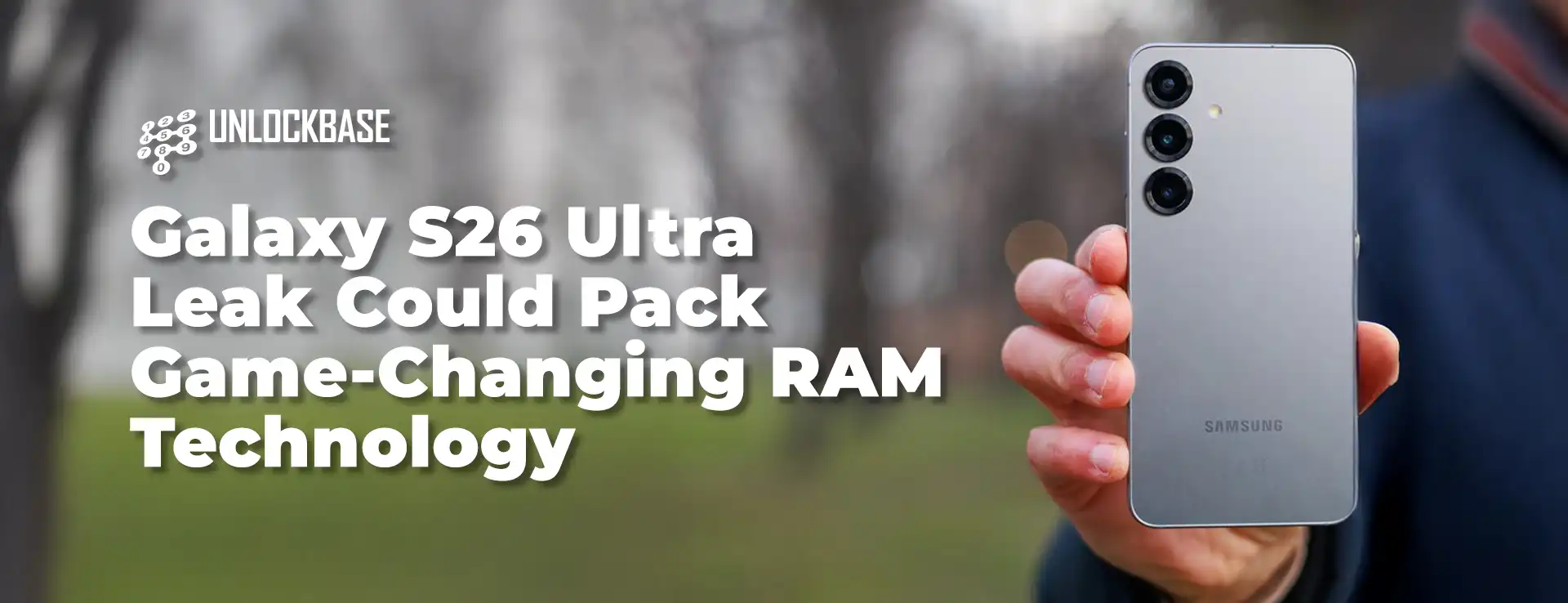
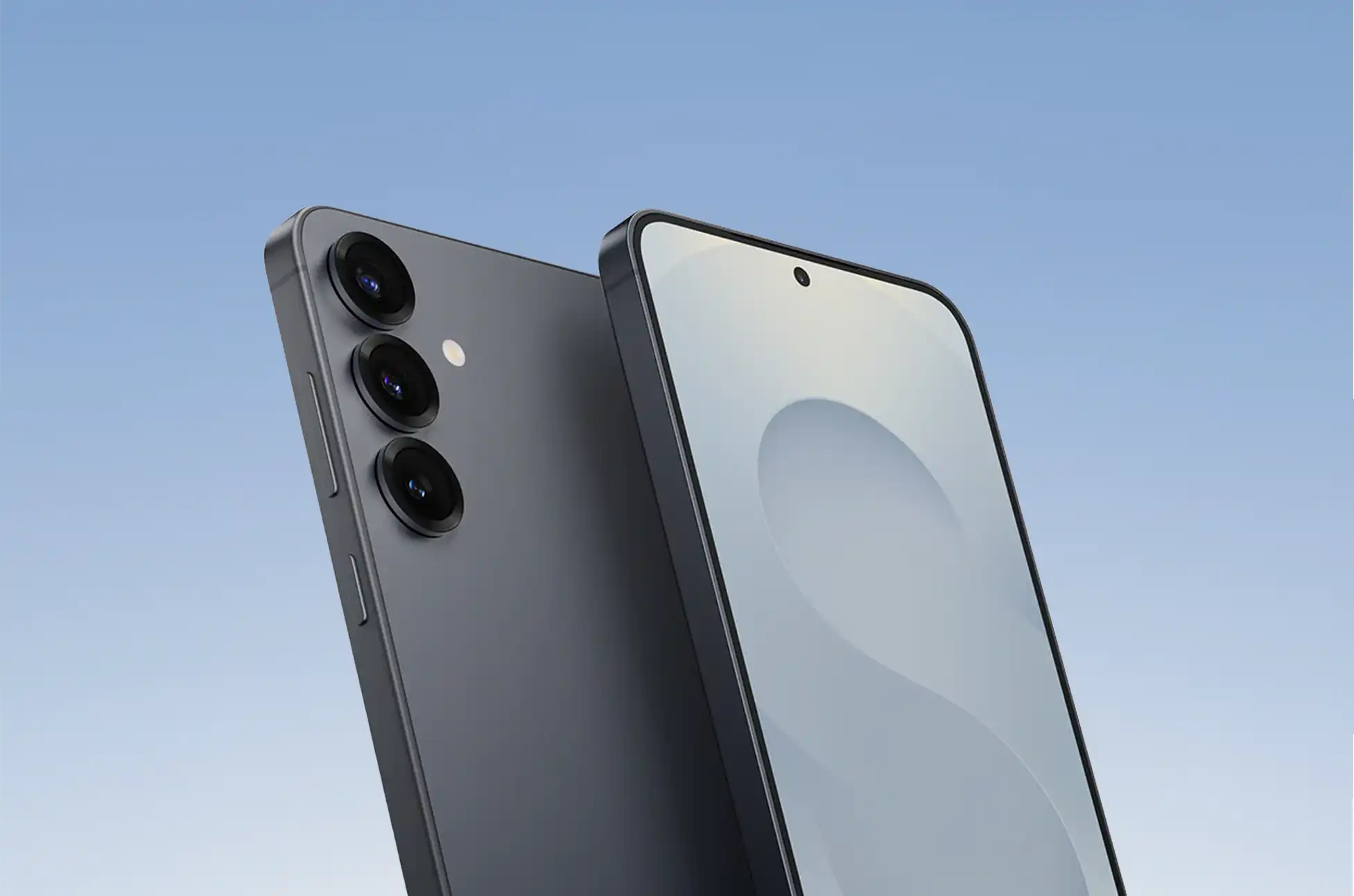
Galaxy S26 Ultra Leak? New leak reveals Samsung’s upcoming flagship may deliver significant performance gains through advanced memory chips
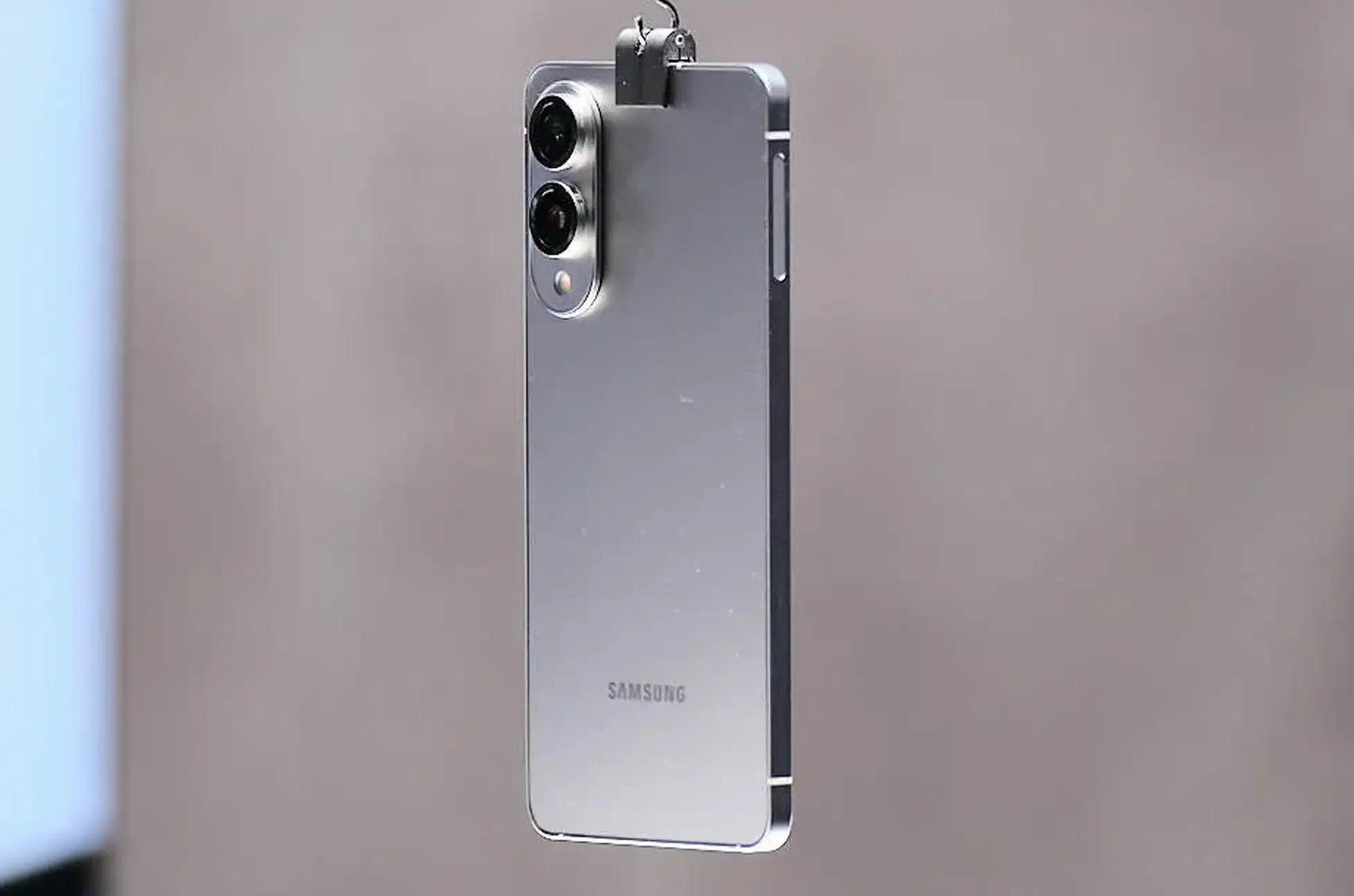
Samsung’s Galaxy S26 Ultra appears ready to raise the bar for flagship smartphone performance, thanks to a substantial memory upgrade that could benefit demanding users in meaningful ways.
Recent information from reliable tipster Ice Universe suggests Samsung’s next Ultra device will feature advanced LPDDR5X RAM running at 10.7 Gbps. A notable jump from current specifications. This speed matches Micron’s latest 1γ (1-gamma) LPDDR5X technology, unveiled in June with impressive efficiency improvements.
The Galaxy S25 Ultra currently uses Micron’s 1β (1-beta) LPDDR5X memory rated at up to 9.6 Gbps. The upgrade to 10.7 Gbps represents an 11.5% boost in memory bandwidth, plus up to 20% better power efficiency from the newer design.
This memory upgrade translates into tangible improvements for intensive smartphone activities:
Enhanced Video & Gaming: 8K video capture and high-refresh-rate gaming will benefit from faster data transfer, reducing stuttering and improving overall performance.
AI Processing: On-device artificial intelligence features will process information more efficiently, leading to quicker responses and reduced battery consumption—crucial as Samsung expands AI capabilities across Galaxy devices.
Better Multitasking: Power users switching between demanding applications will notice improved responsiveness as the system handles data more efficiently.
Additional Upgrades Expected
The memory enhancement appears part of a broader hardware refresh. Industry sources suggest the S26 Ultra could also feature:
Snapdragon 8 Elite 2 processor manufactured by TSMC
Thinner profile without sacrificing features
Larger display with reduced bezel width
Galaxy S26 Ultra Leak : Why This Matters
For typical users, these improvements address real pain points: less waiting when launching apps, smoother video recording, and better performance during intensive tasks. The efficiency gains could extend daily battery life, particularly for users who rely heavily on AI features.
Professional content creators and mobile gamers stand to benefit most, as they regularly push smartphones beyond casual usage scenarios. The focus on both speed and efficiency suggests Samsung recognizes that users want devices maintaining strong performance throughout the day without constant charging.
Samsung typically announces Galaxy S series devices in early each year, so official S26 Ultra details likely won’t emerge until early 2026. However, if these leaks prove accurate, the device could represent a significant step forward for flagship smartphone performance.
All products, and company names, logos, and service marks (collectively the "Trademarks") displayed are registered® and/or unregistered
trademarks™ of their respective owners.
The authors of this web site are not sponsored by or affiliated with any of the third-party trade mark or third-party registered trade mark owners,
and make no representations about them, their owners, their products or services.
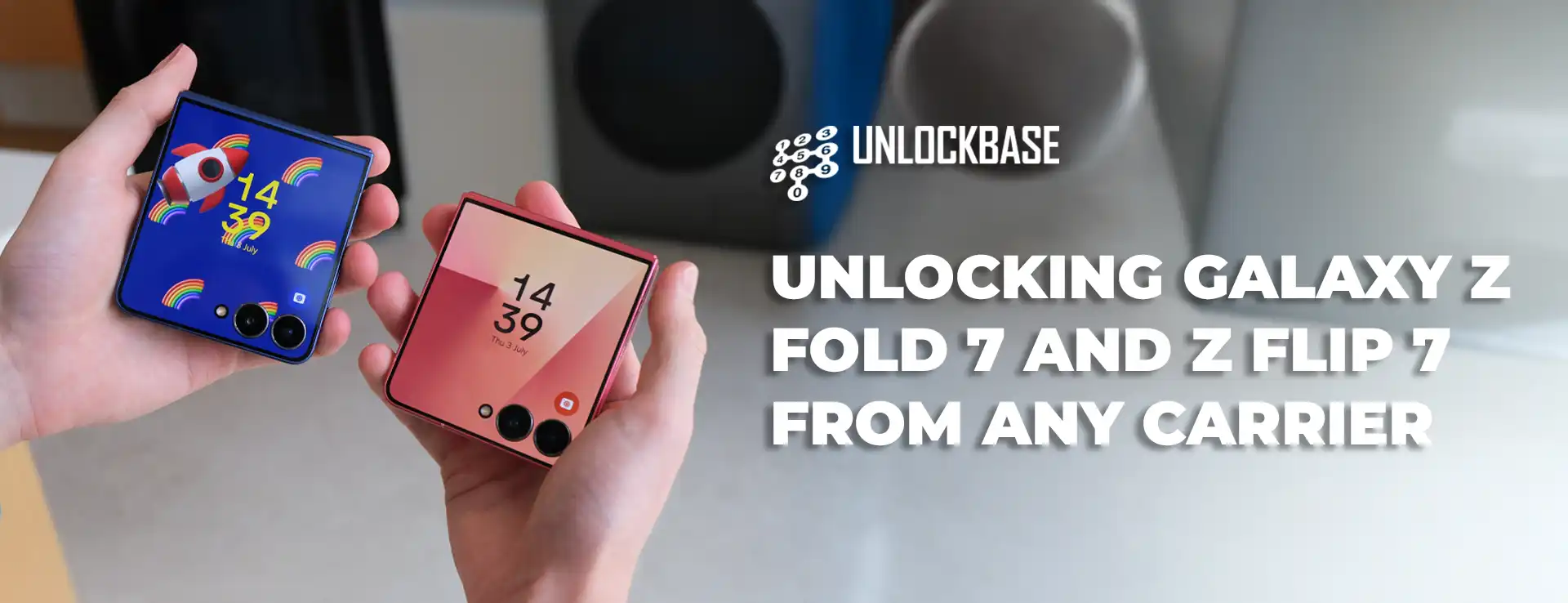
Unlocking Galaxy Z Fold 7 and Z Flip 7 ? Your shiny new Galaxy Z Fold 7 or Z Flip 7 comes with incredible technology, but there’s one thing that might be holding it back – carrier restrictions. These limitations can prevent you from getting the most out of your premium foldable device. Let’s explore how removing these restrictions can transform your smartphone experience.
Unlocking Galaxy Z Fold 7 and Z Flip 7 : Understanding Carrier Restrictions on Your Galaxy Foldables
When you purchase a Galaxy Z through a carrier, they install software locks that tie your device exclusively to their network. This means your expensive foldable can only work with that specific carrier’s SIM cards, limiting your choices.
Restrictions exist because carriers want to ensure you stay with their service. But they shouldn’t dictate how you use the device you paid for. Your Galaxy foldable has the hardware capability to work with virtually any compatible network worldwide – the software just needs to be freed from these artificial limitations.
The Real Benefits of Removing Carrier Restrictions
Network Flexibility Like Never Before
Imagine being able to switch between carriers based on who offers the best deal this month, or who has better coverage in your new neighborhood. With an unrestricted Galaxy Z Fold 7 or Z Flip 7, you’re not married to one network forever. You can take advantage of promotional rates, better customer service, or superior network performance whenever you want.
International Travel Made Simple
Roaming charges can destroy your travel budget faster than expensive hotels. When your Galaxy foldable isn’t tied to one carrier, you can simply buy a local SIM. A week in Europe that would cost $200 in roaming fees might only cost $20 with a local prepaid SIM.
Better Resale Value
Think about your next upgrade already? Devices without carrier restrictions consistently sell for 15-25% more than their restricted counterparts. Buyers know they’re getting a more versatile device, and they’re willing to pay extra for that flexibility.
Unlocking Galaxy Z Fold 7 and Z Flip 7 : How UnlockBase Removes These Restrictions
UnlockBase specializes in safely removing carrier locks from Samsung devices, including the latest Galaxy Z Fold 7 and Z Flip 7 models. Their process works by generating unique codes that permanently disable the carrier restrictions without modifying your device’s hardware or voiding your warranty.
The UnlockBase Process Explained
Step 1: Device Information CollectionVisit UnlockBase and select your Samsung Galaxy model. You’ll need to provide your device’s IMEI number (found by dialing *#06#) and specify which carrier currently has your device locked.
Step 2: Code Generation UnlockBase’s systems work with carrier databases to generate your specific code. This process typically takes 1-48 hours depending on your carrier and device model.
Step 3: Code Application Once you receive your code via email, you’ll insert a SIM card from a different carrier into your Galaxy device. When prompted for the code, enter the numbers provided by UnlockBase.
Step 4: Verification Your Galaxy Z Fold 7 or Z Flip 7 will verify the code and permanently remove the carrier restrictions. The process is complete, and your device is now free to work with any compatible network.
Unlocking Galaxy Z Fold 7 and Z Flip 7 : What Makes UnlockBase Different
Carrier Database Access
UnlockBase maintains relationships with carrier databases worldwide, ensuring they can generate legitimate codes for virtually any Samsung device, including the newest Galaxy Z
Permanent Solution
Unlike temporary workarounds or risky software modifications, UnlockBase’s method permanently removes restrictions using the same process carriers would use if you met their requirements.
Zero Risk to Your Device
The process doesn’t involve rooting, flashing firmware, or making any permanent changes to your device’s software. Your warranty remains intact, and your device functions exactly as before – just without the carrier restrictions.
Unlocking Galaxy Z Fold 7 and Z Flip 7 : Getting Started with UnlockBase
Ready to free your Galaxy Z Fold 7 or Z Flip 7 from carrier restrictions? The process begins at UnlockBase’s website, where you’ll find a simple form asking for your device details. Their customer support team is available to help if you have questions about compatibility or the process.
Your premium Galaxy foldable deserves to reach its full potential. Don’t let carrier restrictions limit what your device can do or where it can connect. With UnlockBase’s proven process, you can transform your restricted device into a truly global smartphone that works on your terms, not your carrier’s.
The freedom to choose your network, save money while traveling, and get better resale value when you upgrade – that’s what your Galaxy Z Fold 7 or Z Flip 7 was meant to deliver.
All products, and company names, logos, and service marks (collectively the "Trademarks") displayed are registered® and/or unregistered
trademarks™ of their respective owners.
The authors of this web site are not sponsored by or affiliated with any of the third-party trade mark or third-party registered trade mark owners,
and make no representations about them, their owners, their products or services.
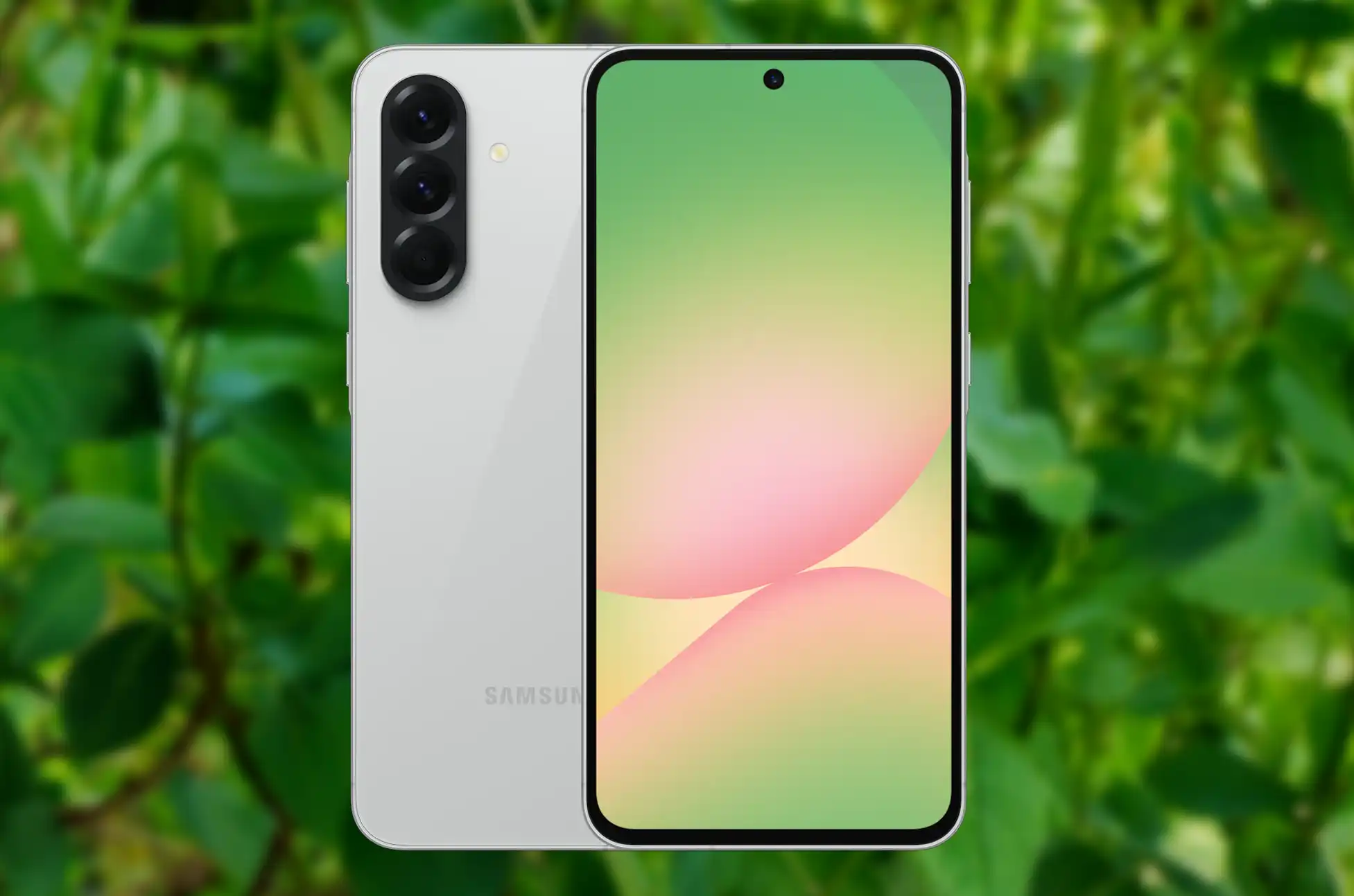
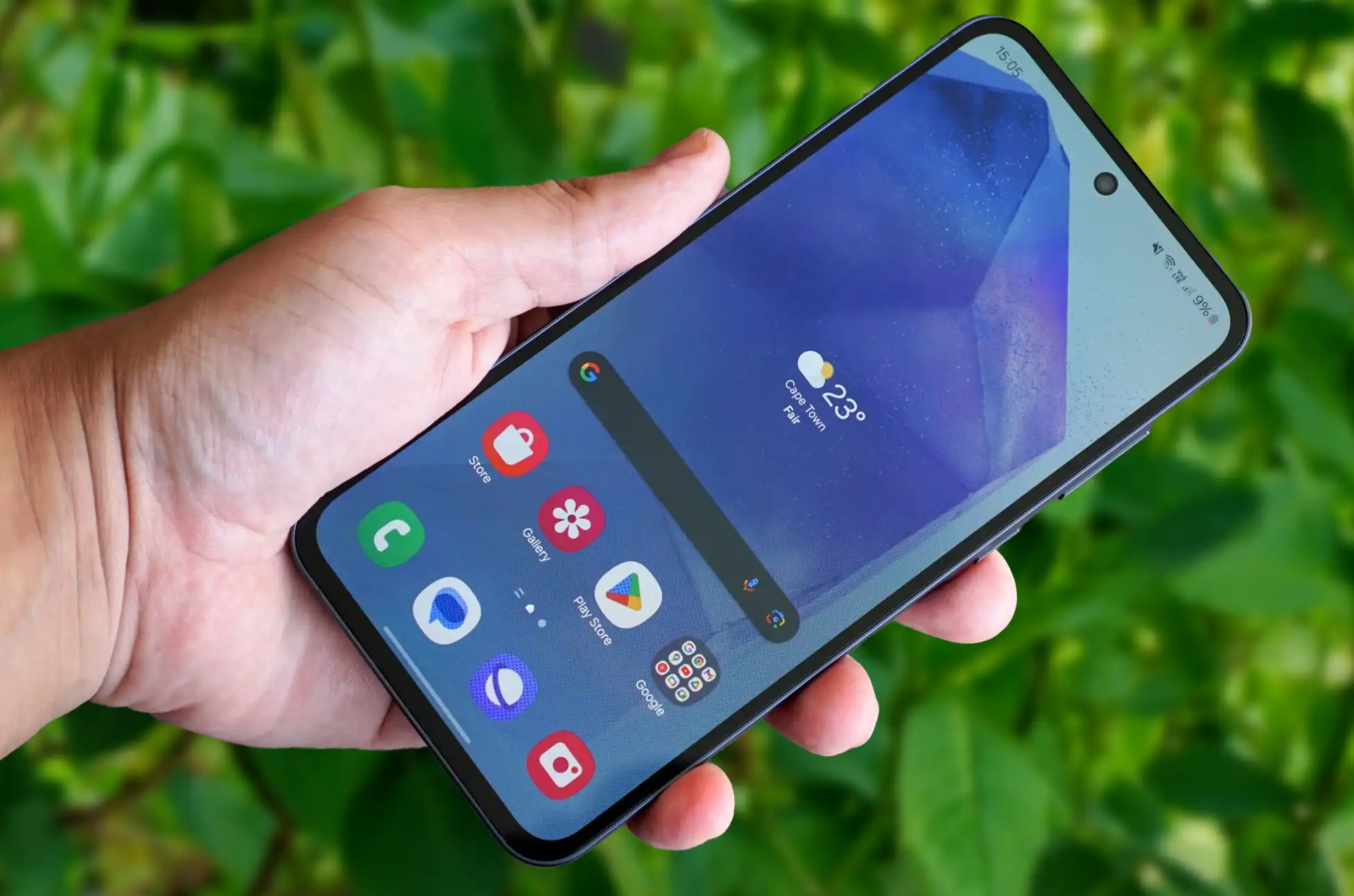
Samsung’s popular Galaxy A56 5G is now available for US customers after months of anticipation
The phone packs premium features including Circle to Search, Best Face photo enhancement, and Auto Trim
Two color options available: Awesome Graphite and Awesome Lightgray
Priced at $499 with trade-in discounts up to $150
Samsung Galaxy A56 5G : The Wait is Over for American Samsung Fans
Samsung took an unusual approach with its 2024 A-series rollout, giving US customers the Galaxy A26 5G and A36 5G first while keeping the more powerful A56 5G overseas. The strategy left many American buyers wondering when they’d get their hands on what many considered the sweet spot of Samsung’s mid-range lineup.
That wait has finally ended. The Galaxy A56 5G, which has been turning heads in international markets, is now ready to ship across America.
European Success Story Heads West
The A56 5G didn’t just quietly exist in European markets – it thrived there. Recent data shows the device outperformed its predecessor by an impressive 12% in Western European sales during its first seven weeks on shelves. Those numbers suggest Samsung has something special on its hands, and now US customers can see what the excitement is about.
What Makes the Samsung Galaxy A56 5GWorth the Wait
For $499, the Galaxy A56 5G delivers specs that punch well above its price class:
Display: The 6.7-inch Super AMOLED screen delivers crisp FHD+ resolution with buttery-smooth 120Hz refresh rates. Whether you’re scrolling social media or gaming, everything feels responsive and looks vibrant.
Performance: Samsung’s Exynos 1580 processor handles everyday tasks with ease, paired with 8GB of RAM that keeps multiple apps running smoothly. Storage options include 128GB or 256GB, giving you flexibility based on your needs.
Battery Life: The 5,000mAh battery easily powers through full days of heavy use, meaning you won’t be hunting for chargers by afternoon.
Camera System: The triple-camera setup features a capable 50MP main sensor for sharp photos, a 12MP ultrawide lens for capturing more of the scene, and a 5MP macro camera for close-up detail shots.
Beyond the hardware specs, Samsung has loaded the A56 5G with AI-powered features that were once exclusive to flagship phones. Circle to Search lets you find information about anything on your screen with a simple gesture. Best Face automatically selects the best expression from group photos, while Auto Trim intelligently crops your shots for better composition.
Limited Color Options for US Launch
While international markets enjoyed four color choices – including Awesome Olive and Awesome Pink – US customers will find just two options on Samsung’s website: Awesome Graphite for those who prefer classic sophistication, and Awesome Lightgray for a more modern, understated look.
Trade-In Deals Sweeten the Purchase
Samsung is making the transition easier with trade-in credits up to $150. The program accepts devices from major brands including Apple, Google, OnePlus, LG, and older Samsung models. This could bring the effective price down to $349 for qualifying devices – excellent value for what you’re getting.
Samsung Galaxy A56 5G : The Mid-Range Sweet Spot
The Galaxy A56 5G arrives at an interesting time in the smartphone market. With flagship prices climbing ever higher, many consumers are discovering that mid-range phones like the A56 5G offer most of the features they actually use without the premium price tag.
Samsung appears to have struck that balance well with the A56 5G, combining solid performance, impressive cameras, and flagship-inspired AI features in a package that won’t break the bank. The strong European sales numbers suggest this formula resonates with real-world users, not just tech reviewers.
For US customers who’ve been waiting patiently, the Galaxy A56 5G is now available for order directly from Samsung’s website.
All products, and company names, logos, and service marks (collectively the "Trademarks") displayed are registered® and/or unregistered
trademarks™ of their respective owners.
The authors of this web site are not sponsored by or affiliated with any of the third-party trade mark or third-party registered trade mark owners,
and make no representations about them, their owners, their products or services.
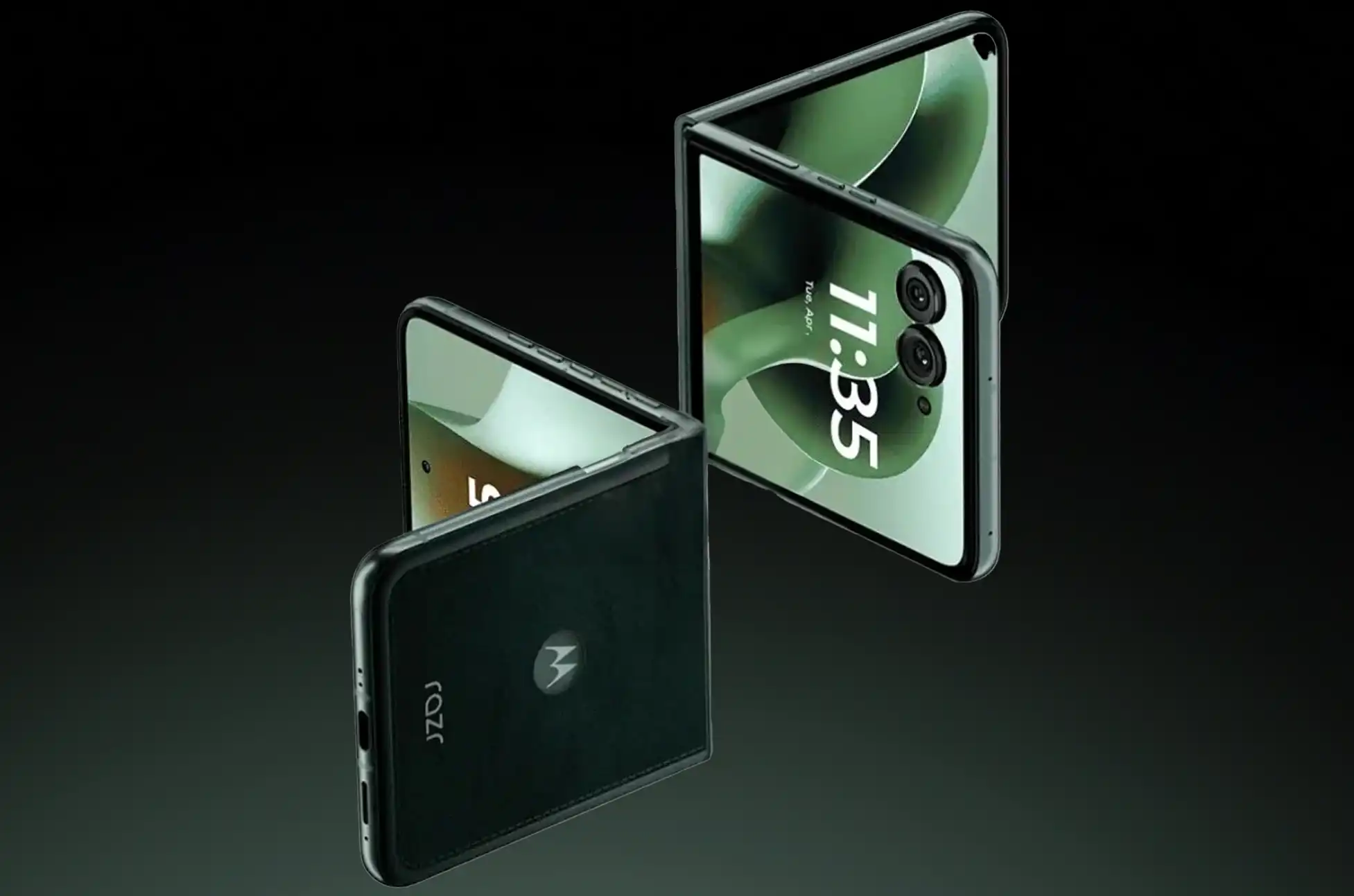
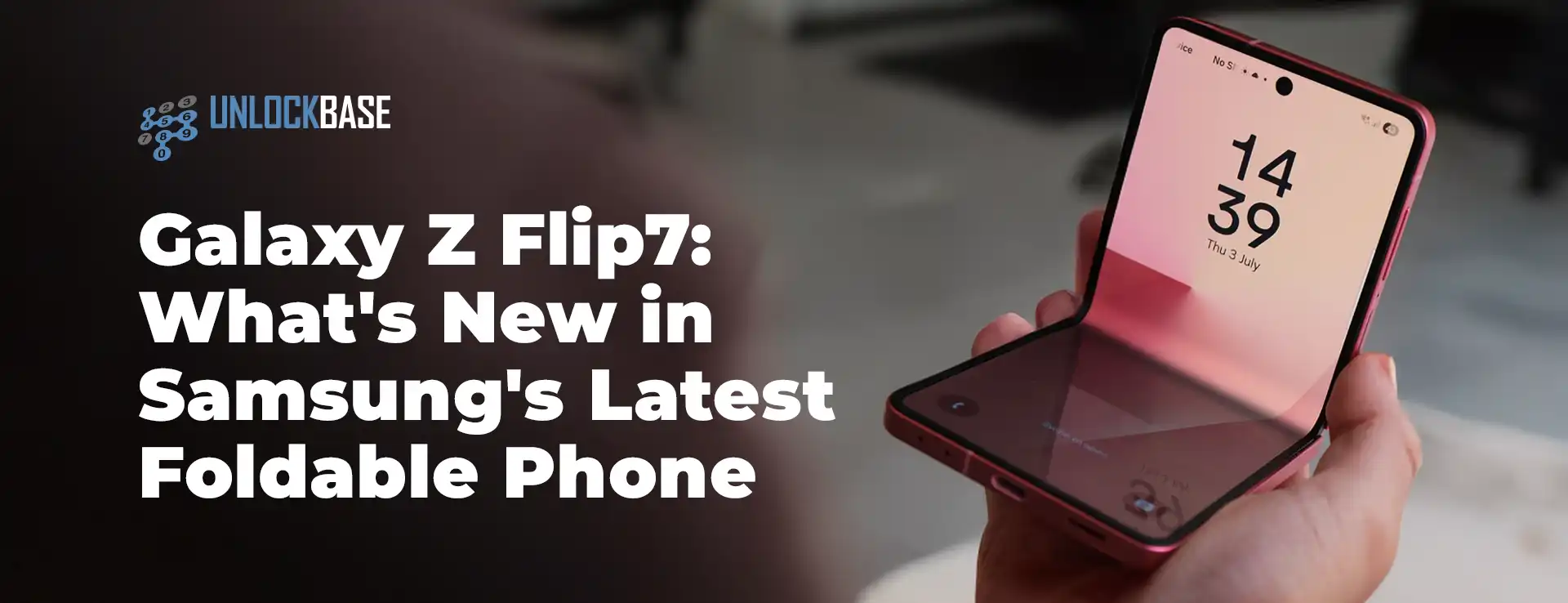
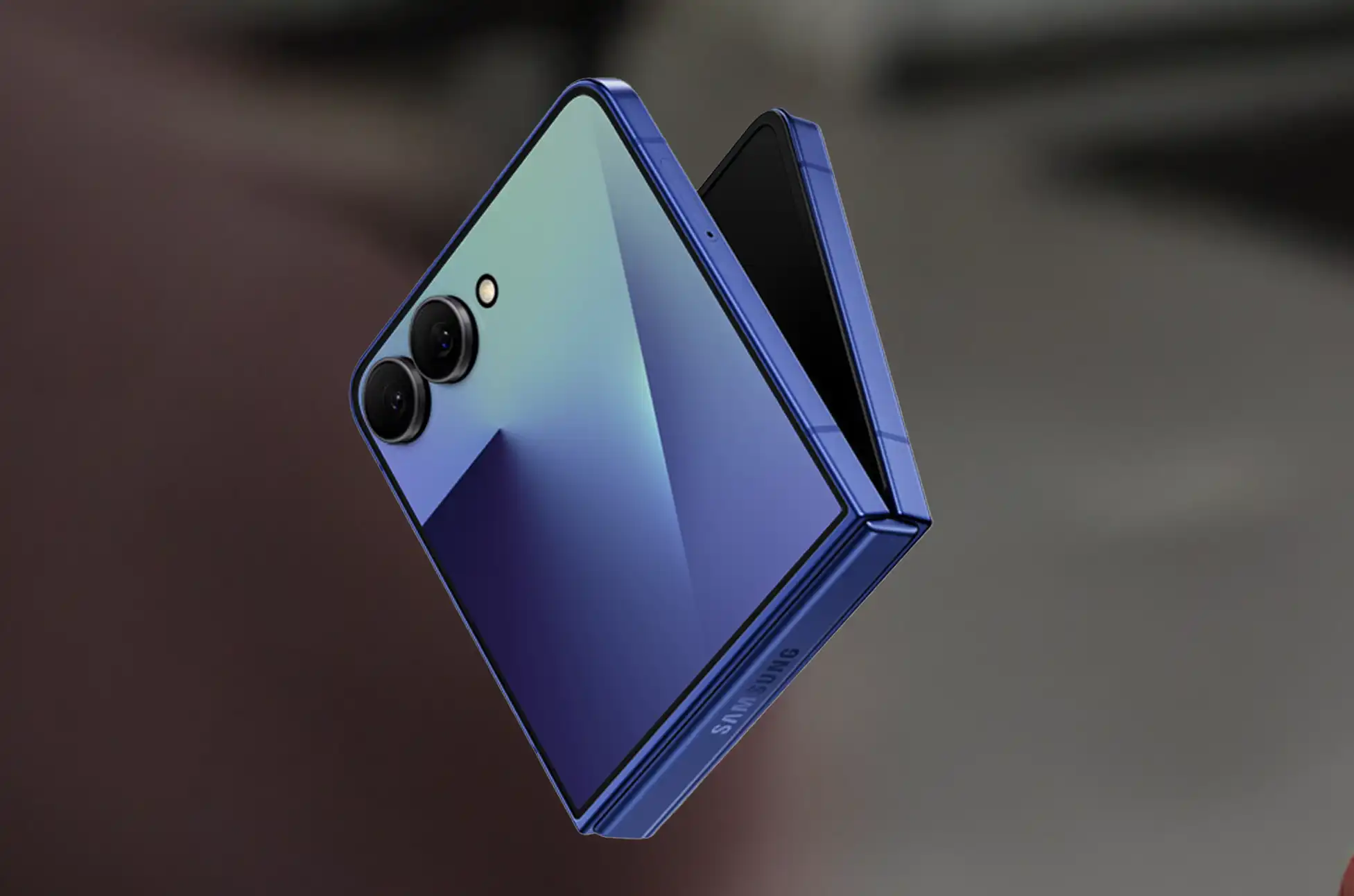
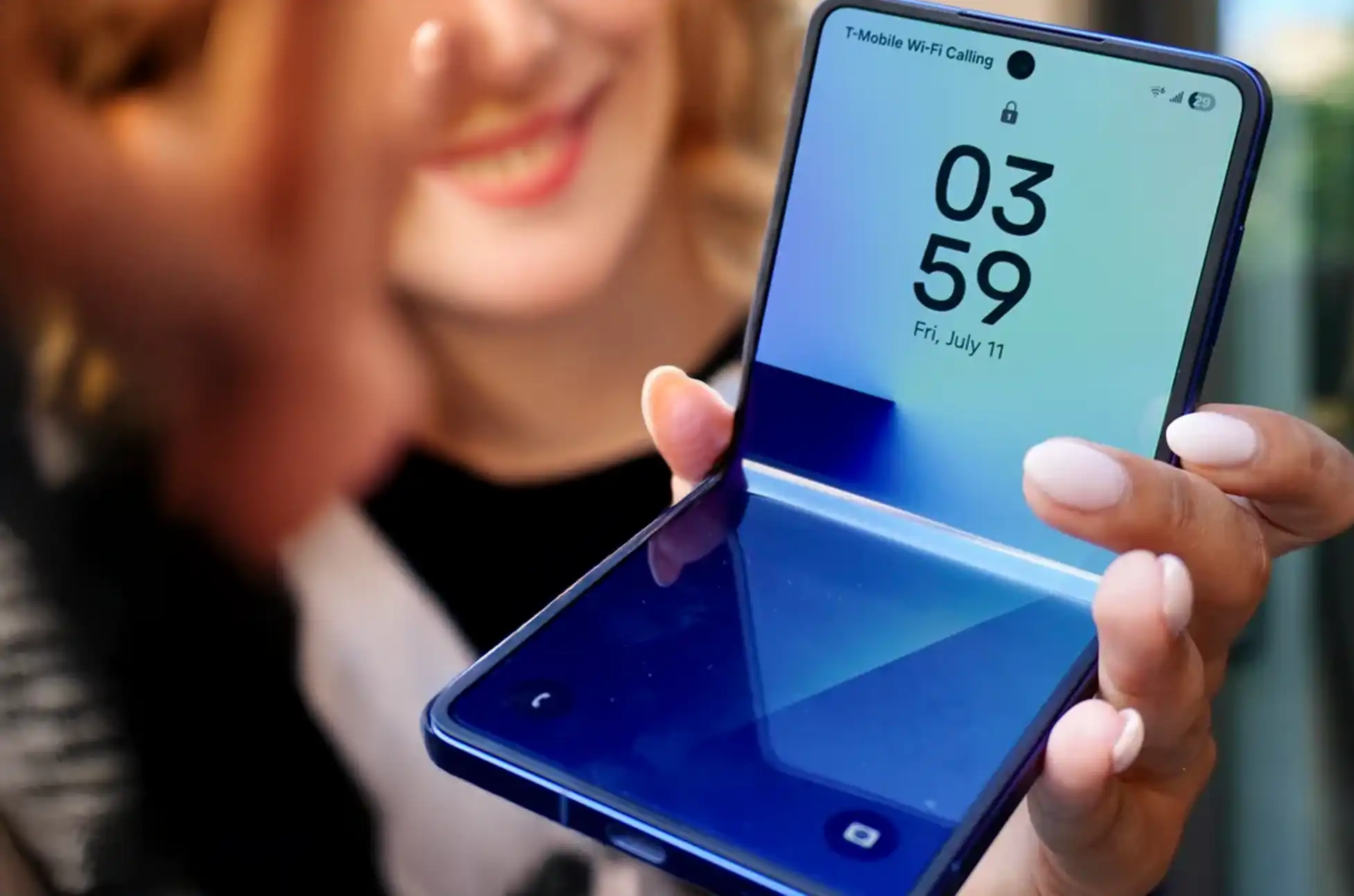
Samsung has released the Galaxy Z Flip7 with major upgrades. This new foldable phone brings better battery life, bigger screens, and improved durability. Let’s see what makes this device special.
Key Upgrades That Make a Difference
Enhanced Battery Life and Slimmer Design
First, the Galaxy Z Flip7 fixes a common foldable phone problem: short battery life. Samsung added a 4,300mAh battery. This is 300mAh more than the previous model.
What’s more impressive is that the phone is actually thinner. It measures 13.7mm when folded and 6.5mm when open. This means you get more power in a slimmer design.
Expanded Cover Screen Experience
Next, the cover screen got a major upgrade. The new 4.1-inch screen is much bigger than before. It now stretches past the cameras and flash.
Additionally, this screen offers these features:
Brighter outdoor viewing at 2,600 nits
Vision Booster for better readability
Google Gemini and Now Bar support
More room for apps and widgets
Display and Performance Improvements
Larger Main Screen with Advanced Technology
Furthermore, the main screen grew to 6.9 inches. Samsung used their Dynamic LTPO AMOLED 2X technology. As a result, you get better colors, smoother scrolling, and longer battery life.
Robust Build Quality
Moreover, Samsung made the hinge stronger and thinner. The new Armor FlexHinge is 30% thinner but tougher. This means better durability without extra bulk.
Performance and Storage Options
When it comes to performance, the phone uses Samsung’s Exynos 2500 chip. This provides fast, smooth operation for all apps and games.
Additionally, you can choose from two storage options:
12GB RAM + 256GB storage – Great for daily use
12GB RAM + 512GB storage – Perfect for heavy users
Both models use UFS 4.0 storage. This means apps load faster and files transfer quicker.
Galaxy Z Flip7: Camera System and Imaging Capabilities
Professional-Grade Photography
Moving to cameras, the Z Flip7 has a solid camera setup:
50MP main camera with image stabilization
12MP wide-angle camera for group shots
10MP front camera for selfies
Therefore, you can take great photos in any situation. The main camera reduces blur, while the wide-angle lens captures more in each shot.
Galaxy Z Flip7: Durability and Protection Features
In terms of protection, Samsung added several tough features:
Gorilla Glass Victus 2 on the cover screen
Armor Aluminum frame for strength
IP48 rating for water and dust protection
Stronger hinge for long-term use
As a result, your phone stays safe from drops, water, and daily wear.
Galaxy Z Flip7: Pricing and Availability
Now, let’s talk about pricing. The Galaxy Z Flip7 costs:
12GB/256GB model: $1,299
12GB/512GB model: $1,449
Pre-order deal: Order before July 31 and get a free storage upgrade worth $149. This makes the bigger storage model more affordable.
Galaxy Z Flip7: Technical Specifications Overview
Feature
Specification
Main Screen
6.9″ foldable display (2520 x 1080)
Cover Screen
4.1″ outer display (1048 x 948)
Refresh Rate
120Hz on both screens
Brightness
2,600 nits for outdoor use
Processor
Exynos 2500 chipset
RAM
12GB
Storage
256GB / 512GB UFS 4.0
Main Camera
50MP with OIS
Ultra-wide
12MP
Front Camera
10MP
Network
5G, 4G LTE
WiFi
WiFi 7
Bluetooth
5.4
Other
NFC, USB-C
Battery
4,300mAh
Wired Charging
25W fast charging
Wireless Charging
15W
Reverse Wireless
4.5W for accessories
Dimensions (Folded)
85.5 x 75.2 x 13.7mm
Dimensions (Unfolded)
166.7 x 75.2 x 6.5mm
Weight
188g
Protection
IP48, Gorilla Glass Victus 2
Color Options and Design
In addition to great specs, the phone comes in four colors:
Blue Shadow
Jet Black
Coral Red
Mint
Each color has Samsung’s premium finish. This means your phone looks as good as it performs.
Conclusion
Overall, the Samsung Galaxy Z Flip7 is a big step forward. It fixes battery problems, adds a bigger cover screen, and improves durability. The price is competitive too.
Whether you’re upgrading or trying foldables for the first time, this phone offers great value. It combines new features with practical improvements that make daily use better.
All products, and company names, logos, and service marks (collectively the "Trademarks") displayed are registered® and/or unregistered
trademarks™ of their respective owners.
The authors of this web site are not sponsored by or affiliated with any of the third-party trade mark or third-party registered trade mark owners,
and make no representations about them, their owners, their products or services.
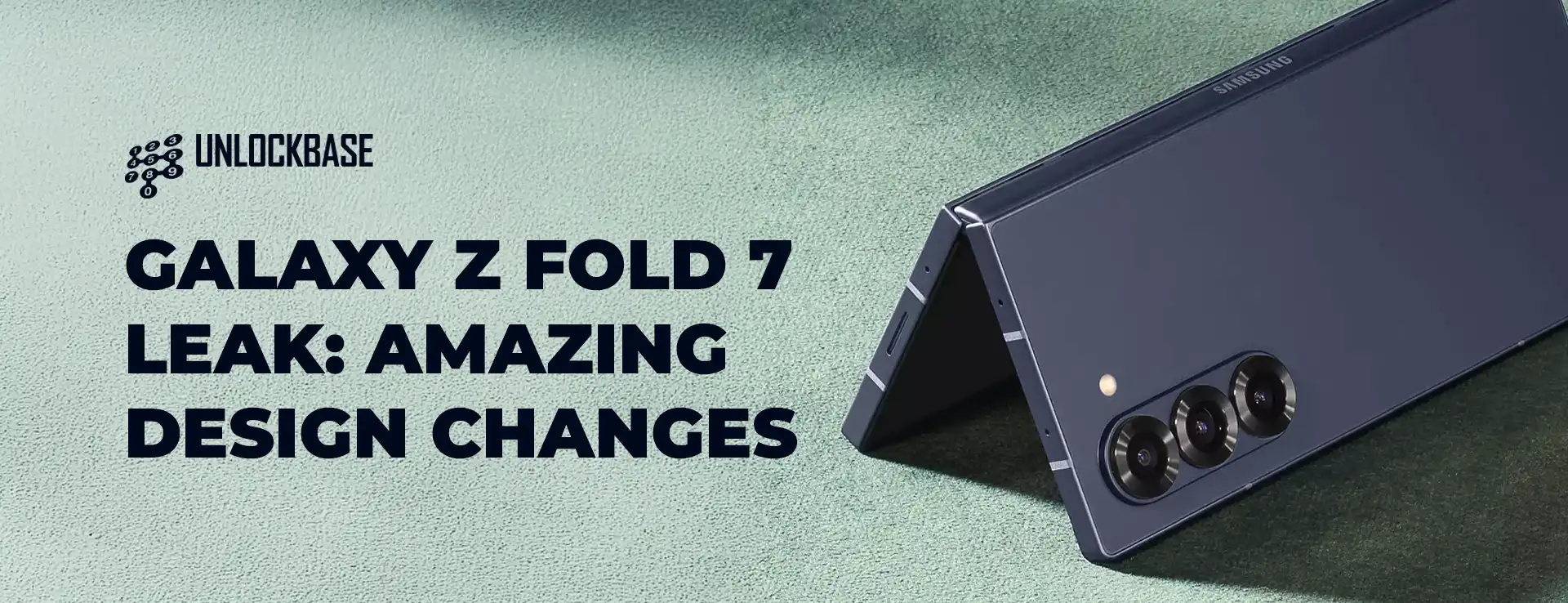
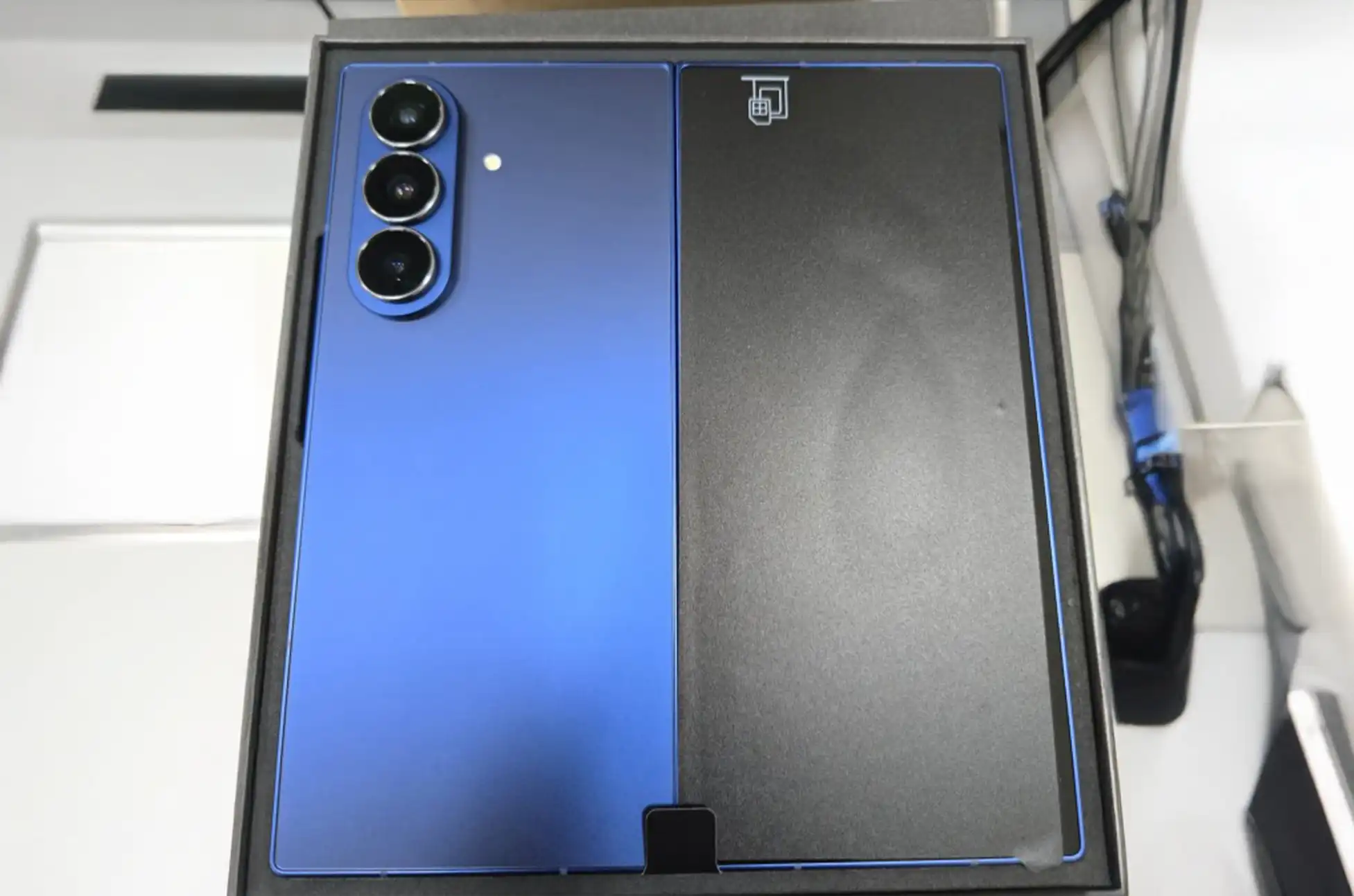
The Samsung Galaxy Z Fold 7 Leaks is creating buzz before its official release. Moreover, the latest leak might be the most exciting yet. Fresh real-world photos have appeared online. As a result, we now have our first true look at Samsung’s next foldable phone.
Fresh Out of the Box: Galaxy Z Fold 7 Spotted in the Wild
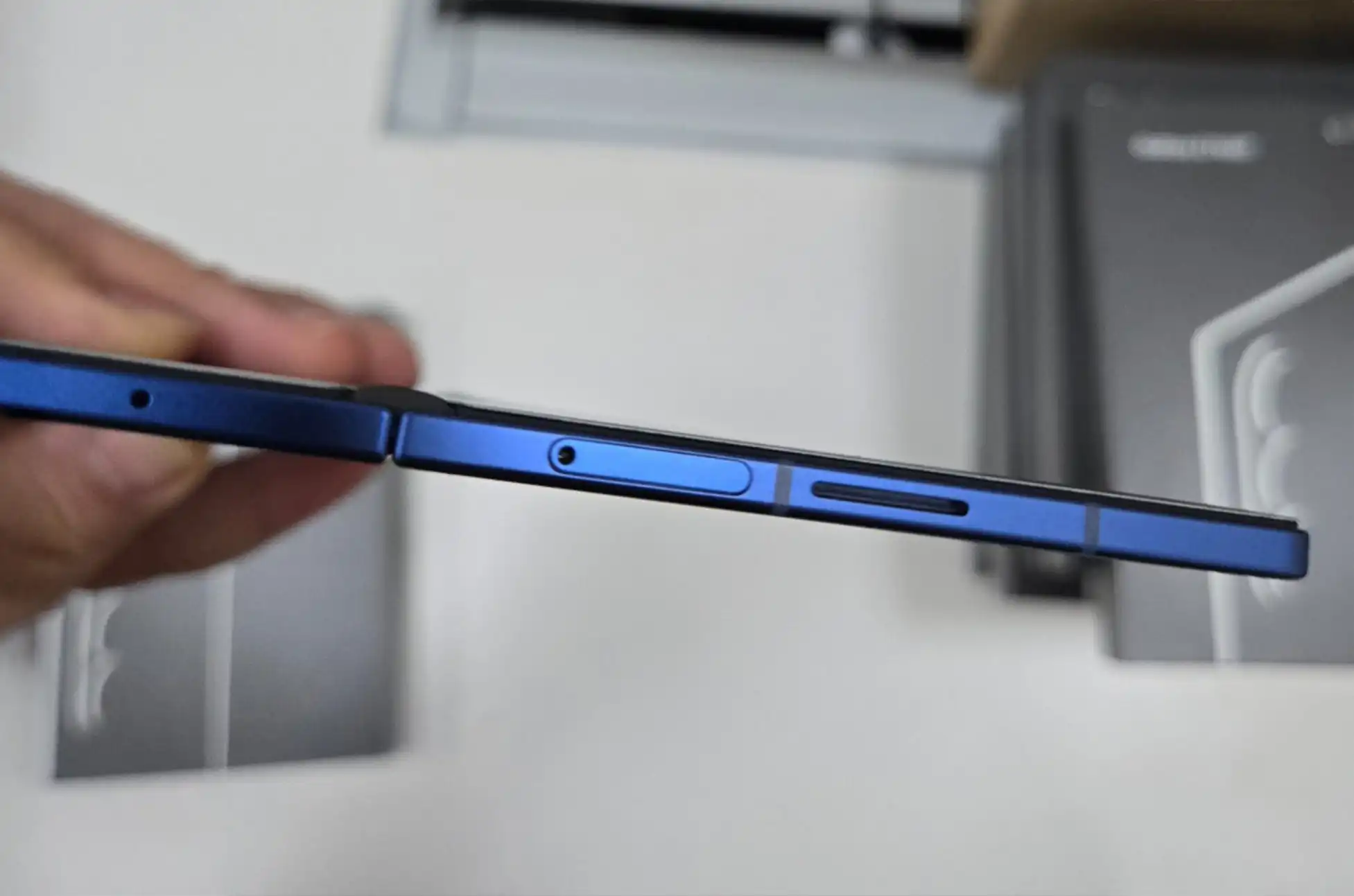
First, renowned leaker Jukan Choi shared real unboxing photos on X. Next, these images show the Galaxy Z Fold 7 in full detail. Furthermore, these aren’t fake renders or case photos. Instead, these are actual photos straight from the box.
The biggest change? A beautiful new light blue color. It’s much brighter than the Galaxy Z Fold 6’s blue version. This new shade will likely be called “Blue Shadow.” Additionally, it’s expected to appear on both the Fold 7 and Flip 7. Therefore, Samsung’s foldable phones will have a matching, premium look.
Camera Updates and Design Changes
The leaked photos show several key design improvements:
• Sleek silver camera details that look great with the blue finish • No Galaxy S25 Ultra-style rings on camera lenses (good news, since those peel off easily) • Possible 200MP main camera upgrade – a huge jump from the current 50MP camera
These changes show Samsung wants the Fold 7 to be a photo powerhouse. At the same time, they’re keeping the design strong and durable.
Surprising Hardware Changes
One unexpected finding involves the SIM tray spot. Samsung moved it from the bottom edge to the top. This creates a new layout. However, this move also caused an awkward speaker placement. It now sits off-center between two signal bands. As a result, some users might not like this design choice.
Galaxy Z Fold 7 Leak : What We Still Don’t Know
While these photos show a lot, several key details remain unclear:
• Screen details for both inner and outer displays • Confirmation of the rumored front camera design • Actual thickness numbers – though Samsung reportedly wants just 8.9mm when closed and 4.54mm when open
The side photos don’t clearly show the rumored thinner design. Therefore, we’re still waiting for official details.
Galaxy Z Fold 7 Leak : Conclusion
Samsung’s July 9 event is coming soon. Meanwhile, excitement keeps growing. The Galaxy Z Fold 7 looks like a major upgrade rather than a small update. It has meaningful improvements in design, camera features, and user experience.
What excites you most about the Galaxy Z Fold 7’s leaked features? The camera upgrades, design changes, or thinner build? The July 9 reveal can’t come soon enough.
All products, and company names, logos, and service marks (collectively the "Trademarks") displayed are registered® and/or unregistered
trademarks™ of their respective owners.
The authors of this web site are not sponsored by or affiliated with any of the third-party trade mark or third-party registered trade mark owners,
and make no representations about them, their owners, their products or services.
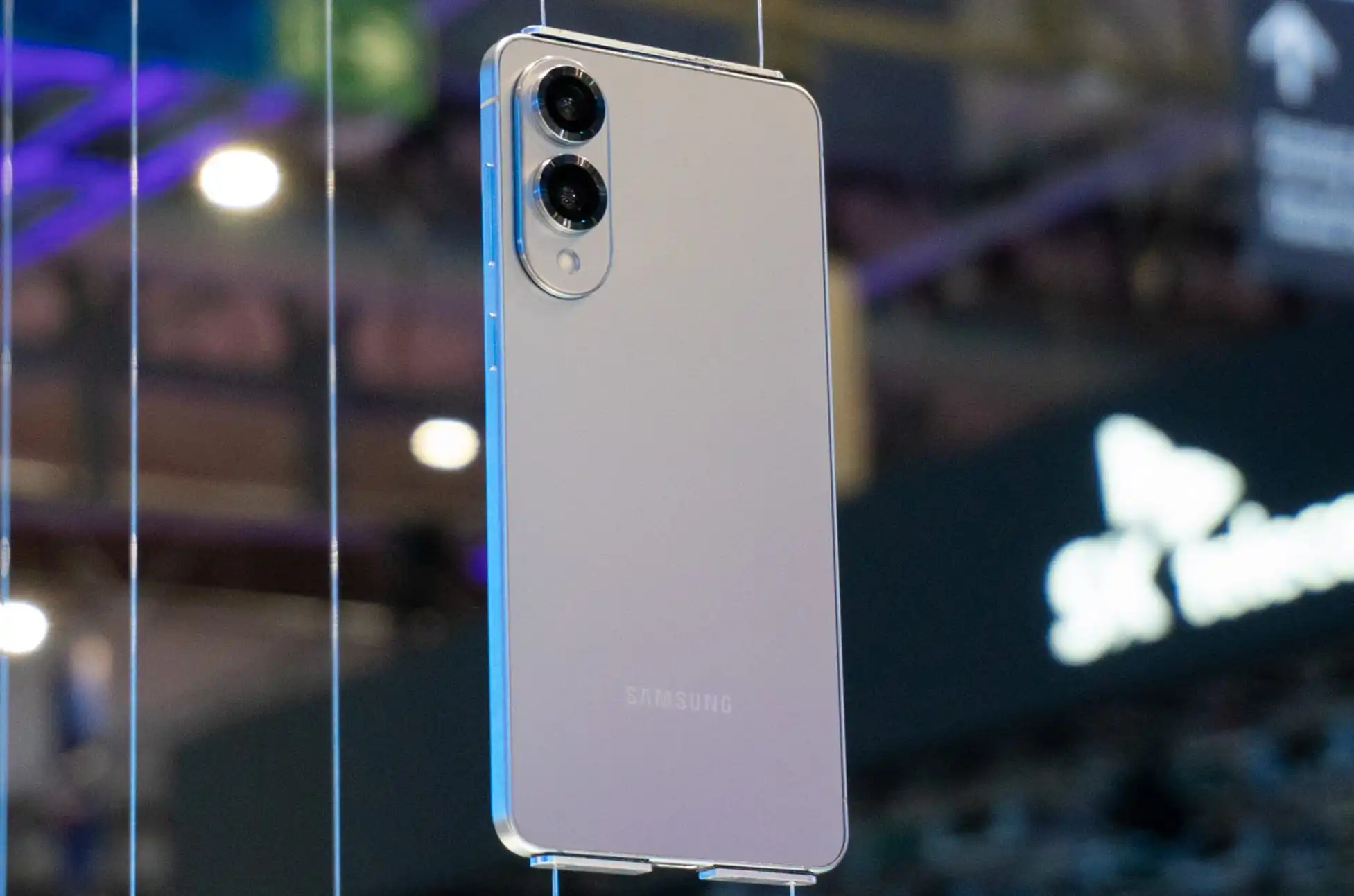
Samsung Galaxy S25 Edge! Samsung surprised tech enthusiasts earlier this year when they teased their ultra-thin addition to the Galaxy S25 lineup during January’s Unpacked event. After months of anticipation and what industry insiders suggest was a delayed release, the Galaxy S25 Edge has finally arrived—and it’s available for pre-order right now.
At its heart, the Galaxy S25 Edge shares the same DNA as its siblings in the S25 family. You’ll find the powerful Snapdragon 8 Elite processor, a vibrant AMOLED display, and the latest One UI 7 with Samsung’s full suite of Galaxy AI features. For those tracking the usual specifications, the Edge largely aligns with the rest of the S25 series regarding storage options, RAM configurations, and Samsung’s industry-leading update policy.
But where this device truly stands out—and warrants closer examination—is in three crucial areas: design philosophy, camera capabilities, and battery capacity.
Slimming Down: Design Innovation or Familiar Territory?
The standout feature of the Galaxy S25 Edge is undoubtedly its svelte profile. At just 5.8mm thick, it shaves approximately 1.5mm off the S25+ while maintaining an impressive 6.7-inch display. Perhaps more remarkably, it weighs only 163 grams—comparable to the much smaller 6.2-inch standard S25 (162g) or the 6.1-inch iPhone 16 (170g).
However, this ultra-thin design isn’t the groundbreaking achievement Samsung’s marketing might suggest. Tech enthusiasts with longer memories will recall that Motorola’s original Moto Z from 2015 measured an even more impressive 5.2mm while supporting the company’s modular accessories system. Samsung’s achievement, while noteworthy in today’s market, treads ground that smartphone manufacturers explored nearly a decade ago.
Camera Compromises: Quality in a Slimmer Package?
The Galaxy S25 Edge takes a surprising approach to its camera system by including just two rear lenses—a configuration more commonly found in mid-range devices than premium flagships.
The main 200MP sensor incorporates Samsung’s ProVisual Engine technology, matching its S25 counterparts on paper. However, given the space constraints of the thinner chassis, performance may align more closely with Samsung’s foldable Z-series than with traditional S-series devices.
The secondary ultra-wide lens completes the camera array—a sensible choice over a low-magnification telephoto. However, with digital zoom capabilities capped at 10x, capturing distant subjects could prove challenging. This represents a significant compromise compared to the more robust camera systems in similarly-priced devices, including Samsung’s own S25+.
Battery Concerns: Will It Last?
Perhaps the most significant question mark hangs over the Edge’s 3,900mAh battery. For a device sporting a 6.7-inch display and flagship-class processor, this capacity falls noticeably below industry standards for phones of comparable size.
Unlike clamshell foldables with similar battery sizes, the Edge doesn’t have a secondary low-power display to offset power consumption. Samsung promises “all-day” battery life, but real-world performance remains to be seen. For power users, this could be the deciding factor that determines whether the Edge’s striking design justifies its functional compromises.
Samsung Galaxy S25 EdgePricing and Availability
If you’re undeterred by these potential limitations, the Galaxy S25 Edge is available for pre-order now through Amazon, Best Buy, Samsung’s website, and major carriers. The base 256GB model starts at $1,100, while the 512GB variant costs $1,219.
Color options include Titanium Silver, Titanium Jetblack, and Titanium Icyblue—a notably conservative palette compared to the vibrant options sometimes available in Samsung’s lineup. The device officially releases on May 30th.
Pre-orders through Samsung’s store can save up to $630 with eligible trade-ins, plus an additional $50 discount and a free storage upgrade for early adopters.
Samsung Galaxy S25 Edge : Key Specifications at a Glance
Processor: Snapdragon 8 Elite
Display: 6.7″ QHD+ AMOLED
RAM: 12GB
Storage: 256GB or 512GB
Battery: 3,900mAh
Charging: 25W wired, wireless supported
Main Camera: 200MP f/1.7 with up to 10x digital zoom
Secondary Camera: 12MP f/2.2 ultra-wide
Front Camera: 12MP f/2.2
Dimensions: 75.6 x 158.2 x 5.8mm
Weight: 163g
Water/Dust Resistance: IP68
Software: Android 15 with One UI 7
The Verdict: Form Over Function?
The Galaxy S25 Edge stands as Samsung’s statement piece—a testament to the company’s engineering capabilities in creating ultra-thin devices. However, its compromises in camera versatility and potentially battery life raise important questions about prioritizing design aesthetics over practical functionality.
For those enchanted by its slim profile and lightweight construction, the Edge represents a unique option in today’s smartphone market. For others, the standard S25+ might provide a more balanced experience with minimal additional bulk.
As always, the true test will come when this device faces real-world usage scenarios. We’ll be putting the Galaxy S25 Edge through comprehensive testing to determine whether Samsung’s latest innovation truly delivers on its promises.
All products, and company names, logos, and service marks (collectively the "Trademarks") displayed are registered® and/or unregistered
trademarks™ of their respective owners.
The authors of this web site are not sponsored by or affiliated with any of the third-party trade mark or third-party registered trade mark owners,
and make no representations about them, their owners, their products or services.
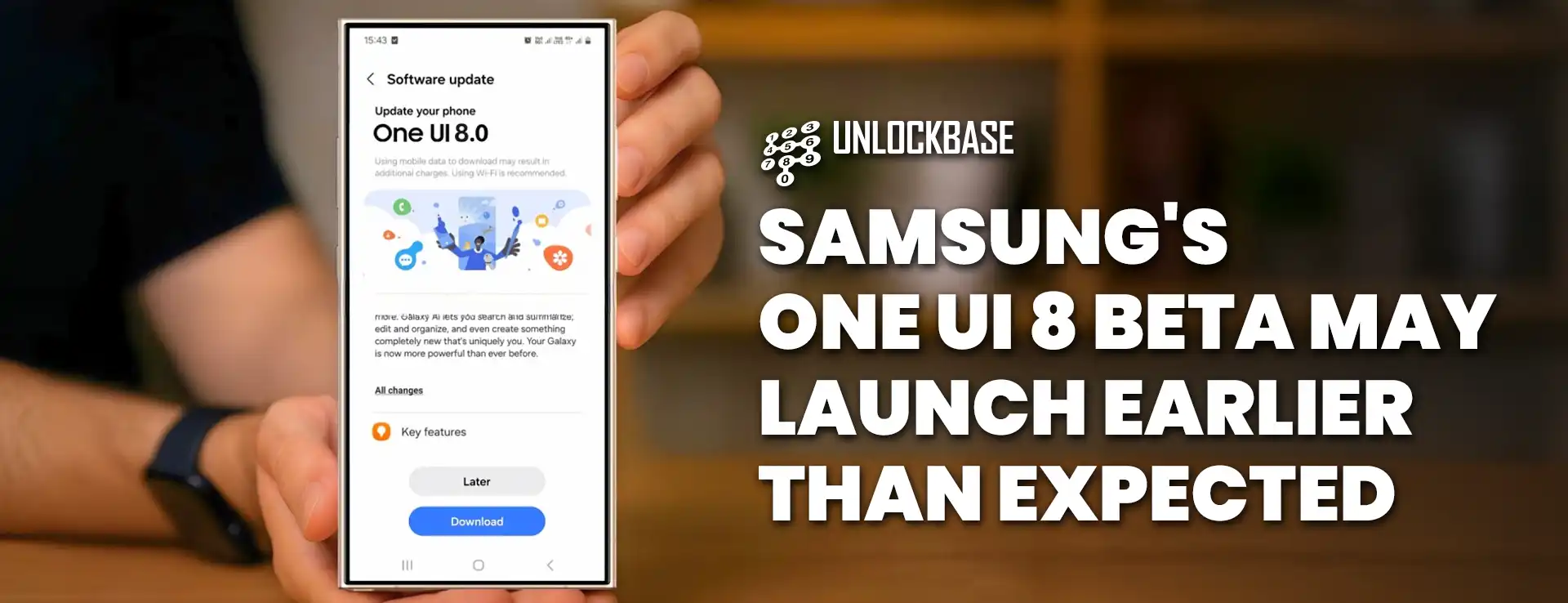
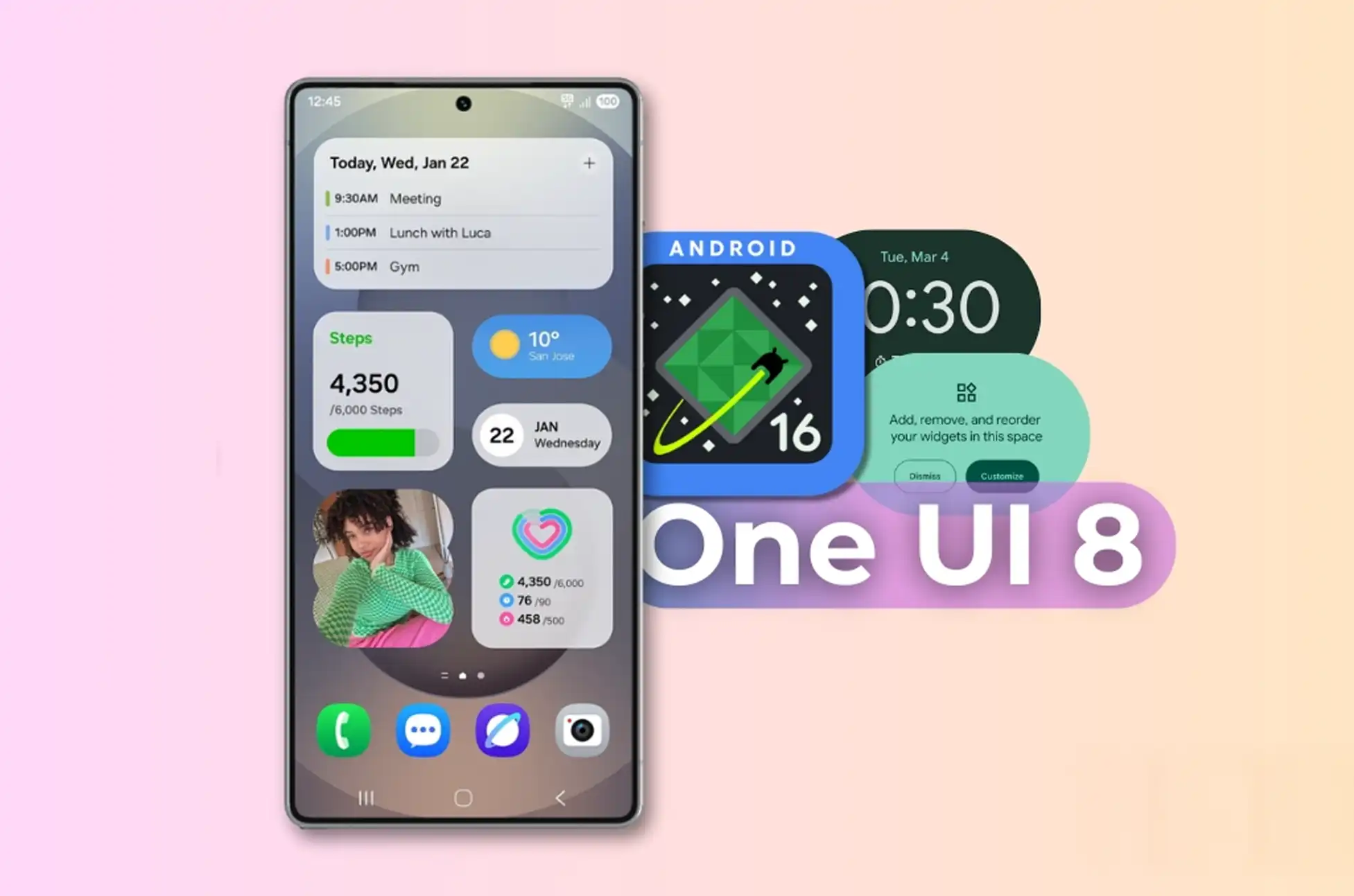
Samsung is speeding up its software timeline, with the first One UI 8 beta likely arriving before May ends. This quick turnaround represents a major change from past release schedules and could give Galaxy flagship owners early access to Android 16 features soon.
Early Access Coming Soon
Based on recent Sammobile reports, Samsung’s One UI 8 beta—running on Android 16—might roll out in just weeks. Some Galaxy flagship users in certain regions could see the beta as early as mid-May, which is surprising since many have only just updated to stable Android 15 versions.
This schedule contradicts previous claims from tipster Tarun Vats, who had pointed to a June beta release followed by stable versions in late summer.
What’s New in One UI 8
Although Samsung hasn’t officially announced any release dates yet, experts believe One UI 8 will be a smaller update compared to its feature-packed predecessor. The previous One UI 7 brought many changes, which is why it took longer to develop.
Leaked builds suggest One UI 8 will mostly polish existing features instead of completely redesigning the interface. Users can expect upgrades to:
Now Bar functions
Secure Folder design
Samsung DeX experience
New Android 16 features
Who Gets Access First
Remember that the beta program won’t be available for everyone. Samsung usually limits early access to:
Top-tier devices (probably starting with S24 models)
Certain markets (typically including the US, South Korea, and some European countries)
Users who sign up through the Samsung Members app
If you’re interested, keep checking the Samsung Members app for notifications when the beta launches in your area.
With this faster schedule, Samsung seems eager to streamline updates and reduce delays between Google’s Android releases and their own customized version. Now, the question remains: will this quicker approach still deliver the reliable experience Galaxy users expect?
All products, and company names, logos, and service marks (collectively the "Trademarks") displayed are registered® and/or unregistered
trademarks™ of their respective owners.
The authors of this web site are not sponsored by or affiliated with any of the third-party trade mark or third-party registered trade mark owners,
and make no representations about them, their owners, their products or services.
Are you tired of being stuck with your current mobile carrier? Unlocking your Samsung Galaxy A Series phone offers the freedom you need. If you plan to travel abroad, want to switch to a cheaper carrier, or simply need more flexibility, this guide will help you unlock your phone through clear, simple steps.
What Is SIM Unlocking?
First of all, let’s understand what SIM unlocking actually means. When Samsung locks your Galaxy A Series, it only works with one specific carrier’s network. However, when you unlock it, you can:
Use your phone with any compatible carrier around the world
Insert and use SIM cards from different companies
Connect to mobile networks in foreign countries
As a result, you gain complete control over how and where you use your device.
Top 5 Benefits of Unlocking Your Samsung A Series
Breaking free from carrier restrictions brings many advantages beyond basic functions:
Freedom to Choose Any Carrier: You can finally break away from being tied to one network. After unlocking, you can therefore pick the carrier with the best coverage, prices, or perks that match your needs.
Big Savings When Traveling: International roaming charges often cost a fortune. Instead, with an unlocked phone, you can simply buy a local SIM card at your destination and consequently enjoy local rates for everything.
Higher Resale Value: Unlocked phones generally sell for more money since buyers won’t face carrier limitations.
Access to Better Plans: You can now compare and shop for the most competitive deals across all carriers rather than settling for your locked carrier’s options.
Easier Phone Upgrades: When you’re ready for a new device, furthermore, you won’t be limited by your current carrier’s selection or upgrade policies.
Step-by-Step: How to Unlock Your Samsung Galaxy A Series
Unlocking your Samsung Galaxy A Series is actually quite easy when you use a trusted service like UnlockBase. Here’s what to do:
Find and enter your phone’s IMEI number (just dial *#06# to see it)
Enter your email address to receive confirmation and unlock codes
Select the country where your phone is currently locked
Choose your current network/carrier from the dropdown menu
Complete payment and then wait for your confirmation email
After You Get Your Unlock Code
Once you receive the email with your unlock code:
Turn off your Samsung Galaxy A Series
Take out your current SIM card
Insert a SIM card from a different carrier
Turn on your device
When asked for an unlock code, type in the code from UnlockBase
Your phone will then confirm successful unlocking
Now your Samsung Galaxy A Series works with any compatible carrier worldwide!
Common Questions About Samsung A Series Unlocking
Is Unlocking My Samsung Galaxy A Series Legal?
Absolutely! In most countries, including the United States, unlocking your phone is completely legal. In fact, the Unlocking Consumer Choice and Wireless Competition Act gives you the right to unlock your devices.
Will Unlocking Damage My Phone?
Not at all. The unlocking process only removes software restrictions that carriers put in place. Moreover, it doesn’t affect your hardware, operating system, or any data stored on your device.
Does Unlocking Void My Warranty?
No, unlocking your Samsung Galaxy A Series doesn’t void the manufacturer’s warranty. Samsung covers hardware issues regardless of whether your phone is locked or unlocked.
How Long Does the Unlocking Process Take?
While timeframes vary depending on your specific model and carrier, most Samsung Galaxy A Series phones can be unlocked within 24-48 hours after you submit your request.
Can I Relock My Phone If Needed?
Once unlocked, your Samsung Galaxy A Series stays permanently unlocked, even after software updates. Additionally, there’s typically no reason to relock a phone after it’s been unlocked.
Conclusion
Unlocking your Samsung Galaxy A Series gives you unmatched flexibility and choice. Whether you want to switch carriers for better service, save money while traveling internationally, or increase your phone’s resale value, unlocking is clearly the smart choice.
The process is simple, safe, and legal—opening up countless possibilities for your Samsung Galaxy A Series. Why limit yourself to one carrier when you can access the entire mobile world? Follow our straightforward guide above and start enjoying the freedom of an unlocked device today! Have you already unlocked your Samsung Galaxy A Series? Share your experience in the comments below!
All products, and company names, logos, and service marks (collectively the "Trademarks") displayed are registered® and/or unregistered
trademarks™ of their respective owners.
The authors of this web site are not sponsored by or affiliated with any of the third-party trade mark or third-party registered trade mark owners,
and make no representations about them, their owners, their products or services.
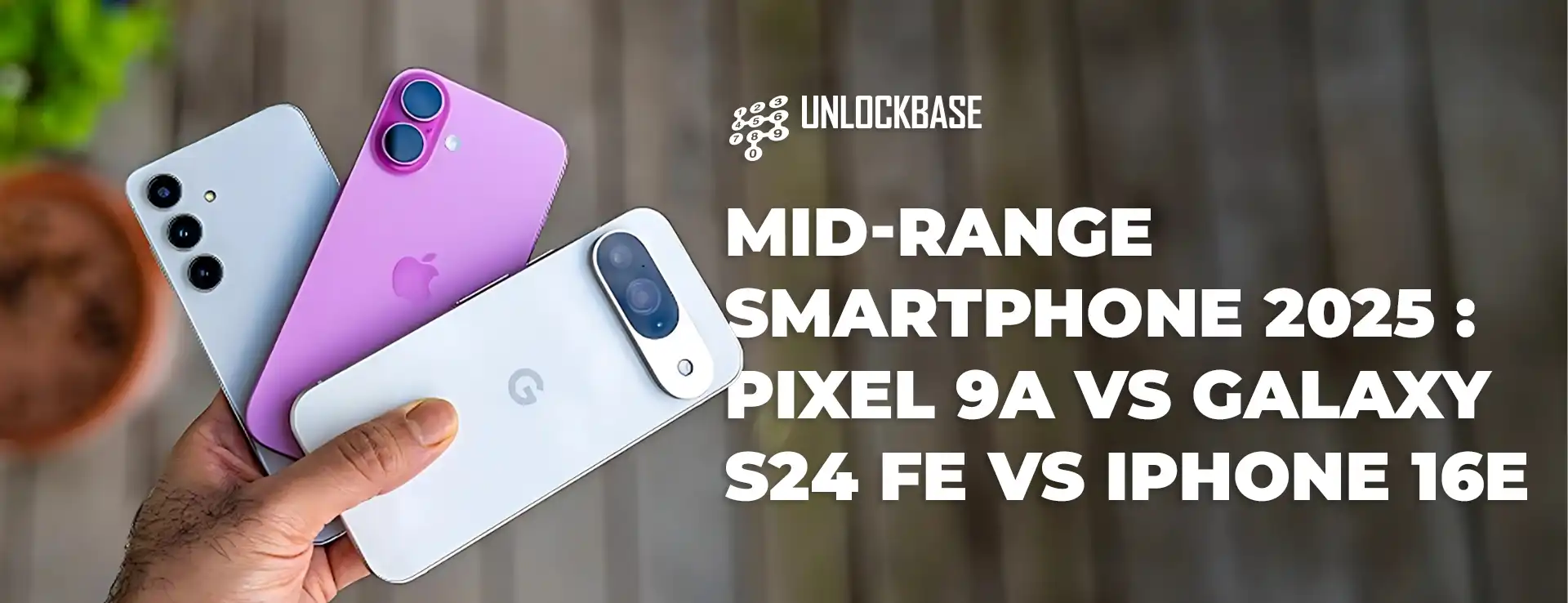
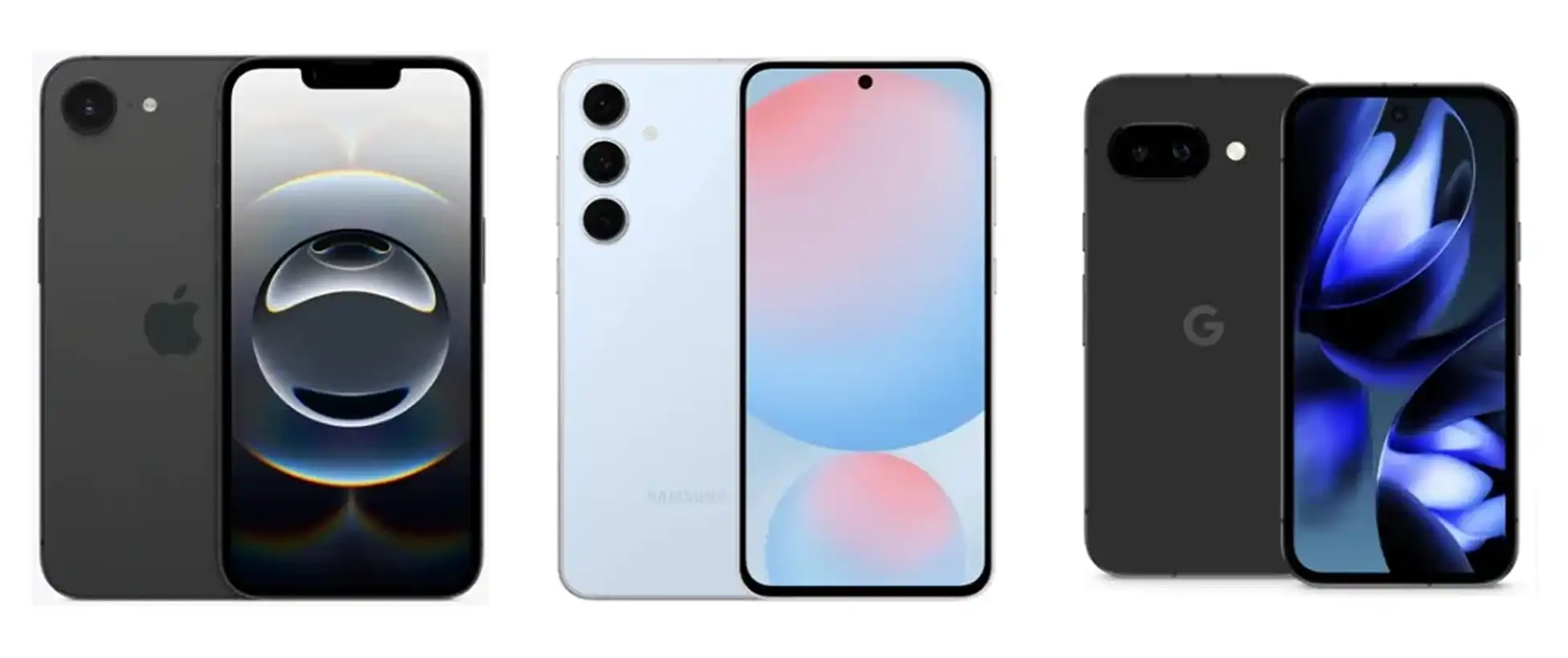
Mid-range Smartphone 2025? Looking for flagship smartphone features without emptying your wallet? The mid-range market is hotter than ever, with Google’s new Pixel 9a joining the Samsung Galaxy S24 FE and Apple iPhone 16e as top contenders for budget-conscious consumers. The Pixel 9a stands out as the most affordable option at just $499, compared to the iPhone 16e at $599 and the Galaxy S24 FE at $659. Despite its lower price point, the Pixel 9a boasts a dual camera setup and the flagship-tier Tensor G4 processor—but can it truly deliver exceptional value? Let’s find out.
The Processing Powerhouses: A Quick Comparison
Before diving into benchmarks, here’s how these three devices stack up in terms of core specifications:
Each of these phones features processors developed in-house by their respective manufacturers. Let’s see how they perform in real-world testing.
Mid-range Smartphone 2025 Benchmark Battle: CPU Performance
When it comes to processing power, GeekBench 6 provides valuable insights into how these phones handle both single-core tasks (like launching apps) and multi-core operations (such as scrolling through social media).
The results are clear: Apple’s custom CPU cores maintain their historical advantage over Android competitors. The iPhone 16e delivers particularly impressive single-core performance, nearly doubling the Pixel 9a’s scores. While the Galaxy S24 FE narrows this gap in multi-core scenarios (which are more common in everyday use), Apple still holds the overall performance crown.
But what does this mean for your daily experience?
For everyday tasks: All three phones handle routine activities like web browsing and social media without breaking a sweat
For future-proofing: The iPhone 16e’s substantial performance headroom makes it more likely to handle advanced apps several years down the road
For intensive tasks: Only resource-demanding activities like video editing will reveal the full performance differences
Graphics Prowess: Gaming Performance Compared
All three phones make some GPU compromises compared to their flagship siblings. The iPhone 16e features four GPU cores instead of the five or six found in more expensive models. The Galaxy S24 FE uses a slightly older GPU architecture, while Google’s Mali setup has traditionally been less competitive in benchmarks.
Our 3DMark Wild Life Extreme Stress Test revealed:
The Galaxy S24 FE’s Xclipse 940 GPU delivers impressive performance, maintaining a significant lead despite dropping to 71.9% of its peak performance under stress
The iPhone 16e starts strong but throttles more aggressively, falling to just 70.4% of its initial performance
The Pixel 9a begins with the lowest scores but demonstrates better stability under load (79.1% stability), narrowing the gap during extended gaming sessions
Which Mid-range Smartphone 2025 Marvel Delivers the Best Value?
Apple iPhone 16e: Raw Power with Caveats
While the iPhone 16e’s CPU dominance is undeniable, this advantage may not translate to noticeable everyday improvements. Its battery life falls short compared to both Android competitors, and its graphics performance can throttle significantly during extended sessions. Still, it’s a solid option for those committed to the Apple ecosystem.
For gamers on a budget, the Galaxy S24 FE stands out with superior graphics capabilities that maintain their edge even during long sessions. It strikes an excellent balance between everyday performance and gaming prowess. The main drawback? It’s the most expensive of the three options.
While the Pixel 9a doesn’t win any benchmark competitions, it delivers reliable performance identical to the more expensive Pixel 9. With its significantly lower price point and excellent battery efficiency, it offers tremendous value. The only concern is how well it will perform toward the end of its promised seven-year software support period.
There’s no clear “wrong choice” among these three impressive mid-range contenders. Your decision should consider:
Budget constraints: The Pixel 9a offers the most bang for your buck at $499
Gaming needs: The Galaxy S24 FE delivers the best sustained graphics performance
Ecosystem preferences: iPhone users will find the 16e’s integration with other Apple products valuable
Long-term use: All three devices promise extended software support
Remember that benchmarks tell only part of the story. Camera quality, battery performance, and software features are equally important factors that might influence your decision. Stay tuned for our upcoming battery life comparison between these three mid-range champions!
All products, and company names, logos, and service marks (collectively the "Trademarks") displayed are registered® and/or unregistered
trademarks™ of their respective owners.
The authors of this web site are not sponsored by or affiliated with any of the third-party trade mark or third-party registered trade mark owners,
and make no representations about them, their owners, their products or services.
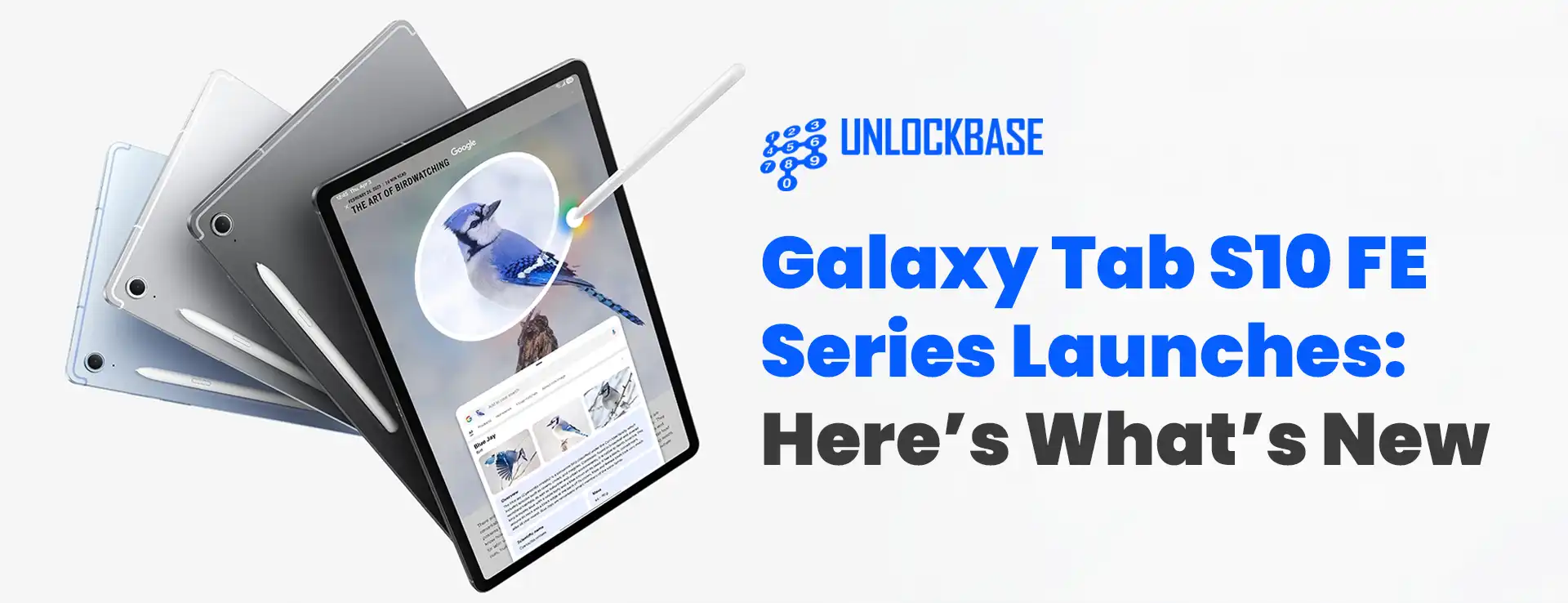
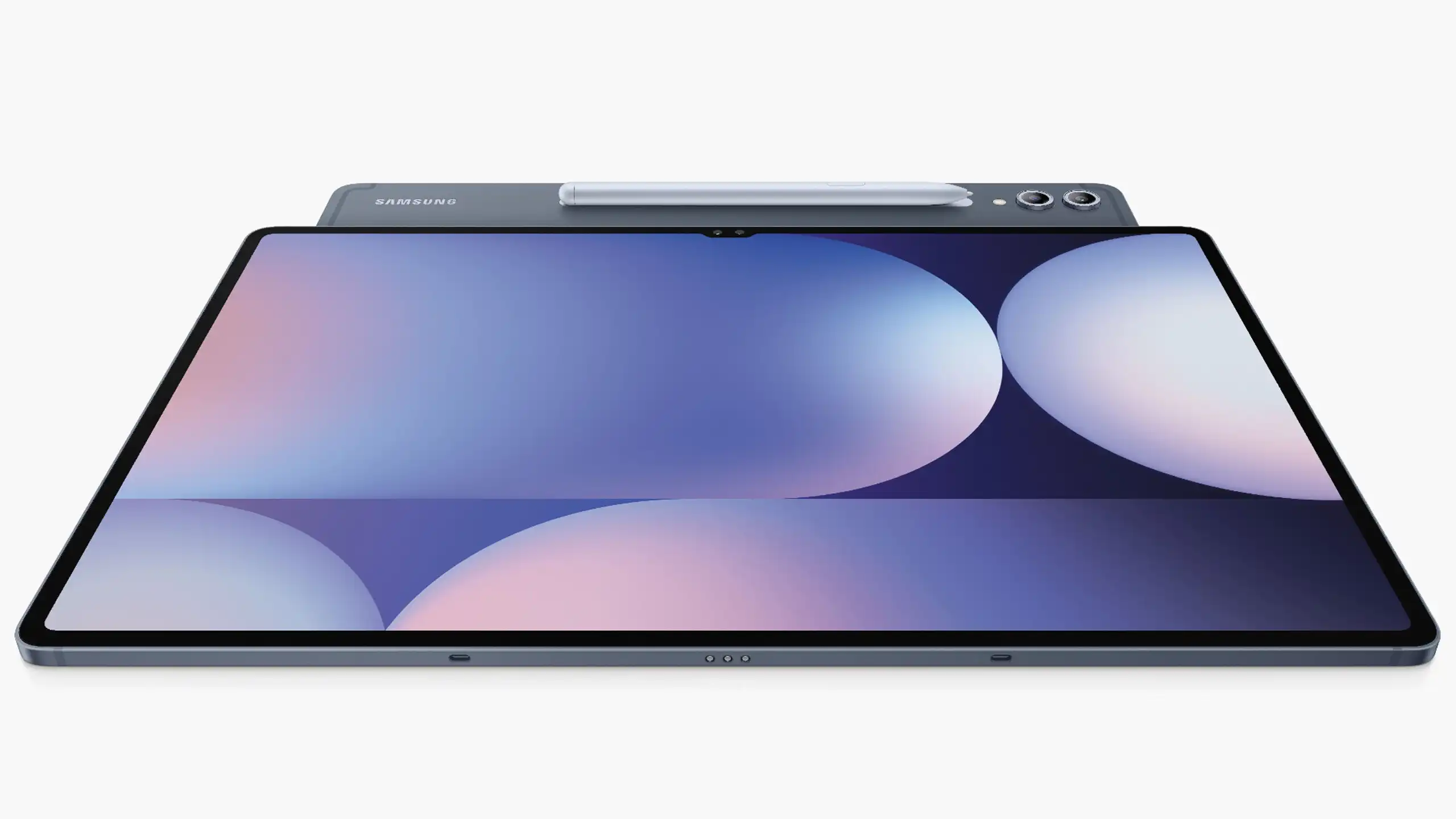
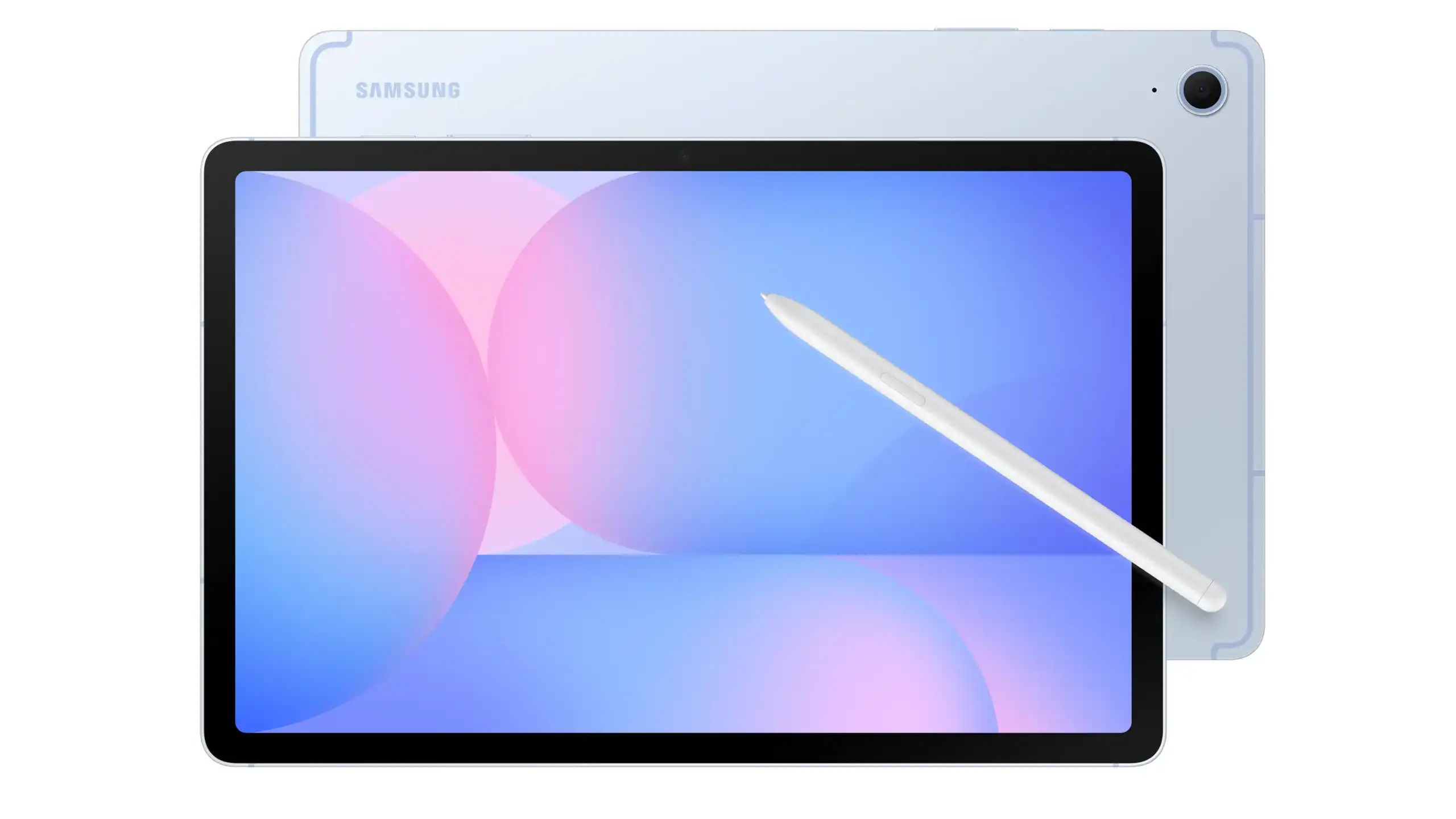
Galaxy Tab S10 FE Series? After a two-year hiatus, Samsung has finally revitalized its popular midrange tablet lineup with the launch of the Galaxy Tab S10 FE and Galaxy Tab S10 FE Plus. These new Fan Edition tablets bring impressive specifications and features that strike a balance between performance and affordability, giving tablet enthusiasts something to be excited about in 2025.
AI Features Across Both Models
Samsung has integrated several AI capabilities into both Tab S10 FE variants:
Object Eraser for removing unwanted elements from photos
Best Face for optimizing portrait shots
Auto Trim for streamlined video editing
Galaxy AI Key for quick access to AI features
With identical performance specifications and feature sets, your choice between these two models will primarily come down to your preference for screen size, battery life, and budget considerations.
Galaxy Tab S10 FE Series : Full Comparison
Feature
Galaxy Tab S10 FE
Galaxy Tab S10 FE Plus
Display
10.9-inch IPS LCD
13.1-inch IPS LCD
Resolution
2304 x 1440 pixels (~249ppi)
2880 x 1800 pixels (~259ppi)
Refresh Rate
90Hz
90Hz
Peak Brightness
800 nits
800 nits
Processor
Exynos 1580 (2.9GHz octa-core)
Exynos 1580 (2.9GHz octa-core)
GPU
Xclipse 540
Xclipse 540
RAM Options
8GB / 12GB
8GB / 12GB
Storage Options
128GB / 256GB
128GB / 256GB
Expandable Storage
Yes, via microSD
Yes, via microSD
Front Camera
12MP ultra-wide
12MP ultra-wide
Rear Camera
13MP
13MP
Operating System
Android 15 with One UI 7
Android 15 with One UI 7
Battery
8,000mAh
10,090mAh
Charging
45W wired
45W wired
S Pen Support
Yes, included in box
Yes, included in box
Speakers
AKG-tuned stereo
AKG-tuned stereo
Biometrics
Side-mounted fingerprint scanner
Side-mounted fingerprint scanner
Water Resistance
IP68
IP68
Connectivity
WiFi 6e, Bluetooth 5.3, Optional 5G
WiFi 6e, Bluetooth 5.3, Optional 5G
Port
USB-C
USB-C
Dimensions
254.3 x 165.8 x 6mm
300.6 x 194.7 x 6mm
Weight
500g (4% lighter than predecessor)
668g
Colors
Silver, Gray, Blue
Silver, Gray, Blue
Starting Price (WiFi)
EUR580 (~Php36,200)
EUR750 (~Php46,900)
5G Model Starting Price
EUR680 (~Php42,500)
EUR850 (~Php53,100)
Max Config Price (5G)
EUR730 (~Php45,600)
EUR900 (~Php56,300)
Galaxy Tab S10 FE Series : Key Differentiators at a Glance
The main differences between the two models:
Display Size: The Plus model offers a significantly larger 13.1-inch display compared to the standard model’s 10.9-inch screen
Battery Capacity: The Plus variant packs a 10,090mAh battery versus the standard’s 8,000mAh
Physical Size & Weight: The standard model is more portable at 500g, while the Plus weighs 668g
Price Point: Approximately €170 (~Php10,700) price difference between comparable configurations
Both tablets offer the same processor, camera system, S Pen functionality, display technology (apart from size), and software experience.
Galaxy Tab S10 FE Series : Conclusion
Samsung’s Galaxy Tab S10 FE series offers impressive value for midrange tablet shoppers. The standard model delivers portability and performance at a more accessible price point, while the Plus variant caters to those who prioritize screen real estate and extended battery life. With included S Pen, IP68 water resistance, and powerful internals, both tablets provide a premium experience without the flagship price tag. Whether for work, education, or entertainment, the Tab S10 FE series marks a welcome return to Samsung’s Fan Edition tablet lineup.
All products, and company names, logos, and service marks (collectively the "Trademarks") displayed are registered® and/or unregistered
trademarks™ of their respective owners.
The authors of this web site are not sponsored by or affiliated with any of the third-party trade mark or third-party registered trade mark owners,
and make no representations about them, their owners, their products or services.