
2025
Ways to Unlock Any Google Device
Google, Unlock Phone
Unlock Any Google Device? So you’ve got a Google device, whether it’s a Pixel phone, a Chromebook, or another Android gadget from the tech giant. If you’re looking to break free from carrier restrictions or simply want more control over your hardware, you’re in the right place.
Let’s explore the practical ways to unlock your Google device and what that means for you.
What Does “Unlocking” Actually Mean?
When we talk about unlocking a Google device, we’re usually referring to removing carrier restrictions. This means your phone or tablet can work with any compatible network provider, not just the one you originally purchased it through.
The benefits are straightforward:
- Switch carriers whenever you want
- Use local SIM cards when traveling abroad
- Avoid expensive roaming charges
- Increase your device’s resale value
- Access better plan pricing from different providers
Method 1: Going Through Your Carrier
The most common approach is contacting your current mobile provider directly. Most carriers will unlock your device if you meet their requirements.
What you’ll typically need:
Your device must be completely paid off—no outstanding payment plans or contracts. You’ll usually need to have been a customer for 60-90 days minimum. The account must be in good standing with no past-due balances.
How it works:
Reach out to your carrier’s customer support team and request an unlock. They’ll ask for your IMEI number (found in your device settings under “About phone”). After verifying your eligibility, they’ll process the request, which typically takes 1-3 business days.
This method costs nothing if you qualify, making it the preferred option for most people.
Method 2: UnlockBase Service
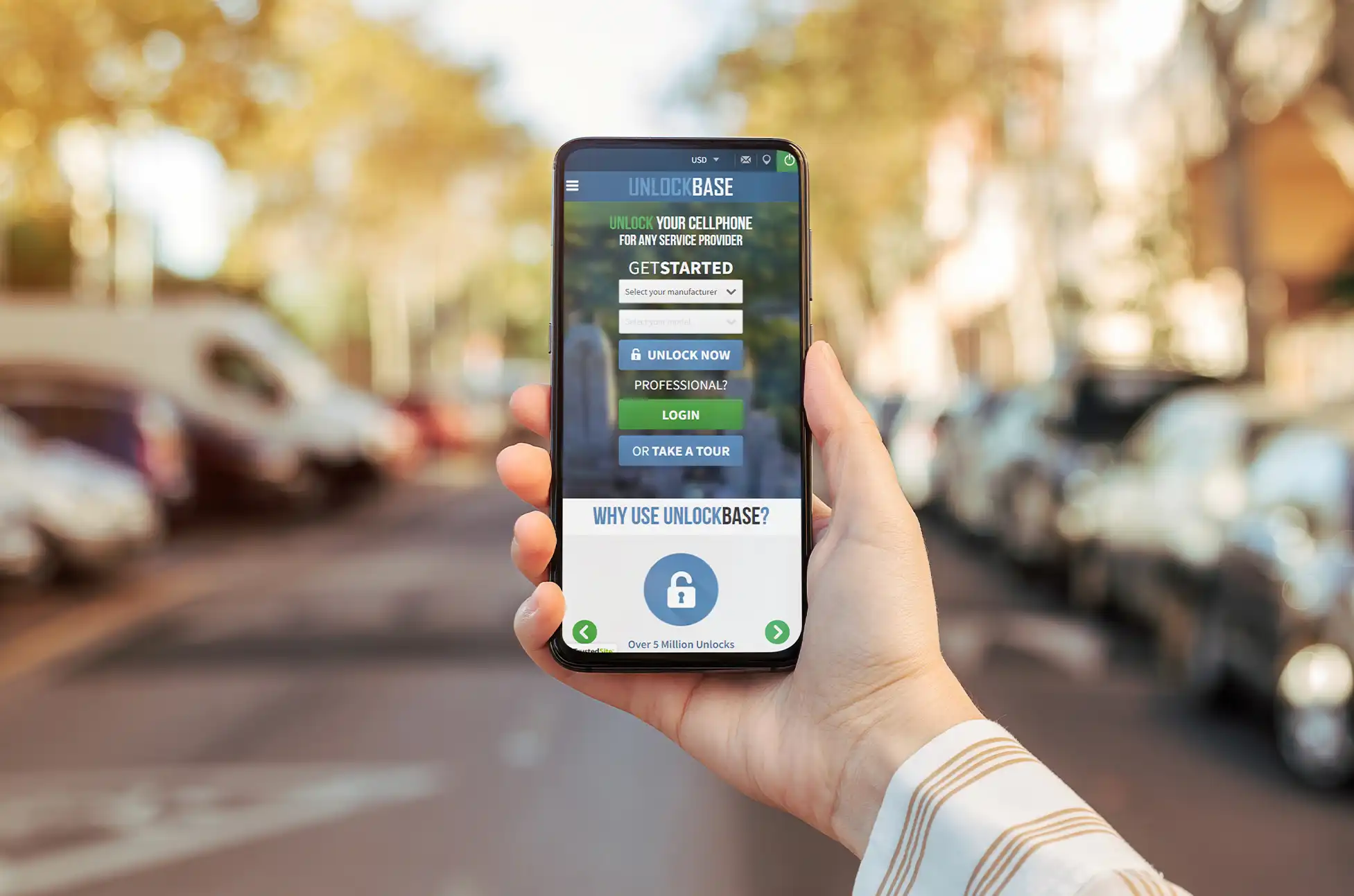
Sometimes carrier unlocking isn’t an option—maybe you’re still in a contract, or you purchased a used device with unknown history. That’s where services like UnlockBase come in.
Using UnlockBase:
Head to https://www.unlockbase.com/unlock-phone/google/ and you’ll find a straightforward process:
- Pick Google from the manufacturer list
- Enter your IMEI number (dial *#06# to find it)
- Provide your email address
- Select your device’s current locked country and carrier
- Complete the payment
After payment goes through, you’ll receive instructions via email. These services charge a fee, but they can work when traditional carrier unlocking won’t.
Unlock Any Google Device : Why Bother Unlocking?
Beyond the obvious flexibility of switching carriers, unlocking your Google device makes financial sense.
Travel becomes easier—pop in a local SIM card instead of paying inflated international rates from your home carrier. You can shop around for better deals without being locked into one provider’s ecosystem. And if you ever decide to sell your device, unlocked models command higher prices on the resale market.
For those who keep devices long-term, unlocking means you’re not tied to a carrier that might discontinue favorable plans or change their terms.
Before You Start
Check your device’s compatibility with the carriers you’re considering. Not all devices support all network bands, especially when switching between carriers that use different technologies.
Back up your data before attempting any unlocking method. While carrier unlocking shouldn’t erase anything, bootloader unlocking definitely will.
Verify that unlocking won’t violate any active agreements you have with your carrier. Breaking contract terms could result in fees or complications.
Unlock Any Google Device : Making Your Choice
The right unlocking method depends on your situation. If you’ve owned your device for a while and everything’s paid off, start with your carrier—it’s free and legitimate. If that’s not an option, reputable third-party services can help, though they’ll charge for it.
Technical users might explore bootloader unlocking for maximum customization, but most people won’t need this level of access.
Your Google device was designed to be powerful and flexible. Unlocking it simply ensures you can use that flexibility to its fullest extent, on your terms.
All products, and company names, logos, and service marks (collectively the "Trademarks") displayed are registered® and/or unregistered trademarks™ of their respective owners. The authors of this web site are not sponsored by or affiliated with any of the third-party trade mark or third-party registered trade mark owners, and make no representations about them, their owners, their products or services.


Comments are closed.