
2025
How to Detect if Someone Cloned Your Device
Tips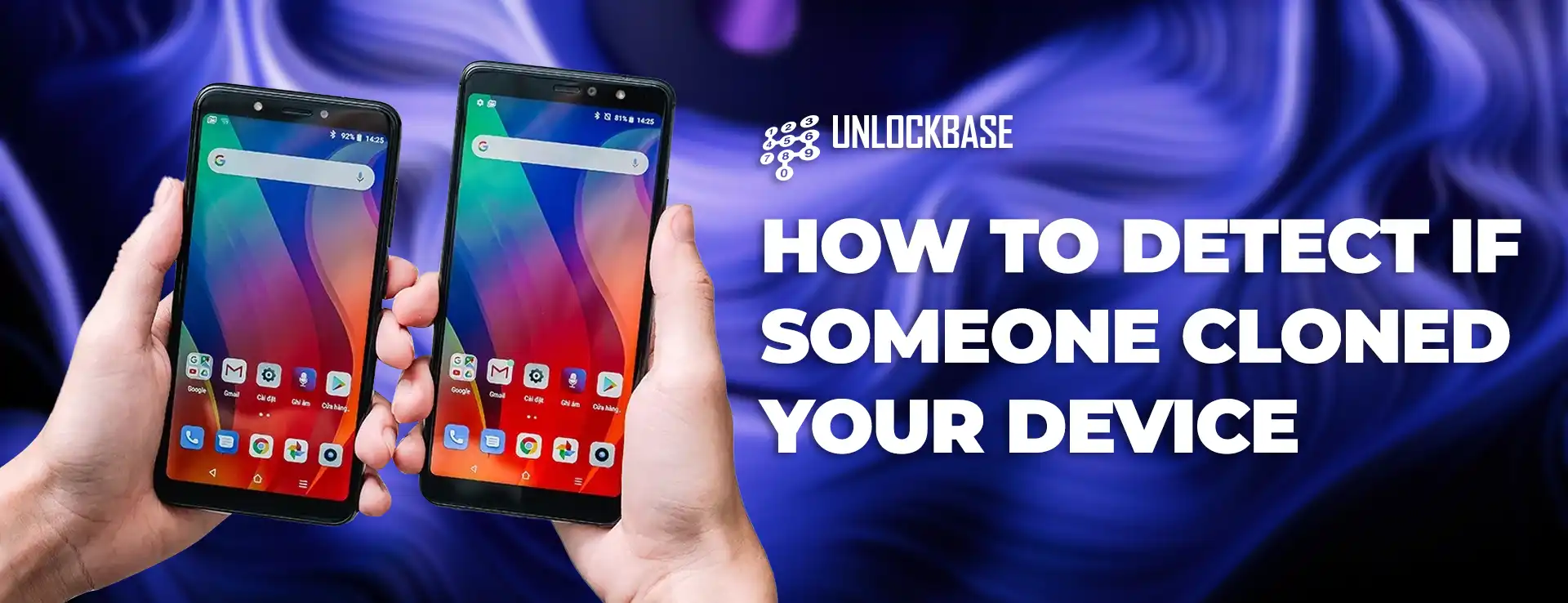
Cloned Device? Your smartphone holds everything from banking details to private photos, making it a prime target for cybercriminals. Phone cloning might sound like science fiction, but it’s a real threat that can drain your bank account and steal your identity. Here’s how to spot the warning signs and protect yourself.
Cloned Device : What Phone Cloning Actually Means
Phone cloning happens in two main ways. First, criminals can copy your SIM card data and IMEI number to create a duplicate phone line on their device. This lets them intercept your calls and texts, including those crucial banking verification codes. Second, they might install malware to access your phone’s data remotely, stealing everything from passwords to personal files.
The good news is that most cloning attacks require physical access to your phone. That’s why setting up a strong PIN or password is your first defense against anyone who might get their hands on your device.
SIM Swap Attacks: The Remote Threat
Even if no one touches your phone, you can still become a victim through SIM swapping. Criminals contact your carrier, impersonate you, and request a new SIM card for your number. Once they get it, they can receive all your text messages and bypass two-factor authentication on your accounts.
Red Flags That Signal Phone Cloning
Performance Issues Beyond Normal If your phone suddenly becomes sluggish, crashes frequently, or overheats without explanation, malware might be running in the background. While software bugs can cause similar problems, cloning-related malware typically makes your phone nearly unusable. Watch for excessive pop-up ads, strange emails, and weird text messages that weren’t there before.
Mysterious Charges on Your Bill Check your monthly phone bill for calls you didn’t make, especially to international or premium numbers. Criminals often use cloned phones to rack up expensive charges or conduct illegal activities that could get you in trouble with authorities. Review every line item on your bill and question anything unfamiliar.
Requests to Restart Your Phone Be suspicious of sudden messages asking you to turn off or restart your phone. Cloners sometimes need your device offline briefly to set up their duplicate. Only follow restart instructions from verified sources like your carrier’s official support team.
Missing Calls and Texts If you stop receiving calls and messages unexpectedly, someone might have cloned your SIM card. Unlike network outages that usually show “No SIM card” errors, successful cloning can make your calls and texts disappear without obvious technical problems. Contact your carrier immediately if this happens.
Wrong Location in Find My Device Open your phone’s location app and check where it thinks you are. If you see your device in two places at once or in a location you’ve never been, someone has likely cloned your IMEI number. This works with Android’s Find My Device, Apple’s Find My iPhone, and Samsung’s Find My Mobile.
Cloned Device : What to Do If Your Phone Is Cloned
Contact Your Carrier First Call your service provider immediately if you suspect cloning. Ask if they received any recent requests to activate your number on a new SIM card. Most carriers have fraud protocols and can help you regain control of your account quickly.
Reset Everything Change all your passwords, starting with banking and email accounts. This logs you out of all devices, including any cloned ones. Consider using a password manager to create unique passwords for each account.
Factory Reset Your Phone If malware caused the cloning, a complete factory reset should remove it. Back up your important data first, then wipe your device clean and restore from a backup you know is safe.
Ditch SMS Authentication Stop using text message verification for your important accounts. Switch to app-based two-factor authentication instead, which is much harder for criminals to intercept even with a cloned phone.
Cloned Device : Prevention Beats Detection
The best defense against phone cloning is prevention. Use strong lock screen security, keep your phone updated, avoid suspicious apps and links, and never leave your device unattended with people you don’t completely trust.
Your smartphone contains your digital life. Taking these precautions now can save you from the nightmare of identity theft and financial fraud later.
All products, and company names, logos, and service marks (collectively the "Trademarks") displayed are registered® and/or unregistered trademarks™ of their respective owners. The authors of this web site are not sponsored by or affiliated with any of the third-party trade mark or third-party registered trade mark owners, and make no representations about them, their owners, their products or services.


Comments are closed.